
ScribeMe
AI Scanner & Visual Assistant
Designed for iPhone, iPad
Free · In-app purchases
- Age rating4+
- CategoryProductivity
- DeveloperMark Morad
- LanguagesEnglish+ 25 more
- Size152.7 MB
Links to the official App Store page
Download.org hosts no file of ScribeMe. The button opens its official App Store page, published by Mark Morad. Listing last checked on Nov 18, 2026.
Screenshots

About
ScribeMe is your all-in-one AI powered accessibility assistant for blind and visually impaired users, designed to make documents, images, and the world around you fully accessible. Whether you're exploring your surroundings, reading documents, or understanding photos, ScribeMe gives you the information you need with speed, accuracy, and independence.
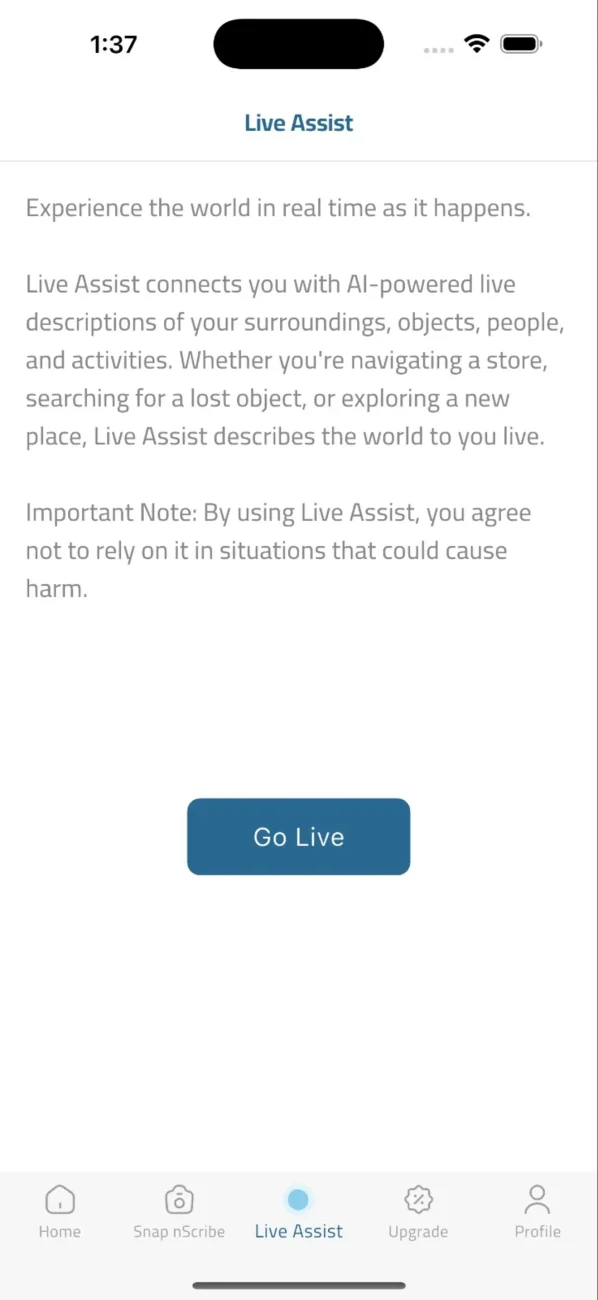
Live Assist is the world's first live AI assistant for blind and visually impaired users. It provides continuous updates about your surroundings as the scene changes, giving you the all information you need. Whether you're finding a seat in a busy café, locating a door, reading a menu, shopping independently, identifying products, or searching for misplaced items, Live Assist keeps you informed in real time.
Live Assist now works with AI glasses from Meta, allowing you to use it completely hands-free through voice and camera-enabled interactions. Instead of holding your phone, you can receive continuous, real-time descriptions directly from your glasses, making everyday tasks more natural, seamless, and independent.
Live Assist isn't limited to the camera around you. You can also share your phone's screen and receive real-time assistance while browsing inaccessible websites, scrolling through photos, using apps, reading social media, shopping online, or navigating content that isn't fully accessible—bringing the same intelligent assistance to both the physical and digital world.
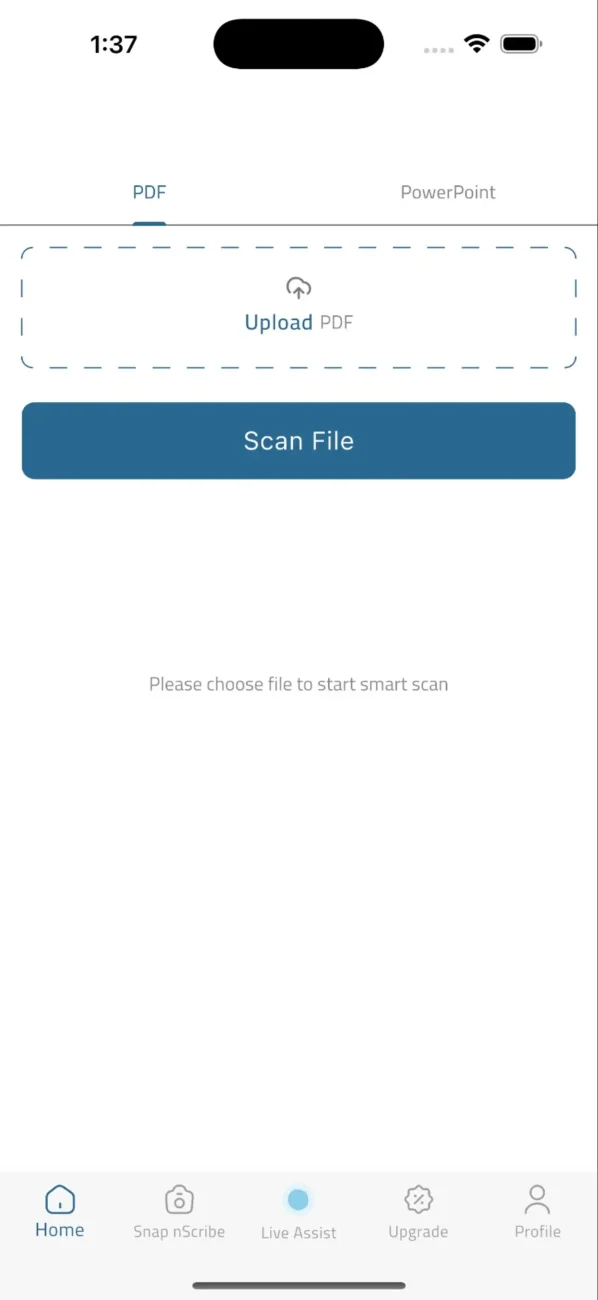
Smart Scan makes documents fully accessible in seconds. Instantly scan PowerPoint presentations and PDFs, and ScribeMe automatically preserves formatting by identifying headings, lists, and tables while generating detailed alt text for images. With advanced OCR in over 50 languages, it extracts text with high accuracy and lets you ask AI questions about your documents, from quick summaries to detailed insights.
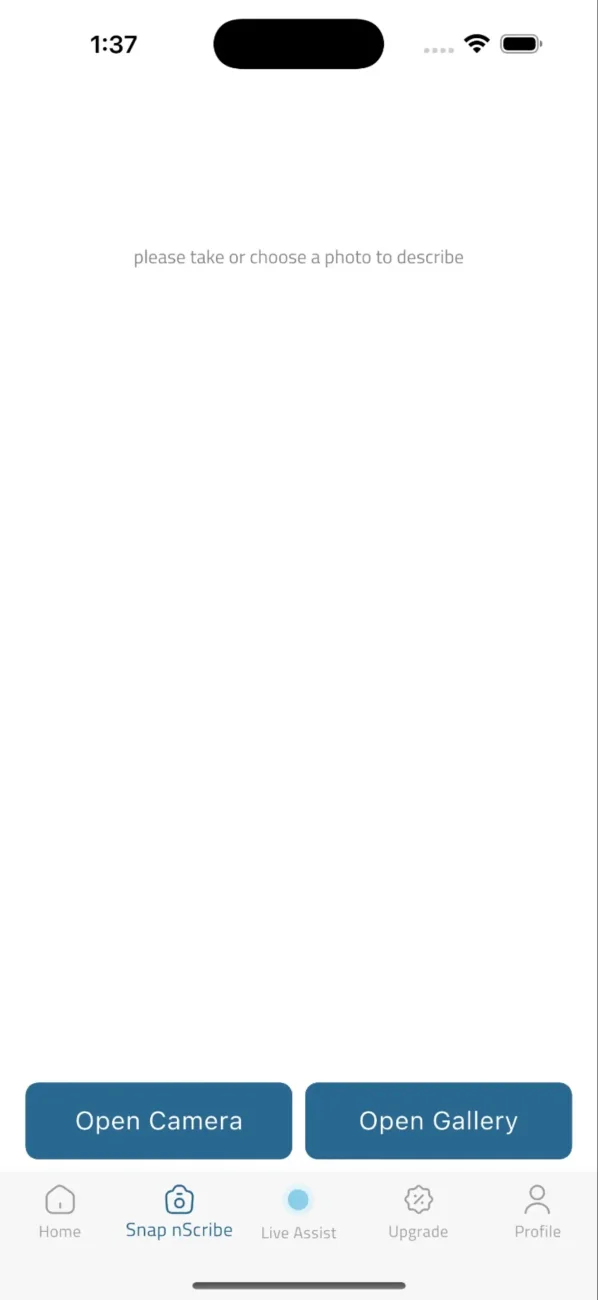
With Snap nScribe, you can capture photos using your camera or choose images from your gallery to receive rich AI-generated descriptions of product labels, surroundings, handwritten notes, and more. Upload multiple images at once for fast, detailed results, ask follow-up questions about any photo, or share documents and images directly from other apps to ScribeMe for instant AI-powered assistance.
Terms of Service: https://scribeme-ai.com/terms
Privacy Policy: https://scribeme-ai.com/privacy-policy
What’s new
Version 2.0.30 · Nov 6, 2026
Bug fixes and improvements
App privacy
What Mark Morad declares on the App Store about how this app handles data.
-
Data linked to you
May be collected and linked to your identity.
- Contact info
- Identifiers
-
Data not linked to you
May be collected but is not linked to your identity.
- Diagnostics
Privacy practices may vary, for example with the features you use or your age.
Information
- Seller
- Mark Morad
- Category
- Productivity
- Version
- 2.0.30
- Updated
- Nov 6, 2026
- Released
- Feb 9, 2025
- Size
- 152.7 MB
- Requires
- iOS 17.2 or later
- Age rating
- 4+
- Price
- Free
- In-app purchases
- Yes
- Languages
- English, Albanian, Arabic, Danish, Dutch, Estonian, Filipino, Finnish, French, German, Hindi, Hungarian + 14 more
- Copyright
- © ScribeMe
You might also like
-
 PiccyBotAI Photo & Video Description
-
 Perspective IntelligencePrivate Agentic On-Device AI
-
 Emvi.aiWorld’s first visual assistant
-
 Envision AIread text, docs & find objects
-
 Supersense - AI for BlindScan text, money and objects
-
 SonarpadLeggi, ascolta, organizza
-
 WayAround - Tag and ScanAccessible Labels for Anything
-
 i PDf accessibleAI text extractor
-
 ChatCam - AI CameraYour vision assistant team
-
 OrCamProductivity