SpinDoodly
Endless spin art creations
Designed for iPhone, iPad, iPod touch
Free · In-app purchases
- Age rating4+
- CategoryGraphics & Design
- DeveloperSam Matthews
- LanguagesEnglish
- Size65.7 MB
Links to the official App Store page
Download.org hosts no file of SpinDoodly. The button opens its official App Store page, published by Sam Matthews. Listing last checked on Nov 14, 2026.
Screenshots
About
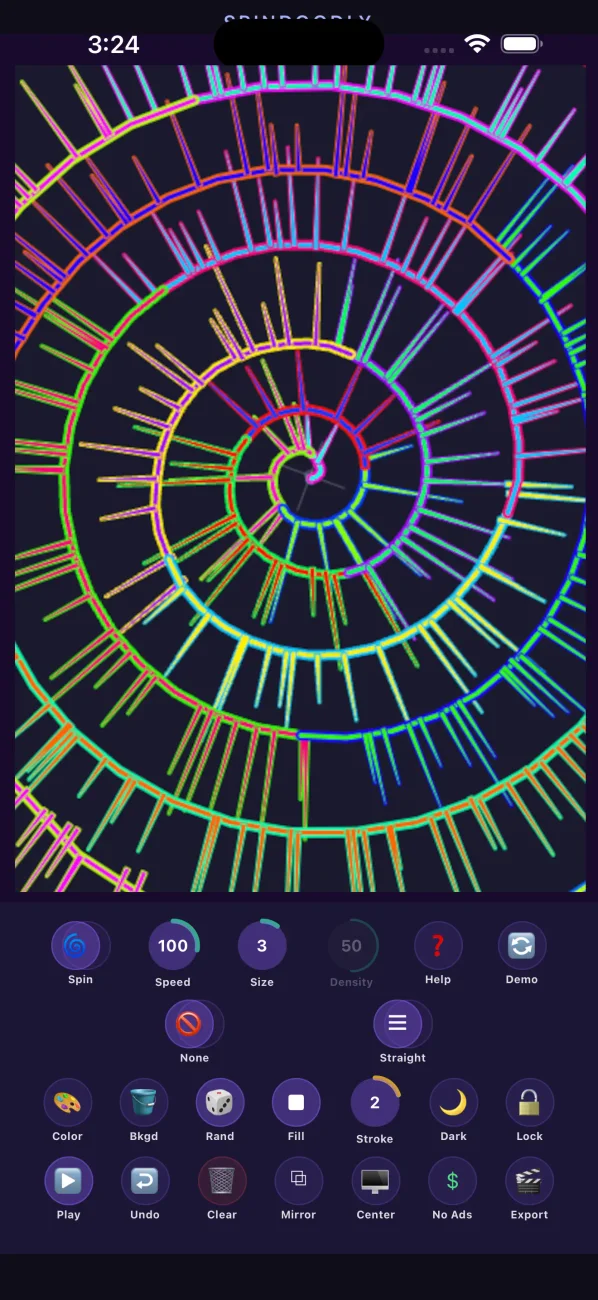
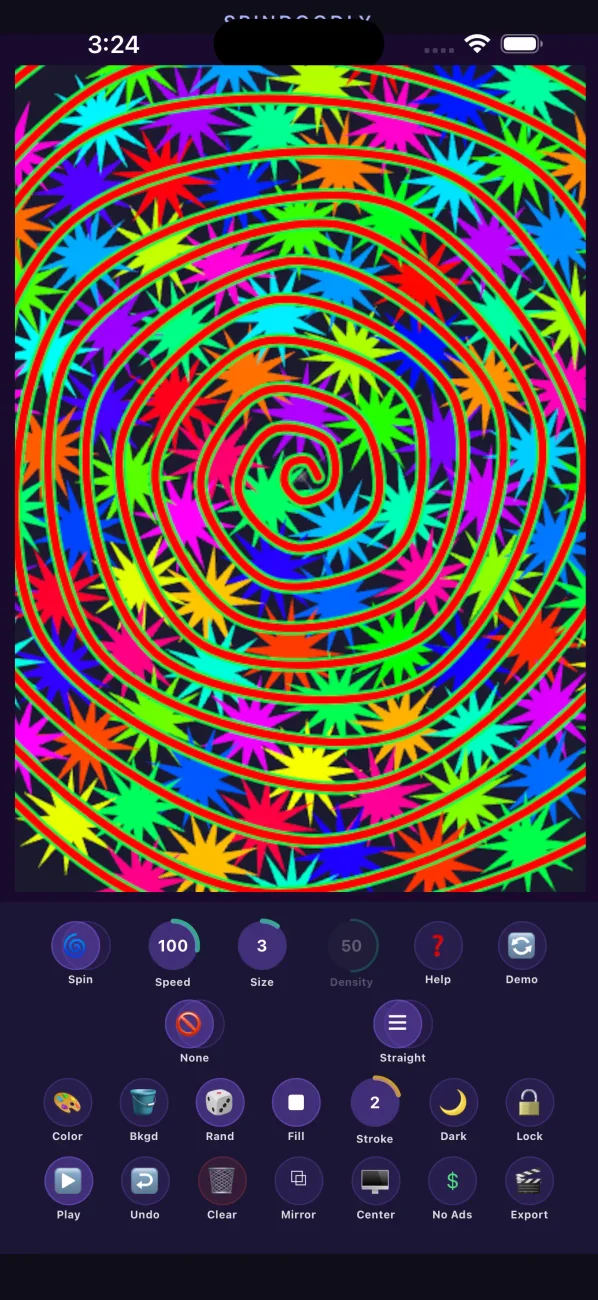
SpinDoodly turns simple finger gestures into mesmerizing rotating art. Drag, swirl, and let the canvas spin — every stroke sweeps into hypnotic
patterns you can't stop watching.
Two modes, endless possibilities:
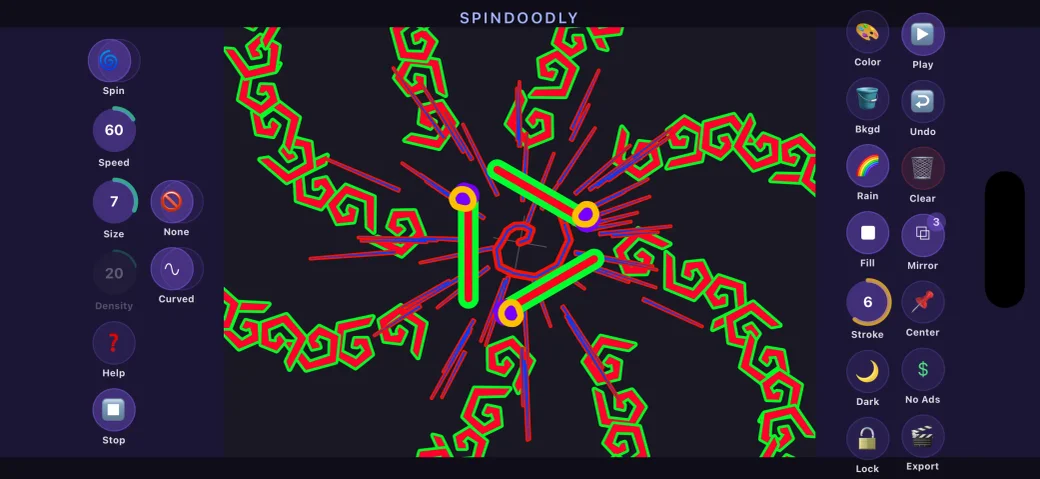
SPIN DOODLE
Continuous strokes that bend and curl as the canvas rotates beneath your finger. Add spikes for sharp radial bursts. Add drips for melting lines
that fall outward. Mirror with symmetry to instantly turn one stroke into 2, 4, 8, even 16 perfectly aligned reflections.
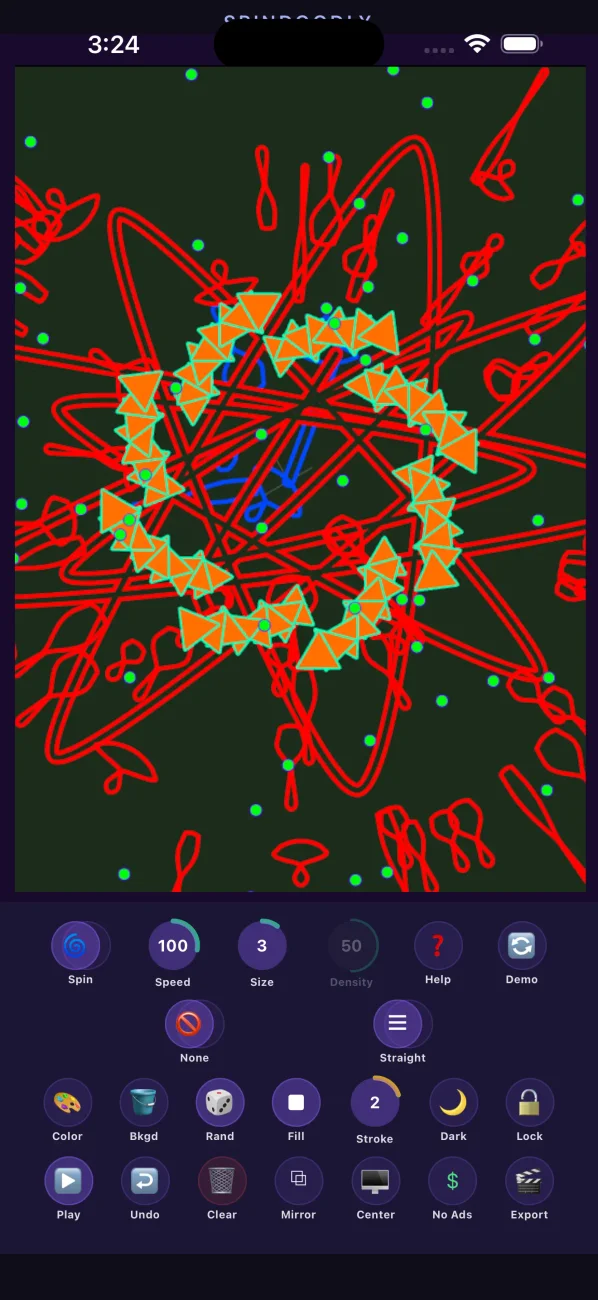
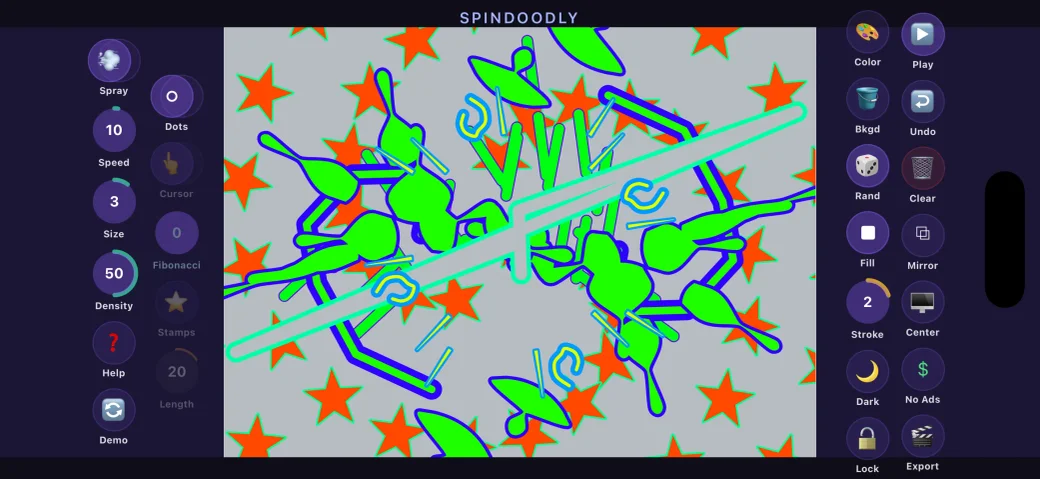
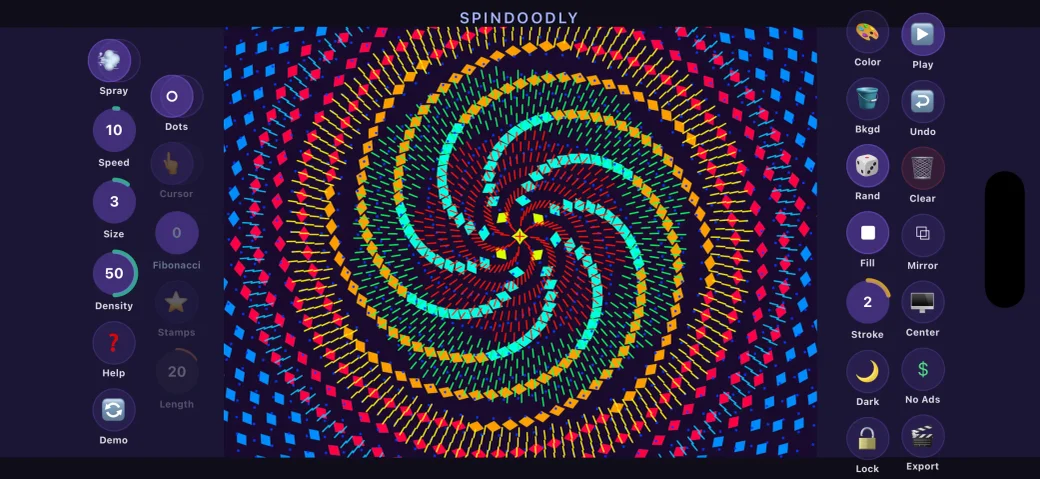
SPRAY DOODLE
Spray paint with dots, oriented lines, or stamp shapes (stars, hearts, hexagons, flowers, and more). Adjust spread with the Fibonacci dial to
layer perfectly distributed patterns — phyllotaxis-style spirals straight from nature.
KEY FEATURES
• 16-fold symmetry — turn a single stroke into a kaleidoscope
• Rainbow color cycling — hue shifts automatically as you draw
• Adjustable spin speed and direction
• Custom colors with full color picker
• Light and dark themes
• Pause, undo, and clear at any time
• Save your art as video to share or keep
• Optional one-time purchase to remove all ads
PERFECT FOR
• Calm, focused creative time
• Visual meditation and stress relief
• Kids and adults alike
• Anyone who loves spirograph, kaleidoscopes, or mandalas
• Showing off mesmerizing time-lapse art on social
No accounts. No tracking. Just spin and create.
Free to play with optional Remove Ads purchase. Privacy-respecting — see our privacy policy for full details.
What’s new
Version 1.0.3 · May 25, 2026
Demo button is now a three-step control: tap to play, tap again
to pause (keeps your composition spinning so you can export),
tap once more to clear the canvas and restore your settings.
Updated in-app help to reflect the new flow.
App privacy
What Sam Matthews declares on the App Store about how this app handles data.
-
Data not linked to you
May be collected but is not linked to your identity.
- Location
- Identifiers
- Usage data
- Diagnostics
Privacy practices may vary, for example with the features you use or your age.
Information
- Seller
- Sam Matthews
- Category
- Graphics & Design
- Version
- 1.0.3
- Updated
- May 25, 2026
- Released
- May 18, 2026
- Size
- 65.7 MB
- Requires
- iOS 15.1 or later
- Age rating
- 4+
- Price
- Free
- In-app purchases
- Yes
- Languages
- English
- Copyright
- © 2026 Budgesoft
You might also like
-
 Emo HazeAuthentic Fluid Simulator
-
 SpiroGraph ToolGeometric Pattern Creator
-
 Orsym: Mandala KaleidoscopeZen Art & Symmetry Patterns
-
 Spiro DesignsEnhanced Spiro Graph
-
 KaleidronGraphics & Design
-
 GLITCH – Glitch Art LabControlled glitch art studio
-
 CyclomatCycloid Design Studio
-
 Wallshader: Wallpaper StudioLive & animated backgrounds
-
 LightbloopGlow, doodle, drift away
-
 Spin BrushOne-click Kaleidoscope