- Age rating4+
- CategoryMusic
- DeveloperTitans of Industry
- LanguagesEnglish
- Size3.8 MB
Links to the official App Store page
Download.org hosts no file of Pickpocket: Chip Sampler. The button opens its official App Store page, published by Titans of Industry. Listing last checked on Nov 23, 2026.
Screenshots
About
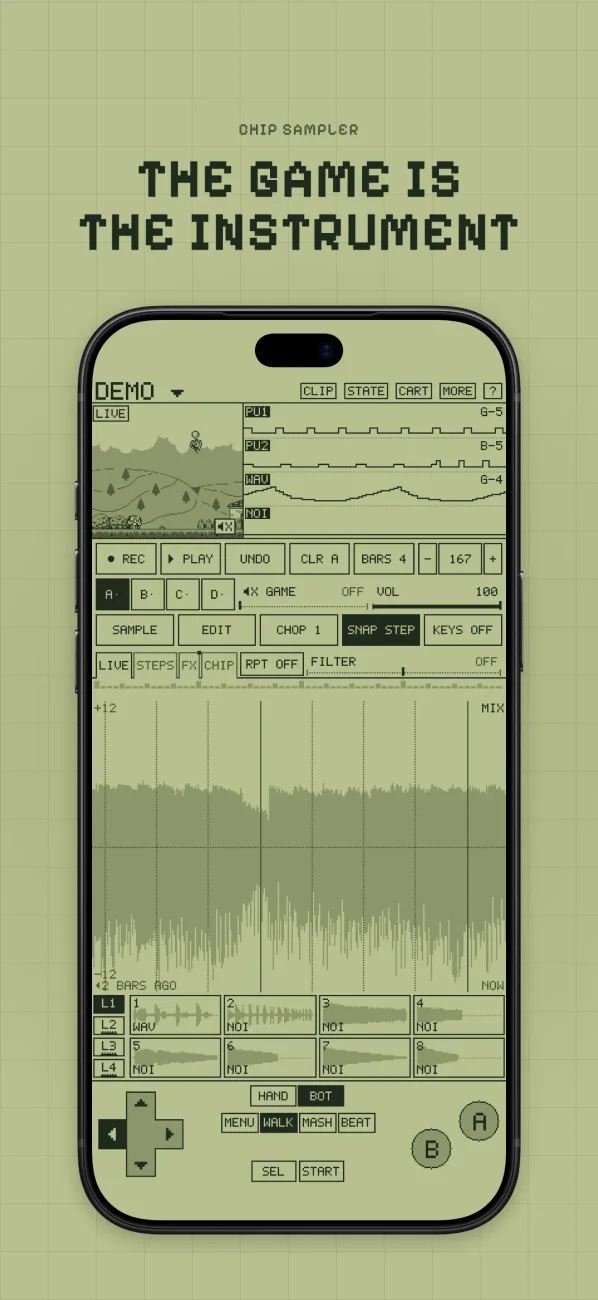
Pickpocket plays a game as its sound source. The game runs on screen with its joypad, and everything its sound chip plays flows into a live buffer that you play straight out of. There's nothing to set up first: touch the pad and you hear it.
PLAY THE LAST TWO BARS
The live pad shows the game's music as it scrolls past, a sixteenth at a time. Touch it to play from there. Slide sideways to jump through it, and up or down to bend it an octave either way, like tape. Hold RPT for stutters.
GRAB SOUNDS ONTO PADS
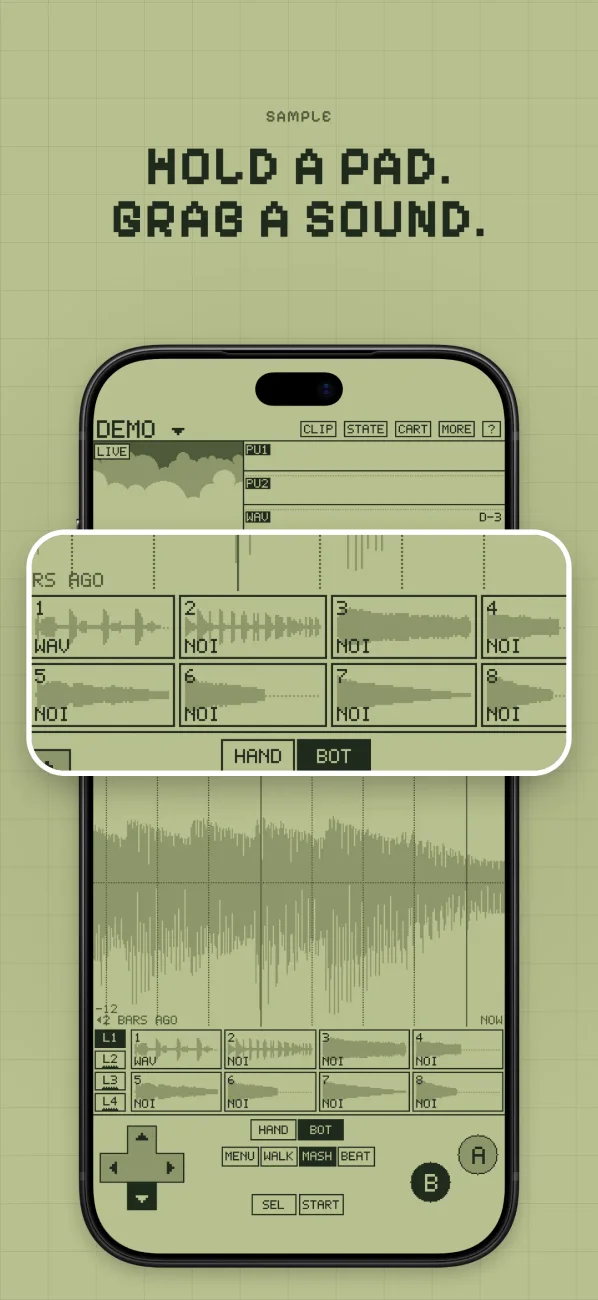
Press SAMPLE and hold a pad to record the game into it for as long as you hold. Or CHOP the last bars into eight slices, cut on the drum hits. Tap a scope first to take only one channel: the two pulses, the wave or the noise, so you can lift just the drums or just the bass. Trim, reverse, pitch, decay and choke every pad.
BUILD A BEAT
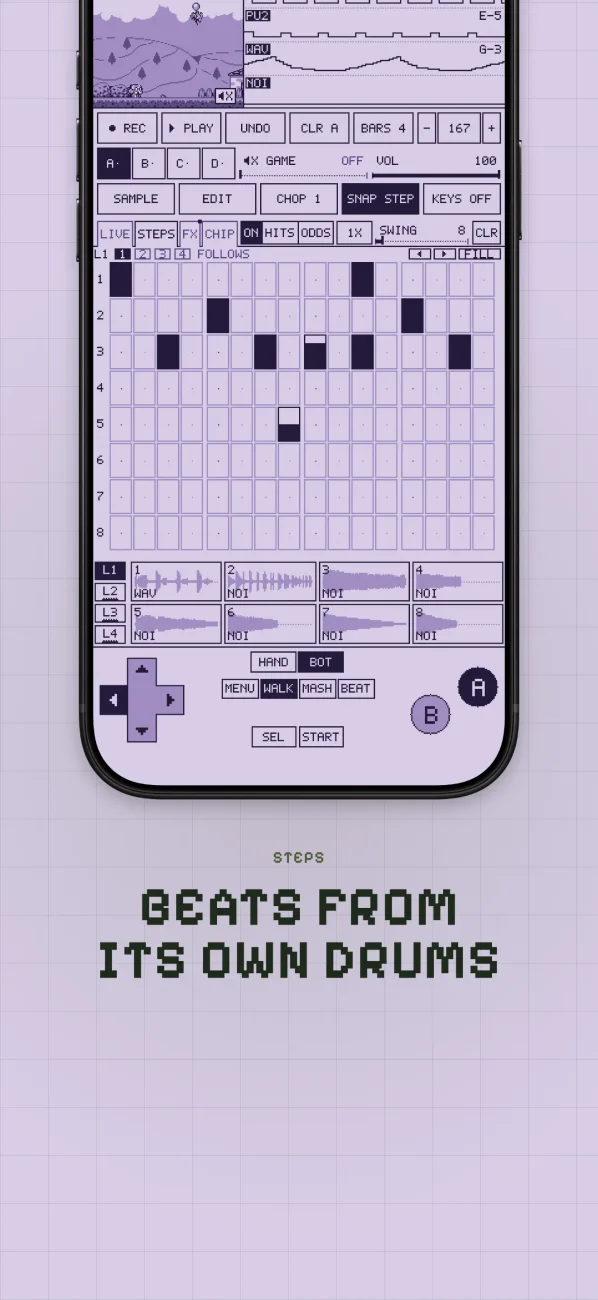
Four layers of eight pads, each with its own steps, swing, rolls and odds. Record over a loop of 1, 2 or 4 bars that follows the game's tempo, layer on layer. Four scenes per song. KEYS plays one sound across a minor scale, for bass lines.
MANGLE IT LIVE
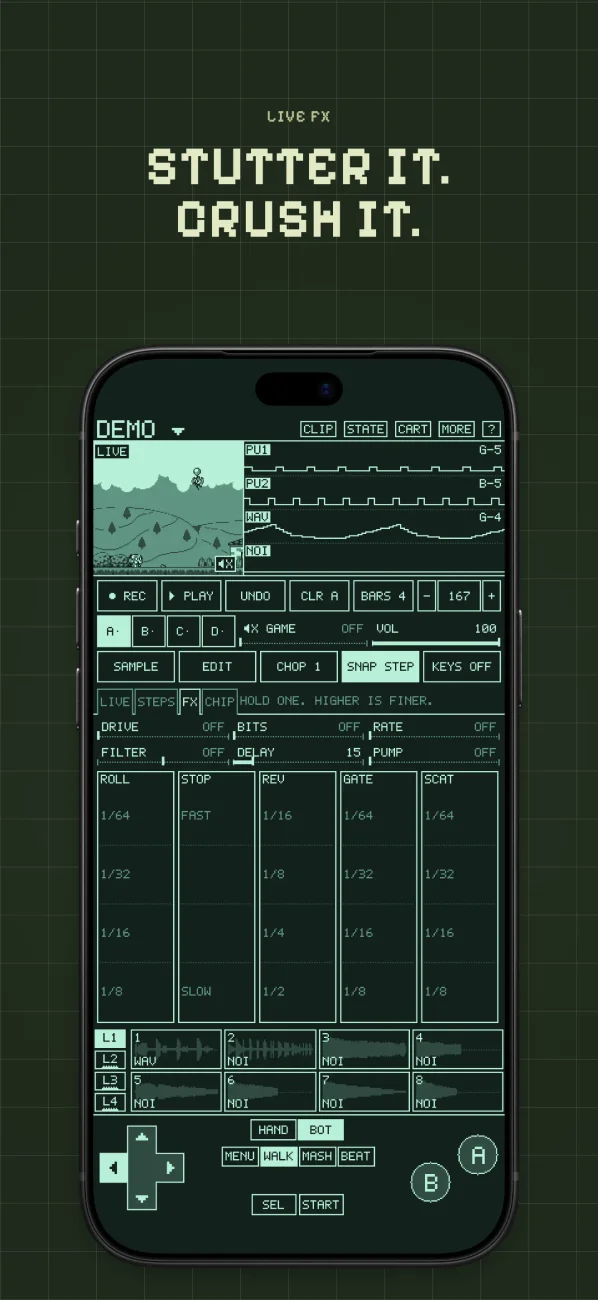
Drive, bit crush, filter, a delay in time and a pump that ducks to the kick. Hold ROLL, STOP, REV, GATE or SCAT for performance effects. Add two AUv3 effects from your other apps.
BEND THE CONSOLE
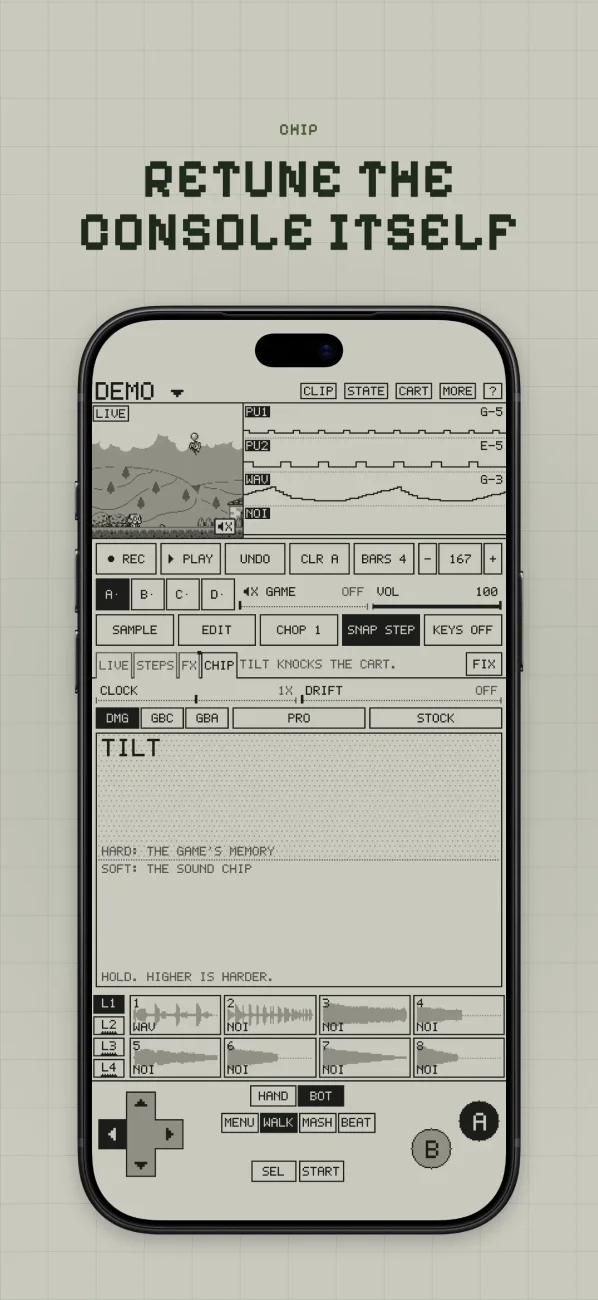
The CHIP tab tilts the cartridge to scramble the game's memory or its sound chip, and retunes the console's clock a semitone at a time. One tap puts the game back as it was.
TAKE IT WITH YOU
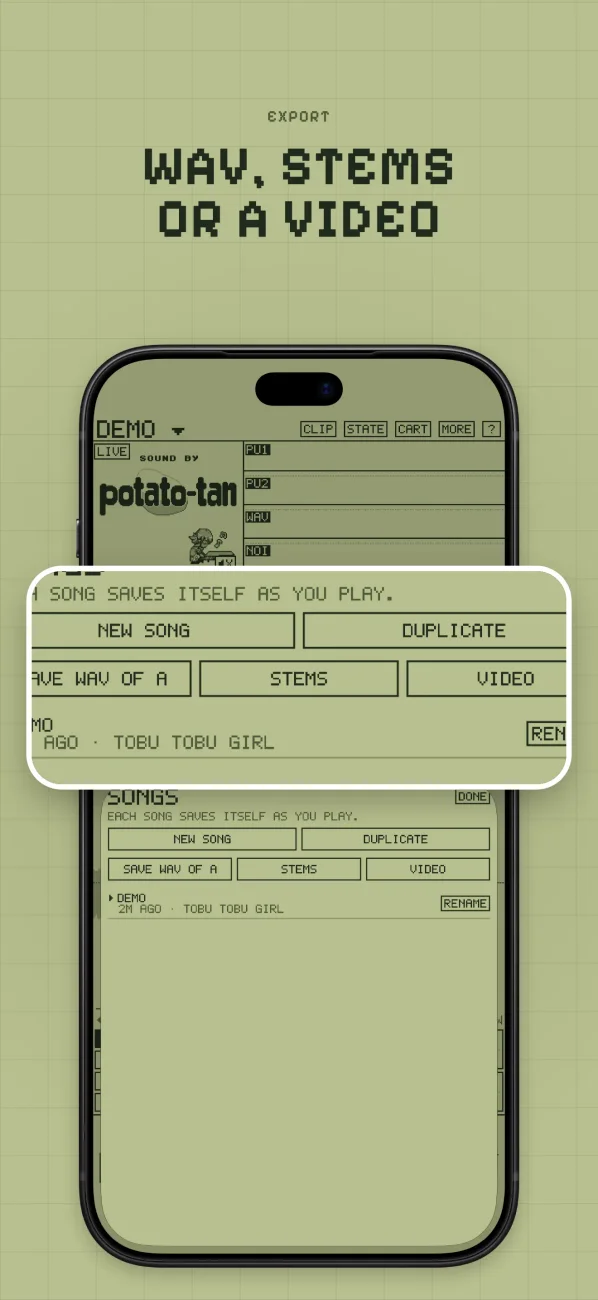
Every song saves itself as you play. Save a WAV, one WAV per layer for your DAW, or a video of the game and your pads. CLIP films the screen and the sound while you play.
MORE
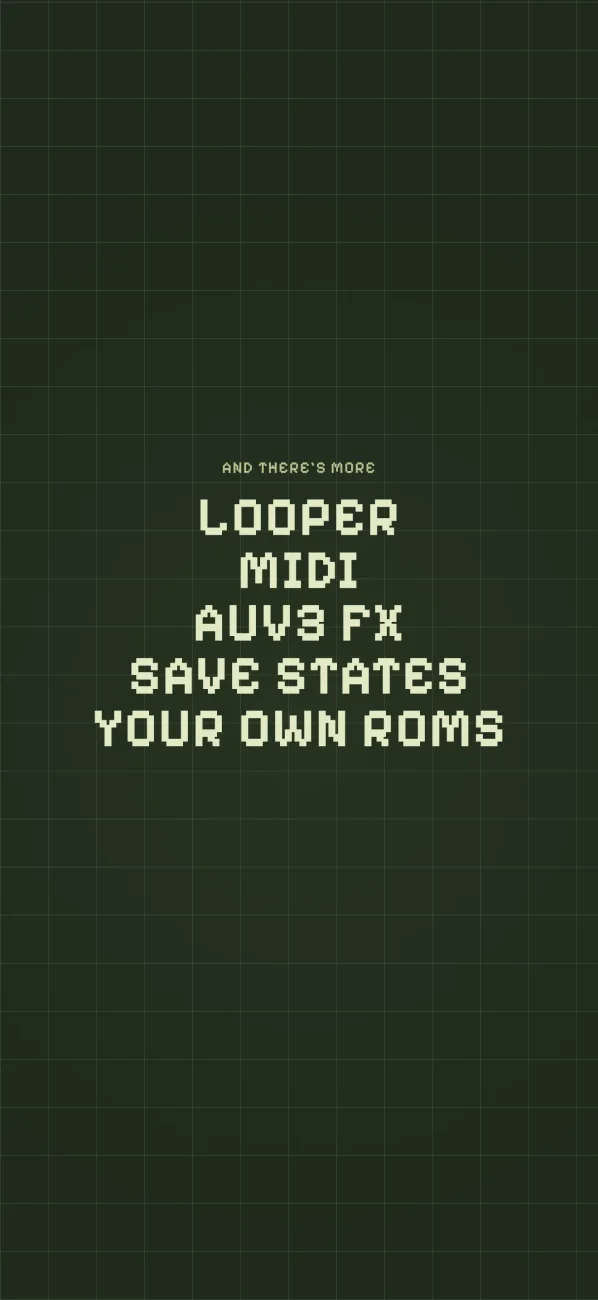
- Bluetooth and USB MIDI: notes play the pads, CCs move the effects
- Game controllers play the game, the pads and the live pad
- Four save states per game
- Four palettes, from an unlit screen to a backlit one
- On iPhone Duo the layout follows the hinge: the game on one page, the instrument on the other. Turn on BEND and folding the phone bends the tape speed.
BRING YOUR OWN GAMES
Pickpocket comes with Tobu Tobu Girl, a free homebrew game by Tangram Games, and a demo song made from its music. Add your own .gb, .gbc or .gbs files from the Files app. No commercial games are included.
What’s new
Version 1.0.1 · Nov 21, 2026
• ATTACK in the pad editor: swell each hit in, with the shape drawn on the waveform.
• CHOP shows you first: numbered markers you can drag, EVEN or HITS slicing, and nothing changes until you tap CHOP TO PADS.
• The game's speaker stays on screen: tap it to mute the game, tap again to bring it back.
• Tidier pad editor on smaller phones held sideways, and better VoiceOver labels.
App privacy
What Titans of Industry declares on the App Store about how this app handles data.
-
Data not linked to you
May be collected but is not linked to your identity.
- Usage data
- Diagnostics
Privacy practices may vary, for example with the features you use or your age.
Information
- Seller
- Titans of Industry
- Category
- Music
- Version
- 1.0.1
- Updated
- Nov 21, 2026
- Released
- Nov 18, 2026
- Size
- 3.8 MB
- Requires
- iOS 18.0 or later
- Age rating
- 4+
- Price
- Free
- Languages
- English
- Copyright
- © 2026 Titans of Industry
You might also like
-
 OneMove LimiterFree limiter, stops clipping
-
 Crooked CombFilter FX, Eleven Flavors
-
 OneMove AirFree AUv3 high-end enhancer
-
 GrainfoldGranular Synth for Any Sound
-
 Q BIT CrusherBit Crusher with Time Hold
-
 Signal Rack - Audio MixerHost AUv3, Connect, Route, Mix
-
 Little Wave MachineClassic Subtractive Synth
-
 RoostboxPlay a groovebox like a game
-
 UN/T-01808 and sample drum machine
-
 FFT & RTA Analyzer: PeakholddB Meter, LUFS & Spectrum