
- Age rating4+
- CategoryPhoto & Video
- DeveloperHiroshi Ota
- LanguagesEnglish+ 16 more
- Size67.8 MB
Links to the official App Store page
Download.org hosts no file of PictBatch. The button opens its official App Store page, published by Hiroshi Ota. Listing last checked on Nov 18, 2026.
Screenshots


About
Stop editing photos one by one.
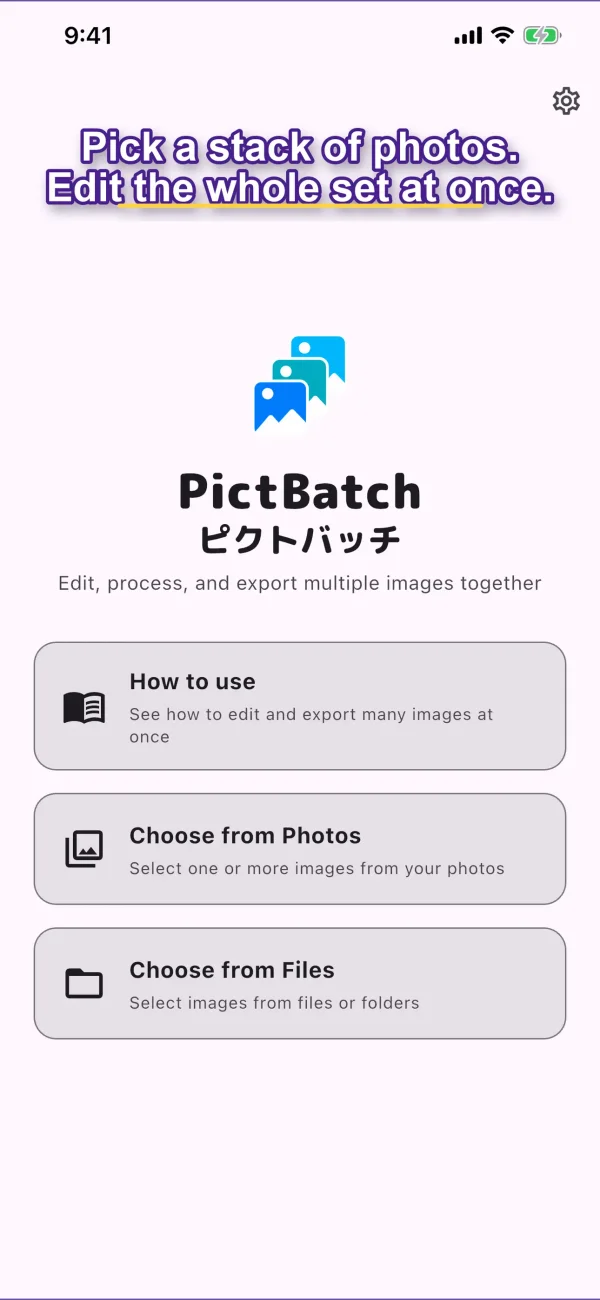
PictBatch is a batch photo editor: import a stack, edit once, and export everything together.
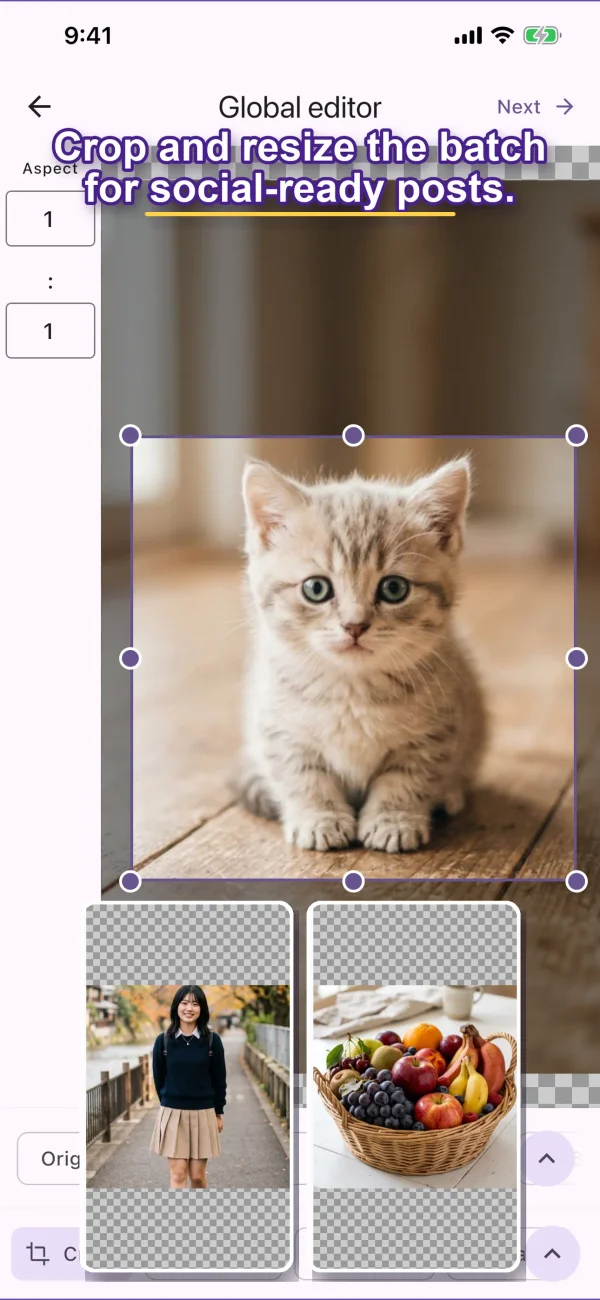
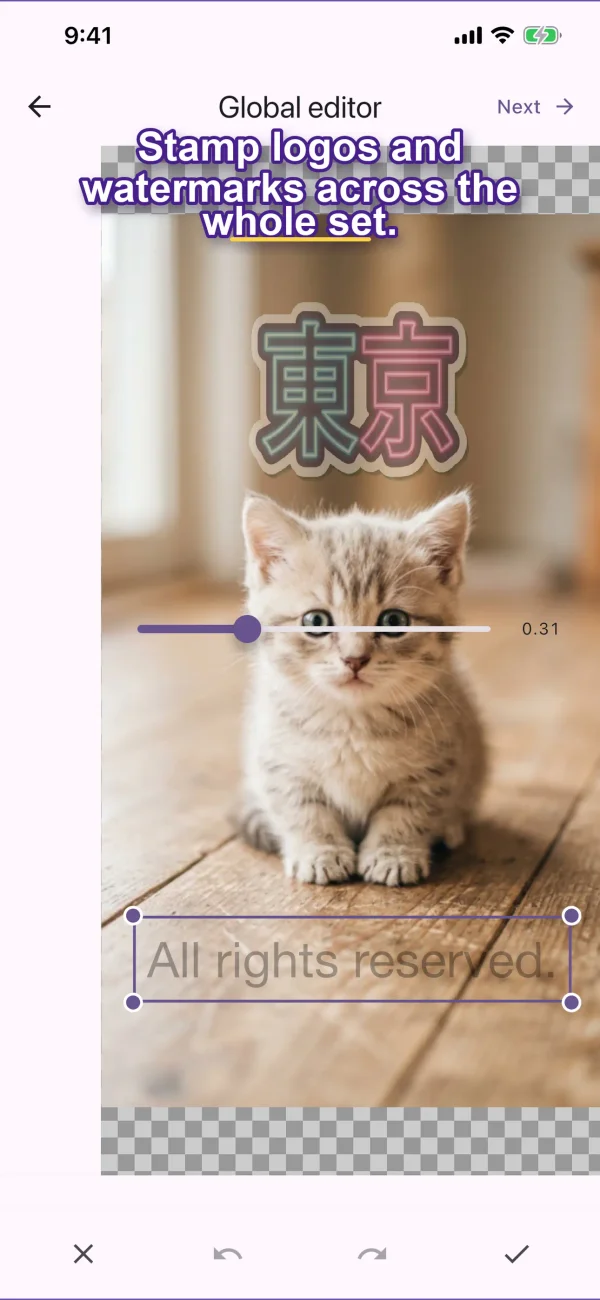
Need matching sizes for social, a quick background cutout, or the same logo and mosaic on every shot? Do the work on a single image—PictBatch applies it to the rest.
WHAT YOU CAN DO
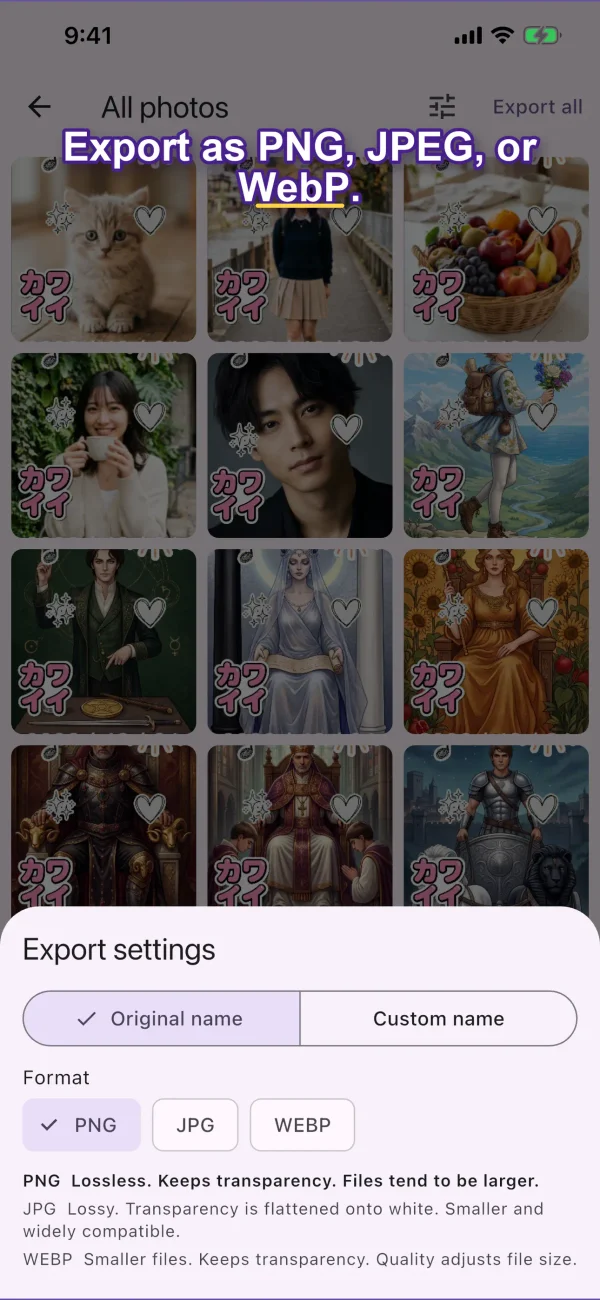
• Batch import & export: PNG, JPEG, WebP, plus BMP* and GIF*
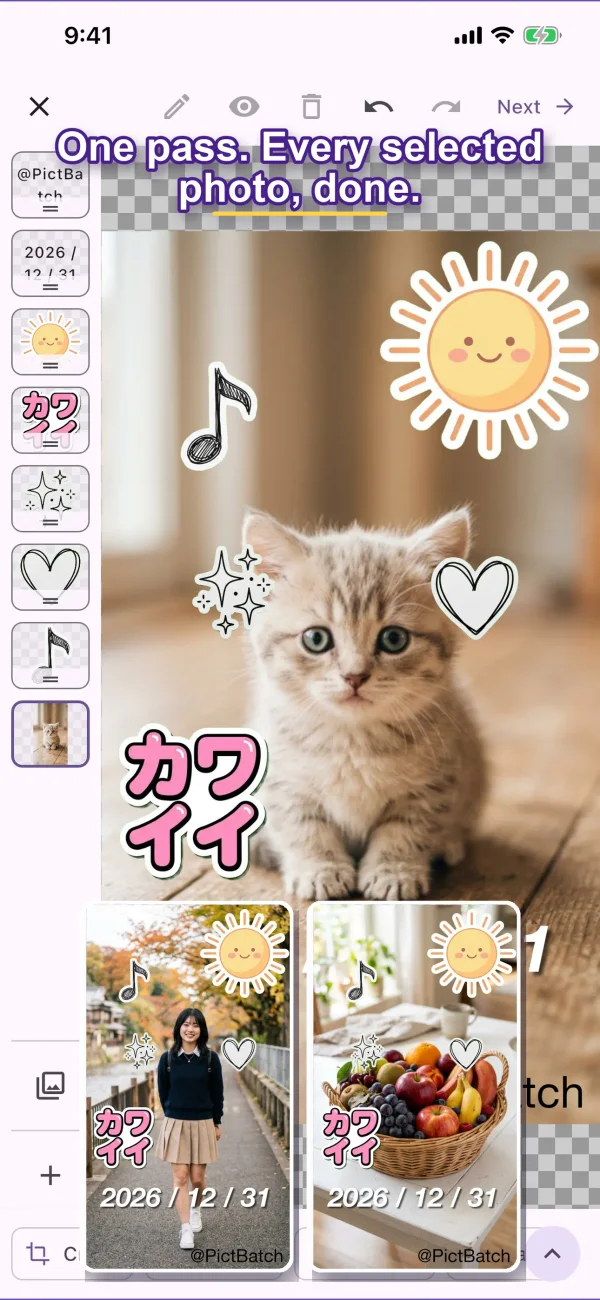
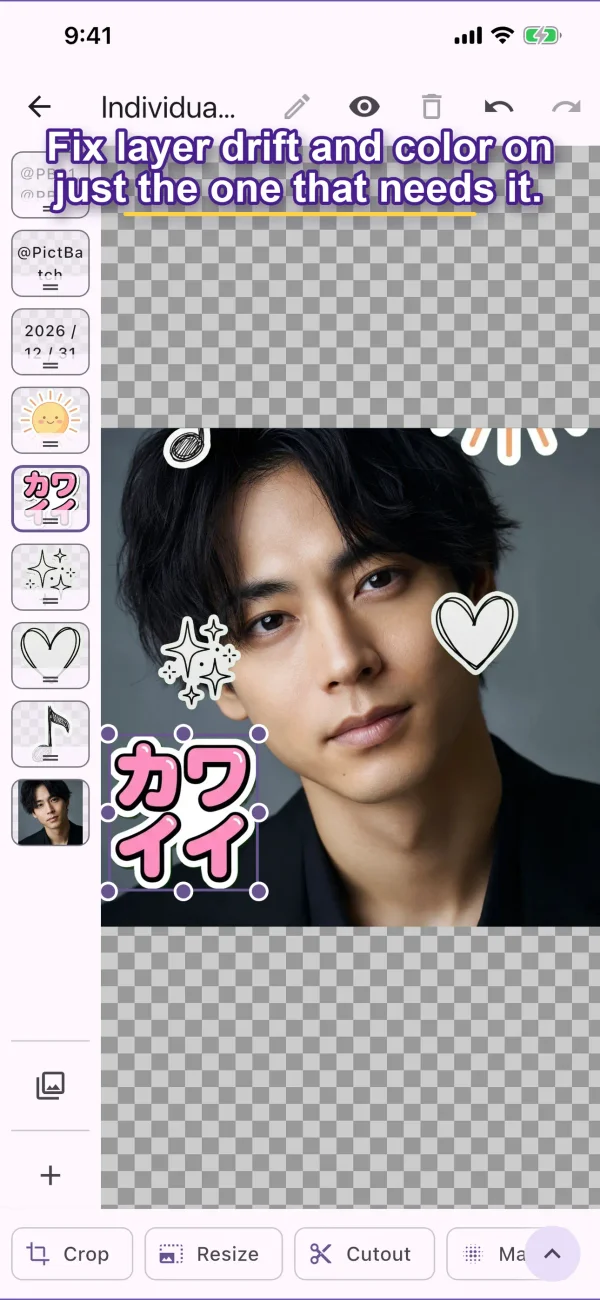
• Shared + per-image edits: one look for the whole set, or a tweak on a single photo
• Crop & resize: trim and scale the stack together
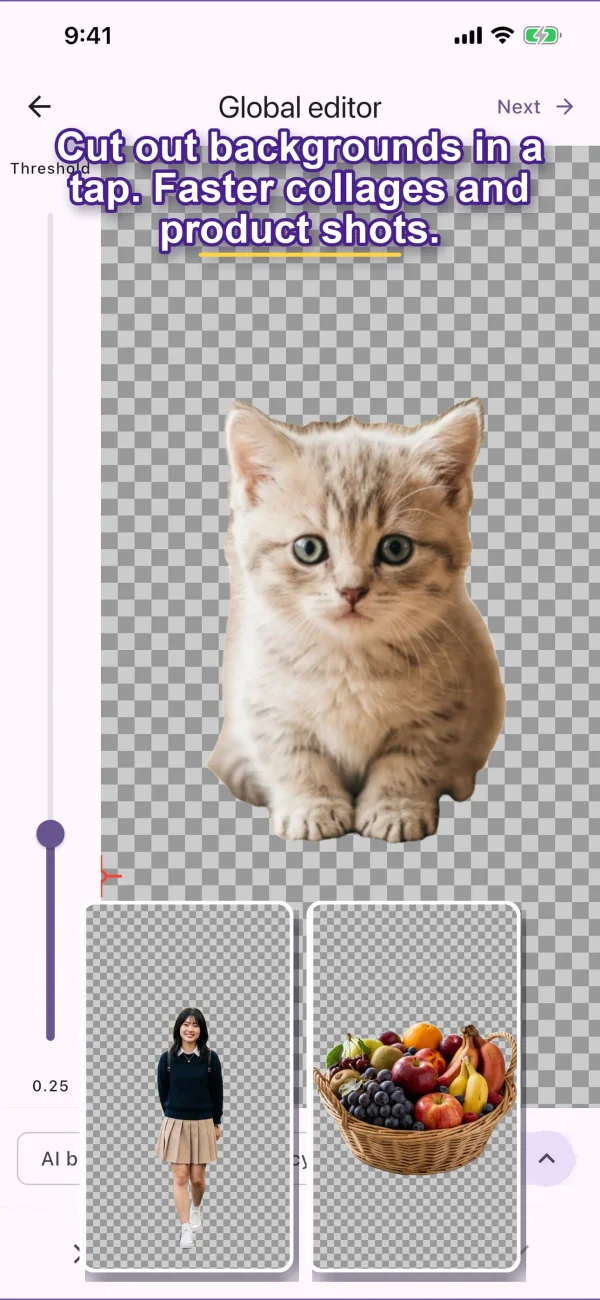
• Background cutout: on-device AI* or manual masking when you want control
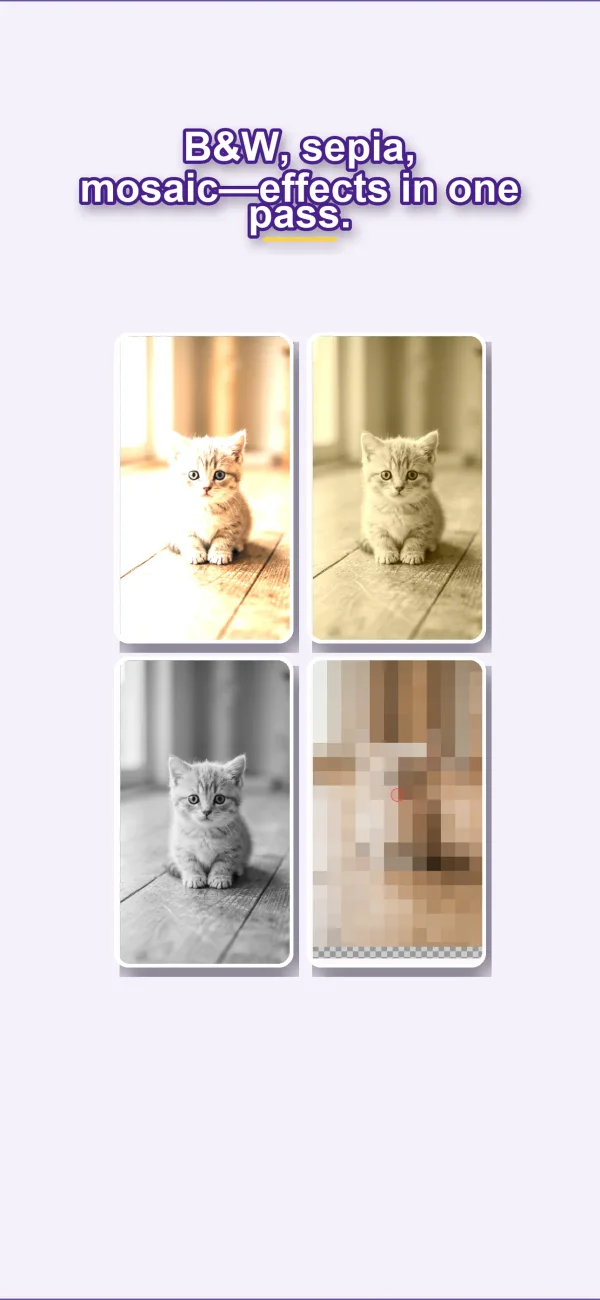
• Privacy masks: mosaic or blur the bits that shouldn’t be public
• Color, rotate & flip: brightness and orientation in one pass
• Paint & fill: quick markups with the paint tools
• Layer order: reorder overlays without fuss
• Text: fixed copy or automatic sequential numbers
• Stickers: built-in stamps, or turn your own images into custom stickers
GREAT FOR
• Social posts: line up account IDs and watermarks in the same spot
• Online shops: unify margins, aspect ratio, and color on product photos
• Catalogs & decks: drop sequential numbers and logos across a whole set
* AI cutout runs entirely on your device. Photos are not sent to a remote server.
* BMP and GIF are import-only. GIF uses the first frame only.
How to use:
https://pictbatch.pages.dev/en/guide
App privacy
What Hiroshi Ota declares on the App Store about how this app handles data.
-
Data used to track you
May be used to track you across apps and websites owned by other companies.
- Identifiers
- Usage data
-
Data not linked to you
May be collected but is not linked to your identity.
- Identifiers
- Usage data
- Diagnostics
Privacy practices may vary, for example with the features you use or your age.
Information
- Seller
- Hiroshi Ota
- Category
- Photo & Video
- Version
- 0.1.0
- Updated
- Sep 18, 2026
- Released
- Sep 17, 2026
- Size
- 67.8 MB
- Requires
- iOS 16.0 or later
- Age rating
- 4+
- Price
- Free
- Languages
- English, Filipino, French, German, Hindi, Indonesian, Italian, Japanese, Korean, Portuguese, Russian, Simplified Chinese + 5 more
- Copyright
- © 2026 Kurono Computing
You might also like
-
 AI Batch Photo Edits—MultiEditEnhance up to 50 photos
-
 ClipJoinPhoto & Video
-
 SimpleCut - シンプルな動画編集・カバー画像作成Photo & Video
-
 HOUKOUKU CAMAdd azimuth, address & images
-
 Trace On Me: Photo to ColoringColoring Book & Page Maker
-
 チェキコレ!-チェキ管理・記録・集計アプリ-Photo & Video
-
 スクショ整理 - 結合・モザイク・PDF出力Photo & Video
-
 Mosaic & Blur - Censor FacesHide faces, plates & info fast
-
 ぴったりトリミングPhoto & Video
-
 LucidPlay - ローカル & クラウド動画再生Photo & Video