
PictoBloom
Turn Photos Into Drawings
Designed for iPhone, iPad
Free · In-app purchases
- Age rating4+
- CategoryGraphics & Design
- DeveloperAndrei Isac
- LanguagesEnglish+ 1 more
- Size18.5 MB
Links to the official App Store page
Download.org hosts no file of PictoBloom. The button opens its official App Store page, published by Andrei Isac. Listing last checked on Nov 20, 2026.
Screenshots
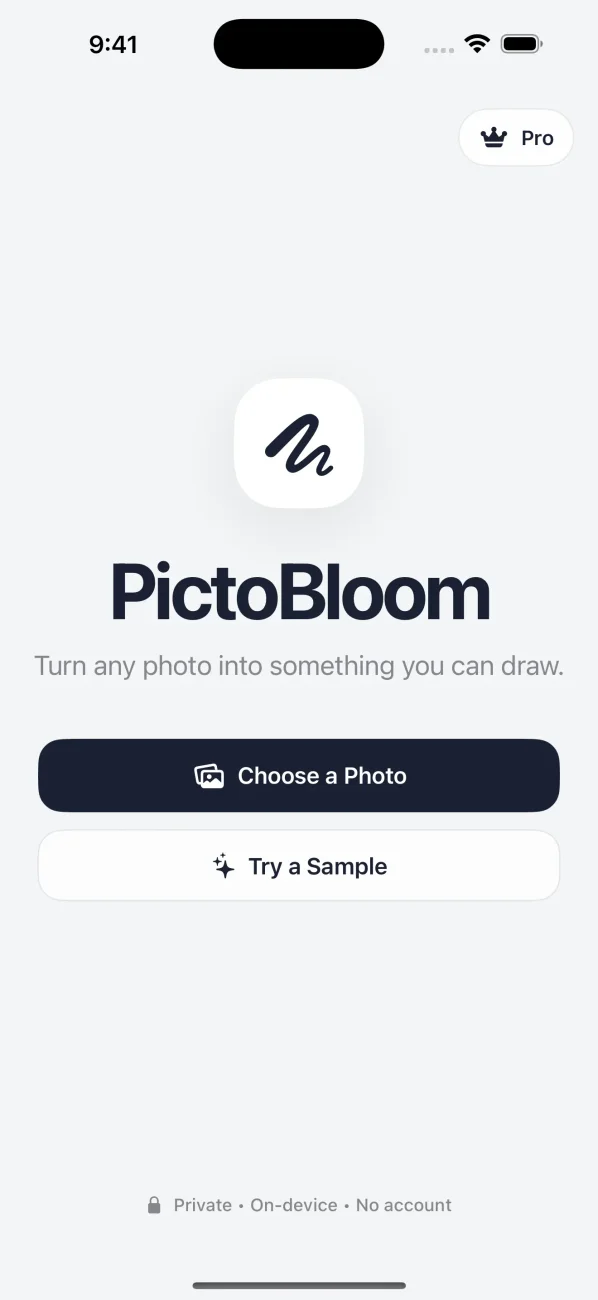
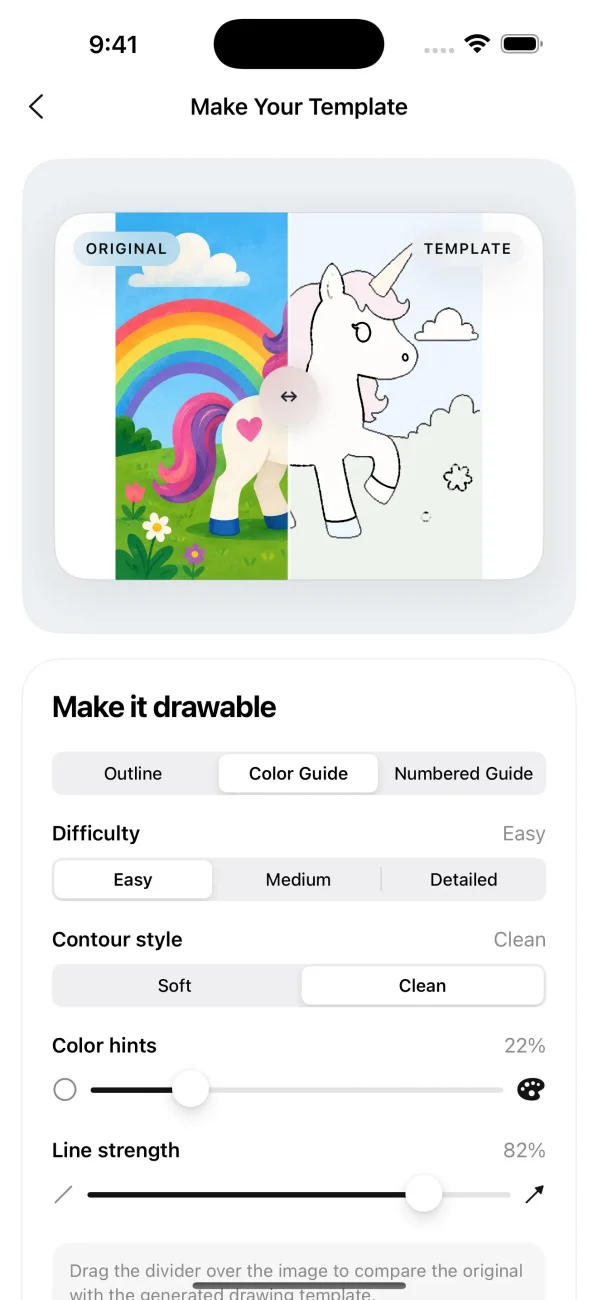

About
Turn any photo into something you can draw.\n\nPictoBloom transforms a photo into a clean, adjustable drawing template. Choose an easy, medium, or detailed guide, tune its gentle color hints and line strength, then draw directly over it with Apple Pencil or your finger.\n\nEverything happens privately on your device. There is no account, no upload, and no network dependency.
App privacy
What Andrei Isac declares on the App Store about how this app handles data.
-
Data not collected
The developer does not collect any data from this app.
Privacy practices may vary, for example with the features you use or your age.
Information
- Seller
- Andrei Isac
- Category
- Graphics & Design
- Version
- 1.0
- Updated
- Sep 16, 2026
- Released
- Sep 15, 2026
- Size
- 18.5 MB
- Requires
- iOS 18.0 or later
- Age rating
- 4+
- Price
- Free
- In-app purchases
- Yes
- Languages
- English, Hebrew
- Copyright
- © 2026 Andrei Isac
You might also like
-
 Coloring Book Maker AICreate Coloring Book with AI
-
 Tracer: Trace Drawing CameraLearn to Draw & Trace Photos
-
 Trace & Sketch - Easy DrawingDigital Tracing Draw on Screen
-
 Photo Trace & Draw - TracelyTrace photos onto paper
-
 TraceArtEasy Trace Photos and Images.
-
 Photo Filters + Preset EditorOverlays, Effects, Light Leaks
-
 AR Drawing: Easy Sketch & DrawTrace & Draw picture on paper
-
 AR Drawing How to Draw SketchTrace & Paint picture on paper