PilotDesk: Remote Desktop
Terminal, files & screen share
Designed for iPhone, iPad
Free · In-app purchases
- Age rating4+
- CategoryDeveloper Tools
- DeveloperRoberto Chiarella
- LanguagesEnglish+ 4 more
- Size22.2 MB
Links to the official App Store page
Download.org hosts no file of PilotDesk: Remote Desktop. The button opens its official App Store page, published by Roberto Chiarella. Listing last checked on Nov 15, 2026.
Screenshots

About
PilotDesk puts your Mac in your pocket: open its terminal, work with AI agents, browse its files, see and control its screen, or use your iPhone and iPad as a second display.
SSH TERMINAL
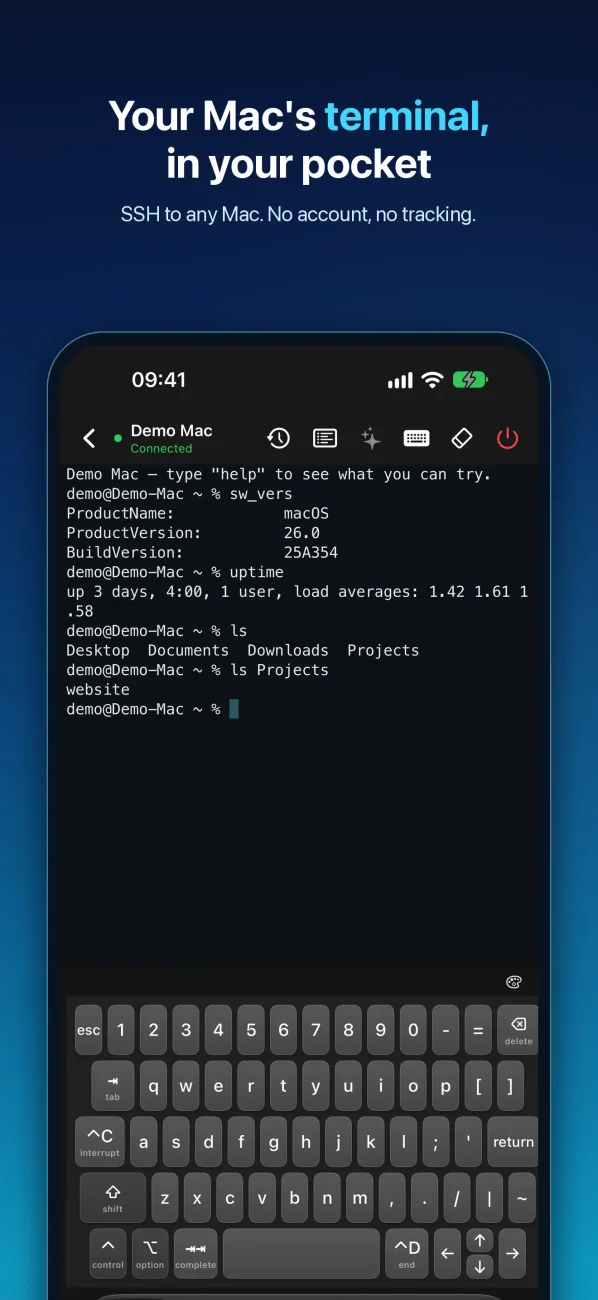
• Connect to one Mac or several, with a password or a key
• A full terminal: colors, Powerlevel10k, vim, htop, tmux
• The session stays alive on the Mac even when you close the app
• The keys you actually need above the keyboard: Esc, Tab, Ctrl, arrows
• History and saved commands you run with one tap
AI AGENTS
• Start Claude Code, Codex, Gemini CLI, Antigravity, Aider or Ollama on your Mac
• They keep working when you close the app; come back and find them where you left them
• Follow their status in the Dynamic Island and on the Lock Screen
FILES
• Browse, rename, create folders, download and upload
• Preview documents, photos and videos
• Text editor to change files right on the Mac
• Copy files from one Mac to another
REMOTE DESKTOP
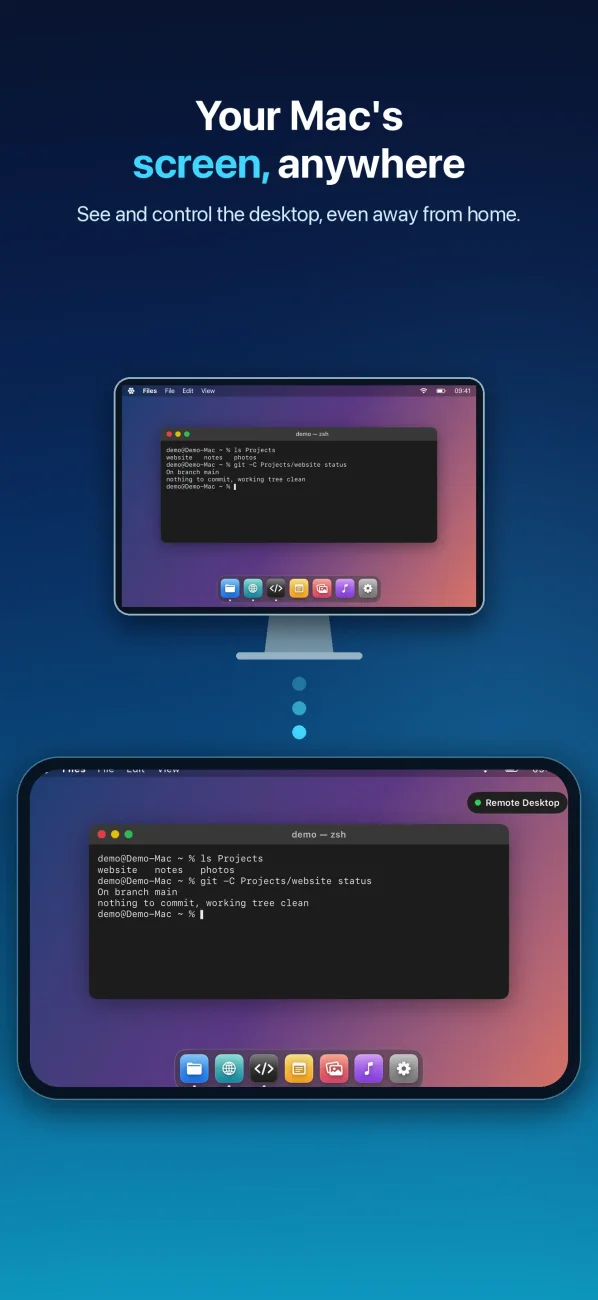
• See and control the Mac's screen with low-latency H.264 streaming
• Trackpad gestures, zoom, choice of display
• Over Wi-Fi, a USB cable, or away from home with Tailscale
EXTENDED DISPLAY
• The Mac creates a real second display the size of your iPad or iPhone: drag your windows onto it
TOOLS
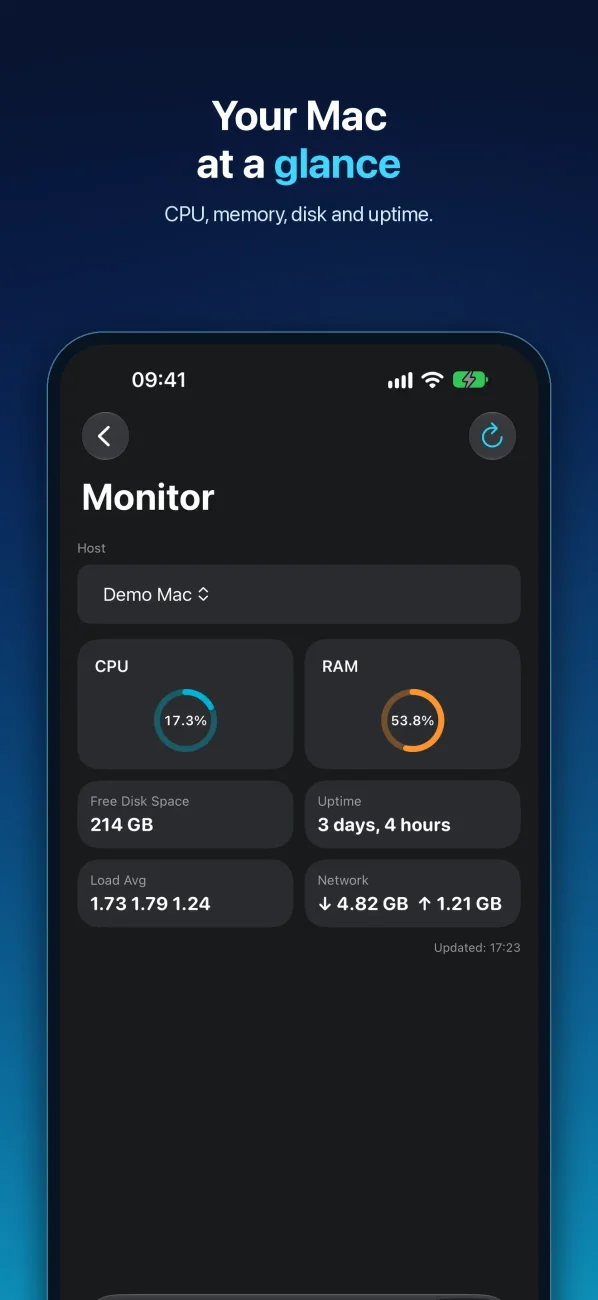
• CPU, memory and disk monitor
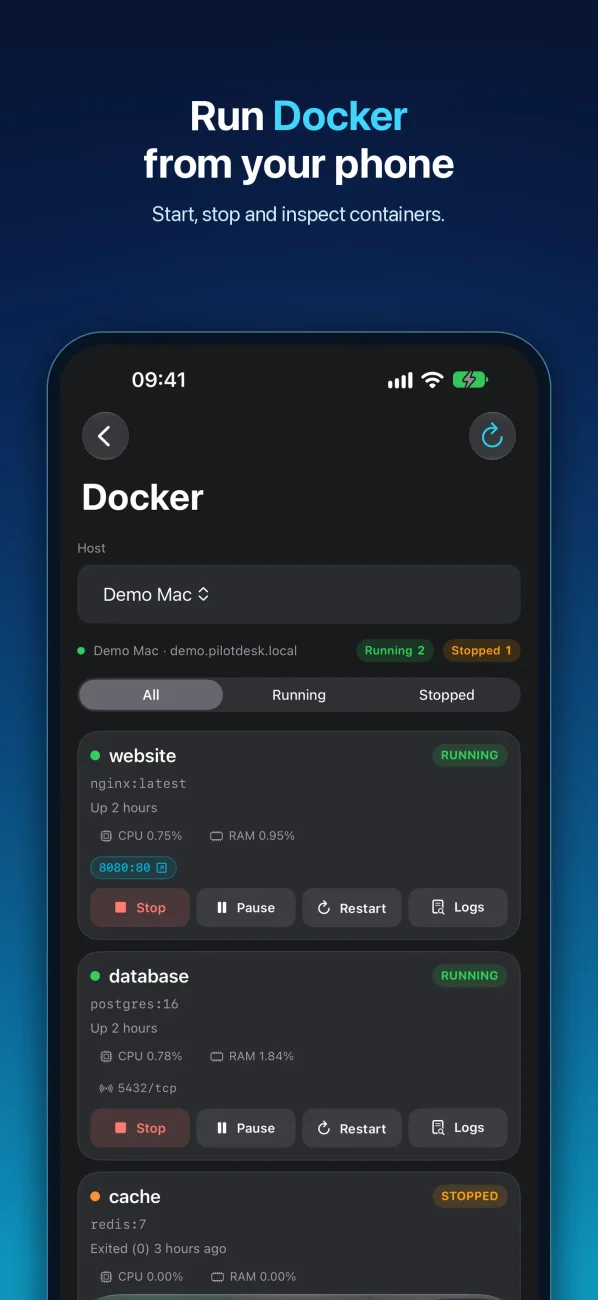
• Docker container control
LINUX AND WINDOWS
• Terminal, files, Monitor and Docker also work with Linux computers and servers and with Windows 10 and 11 PCs, over SSH
• Remote desktop on Linux too, with the free PilotDesk Host for Linux
MAC-STYLE KEYBOARDS
• Magic Keyboard, aluminium, MacBook Pro, white MacBook, Extended II and a virtual Touch Bar
PRIVACY
No account, no ads, no tracking. Connections go straight from your device to your computer; passwords and keys stay in the Keychain.
PRICING
Terminal, files and one Mac are free. PilotDesk Pro unlocks everything with a single purchase, no subscription, or buy only what you need. Try everything free for 24 hours.
Remote desktop and extended display need the free PilotDesk Host app on the Mac (macOS 14 or later), downloadable from the website. For terminal and files just turn on Remote Login in the Mac's System Settings.
No Mac at hand? Tap "Try without a Mac" and explore the app with a demo Mac.
What’s new
Version 1.2 · Oct 24, 2026
• iPhone Duo: open it halfway and it becomes a small laptop, your Mac on top and keyboard and trackpad below the fold
• AI agents: start Claude Code, Codex, Gemini and more on your Mac and follow them in the Dynamic Island
• Linux and Windows: terminal, files, Monitor and Docker on Linux servers and Windows PCs too
• Full terminal: colors, Powerlevel10k, vim, tmux; the session stays alive when you close the app
• Sign in with Ed25519 keys
• New design throughout the app
• Now in Spanish, German and French too
App privacy
What Roberto Chiarella declares on the App Store about how this app handles data.
-
Data not collected
The developer does not collect any data from this app.
Privacy practices may vary, for example with the features you use or your age.
Information
- Seller
- Roberto Chiarella
- Category
- Developer Tools
- Version
- 1.2
- Updated
- Oct 24, 2026
- Released
- Oct 20, 2026
- Size
- 22.2 MB
- Requires
- iOS 16.4 or later
- Age rating
- 4+
- Price
- Free
- In-app purchases
- Yes
- Languages
- English, French, German, Italian, Spanish
- Copyright
- © 2026 Roberto Chiarella
You might also like
-
 Implan.itDeveloper Tools
-
 Conchshell: SSH, SFTP & RDPTerminal, files, FTP and VNC
-
 AFK RemoteRemote Desktop for Vibe Coding
-
 SSH Client - Secure ShellFishTerminal, Files & Finder
-
 Reins: for Ollama & LM StudioPrivate, Local AI Chat
-
 eNES: NES & SNES Retro EmuNES & SNES Games with TAS
-
 Git client - Working Copyfor GitHub and self-hosted
-
 a-Shell miniLocal Unix terminal (& ssh)
-
 Textastic Code EditorText, Coding, SFTP Client, SSH