AFK Remote
Remote Desktop for Vibe Coding
Designed for iPhone, iPad, iPod touch
Free
- Age rating4+
- CategoryDeveloper Tools
- DeveloperBookhead LTD
- LanguagesEnglish
- Size30.4 MB
Links to the official App Store page
Download.org hosts no file of AFK Remote. The button opens its official App Store page, published by Bookhead LTD. Listing last checked on Nov 12, 2026.
Screenshots
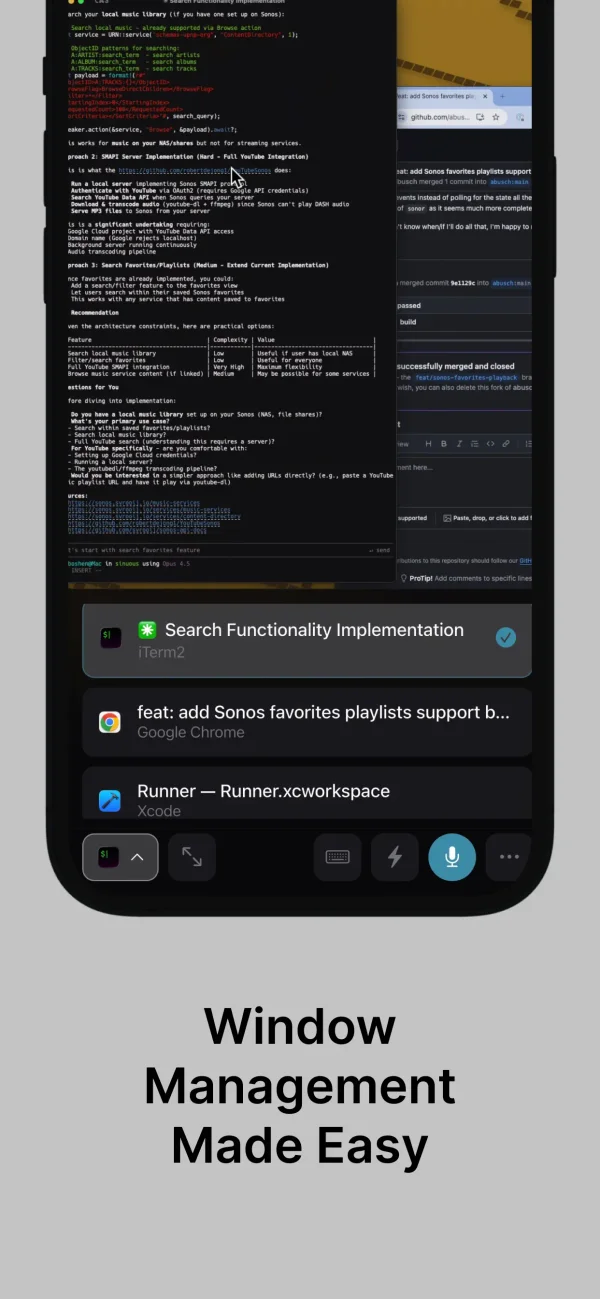
About
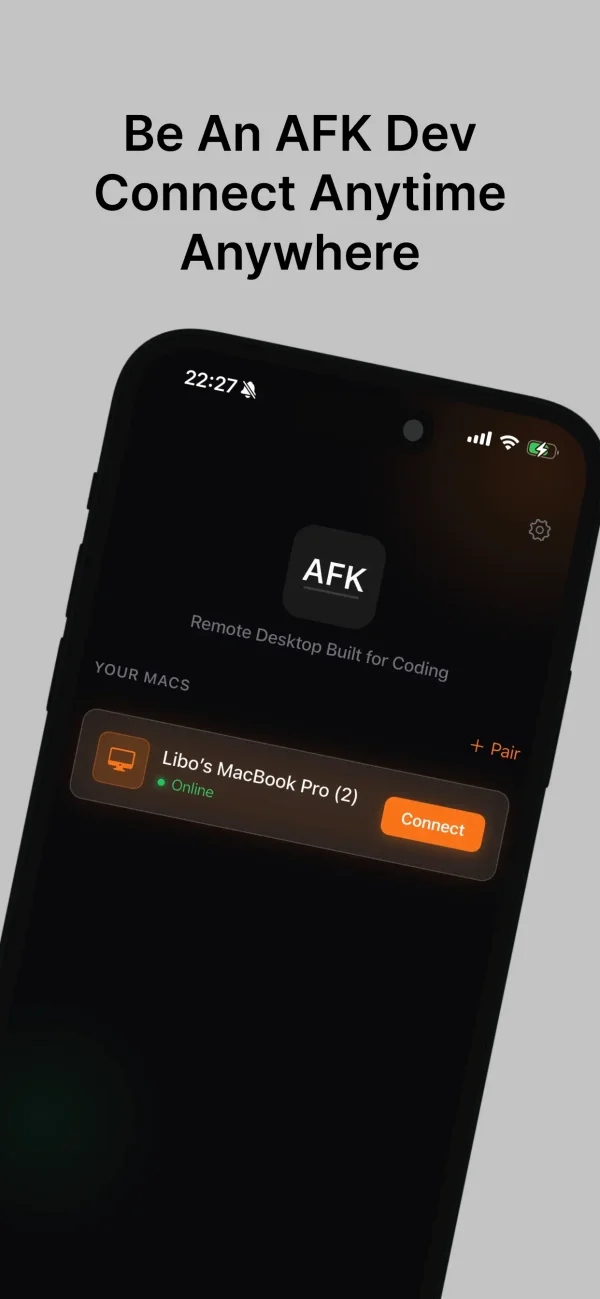
AFK is a remote desktop app that connects your iPhone to your Mac — built specifically for AI-assisted development.
Modern coding is about directing AI agents, reviewing their output, and verifying results. AFK lets you do this from anywhere: your couch, your bed, or your favorite coffee shop.
HOW IT WORKS
1. Install the free macOS companion app (AFK Host)
2. Pair your iPhone once
3. Connect anytime over WiFi or cellular
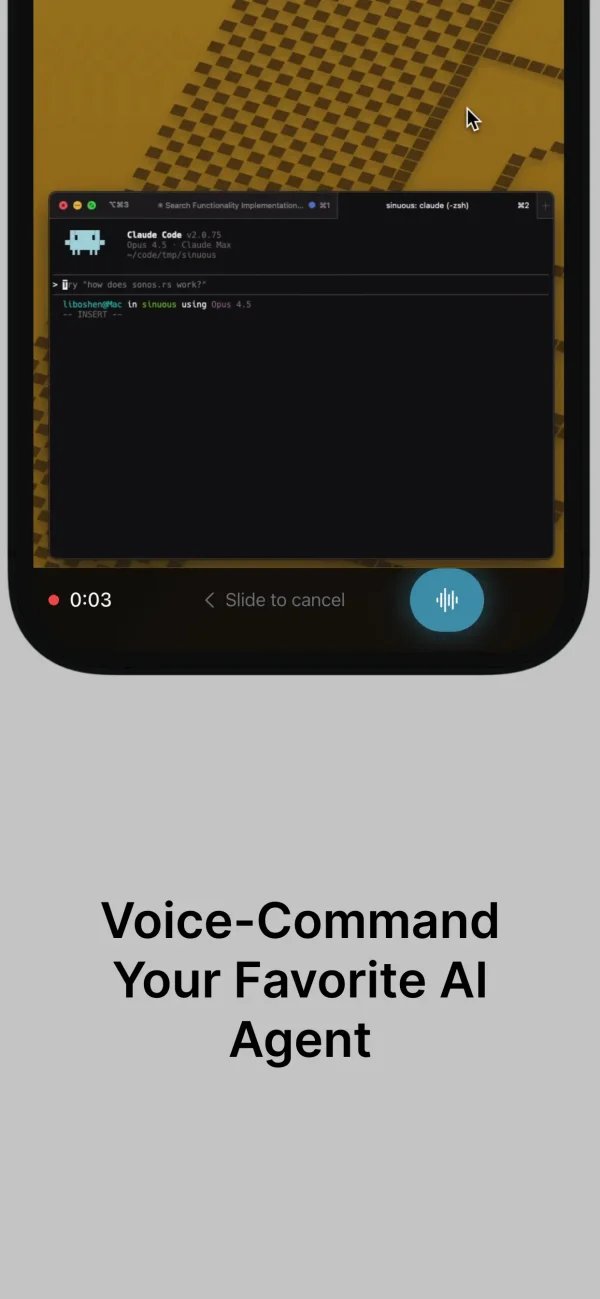
4. Voice-command your AI tools and watch the magic happen
VOICE-FIRST DESIGN
Typing prompts on a phone keyboard is painful. AFK uses push-to-talk voice input optimized for natural language instructions. Just hold, speak your command, and release. Your words go straight to Claude Code, Cursor, or any AI tool you're using.
INSTANT WINDOW SWITCHING
Vibe coding means jumping between apps — terminal, browser, simulator, diff viewer. AFK gives you quick-switch buttons to instantly focus the window you need. No squinting at a shrunken desktop or hunting for tiny window edges.
LOW LATENCY STREAMING
WebRTC peer-to-peer connection means everything feels immediate. Scrolling, tapping, voice — no lag, no stutter. Works great on WiFi and surprisingly well on cellular.
YOUR REAL ENVIRONMENT
This isn't a sandboxed cloud IDE. It's your actual Mac — your configs, your tools, your local databases, your running services. Everything you've set up, accessible from your pocket.
WORKS WITH ANY AI TOOL
• Claude Code
• Cursor
• GitHub Copilot
• Windsurf
• Aider
• VS Code
• Xcode
• Terminal
• Any app on your Mac
FEATURES
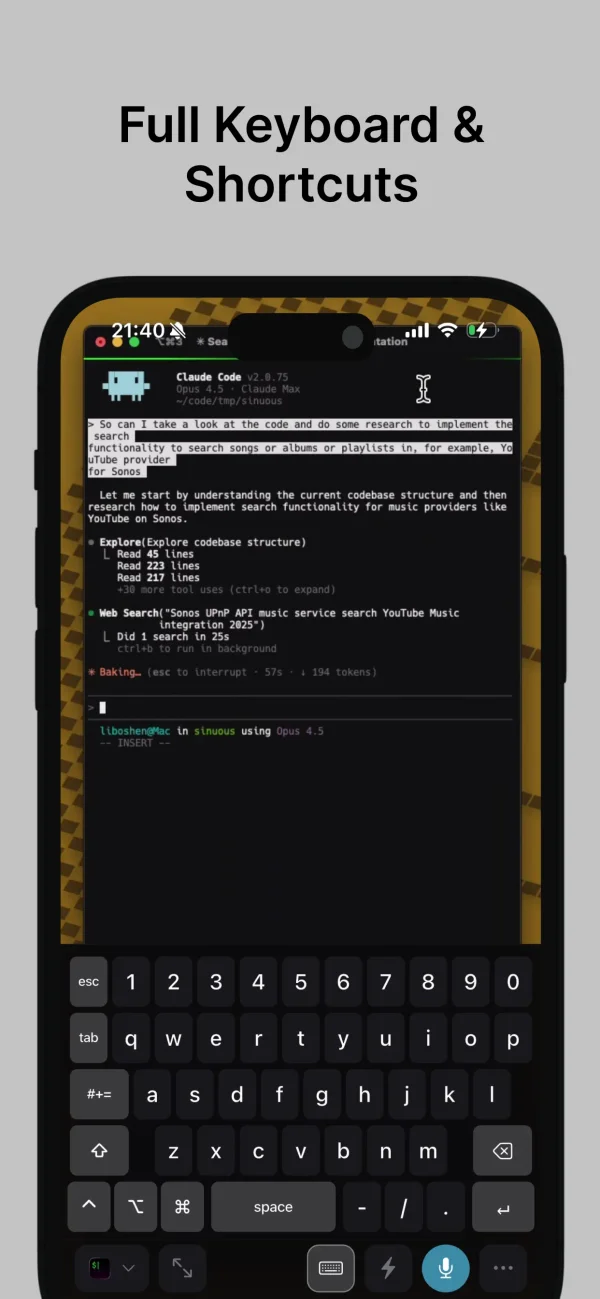
• Push-to-talk voice transcription
• Touch-optimized virtual keyboard
• Sticky modifier keys (Cmd, Option, Control)
• Customizable shortcut grid
• Smart window management
• Paste from iOS clipboard
• Gesture support
• Secure device pairing
• No account required
REQUIREMENTS
• macOS companion app (AFK Host) - free download from afk.dev
• Works over any network after pairing
PRIVACY
AFK remote access directly and encrypted to your Mac with no servers in between. Device credentials are stored securely.
Perfect for developers who want to stay productive without being chained to their desk. Code review from the couch. Run tests from the kitchen. Ship features from anywhere.
What’s new
Version 1.6.1 · Mar 10, 2026
- Hardware keyboard support - use external Bluetooth/connected keyboards
- Hardware mouse/trackpad support - use external pointing devices
- Key repeat for soft keyboard - hold keys to repeat
- Fixed auto-zoom jumping to windows outside visible area
App privacy
What Bookhead LTD declares on the App Store about how this app handles data.
-
Data not collected
The developer does not collect any data from this app.
Privacy practices may vary, for example with the features you use or your age.
Information
- Seller
- Reccap LTD
- Category
- Developer Tools
- Version
- 1.6.1
- Updated
- Mar 10, 2026
- Released
- Jan 2, 2026
- Size
- 30.4 MB
- Requires
- iOS 15.0 or later
- Age rating
- 4+
- Price
- Free
- Languages
- English
- Copyright
- © 2024 Reccap LTD
You might also like
-
 Labide - Remote Dev StudioRemote Codex/Claude
-
 VibeTermVibe Coding Terminal with AI
-
 Mobile Code Remote DesktopMobile Vibe Code
-
 MiniVibeVibe Coding Remote Control
-
 CodeAgents MobileMobile client for Opencode
-
 Onepilot: SSH Shell TerminalClient, VPS & Linux servers
-
 Systemprompt MCP clientManage MCP servers
-
 CC Pocket: Code AnywhereCodex, Claude & Antigravity
-
 Happier - Remote Claude, CodexOpenCode, Pi, Grok coding app
-
 Moshi: herdr/tmux on SSH/MOSHAgent terminal for Codex CLI