
Ping - Network Latency Check
ICMP Test, Game and Server Lag
Designed for iPhone, iPad
Free · In-app purchases
- Age rating4+
- CategoryUtilities
- DeveloperAhmed Nabeeh
- LanguagesEnglish
- Size21.6 MB
Links to the official App Store page
Download.org hosts no file of Ping - Network Latency Check. The button opens its official App Store page, published by Ahmed Nabeeh. Listing last checked on Nov 22, 2026.
Screenshots




About
Pingers puts powerful network tools at your fingertips. Stop guessing and start troubleshooting from Ping and Traceroute to WHOIS, Port Scan, and DNS Lookup, all with favorite servers for quick access so you never type the same address twice. Plus Latency Checks and Full IP Configuration including your Public IP, all in one clean app.
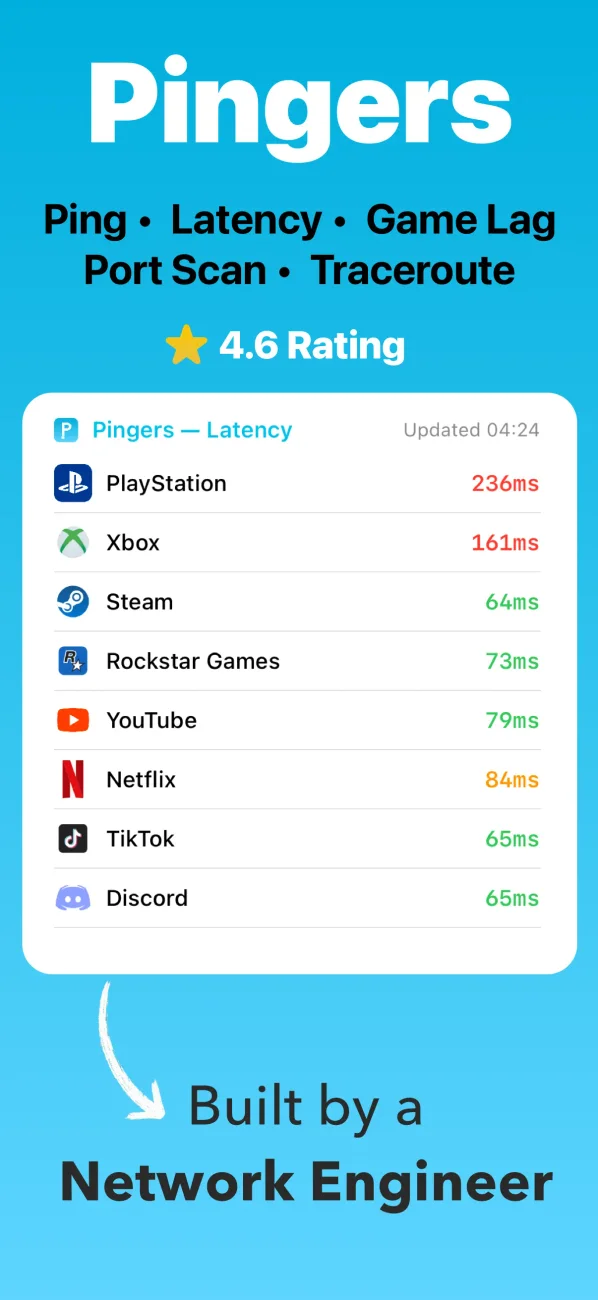
Users call the latency checker a "game-changer" for knowing if their connection is ready before gaming on Steam or streaming on YouTube. Built by a network engineer, so you know it's the real deal.
Perfect for:
- IT pros troubleshooting on the go
- Gamers and streamers optimizing their connection
- Anyone diagnosing Wi-Fi or network issues
Features:
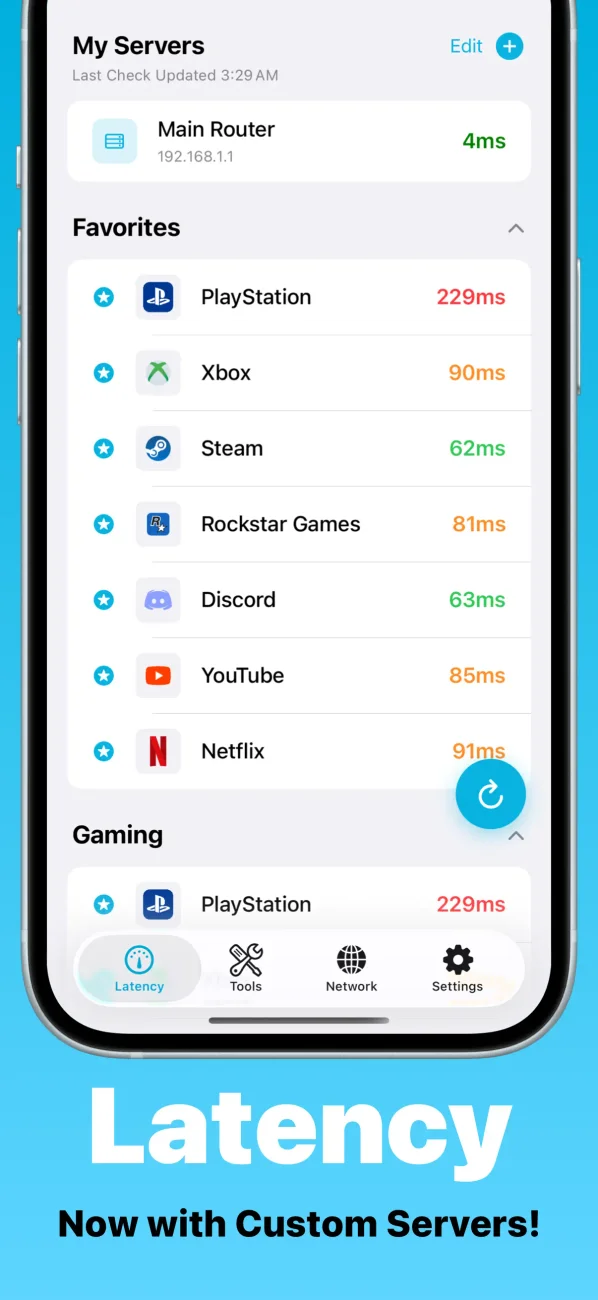
- Check latency for popular services: YouTube, Steam, Discord, Xbox, Instagram and more
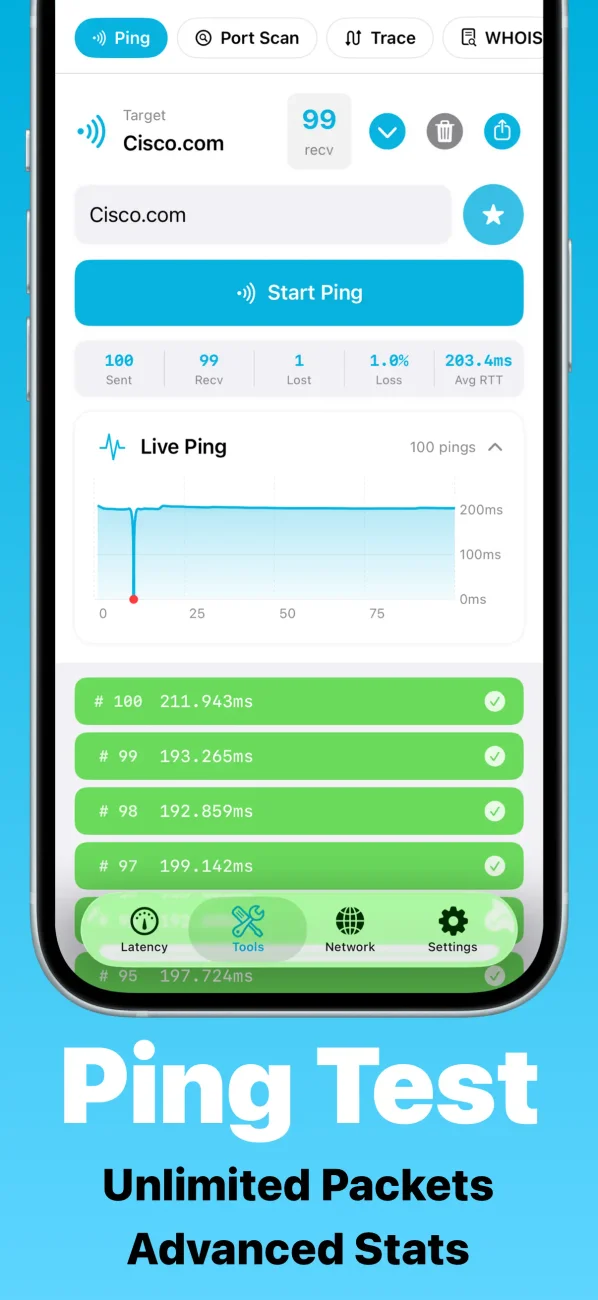
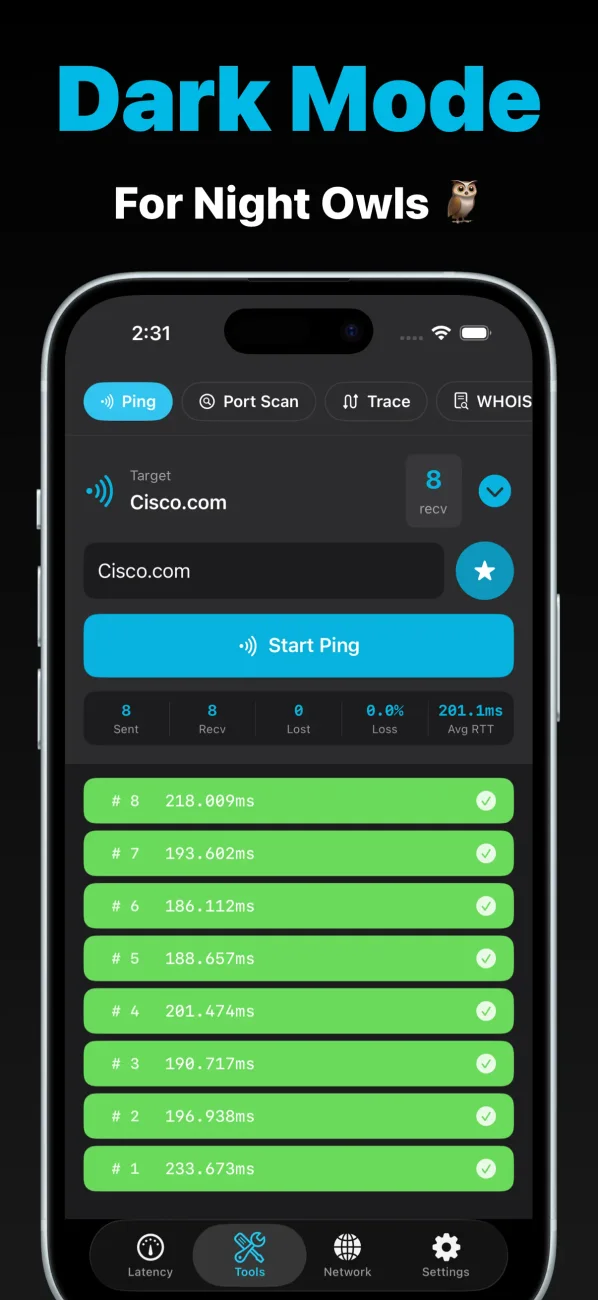
- Ping by IP or domain name with advanced stats: packet loss, avg RTT, sent/received packets, unlimited ping support
- Run a real-time Traceroute to see every hop
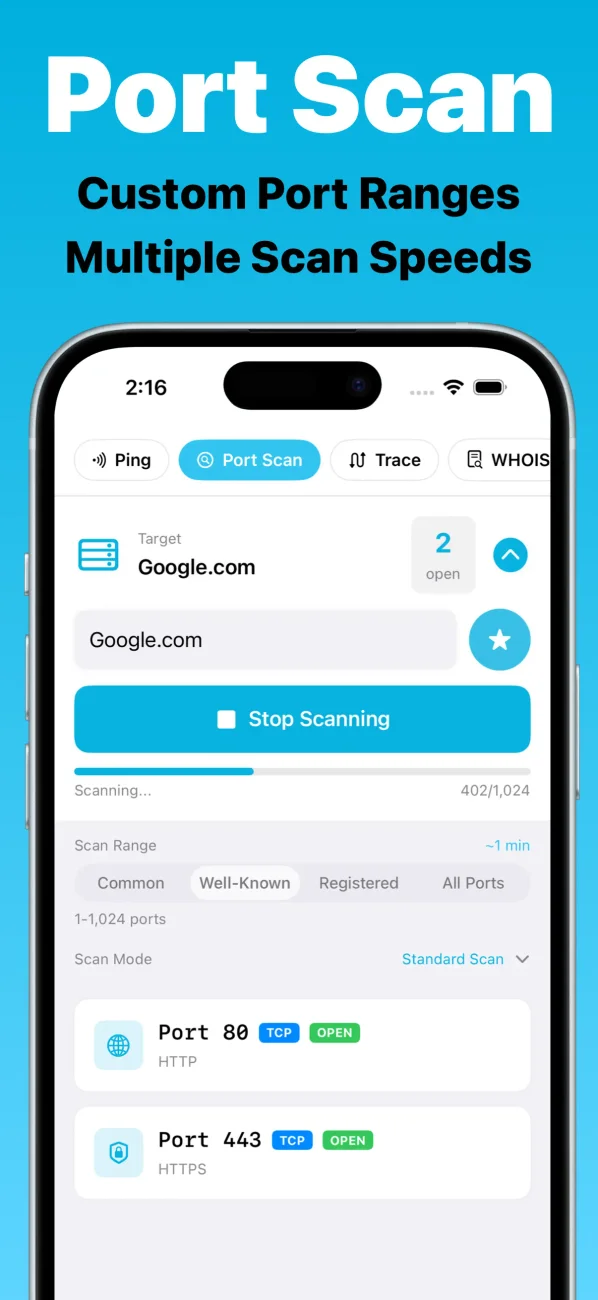
- Port Scan with customizable ranges and scan speed
- DNS Lookup: query any domain instantly
- WHOIS info across 47+ registries: ownership, expiration, status
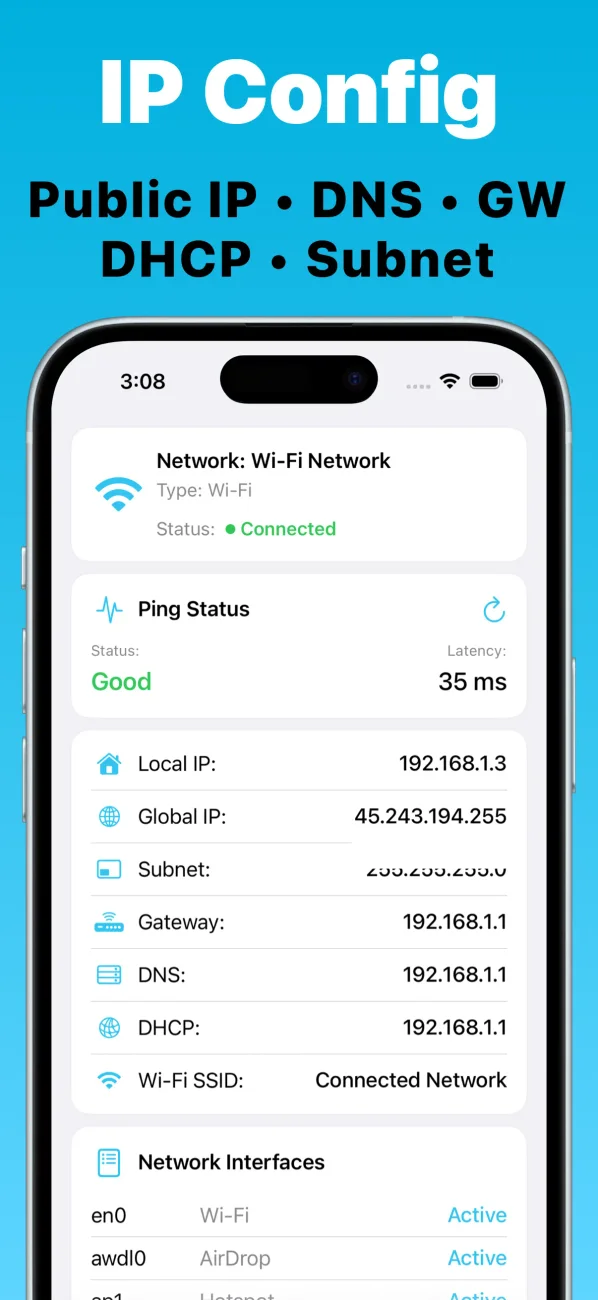
- See your full network details: Public IP, Private IP, DNS, DHCP and Default Gateway
- Save unlimited favorite servers for quick ping, traceroute, and port scan checks
- Home Screen Widget: live latency for your favorite services without opening the app
- Full iPad support and Dark Mode
Fast. Clean. No "Windows 95 vibes."
100% Private. No ads. No data collection. No account needed.
One-time purchase. Works across iPhone and iPad. Family Sharing included.
Terms of Use: https://www.apple.com/legal/internet-services/itunes/dev/stdeula/
What’s new
Version 1.248 · Nov 20, 2026
The biggest update yet is here and Pingers looks and feels like a whole new app!
• Five powerful network tools, one unified screen. Ping, Trace Route, Port Scan, WHOIS, and DNS are finally together.
• Ping now comes alive with a real-time stats bar showing packets sent, received, lost, loss percentage, and average round trip time.
• Your server list and packet settings are right there on the Tools screen, exactly where you need them.
• Trace Route now lets you control your max hops, and automatically highlights the destination when the route completes so you never have to hunt for it.
• The app tells you exactly what it is. No internet, bad host, service unreachable. No more guessing, no more silent failures.
• Dark mode has been completely refined from top to bottom.
• iPad users, this one's for you. A fully redesigned split layout puts controls on the left and results on the right. This is what Pingers on iPad was always supposed to look like.
This is Pingers, rebuilt!
App privacy
What Ahmed Nabeeh declares on the App Store about how this app handles data.
-
Data not collected
The developer does not collect any data from this app.
Privacy practices may vary, for example with the features you use or your age.
Information
- Seller
- Ahmed Nabeeh
- Category
- Utilities
- Version
- 1.248
- Updated
- Nov 20, 2026
- Released
- Sep 1, 2021
- Size
- 21.6 MB
- Requires
- iOS 17.0 or later
- Age rating
- 4+
- Price
- Free
- In-app purchases
- Yes
- Languages
- English
- Copyright
- Copyright © 2026 Apple Route All rights reserved.
You might also like
-
 Ping Analyzer: Latency MonitorGraphical Ping Diagnostics
-
 Ping Network ScannerTraceroute, DNS & LAN scan
-
 QRForge: QR Scanner GeneratorAi Scan & Generate Codes Fast
-
 Localhost Master - HTTP ServerFile Sharing and Streaming
-
 Ping Stats – Network AnalyzerLatency, Packet Loss & Jitter
-
 MintFlow: VPN, Proxy & DNSAd Blocking, Routing & Rewrite
-
 Trackless Links: URL & PiPCleaner URLs, fewer trackers
-
 Bluetooth Microphone: EasyMicVoice Changer & Audio Recorder
-
 Mobile Latency MeasurementEvery millisecond counts!
-
 Ping – Network ToolsIP Address & Ping Monitor