
PingRoom
Short-form communication.
Designed for iPhone, iPad
Free · In-app purchases
- Age rating4+
- CategoryProductivity
- DeveloperMindzone Technologies L.L.C
- LanguagesEnglish+ 14 more
- Size256.6 MB
Links to the official App Store page
Download.org hosts no file of PingRoom. The button opens its official App Store page, published by Mindzone Technologies L.L.C. Listing last checked on Nov 21, 2026.
Screenshots

About
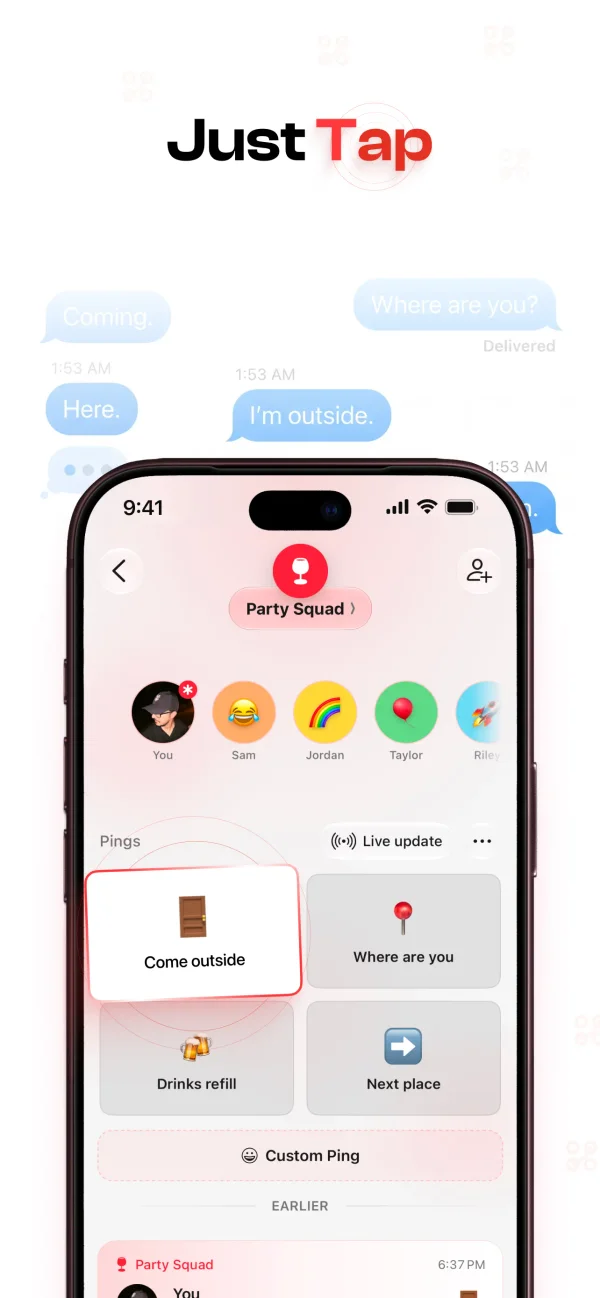
“On my way home.” “I miss you.” “Meet me outside.” Save the things you say every day as Quick Pings. Tap one and everyone in the room gets a push notification on their phone.
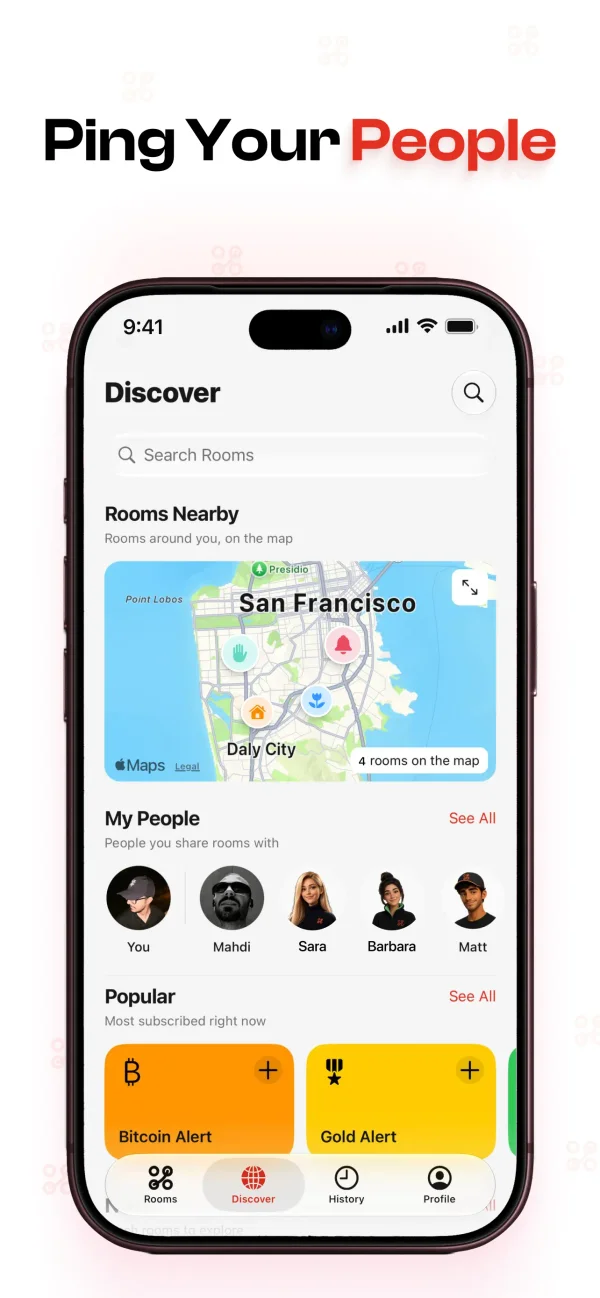
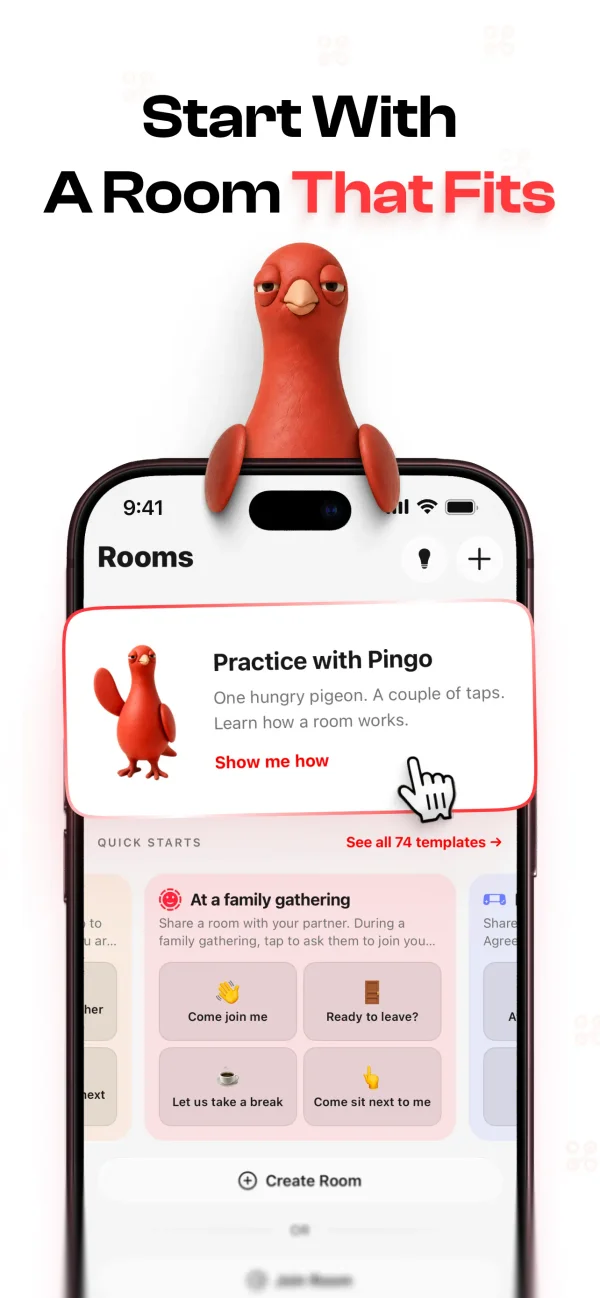
Choose a room to start with.
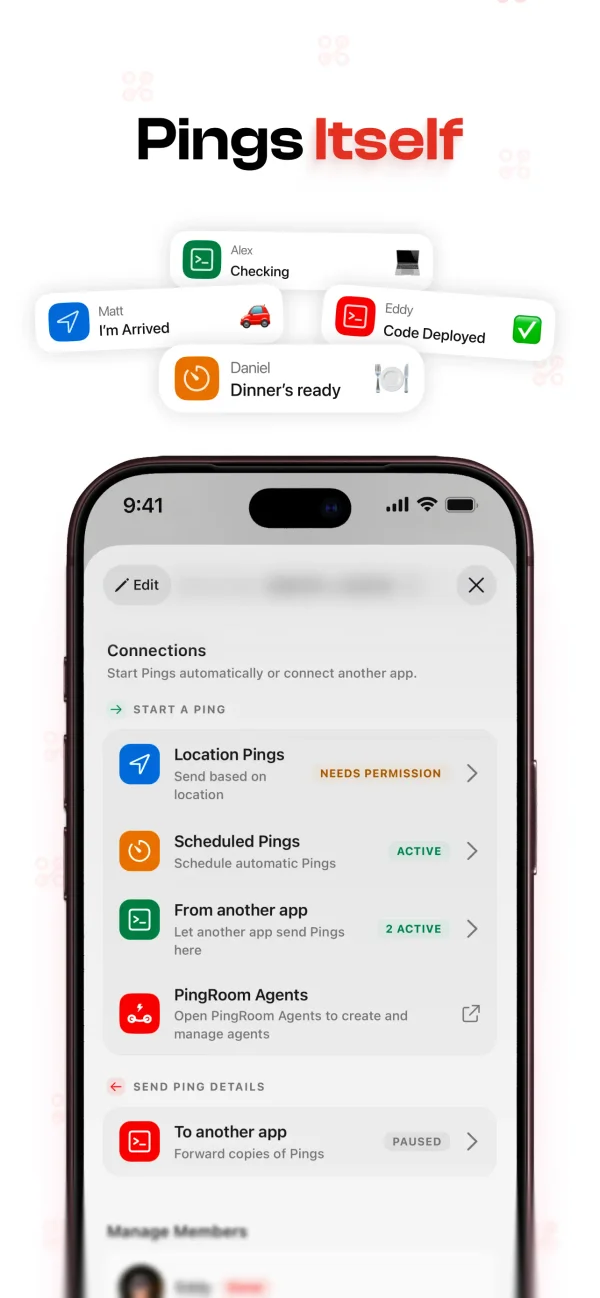
Deploys for developers. Connect a webhook with PingRoom Pro so a script can tell you when a deploy fails. A connected AI agent can also ask for a decision and wait for your answer.
Home for family. Check in after school, coordinate pickup, or let everyone know dinner is ready.
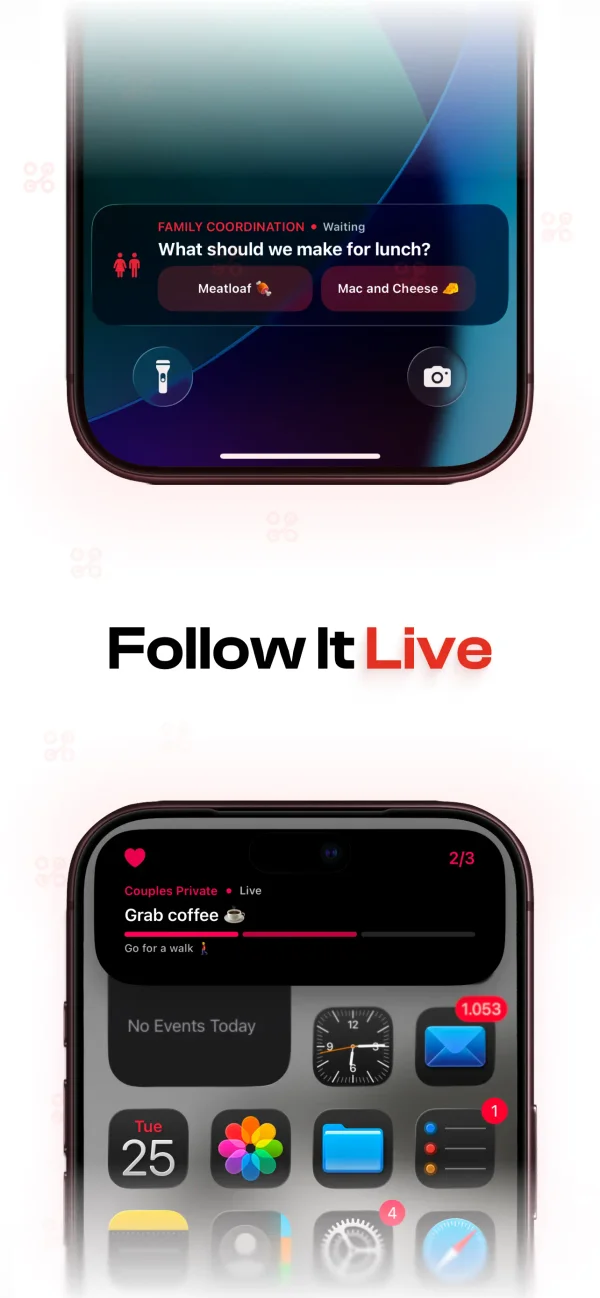
Us for couples. Send your partner an “I miss you” or “Call me when you can” with one tap.
Squad for friends. Share the room link with your group, send “Meet me outside,” and ask who’s coming when plans change.
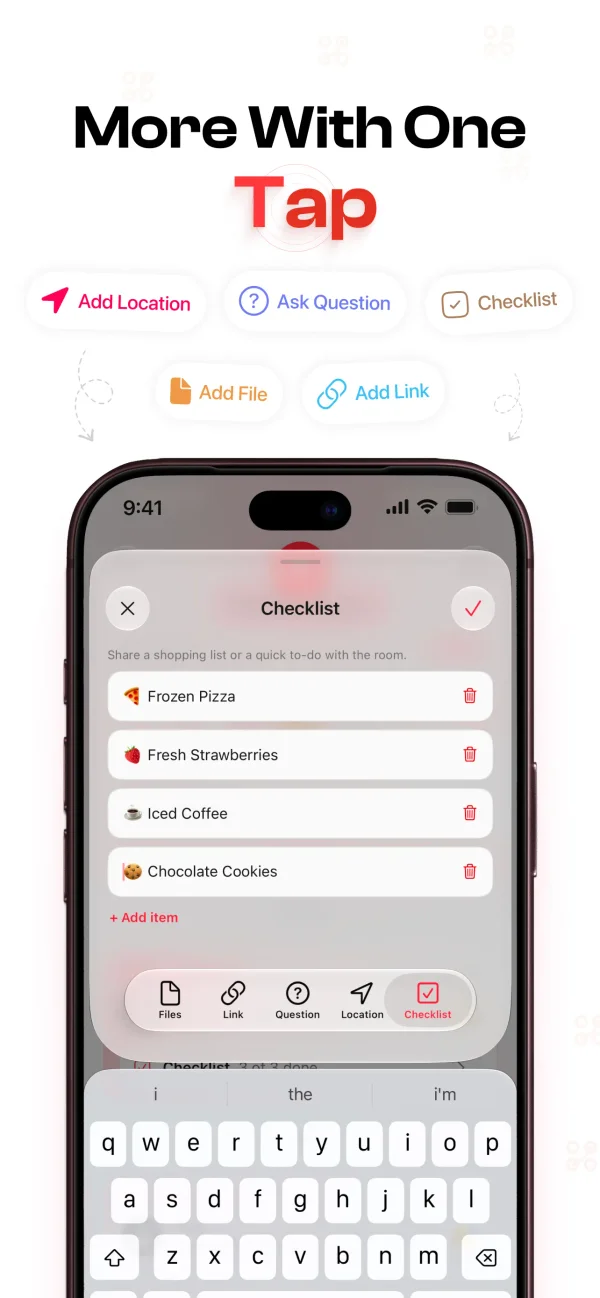
Make the buttons your own with a message, an emoji, and a sound. When you need an answer, send a question with choices or ask people to confirm. You can see who confirmed in the room.
Send a Quick Ping from a widget on your iPhone or from your Apple Watch.
Create up to five rooms and join up to 20 for free.
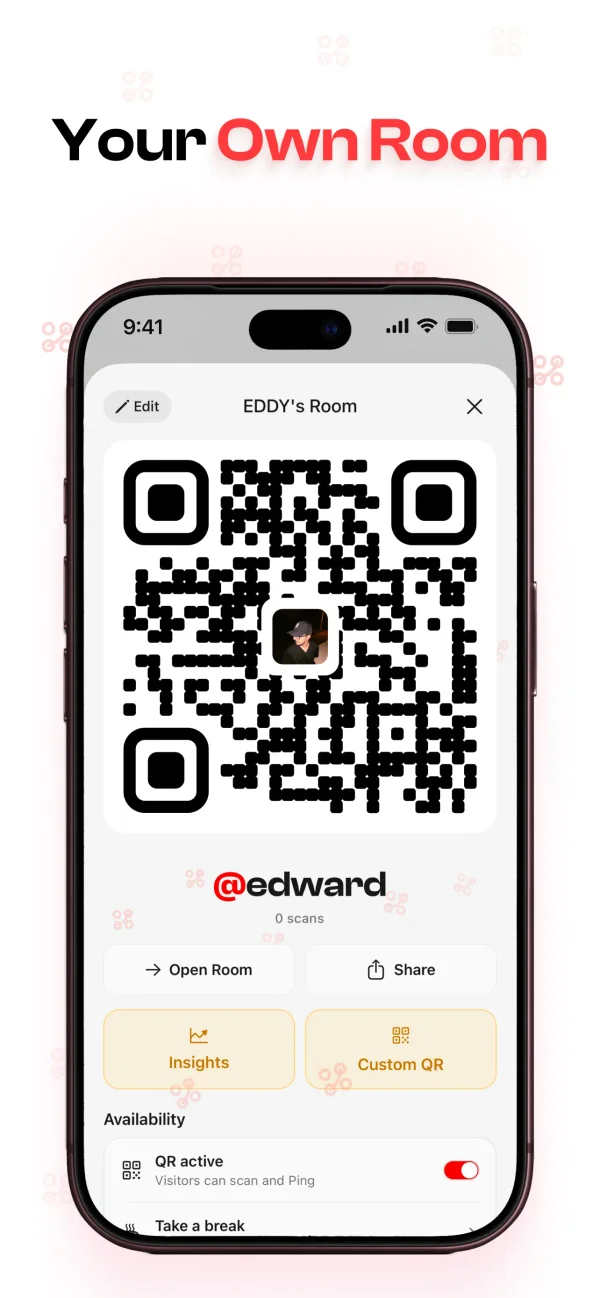
PingRoom Pro adds unlimited rooms and joins, location triggers and scheduled reminders, incoming and outgoing webhooks, photo and file attachments, extra Quick Ping pages, password-protected rooms, external-channel forwarding, full retained history, Personal Room insights and custom QR designs.
PingRoom Pro is an auto-renewing subscription. Payment is charged to your Apple Account at confirmation of purchase. It renews automatically unless canceled at least 24 hours before the current billing period ends. Manage or cancel it in your App Store account settings.
Terms: https://pingroom.io/terms
Privacy: https://pingroom.io/privacy
What’s new
Version 1.6.2 · Nov 20, 2026
“Can someone pick up the kids?” Post a “Who’s on it?” request in a private room. When someone taps “I’ll take it,” everyone sees who’s going. After pickup, they can mark it done.
• Pin a room metric to your Home Screen, Lock Screen, or Apple Watch. A script can keep it up to date with a number you care about, like open support tickets.
• Open a build log straight from a Ping. Agents and webhooks can now add buttons to Pings in private rooms.
• Answer a two-choice question from the expanded Dynamic Island when both answers fit.
• Swipe to Recent to resend one of the last four custom Pings you sent in that room.
New here? Developers, families, couples, and friends each have a starter room with four Quick Pings to try before signing in.
This update also improves stability and fixes two bugs. Back now returns you to History after you open a room there, and sound previews play reliably when you switch quickly between sounds.
App privacy
What Mindzone Technologies L.L.C declares on the App Store about how this app handles data.
-
Data linked to you
May be collected and linked to your identity.
- Purchases
- Location
- Contact info
- User content
- Identifiers
- Usage data
- Diagnostics
Privacy practices may vary, for example with the features you use or your age.
Information
- Seller
- Mindzone Technologies LLC
- Category
- Productivity
- Version
- 1.6.2
- Updated
- Nov 20, 2026
- Released
- Jun 27, 2026
- Size
- 256.6 MB
- Requires
- iOS 17.0 or later
- Age rating
- 4+
- Price
- Free
- In-app purchases
- Yes
- Languages
- English, Arabic, French, German, Hindi, Italian, Japanese, Malay, Persian, Portuguese, Russian, Simplified Chinese + 3 more
- Copyright
- © 2026 Mindzone Technologies LLC. All rights reserved.
You might also like
-
 Flipwise - Flashcard Study AppStudy Smarter, Remember Longer
-
 HourallyScreen time that resets hourly
-
 Noodge - Nagging RemindersADHD to-do list & task focus
-
 Brainlist Calendarone list. tasks, notes, focus
-
 Docsigns - Sign PDF & eSignFill, Sign & Share Documents
-
 Einfall: Quick CaptureCatch a thought, send it on
-
 GGX Tarefas - Organize ListasProductivity
-
 Joeny NotesMarkdown notes via iCloud
-
 Craftify: BYOK AI shortcutsText tools with your own LLM
-
 CopyAgain: Clipboard ManagerText Snippets & Paste Keyboard