
- Age rating4+
- CategoryProductivity
- Developer晶 李
- LanguagesEnglish+ 1 more
- Size17.9 MB
Links to the official App Store page
Download.org hosts no file of PinLists. The button opens its official App Store page, published by 晶 李. Listing last checked on Nov 20, 2026.
Screenshots
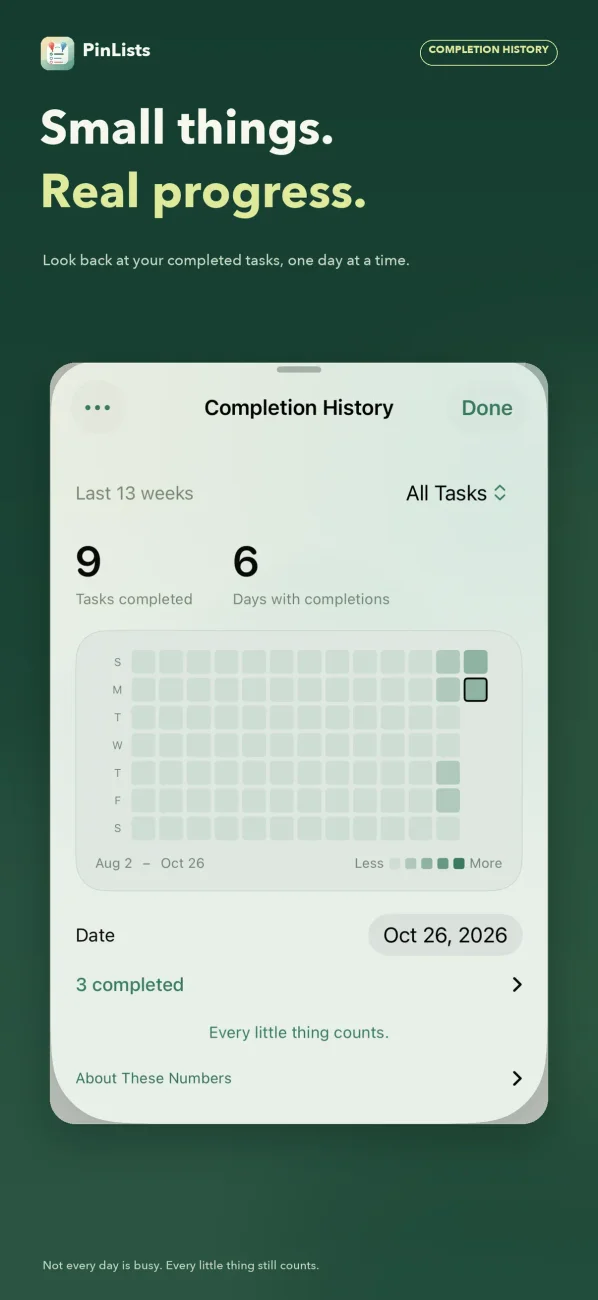
About
The hard part is not always doing a task. Sometimes it is remembering it at the right moment.
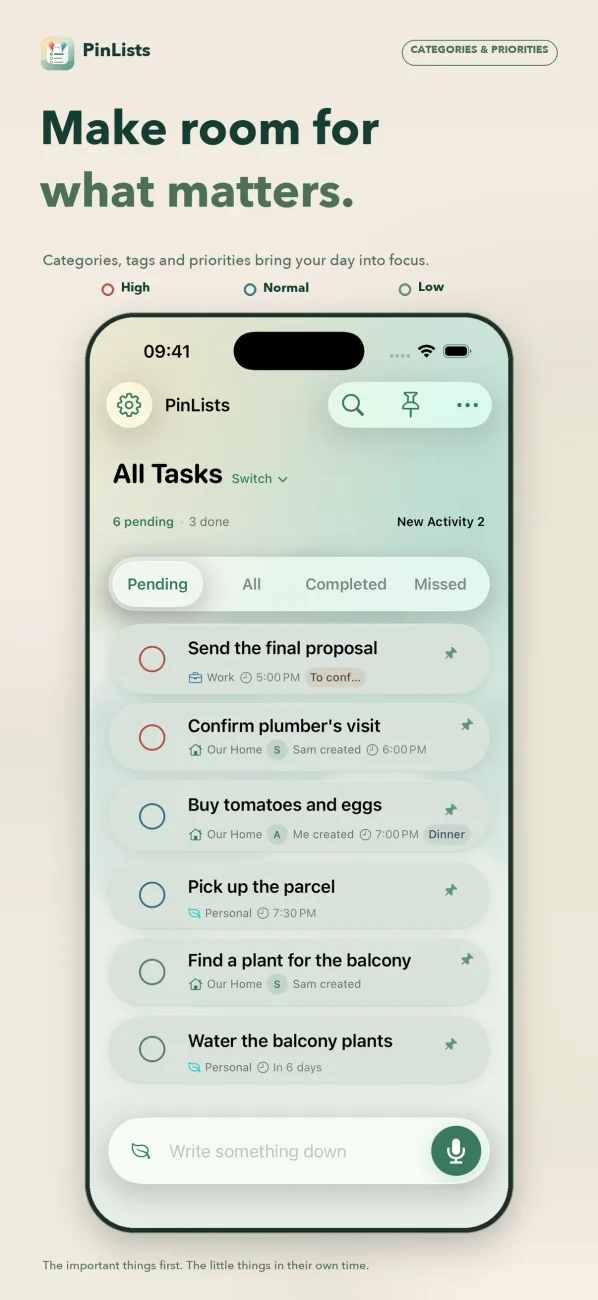
PinLists gives everyday plans a place to stay visible, from errands and packing lists to the little things you plan with someone else.
CAPTURE IT
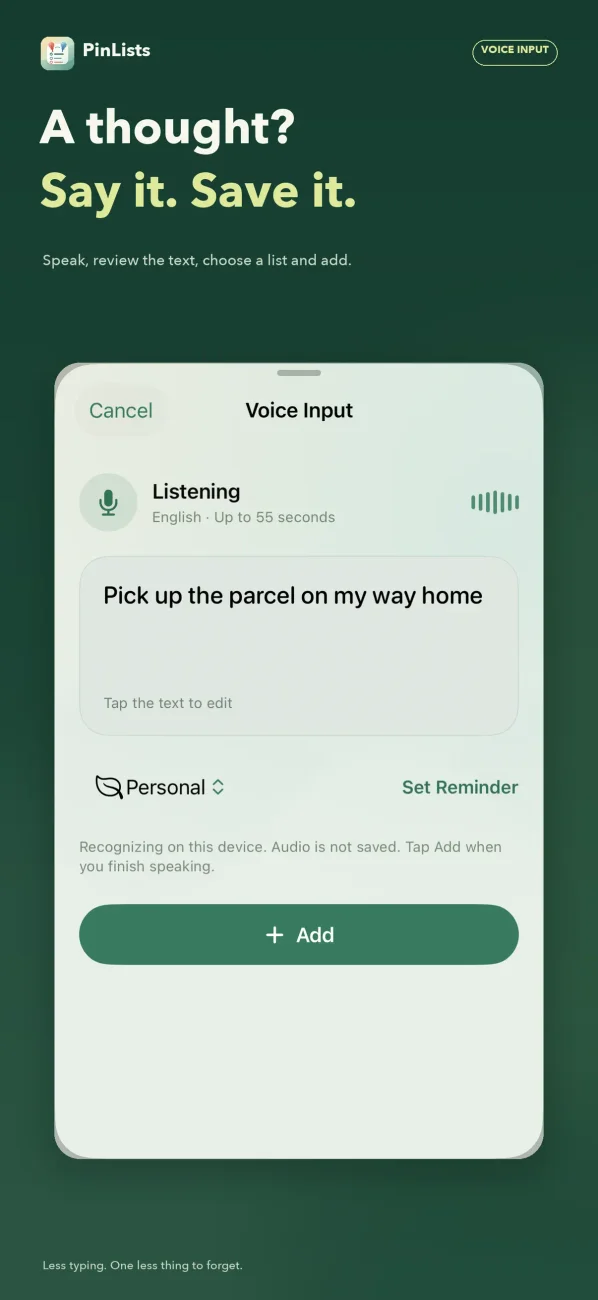
Add a task and choose its list, due date and reminder in the same flow. Turn speech into text in the app, or add a task through Shortcuts. Review recognized text before saving it.
KEEP IT IN VIEW
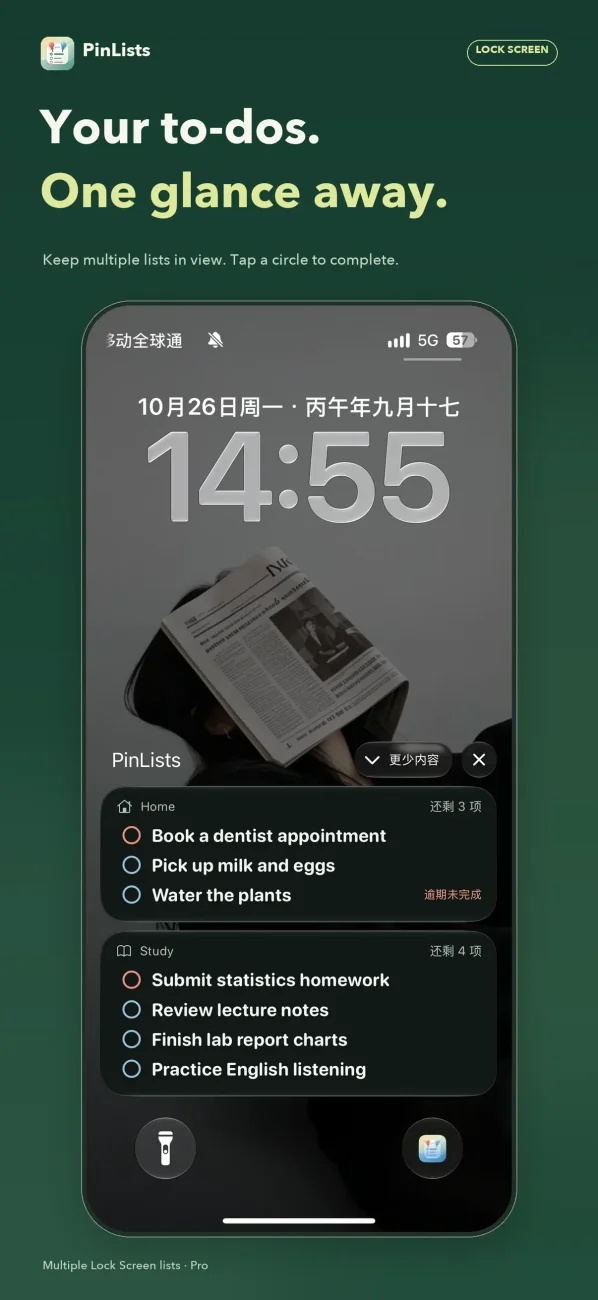
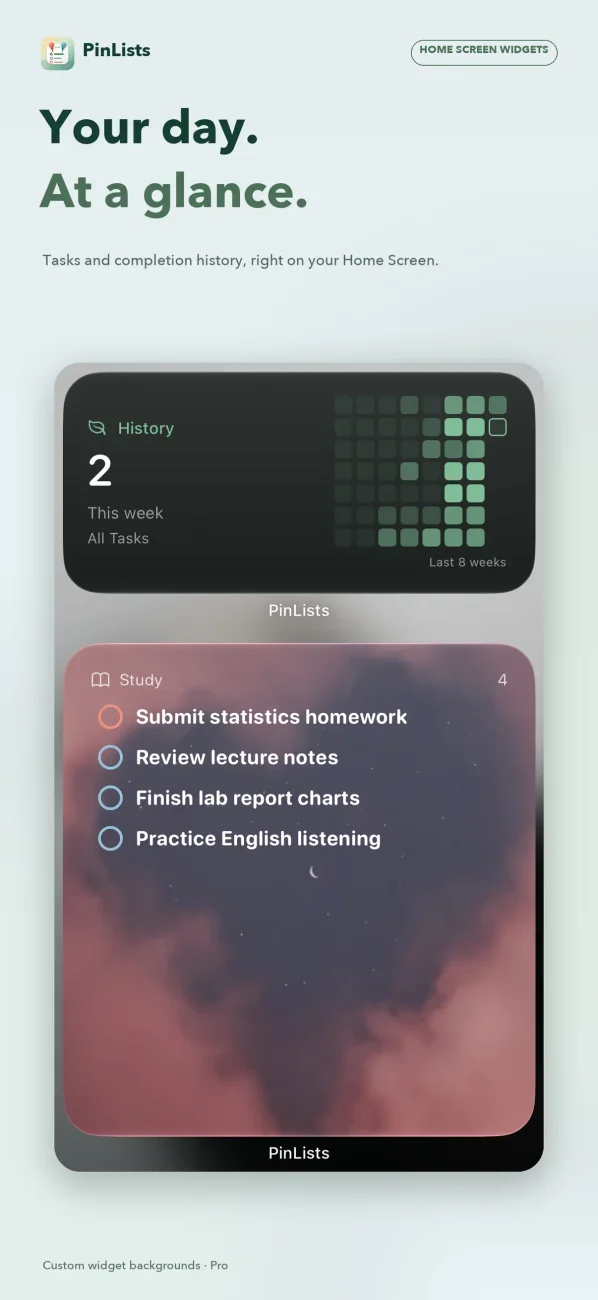
Pin pending tasks to a Lock Screen list and check off eligible items there. Add a Home Screen widget for another quick view. Lock Screen lists use iOS Live Activities; iOS controls their duration, number and arrangement.
FIND THE DETAILS
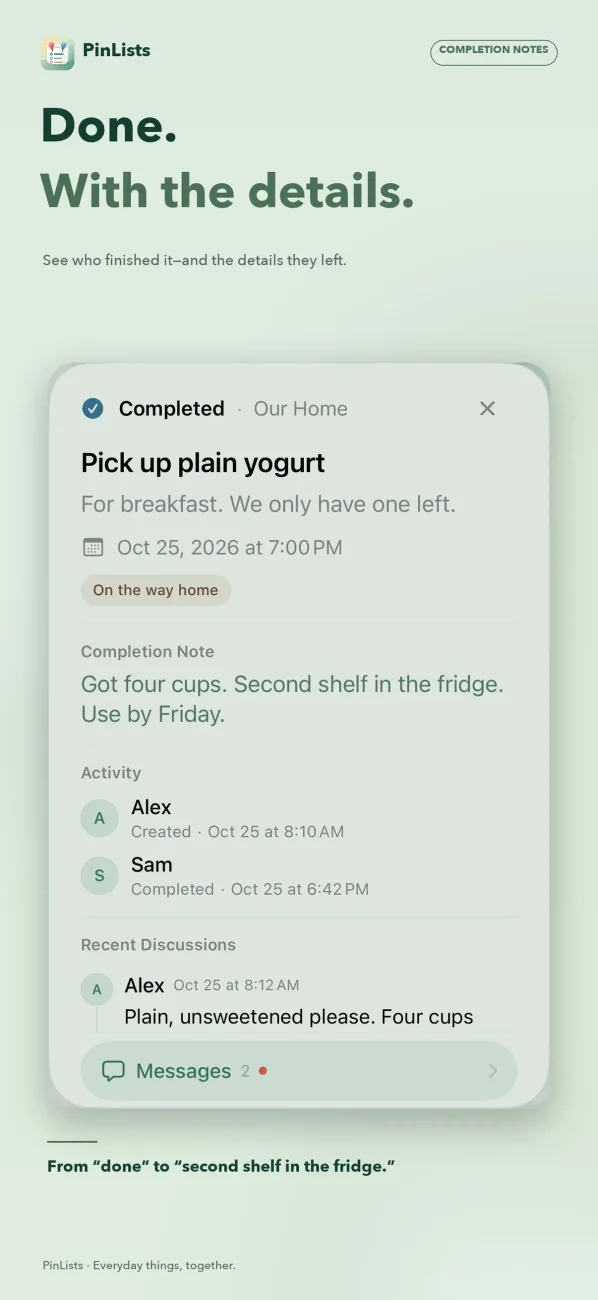
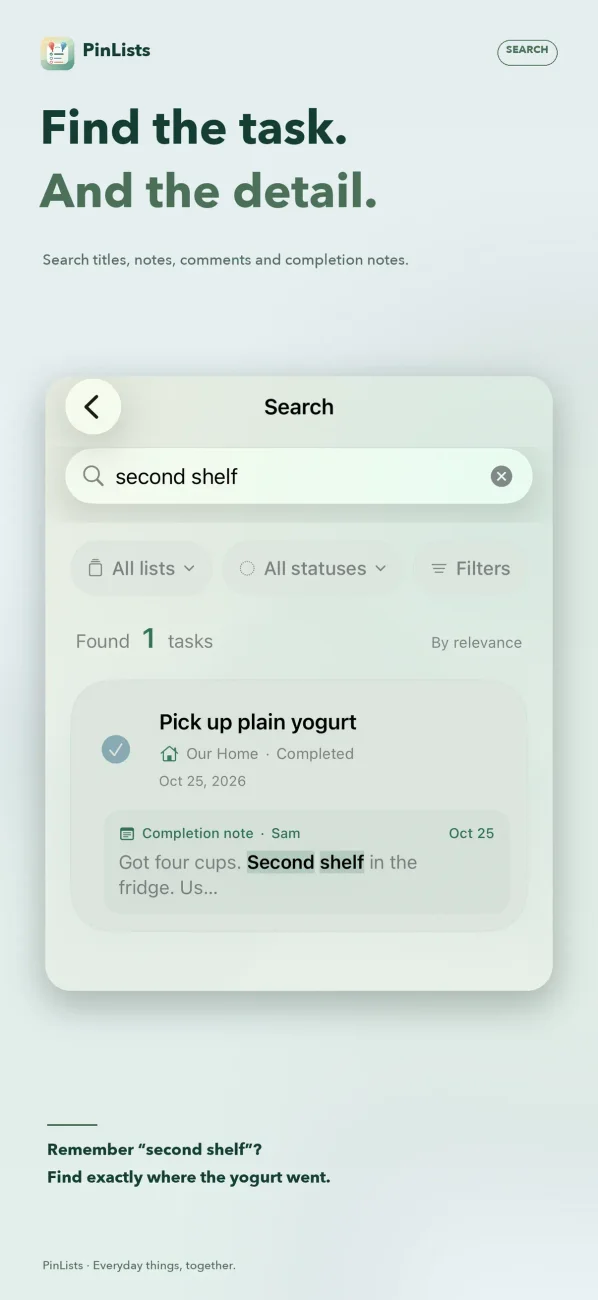
Search task titles, notes, completion notes and messages. Narrow results by list, status or tags. Leave a completion note to remember how something got done.
WORK TOGETHER
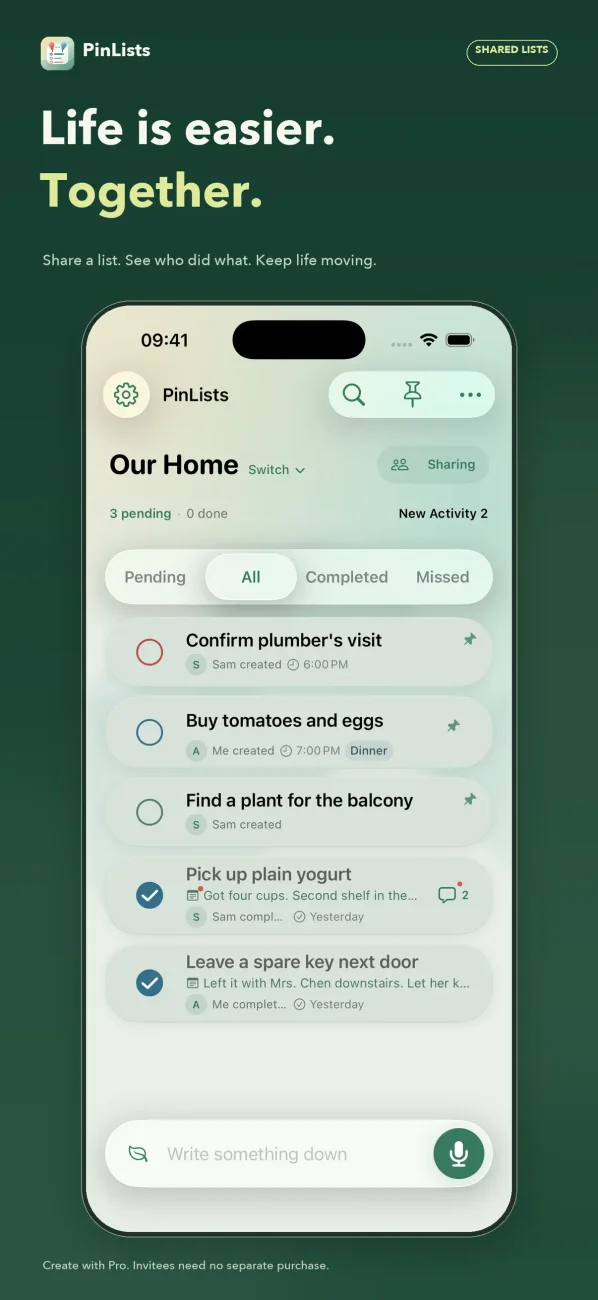
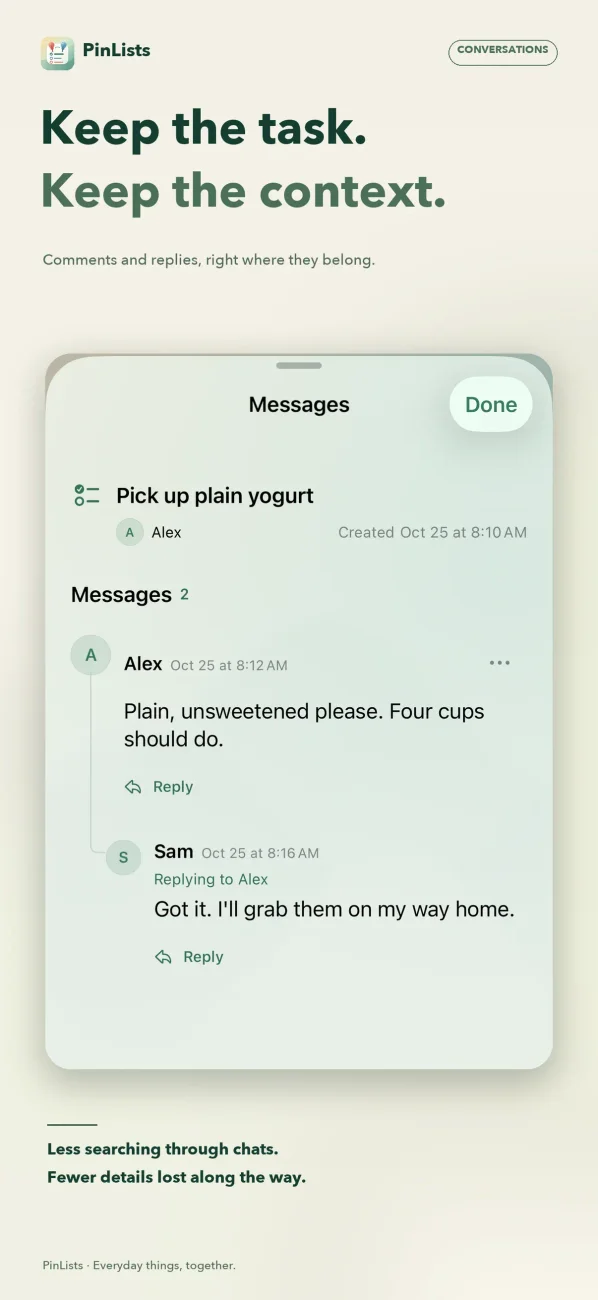
Share a selected list through iCloud. Members can discuss tasks with messages and replies, then mark the work complete. Personal tasks stay on your device. Joining someone else's shared list does not require Pro.
Core task management is free. Pro unlocks creating shared lists, preselecting two separate Lock Screen lists, more themes and appearance options, and advanced reminders. Pro is available as a monthly or yearly subscription or a lifetime purchase. The App Store purchase sheet shows your local price.
Terms of Use (EULA): https://www.apple.com/legal/internet-services/itunes/dev/stdeula/
What’s new
Version 1.0.4 · Nov 9, 2026
1. Added Lock Screen privacy controls: hide lists by default, customize the hidden message, and unlock to reveal a list. Tap Hide after viewing to conceal it again.
2. Added App Lock with Face ID, Touch ID, or your device passcode when opening or returning to the app.
3. Personalize Lock Screen lists with photo backgrounds, adjustable cropping, overlays, and opacity. A photo compatibility mode is also available.
4. Voice input now recognizes reminder times and repeat schedules in English and Chinese. Pause to review the results, then confirm to add.
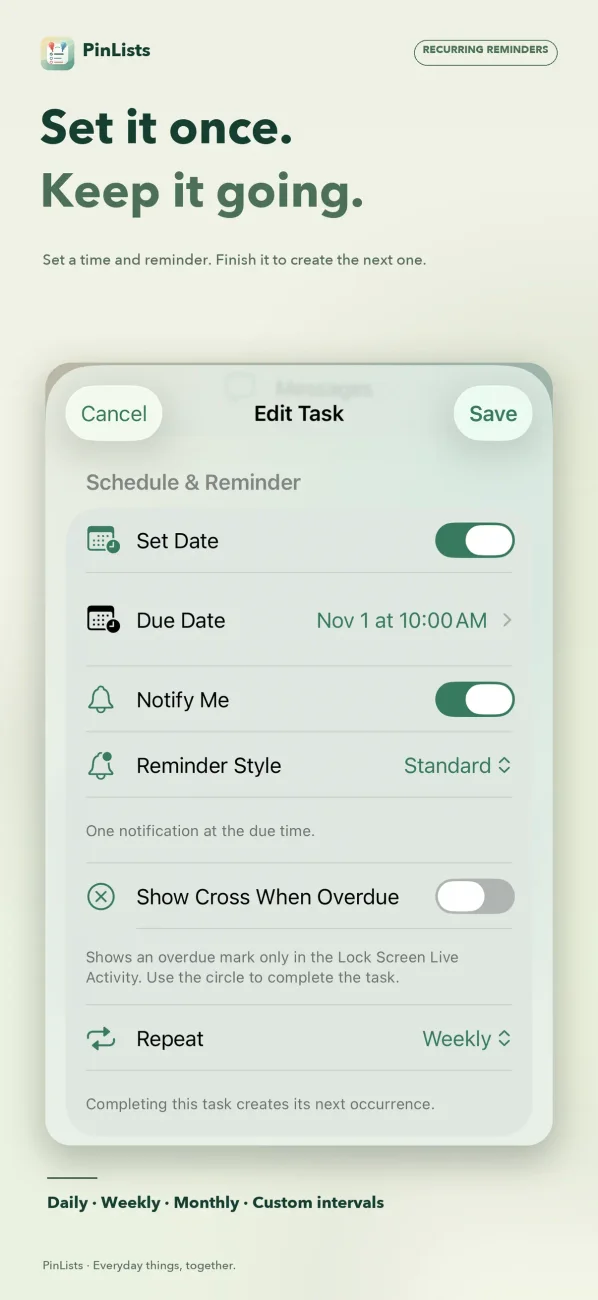
5. Choose specific days of the week for recurring reminders.
6. The Home screen input bar now collapses and expands as you scroll. A new Back to Top button makes long lists easier to navigate.
7. Improved dark mode for voice input, appearance previews, and the layout and touch behavior of the message input area.
8. Fixed a potential crash and improved reliability for shared lists and recurring tasks.
App privacy
What 晶 李 declares on the App Store about how this app handles data.
-
Data not collected
The developer does not collect any data from this app.
Privacy practices may vary, for example with the features you use or your age.
Information
- Seller
- 晶 李
- Category
- Productivity
- Version
- 1.0.4
- Updated
- Nov 9, 2026
- Released
- Oct 22, 2026
- Size
- 17.9 MB
- Requires
- iOS 17.2 or later
- Age rating
- 4+
- Price
- Free
- In-app purchases
- Yes
- Languages
- English, Simplified Chinese
- Copyright
- © 2026 lijing
You might also like
-
 Synca · Sync Your Aha MomentCapture Ideas, Synced Anywhere
-
 OneDay: Focus on today’s todoOnly what matters today
-
 Capylist: Countdown & DiaryDaily Habit Tracker · Calendar
-
 個人 CRMProductivity
-
 iWrote: Markdown Writer AppDrafts, Outline & Style Check
-
 Titanova: Life PlannerGoals, Habits, Tasks & Focus
-
 Remindio: Reminders & AlarmsReminders, Alarms & Repeats
-
 Bookmark Read Later - LinkjoyOffline, Highlight, Notebook
-
 EverTrans - 文本、语音、图片离线翻译助手Offline Translate
-
 NexPaste - Clipboard ManagerEverything you copy, in reach