
- Age rating4+
- CategoryPhoto & Video
- DeveloperErdinc Alper
- LanguagesEnglish+ 1 more
- Size54.8 MB
Links to the official App Store page
Download.org hosts no file of Pixel Camera (0.004MP). The button opens its official App Store page, published by Erdinc Alper. Listing last checked on Nov 16, 2026.
Screenshots

About
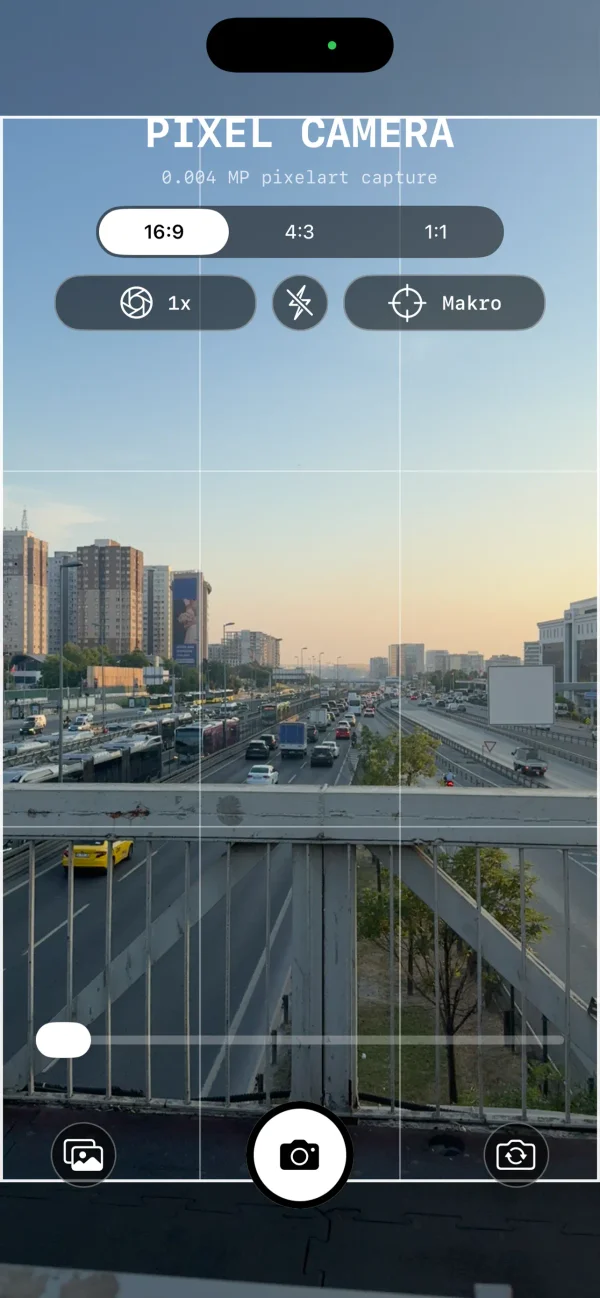
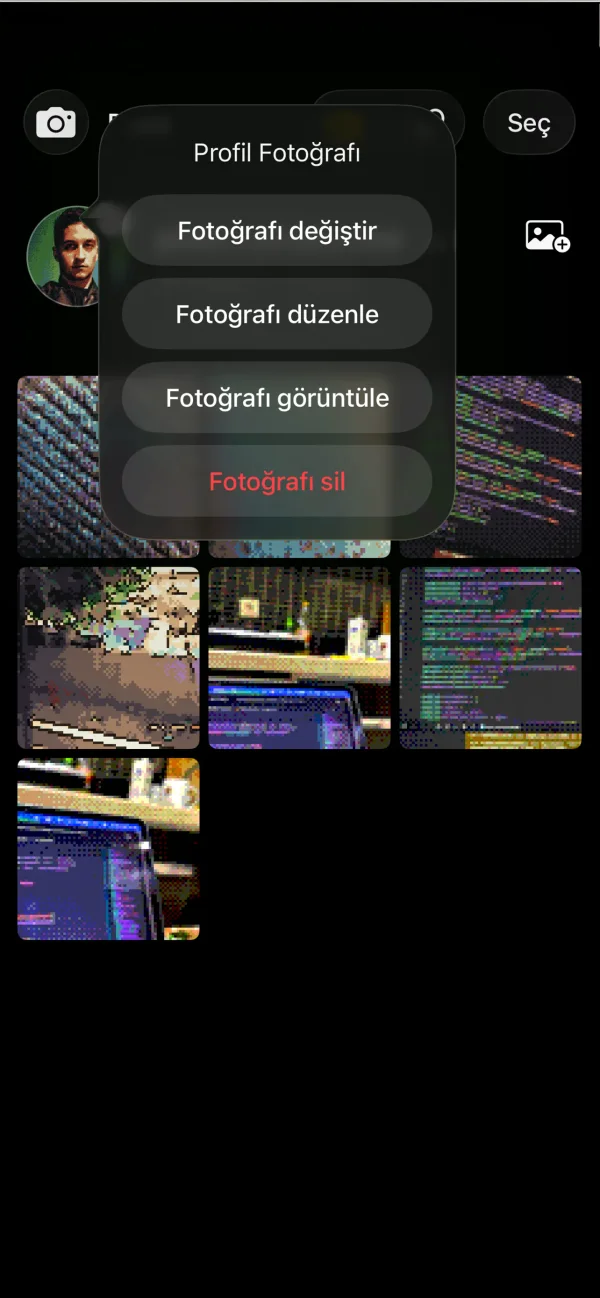
Pixel Camera 0.004MP is a camera app designed to capture photos in an ultra-low-resolution pixel art aesthetic.
With 16:9, 4:3, and 1:1 shooting modes, you can capture your photos in different aspect ratios and preview the pixel art look in real time before taking a shot.
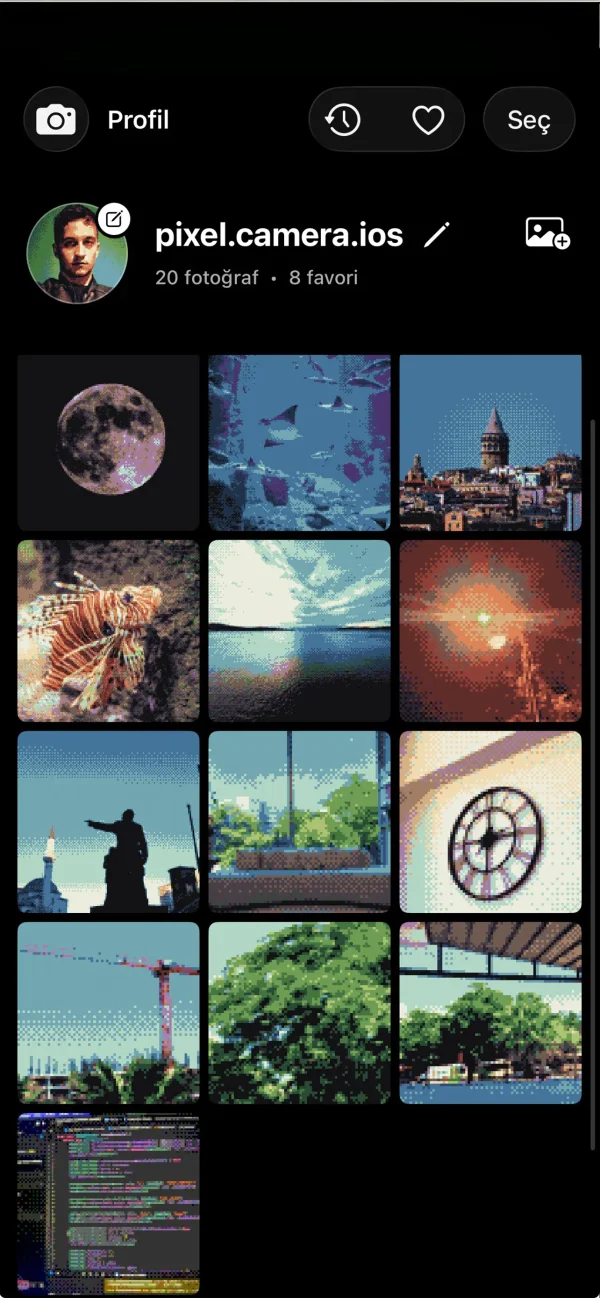
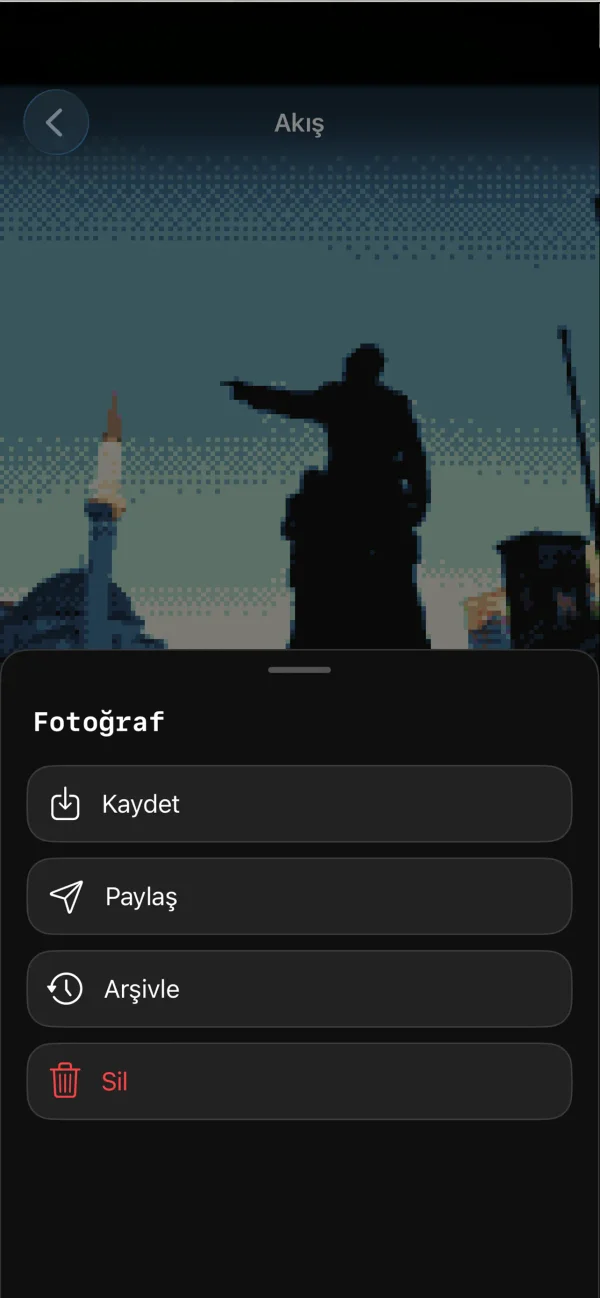
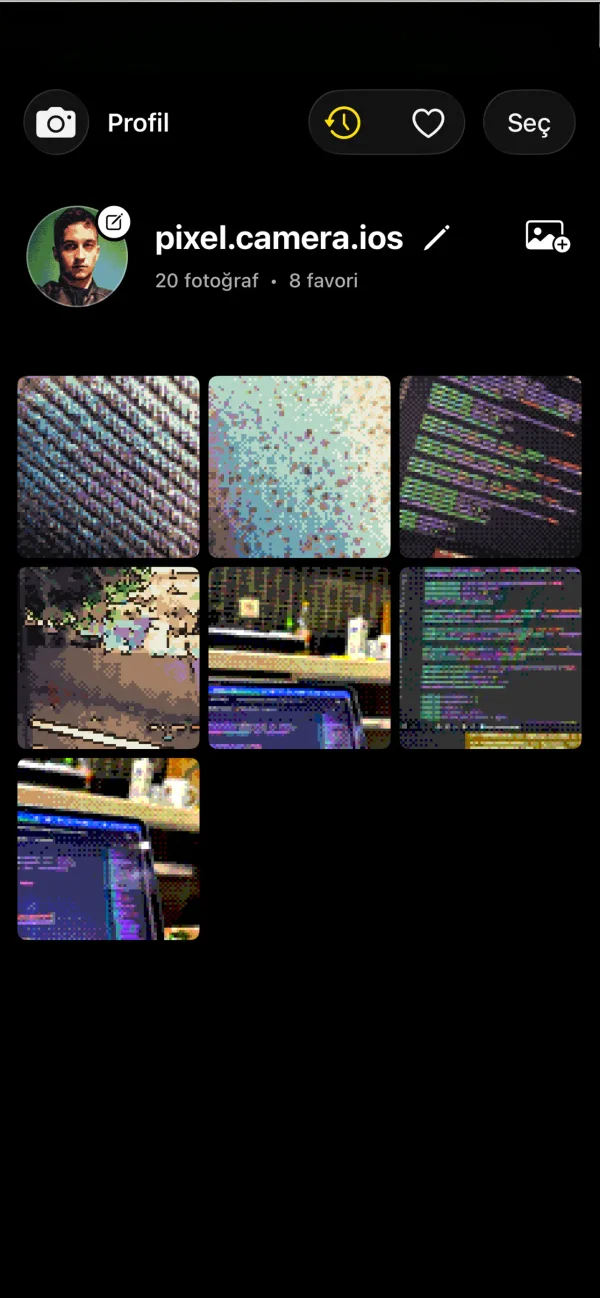
Your photos are saved to your in-app profile gallery, where you can favorite them, add comments, archive, share, or export them to your iPhone Photos.
What’s new
Version 1.3 · Nov 11, 2026
• Added 11 special color palettes with five-level brightness mapping.
• Redesigned the color palette screen with rounded previews and a three-column layout.
• Added a Live Pixel Art Preview setting with device-based performance recommendations.
• When Live Pixel Art Preview is disabled, the camera now displays a clean, unprocessed preview.
• Improved camera performance, battery usage, session management, and overall stability.
• Fixed the camera freezing after returning from the gallery.
• Improved camera zoom transitions and added digital zoom support in Macro mode without switching lenses.
• Fixed stretched camera output in 1:1 and 3:4 modes.
• Added a user-controlled cropping screen for uploaded photos.
• Added 9:16, 1:1, and 3:4 crop ratios with multiple resolution options.
• Added portrait and landscape orientation controls for uploaded photos.
• Added color palette selection directly to the photo upload screen.
• Fixed black areas appearing in the initial 9:16 crop preview.
• Improved gallery photo viewing with pinch-to-zoom focused on the selected area.
• Gallery controls are now hidden while zooming for a cleaner viewing experience.
• Added a download button for saving Pixel Art images directly to Photos.
• Added sound, vibration, privacy, About, Stats, and performance settings.
• Added detailed personal statistics, including uploaded photos, captured photos, total Pixel Art creations, time spent, ads watched, and daily creation streaks.
• Added Game Center leaderboards and achievements.
• Added 31 alternative app icons, plus a hidden Developer Exclusive icon.
• Added a “My Other Apps” page with links to other apps from the developer.
• Added an App Store rating section with a personal message from the developer.
• Improved photo importing, cropping, resolution handling, and original image orientation.
• Improved accessibility, localization, privacy information, UI consistency, and general performance.
• Added a hidden storage experience for curious users, along with a few other surprises.
• Fixed various bugs and made additional stability improvements.
App privacy
What Erdinc Alper declares on the App Store about how this app handles data.
-
Data not collected
The developer does not collect any data from this app.
Privacy practices may vary, for example with the features you use or your age.
Information
- Seller
- Erdinc Alper
- Category
- Photo & Video
- Version
- 1.3
- Updated
- Nov 11, 2026
- Released
- Jun 16, 2026
- Size
- 54.8 MB
- Requires
- iOS 15.6 or later
- Age rating
- 4+
- Price
- Free
- Languages
- English, Turkish
- Copyright
- © 2026 - Erdinç Alper
You might also like
-
 PIXEL.CAM - Pixel Art CameraASCII Retro Photo Filter Cam
-
 Pixca: Pixel CameraSeeing the World Through Pixel
-
 Pixellate CameraRetro camera in four colors
-
 16-Bit CameraRetro pixel photos & video
- Lume - Retro CameraFilm Filters & Photo Editing
-
 ZipClipsPhoto & Video
-
 ghPhoto: RAW Manual CameraDSLR Exposure & Photo Editor
-
 Tonalog26 Film & Retro Camera Filters
-
 taeppl.movRecord. Overwrite. Tape.
-
 NostaLens - Vintage CameraPhoto Filters & Analog Effects