
- Age rating17+
- CategoryDeveloper Tools
- DeveloperYONEMASU, K.K
- LanguagesJapanese+ 1 more
- Size11.6 MB
Links to the official App Store page
Download.org hosts no file of Pixel Contrast Checker. The button opens its official App Store page, published by YONEMASU, K.K. Listing last checked on Nov 8, 2026.
Screenshots
About
Ensure your designs are accessible and legible for everyone.
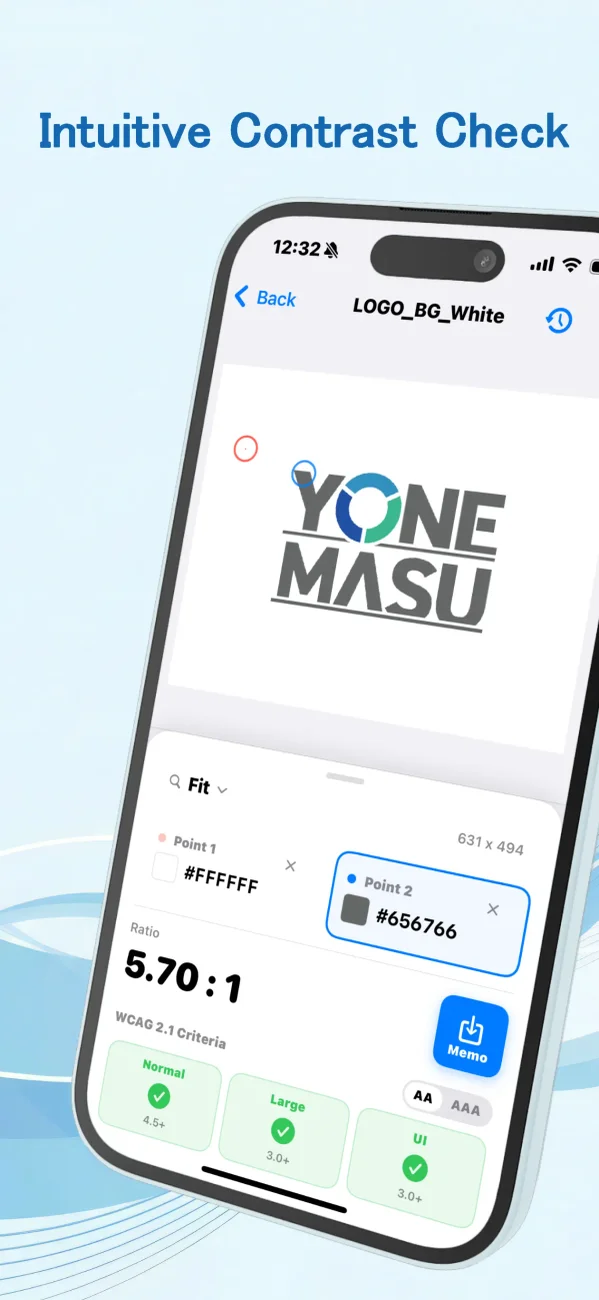
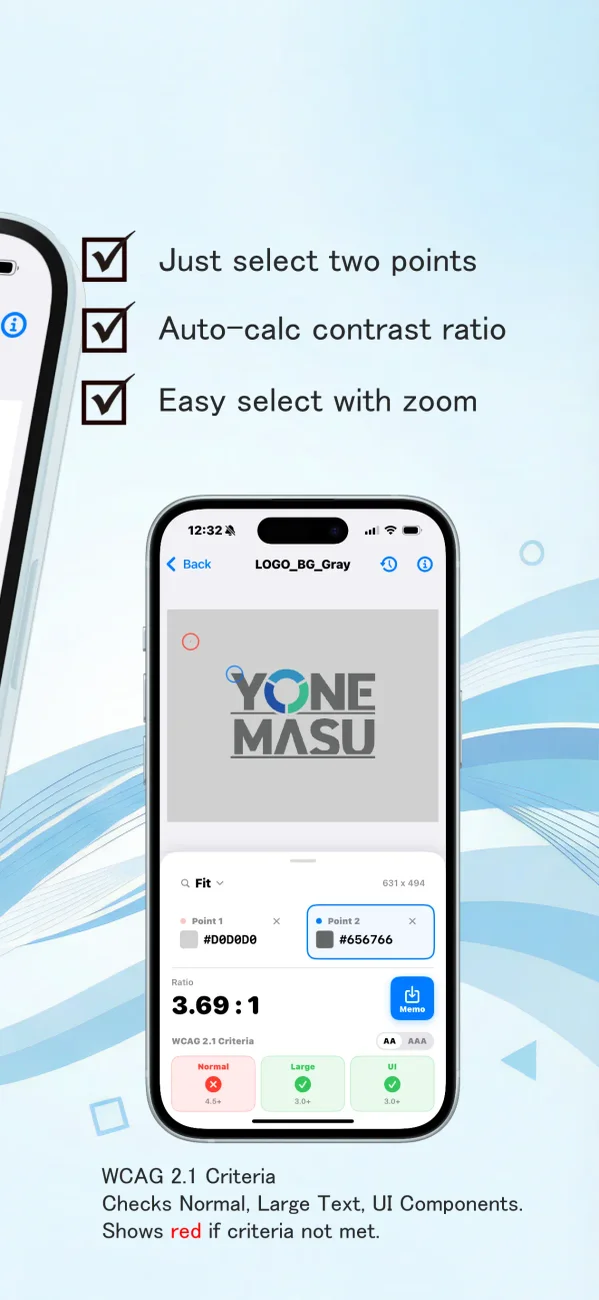
You can analyze images and URLs.Evaluate the color contrast of your web designs, app UIs, and presentation slides based on the WCAG 2.1 international standards. This app provides instant accessibility checks for Standard Text, Large Text, and UI components.
You can analyze images and URLs.
■ Key Features
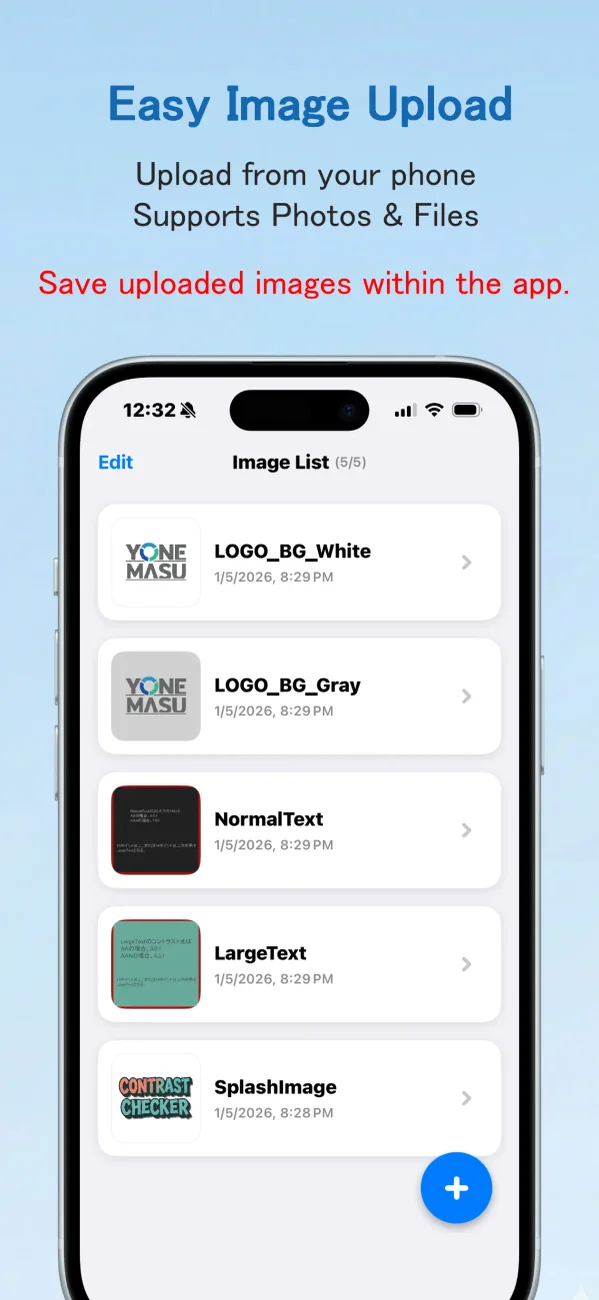
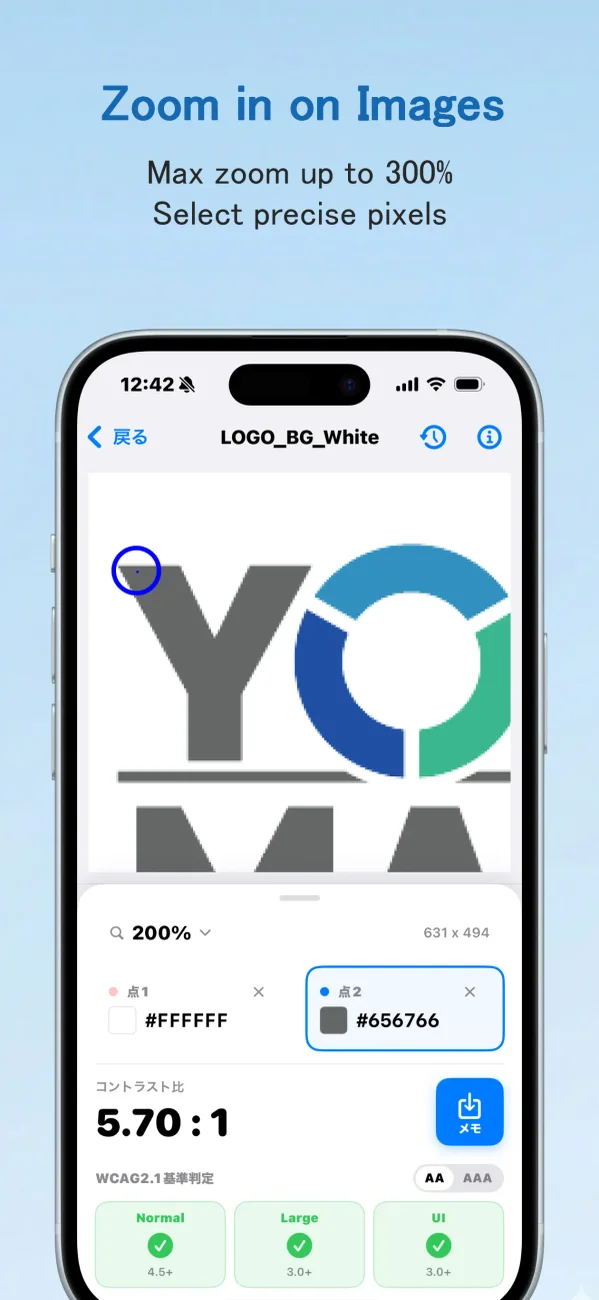
Simple Tap-to-Check Just upload an image and tap two points—the background and the text—to instantly calculate the contrast ratio. You can save up to 5 images within the app for quick reference without re-uploading.
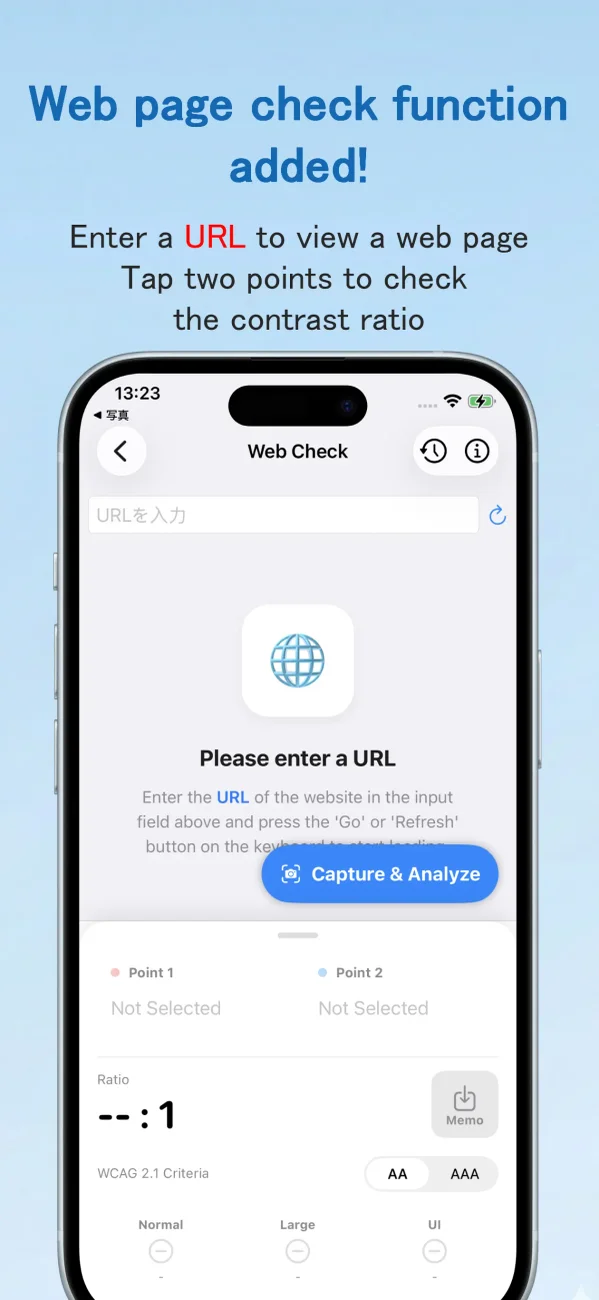
You can now display a web page by entering a URL and compare by tapping on the page.
300% Zoom Function Magnify your designs up to 300%. Even on a smartphone screen, you can examine fine details and ensure your work is perfect.
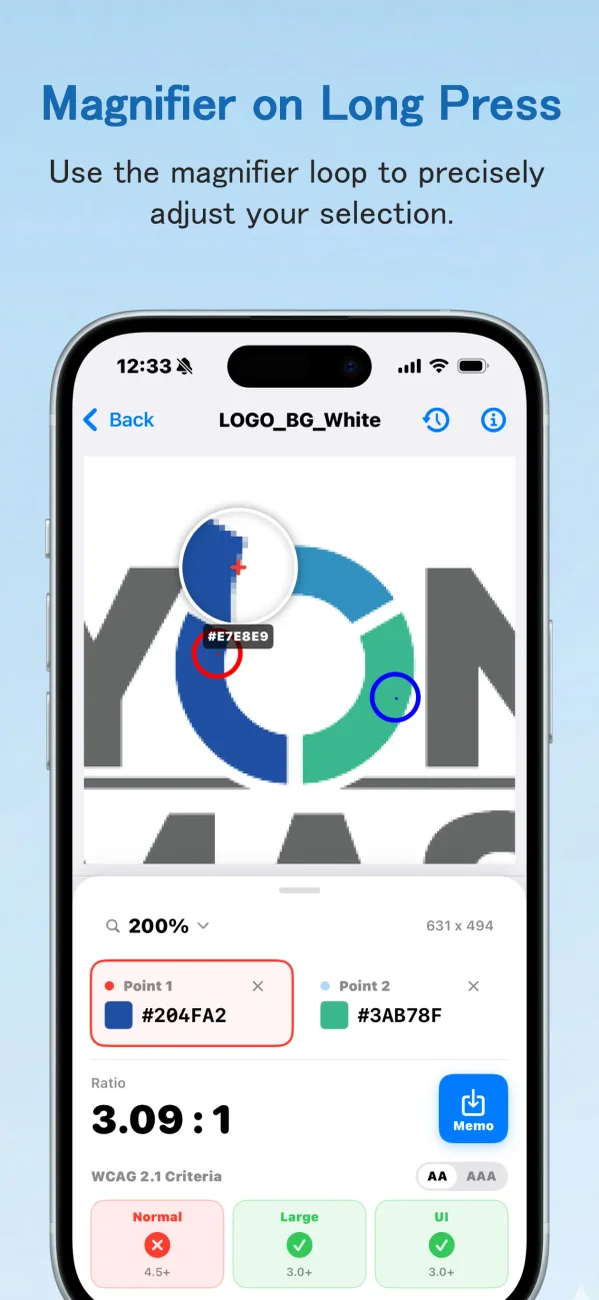
Precision Magnifying Glass (Loupe) The built-in magnifying glass appears when you tap, allowing you to target and select specific pixels with pinpoint accuracy—ideal for complex designs or gradients.
You can set the magnification of the loupe from 2x to 5x.
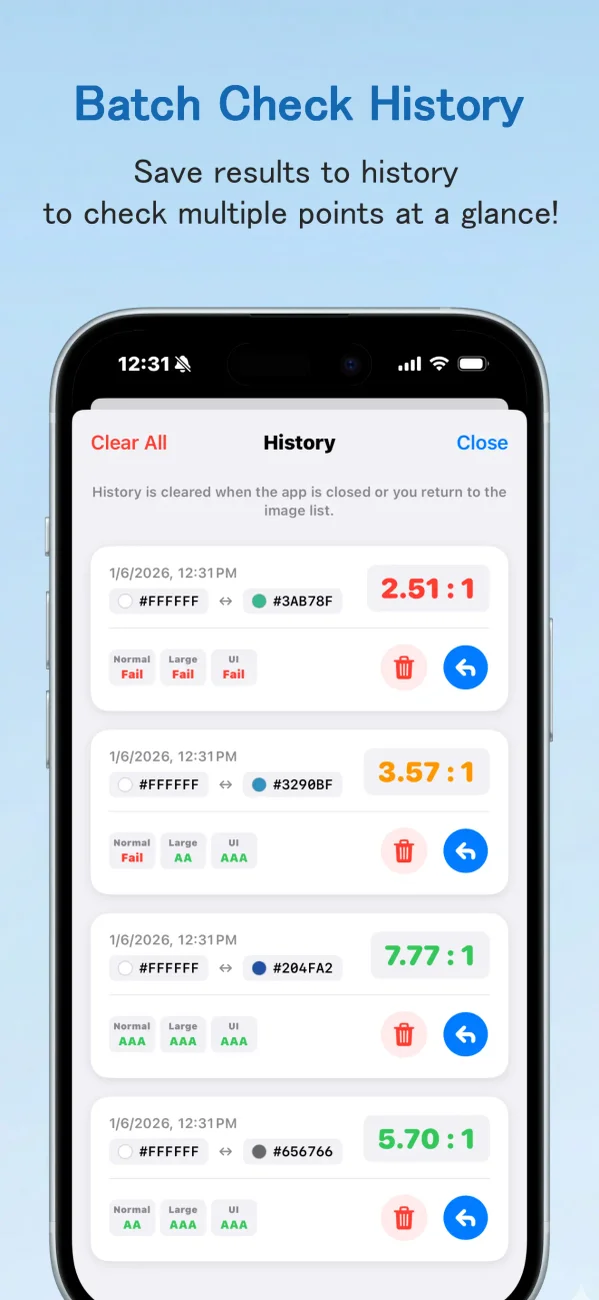
History Management Save your results with a single tap. View your history of contrast ratios and HEX color codes at a glance. (Note: History is maintained during the current session and resets when the app is closed or a new image is selected.)
Full WCAG 2.1 Compliance The app automatically determines if your colors meet the 4.5:1 ratio required for accessibility, making it easy to see if your content is truly readable.
■ Who It’s For
Web, UI, and UX Designers
App Developers & Front-end Engineers
Business professionals creating presentations or flyers
Any creator focused on inclusive, accessible design
■ Supported Formats
JPEG, PNG, and HEIC
High-resolution images up to 4000px
Import directly from your Photo Library or Files app
■ Privacy First
Your privacy is our priority. All image analysis is performed locally on your device. No data is ever uploaded to external servers.
What’s new
Version 1.4 · Jan 23, 2026
Change the initial selection on the check screen.
Compatible with iPad (full screen only).
App privacy
What YONEMASU, K.K declares on the App Store about how this app handles data.
-
Data used to track you
May be used to track you across apps and websites owned by other companies.
- Identifiers
- Usage data
- Diagnostics
-
Data linked to you
May be collected and linked to your identity.
- Identifiers
- Usage data
- Diagnostics
Privacy practices may vary, for example with the features you use or your age.
Information
- Seller
- YONEMASU, K.K.
- Category
- Developer Tools
- Version
- 1.4
- Updated
- Jan 23, 2026
- Released
- Dec 31, 2025
- Size
- 11.6 MB
- Requires
- iOS 18.3 or later
- Age rating
- 17+
- Languages
- Japanese, English
- Copyright
- © YONEMASU, K.K
You might also like
-
 Colour Contrast Checker WCAGAccessibility Test AA AAA Hex
-
 A11y ExampleDeveloper Tools
-
 HAP StudioHaptics for Everyone
-
 Accessibility TechniquesAccessibility Techniques/Demos
-
 Mobile IDE: AI App BuilderVibe Code Generator & Preview
-
 Aspect CropperResize the photos by ratio
-
 RailwayThe intelligent cloud provider
-
 Python IDE & Jupyter – JunoPython 3 compiler & notebooks
-
 WebSSH - Sysadmin ToolboxSSH & SFTP client since 2012!
-
 ResolutionerCalculate or scale resolutions