
Pixelarp: Pixel Art Coloring
Color by number, draw, animate
Designed for iPhone, iPad, iPod touch
Free · In-app purchases
- Age rating9+
- CategoryEntertainment
- DeveloperGallion Labs
- LanguagesEnglish+ 5 more
- Size62.7 MB
Links to the official App Store page
Download.org hosts no file of Pixelarp: Pixel Art Coloring. The button opens its official App Store page, published by Gallion Labs. Listing last checked on Nov 23, 2026.
Screenshots

About
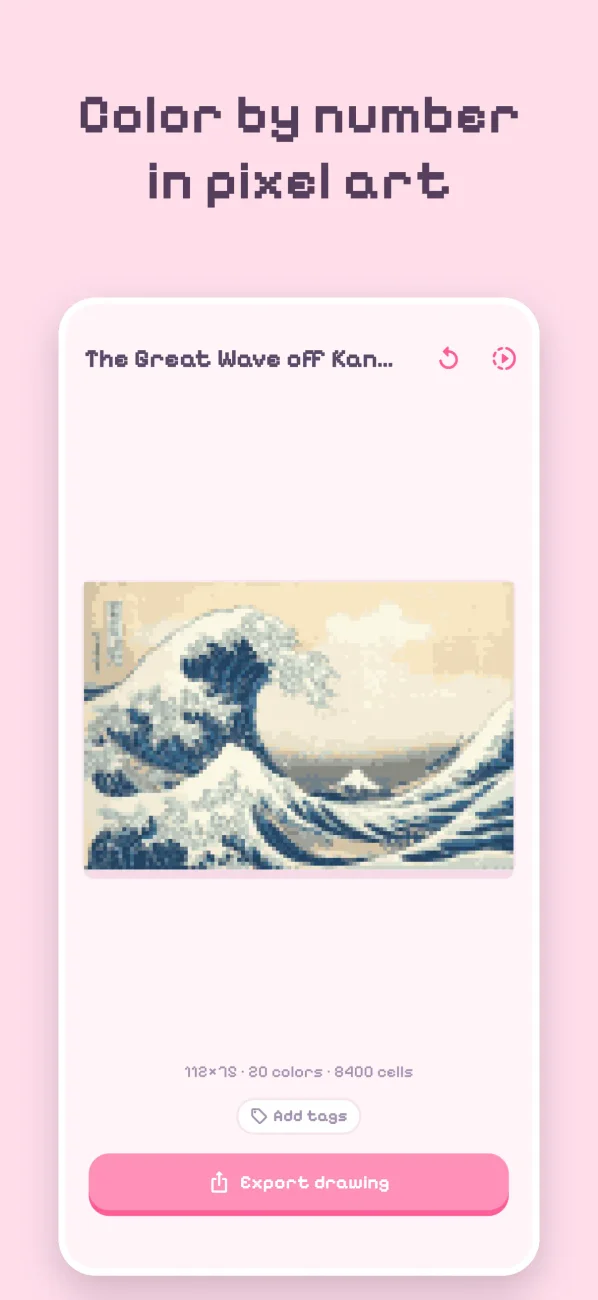
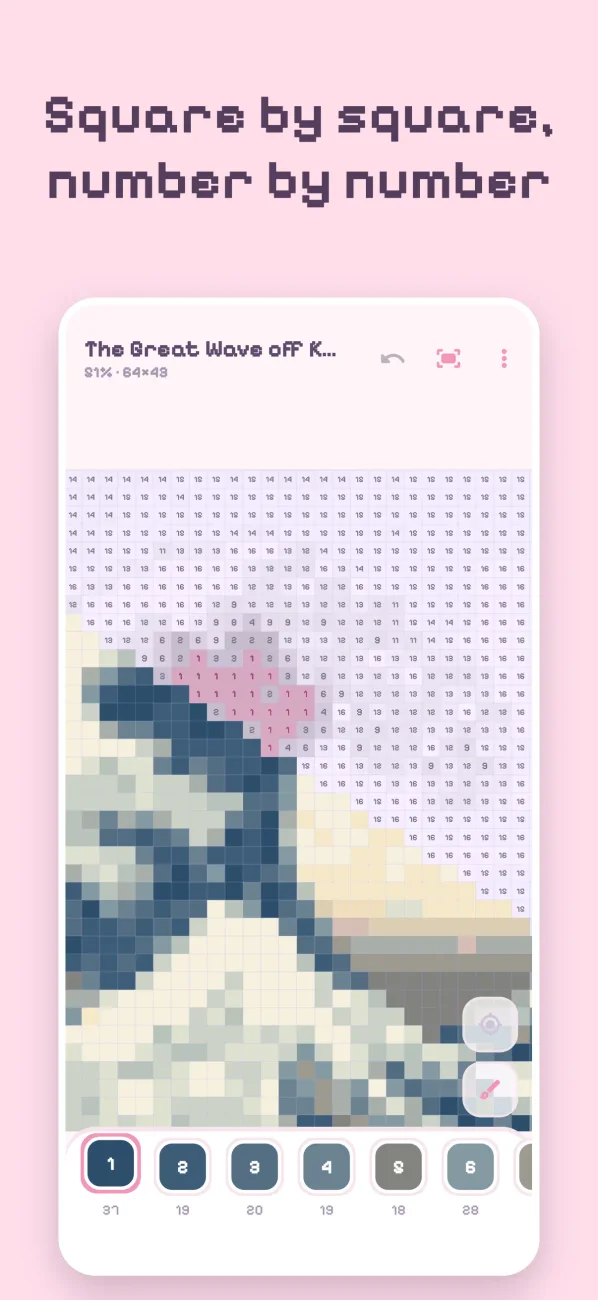
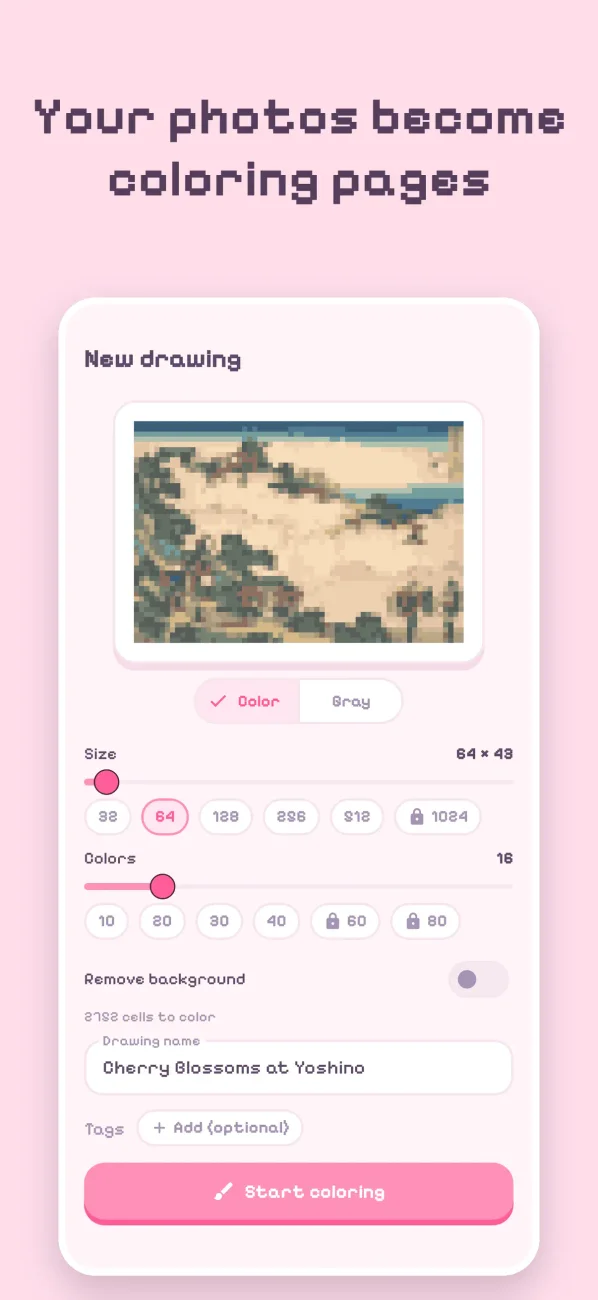
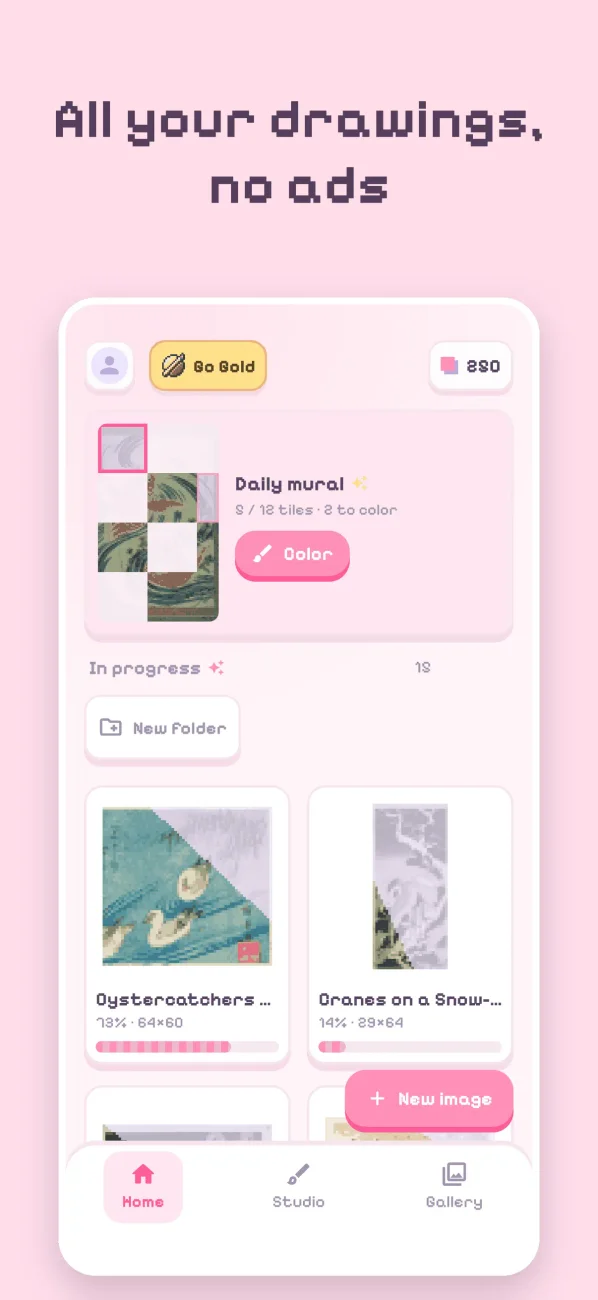
Pixelarp turns any image into a pixel art color-by-number. Pick a photo, set the grid size and the number of colors: your image becomes a grid of numbered squares to color.
COLOR AT YOUR OWN PACE
• Import your photos, or pick a museum artwork from the library: Japanese prints, animals, landscapes, flowers…
• From a tiny 32-pixel drawing to a huge 512-pixel piece.
• Brush, paint bucket, smooth zoom and a little “pop” on every square.
• When you finish, watch your drawing color itself again in fast forward.
• Relaxing coloring, with no timer and no ads.
DAILY CHALLENGE
One more tile each day to complete a giant mural. Missed a day? You can catch up.
THE STUDIO
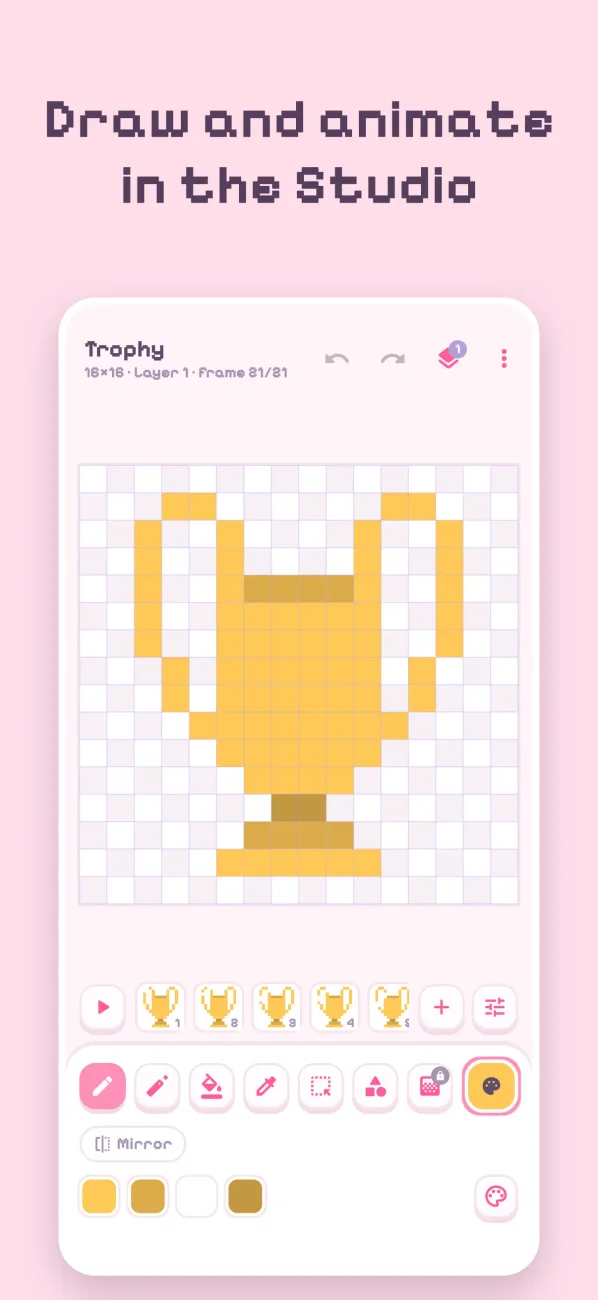
• A full pixel art editor: layers, pencil, bucket, eyedropper, magic wand, shapes and mirror symmetry.
• Place a reference image to practice.
• Animate frame by frame.
• Export as PNG, JPG, animated GIF or video.
PLAY WITH OTHERS
• Earn pixels by finishing drawings, unlock achievements and redecorate the whole app.
• Add friends, message each other and show off your best drawings on your profile.
• Put your creations up for auction and bid on others’, with your pixels.
YOUR DRAWINGS ARE YOURS
• No ads, no tracking.
• No account needed: your drawings stay on your phone.
• With an account, they are backed up and follow you across your devices.
• The private folder never leaves your phone.
PIXELARP GOLD (OPTIONAL)
Coloring pages up to 1024 pixels per side and 80 colors, double pixels earned, unlimited paint bucket, long animations, dither and gradient, enlarged export and exclusive decorations. Monthly or yearly subscription, or a one-time lifetime purchase.
The subscription renews automatically unless canceled at least 24 hours before the end of the current period. You can manage or cancel it in your store account settings.
Terms of use: https://pixelarp.app/en/terms
Privacy: https://pixelarp.app/en/privacy
What’s new
Version 1.1.0 · Nov 22, 2026
Big update! A High Definition machine has stolen Pixelarp’s pixels: color to get them back and save ten worlds, from the Countryside to the Jurassic. Each world you save dresses the whole app in its universe: animated scenery, colors and sounds.
Also: the Daily challenge and your streak, murals with friends, a PDF pattern for beads and cross-stitch, a calendar of your pixels, favorites, your coloring replayed stroke by stroke, and the app in Japanese, German and Portuguese.
App privacy
What Gallion Labs declares on the App Store about how this app handles data.
-
Data linked to you
May be collected and linked to your identity.
- Purchases
- Contact info
- Contacts
- User content
- Identifiers
- Usage data
- Diagnostics
Privacy practices may vary, for example with the features you use or your age.
Information
- Seller
- GALLION LABS
- Category
- Entertainment
- Version
- 1.1.0
- Updated
- Nov 22, 2026
- Released
- Nov 6, 2026
- Size
- 62.7 MB
- Requires
- iOS 15.0 or later
- Age rating
- 9+
- Price
- Free
- In-app purchases
- Yes
- Languages
- English, French, German, Japanese, Portuguese, Spanish
- Copyright
- © 2026 Gallion Labs
You might also like
-
 My Pixel PicsColour by Number
-
 Pixel PrintKeep your kids entertained!
-
 My Stream Agenda Esport/EventsStreaming & Esport Calendar
-
 Pixel Color by Numbers: PixfunAI Coloring Book and Photo Art
-
 BLOOP CincinnatiDiscover public art in Cincy!
-
 Wheel Spinner: Finger ChooserFast Choice, Spin the Wheel
-
 Pixel Art Coloring: Color TapKids drawing & bead patterns
-
 2YTube : Video Lite PlayerPlay Music in Background & PiP
-
 Pixel Art: Coloring by NumberPaint by number for all ages
-
 CardNexus: TCG MarketplaceBuy, Sell & Scan TCG Cards