
- Age rating4+
- CategoryEntertainment
- DeveloperJan Nutbroek
- LanguagesEnglish
- Size4.3 MB
Links to the official App Store page
Download.org hosts no file of Pixel Print. The button opens its official App Store page, published by Jan Nutbroek. Listing last checked on Nov 18, 2026.
Screenshots
About
What’s Pixel Print all about?
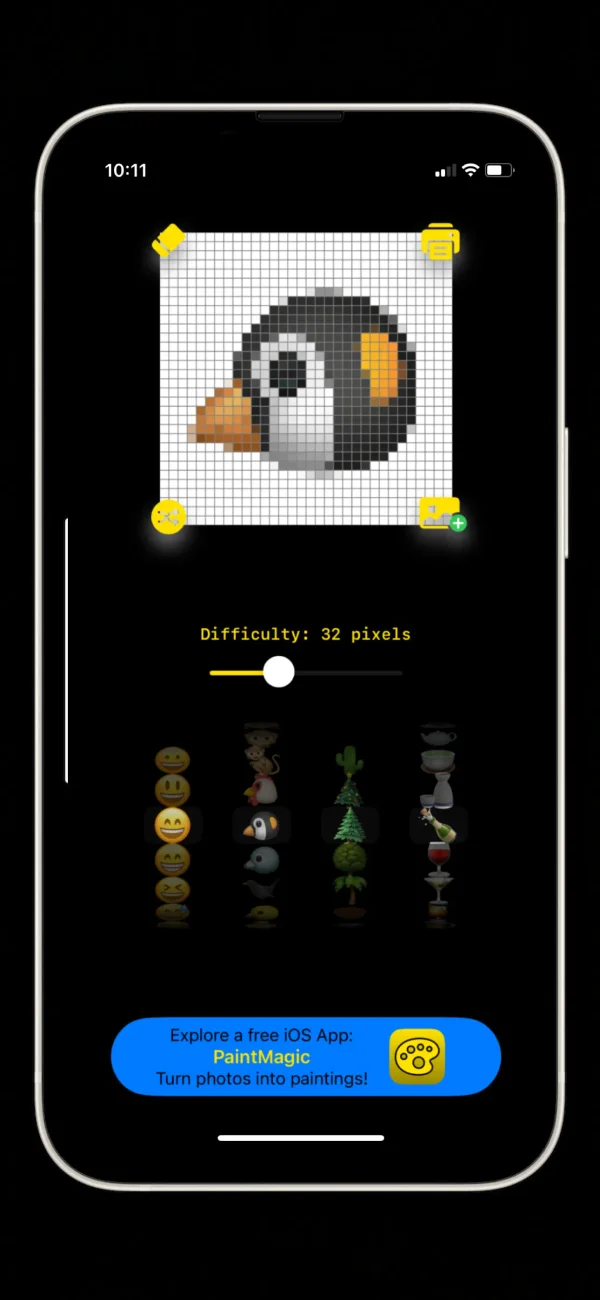
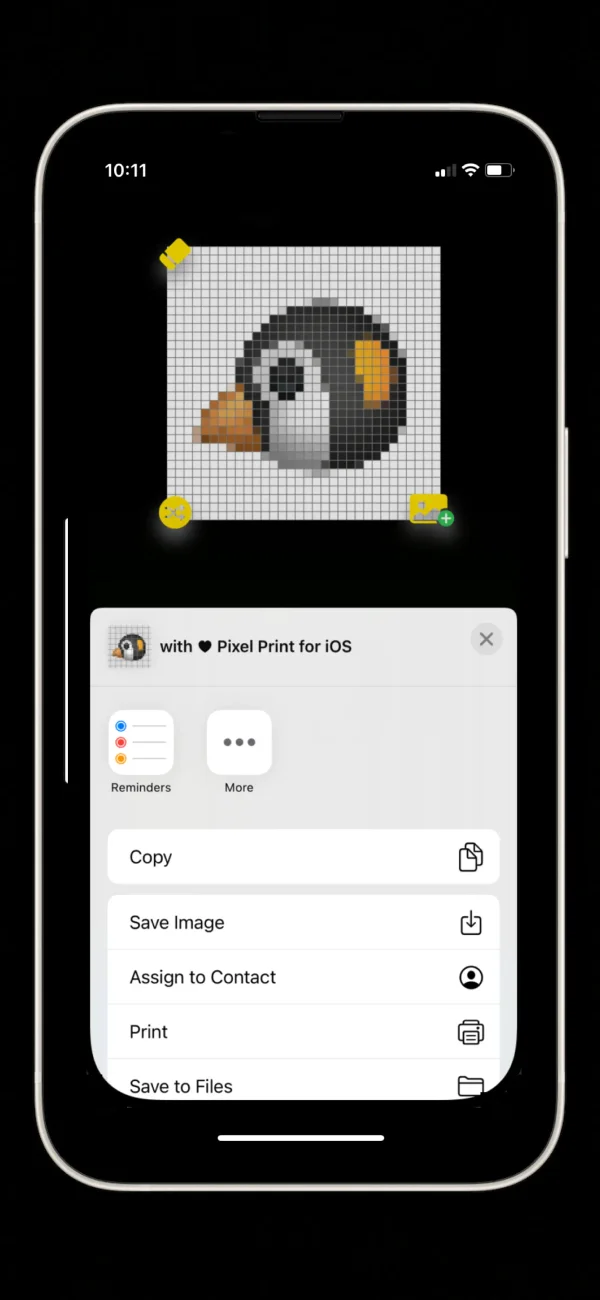
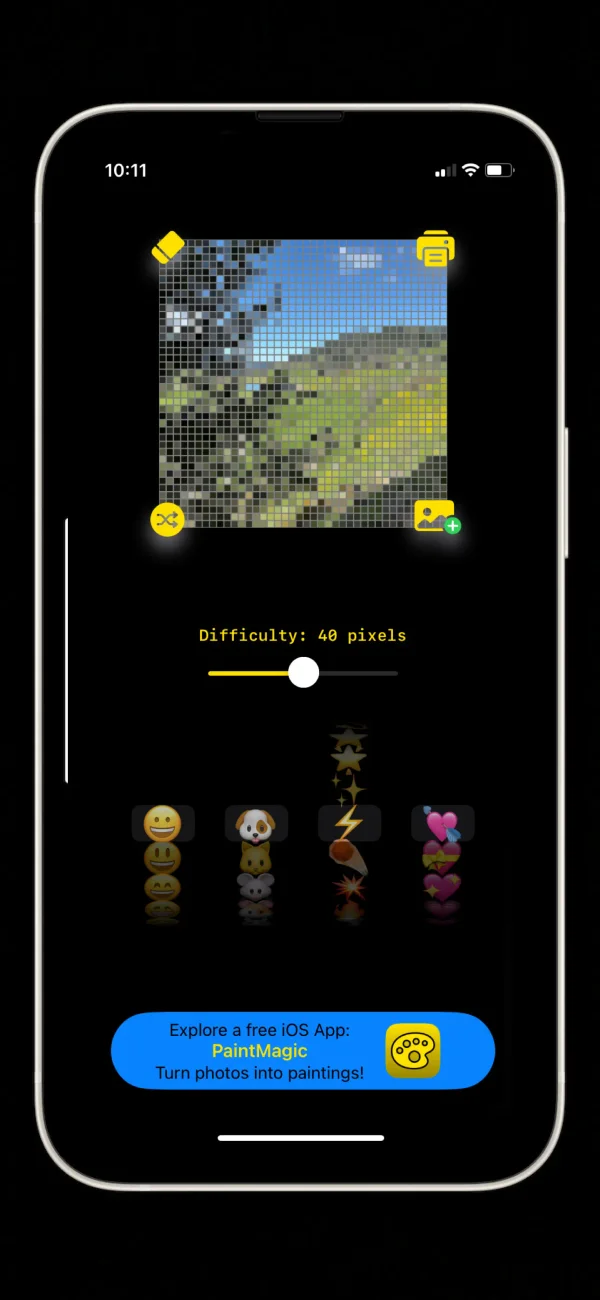
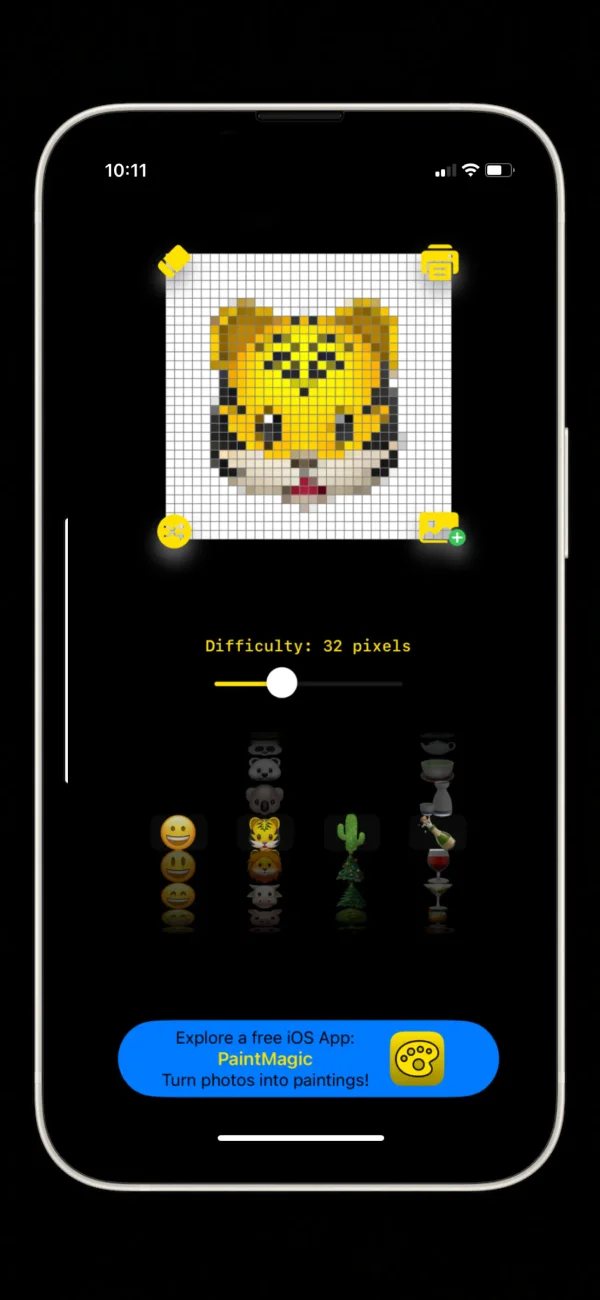
Turn your favorite emojis and photos into fun Pixel Art creations you can recreate on paper!
Zoom in, count the pixels, and bring your art to life with pencils or markers.
No grid paper? No problem! Just tap the eraser (top left) to generate and print a blank grid to draw on.
Simple, creative, and seriously fun.
Let your inner pixel artist shine!
A truly free App - no ads, no subscription, no In-App purchase, no sign-up, and no “pro” version.
Just pure, fun and private, with zero strings attached !
What’s new
Version 1.4 · Jun 12, 2026
- Update for iOS 26
App privacy
What Jan Nutbroek declares on the App Store about how this app handles data.
-
Data not collected
The developer does not collect any data from this app.
Privacy practices may vary, for example with the features you use or your age.
Information
- Seller
- Jan Nutbroek
- Category
- Entertainment
- Version
- 1.4
- Updated
- Jun 12, 2026
- Released
- May 27, 2024
- Size
- 4.3 MB
- Requires
- iOS 16.0 or later
- Age rating
- 4+
- Price
- Free
- Languages
- English
- Copyright
- © 2024 JF Nutbroek
You might also like
-
 8Bit Pixel Art Editor 2024Pixel Drawing Sandbox Editor
-
 Pixelarp: Pixel Art ColoringColor by number, draw, animate
-
 ZeroOneFlowA universe in 0 and 1
-
 Sand and WaterPixel Engine simulate gravity
-
 FreeCell+Solitaire+SpiderEntertainment
-
 Rewatch: Movie & TV DiaryTrack films, shows & rewatches
-
 Pixel Art Maker - 8 Bit PixelsDraw sprites, stickers & PNG
-
 Glazzy: Pixel Art by NumberColoring Book & Color Games
-
 Book of mandalas to paintColoring book to paint
-
 Pixel Color by Numbers: PixfunAI Coloring Book and Photo Art