PixelForge - AI Art
Private On-Device AI Art
Designed for iPhone, iPad
Free · In-app purchases
- Age rating12+
- CategoryGraphics & Design
- DeveloperJeff Burns
- LanguagesEnglish+ 6 more
- Size3.1 GB
Links to the official App Store page
Download.org hosts no file of PixelForge - AI Art. The button opens its official App Store page, published by Jeff Burns. Listing last checked on Nov 14, 2026.
Screenshots

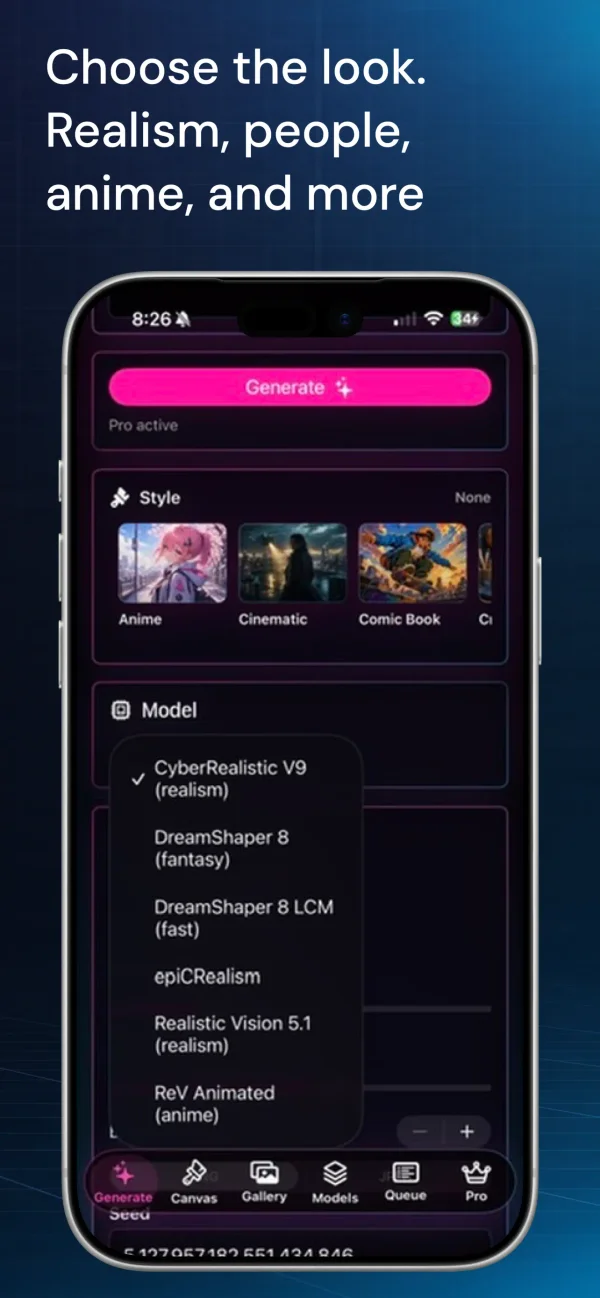
About
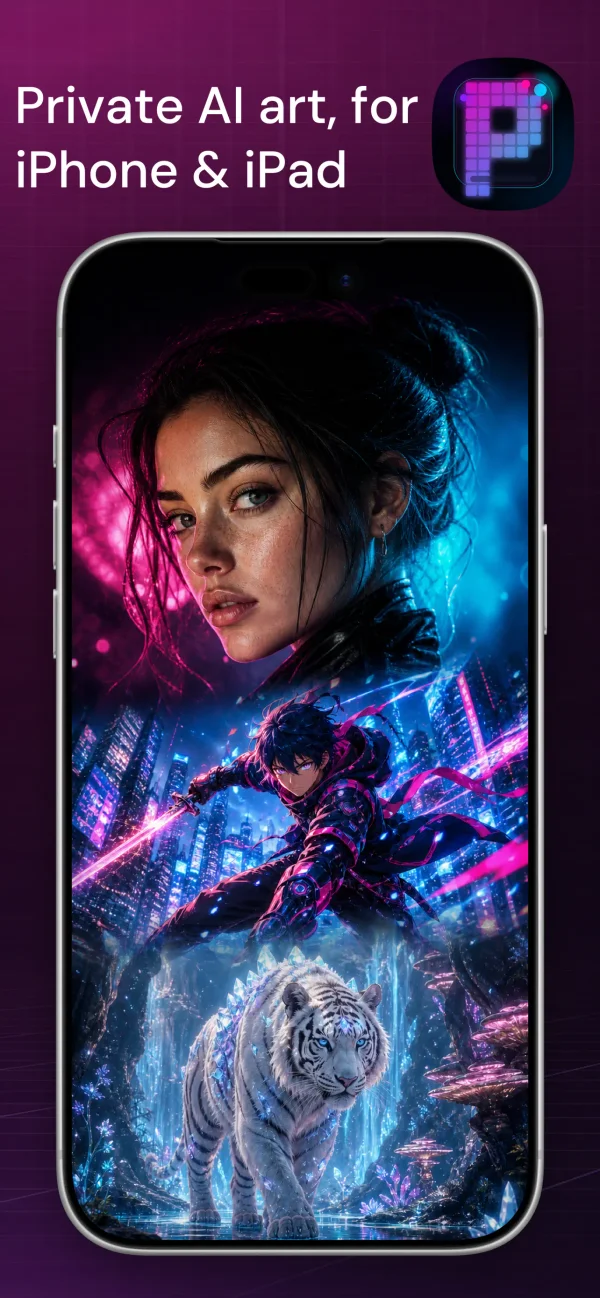
PixelForge is a private AI image studio for iPhone and iPad. Create artwork, portraits, anime-style characters, wallpapers, concept art, and creative variations from simple text prompts.
Generation runs on your device. No cloud rendering. No prompt uploads. Your prompts, images, seeds, and gallery history stay stored locally on your device.
PixelForge includes:
Private on-device AI image generation
Local models for realism, anime, and creative art styles
Prompt and negative prompt controls
Style presets with visual previews
Batch generation for multiple results at once
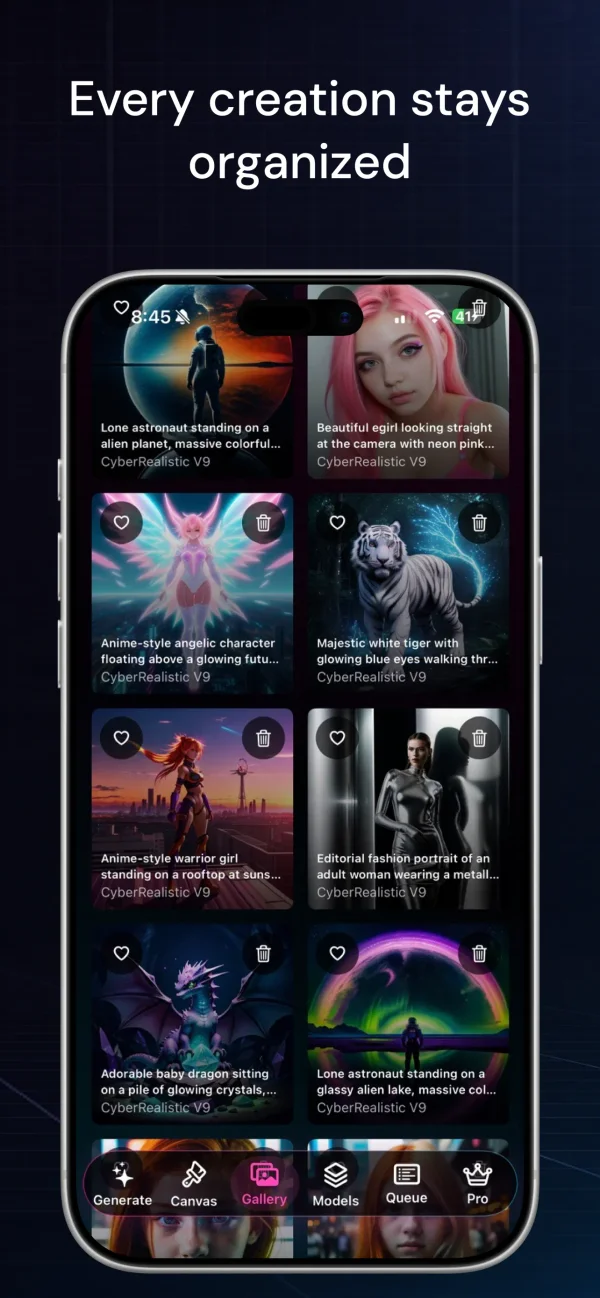
A built-in gallery with favorites, delete, and saved history
Saved image details including prompt, seed, model, style, and settings
Image variations from previous results
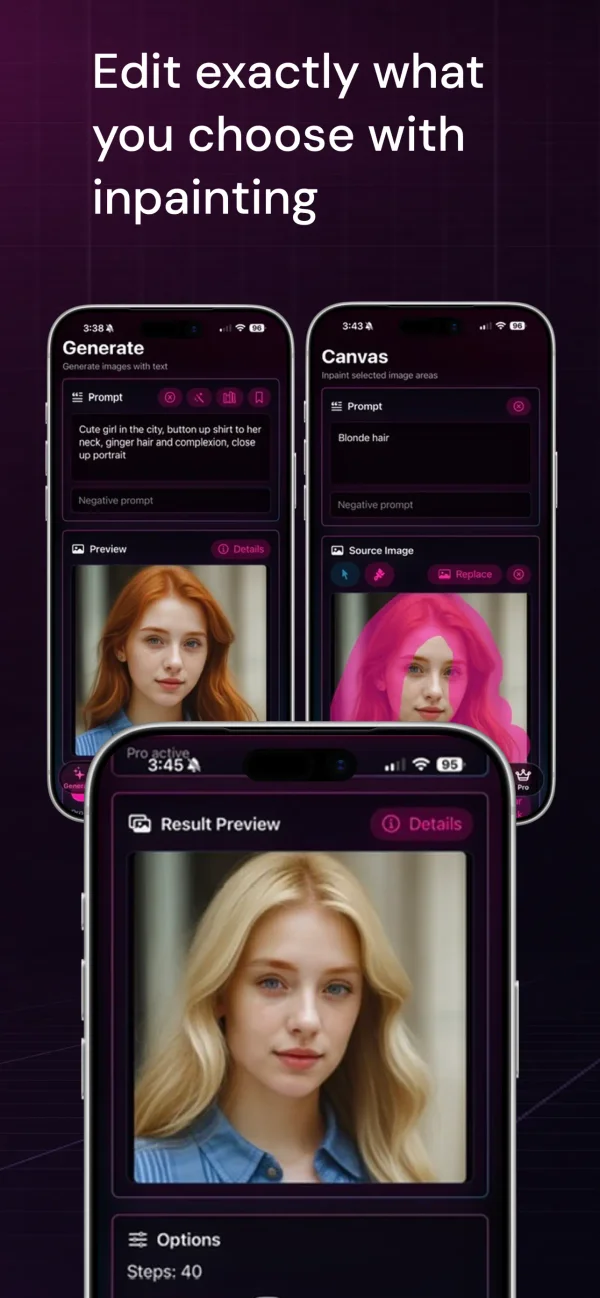
Canvas inpainting for masked photo edits
Plain-English setting tips for better results
PixelForge is built for creators who want AI art without sending every idea to a server. Make profile art, character concepts, wallpapers, reference images, photo-style scenes, and creative experiments directly on your device.
You can create 10 images free after install. After that, unlimited creation and advanced features require a one-time in-app purchase.
Device Requirements
Requires iOS 26 or iPadOS 26 or later.
Recommended for best performance:
iPhone 15 Pro or newer
iPhone 16 series
iPhone 17 series
iPad with Apple silicon
Older compatible devices may run slower, especially when loading a model for the first time.
What’s new
Version 2.2 · Aug 30, 2026
-New Features
Prompts now persist across user sessions
Seeds can be locked and unlocked to make consistent generation easier (restoring a images settings auto locks the seed)
-Bug Fixes
Fixed an issue where image upscaling could force iOS to close the app from low memory
App privacy
What Jeff Burns declares on the App Store about how this app handles data.
-
Data not collected
The developer does not collect any data from this app.
Privacy practices may vary, for example with the features you use or your age.
Information
- Seller
- Jeff Burns
- Category
- Graphics & Design
- Version
- 2.2
- Updated
- Aug 30, 2026
- Released
- Jul 17, 2026
- Size
- 3.1 GB
- Requires
- iOS 26.0 or later
- Age rating
- 12+
- Price
- Free
- In-app purchases
- Yes
- Languages
- English, French, German, Japanese, Portuguese, Simplified Chinese, Spanish
- Copyright
- © Jeffrey Burns
You might also like
-
 PixelForge - Pixel Art StudioDraw, Animate & Export Sprites
-
 Conjure: Offline AI ImagesPrivate AI Image Generator
-
 Local AI Art: Offline MagicOffline Image Generator
-
 Local AI Art: PhoneDiffusionOffline Image Generator
-
 ImageLab: AI Anime GeneratorLocal Art, Photo & Images
-
 Product Photo Maker: SellerKitBackground Remover & Editor
-
 AI Photo Generator - Image AIAI Avatar,Art, image generator
-
 LocalGen: AI Art PlaygroundOffline Image Generator
-
 Sogni: AI Image, Video & MusicCreate, Edit, Enhance, Animate
-
 Comfyui AI : Image GeneratorTurn text into AI images