PixelForge - Pixel Art Studio
Draw, Animate & Export Sprites
Designed for iPhone, iPad, iPod touch
Free · In-app purchases
- Age rating4+
- CategoryGraphics & Design
- DeveloperMohamed Nagy
- LanguagesEnglish
- Size54.6 MB
Links to the official App Store page
Download.org hosts no file of PixelForge - Pixel Art Studio. The button opens its official App Store page, published by Mohamed Nagy. Listing last checked on Nov 23, 2026.
Screenshots
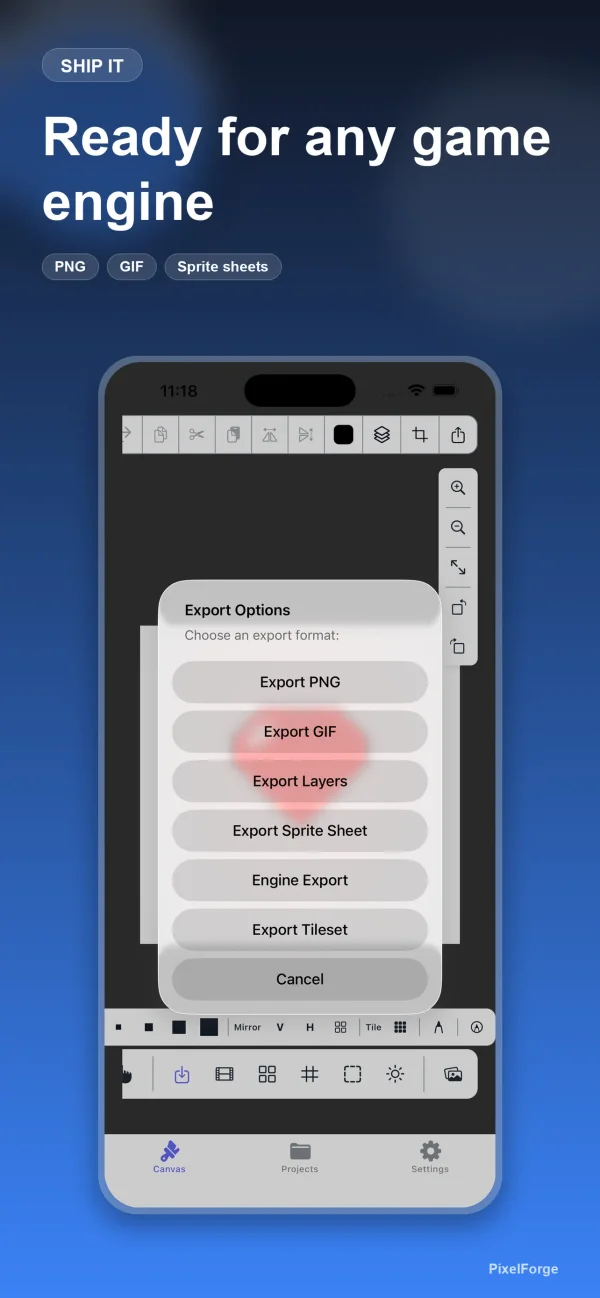
About
The pixel art studio built for game developers, sprite artists, and retro creators. Draw, animate frame-by-frame, and export spritesheets — all on iPhone and iPad. No subscription required to start.
PROFESSIONAL PIXEL ART TOOLS
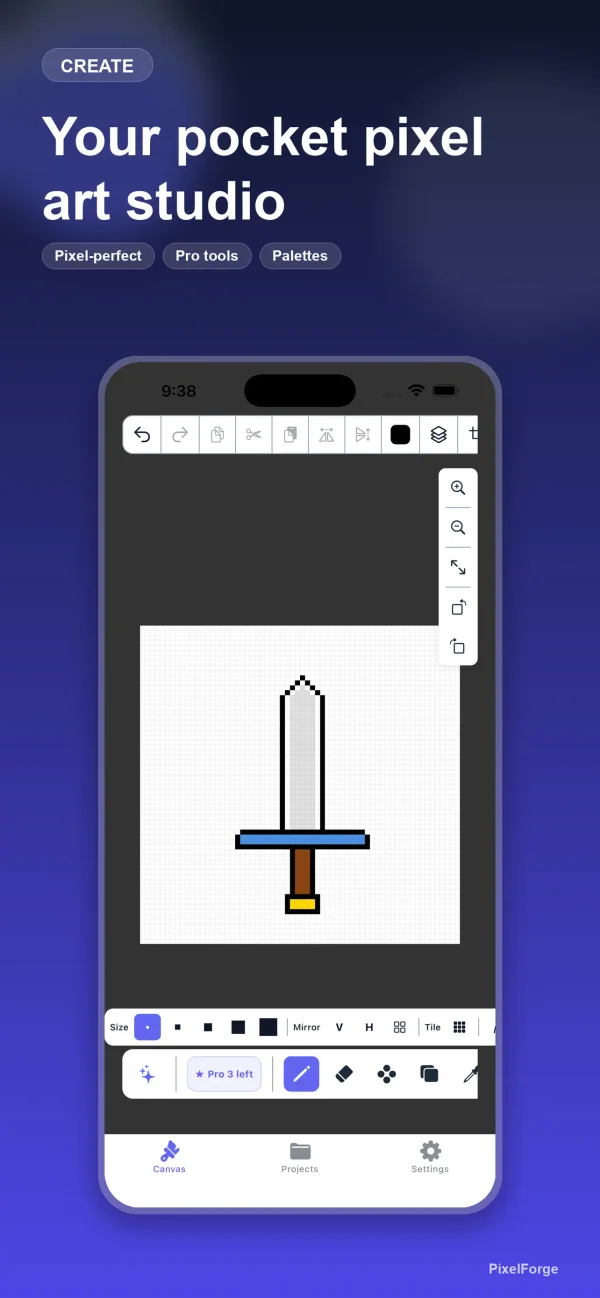
- Precision Drawing - Pixel-perfect brushes with customizable sizes (1-3px)
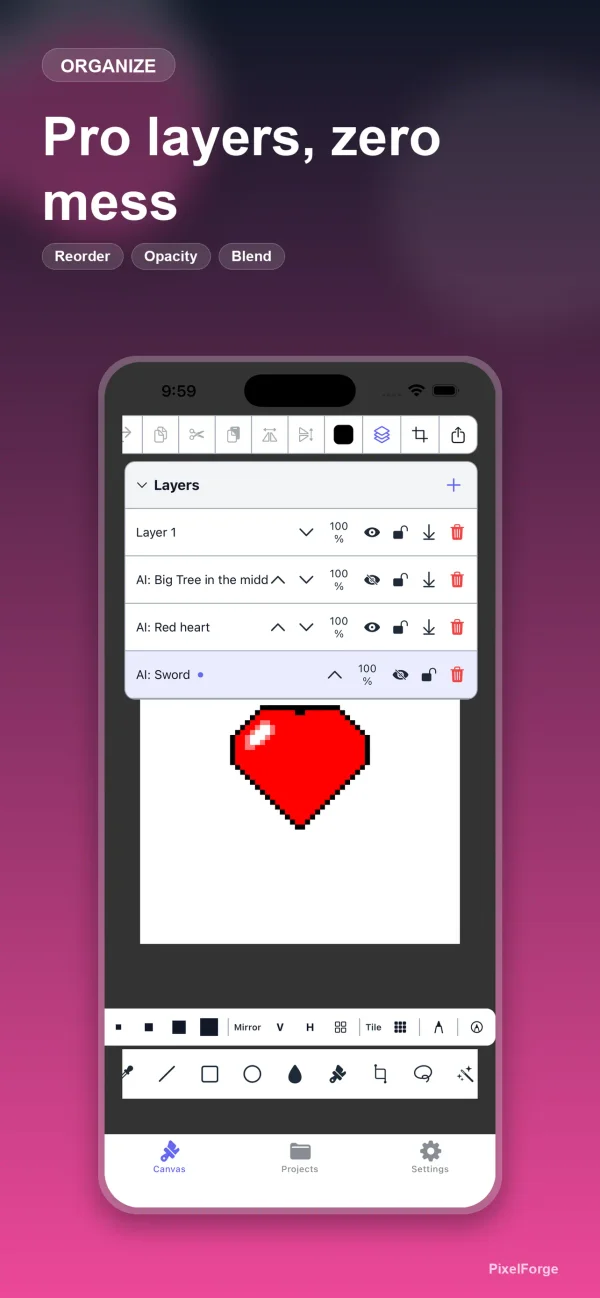
- Advanced Layer System - Unlimited layers for complex artwork (Pro)
- Color Management - HSV color picker with custom palette creation
- Shape Tools - Draw circles, rectangles, lines with pixel precision
- Smart Selection - Lasso, rectangle, and magic wand selection tools
- Eyedropper Tool - Sample any color directly from your canvas
ANIMATION FEATURES
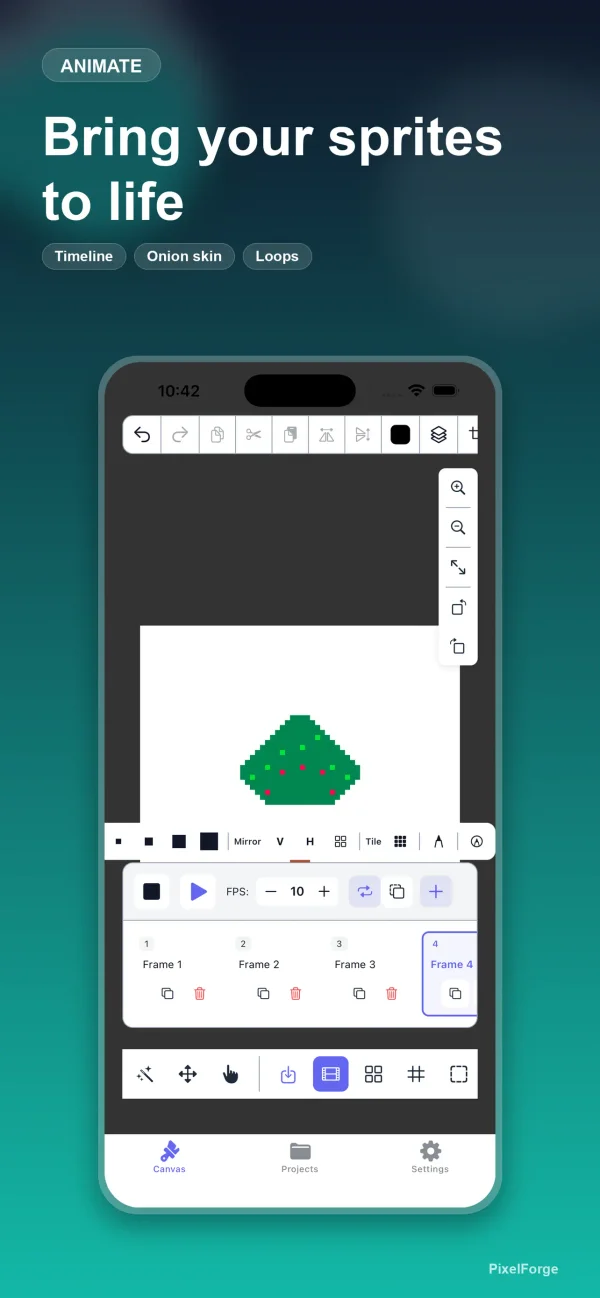
- Frame-by-Frame Editor - Full control over every frame
- Timeline Control - Adjust frame duration and playback speed
- Frame Management - Add, duplicate, delete, and reorder frames
- Onion Skinning - See adjacent frames while editing for smooth animation
- Play/Pause Preview - Preview animations in real-time
- Export - Save as animated GIF or sprite sheets
ADVANCED FEATURES
- Image Import - Convert photos to pixel art with dithering
- Tiling Preview - Create seamless textures and patterns
- Canvas Resizing - From 1x1 to 256x256 pixels
- Undo/Redo - 50-step history
- Clipboard Support - Copy, cut, and paste selections
- Color Replace - Swap colors across your entire project
- Dithering Patterns - Retro-style gradients and shading
EXPORT OPTIONS
- PNG, GIF, and sprite sheet export
- Auto-save so you never lose work
- Share directly from the app
PERFECT FOR
- Game developers creating sprites and tilesets
- Pixel artists and illustrators
- Retro game enthusiasts
- Animation hobbyists
- Anyone who loves pixel art
FREE AND PRO
Free tier includes:
- 2 layers, 4 animation frames
- All basic drawing tools
- Project saving and export
Pro unlocks:
- Unlimited layers and frames
- Premium tools: dithering, gradient fill, magic wand, color replace, move tool
- Tiling preview mode
UNIVERSAL APP
Optimized for both iPhone and iPad. Hardware-accelerated rendering via Skia for smooth, responsive drawing.
Download PixelForge and start building your pixel art today.
What’s new
Version 4.6.4 · Nov 17, 2026
Bug fixes and improvements.
App privacy
What Mohamed Nagy declares on the App Store about how this app handles data.
-
Data used to track you
May be used to track you across apps and websites owned by other companies.
- Identifiers
-
Data not linked to you
May be collected but is not linked to your identity.
- Purchases
- Identifiers
- Diagnostics
Privacy practices may vary, for example with the features you use or your age.
Information
- Seller
- Mohamed Nagy
- Category
- Graphics & Design
- Version
- 4.6.4
- Updated
- Nov 17, 2026
- Released
- Feb 24, 2026
- Size
- 54.6 MB
- Requires
- iOS 15.1 or later
- Age rating
- 4+
- Price
- Free
- In-app purchases
- Yes
- Languages
- English
- Copyright
- © 2025 Plus Technology
You might also like
-
 Spryt - Pixel Art EditorCreate & Animate Pixel Art
-
 Pixbit Studio – Pixel AnimatorPixel art & sprite animation
-
 Spritelove - Pixel Art StudioSprite animator with bone rig
-
 PxPad: Pixel Art Maker StudioDrawing Pad & Sprite Editor
-
 PixelForge - AI ArtPrivate On-Device AI Art
-
 Pixen - pixel art editorHandcrafted pixel art editor
-
 Resprite: pixel art studioPixel art and sprite editor
-
 Pixquare - Pixel Art Studio#1 pixel art editor
-
 Doodraw: Animated DrawingWiggle art & doodle GIF maker
-
 Pixel Studio: Pixel Art EditorSprite Animation & Drawing