
PixiePocket: AI Image Maker
AI Photo Editor
Designed for iPhone, iPad
In-app purchases
- Age rating17+
- CategoryPhoto & Video
- DeveloperMidgar Oy
- LanguagesJapanese+ 15 more
- Size14.2 MB
Links to the official App Store page
Download.org hosts no file of PixiePocket: AI Image Maker. The button opens its official App Store page, published by Midgar Oy. Listing last checked on Nov 24, 2026.
Screenshots

About
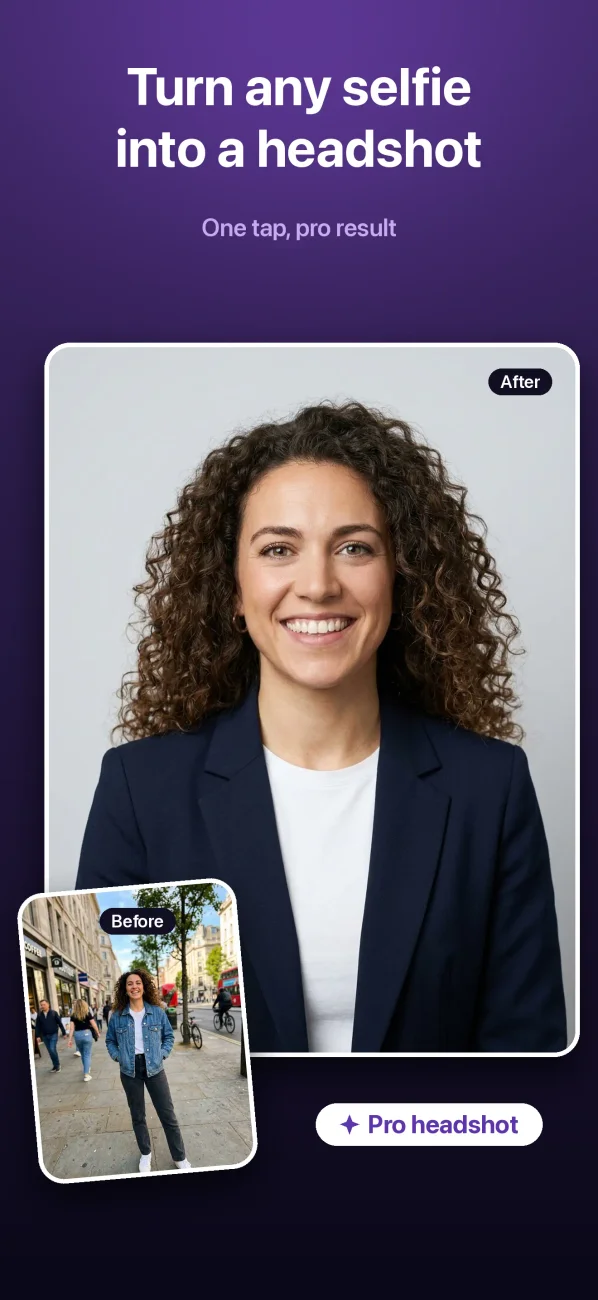
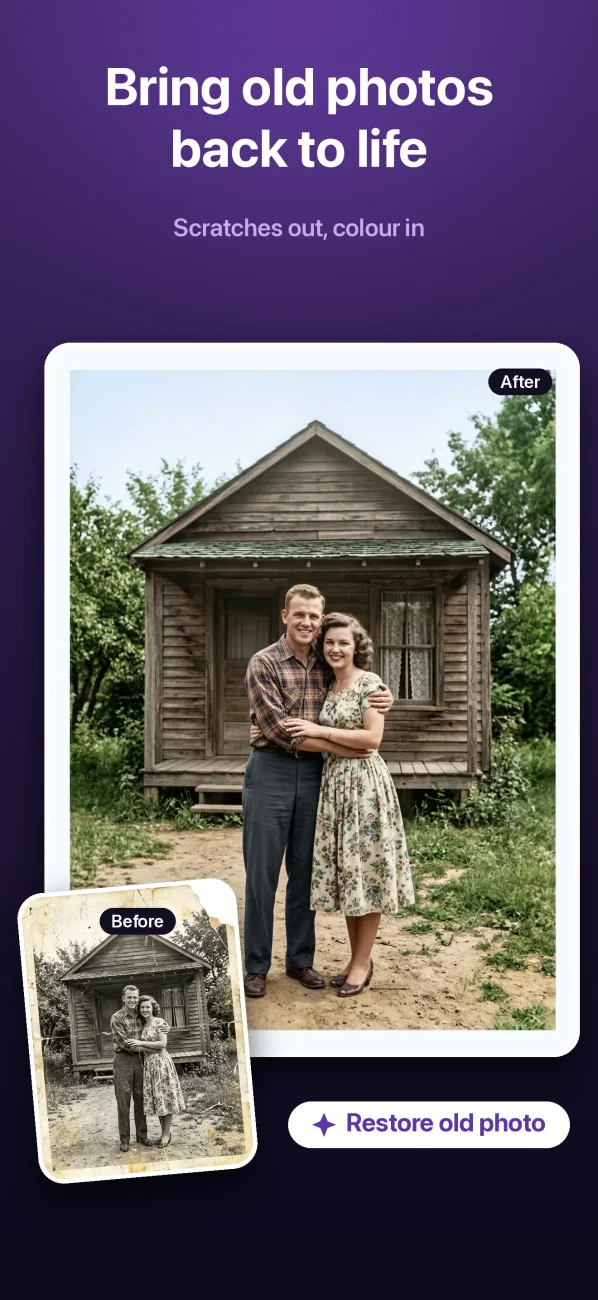
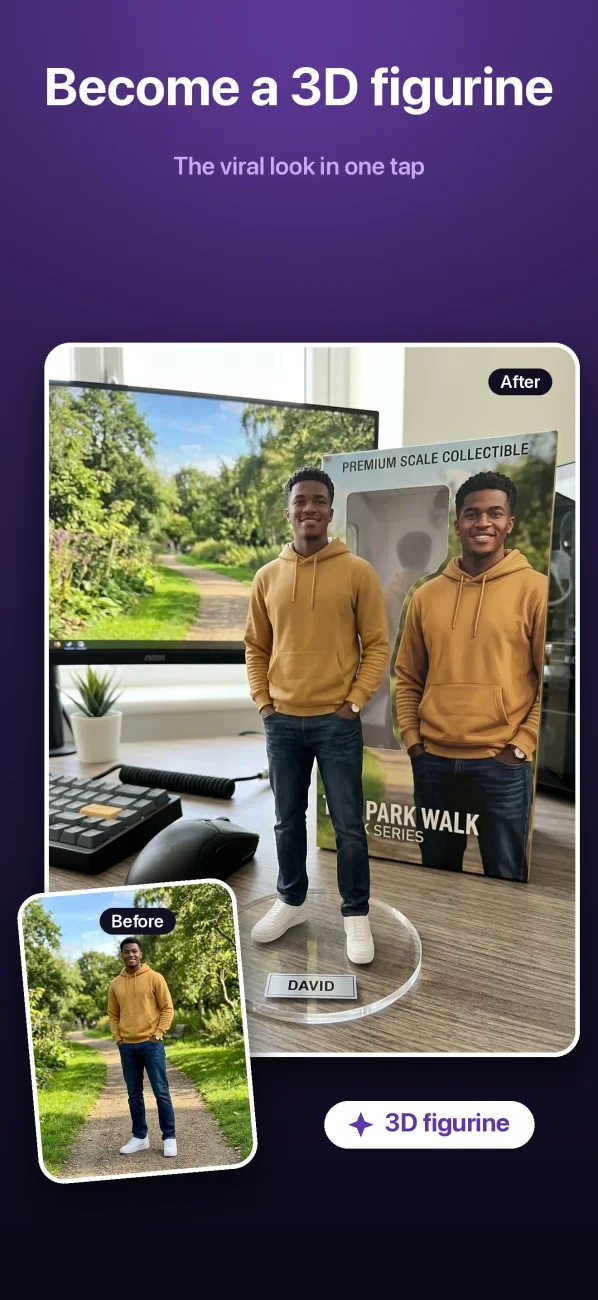
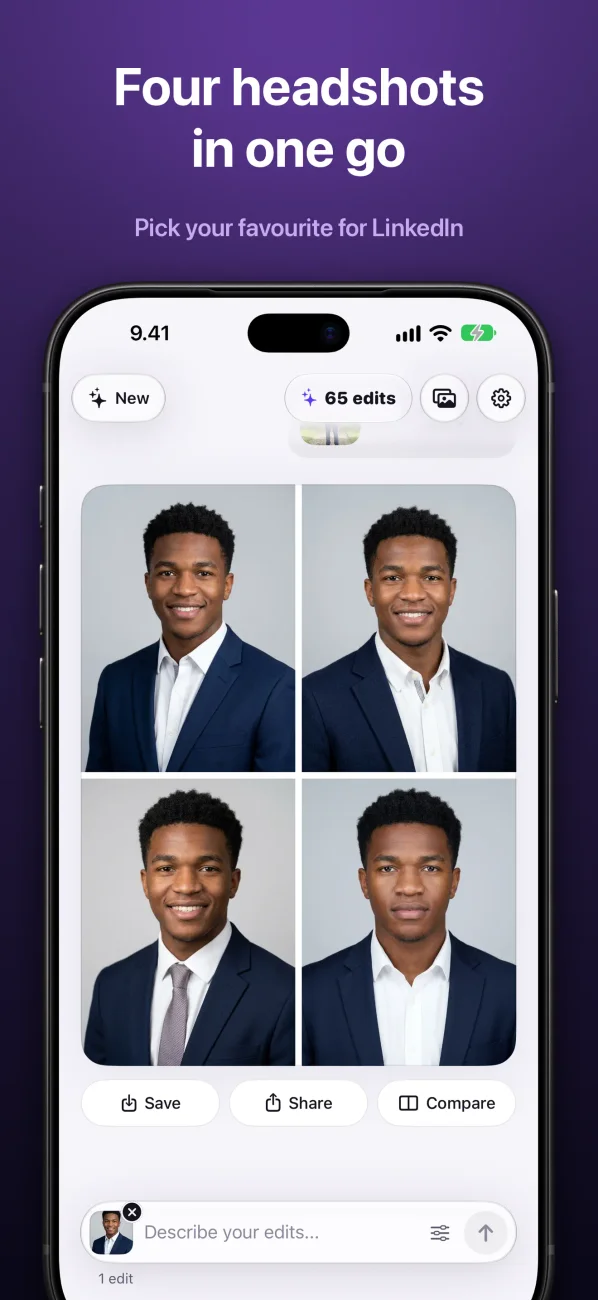
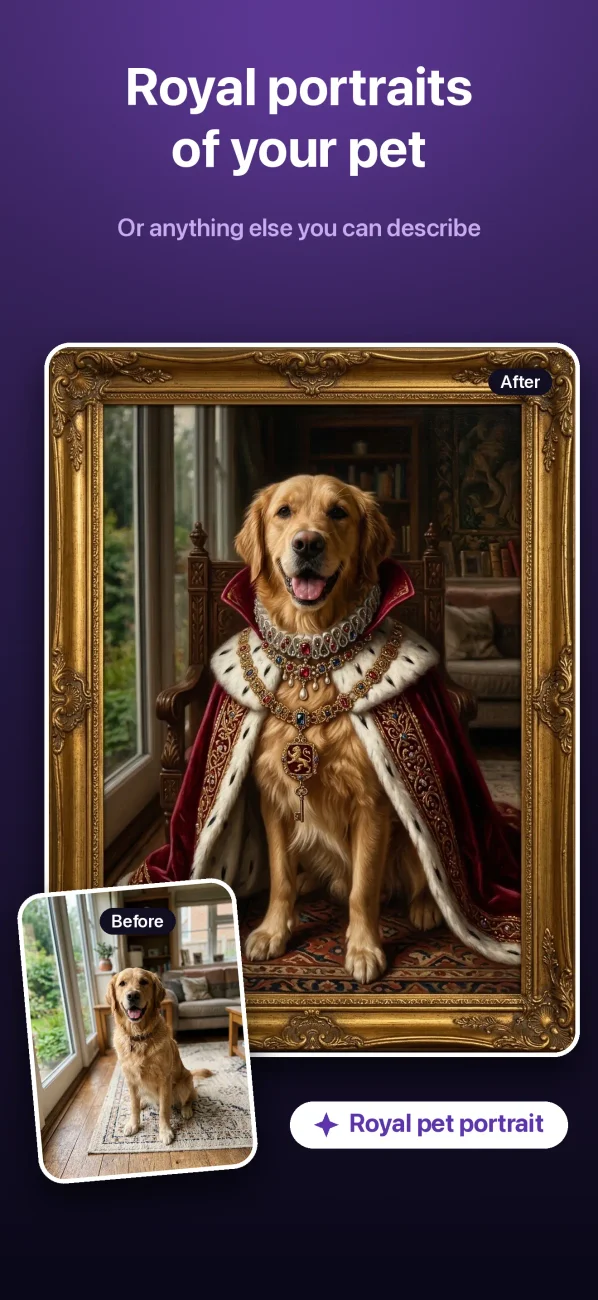
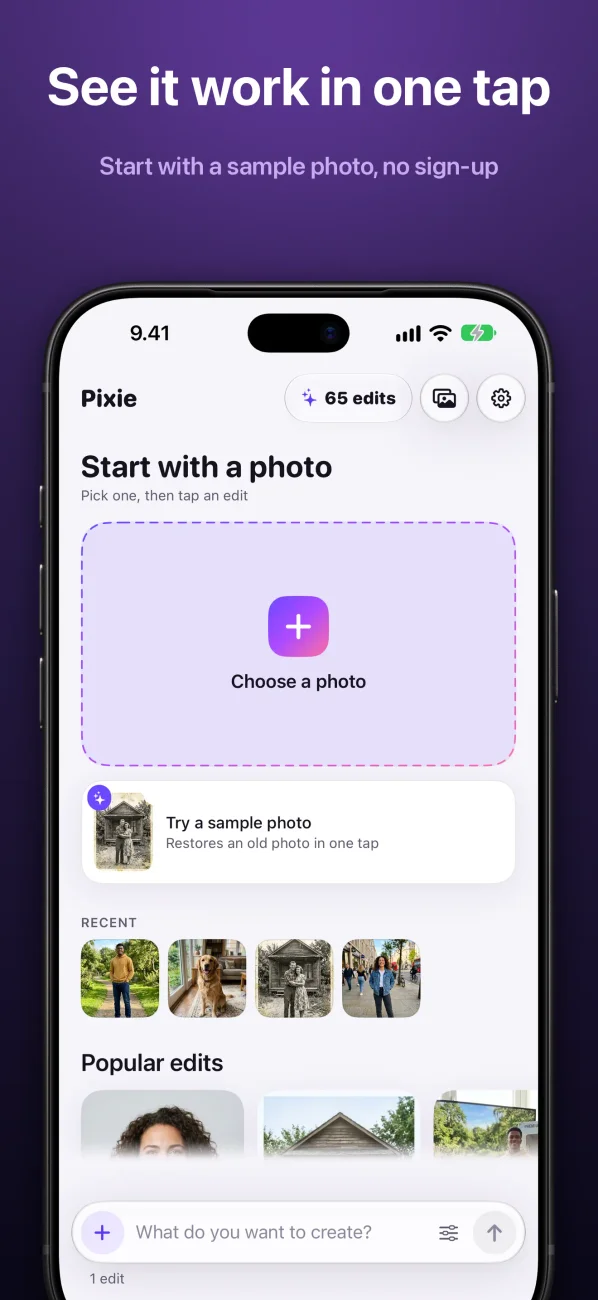
Turn any photo into something amazing with one tap: a pro headshot, a restored old photo, a 3D figurine, an anime portrait, a royal portrait of your pet. Standard runs on Google's Nano Banana 2.1 and Max on OpenAI's GPT Image 2.5.
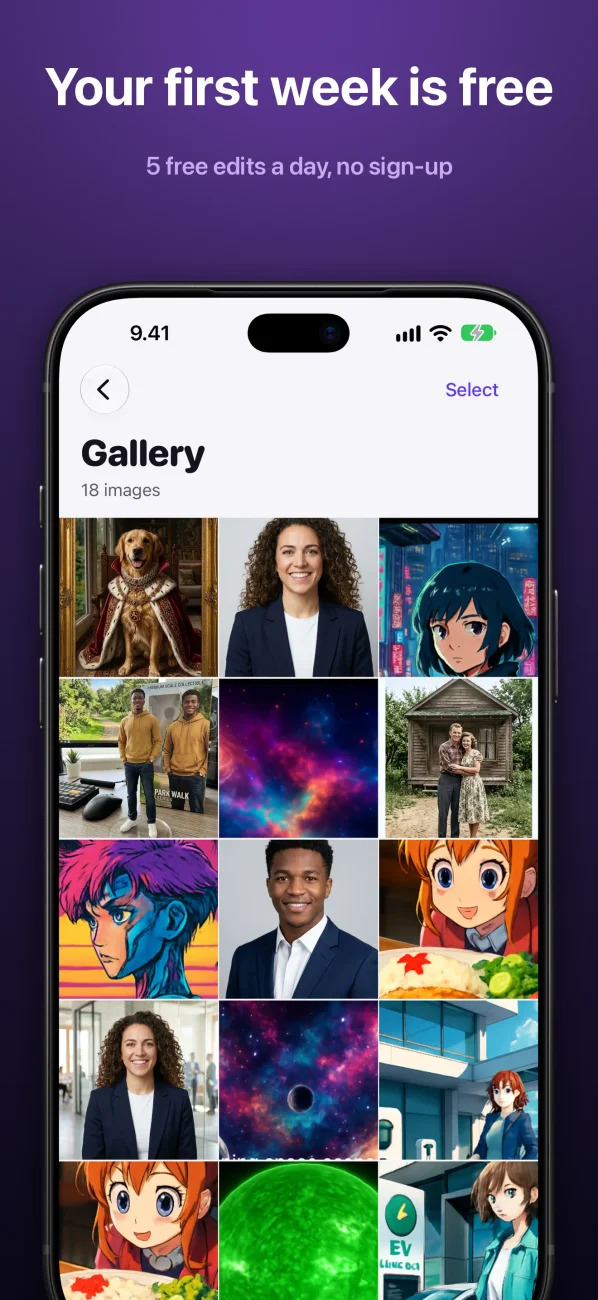
Your first edit starts your Pixie Week: 5 free edits a day for 7 days. No sign-up, no card, nothing to cancel.
ONE-TAP EDITS
• Pro headshot: a studio portrait for LinkedIn and CVs that still looks like you
• Headshot pack: four studio headshots in one go
• Restore old photo: scratches out, colour in
• 3D figurine: you as a collectible figure, box and all
• Natural retouch: better skin and light, no filter look
• White background: clean cutouts for listings and profiles
• Anime style, magazine cover, new outfit, new hairstyle and travel photo
• Royal pet portrait: your pet as Renaissance nobility
• Holiday card: a cosy festive portrait for your cards
• Halloween costume: a spooky costume and make-up
IDEAS FOR YOUR PHOTO
Pick a photo and Pixie suggests three edits that fit it: a new setting, a new style and a playful touch. Tap one to use it, or change the words first. Included in your Pixie Week and in Plus.
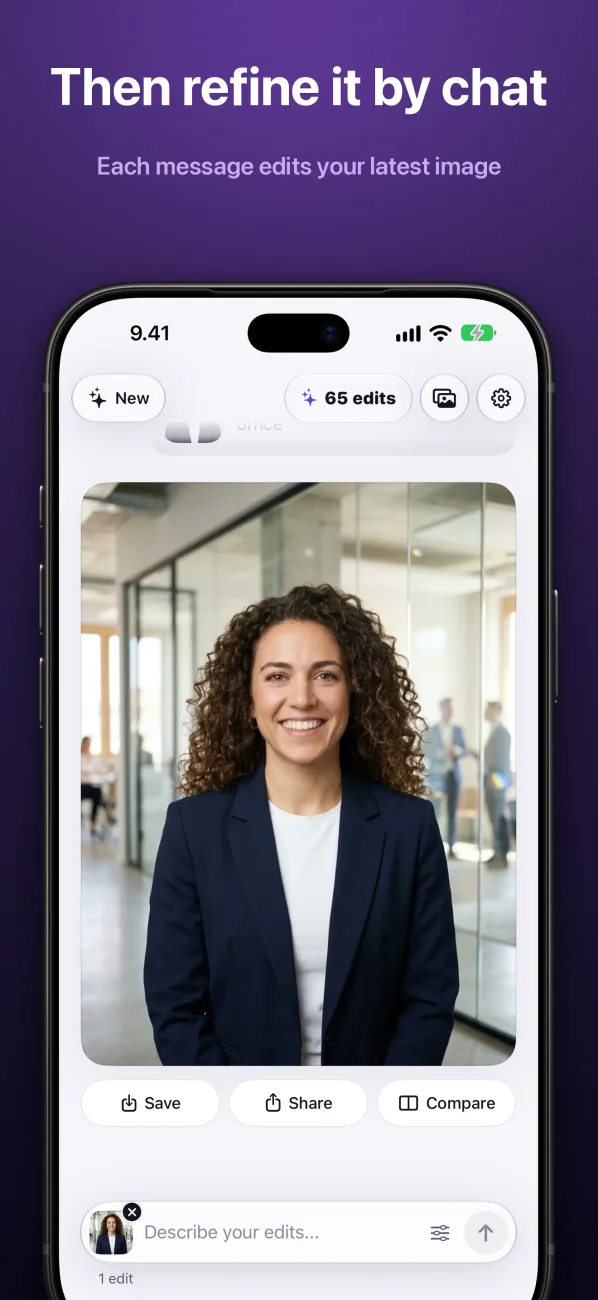
THEN REFINE IT BY CHAT
Ask for changes in plain words and each message edits your latest image: "make the blazer navy", "put her in a bright office". Or describe a brand-new picture from scratch.
SHARE THE BEFORE AND AFTER
Save results to Photos, or share a side-by-side before-and-after in one tap.
TWO LEVELS OF QUALITY
• Standard: fast and great for most edits, one edit per image
• Max: our most detailed model for the shots that matter, five edits per image
If one model is busy or declines a request, another takes over. A request that fails never costs you an edit.
EDITS, YOUR WAY
• PixiePocket Plus: 60 edits every week, Standard or Max, and ideas for the photos you pick. A weekly subscription that renews until you cancel it in Settings; nothing is charged before you choose it.
• Packs of 10, 40 or 120 edits: buy once, use whenever you like, never expire.
PRIVATE BY DEFAULT
Your images are yours alone: there is no public feed. Your prompts and photos are sent to Google Gemini and OpenAI to create your images; you approve this before your first creation and can withdraw consent anytime in Settings. Photo ideas are a separate choice: only after you turn them on does a small copy of the photo you pick go to Anthropic's Claude, and Pixie's servers keep no copy of it.
Start anonymously, then sign in with Apple, Google or GitHub to keep your images in sync across iPhone and iPad.
FOR EVERYONE
Works with VoiceOver, larger text sizes and Reduce Motion. Delete your account and everything in it anytime in Settings.
Terms of Use: https://www.apple.com/legal/internet-services/itunes/dev/stdeula/
Privacy Policy: https://midgarcorp.cc/legal/pixiepocket/privacy
Google, Gemini and Nano Banana are trademarks of Google LLC. GPT Image is a trademark of OpenAI. Claude is a trademark of Anthropic, PBC. This app is not endorsed by or affiliated with Google, OpenAI or Anthropic.
What’s new
Version 1.9.2 · Nov 23, 2026
Ideas for everyone: after your Pixie Week, a picked photo still gets an idea. Tap “Suggest an Edit” and Pixie suggests one edit that fits it; Plus shows all three.
Fixed: the Photo Ideas and Cloud AI Consent switches in Settings now respond when you tap them.
• On iPad, Settings shows its title again, and Help and About have a Back button
• New in Settings > About: Usage Counts. Choose whether Pixie sends anonymous counts and crash reports; nothing in them identifies you or your device
• Ideas under a picked photo appear more smoothly
• Fixed: the Standard and Max options above the prompt could open as an empty strip after an edit
App privacy
What Midgar Oy declares on the App Store about how this app handles data.
-
Data linked to you
May be collected and linked to your identity.
- Purchases
- Financial info
- Contact info
- User content
- Identifiers
- Usage data
-
Data not linked to you
May be collected but is not linked to your identity.
- Diagnostics
Privacy practices may vary, for example with the features you use or your age.
Information
- Seller
- Midgar Oy
- Category
- Photo & Video
- Version
- 1.9.2
- Updated
- Nov 23, 2026
- Released
- Sep 19, 2025
- Size
- 14.2 MB
- Requires
- iOS 16.6 or later
- Age rating
- 17+
- In-app purchases
- Yes
- Languages
- Japanese, Icelandic, Italian, Swedish, Spanish, Danish, German, Norwegian Bokmål, Finnish, French, Portuguese, Polish + 4 more
- Copyright
- © 2026 Midgar Oy
You might also like
-
 Pixverra AI Image GeneratorAI Image & Photo Generator
-
 Strata: Shared Photo AlbumsEveryone’s photos. One story.
-
 AI Headshot Generator: CVProfessional Profile Photo
-
 Magic Canny (Custom Camera)Camera Filters, Photo Editing
-
 Quick Cut Pro - Video EditorAuto montage from your clips
-
 AI Video Generator: NeuroVidFace Swap & Photo Editor
-
 QuickFlicks: Beat-Synced ReelsTap the beat. Drop the reel.
-
 MaxAIStudios: AI Photo VideoBeauty Editor & AI Interior
-
 PhotoPilot: AI Photo EditorEdit Pictures With Words
-
 Photo Editor: PixloomStickers, Blur & AI retouch