
Quick Cut Pro - Video Editor
Auto montage from your clips
Designed for iPhone, iPad
Free · In-app purchases
- Age rating4+
- CategoryPhoto & Video
- DeveloperScott Manley
- LanguagesEnglish
- Size5.6 MB
Links to the official App Store page
Download.org hosts no file of Quick Cut Pro - Video Editor. The button opens its official App Store page, published by Scott Manley. Listing last checked on Nov 21, 2026.
Screenshots
About
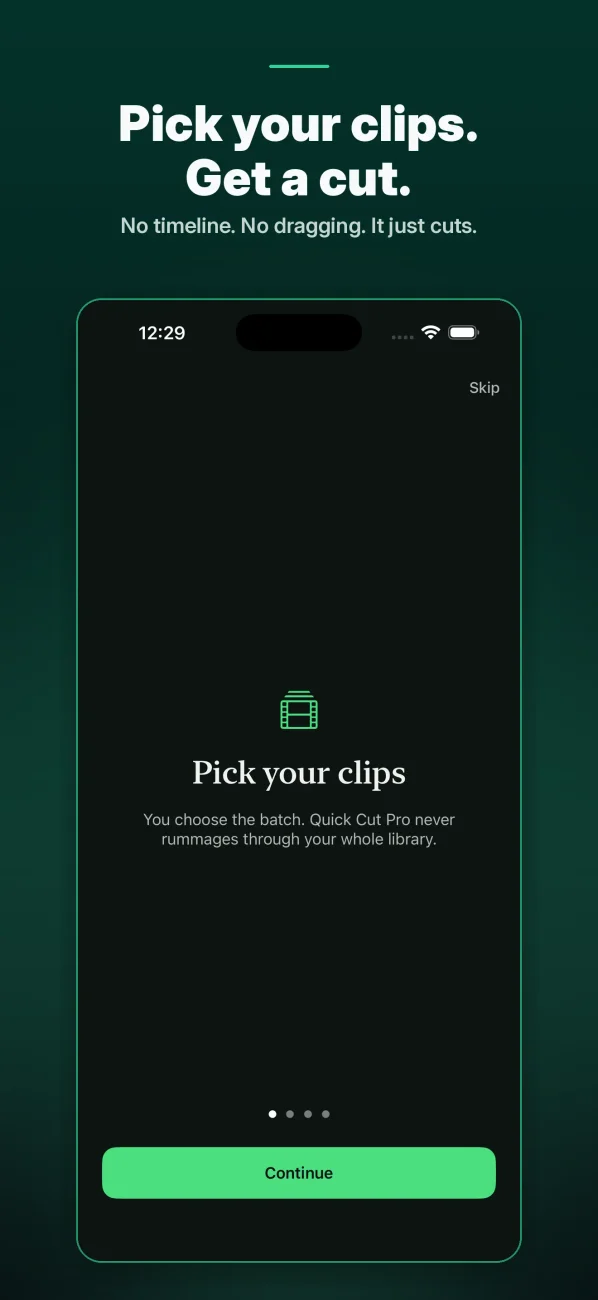
Pick your clips. Get a cut.
Quick Cut Pro turns a folder of phone videos into an edited montage in seconds. No timeline to wrangle, no dragging clips around. Choose your footage, choose a length, and it cuts.
HOW IT DECIDES
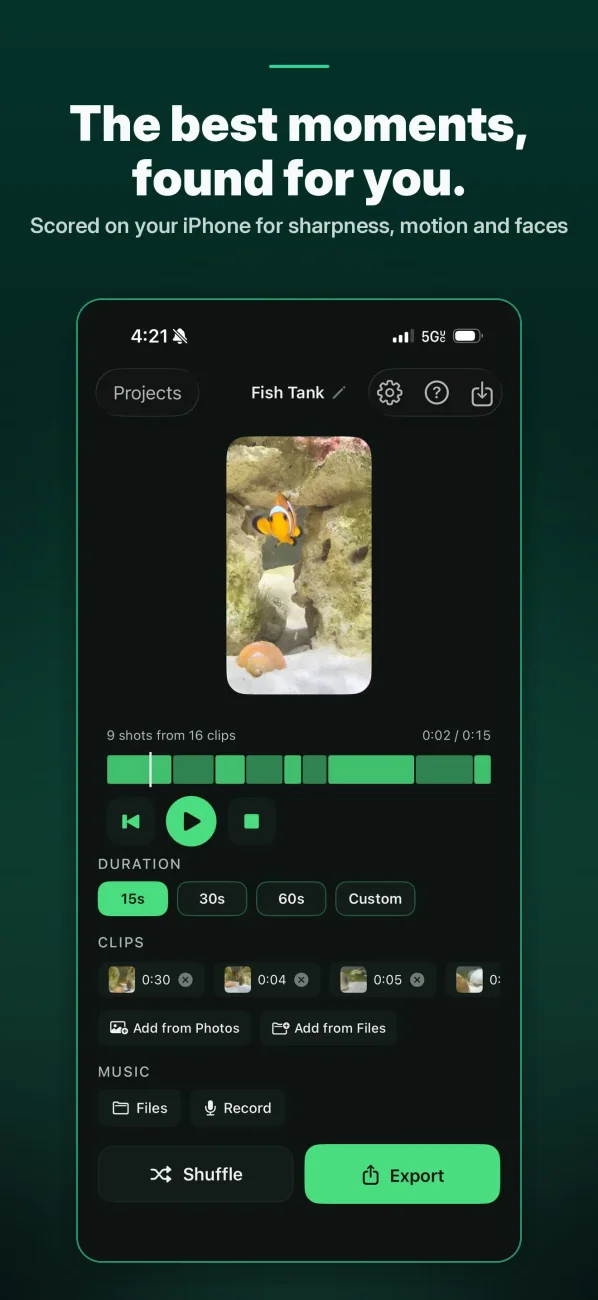
Every clip you pick is analysed on your iPhone for sharpness, exposure, motion, faces and near-duplicates. The dull footage and the accidental repeats are left out, and the strongest moments are packed into the length you asked for. Nothing is uploaded and nothing leaves your phone.
DON'T LIKE IT? SHUFFLE
Shuffle rolls a new edit from the same clips instantly. It reuses the analysis, so there is no waiting - press it until you like what you see.
CUT TO THE BEAT
Add a track from Files and Quick Cut Pro finds its tempo, then lands the cut points on the beat. A waveform sits under the timeline with the beats marked, so you can see the cuts hit rather than take our word for it. If a track has no clear beat, the app says so and cuts freely instead of snapping to a grid it guessed.
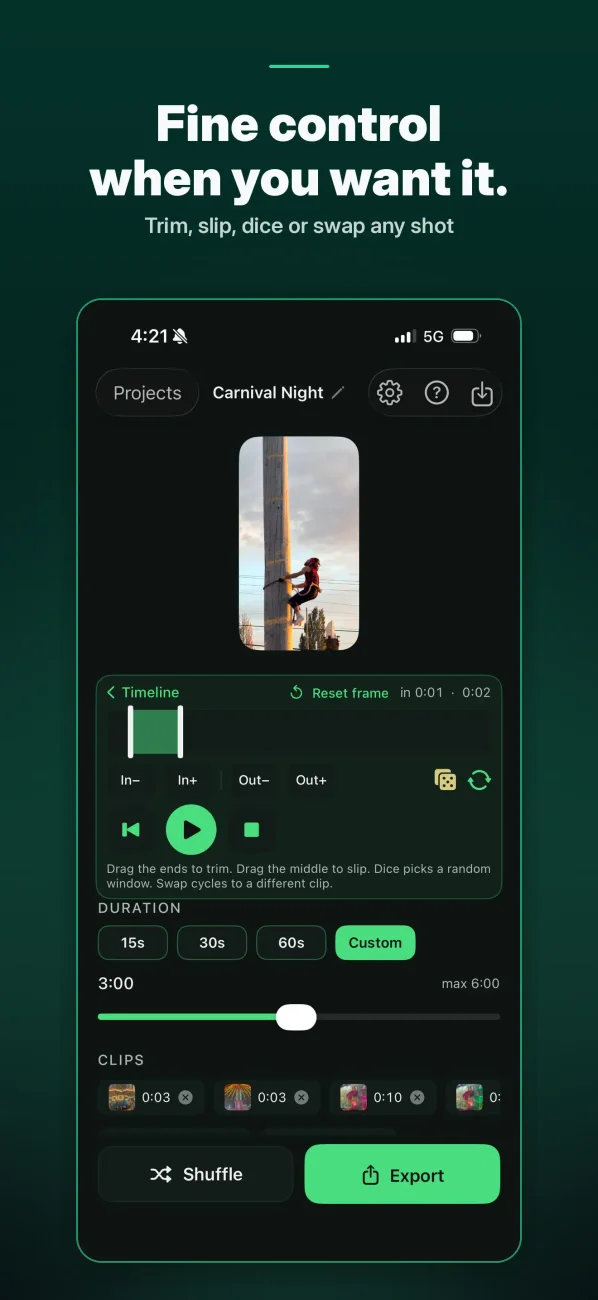
FINE CONTROL WHEN YOU WANT IT
Tap any shot to open the clip editor:
- Trim - drag either end to change how long the shot runs
- Slip - drag the middle to keep the length and move to a different moment
- Dice - keep the rhythm, jump to a random moment
- Swap - put a different clip in this shot's place
REFRAMED, NOT SQUASHED
Export 9:16, 1:1 or 16:9. The crop follows the interesting part of the frame rather than blindly taking the middle.
BRING FOOTAGE FROM ANYWHERE
Import from Photos, or from Files for footage that never went into your photo library - camera cards, AirDrop, iCloud Drive. Add more clips at any point, or drop ones you do not want.
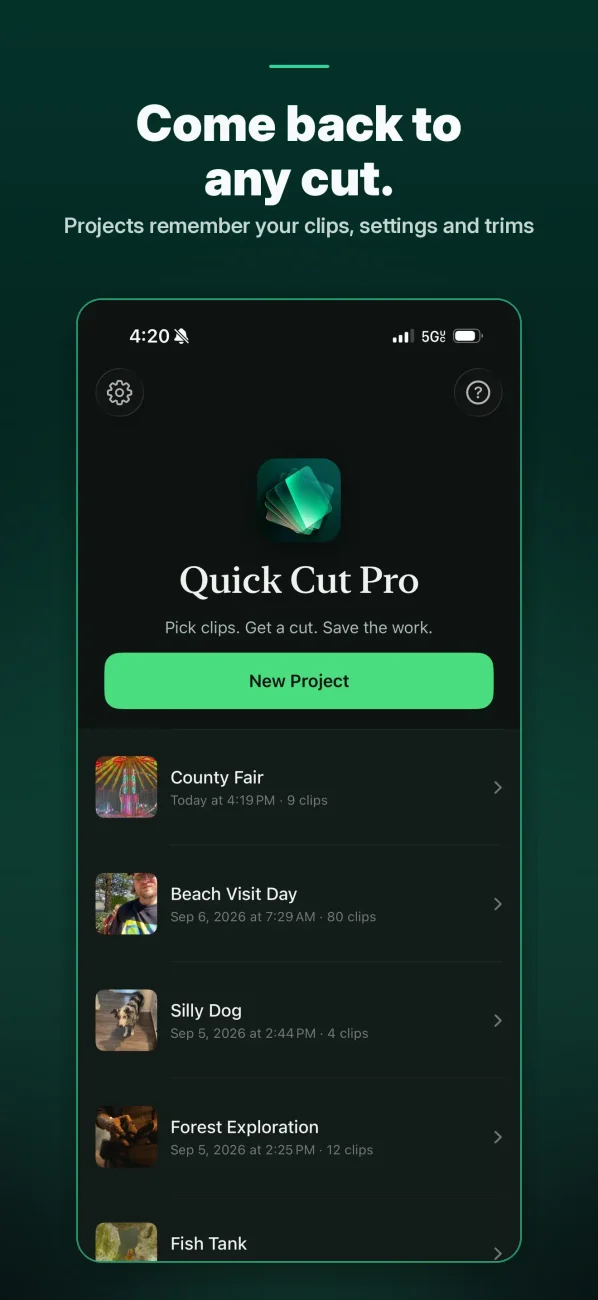
PROJECTS
Every cut is saved automatically the moment your clips land. Come back later and your footage, settings and trims are exactly as you left them.
FREE, AND HONEST ABOUT IT
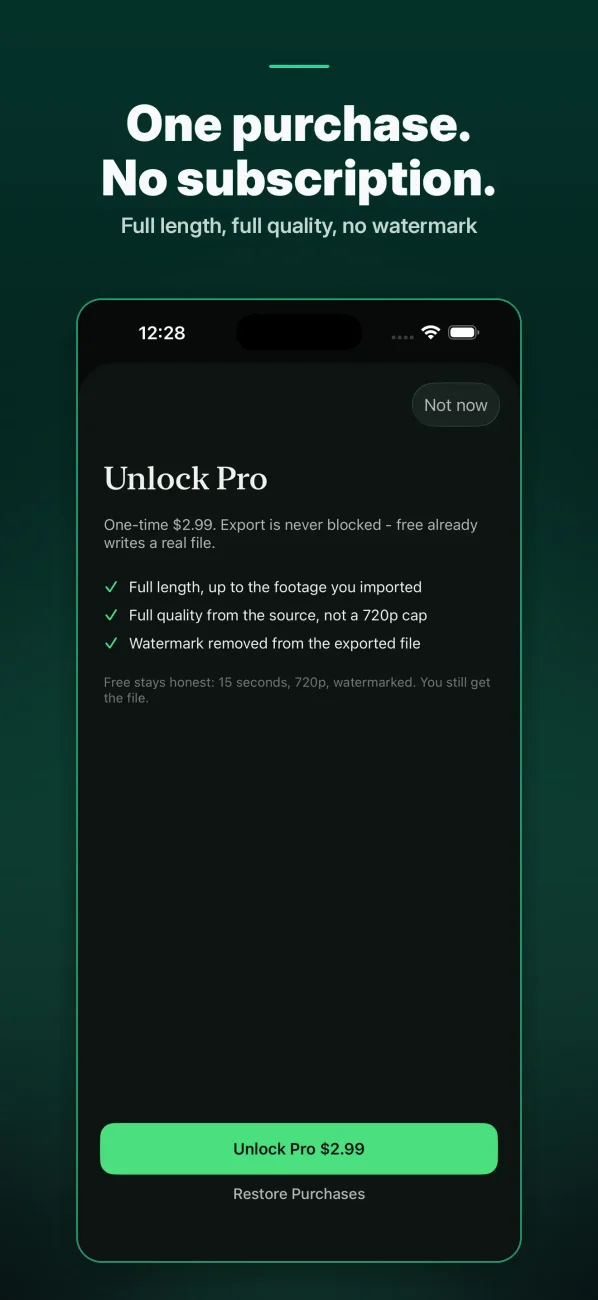
The free version exports a real file: 15 seconds, 720p, watermarked. Export is never blocked. Pro is a one-time $2.99 - no subscription - and unlocks full length, full quality from your source, and no watermark.
PRIVACY
Everything happens on your iPhone. No account, no upload, no tracking, no ads.
What’s new
Version 1.2.0 · Nov 16, 2026
More control over the moments you keep.
- Talking windows help your cut find the parts where people are talking.
- See when a longer cut is ready, then unlock it with Pro.
- Turn a shot 90 degrees, or play it at half, normal or double speed. Voices keep their pitch.
- Keep a favorite shot through Shuffle. Your first pin is free.
- Stability and purchase reliability fixes.
Free cuts stay up to 15 seconds, at 720p with a watermark. Pro unlocks full length, full quality and more pins for one $2.99 purchase. No account. No uploads.
App privacy
What Scott Manley declares on the App Store about how this app handles data.
-
Data not collected
The developer does not collect any data from this app.
Privacy practices may vary, for example with the features you use or your age.
Information
- Seller
- Scott Manley
- Category
- Photo & Video
- Version
- 1.2.0
- Updated
- Nov 16, 2026
- Released
- Sep 3, 2026
- Size
- 5.6 MB
- Requires
- iOS 18.0 or later
- Age rating
- 4+
- Price
- Free
- In-app purchases
- Yes
- Languages
- English
- Copyright
- ©2026 Scott Manley
You might also like
-
 BeatMotion: Reels on BeatReels from Photos & Clips
-
 SoundFrame: Video EditorAI Music Videos & Product Ads
-
 WEAVE: Music Video EditorBeat Sync, Reels & Effects
-
 BeatFXMusic-driven video magic
-
 PeekCutPrivate AI Video Highlights
-
 vidas: Beat Video EditorAuto-edit to your music beat
-
 MITO EDIT - Auto Video EditorSilence Remover, Auto Captions
-
 Lumi - Collage & Story MakerAesthetic post & carousel
-
 QuickFlicks: Beat-Synced ReelsTap the beat. Drop the reel.
-
 RhythmReelMake videos bounce to music.