
PixyCAD - 3D Solid Modelling
Sketch, Model, Design & Print
Designed for iPad, Mac
Free · In-app purchases
- Age rating4+
- CategoryProductivity
- DeveloperPixyco SRL
- LanguagesEnglish+ 5 more
- Size87.6 MB
Links to the official App Store page
Download.org hosts no file of PixyCAD - 3D Solid Modelling. The button opens its official App Store page, published by Pixyco SRL. Listing last checked on Nov 14, 2026.
Screenshots
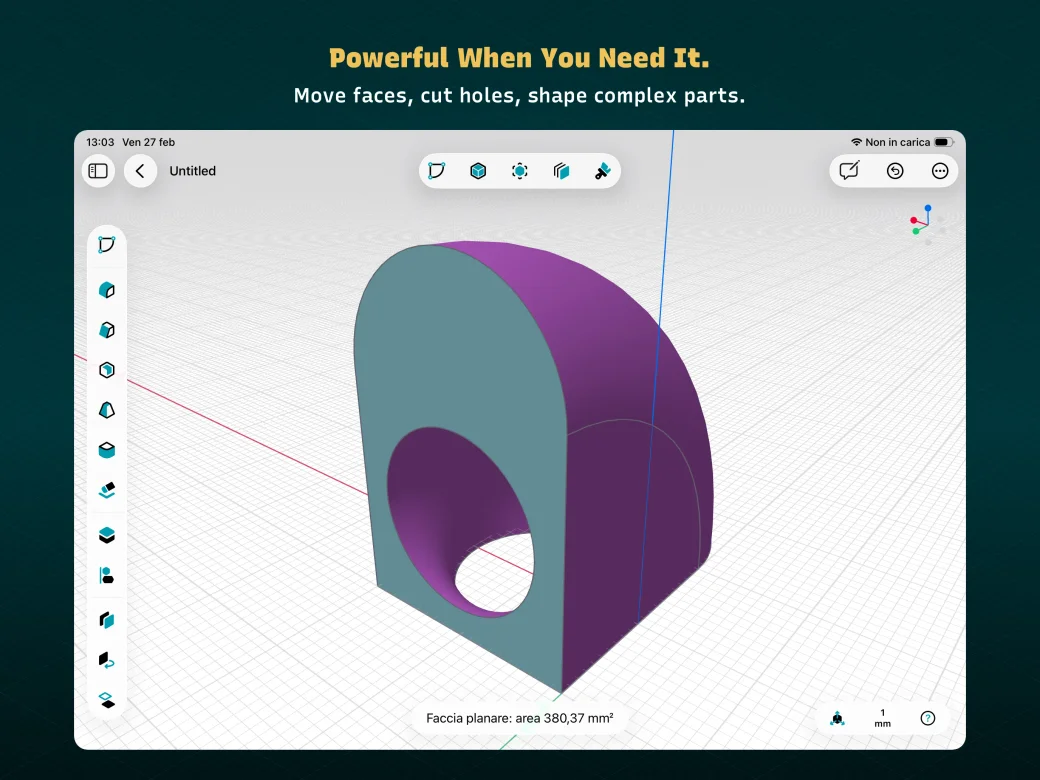
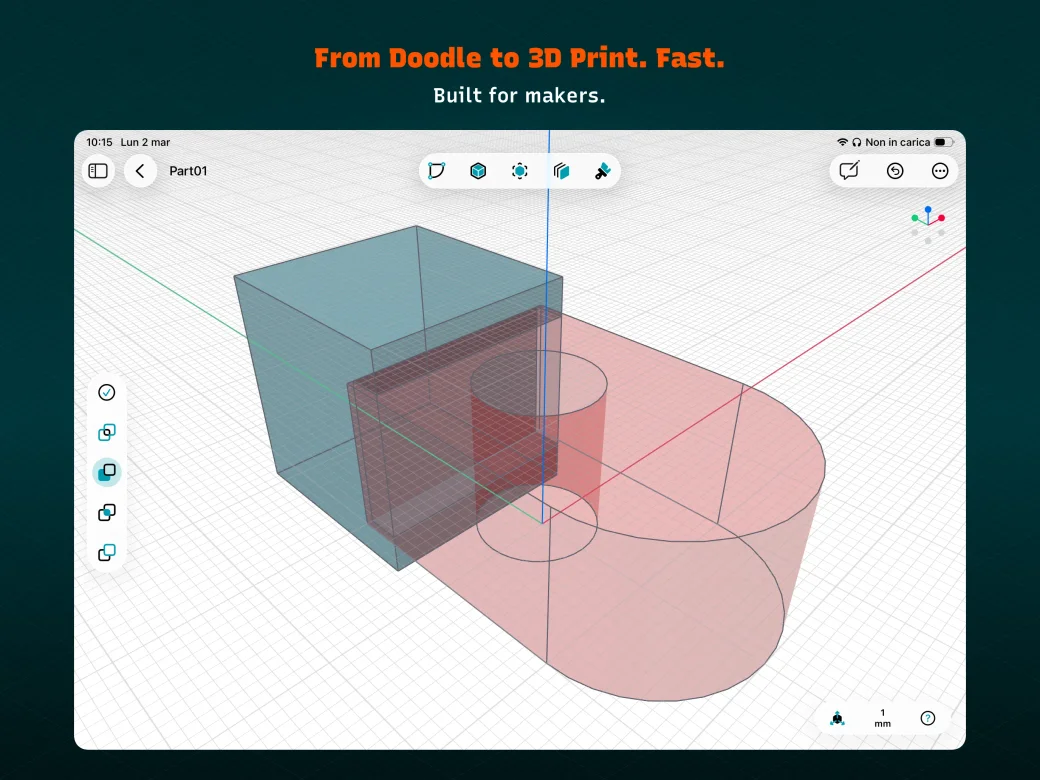
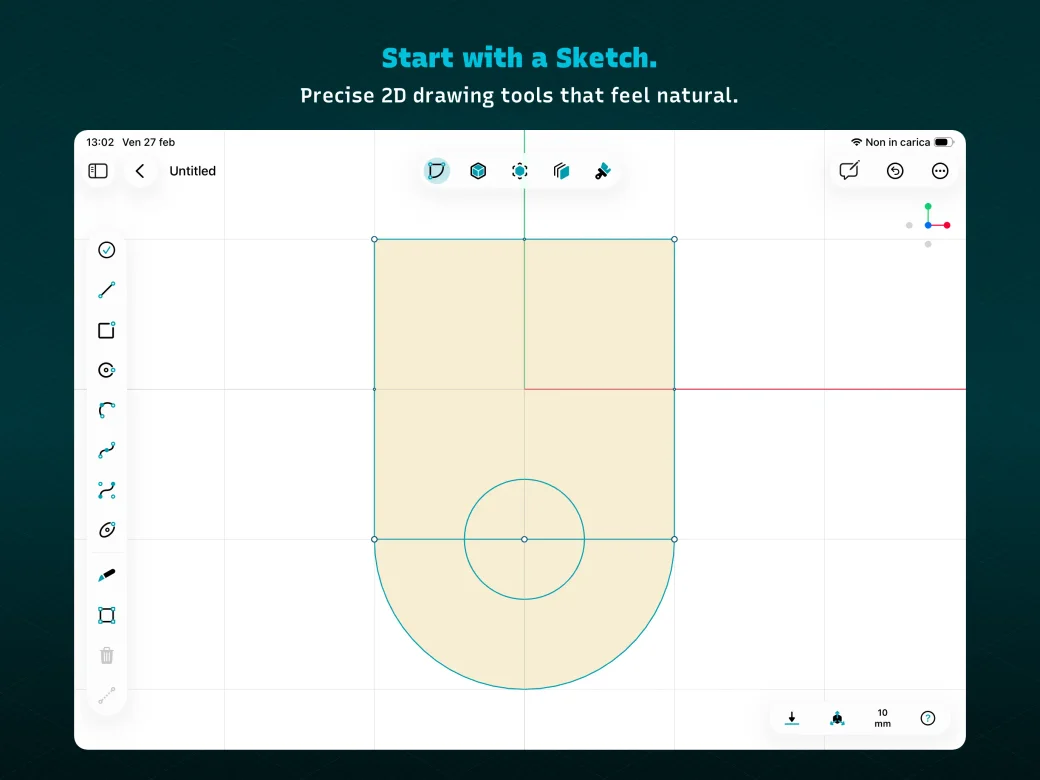
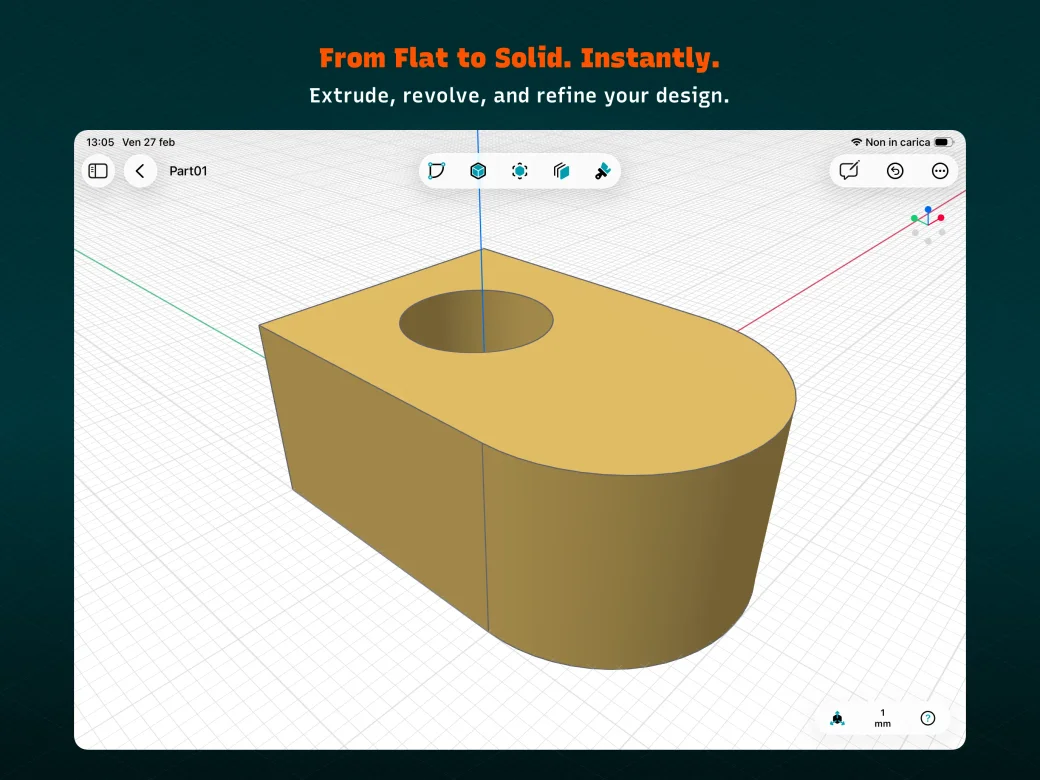
About
PixyCAD is 3D CAD 3D printing enthusiasts, yet simple enough for anyone to pick up and start creating.
Most CAD tools are powerful but feel heavy, complex, and slow to iterate. PixyCAD focuses on the essential workflow you actually use to get from idea → solid model → 3D print, with an interface that stays out of your way so you can keep building.
Built for a fast maker workflow
• Lightning fast, fully on-device
PixyCAD is Metal-optimized and runs entirely on your device. Rotate, pan, and edit even detailed models smoothly, without lag, logins, or cloud delays.
• Lightweight, polished UI for quick iteration
Every control is tuned for rapid changes and experimentation. Adjust dimensions, tweak features, and try variations without digging through deep menus. You see what matters: your model, your measurements, your print-ready geometry.
• Ready for your 3D printer and other tools
Import and export in the formats you actually use: STL and 3MF for slicing and printing, STEP and Parasolid X_T for collaboration with other CAD tools or sharing with manufacturers.
Work where you want
Start a concept on iPad with Pencil, refine it on your Mac with a keyboard and mouse, then make final tweaks back on the couch with your iPad. PixyCAD keeps your workflow consistent across devices, so you can design wherever inspiration strikes—at your desk, in the workshop, or on the go.
Designed for a gentle learning curve
PixyCAD is built to strip away the usual CAD friction, so your first steps in 3D design feel as natural as sketching a doodle in a notebook. Instead of fighting complex panels and hidden options, you focus on shapes, dimensions, and ideas.
Whether you are designing your first printable phone stand or your tenth custom tool organizer, PixyCAD helps you get from thought to printed part faster, with tools that feel approachable on day one and stay powerful as your skills grow.
Terms & Conditions: https://legal.pixycad.com/termsandconditions/
Privacy Policy : http://legal.pixycad.com/privacypolicy
What’s new
Version 1.1.12 · Oct 23, 2026
Autorotate view on sketch from face.
Notes
Ruler
App privacy
What Pixyco SRL declares on the App Store about how this app handles data.
-
Data linked to you
May be collected and linked to your identity.
- Purchases
- Contact info
- User content
- Identifiers
-
Data not linked to you
May be collected but is not linked to your identity.
- Identifiers
- Diagnostics
Privacy practices may vary, for example with the features you use or your age.
Information
- Seller
- Pixyco SRL
- Category
- Productivity
- Version
- 1.1.12
- Updated
- Oct 23, 2026
- Released
- Mar 9, 2026
- Size
- 87.6 MB
- Requires
- iOS 26.0 or later
- Age rating
- 4+
- Price
- Free
- In-app purchases
- Yes
- Languages
- English, French, German, Italian, Japanese, Spanish
- Copyright
- © 2026 PixyCO
You might also like
-
 MakerSolid CAD3D CAD Modeling
-
 PaliCADLightweight, offline 3D CAD
-
 Rally for OnshapeA modern Onshape experience
-
 stl-erFROM CONCEPT TO CAD IN SECONDS
-
 Modeler 3DProgrammatic 3D CAD Design
-
 Claydo StudioEasy 3D Modelling
-
 3D Model Viewer & ConverterSTL,GLB,3MF,OBJ,DXF,USDZ ...
-
 DXF AssistantView & Explore DXF drawings
-
 Pikaslice - 3D Print SlicerSTL, Gcode, Resin & Filament
-
 SimplyPrint - 3D printingProductivity