
Plaans - Site documentation
Construction documentation
Designed for iPhone, iPad, iPod touch
Free · In-app purchases
- Age rating4+
- CategoryProductivity
- DeveloperMikavaa GmbH
- LanguagesEnglish+ 1 more
- Size10.6 MB
Links to the official App Store page
Download.org hosts no file of Plaans - Site documentation. The button opens its official App Store page, published by Mikavaa GmbH. Listing last checked on Nov 23, 2026.
Screenshots

About
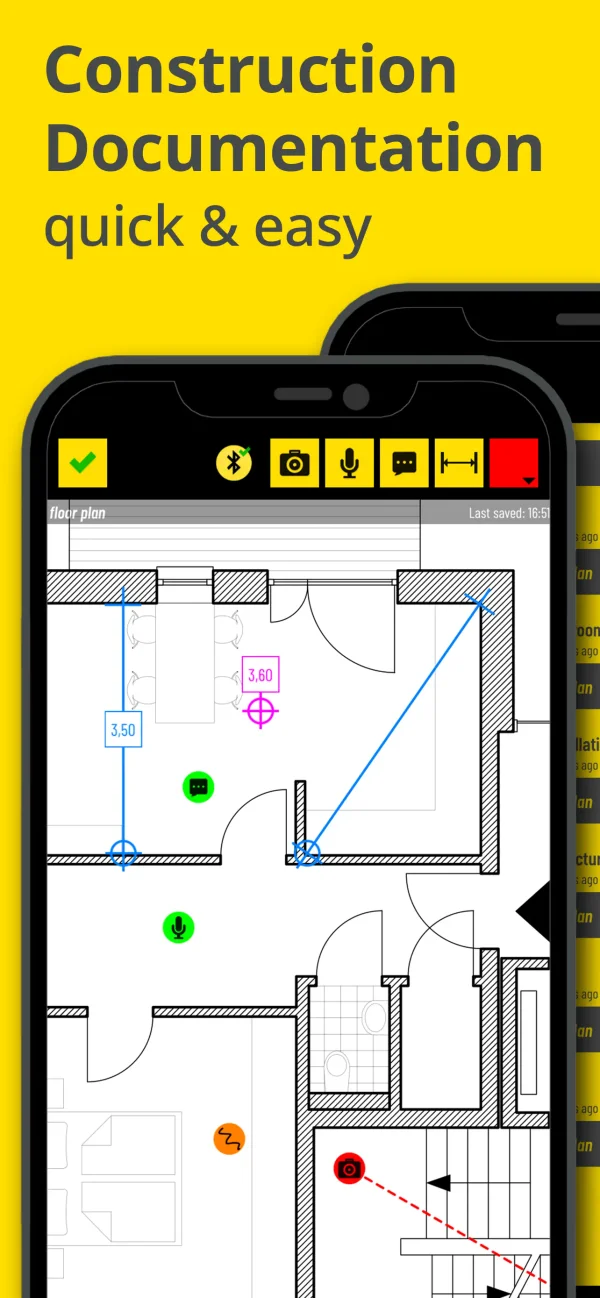
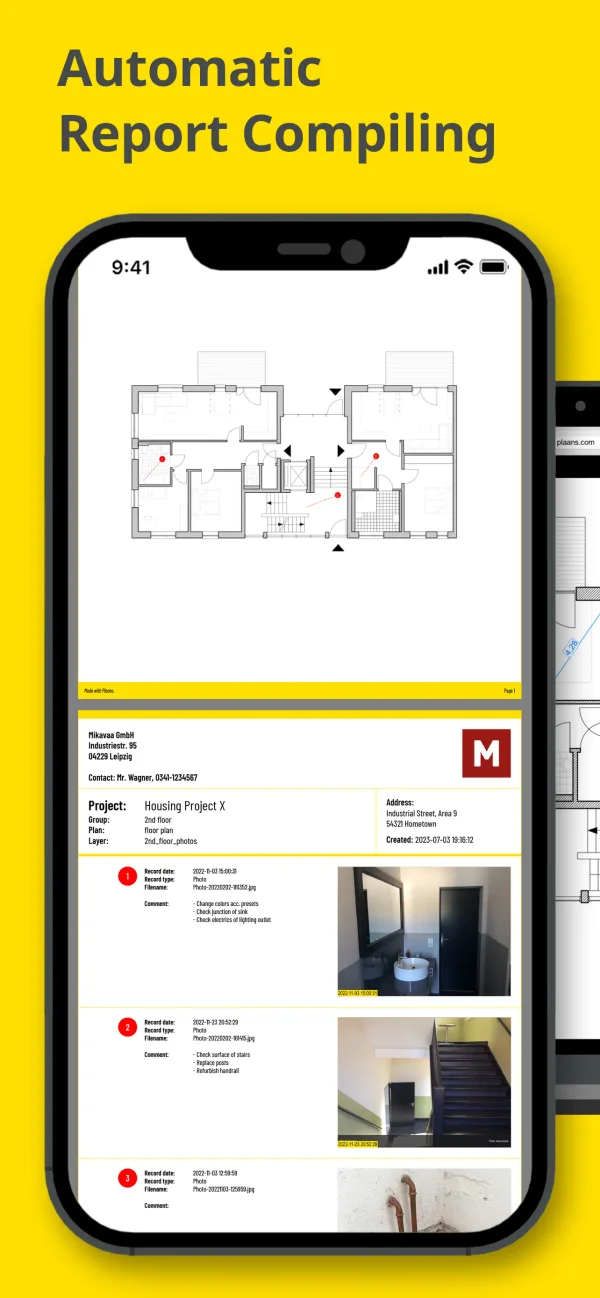
Plaans turns your site walk into a finished defect report: photos, voice notes and measurements land right where they belong on the plan – and the PDF report is just one tap away.
For surveyors, architects, site managers, engineers and facility managers who document on site and don't need a big construction platform.
HOW IT WORKS
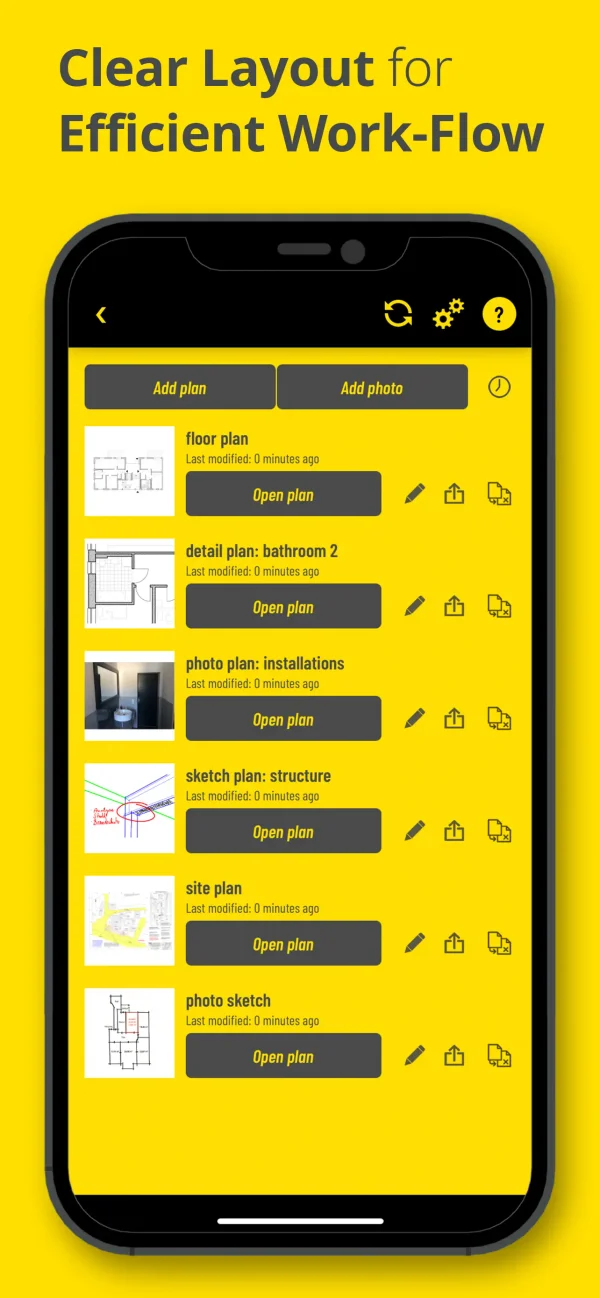
1. Import a plan: a PDF or a photo of a floor plan.
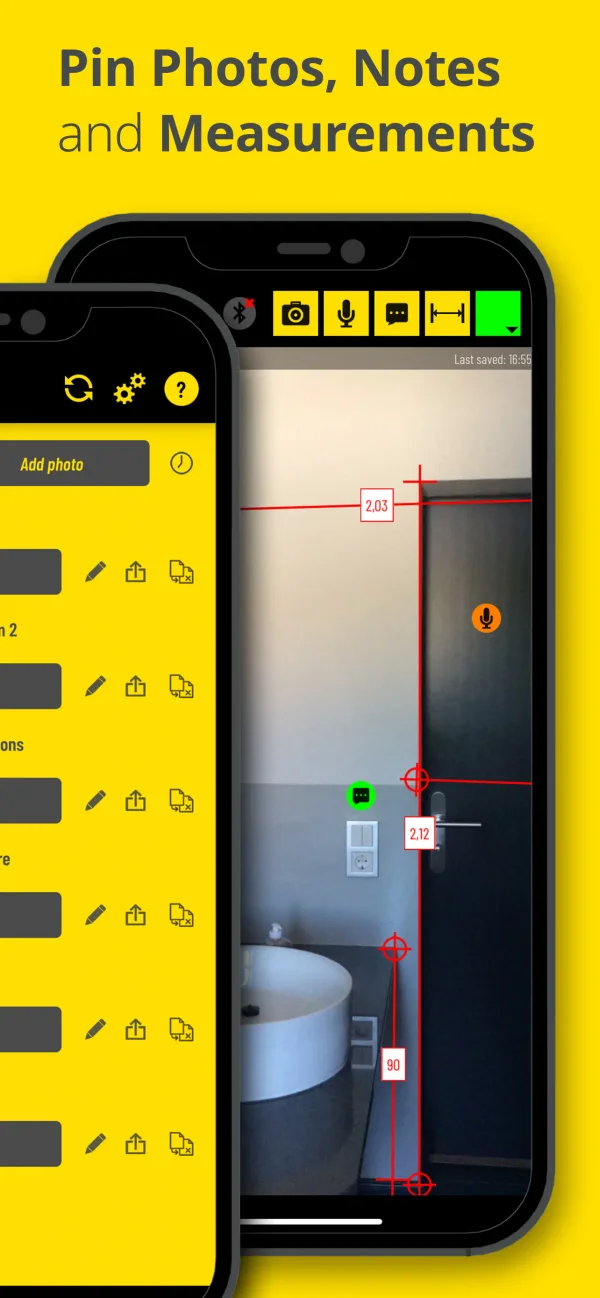
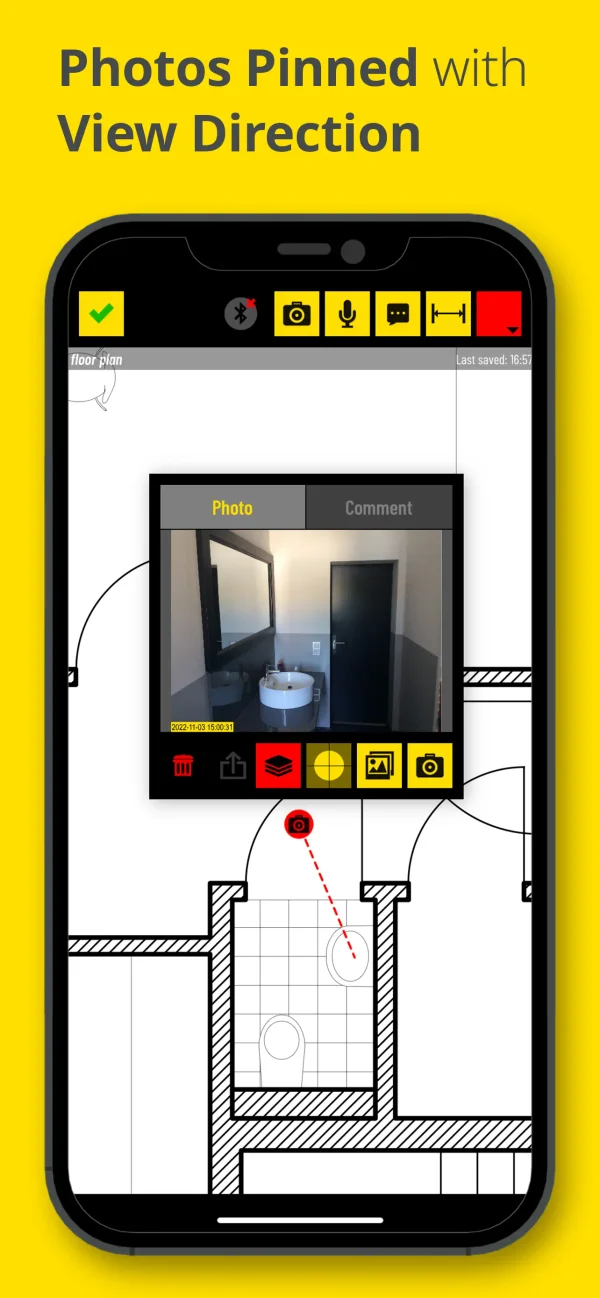
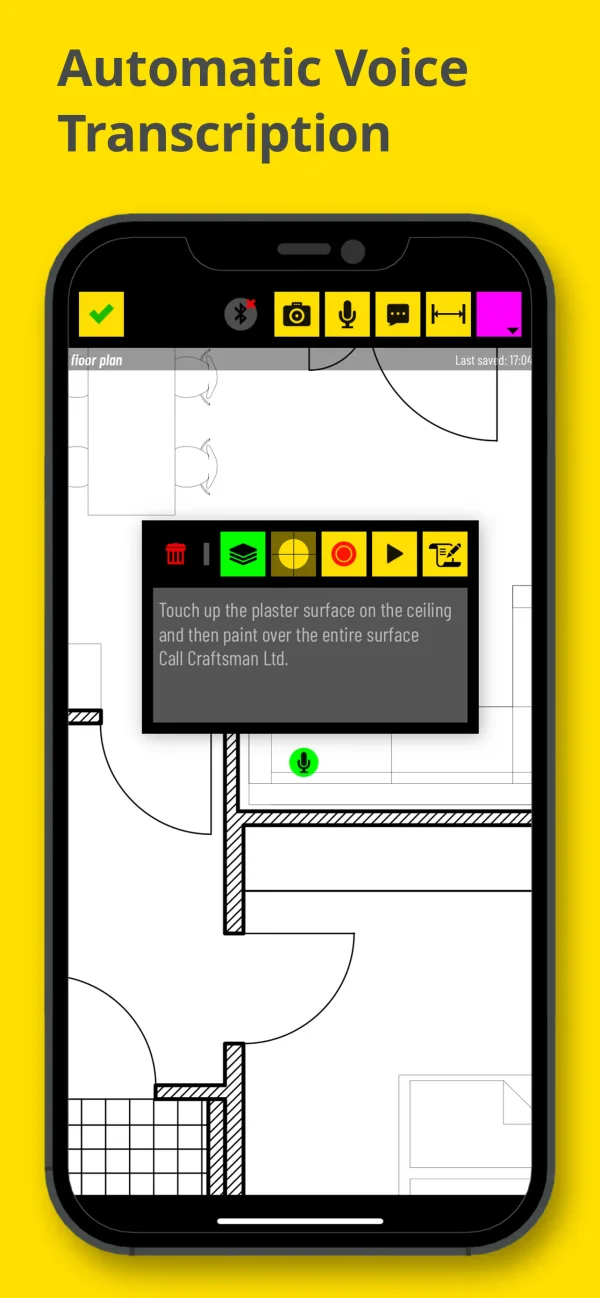
2. Capture on site: photos with viewing direction, voice and text notes, measurements and sketches – each in its place on the plan.
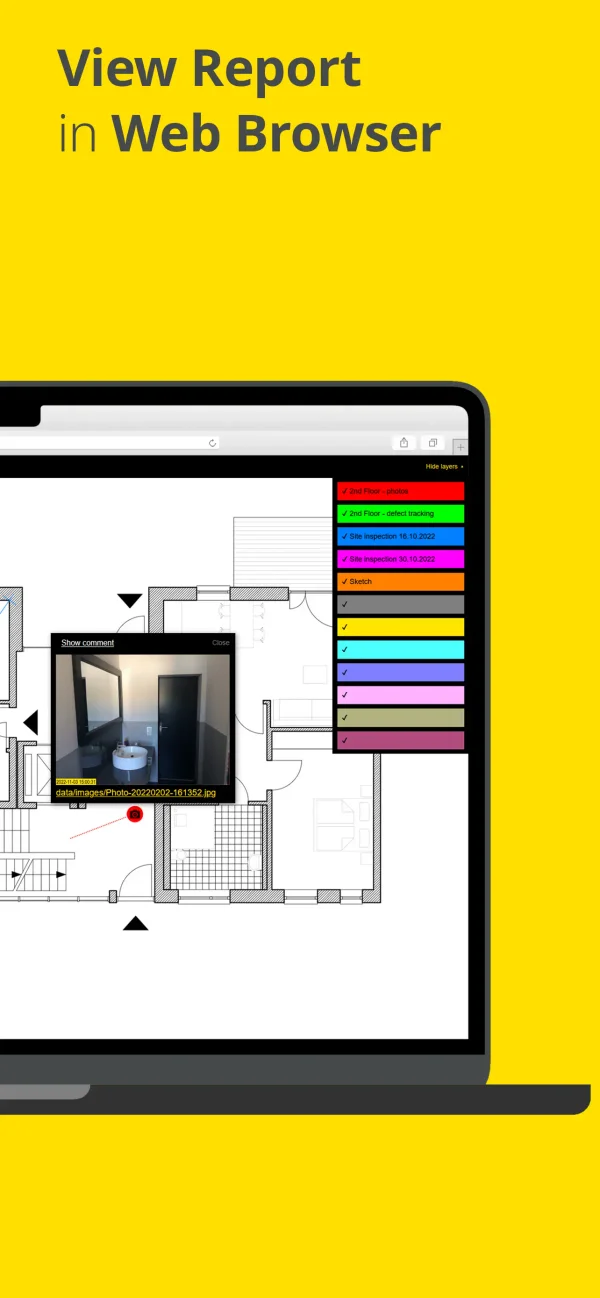
3. Create the report: PDF report, interactive plan for the browser and CSV for Excel.
YOUR DATA STAYS WITH YOU
No sign-up, no cloud. All data stays on your device, and you decide who you share it with. Plaans also works offline.
FEATURES
- Photos with location and viewing direction on the plan
- Voice notes, transcribed to text if you like
- Text comments and colored layers
- Length, height and angle measurements
- Draw sketches, use photos in place of a plan
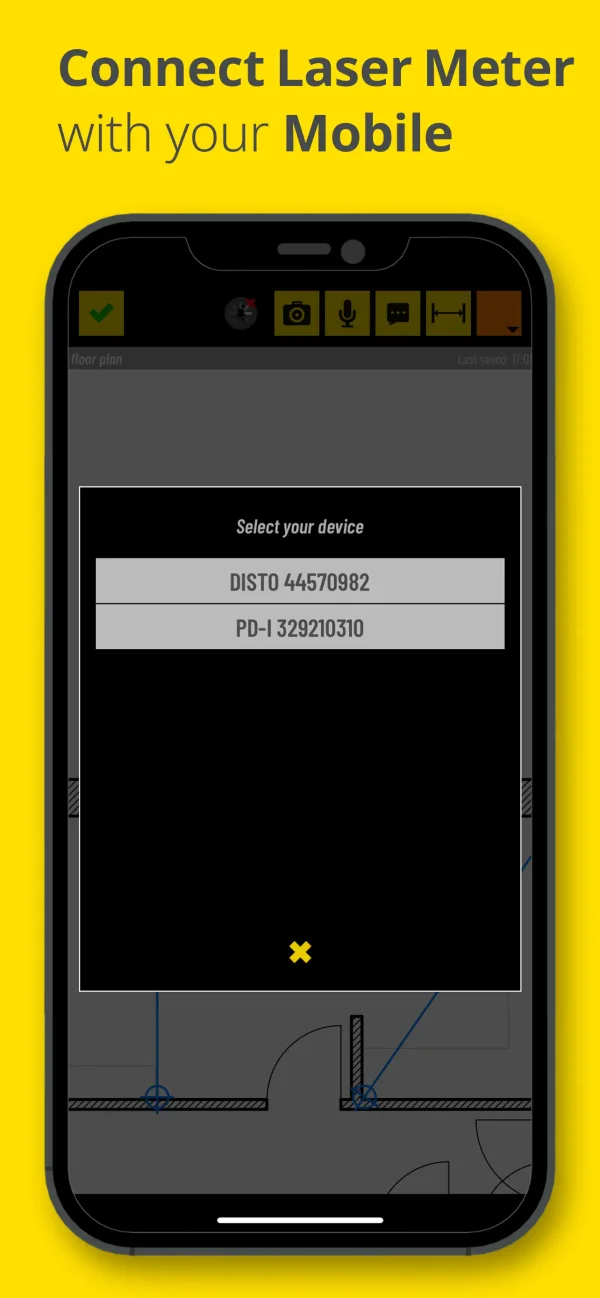
- Connects to laser distance meters (Leica DISTO, HILTI PD-I)
- PDF report, interactive plan, CSV export
- For iPhone and iPad
PRICING
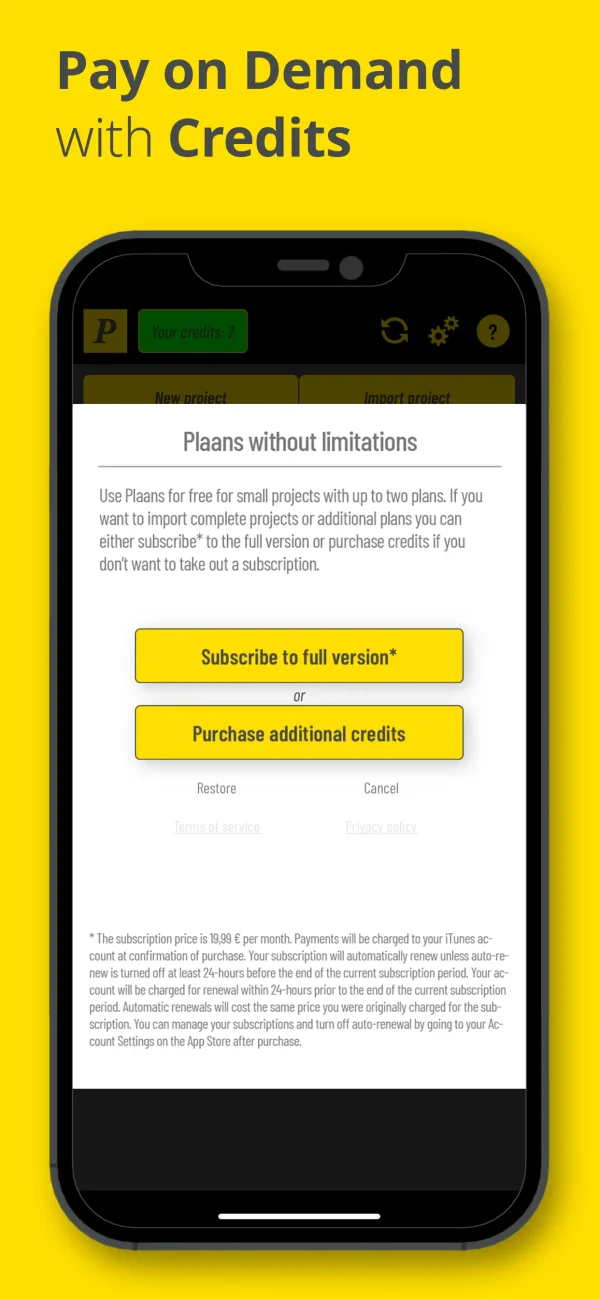
Free for small projects with up to two plans. For more: the full version as a monthly subscription, or credits as you need them.
SUBSCRIPTION INFORMATION
- The full version gives you all features without limitations.
- The subscription period is 1 month.
- The subscription price for your country is shown in the app before you buy.
- Payment is charged to your Apple Account at confirmation of purchase.
- Your subscription renews automatically unless auto-renew is turned off at least 24 hours before the end of the current period.
- Your account is charged for renewal within 24 hours before the end of the current period, at the price you originally paid.
- You can manage your subscription and turn off auto-renewal in your App Store account settings at any time after purchase.
Terms of use: https://www.plaans.com/imprint?lang=en
Privacy: https://www.plaans.com/datenschutz?lang=en
What’s new
Version 4.0.0 · Nov 19, 2026
New: a photo position can now hold up to 20 photos, for example an overview, a close-up and the type plate. The camera stays open for series shots, and you can pick several photos from your library at once. Swipe through the shots in the photo window and use “Make first photo” to choose which one comes first. The datasheet, the CSV export and the HTML view show all photos of a position. We have also rebuilt the HTML view for the browser: the plan stays sharp at any zoom level, and photos, comments and measurements open in a side panel.
Plaans now stores your projects in a new, more robust format. Existing projects are converted automatically the first time you open the app. A progress bar now shows how far along importing, saving and sharing are. If you pick a single plan in the project import by mistake, Plaans now tells you. Important for teams: projects shared from this version can only be opened with version 4.0 or later, so please update Plaans on all devices. You can still exchange single plans with older versions. We have also fixed some minor bugs.
App privacy
What Mikavaa GmbH declares on the App Store about how this app handles data.
-
Data not collected
The developer does not collect any data from this app.
Privacy practices may vary, for example with the features you use or your age.
Information
- Seller
- Mikavaa GmbH
- Category
- Productivity
- Version
- 4.0.0
- Updated
- Nov 19, 2026
- Released
- Sep 17, 2013
- Size
- 10.6 MB
- Requires
- iOS 15.6 or later
- Age rating
- 4+
- Price
- Free
- In-app purchases
- Yes
- Languages
- English, German
- Copyright
- © Mikavaa GmbH
You might also like
-
 BeamoMake site survey easy
-
 PlanRadar Construction ManagerBuild with BIM & digital plans
-
 ARES Touch: DWG Viewer & CADRead, Modify & Annotate in DWG
-
 Site Report Pro- Punchlist AppPunch List & Site Audit Snags
-
 JobWalk Construction Tracking360 Progress Documentation
-
 RenoPlan - Floor Plan CreatorMeasure Estimate - Laser, AR
-
 DrawPlan: 3D Floor Plan & AI2D & 3D floor plans to scale
-
 ArcSite: Quick CAD Floor PlansEasily Design, Sketch and Draw
-
 Draft PaperProductivity
-
 BluebeamField app for PDF workflows