
Place That Thought
In Your Face Reminders
Designed for iPhone, iPad
Free · In-app purchases
- Age rating4+
- CategoryProductivity
- DeveloperUp One Story
- LanguagesEnglish+ 1 more
- Size49.8 MB
Links to the official App Store page
Download.org hosts no file of Place That Thought. The button opens its official App Store page, published by Up One Story. Listing last checked on Nov 25, 2026.
Screenshots

About
A note-to-self you can't miss.
Think of it as a string around your finger for the things you keep forgetting: change the light bulb, make that call, pick up a new roll of… paper towels.
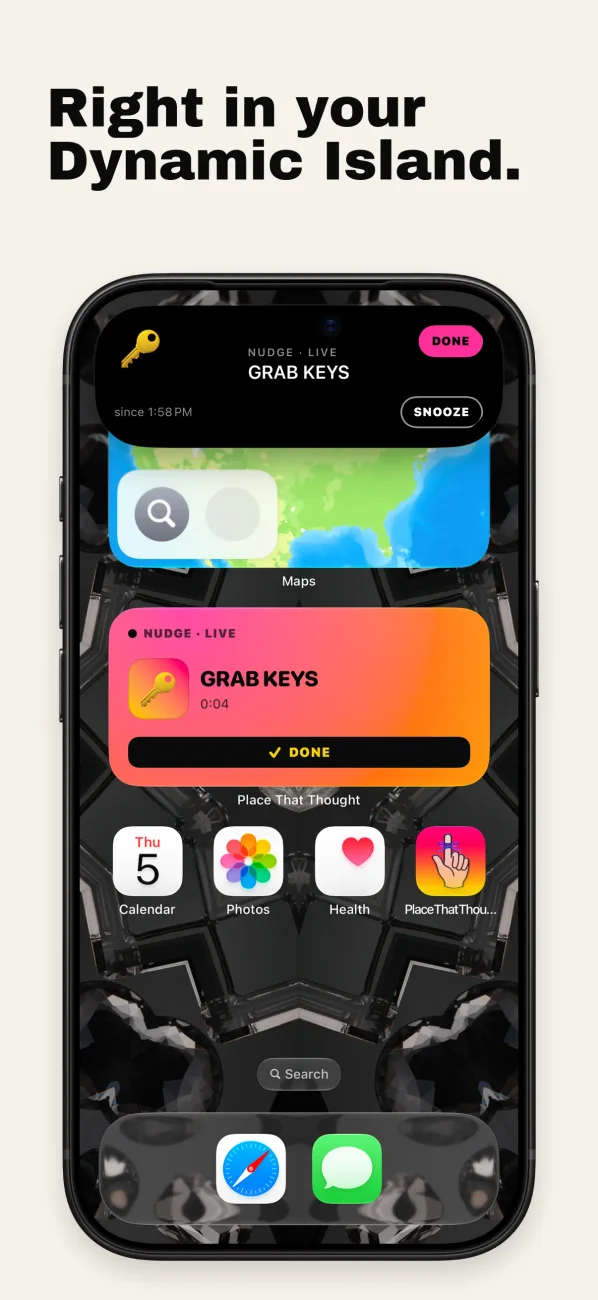
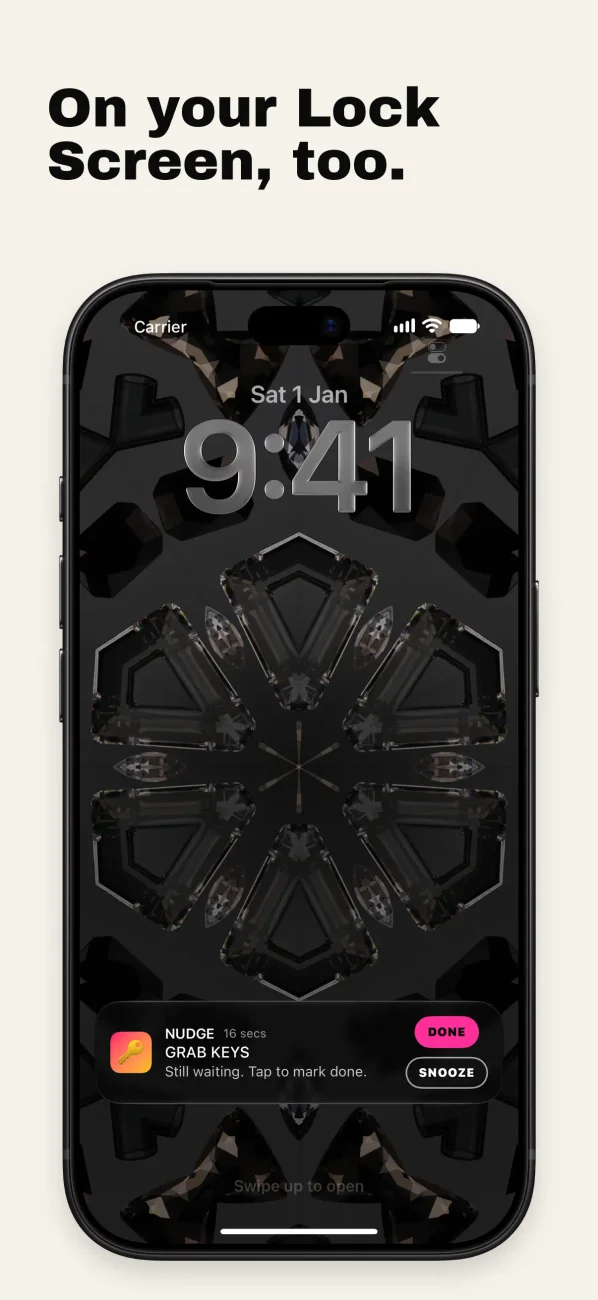
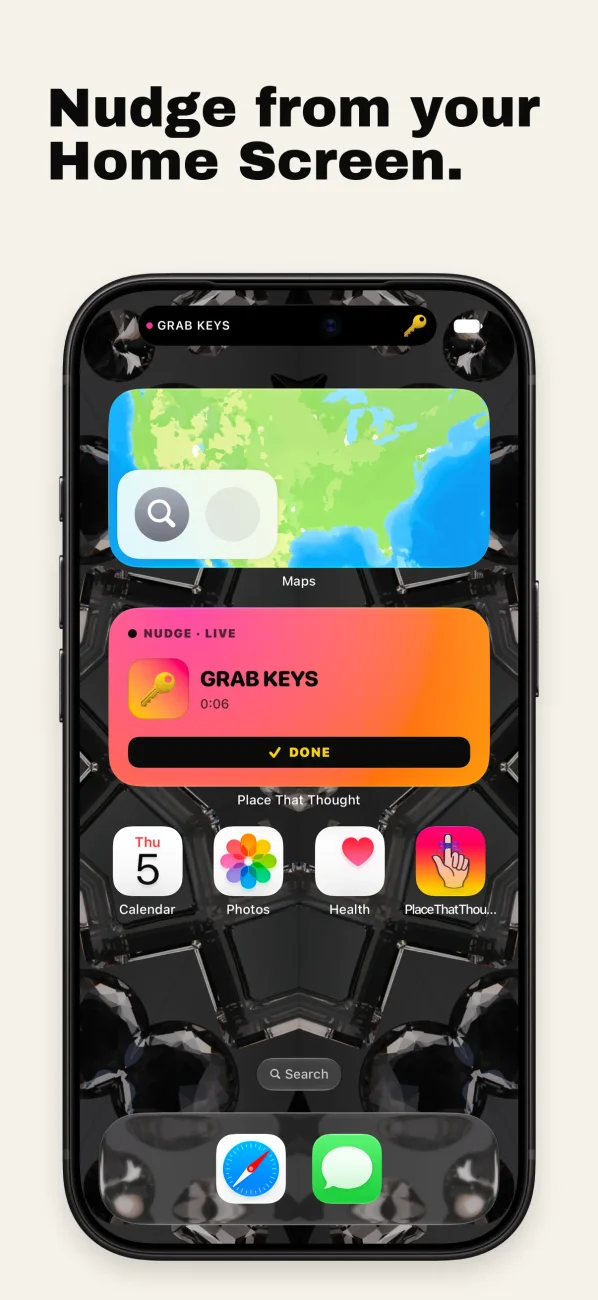
Pick an emoji to jog your memory. Place That Thought puts it on your Lock Screen and in your Dynamic Island, so every glance at your phone reminds you until you do the thing.
HOW IT WORKS
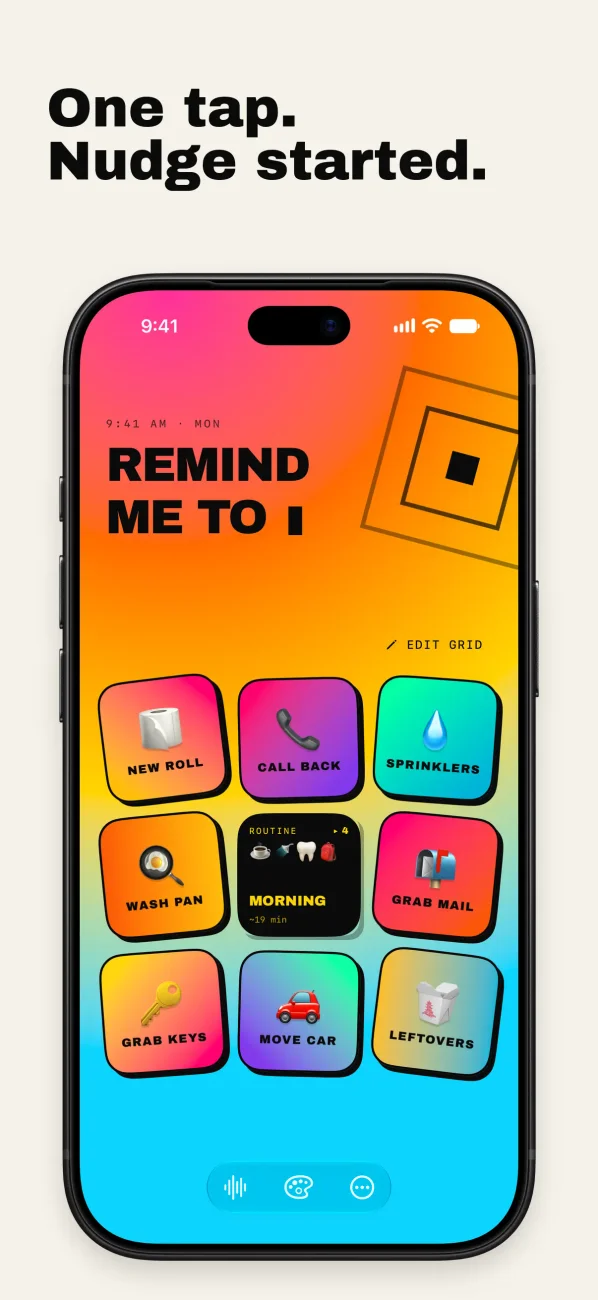
• The app opens to a grid of your go-to nudges. One tap starts one.
• Close the app. The nudge stays on your Lock Screen and in the Dynamic Island until you're done.
• Just in case, you'll get a notification two minutes later to help it stick.
• When you're done, tap Done. No need to open the app again.
NUDGE FROM ANYWHERE
Start a nudge without opening the app, from a Lock Screen widget, Control Center, the Action Button or Siri.
MAKE IT YOURS
• Make your first nudge right away, then use Edit grid to swap the starter nudges for your own, with any emoji, even the weird ones.
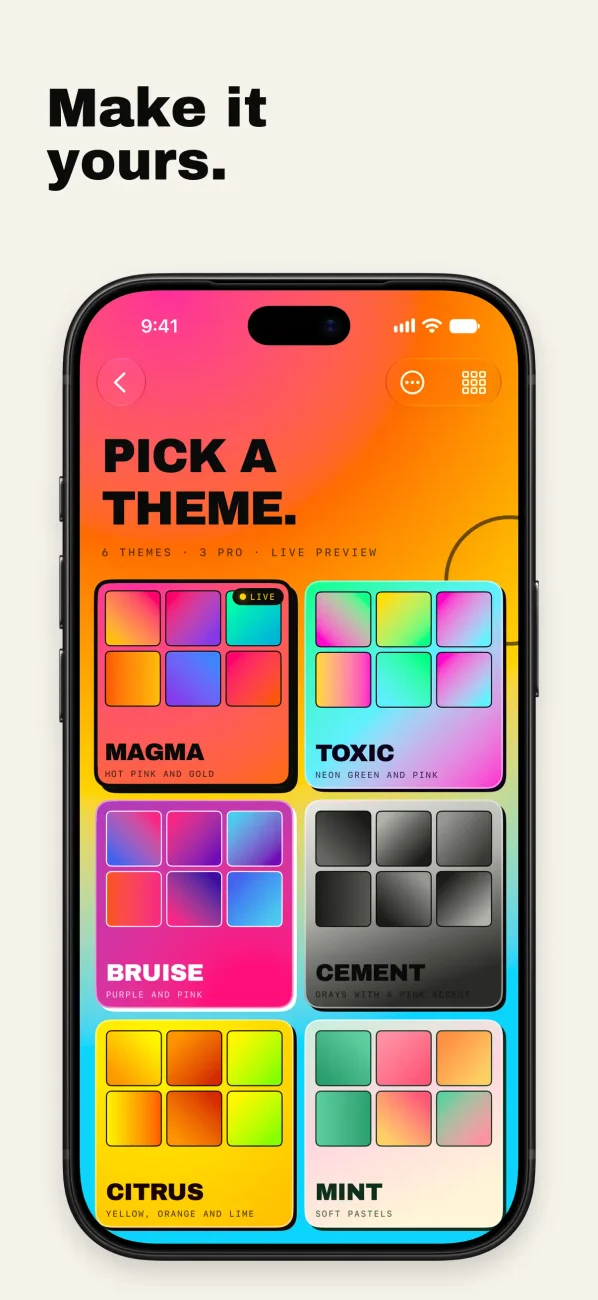
• Pick a theme to recolor the whole app.
DAILY NUDGES
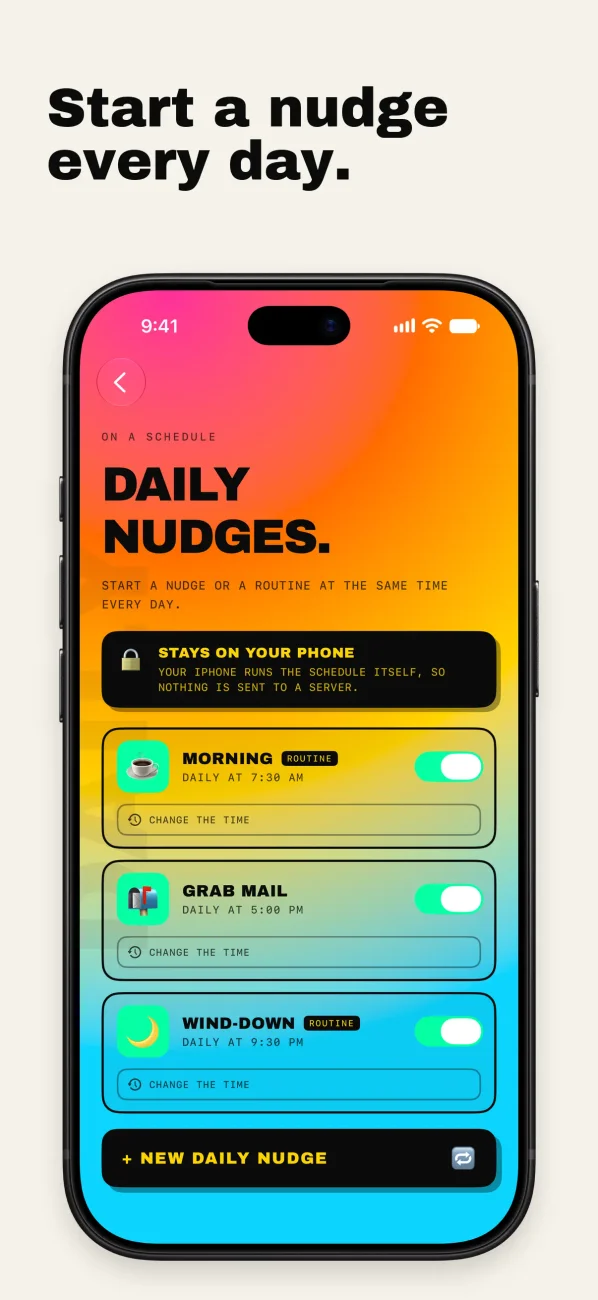
Pick a nudge and a time, and it starts on its own every day. Free.
STATS
See how long your nudges take, plus any streaks.
SAY IT (PRO)
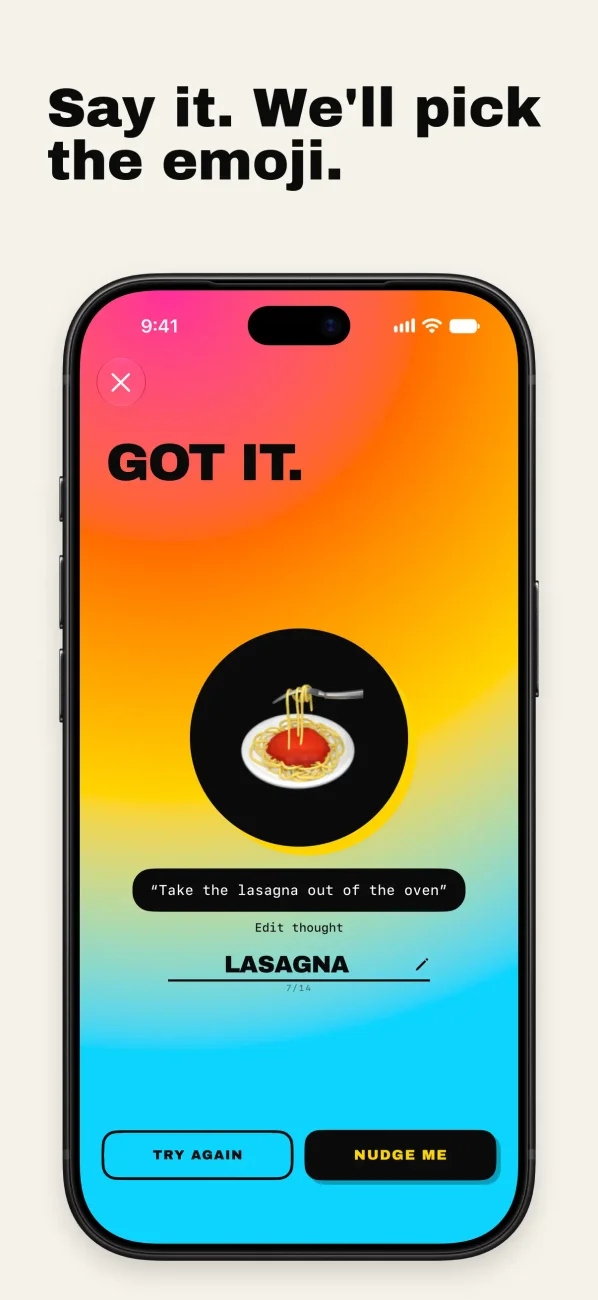
If a nudge isn't on your grid, say it out loud ("take the lasagna out of the oven") and the app picks the emoji and label for you. It works on every device, and Apple Intelligence makes the pick even better where it's available.
PRO
• All 9 grid slots.
• Say It.
• Every theme.
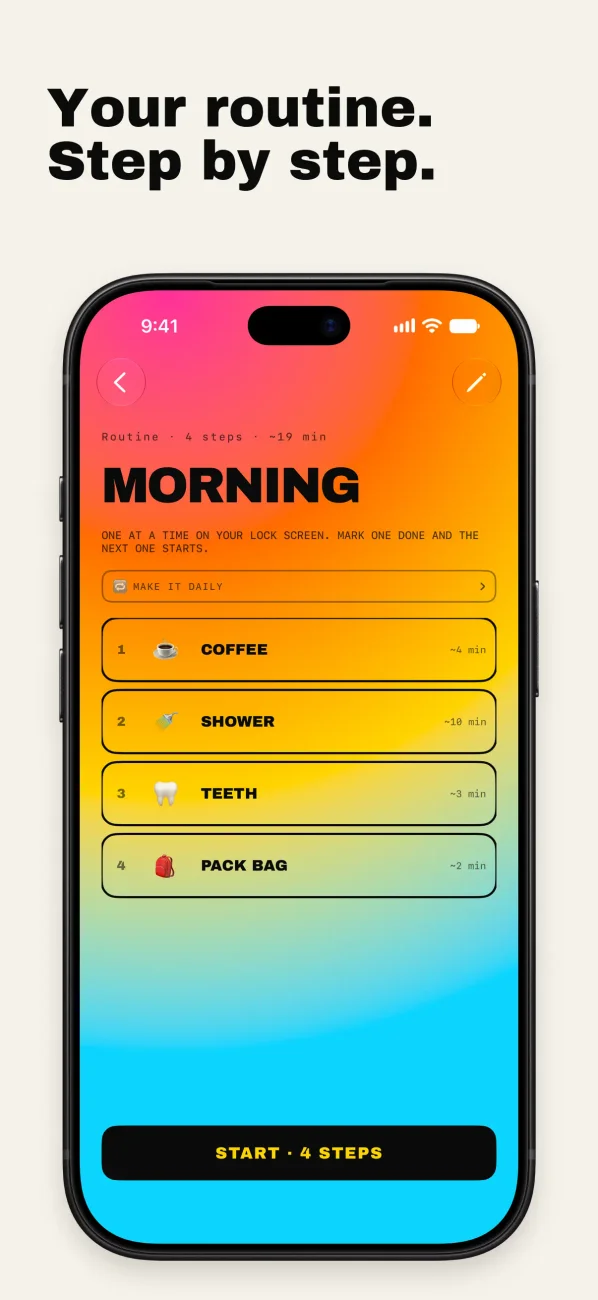
• ROUTINES: Save a list of nudges, like your morning, and do them one after another. Schedule one to start at the same time every day.
• UP NEXT: Start a new nudge without losing the current one.
Pro is a one-time purchase. No subscription.
PRIVATE BY DESIGN
No account and no ads. Your nudges stay on your device. A reminder app shouldn't need your email.
What’s new
Version 1.3.5 · Nov 7, 2026
Snooze a nudge for 15 minutes, an hour, or until tonight, and it comes back on its own. You can snooze or mark a nudge done right from a notification, without opening the app.
Nag me keeps reminding you until a nudge is done. Turn it on for the ones you really can't forget.
Sleep hours keep your nudges quiet overnight and bring them back when you wake up.
New in Pro: Start later starts a nudge after a delay, like checking the washer in an hour.
Also new in Pro: your Apple Reminders due today or overdue can show on Home.
App privacy
What Up One Story declares on the App Store about how this app handles data.
-
Data not linked to you
May be collected but is not linked to your identity.
- User content
- Identifiers
- Usage data
Privacy practices may vary, for example with the features you use or your age.
Information
- Seller
- Brigham Brown
- Category
- Productivity
- Version
- 1.3.5
- Updated
- Nov 7, 2026
- Released
- Jun 3, 2026
- Size
- 49.8 MB
- Requires
- iOS 18.2 or later
- Age rating
- 4+
- Price
- Free
- In-app purchases
- Yes
- Languages
- English, Spanish
- Copyright
- © 2026 Brigham Brown
You might also like
-
 Task Memo: AI MagicYour Aesthetic AI Planner
-
 Cat Notes: Purrfect NotebookCat Journal, Planner & Lists
-
 AllFaves: Save & OrganizeSave Links & Favorites
-
 Multilist: GTD Kanban PlannerTo Do List, Tasks & Reminders
-
 Tilt: Pros & Cons ListWeighted Decision Cards
-
 Dodo: Notes, Todos & RemindersTodos, reminders & AI dictate
-
 Video Playlist ManagerProfessional kiosk looper
-
 Pala: ADHD Planner & CalendarAI Daily Routine & Focus Timer
-
 Simplify Notes: PDF NotebookHandwriting, Notes & Study
-
 Callvent – Calls to CalendarCall Log, Notes & Reminders