
Placer - Seating Plan Maker
Wedding & event seating plans
Designed for iPad, Mac
Free · In-app purchases
- Age rating4+
- CategoryProductivity
- DeveloperDAN DVORACEK
- LanguagesEnglish+ 6 more
- Size15.3 MB
Links to the official App Store page
Download.org hosts no file of Placer - Seating Plan Maker. The button opens its official App Store page, published by DAN DVORACEK. Listing last checked on Nov 15, 2026.
Screenshots

About
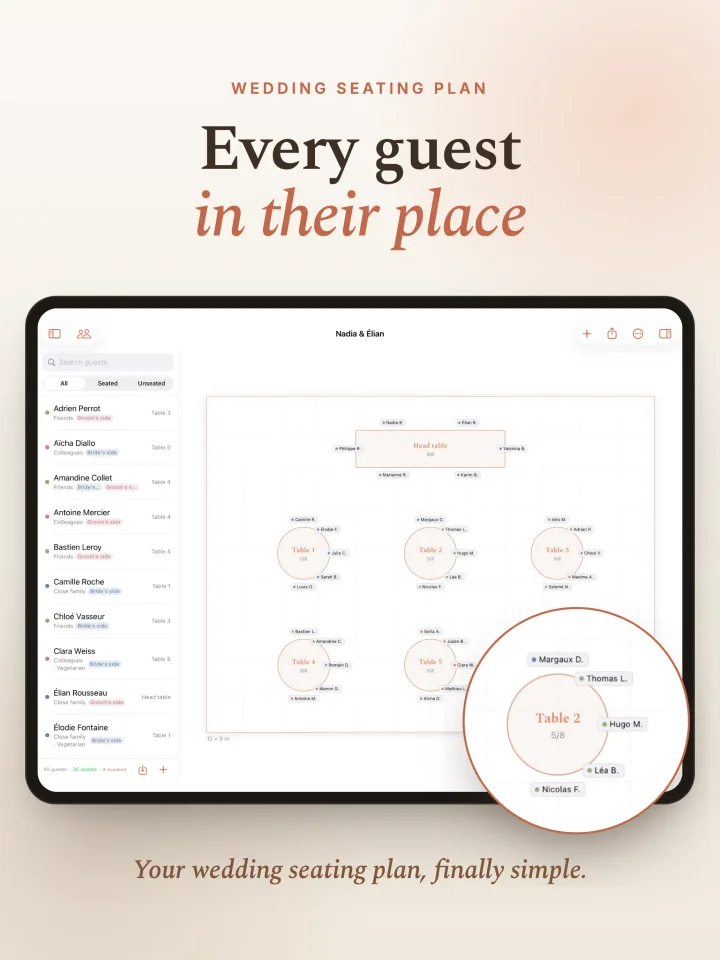
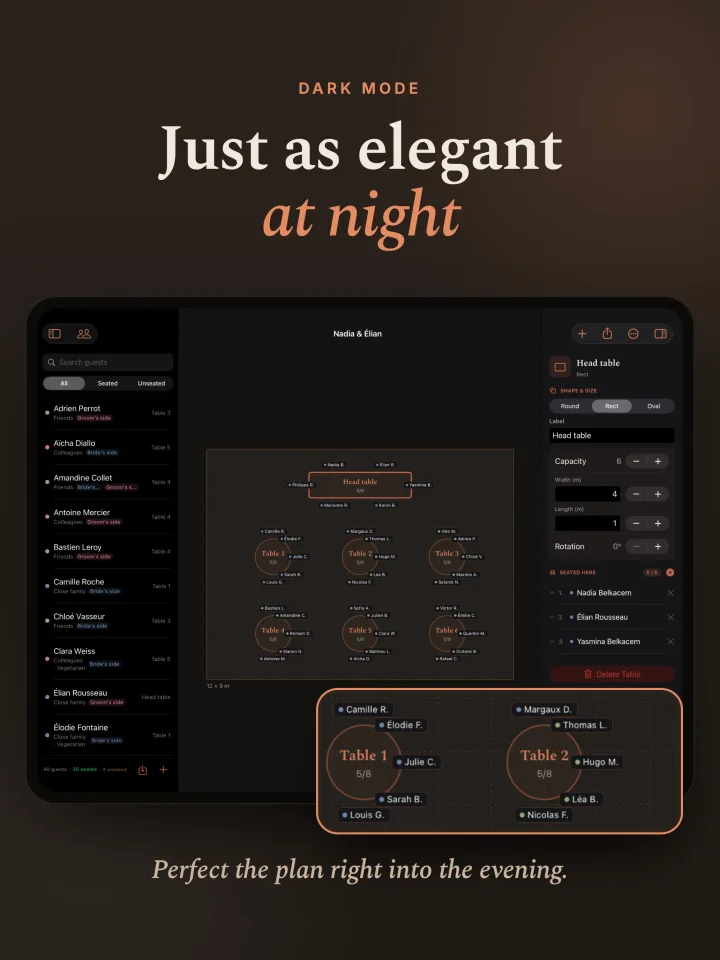
Placer is the fast, beautiful way to decide who sits where, for your wedding, gala, banquet or company dinner. Built natively for Mac and iPad, it works entirely offline: no account, no subscription, and your guest list never leaves your device.
YOUR FLOOR PLAN, TO SCALE
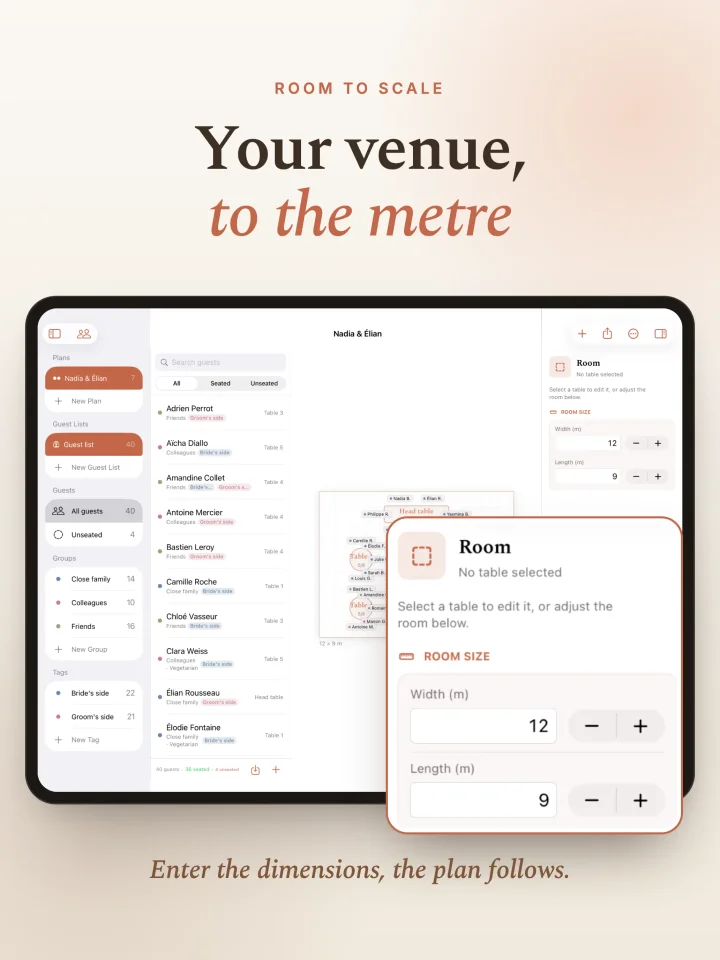
• Set your room's real dimensions and lay out tables on a metric grid
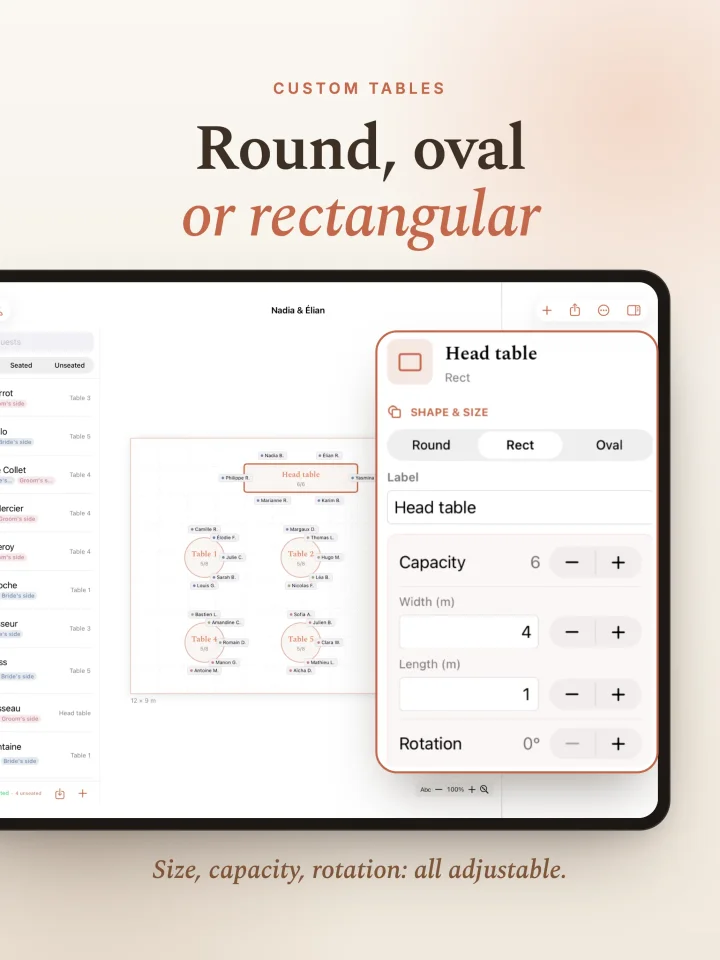
• Round, rectangular and oval tables with custom size, capacity and rotation
• Drag tables into place, or create many at once in an automatic grid
• Zoom, pan and fine-tune until the layout matches your venue
ONE GUEST LIST, MANY PLANS
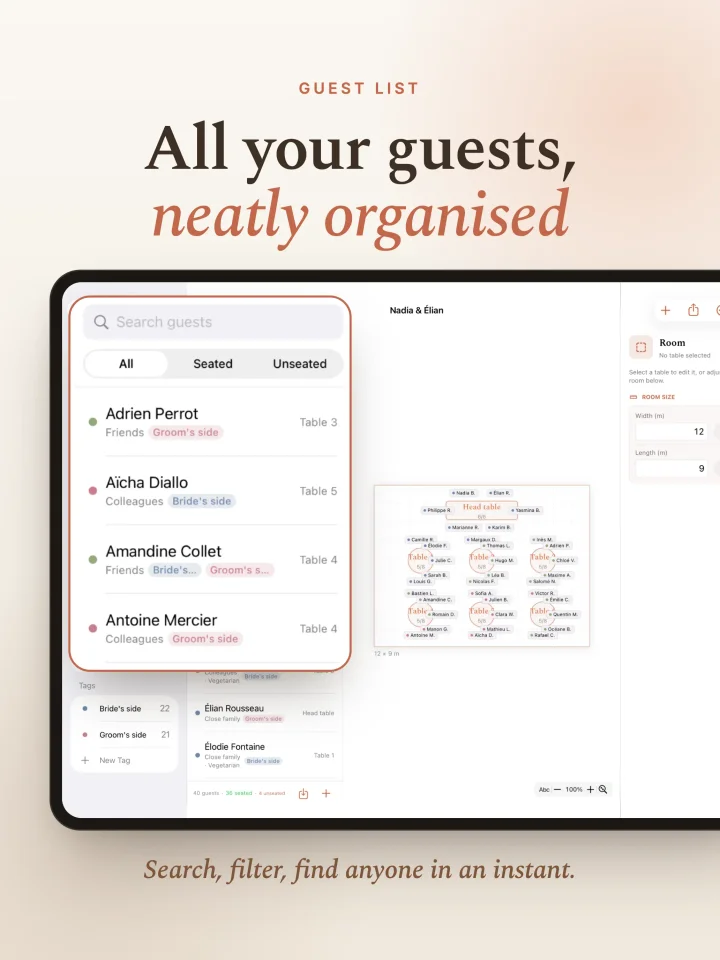
• Keep a single guest list shared across all your seating plans
• Import guests from CSV or Excel (.xlsx) files in seconds, or start from the built-in template
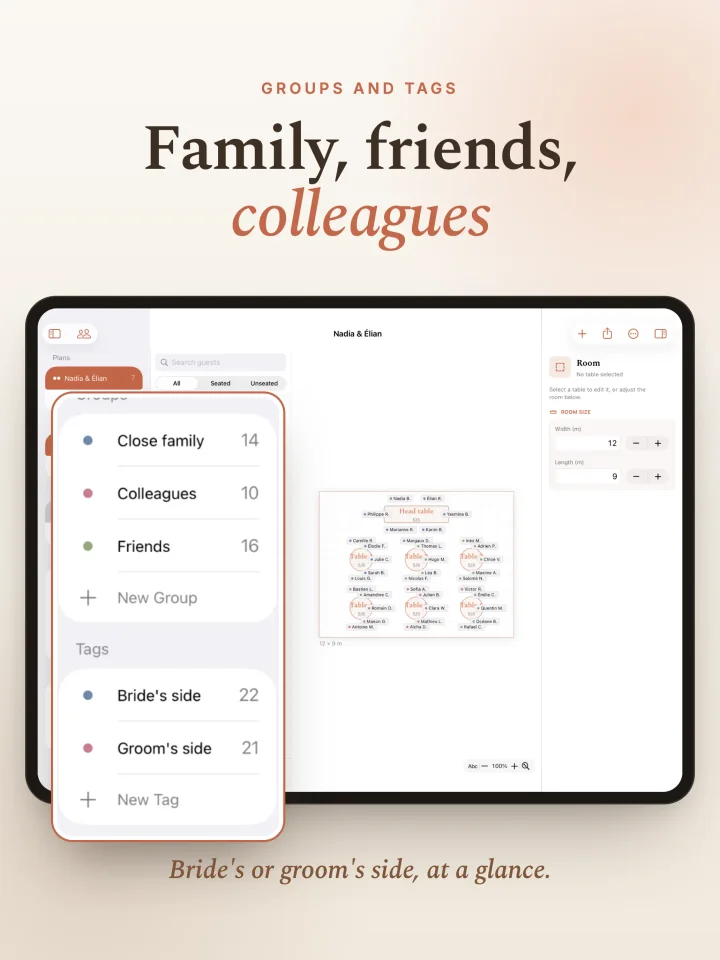
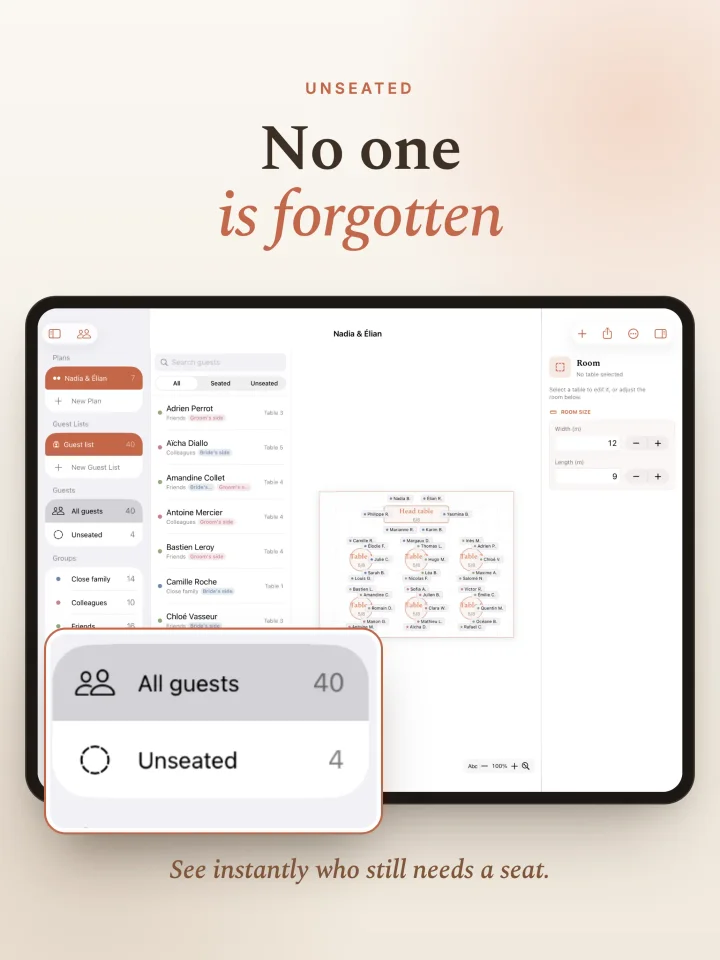
• Search and filter by side, group or assignment status
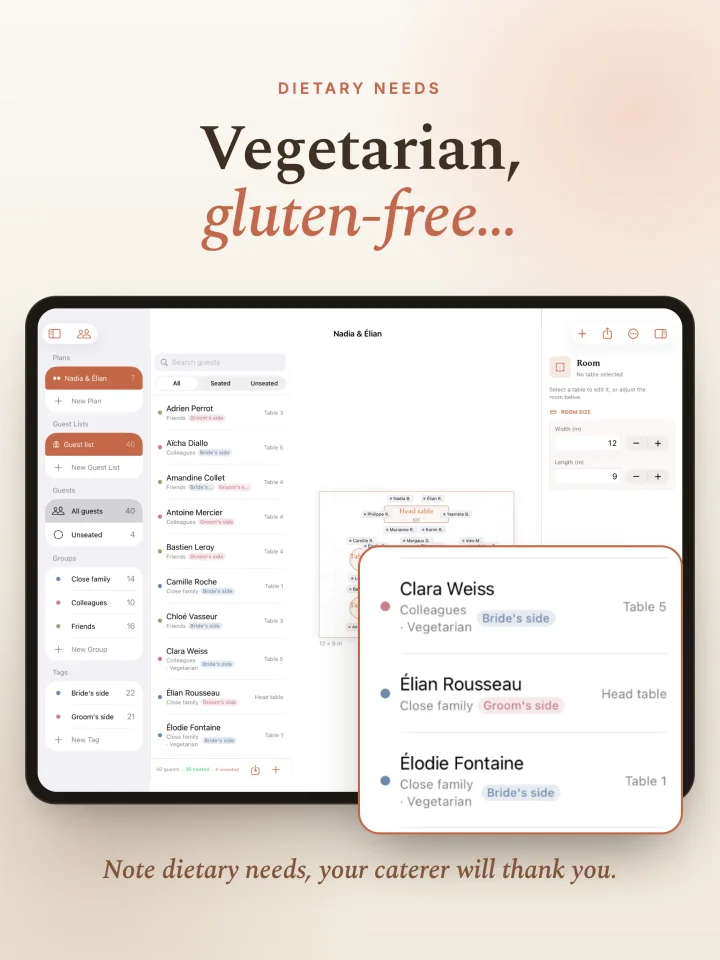
• Groups, tags and dietary notes at a glance
SEAT EVERYONE WITH DRAG & DROP
• Drag a guest from the list straight onto a table
• Reorder seats within a table from the inspector
• Overcapacity warnings so nobody ends up without a chair
• Full undo and redo, so you can experiment freely
SHARE & PRINT
• Export a high-resolution PNG of the floor plan
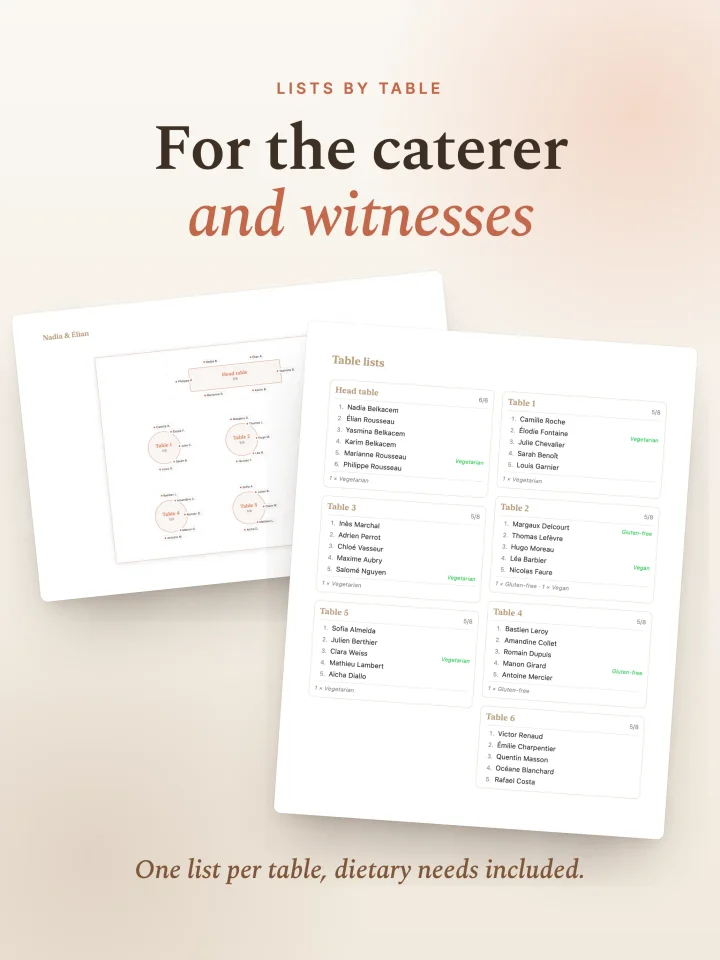
• Generate a multi-page PDF: the plan first, then one list per table
• Print directly, perfect for the venue, the caterer and the big day
• Back up and restore everything as a single file
PRIVATE BY DESIGN
Placer makes no network requests. There is no account, no analytics and no tracking: everything stays on your Mac and iPad.
FREE TO TRY, ONE PURCHASE TO UNLOCK
The free version includes an unlimited guest list, 2 plans, 4 tables per plan and 20 seated guests per plan, enough to try everything. A single one-time purchase unlocks unlimited plans, tables and guests, forever, on both Mac and iPad. No subscription.
Placer is available in English, French, Spanish, German, Italian, Portuguese and Hindi.
What’s new
Version 1.3.0 · Oct 10, 2026
• A more generous free version: 2 seating plans, 4 tables per plan and 20 seated guests per plan, with an unlimited guest list. Import your whole list right away.
• New: short tips walk you through the basics on first launch (show the panels, create a plan, add a table and a guest, seat someone). Bring them back anytime from the Help menu on Mac or the "…" menu on iPad.
• The zoom buttons at the bottom of the floor plan are bigger and easier to tap.
• On Mac, a new toolbar button shows or hides the inspector (⌥⌘I).
App privacy
What DAN DVORACEK declares on the App Store about how this app handles data.
-
Data not collected
The developer does not collect any data from this app.
Privacy practices may vary, for example with the features you use or your age.
Information
- Seller
- DAN DVORACEK
- Category
- Productivity
- Version
- 1.3.0
- Updated
- Oct 10, 2026
- Released
- Jul 25, 2026
- Size
- 15.3 MB
- Requires
- iOS 17.0 or later
- Age rating
- 4+
- Price
- Free
- In-app purchases
- Yes
- Languages
- English, French, German, Hindi, Italian, Portuguese, Spanish
- Copyright
- © Dan Dvoracek
You might also like
-
 Seating Chart - Table PlannerWedding & Event Plan in 3D
-
 Seatly: Seating Chart MakerWedding tables or classroom
-
 OfficeComply: Attendance LogHybrid Work & Office Check In
-
 Event Hall Organiser Seat FlowWedding Seating Chart Planner
-
 SeatOps: Wedding Seating ChartGuest Lists & Table Planner
-
 SeatFlow - Seating Chart MakerWedding & Event Floor Planner
-
 Seatsy: Seating Chart PlannerFloor Plans and Guest Lists
-
 Vowly Event: Invites & RSVPEvent planner & invitations
-
 Hochzeitsplaner – AppChecklist, guests & budget
-
 facilioo ProtokollProductivity