
Plurality: Plural Journal
Private plural system tracker
Designed for iPhone, iPad
Free · In-app purchases
- Age rating12+
- CategoryUtilities
- DeveloperNathan Hager
- LanguagesEnglish
- Size68.3 MB
Links to the official App Store page
Download.org hosts no file of Plurality: Plural Journal. The button opens its official App Store page, published by Nathan Hager. Listing last checked on Nov 23, 2026.
Screenshots

About
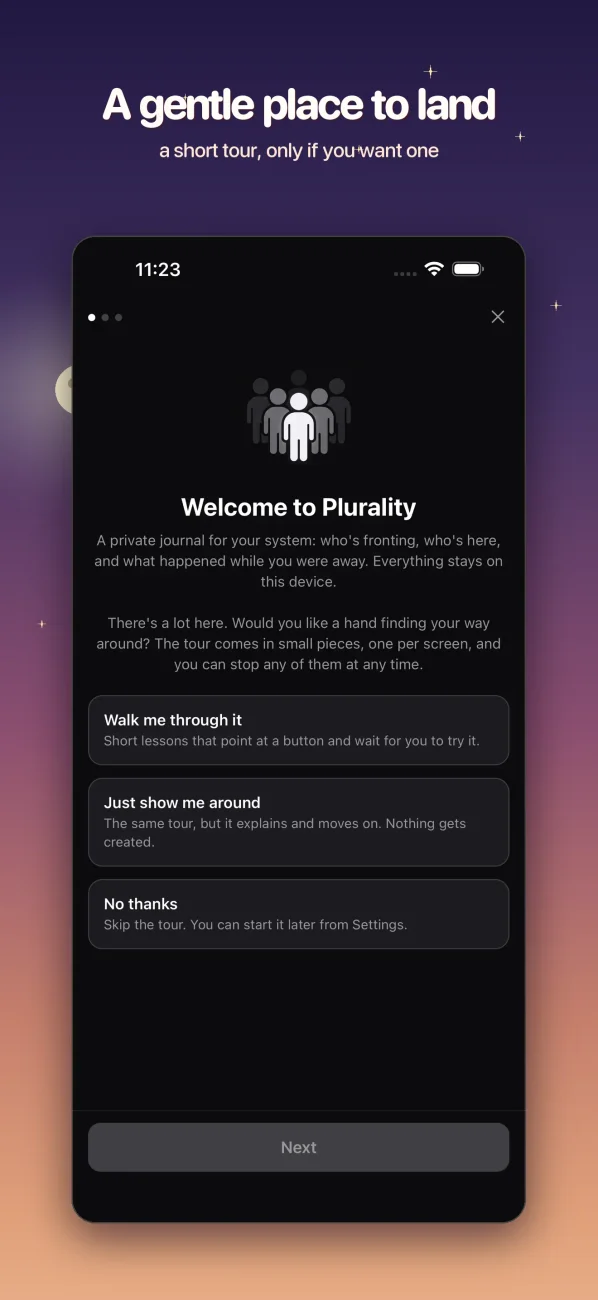
Plurality is a private journal and fronting tracker made for plural systems. Keep track of who is in front, record your days, and manage your members and groups in one calm, customizable space.
Whether you use it on its own or alongside PluralKit, Plurality is built to feel like a friendly home for your system. Your data stays private by default, and everything stays in sync across your devices.
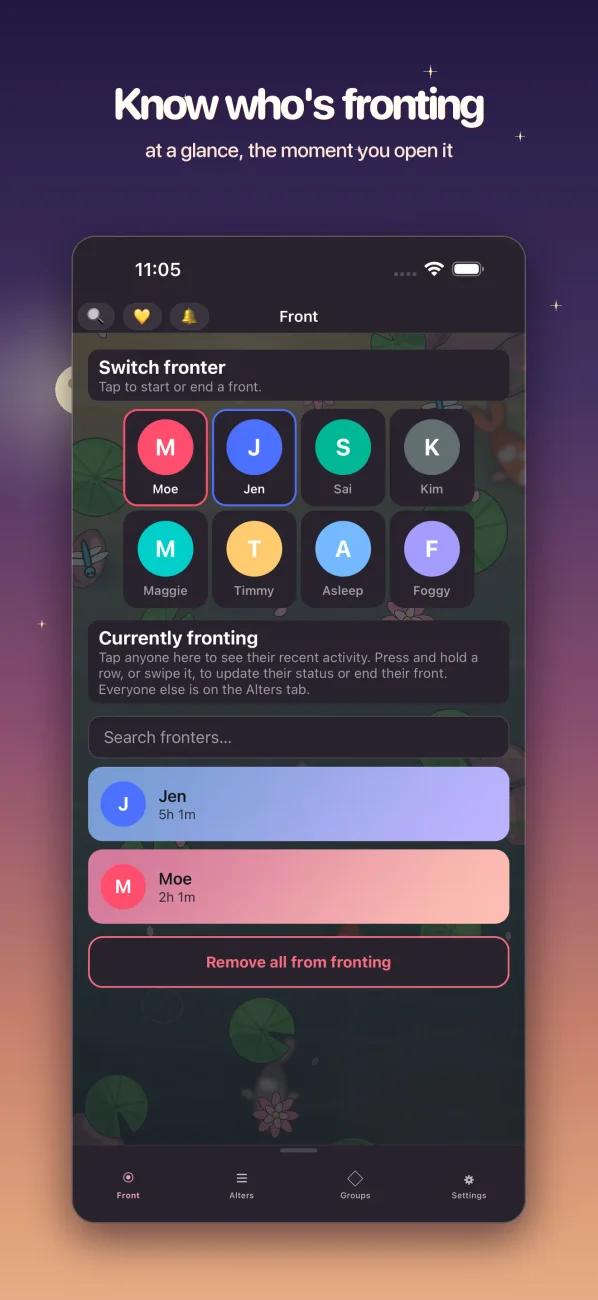
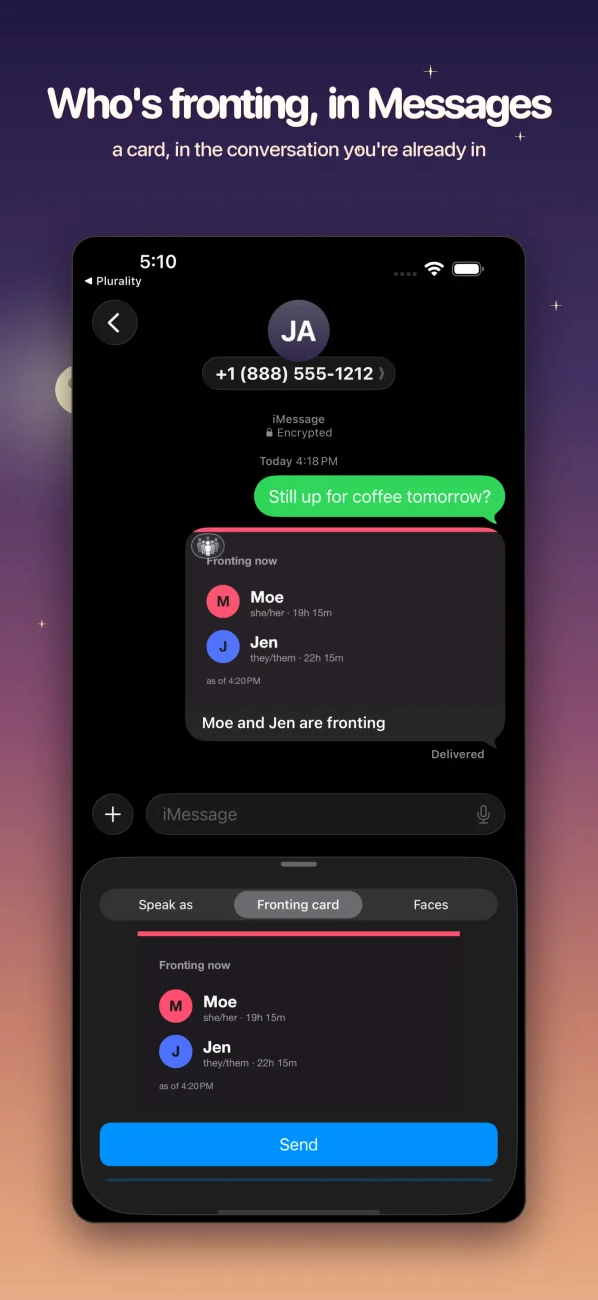
TRACK FRONTING
Log who is fronting and browse your front history at a glance, so your whole system stays on the same page.
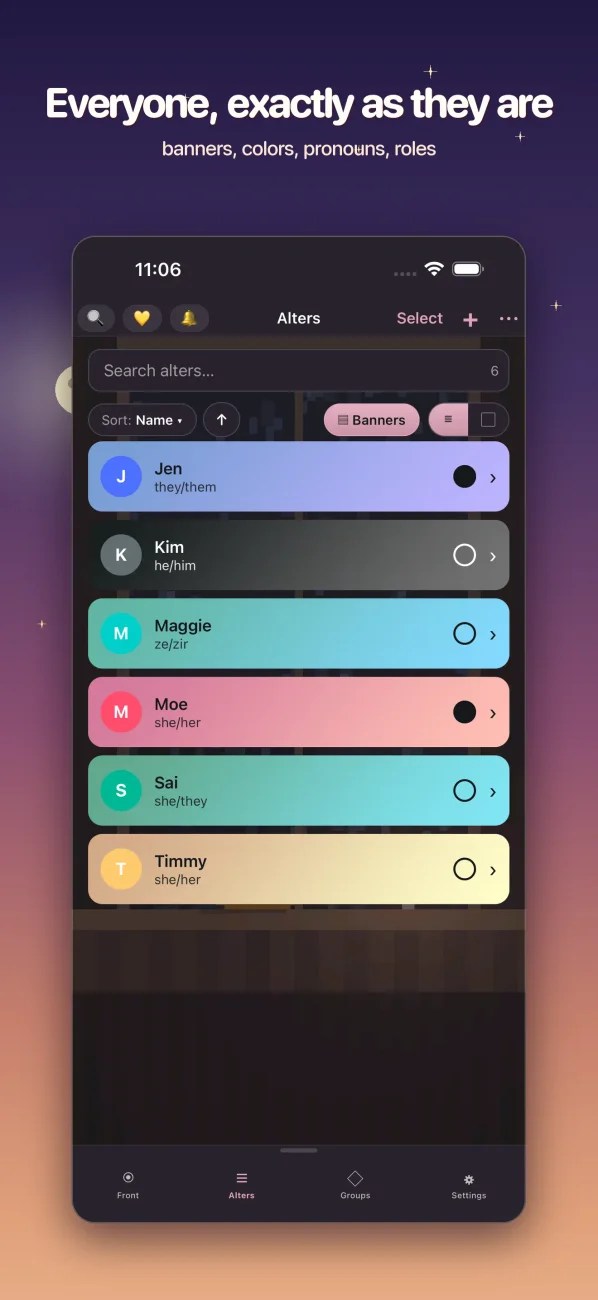
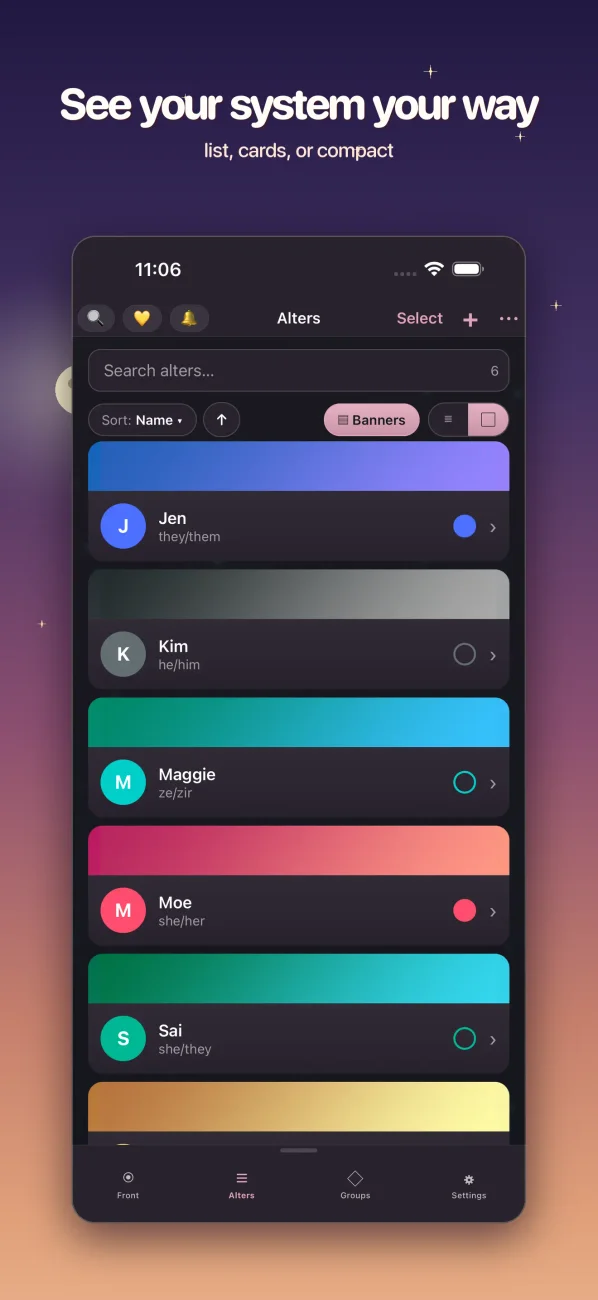
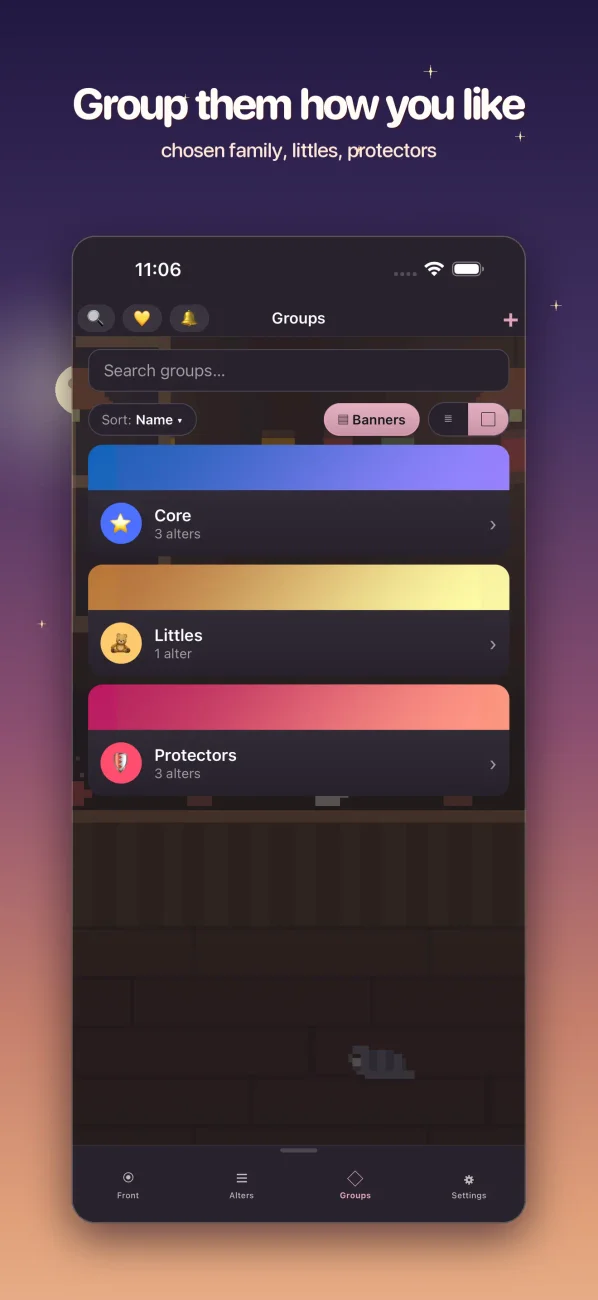
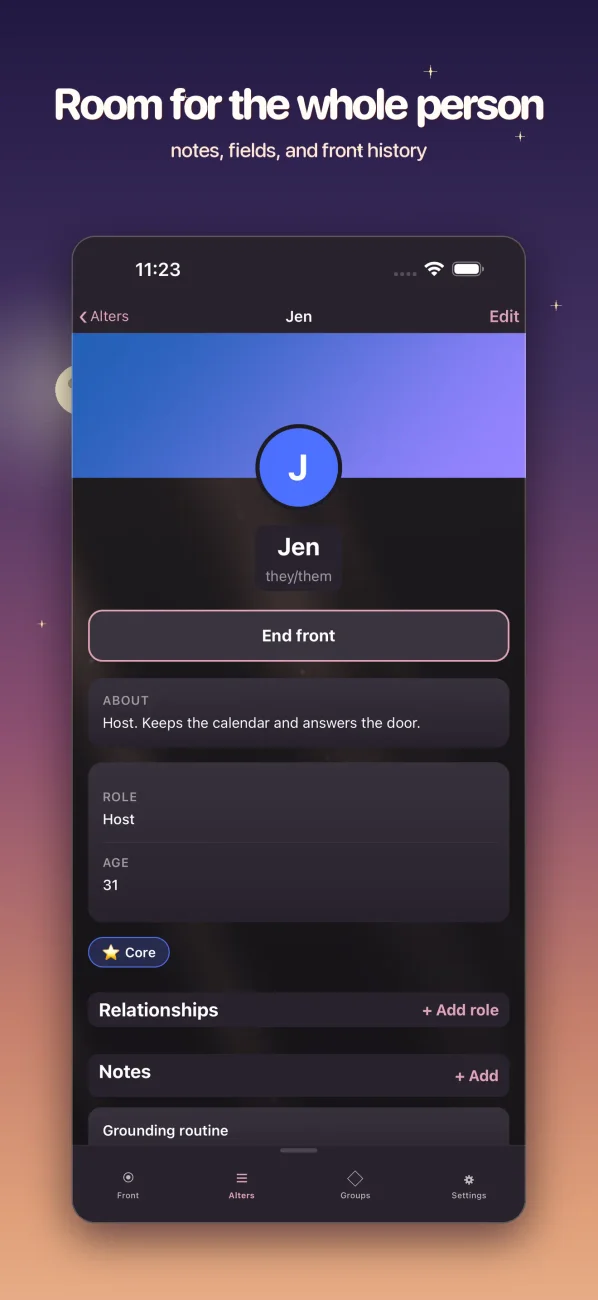
MEMBERS AND GROUPS, YOUR WAY
Create rich member profiles and organize them into groups. Switch between List, Cards, and Banner views to see your system the way you like. Add custom banners by image, GIF, or URL.
THEMES THAT FOLLOW YOUR FRONTER
Turn on per-member themes and watch the app gently shift colors to match whoever is currently in front, with a smooth transition. It is fully optional and easy to toggle.
PLURALKIT, YOUR WAY
Link your PluralKit system and bring in names, pronouns, birthdays, descriptions, avatars, and banners. Sending your own edits back to PluralKit is a switch you turn on when you want it.
JOURNAL YOUR DAYS
Write entries and keep a running record for your whole system, all in a private space that belongs to you.
SYNC ACROSS YOUR DEVICES
Your members, journal, and images stay up to date everywhere you sign in. Edits and deletions carry across cleanly, so every device tells the same story.
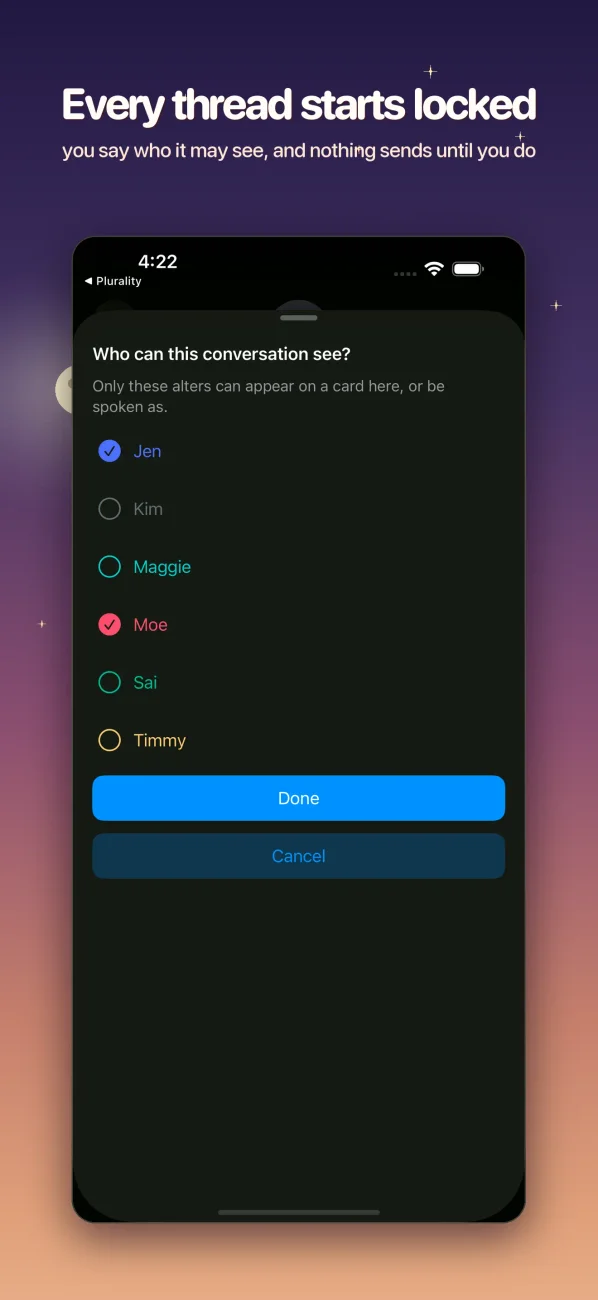
PRIVATE BY DEFAULT
Plurality keeps your information yours. There is no social feed and no account required to get started. Your sync is private to you.
FREE, WITH AN OPTIONAL TIP JAR
The meaningful features are free. If you would like to support ongoing development, there is an optional tip jar. No locked essentials, ever.
Plurality is a welcoming, actively developed home for plural systems, and your feedback shapes where it goes next. We are so glad you are here.
What’s new
Version 3.15.3 · Nov 23, 2026
Plurality on Apple Watch
See who's fronting from your wrist. You can switch someone in, add them to front, or take them off front right from the watch, and put who's fronting on a watch face. To install it, open the Watch app on your iPhone. You can turn it off in Settings, Privacy, Apple Watch.
Not sure who's out?
Tap Not sure who's out? on Front and answer questions you write yourself. Each answer points to the alters it sounds like, and you get a best guess for each one. Write your questions in Settings, Appearance, Front tab.
Fronting on the calendar
Tap Fronting above the month to see who was out each day. Plans show who was fronting at the time, and each day has a timeline view.
Sleep and fronting time
Turn on Ask about sleep each morning and Front will check whether you slept your usual hours. Those hours come out of everyone's fronting time.
Import from Plural Star
Moving from Plural Star? Use Full System Export there, then pick the file in Settings, Your data, Import from another app. Your alters, groups, custom fields, front history, journal and pictures come over.
Switches from PluralKit
Turn on Bring in switches from PluralKit in Settings, Integrations, PluralKit, and switches made in Discord with pk;switch show up on Front.
Also new
- Privacy buckets can choose who has to be fronting for their content to show
- Hide the tab bar and open your tabs from a menu button instead (Settings, Appearance, Layout)
- Compact list controls fold the sort and view buttons into one
- Move several groups at once with Select on the Groups tab
- More filters on the system map
- Shared profiles are smaller, include the alter's content warning, and show the file size before you send
- While You Were Gone can show plain names
- Built-in relationship types can be removed
Fixes
- Saved themes keep their text color
- Screens fit better at the largest text sizes
- The app no longer crashes at launch when a picture is empty or damaged
App privacy
What Nathan Hager declares on the App Store about how this app handles data.
-
Data not collected
The developer does not collect any data from this app.
Privacy practices may vary, for example with the features you use or your age.
Information
- Seller
- Nathan Hager
- Category
- Utilities
- Version
- 3.15.3
- Updated
- Nov 23, 2026
- Released
- Jul 22, 2026
- Size
- 68.3 MB
- Requires
- iOS 16.4 or later
- Age rating
- 12+
- Price
- Free
- In-app purchases
- Yes
- Languages
- English
- Copyright
- © 2026 Nathan Hager
You might also like
-
 System SwitchboardUtilities
-
 Co-PathUtilities
-
 OC Maker & Creator- PFP AvatarCreate Original Character
-
 Speak • Speech SynthesizerText To Speech
-
 Easy Pose -Best Posing AppPosing app for manga/comic art
-
 PinoFBTFull-Body Tracking APP for VR
-
 Quick Family TreeEasily make it with a tap.
-
 Renpy PocketPlay & translate Ren'py games
-
 ManikinFast 3D Posing for artists
-
 Charlie HealthLife-saving care from home