
Pluto: Screen Time Lock
Block apps until you prove it
Designed for iPhone, iPad
Free · In-app purchases
- Age rating4+
- CategoryProductivity
- DeveloperCardboard LLC
- LanguagesEnglish
- Size75.3 MB
Links to the official App Store page
Download.org hosts no file of Pluto: Screen Time Lock. The button opens its official App Store page, published by Cardboard LLC. Listing last checked on Nov 20, 2026.
Screenshots

About
Pluto locks your most distracting apps until the work is actually done.
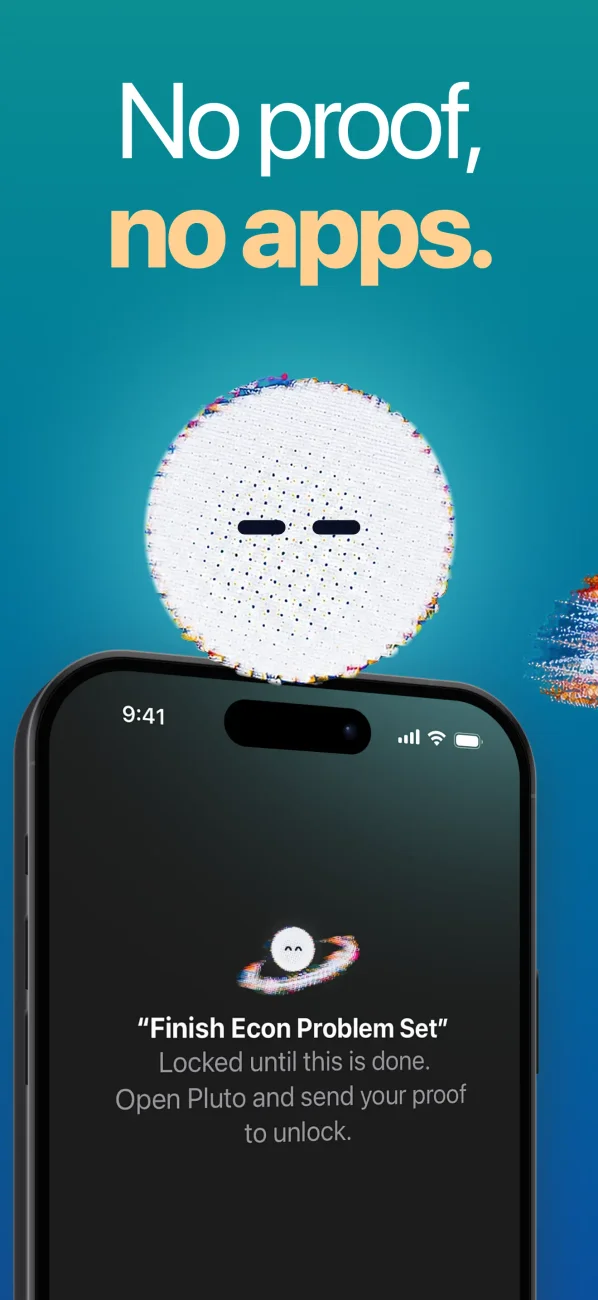
Write the task. Set a timer. Choose what to block. Hit start, and those apps stay locked until you send proof.
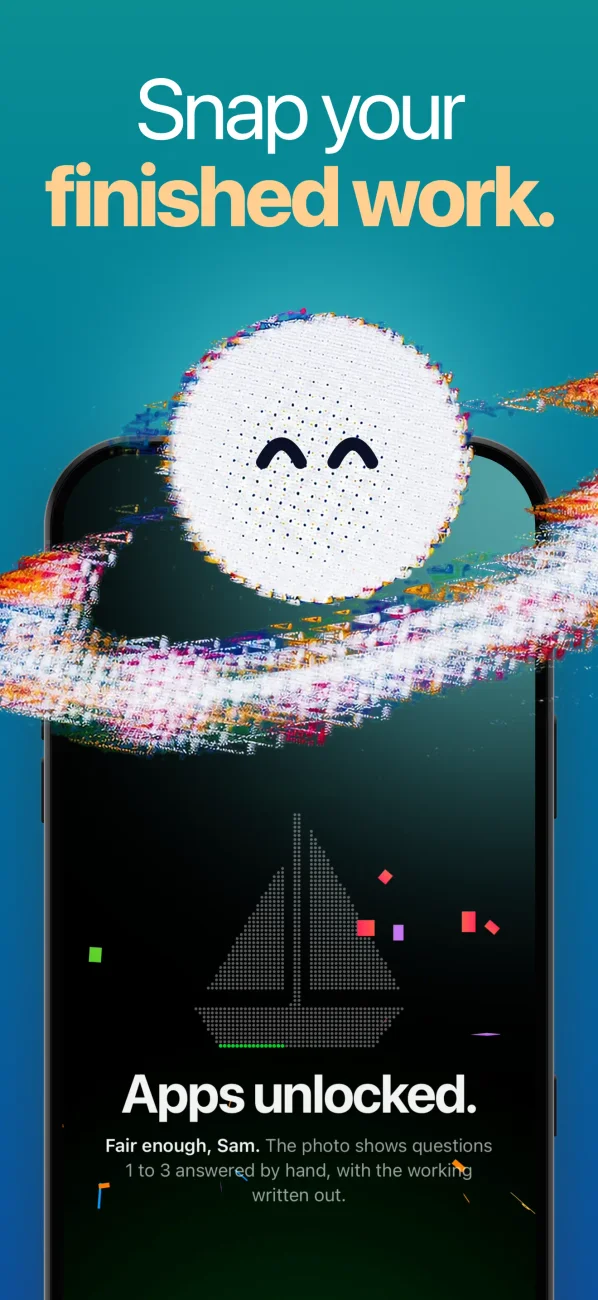
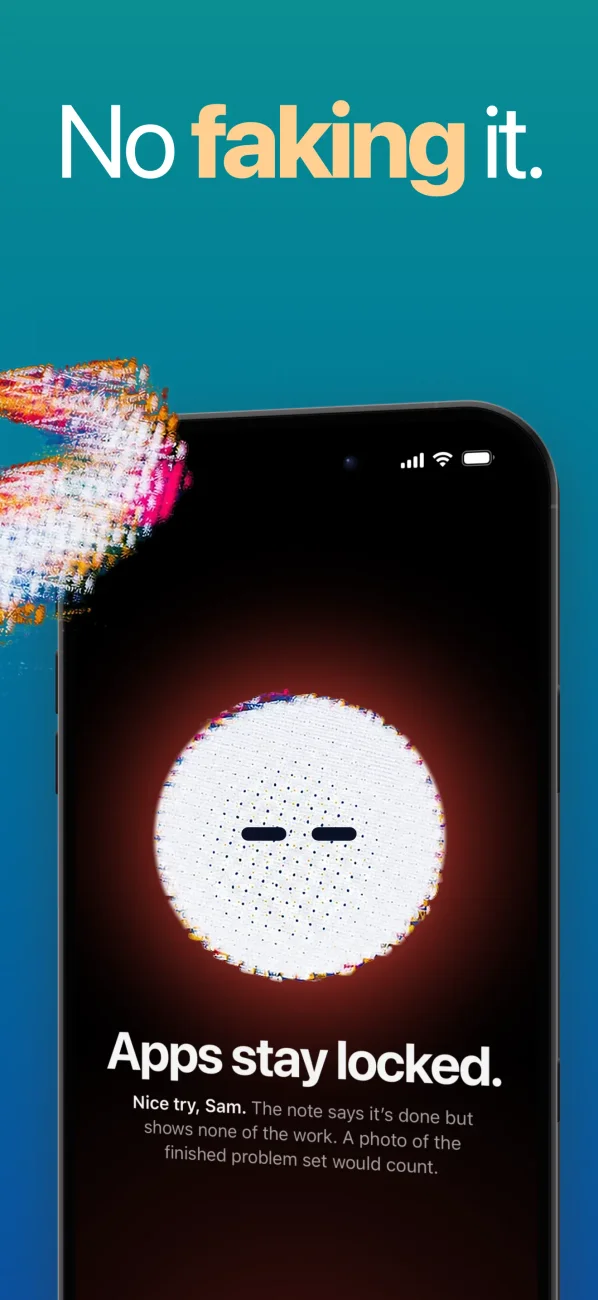
Snap a photo or write a quick summary, and AI checks it. If you did the work, your apps come back. If you didn't, they stay locked.
HOW IT WORKS
1. Set the task. Add notes or files if you need them.
2. Choose a focus timer and the apps you want blocked.
3. Hit start. Your apps are locked.
4. Finish, then prove it. Snap a photo or write what you did.
5. Pluto reviews your proof. Pass, and you're free. Fail, and you keep going.
WHY IT STICKS
Pluto is a lock you can't talk your way out of.
Most focus timers are easy to cheat, so people skip the timer and never finish the work. Pluto doesn't let you cheat, so you finish.
YOU ALSO GET
• Scheduled tasks, so getting started isn't the hard part
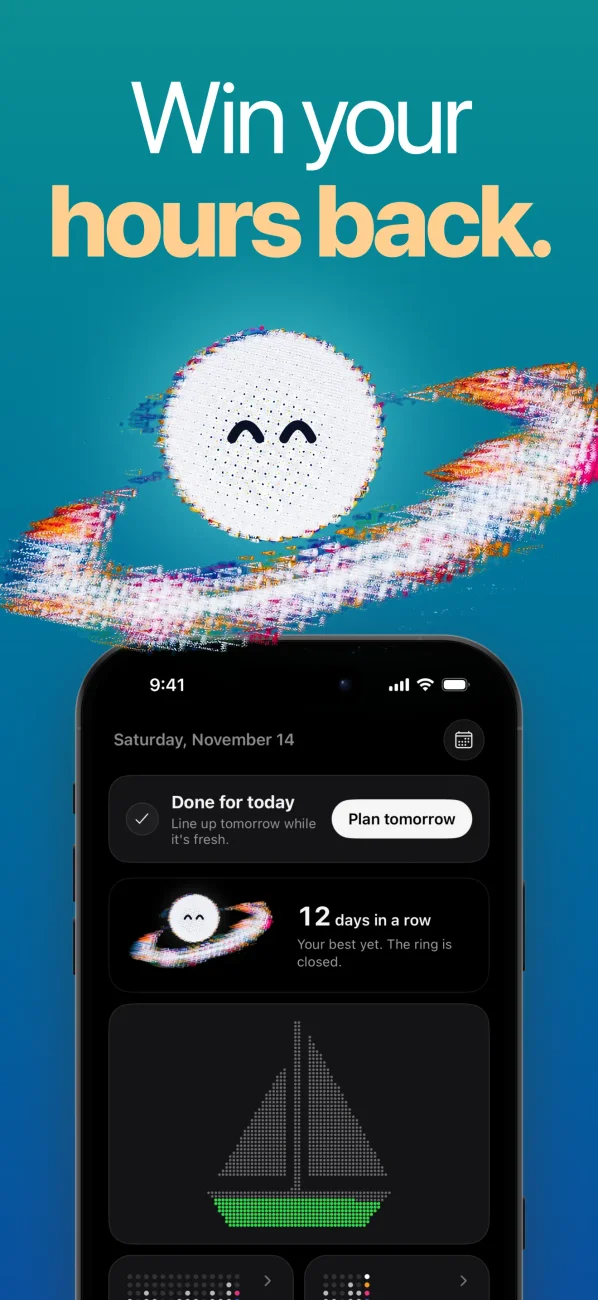
• Tracking for tasks completed, time saved, and streaks
• Custom block screens
WHO IT'S FOR
If you know exactly what you should be doing and still open Instagram, Pluto is for you. It's built for students, writers, professionals, and anyone who wants to get more done in less time.
SUBSCRIPTION
A Pluto subscription is required for full access to all features and content. Payment is charged to your Apple ID at confirmation of purchase. Your subscription renews automatically unless auto-renew is turned off at least 24 hours before the end of the current period. You can manage or cancel your subscription anytime in your Apple ID account settings. Any unused portion of a free trial is forfeited when you purchase a subscription.
Privacy Policy: https://dottleapp.com/privacy-policy
Terms of Service: https://dottleapp.com/terms
Support: support@dottleapp.com
What’s new
Version 1.2.1 · Nov 19, 2026
Meet Pluto, the new look of the app.
- Proof with photos: take before and after photos right in the app, and the check is fairer about real work.
- A clearer start: see how a session works before your first one.
- Your first session is free, then pick a plan that suits you.
- Smoother Home, widget and reminder settings, plus lots of fixes.
-Bug fix regarding app reblocking after ending task
App privacy
What Cardboard LLC declares on the App Store about how this app handles data.
-
Data linked to you
May be collected and linked to your identity.
- Purchases
- Contact info
- User content
- Usage data
Privacy practices may vary, for example with the features you use or your age.
Information
- Seller
- Cardboard LLC
- Category
- Productivity
- Version
- 1.2.1
- Updated
- Nov 19, 2026
- Released
- Jun 21, 2026
- Size
- 75.3 MB
- Requires
- iOS 18.0 or later
- Age rating
- 4+
- Price
- Free
- In-app purchases
- Yes
- Languages
- English
- Copyright
- © 2026 Cardboard, LLC
You might also like
-
 Allowance: Focus & App LimitsScreen time blocker, itemized
-
 Stop Watching - App LimitsDaily limits & focus hours
-
 Goal Lock: App Blocker & FocusGoal review before you scroll
-
 Reset Focus: Beat DistractionRefocus in 30 Seconds
-
 FocusLock - App Limits & VaultApp limits and private vault
-
 ScreenDeath: App BlockerScreen Time Limit & Focus
-
 NoProcrastinationAI Goals, Daily Tasks,No Guilt
-
 I SAID - Keep Your WordProcrastination ends here
-
 Buddily: Task Tracker BuddyYour daily task buddy
-
 LimitSet: App Blocker & FocusScreen Time Control