密密本 Pocket Book
Offline password book—no cloud
Designed for iPhone
Free · In-app purchases
- Age rating4+
- CategoryUtilities
- DeveloperYa Chun Chung
- LanguagesEnglish+ 1 more
- Size43.9 MB
Links to the official App Store page
Download.org hosts no file of 密密本 Pocket Book. The button opens its official App Store page, published by Ya Chun Chung. Listing last checked on Nov 14, 2026.
Screenshots


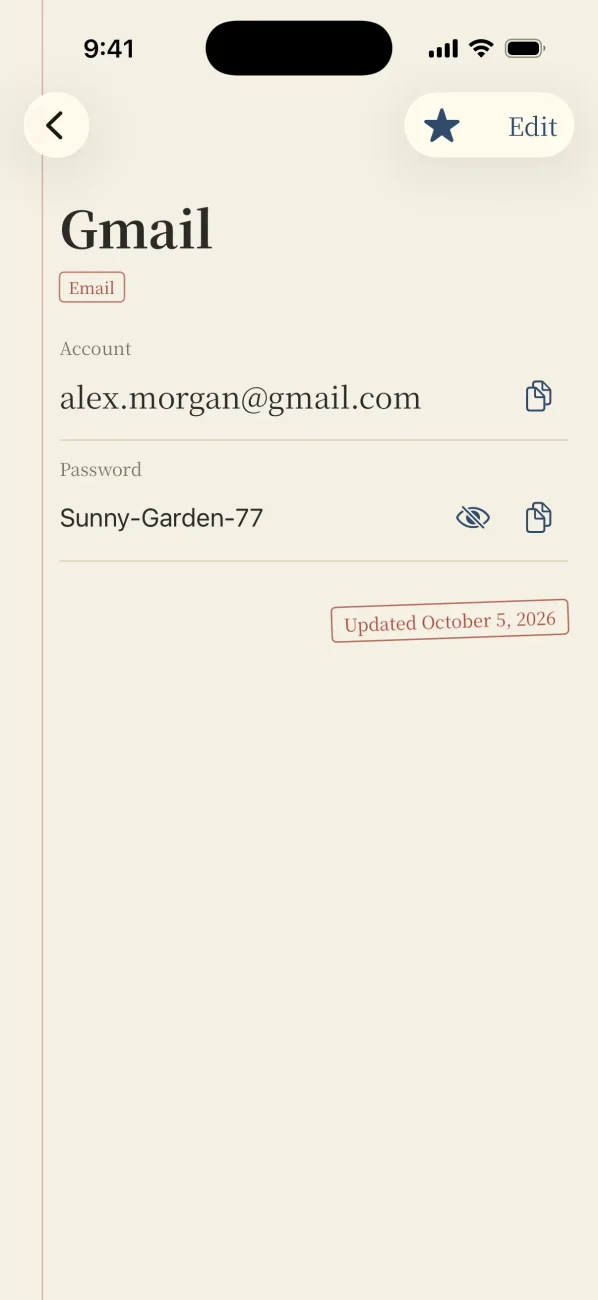
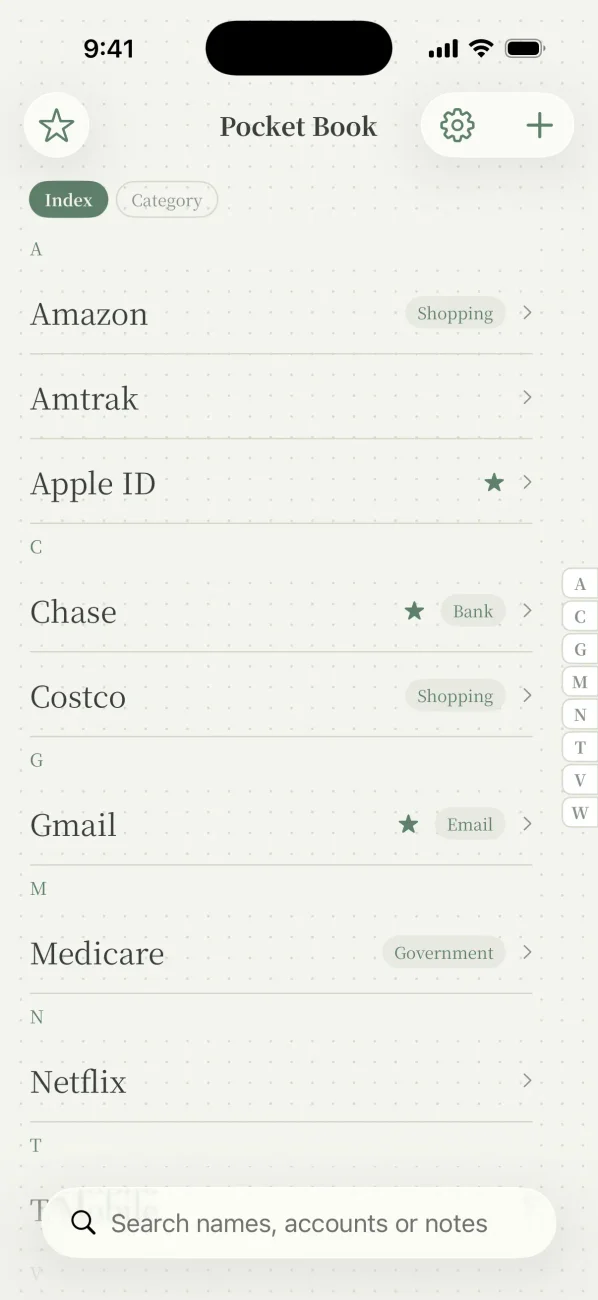
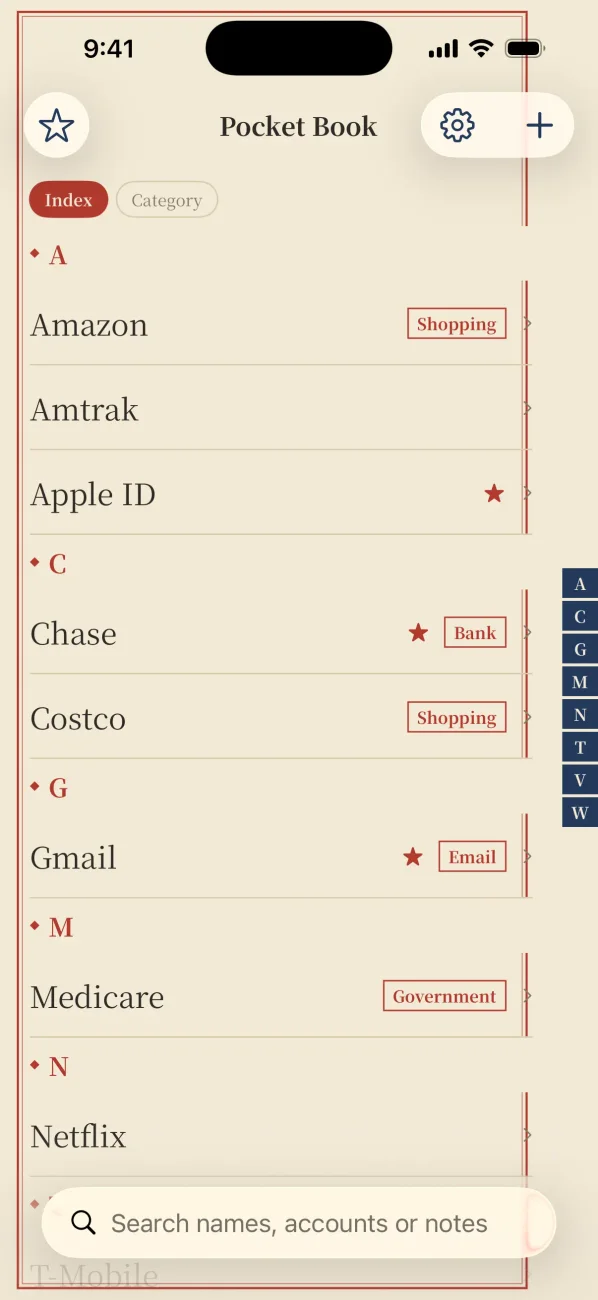

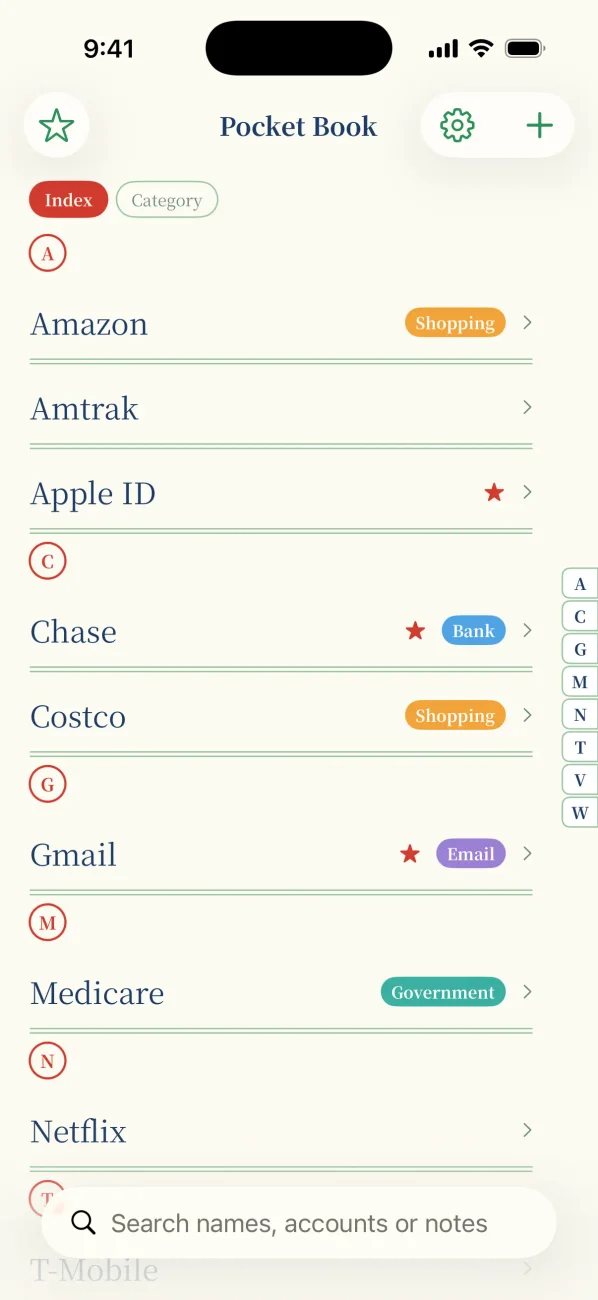
About
Pocket Book is a password book that lives in your phone and locks.
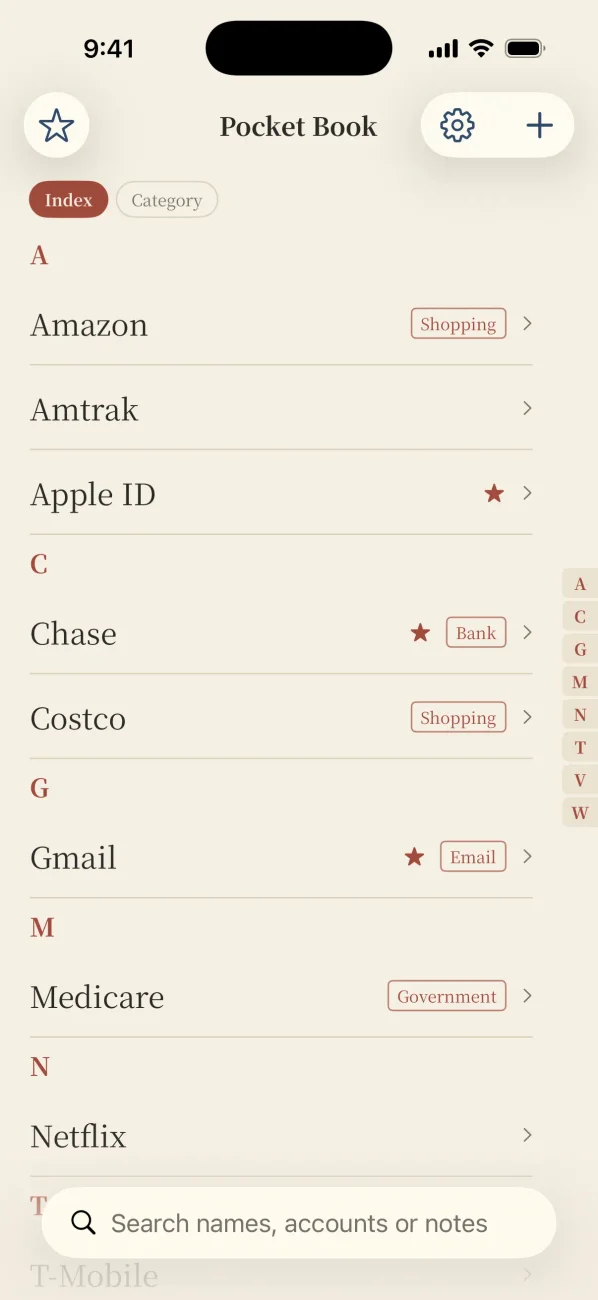
You write down a site, its account and its password. When you need one, you find it the way you would in a phone book: by its tab on the thumb index. That is all it does.
Never goes online. Pocket Book has no server and sends nothing anywhere.
No account. Open the app, set a six-digit PIN, and start writing. Face ID can open it too.
No autofill. When you need a password, tap Copy; the clipboard clears itself after 30 seconds.
Nothing leaves in plain text. Accounts, passwords and notes are encrypted with AES-256 before they are saved. The only way out is an encrypted backup file, locked with a separate password of your choosing, that only Pocket Book can open. There is no plain-text export, and there will not be one.
Like a real book
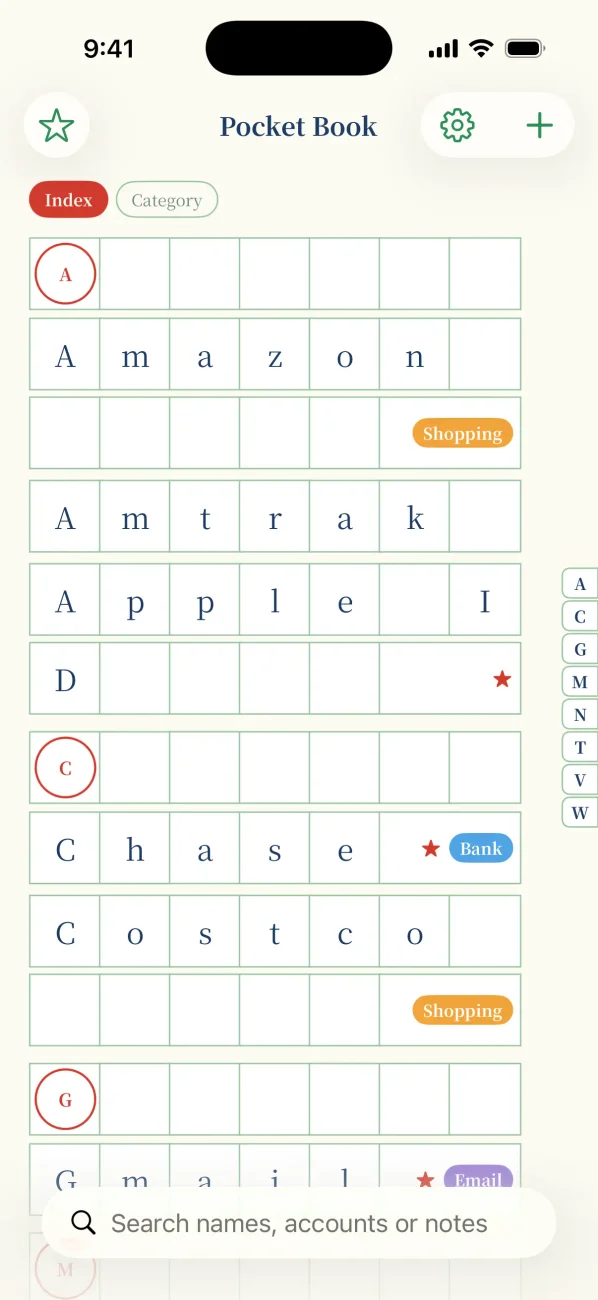
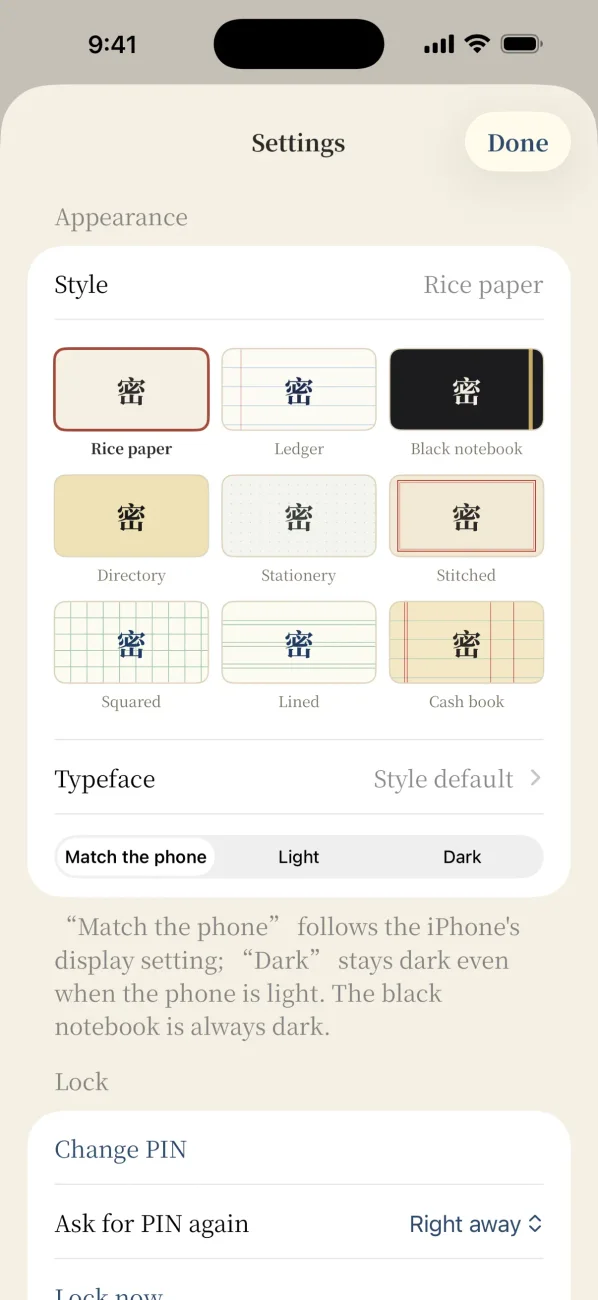
• Eleven looks: rice paper, ledger, black notebook, directory, stationery, stitched, squared, lined, cash book, sticker book, doodle book. Three are free; try the others on before you decide.
• Ten typefaces: serif, fangsong, kai, Iansui, a rounded face, four handwriting faces and a playful one; each look remembers its own.
• Light and dark follow the phone, or pick one.
Easy to find
• Thumb index: every name goes to its tab, Chinese by bopomofo, the rest by letter. One swipe and you are there.
• By category: flip the book by Bank, Email, Shopping or any label you make up.
• Star the ones you use most.
• Old passwords are kept, struck through under the new one, never overwritten.
Free and full
The free version holds twenty entries and three of the looks (Lined, Stationery, Cash Book), and is otherwise the same. The full version has no limit and every look; you pay once, with no subscription. After the free twenty, everything you wrote can still be read, edited, copied and exported, and a look already on the book stays on.
What Pocket Book deliberately does not do: generate passwords, rate them, fill them in, run a browser extension, sync to a cloud. It is only a book.
If you forget your PIN, the book cannot be opened, not even by us. Keep it safe, or keep an encrypted backup.
What’s new
Version 1.2 · Nov 1, 2026
Two cute books, and a roomier free version.
• The free version now holds twenty entries (it was ten) and three looks: Lined, Stationery and Cash Book.
• Tap any other look and the book really puts it on to try, with a line underneath: Trying on · Change back · Buy the full version. A look already on the book is never taken off.
• The full version is now unlimited entries plus all eleven looks, still bought once, no subscription; if you already bought it, you have them.
• Sticker Book: a pink book with round sticker tabs and paw stickers on the cover, the labels and the corners of the pages.
• Doodle Book: a book drawn by a child with a marker. A night-sky cover with a kid holding up a star, every box and line drawn by hand, a kid and a princess peeking in at the corners; in dark mode the whole book is the night sky.
App privacy
What Ya Chun Chung declares on the App Store about how this app handles data.
-
Data not collected
The developer does not collect any data from this app.
Privacy practices may vary, for example with the features you use or your age.
Information
- Seller
- Ya Chun Chung
- Category
- Utilities
- Version
- 1.2
- Updated
- Nov 1, 2026
- Released
- Oct 28, 2026
- Size
- 43.9 MB
- Requires
- iOS 17.0 or later
- Age rating
- 4+
- Price
- Free
- In-app purchases
- Yes
- Languages
- English, Traditional Chinese
- Copyright
- © 2026 AYC.C.
You might also like
-
 ComicPDFReaderDouble-page · LTR or RTL
-
 FlipyUtilities
-
 SecureKeep: Family VaultEstate planning & passwords
-
 Speech & Audio To Text OfflineTranscribe Voice Messages
-
 Say In Bulbs: LED Message SignBanner, Scroller & Marquee
-
 AZW3 Converter, AZW3 to PDFConvert AZW3 files
-
 OkidoKeyThe Input Method Keyboard Kit
-
 元书输入法Utilities
-
 DJVU Converter, DJVU to PDFConvert DJVU files
-
 Kwikset APAC PF1Utilities