
Pomodoro Timer - Focus Keeper
Boost Productivity, Motivation
Designed for iPhone, iPad
Free · In-app purchases
- Age rating4+
- CategoryProductivity
- DeveloperRyunosuke Nagase
- LanguagesEnglish+ 5 more
- Size100.6 MB
Links to the official App Store page
Download.org hosts no file of Pomodoro Timer - Focus Keeper. The button opens its official App Store page, published by Ryunosuke Nagase. Listing last checked on Nov 24, 2026.
Screenshots

About
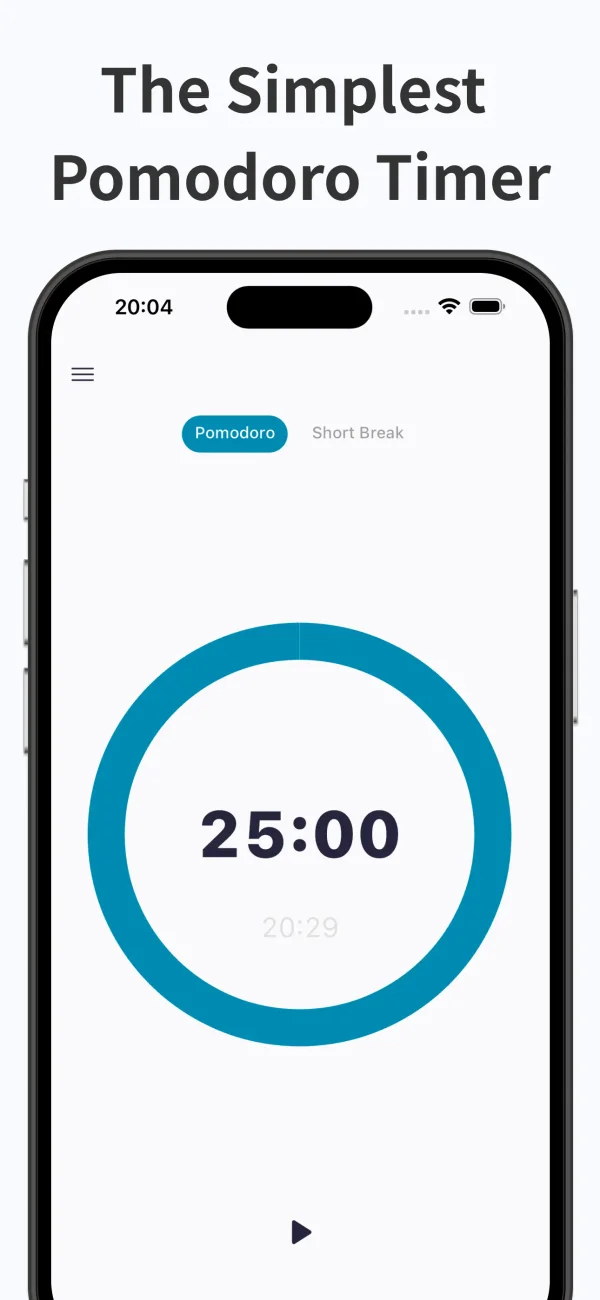
Simple Pomodoro Timer is a free simple and minimal Pomodoro timer.
With a design that does not disturb your thoughts, it will overwhelmingly increase your study and work efficiency.
- Overwhelmingly simple!
No unnecessary functions. No unnecessary functions to support your concentration.
- Start with one tap!
Just start the app and press the start button to start the timer.
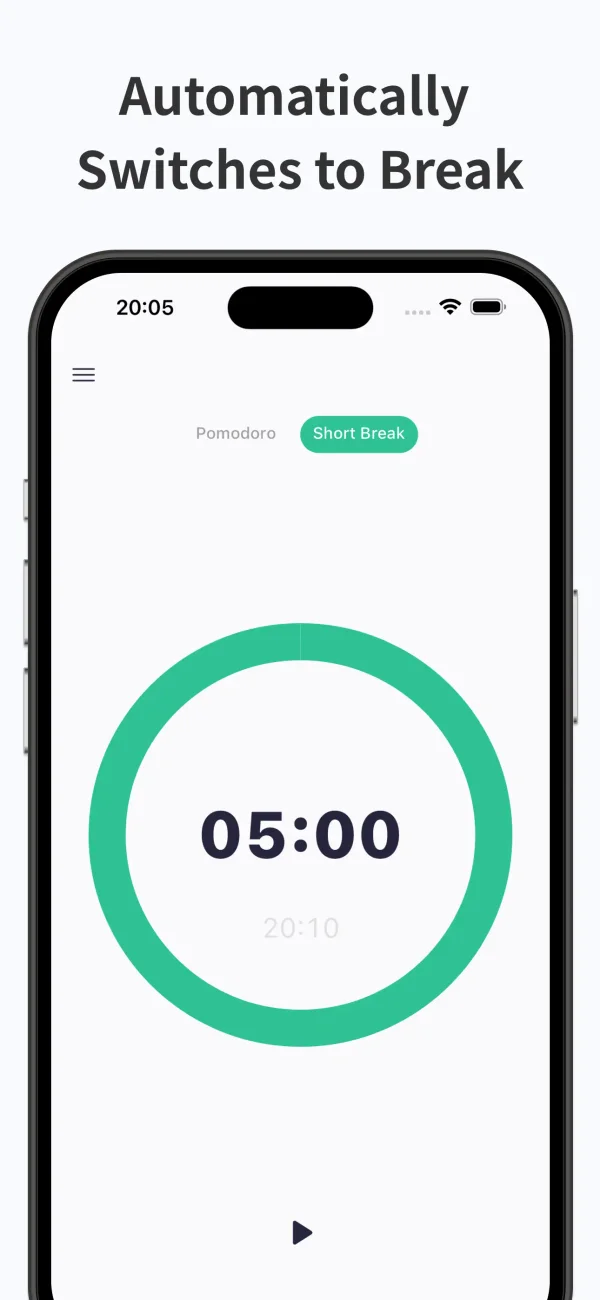
- Switch between three timers.
You can switch between three timers with a swipe: Pomodoro Timer (25 minutes), Short Break (5 minutes), and Long Break (15 minutes).
This allows you to efficiently practice the Pomodoro Technique.
- Timer time can be freely changed.
Each of the three timers can be changed.
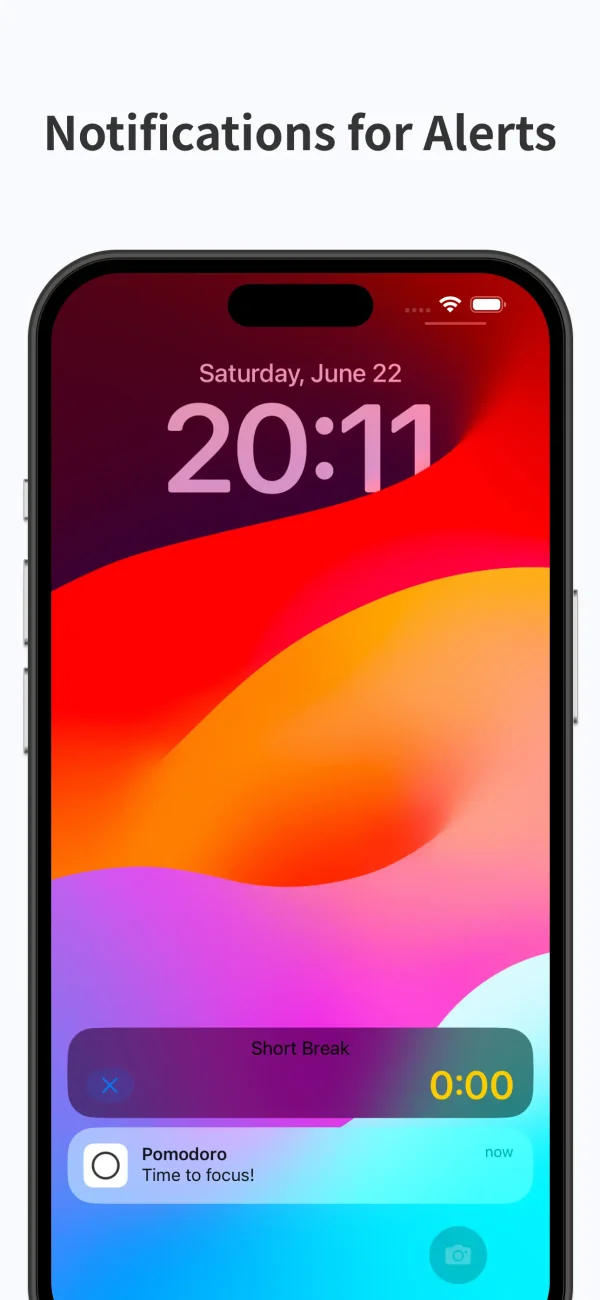
- Notification of end of timer by push notification
The timer will continue to run even when the app is closed or goes into the background, and a push notification will let you know when the timer ends.
You will never miss it again.
- Finish time is also displayed
Simple Pomodoro Timer shows the time your alarm will finish so you don't need to calculate when the timer will go off any more.
- Minimal design
The minimal design will not disturb your thoughts.
- The sound when the timer ends can be changed. Silence is also supported.
This is a good option for libraries and other places where no sound can be produced.
- Supports vibration
You can also change the on/off setting.
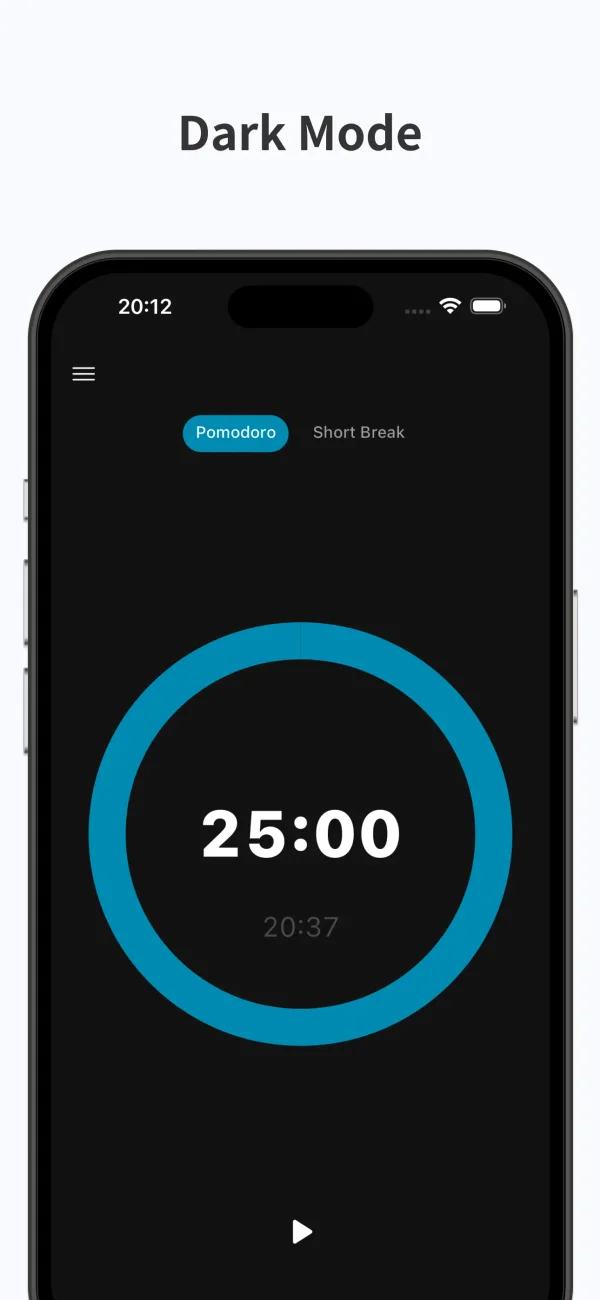
- Supports dark mode
Supports eye-friendly dark mode. It is automatically applied according to the device settings.
Terms of Use: https://tinylab-apps.web.app/TermsOfService/ja.html
Privacy Policy: https://tinylab-apps.web.app/PrivacyPolicy/ja.html
What’s new
Version 4.0.4 · Feb 16, 2026
- Bug fixes and performance improvements.
App privacy
What Ryunosuke Nagase declares on the App Store about how this app handles data.
-
Data used to track you
May be used to track you across apps and websites owned by other companies.
- Location
- Identifiers
- Usage data
- Diagnostics
-
Data linked to you
May be collected and linked to your identity.
- Location
- Identifiers
- Usage data
- Diagnostics
-
Data not linked to you
May be collected but is not linked to your identity.
- Diagnostics
Privacy practices may vary, for example with the features you use or your age.
Information
- Seller
- Ryunosuke Nagase
- Category
- Productivity
- Version
- 4.0.4
- Updated
- Feb 16, 2026
- Released
- Sep 23, 2022
- Size
- 100.6 MB
- Requires
- iOS 16.1 or later
- Age rating
- 4+
- Price
- Free
- In-app purchases
- Yes
- Languages
- English, Japanese, Korean, Russian, Simplified Chinese, Traditional Chinese
- Copyright
- © Ryunosuke Nagase
You might also like
-
 Simple Pomodoro Timer - DoroNo ads, Super simple timer
-
 Pomodoro Timer - MA minimalist Pomodoro timer
-
 PomodoroTimer+: Focus & StudyProductivity Timer & Breaks
-
 ポモドーロタイマー|勉強・作業の集中タイマーProductivity
-
 Pomodoro Timer – Focus & DoneStay focused. Get things done.
-
 pomo - Pomodoro Focus TimerProductivity
-
 Timers – HIIT & Interval TimerMulti Timer for Study & Tabata
-
 MultipleTimers+Runs simultaneously
-
 Focus Timer: Pomodoro; TasksADHD Study & Deep Work
-
 Power Focus - Work Break TimerWork smarter, work focused.