Pomodoro Timer - FocusKit
Study & Routine Planner
Designed for iPhone, Mac
Free · In-app purchases
- Age rating4+
- CategoryProductivity
- DeveloperSebastian Roehl
- LanguagesEnglish+ 10 more
- Size89.9 MB
Links to the official App Store page
Download.org hosts no file of Pomodoro Timer - FocusKit. The button opens its official App Store page, published by Sebastian Roehl. Listing last checked on Nov 23, 2026.
Screenshots

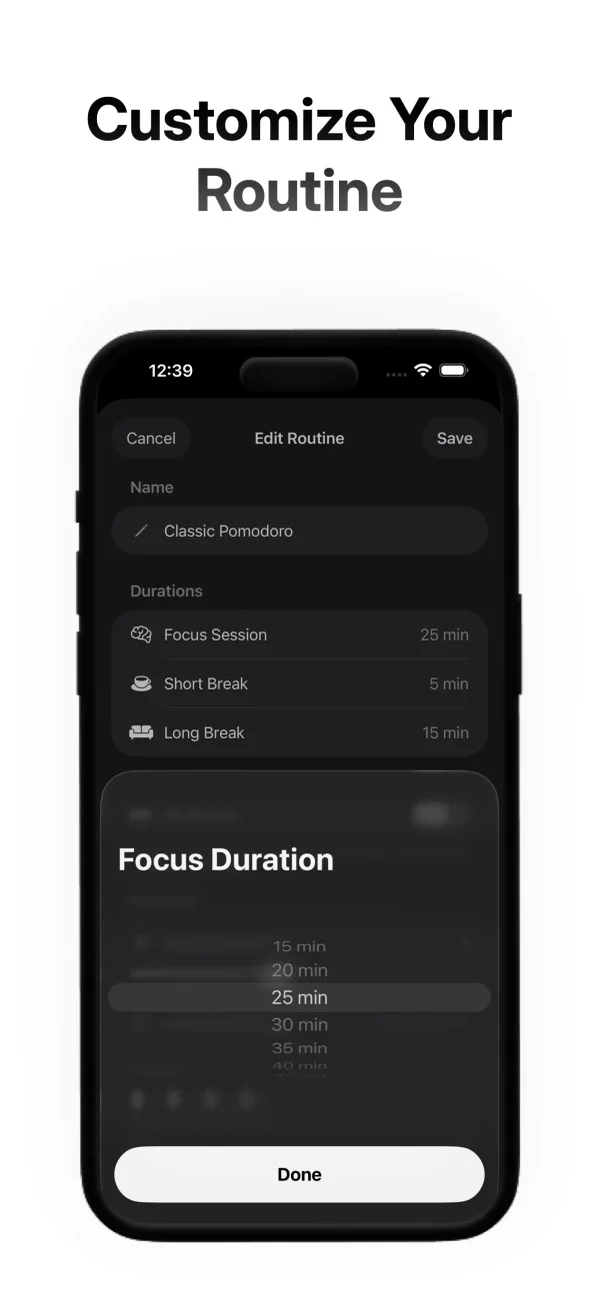
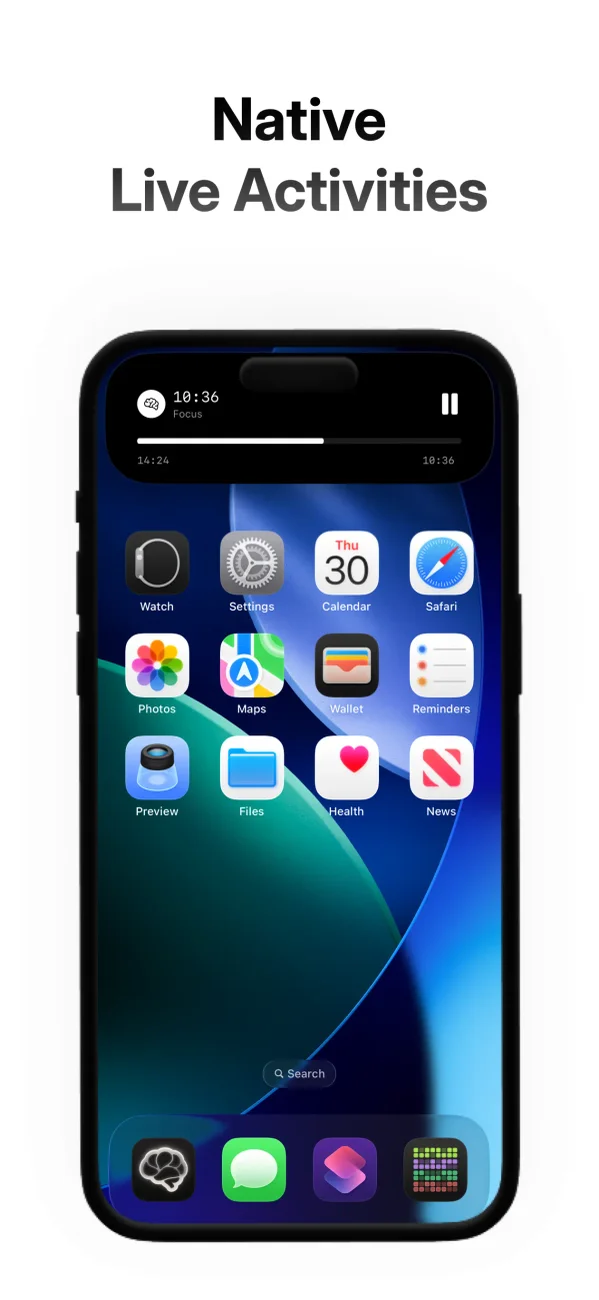

About
FocusKit helps you work with deeper focus, protect your time, and build a calmer daily rhythm.
Features
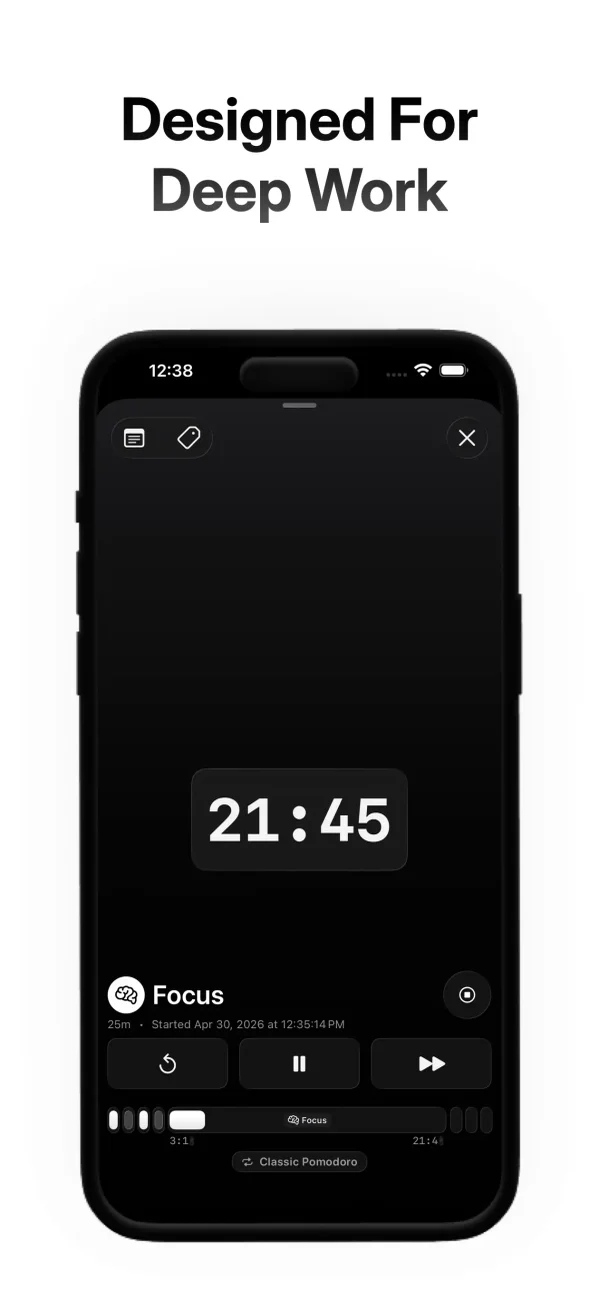
Smart Focus Sessions
Use Pomodoro-style focus and break timers that fit the way you work. Stay productive, take better breaks, and keep your day balanced.
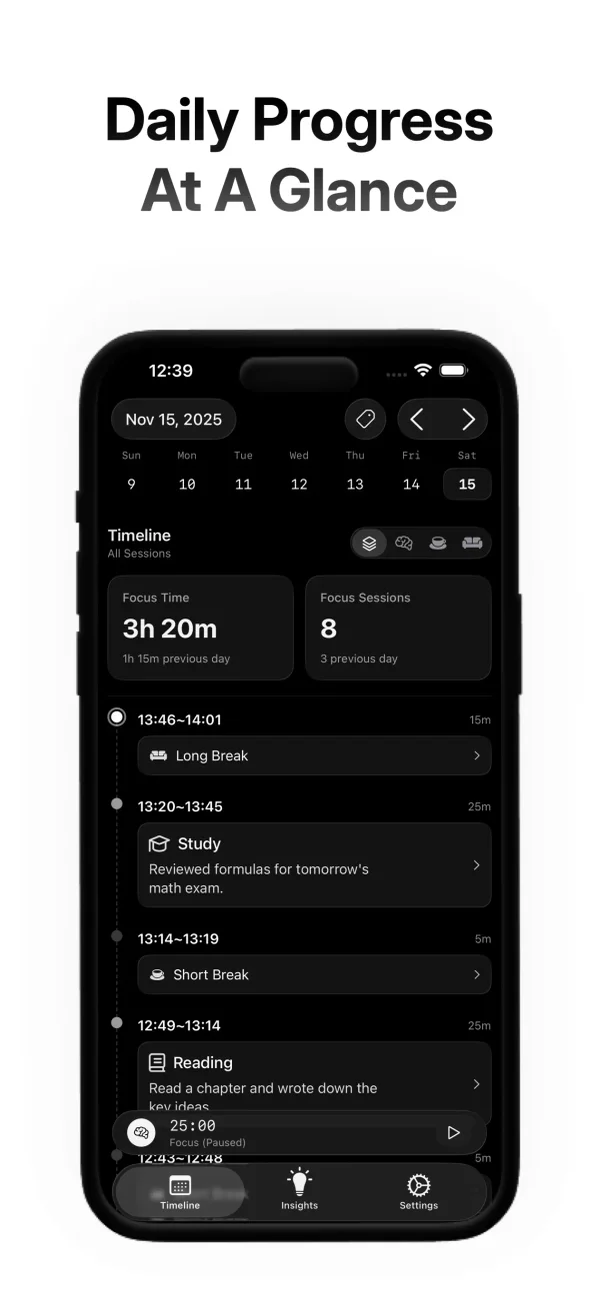
Progress Tracking
See your focus time, patterns, streaks, goals, and long-term progress with clear charts and helpful insights.
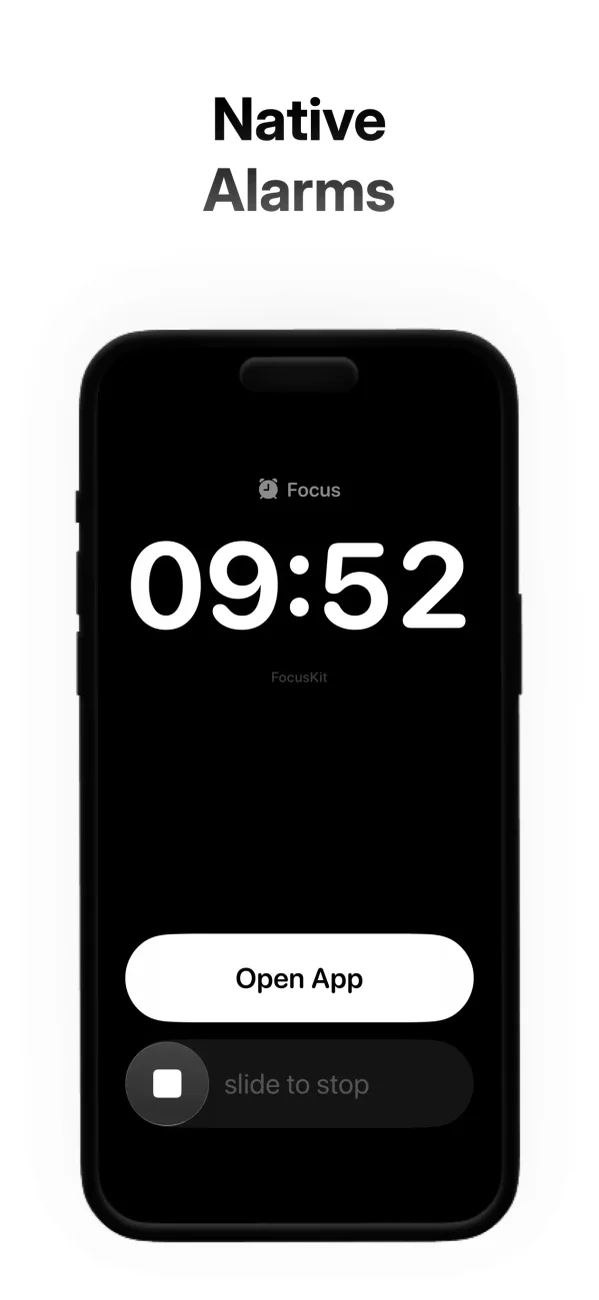
Alarms and Notifications
Never lose track of time. FocusKit can alert you when a session ends, when a break begins, or when it is time to get back into flow.
Live Activities
Follow your current session from the Lock Screen or Dynamic Island without unlocking your iPhone.
Categories
Organize sessions by project, task, or purpose so you can understand where your time really goes.
iCloud Sync
Keep your sessions and categories in sync across your devices, with privacy and security built in.
Consistency
Maintain focus streaks, reach daily and weekly goals, and turn focused work into a lasting habit.
Home Screen Widgets
Bring FocusKit to your Home Screen. Start, pause, or check your current session at a glance without opening the app. Choose from multiple widget sizes and styles, view your daily focus progress, track your streaks, and start a new session with a single tap.
Apple Watch
Take FocusKit with you wherever you go. Start, pause, and end focus sessions from your wrist, get haptic feedback for session transitions and breaks, check the remaining time, switch categories on the fly, and keep your streak alive even when your iPhone is out of reach. Complications put your next focus session one tap away from any watch face.
Terms of Use: https://www.apple.com/legal/internet-services/itunes/dev/stdeula/
Privacy Policy: https://www.tryfocuskit.com/privacy/
What’s new
Version 1.8.4 · Nov 21, 2026
Added Nightstand, which can turn the timer into a calm clock while your iPhone charges in landscape.
Added a scheduled red Night Tint, a Start Nightstand shortcut and a StandBy layout for the Live Activity.
Added iPhone Duo layouts for both displays and every pose, with two columns on the larger inner display.
Added a routine option to Session Control widgets so each can start its own routine with FocusKit Pro.
Fixed daily averages for the current week, month and year counting days that haven't happened yet.
App privacy
What Sebastian Roehl declares on the App Store about how this app handles data.
-
Data not linked to you
May be collected but is not linked to your identity.
- Purchases
- Location
- Identifiers
- Usage data
- Diagnostics
Privacy practices may vary, for example with the features you use or your age.
Information
- Seller
- Sebastian Roehl
- Category
- Productivity
- Version
- 1.8.4
- Updated
- Nov 21, 2026
- Released
- Nov 28, 2025
- Size
- 89.9 MB
- Requires
- iOS 26.0 or later
- Age rating
- 4+
- Price
- Free
- In-app purchases
- Yes
- Languages
- English, Danish, Dutch, French, German, Hebrew, Italian, Polish, Portuguese, Spanish, Ukrainian
- Copyright
- © 2026 Sebastian Röhl
You might also like
-
 Habit Tracker - DayriseStreaks, Routines & Motivation
-
 Pomodoro — Focus TimerProductivity
-
 Pomodoro Timer: Tempo FocusStudy Tracker & App Blocker
-
 Flip Phone FocusThe simplest focus timer ever
-
 Exoplan: AI Energy PlannerSmart Calendar & Time Blocking
-
 Ripples: Habit TrackerVisual grids, streaks, widgets
-
 Focus Timer - StudiousStudy Planner & Pomodoro
-
 Pomodoro Timer: Pomidor FocusADHD Study Timer & Planner
-
 Orli — Pomodoro Timer · FocusApp Blocker, Study, Binaural
-
 Pomodoro Timer - MA minimalist Pomodoro timer