Pomodoro Timer: Study Focus
Study Timer, Widget & Sounds
Designed for iPhone, iPad
Free · In-app purchases
- Age rating4+
- CategoryProductivity
- DeveloperGrima Hdez
- LanguagesEnglish+ 32 more
- Size15.1 MB
Links to the official App Store page
Download.org hosts no file of Pomodoro Timer: Study Focus. The button opens its official App Store page, published by Grima Hdez. Listing last checked on Nov 21, 2026.
Screenshots
About
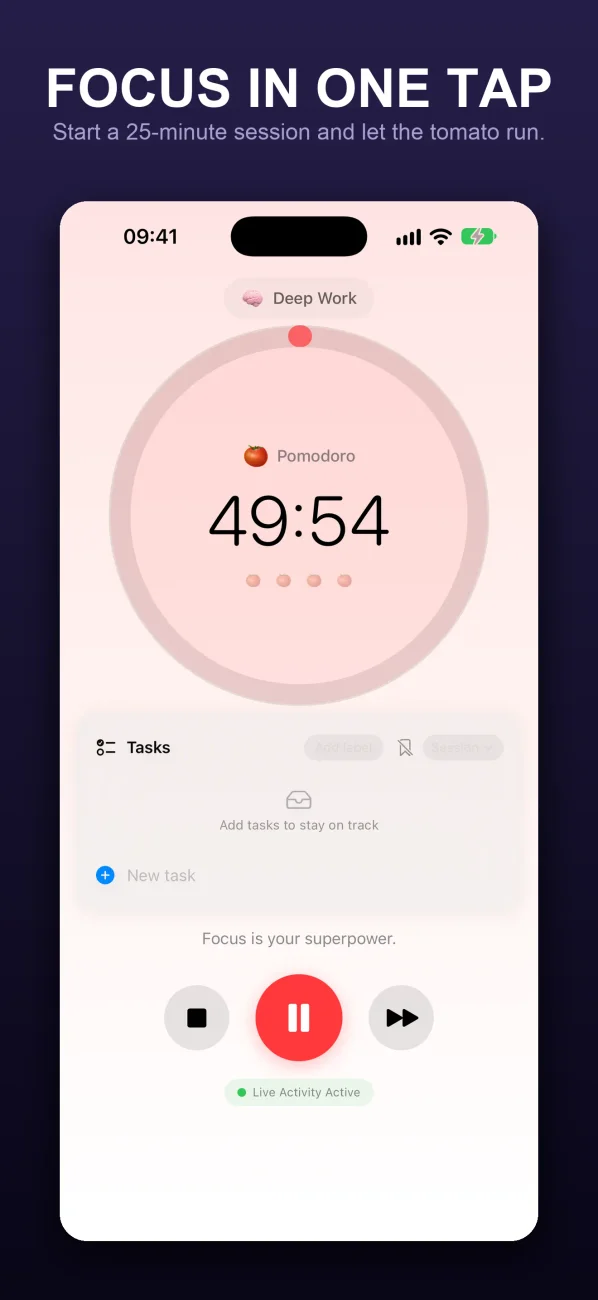
Pomodoro Timer is a focus timer for work and study: 25 minutes of work, a short break, and a long one every four rounds. You change any of those numbers.
Nothing to sign up for. The timer runs against a fixed end time, so locking the screen, switching apps or iOS closing the app in the background does not stop it.
WHAT IT DOES
• Pomodoro timer with your own work, short break and long break lengths
• Focus modes: ready-made presets and your own, each with its own lengths and sounds
• Seven ambient sounds generated live — rain, forest, waves, fireplace and more
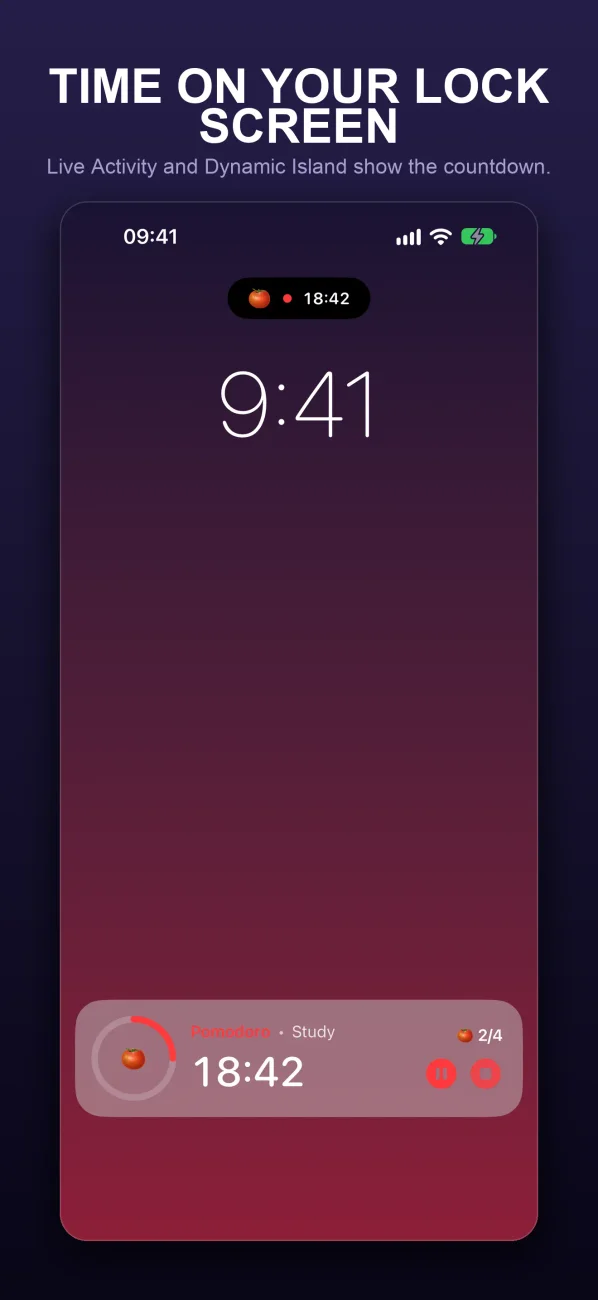
• Live Activity and Dynamic Island: the phase and the time left on your Lock Screen
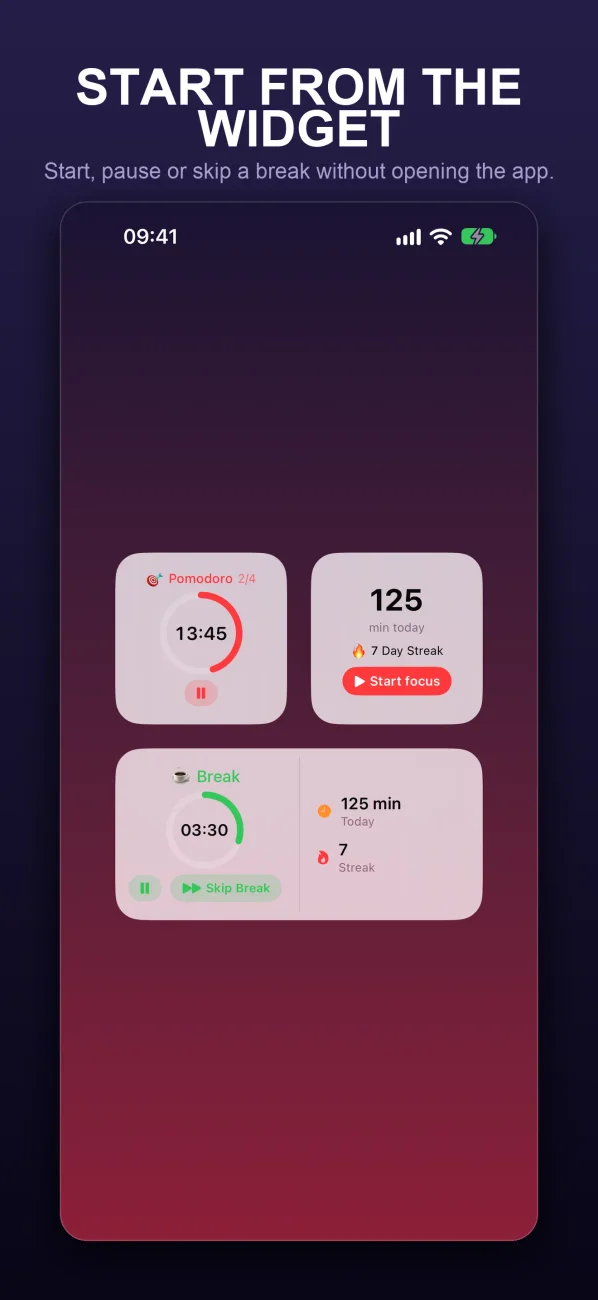
• Home Screen widget with Start, Pause and Skip break buttons
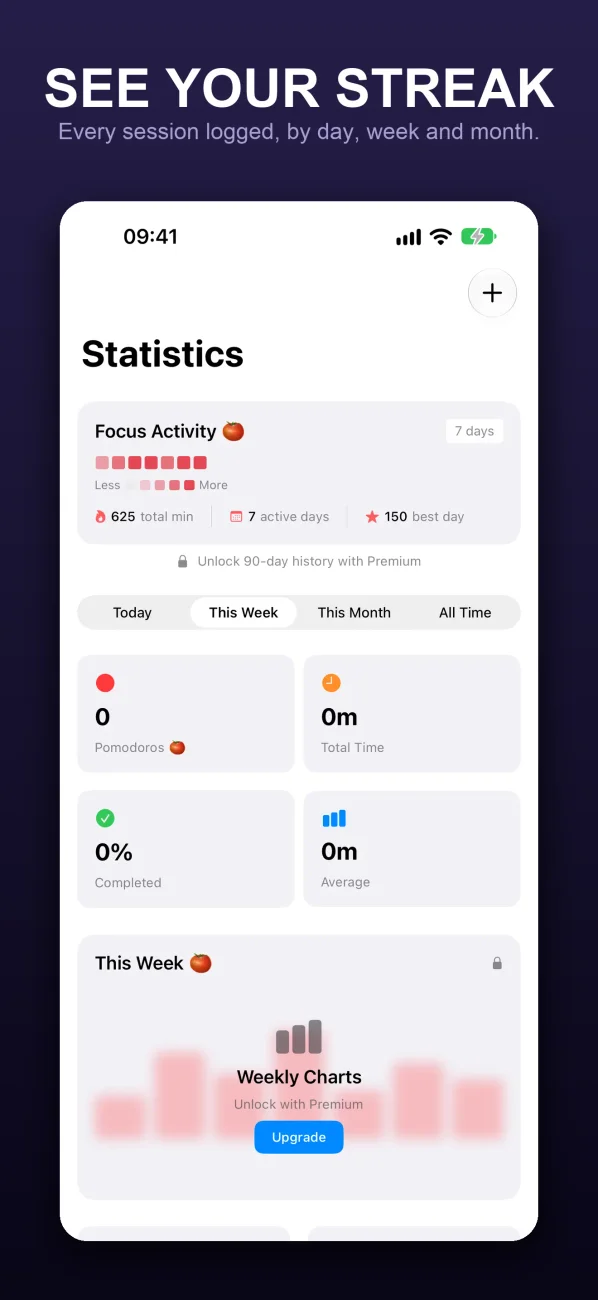
• Stats by day and week: sessions finished and time focused
• Auto-continue with a countdown before the next phase, or straight through
• A notification the moment a session ends
COMMON QUESTIONS
Does the timer keep running with the screen locked?
Yes. It counts against a fixed end time, so locking the phone, switching apps or even iOS closing the app in the background does not stop it. Leave notifications on and you get the alert when the session ends.
Do I need an account?
No. There is no login and no sign-up.
Does it work offline?
Yes.
What is free and what is Premium?
The timer, the breaks, the ambient sounds and the stats are free, with ads. Premium removes the ads and unlocks every focus mode and as many custom modes as you want. You can also unlock a mode temporarily by watching a short video.
Can I change the 25 minutes?
Yes, and the breaks too. The classic numbers are only the default.
Where do I get help?
Settings has a Help screen inside the app, with the questions people actually write in about.
Terms of Use: https://masaapps360.com/pomodorotimer/terms/
Privacy Policy: https://masaapps360.com/pomodorotimer/privacy/
What’s new
Version 2.7.0 · Nov 17, 2026
• Start a focus session in one tap, right from the first screen.
• The timer keeps exact time with the screen locked or the app closed, and alerts you when each phase ends.
• Live Activity and Dynamic Island show the phase and a live countdown.
• Widget buttons: Start focus, Pause, Resume and Skip break without opening the app.
• Ads no longer sit next to the timer buttons.
App privacy
What Grima Hdez declares on the App Store about how this app handles data.
-
Data used to track you
May be used to track you across apps and websites owned by other companies.
- Usage data
-
Data not linked to you
May be collected but is not linked to your identity.
- Usage data
Privacy practices may vary, for example with the features you use or your age.
Information
- Seller
- Grima Hdez
- Category
- Productivity
- Version
- 2.7.0
- Updated
- Nov 17, 2026
- Released
- Feb 11, 2021
- Size
- 15.1 MB
- Requires
- iOS 17.6 or later
- Age rating
- 4+
- Price
- Free
- In-app purchases
- Yes
- Languages
- English, Arabic, Catalan, Croatian, Czech, Danish, Dutch, Finnish, French, German, Greek, Hebrew + 21 more
- Copyright
- © Grima Hdez
You might also like
-
 Focus & Pomodoro Timer - FocaStudy, Work & Productivity
-
 Pomodoro Timer - To Do ListReminders,Planner & Countdown
-
 Pomodoro Timer - To Do Focus+Study Productivity. Time Block
-
 Pomodoro — Focus TimerProductivity
-
 Pomodoro Focus Timer For StudyRevision ADHD Study Clock Pomo
-
 Focus Timer - Time KeeperPomodoro Clock, Stopwatch
-
 Be Focused – Pomodoro TimerDeep Focus for Work and Study
-
 Focus To-Do: Focus Timer&TasksPomodoro timer for work&study
-
 Pomocat - Adorable Focus TimerYour Focus & Productivity Pal
-
 Pond - Screen Time & PomodoroApp Blocker & Website Control