Pop Out Timer Stopwatch Clock
On-screen floating above apps
Designed for iPhone, iPad, Mac
Free · In-app purchases
- Age rating4+
- CategoryUtilities
- DeveloperThink Tap Work
- LanguagesEnglish+ 29 more
- Size31.9 MB
Links to the official App Store page
Download.org hosts no file of Pop Out Timer Stopwatch Clock. The button opens its official App Store page, published by Think Tap Work. Listing last checked on Nov 20, 2026.
Screenshots

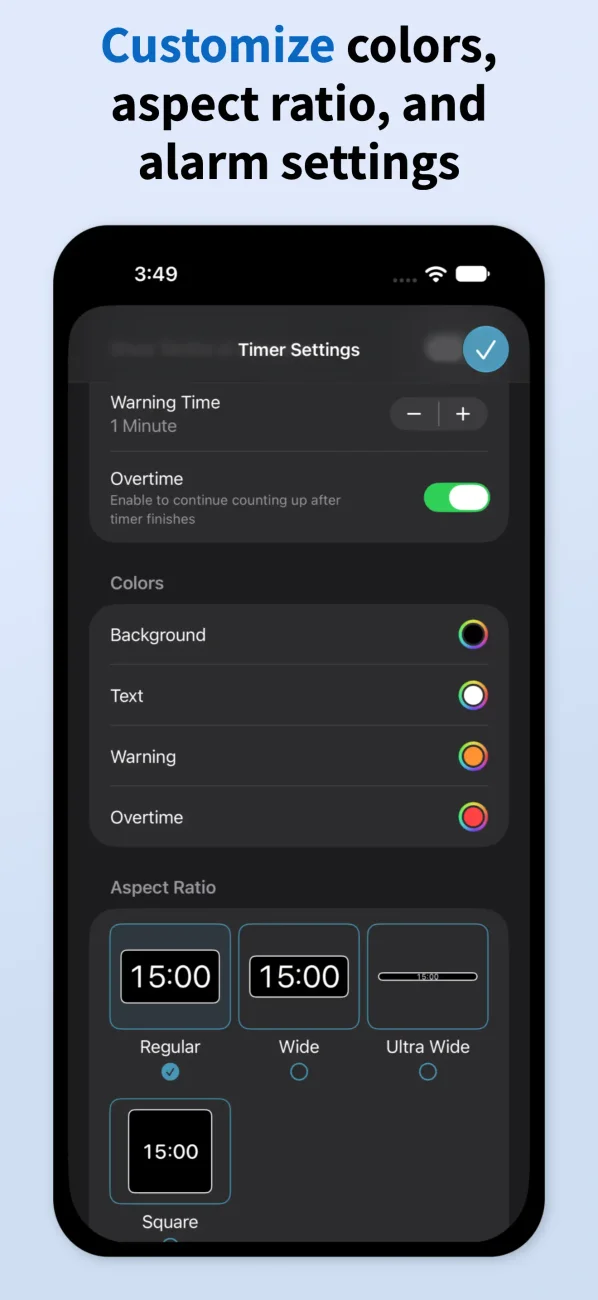
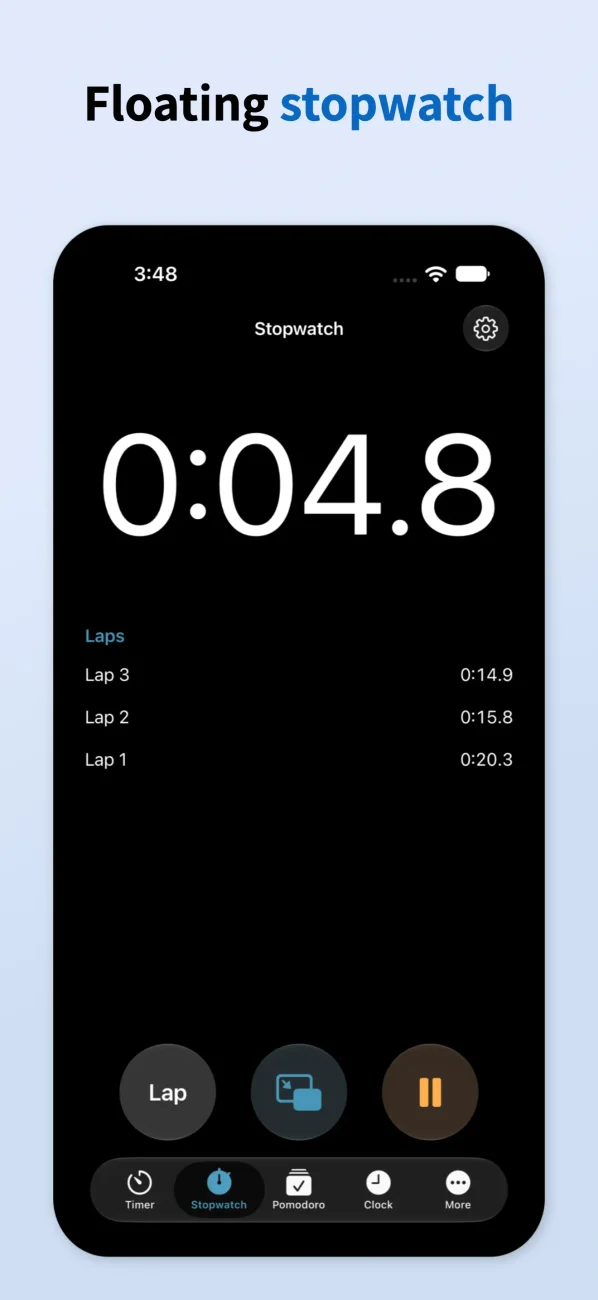
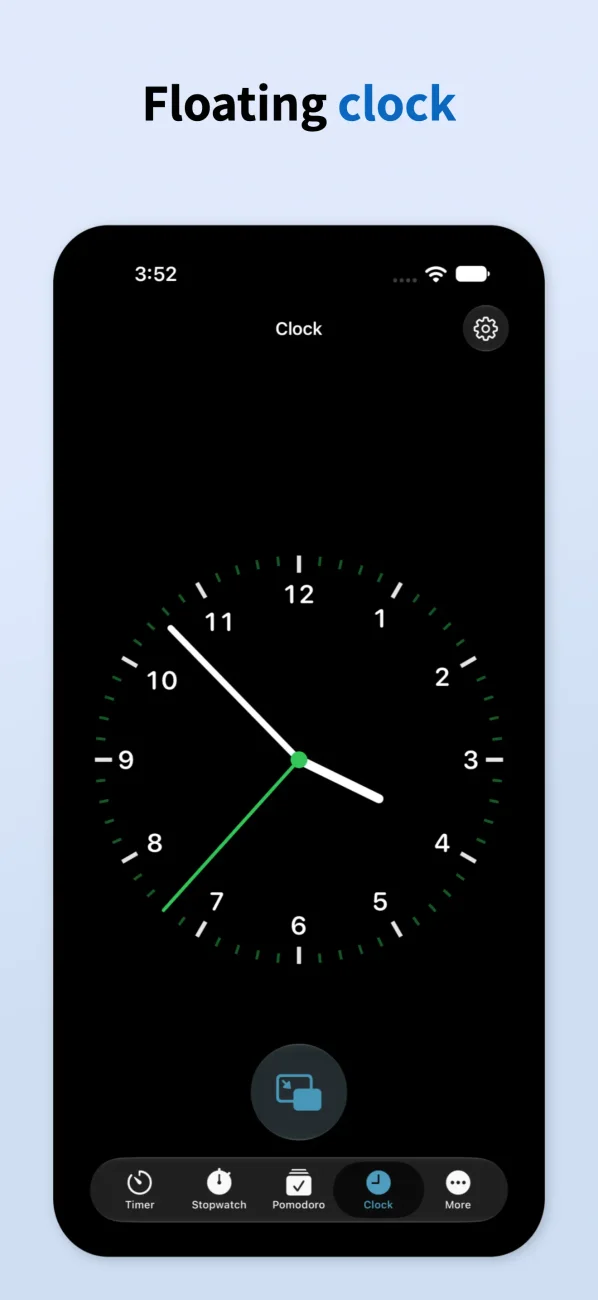
About
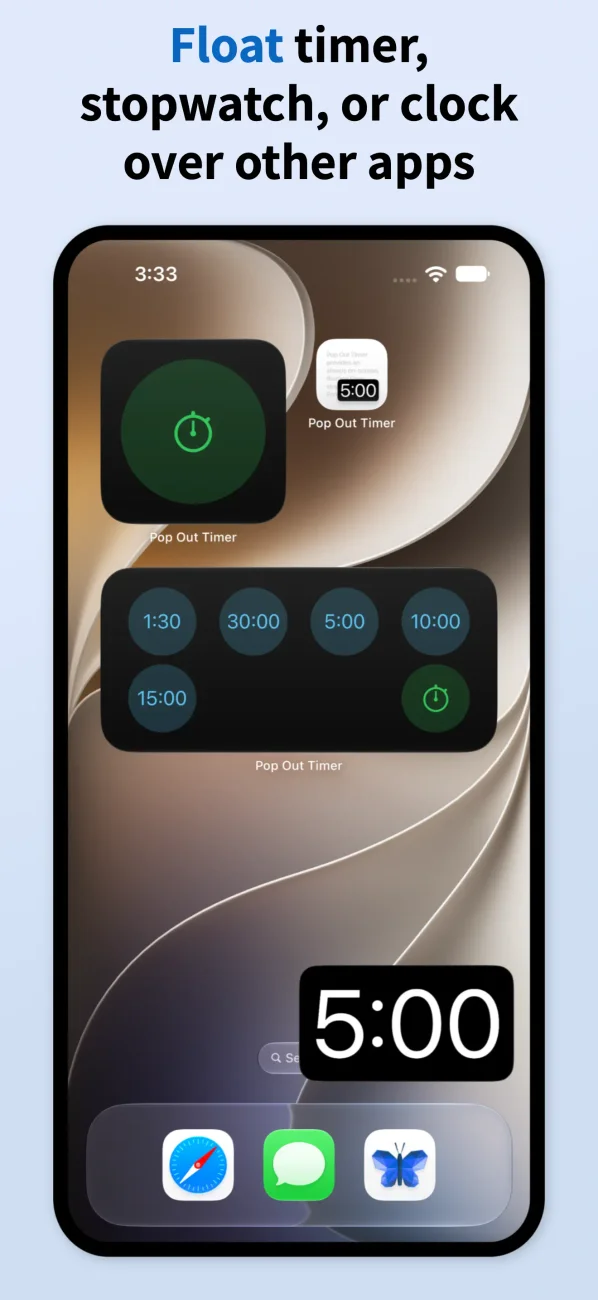
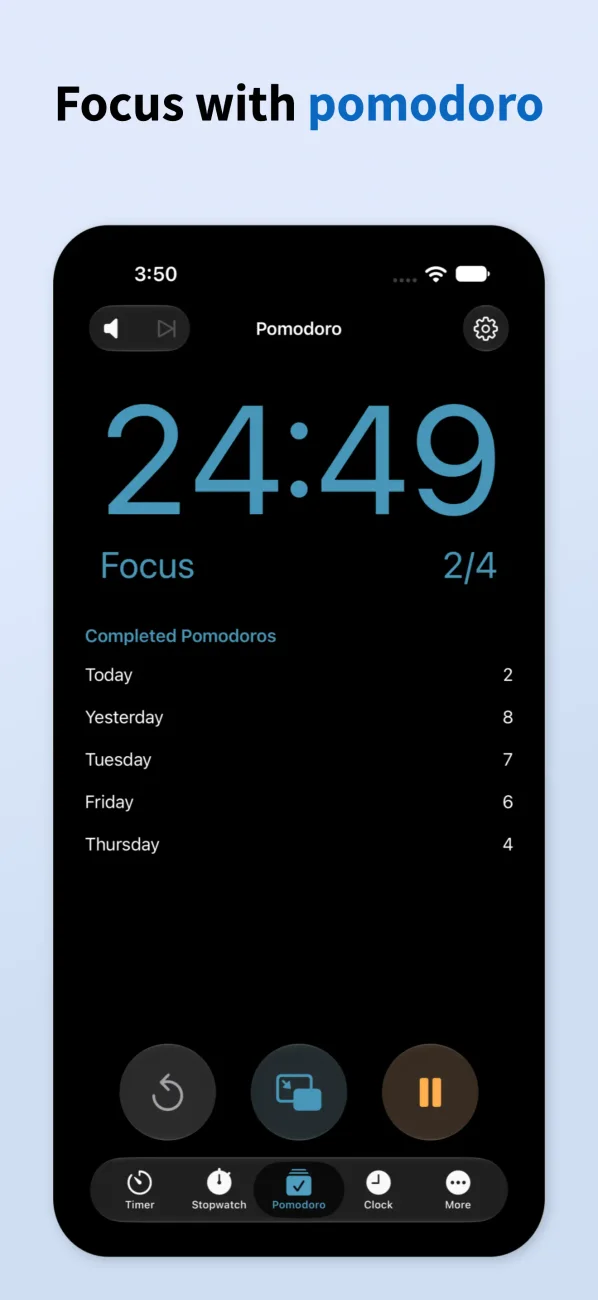
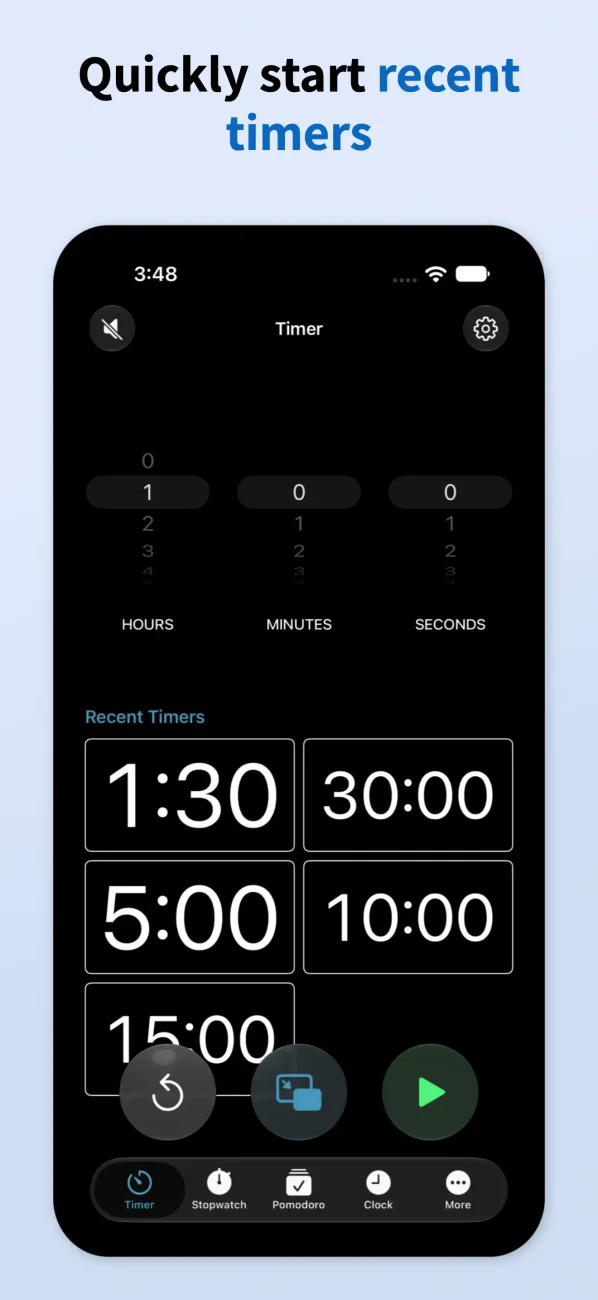
Pop Out Timer uses picture-in-picture to provide an always on-screen, floating timer, stopwatch, pomodoro, or clock. Perfect for presentations, workouts, cooking, studying, or any task that needs precise timing while using a full-screen app.
While in picture-in-picture you can move the window around to any corner, flick it off screen, or resize with a pinch.
Customize colors, aspect ratios, sounds, and display options to fit the way you work.
If you choose to purchase a subscription, payment will be charged to your iTunes account, and your account will be charged for renewal 24 hours prior to the end of the current period. Auto-renewal may be turned off at any time by going to your settings in the iTunes Store after purchase.
Terms of use: https://thinktapwork.com/tos.html
What’s new
Version 6.2.2 · Nov 4, 2026
Pop Out Timer now has native iPhone Duo Support
• Flexible layouts to adjust for different Duo poses.
• Book pose: take advantage of two-column layout for timer, stopwatch, and pomodoro.
• Laptop pose: the time is always kept above the fold for a clear display.
• Tent pose: full-screen timer with minimal controls.
• Improved spacing and sizing of timer and clock.
• Stopwatch and Pomodoro time no longer scrolls off screen.
• Lap button now uses a flag icon.
• Fixed issue where screens may not appear on latest version of iOS.
• Fixed issue where Ultra Wide aspect ratio did not work correctly on iPhone Duo.
App privacy
What Think Tap Work declares on the App Store about how this app handles data.
-
Data linked to you
May be collected and linked to your identity.
- Purchases
-
Data not linked to you
May be collected but is not linked to your identity.
- Usage data
Privacy practices may vary, for example with the features you use or your age.
Information
- Seller
- Think Tap Work, LLC
- Category
- Utilities
- Version
- 6.2.2
- Updated
- Nov 4, 2026
- Released
- Apr 30, 2018
- Size
- 31.9 MB
- Requires
- iOS 17.6 or later
- Age rating
- 4+
- Price
- Free
- In-app purchases
- Yes
- Languages
- English, Catalan, Croatian, Czech, Danish, Dutch, Finnish, French, German, Greek, Hindi, Hungarian + 18 more
- Copyright
- © 2018-2026 Think Tap Work LLC
You might also like
-
 iFloating Clock - RealtimeClock, Timer and Countdown
-
 Widget TimerCountdown Days & Year Progress
-
 FloClock - Flash Sale Clockpomodoro countdown stopwatch
-
 Meeting Timer & StopwatchMidweek Meeting Timer
-
 PopWheels Battery Swape-Bike Battery Swap Network
-
 SikaCashUtilities
-
 --Stop Watch--Simple, easy-to-use stopwatch
-
 Floating Clock - ms levelRush Buy Helper/Net Speed Test
-
 Stopwatch°Multi Stop Watch
-
 Stopwatch ٞRunning & Jogging Fitness