
Widget Timer
Countdown Days & Year Progress
Designed for iPhone, iPad
Free · In-app purchases
- Age rating4+
- CategoryUtilities
- DeveloperFoobar Creative
- LanguagesEnglish+ 34 more
- Size89.0 MB
Links to the official App Store page
Download.org hosts no file of Widget Timer. The button opens its official App Store page, published by Foobar Creative. Listing last checked on Nov 24, 2026.
Screenshots


About
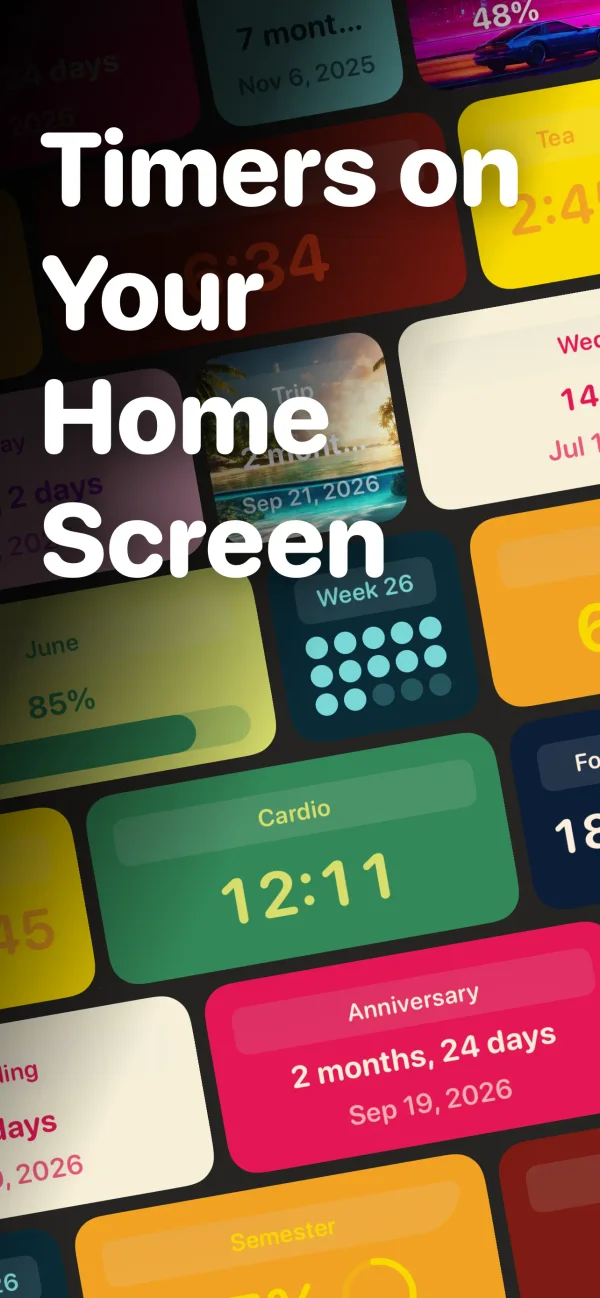
Widget Timer puts beautiful, customizable timers right on your Home Screen and Lock Screen. Pick the timer type that fits the moment, style it to match your setup, and keep it only a glance away.
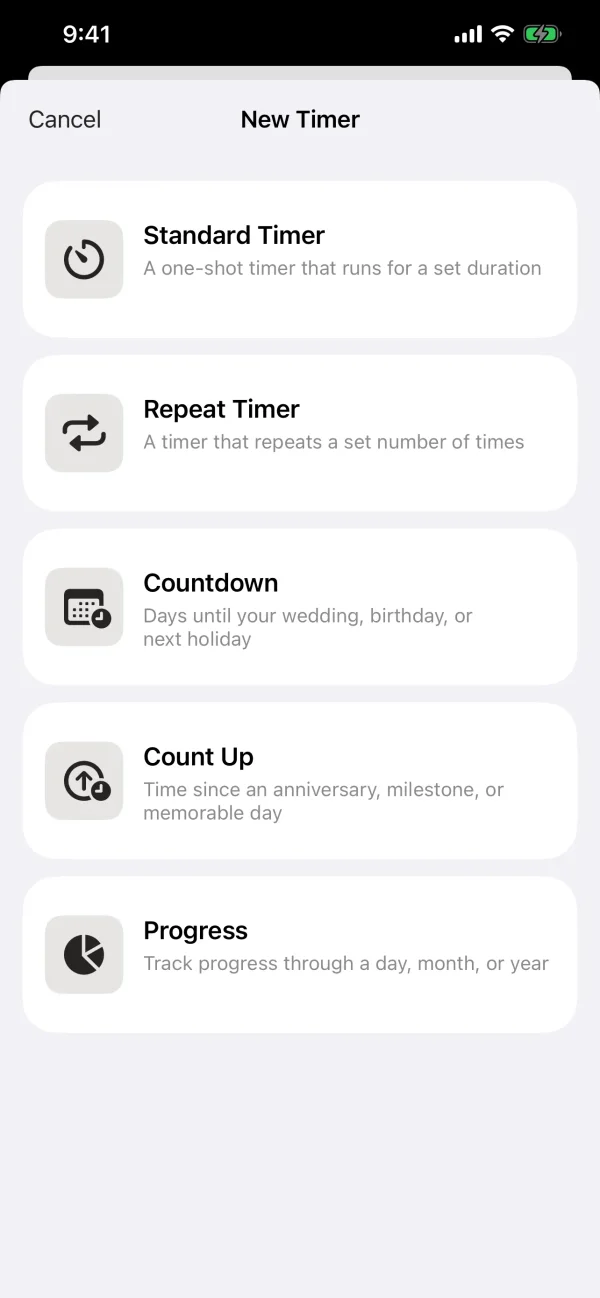
Every timer type, in one app:
- Countdown: count down the days to a birthday, holiday, wedding, or trip, and let it roll over automatically every year.
- Count Up: track the time since an anniversary, a milestone, or the day you started something new.
- Progress: see how far through the week, month, quarter, or year you are.
- Stopwatch: count elapsed time up from zero, starting and stopping as you go.
- Standard: a simple one-shot timer that counts down (or up) to a set duration.
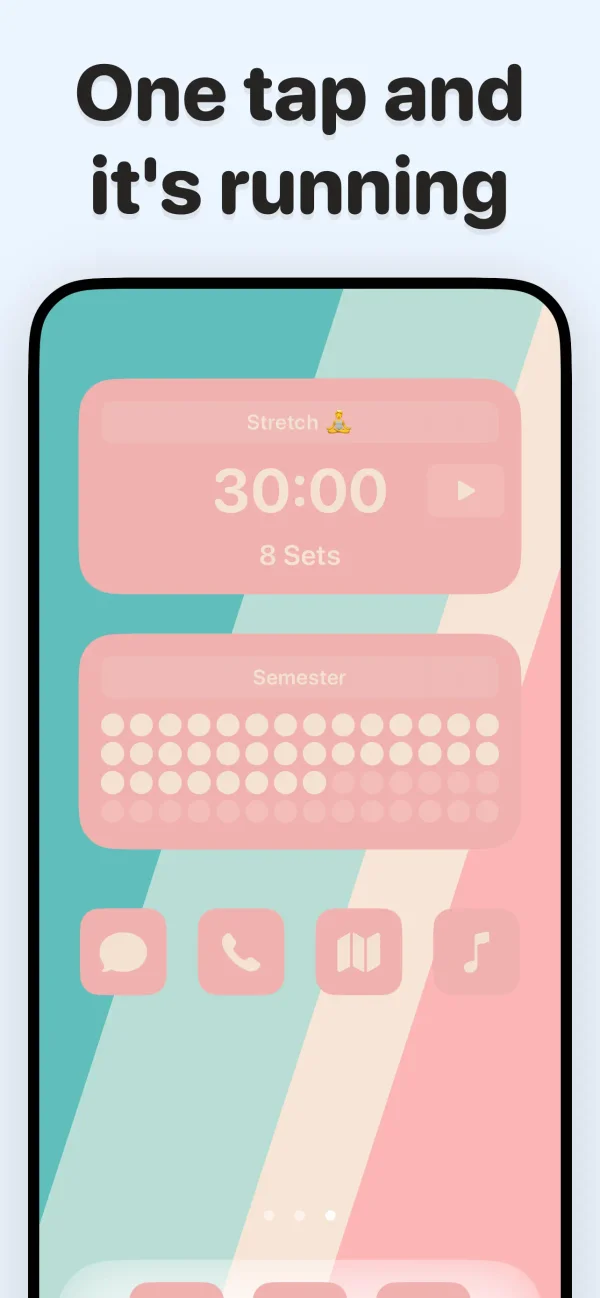
- Repeat: a timer that repeats a set number of times, or infinitely, for periodic reminders like stretching or drinking water.
Widgets, done right:
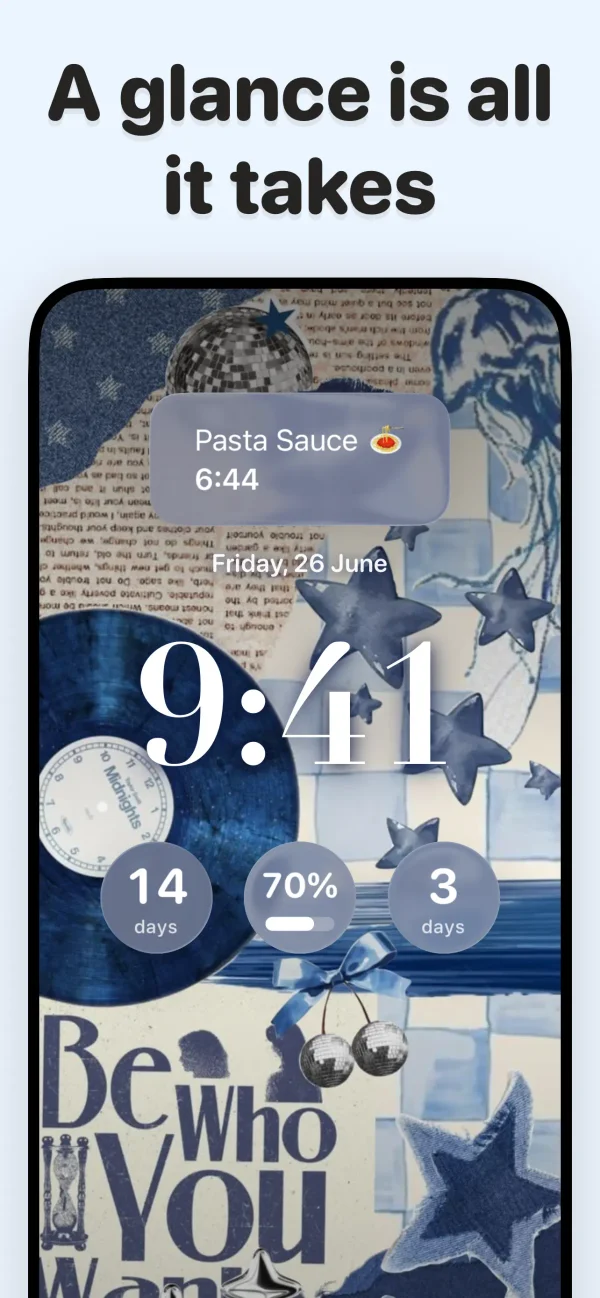
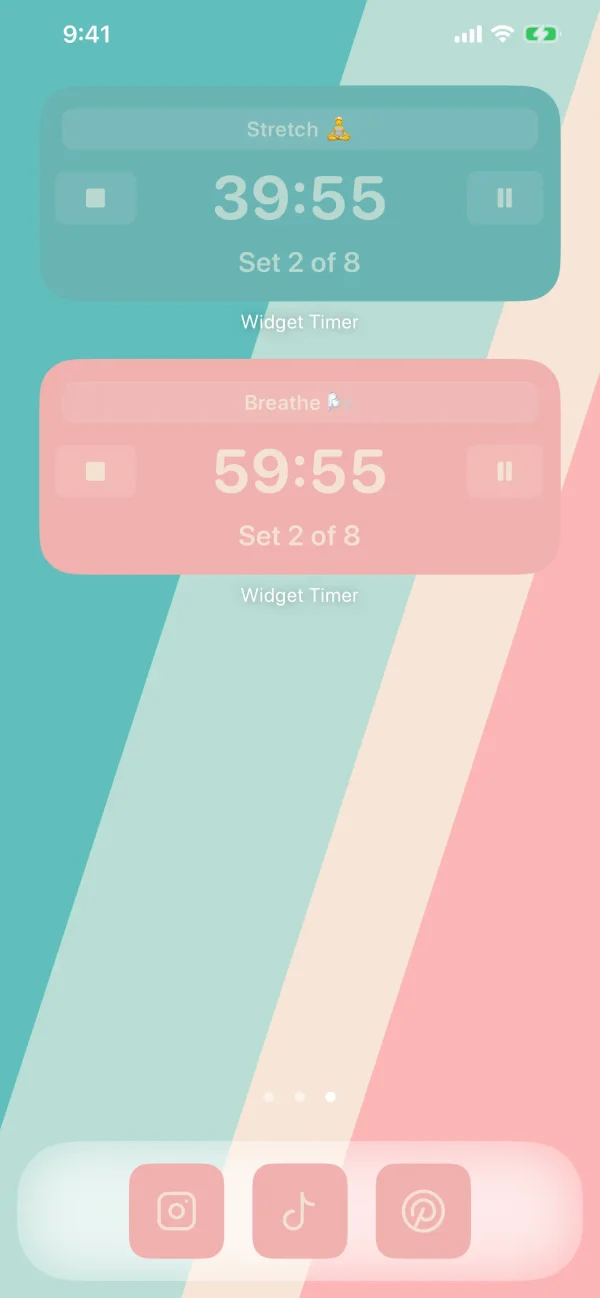
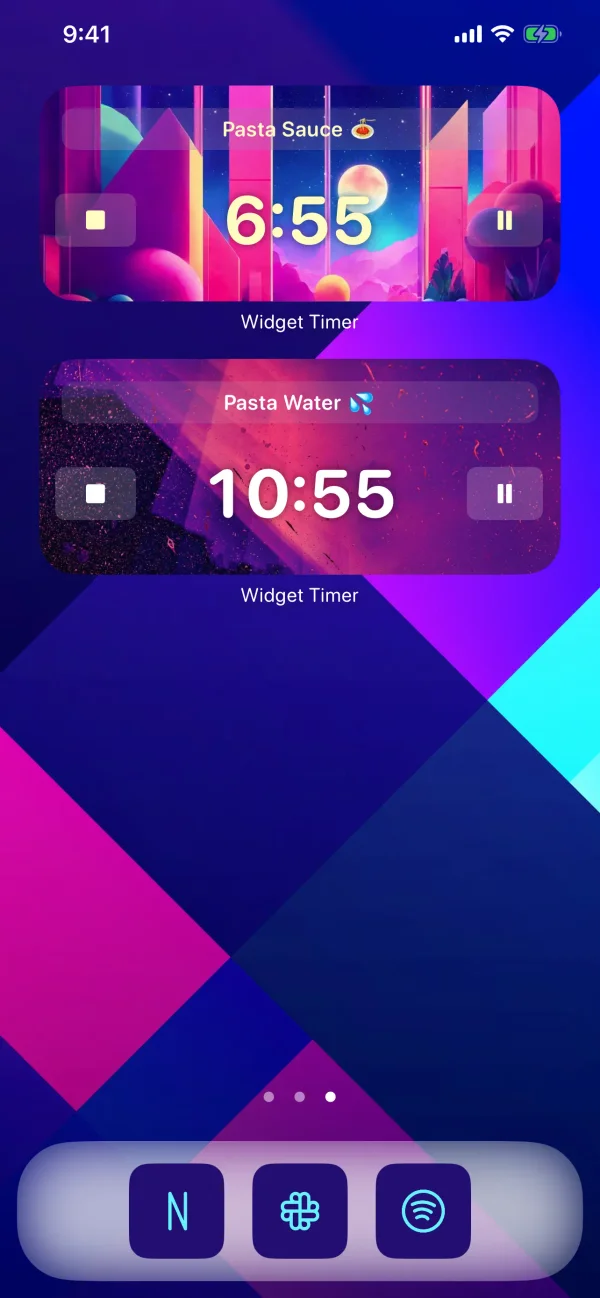
- add timer widgets to your Home Screen and Lock Screen
- interactive widgets, so you can start and stop your timers without opening the app
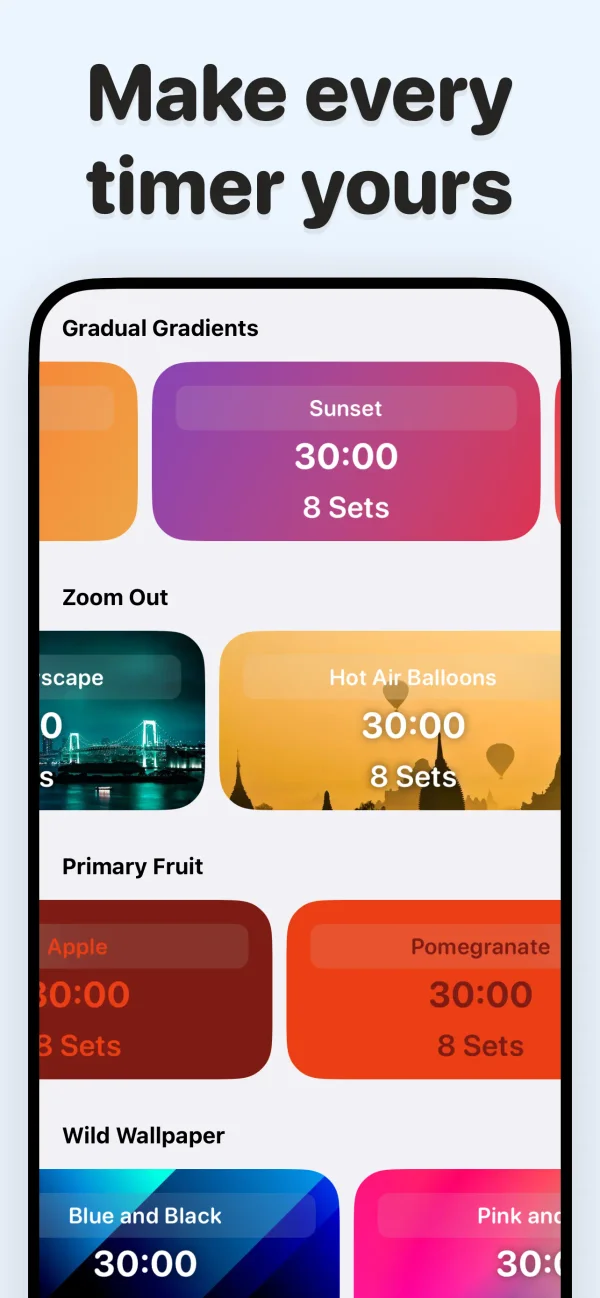
- customize the theme of each widget, or pick one from a gallery of over 50 themes
More to love:
- run as many timers as you like, all at once
- name every timer (emoji supported)
- lots of alert sounds to choose from
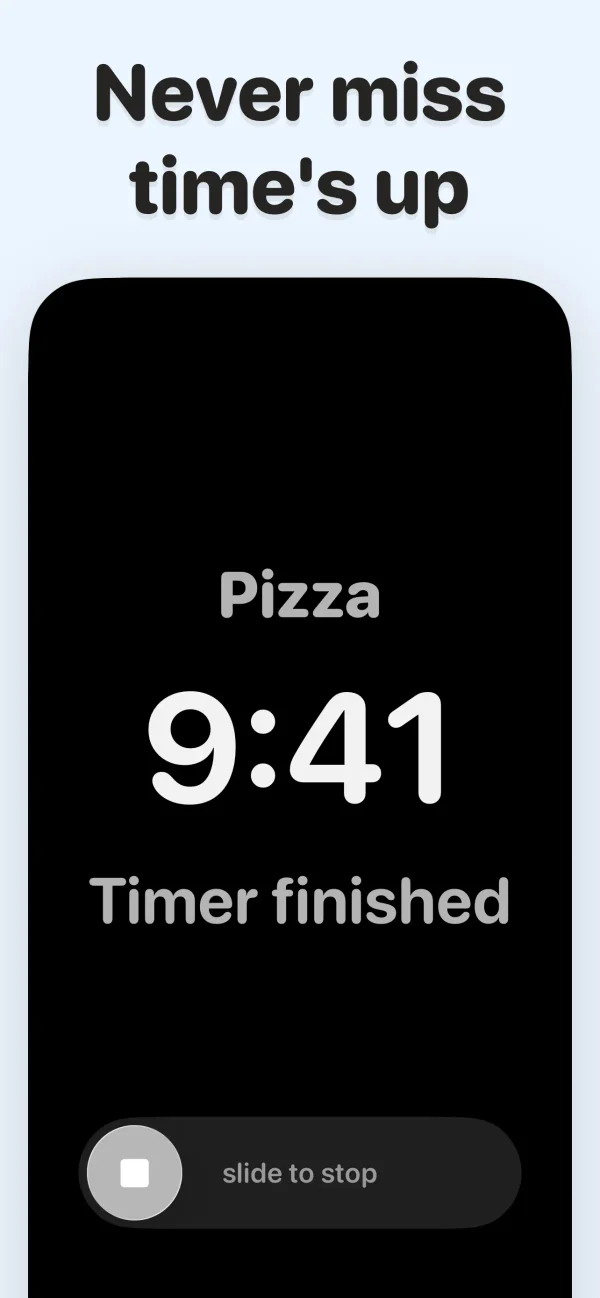
- multiple finished modes
- local notifications alert you when the app is in the background (no network required)
- long press to re-order the timers on the main screen
- works with Siri and Shortcuts
Some features require a purchase of either a Premium Subscription or a Premium Lifetime Unlock.
Widget Timer Premium Subscription
Payment will be charged to your Apple ID account at the confirmation of purchase. Subscription automatically renews unless it is canceled at least 24 hours before the end of the current period. Your account will be charged for renewal within 24 hours prior to the end of the current period. You can manage and cancel your subscriptions by going to your account settings on the App Store after purchase.
Terms of Use:
https://www.apple.com/legal/internet-services/itunes/dev/stdeula/
What’s new
Version 3.7.1 · Oct 15, 2026
Bug fixes and performance improvements
Please don't hesitate to get in touch with any bugs or feature requests.
P.S. Make Every Second Count!
App privacy
What Foobar Creative declares on the App Store about how this app handles data.
-
Data not linked to you
May be collected but is not linked to your identity.
- Usage data
- Diagnostics
Privacy practices may vary, for example with the features you use or your age.
Information
- Seller
- Foobar Creative
- Category
- Utilities
- Version
- 3.7.1
- Updated
- Oct 15, 2026
- Released
- Sep 24, 2020
- Size
- 89.0 MB
- Requires
- iOS 18.0 or later
- Age rating
- 4+
- Price
- Free
- In-app purchases
- Yes
- Languages
- English, Arabic, Catalan, Croatian, Czech, Danish, Dutch, Finnish, French, German, Greek, Hebrew + 23 more
- Copyright
- © 2020 Foobar Creative
You might also like
-
 timer. - Multi Countdown TimerLive Activities / Widget Timer
-
 Pop Out Timer Stopwatch ClockOn-screen floating above apps
-
 Multiple Timer Widgets: RADStylish & Custom Countdowns
-
 Timer+ Countdown & StopwatchInterval, Workouts, Pomodoro
-
 About Timers - Kitchen TimerMultiple Timers & Stopwatch
-
 Usual Timer for WidgetFast Multiple Countdown Timer
-
 Timer ٞKitchen cooking alarm
-
 Counter Widget 27Tally Count Widget and Clicker
-
 Just TimersThe missing timers app
-
 Visual Multi Timer: TimusMultiple Interval Timers Free