
Portainer Mobile: Docker Admin
Manage Docker Containers
Designed for iPhone, iPad, iPod touch
Free
- Age rating4+
- CategoryDeveloper Tools
- DeveloperUMEGS
- LanguagesEnglish
- Size33.7 MB
Links to the official App Store page
Download.org hosts no file of Portainer Mobile: Docker Admin. The button opens its official App Store page, published by UMEGS. Listing last checked on Nov 12, 2026.
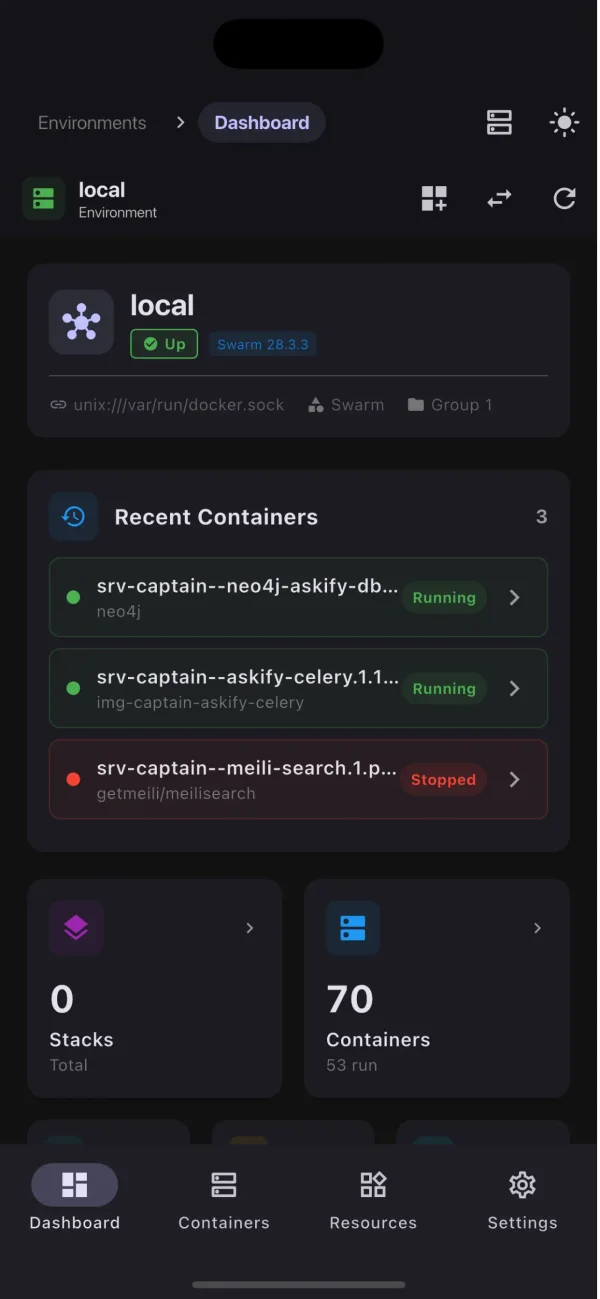
Screenshots

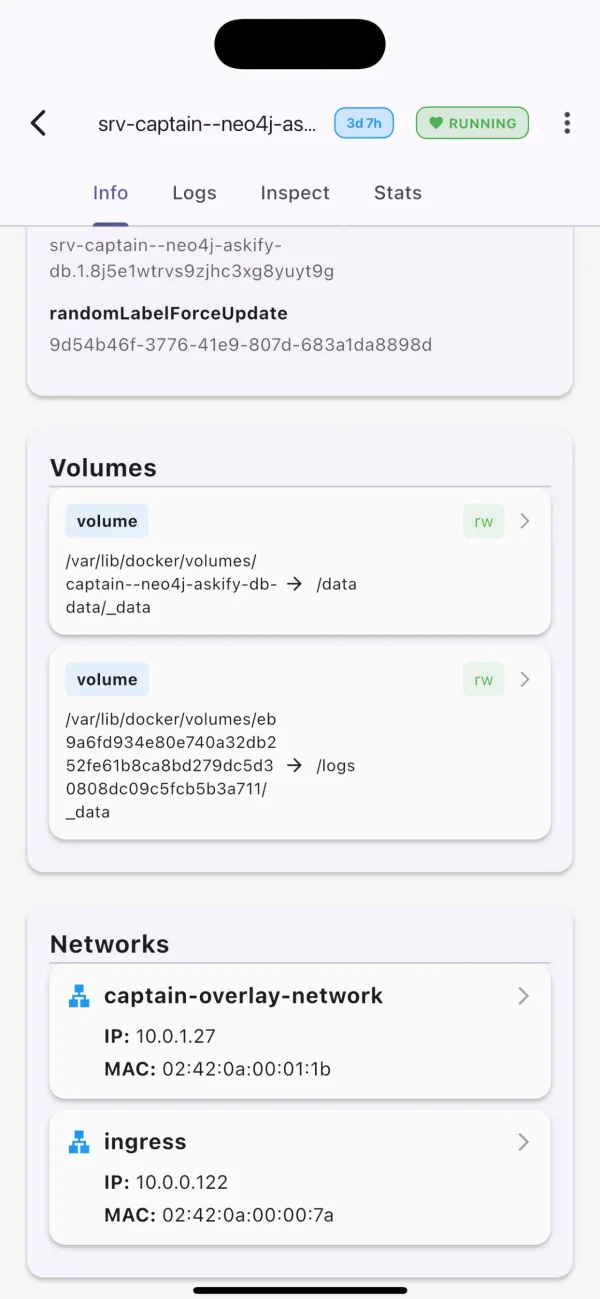
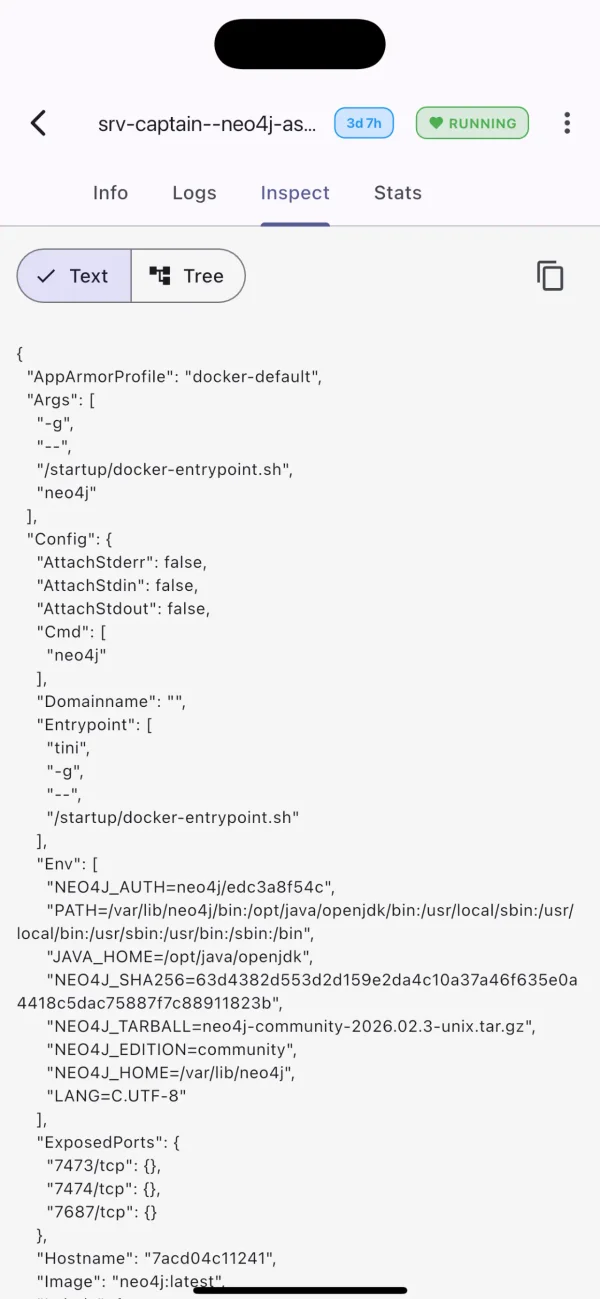
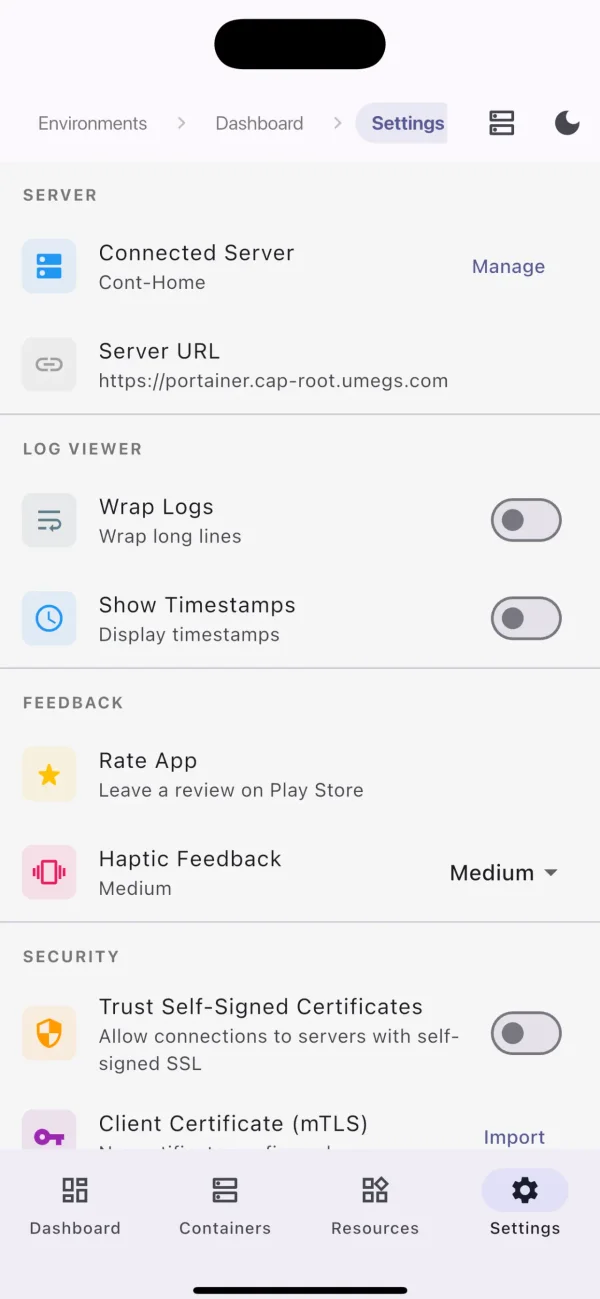
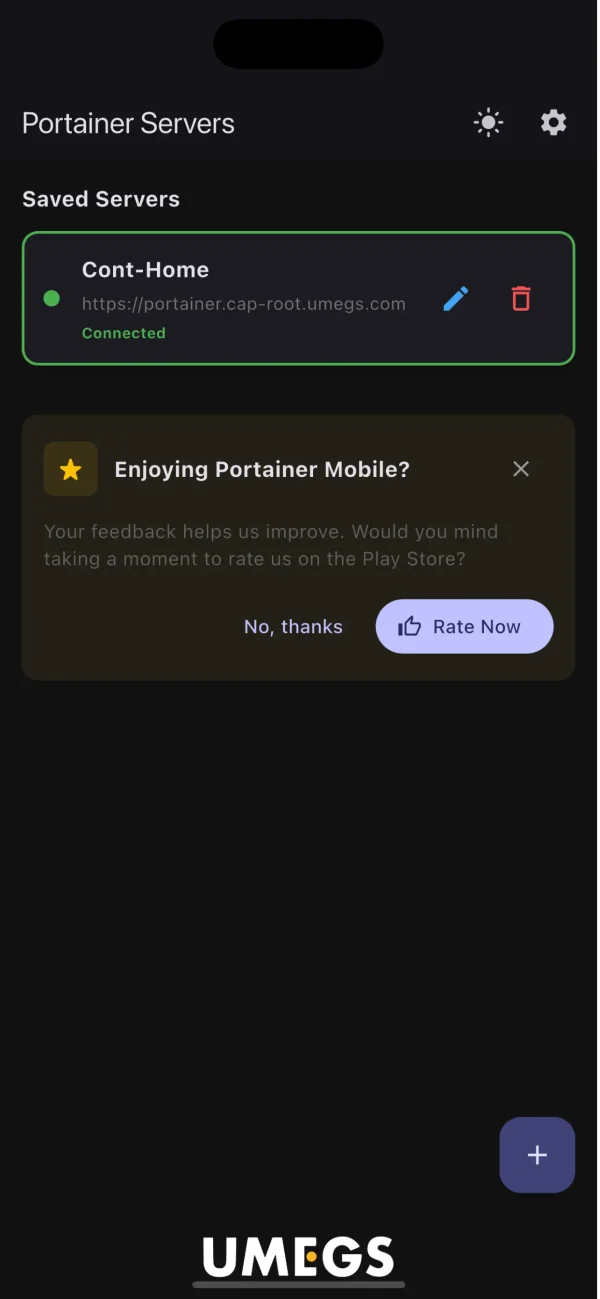
About
Portainer Mobile is the definitive professional tool for managing your Docker environments directly from your iPhone, iPad, and Mac. Built specifically for DevOps engineers, system administrators, and developers, this app brings the full power of the Portainer API to your pocket, ensuring your containers stay healthy and your deployments stay on track—no matter where you are.
Trusted by over 1,000 users on other platforms with top-tier feedback, Portainer Mobile offers a native, high-performance experience that makes server management feel effortless.
KEY FEATURES
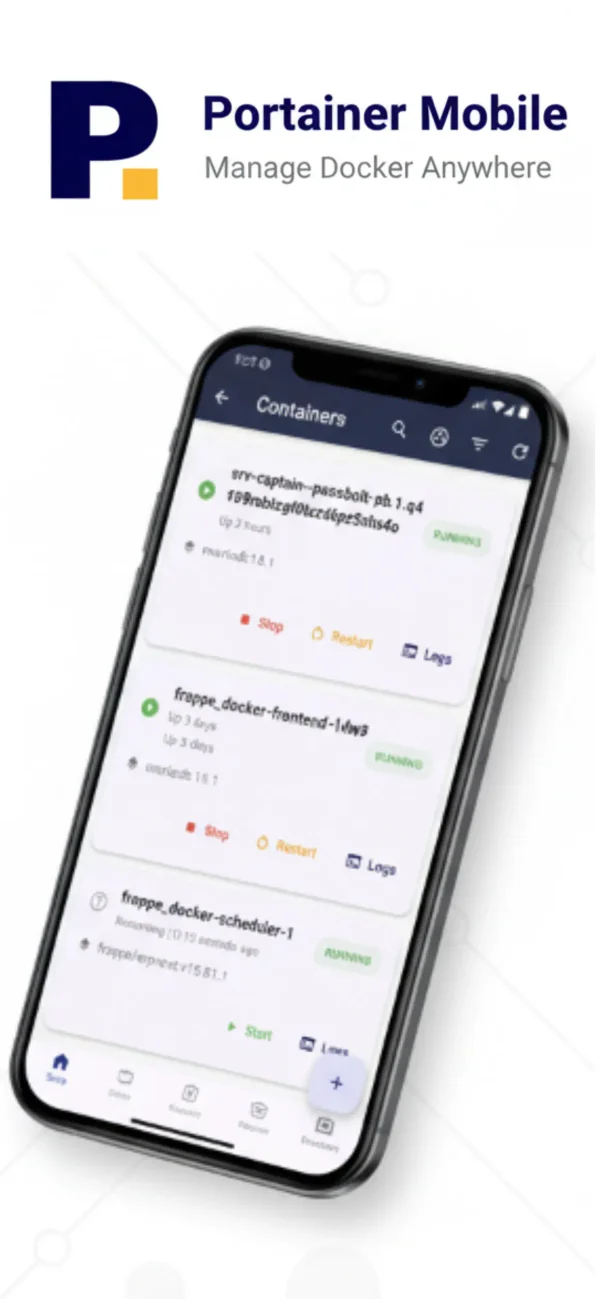
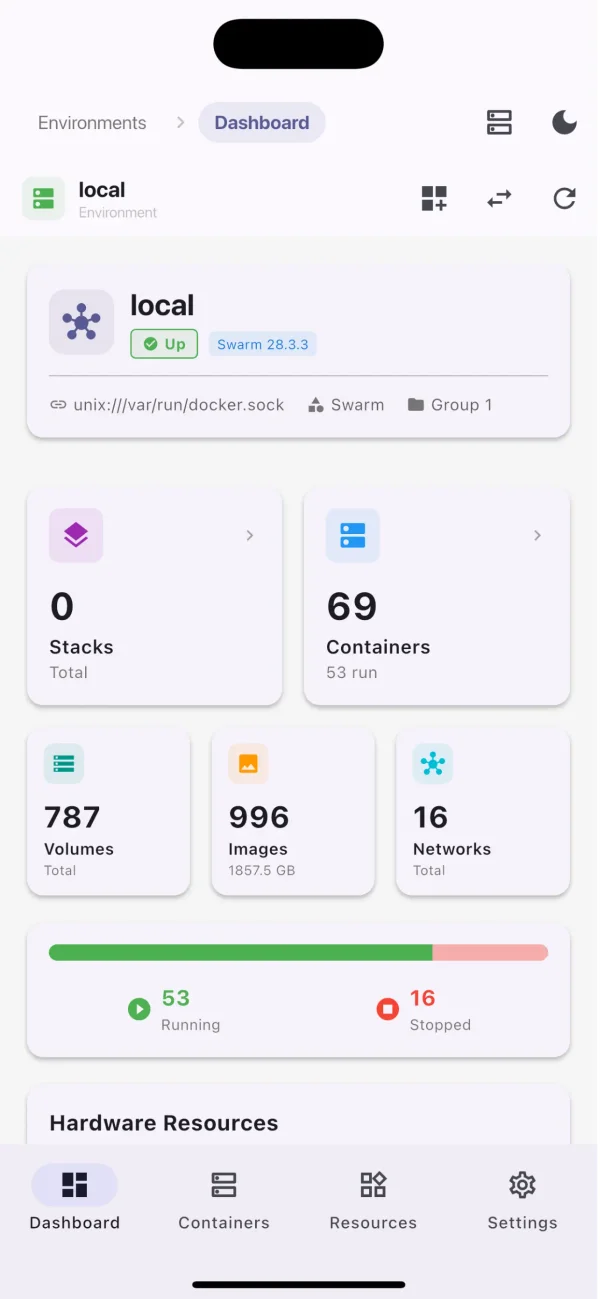
Real-Time Monitoring: View live stats for your containers, including CPU usage, memory consumption, and network health.
Complete Lifecycle Management: Start, stop, restart, or remove containers with a single tap.
Log Access on the Go: Debug issues in seconds with real-time log streaming and a searchable console.
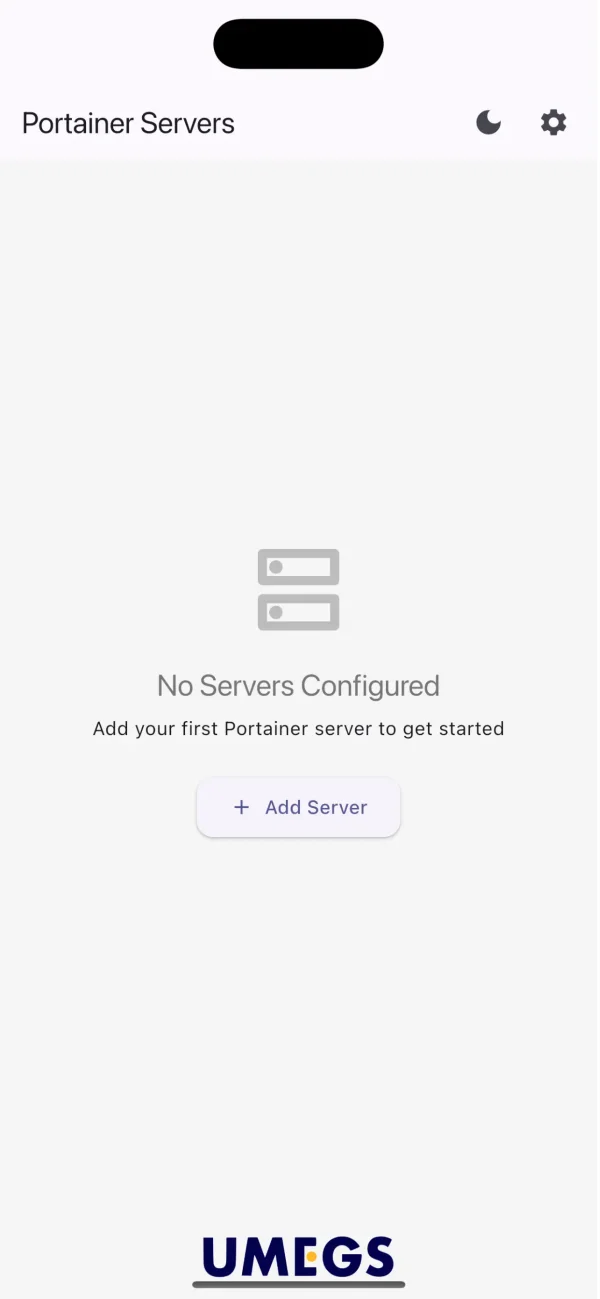
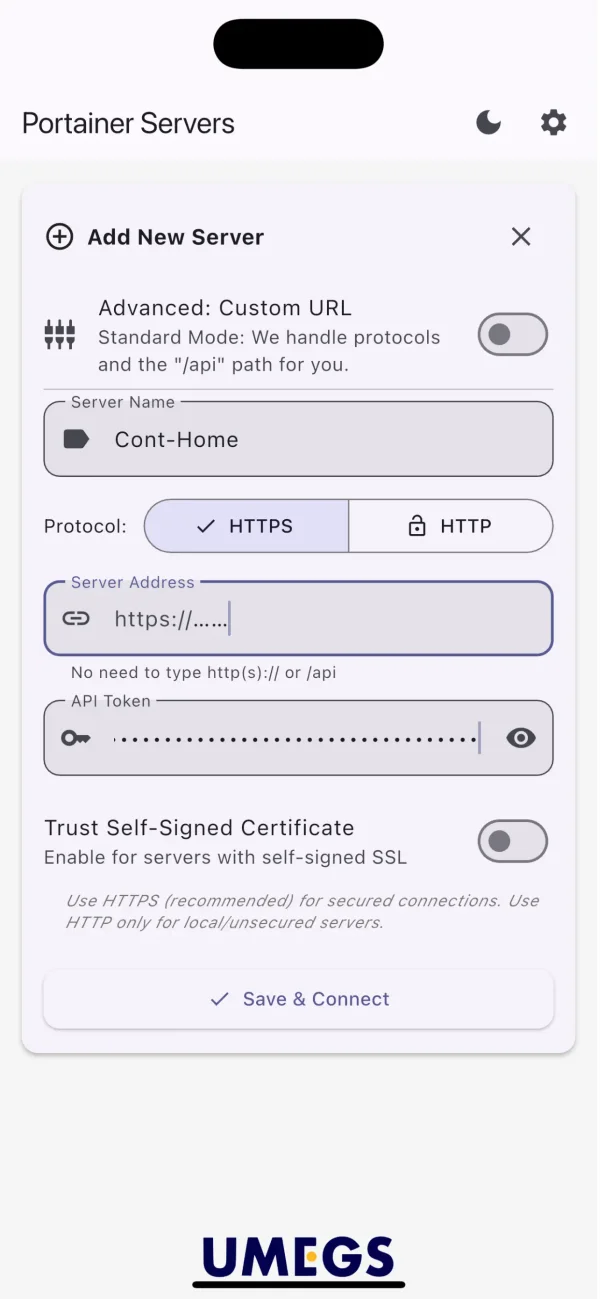
Multi-Server Support: Seamlessly switch between multiple Portainer instances or environments.
Image & Network Management: Manage your local and remote images and inspect network configurations with ease.
Push-to-Action: Quickly execute commands on running containers through a secure terminal interface.
BUILT FOR SECURITY
We know that server security is your #1 priority. Portainer Mobile uses a direct API connection to your server.
Zero Middle-Man: Your credentials and API keys are stored securely on your device’s Keychain.
No Data Harvesting: We do not track your server activity or collect your container data.
Encrypted Communication: Always connects via HTTPS to ensure your data is shielded.
WHY PORTAINER MOBILE?
Unlike mobile web browsers that are clunky and hard to navigate, Portainer Mobile provides a Native iOS Experience. Whether you are managing a single Raspberry Pi at home or a complex swarm in the cloud, our interface is designed for speed and clarity.
SUPPORT & COMMUNITY
We are committed to making this the best Docker management tool on the App Store. Join our growing community of users and help us shape the future of mobile DevOps.
Official Website: https://umegs.com
Support: info@umegs.com
What’s new
Version 0.1.4+9 · May 9, 2026
- Fixed false "version behind" popup that blocked app usage
- Theme toggle no longer resets navigation back to start screen
- Logs tab: selectable text, collapsible toolbar, redesigned search bar
- Containers: icons in stat badges, fixed dark mode button contrast
- Fixed iOS build errors
App privacy
What UMEGS declares on the App Store about how this app handles data.
-
Data not collected
The developer does not collect any data from this app.
Privacy practices may vary, for example with the features you use or your age.
Information
- Seller
- UMEGS (SMC-PRIVATE) LIMITED
- Category
- Developer Tools
- Version
- 0.1.4+9
- Updated
- May 9, 2026
- Released
- Apr 1, 2026
- Size
- 33.7 MB
- Requires
- iOS 15.0 or later
- Age rating
- 4+
- Price
- Free
- Languages
- English
- Copyright
- © 2026 UMEGS (SMC-PRIVATE) LIMITED
You might also like
-
 Yomo: Docker & PortainerSSH, SFTP, Podman, Compose
-
 Portainer & Docker: PourtainerNo SSH!
-
 DockCatDeveloper Tools
-
 BeszelSimple server monitoring
-
 Docker ManagementGet Notified and Manage Docker
-
 Docker Manager GUI - WhaleDeckUnraid & Linux Server Monitor
-
 Noderan8n Workflow Manager
-
 Harbour - Docker ManagerManage containers with ease
-
 Docker Server AdminDocker, Linux Stats, SSH, SFTP
-
 ForjiA Forgejo client