
- Age rating4+
- CategoryProductivity
- DeveloperLimeDev
- Size1.3 MB
Links to the official App Store page
Download.org hosts no file of POS Printer Bridge. The button opens its official App Store page, published by LimeDev. Listing last checked on Nov 17, 2026.
Screenshots
About
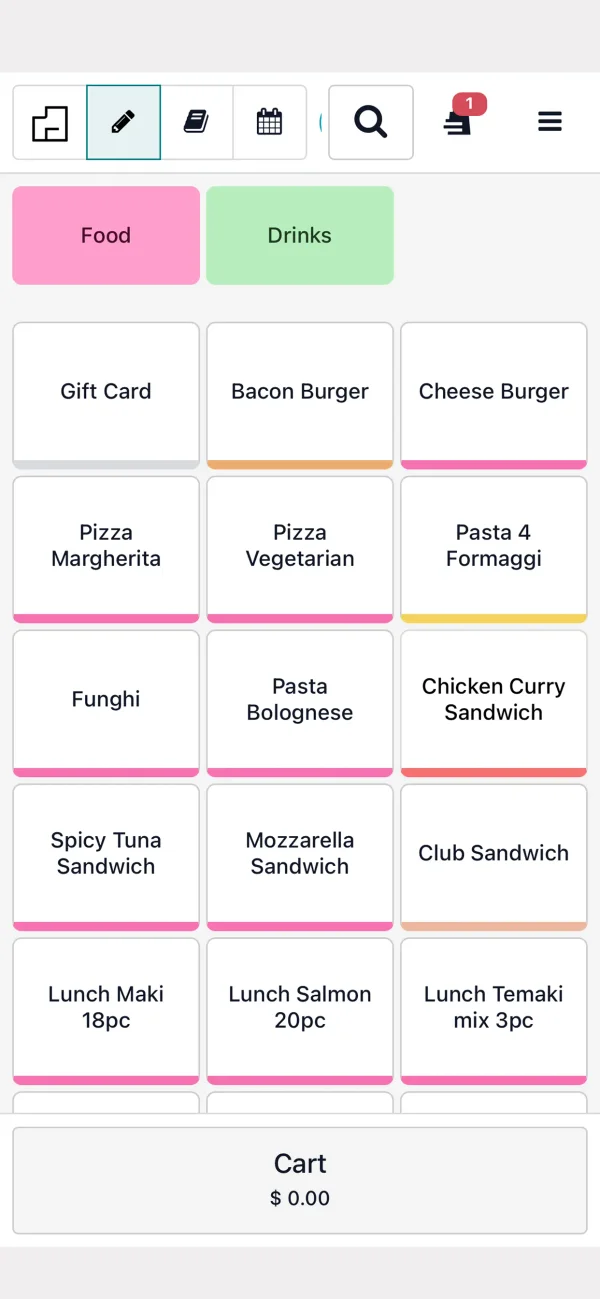
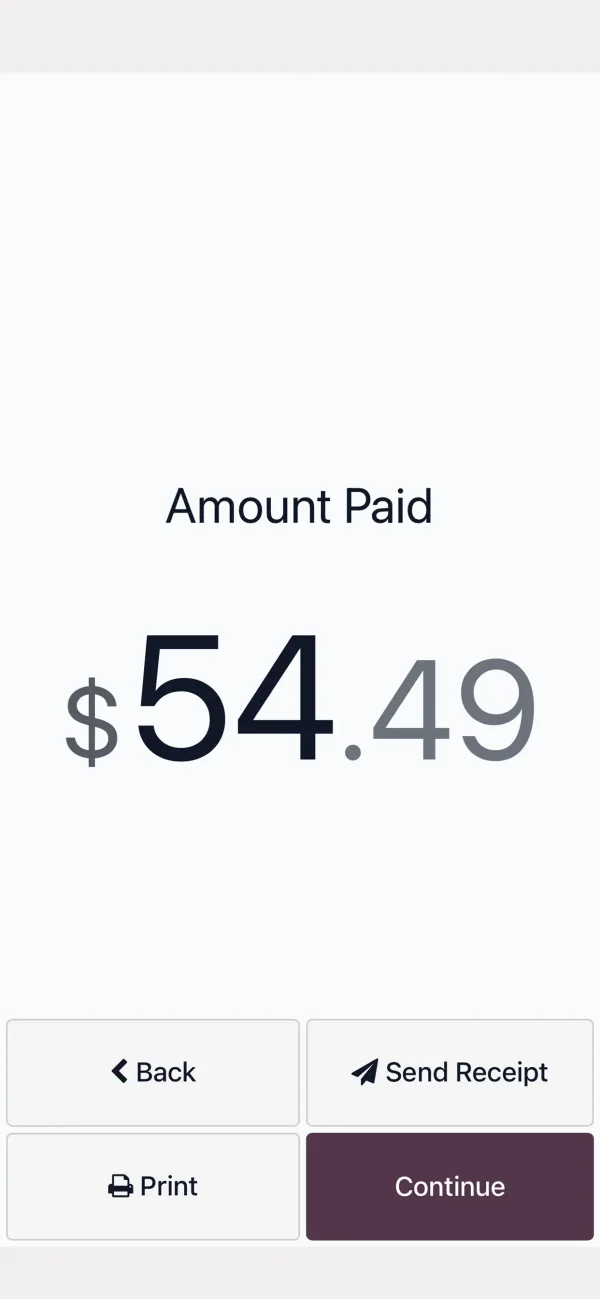
POS Printer Bridge turns your device into a dedicated Odoo POS terminal with full local printing support — no extra hardware, no complex configuration.
• Full-screen kiosk mode: hides all browser chrome for a clean counter experience
• Automatic printer routing: detects your printer directly from the Odoo page, no manual IP setup
• One-time trust approval: each printer is approved once and remembered securely
• Resumes where you left off: reopens the last visited Odoo page on restart
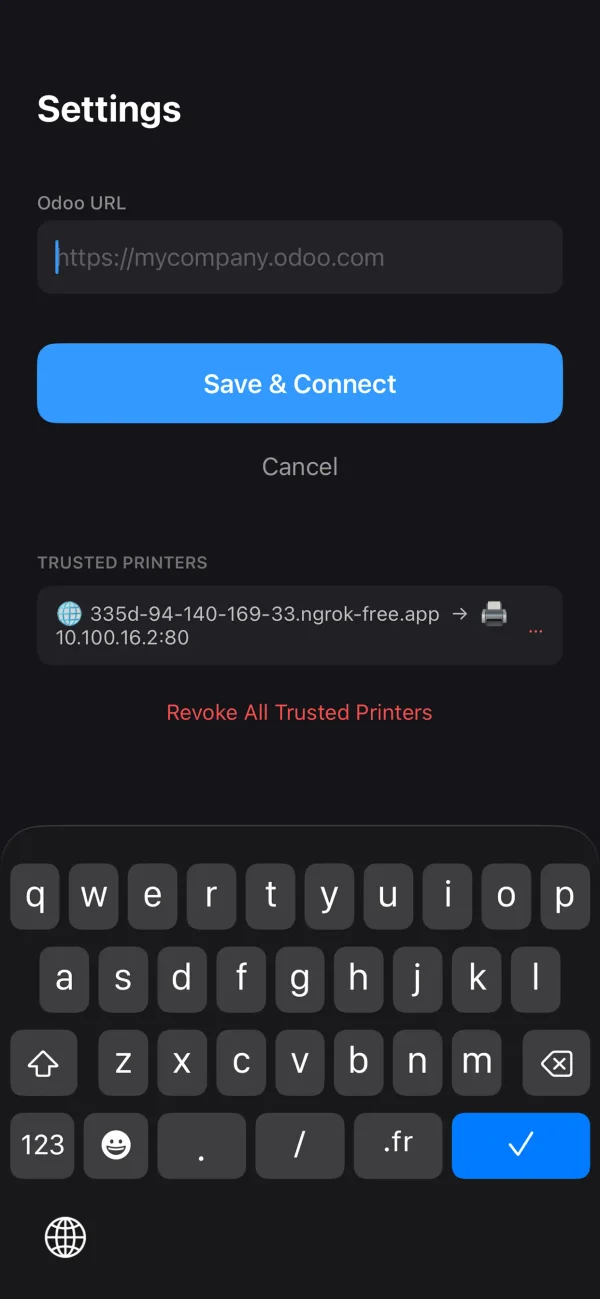
• Trusted printer management: review and revoke printer access at any time
• Settings access: tap any corner 5 times to open the configuration panel
What’s new
Version 1.9 · Oct 1, 2026
We’ve made improvements to enhance your experience, improve performance, and fix a few bugs.
App privacy
What LimeDev declares on the App Store about how this app handles data.
-
Data not collected
The developer does not collect any data from this app.
Privacy practices may vary, for example with the features you use or your age.
Information
- Seller
- LimeDev sprl
- Category
- Productivity
- Version
- 1.9
- Updated
- Oct 1, 2026
- Released
- Jun 2, 2026
- Size
- 1.3 MB
- Requires
- iOS 17.5 or later
- Age rating
- 4+
- Price
- Free
- Copyright
- © Limedev
You might also like
-
 Shyfter POSProductivity
-
 Label Printer: Address LabelsAvery sheets, tags, barcodes
-
 MOEP Meter CalculatorMeter Unit Price Calculator
-
 Aapi TimeNo more Monkey Business
-
 ContactOffice MailBranded Email & Cloud Tools
-
 Visual Countdown Pixel TimerFor Studying, Workouts, Chores
-
 Schoolhub.ioSmart planner for parents
-
 Rollit PayrollProductivity
-
 Contacts Address Book: AmicuBirthday Reminder Personal CRM
-
 Shyfter StaffScheduling and time tracking