PoseDoll - 3D Pose Reference
Photo-to-3D Drawing Tool
Designed for iPhone, iPad, iPod touch
Free · In-app purchases
- Age rating4+
- CategoryGraphics & Design
- DeveloperDonguri App
- LanguagesEnglish+ 1 more
- Size276.6 MB
Links to the official App Store page
Download.org hosts no file of PoseDoll - 3D Pose Reference. The button opens its official App Store page, published by Donguri App. Listing last checked on Nov 17, 2026.
Screenshots
About
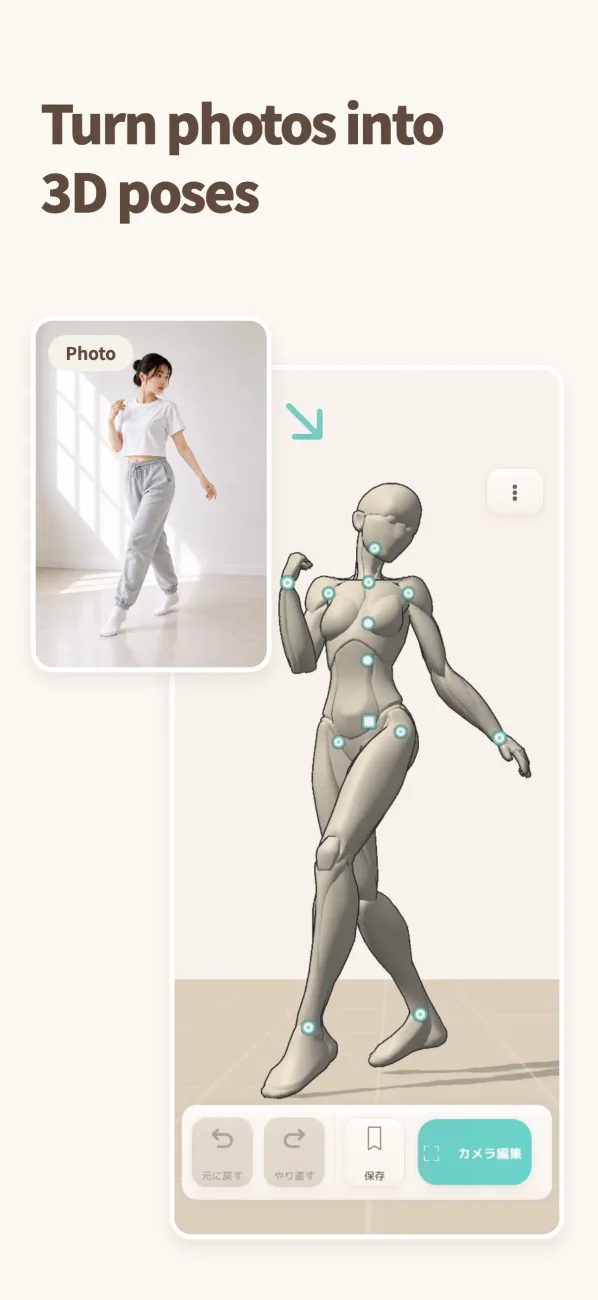
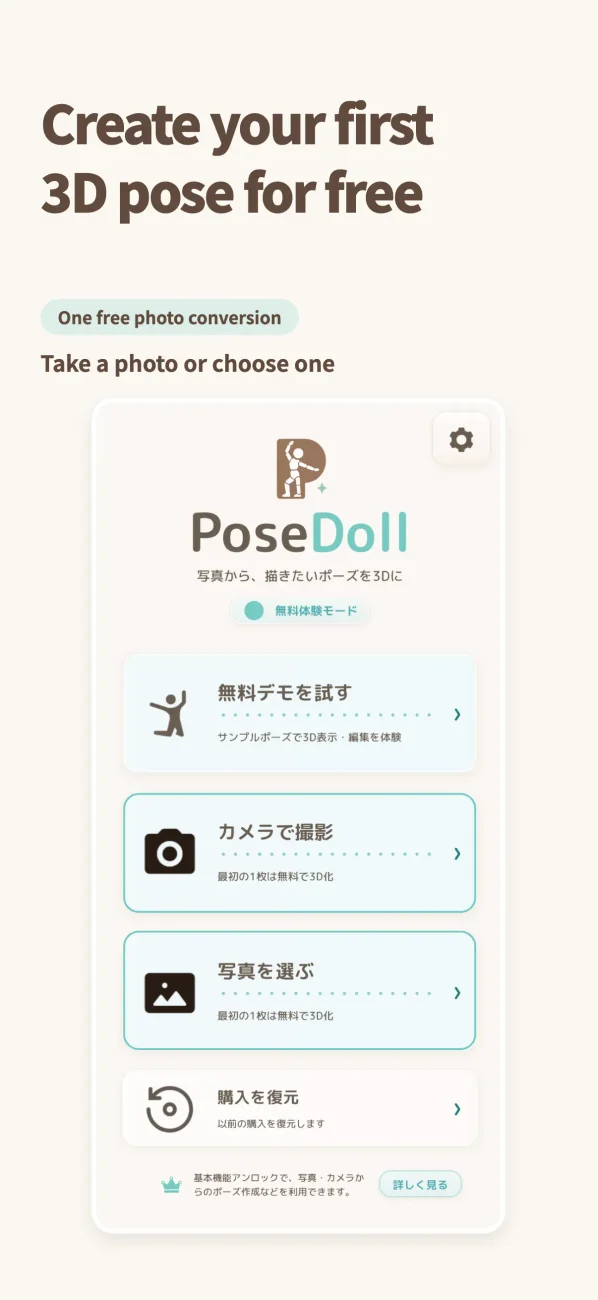
Turn photos into the 3D poses you want to draw.
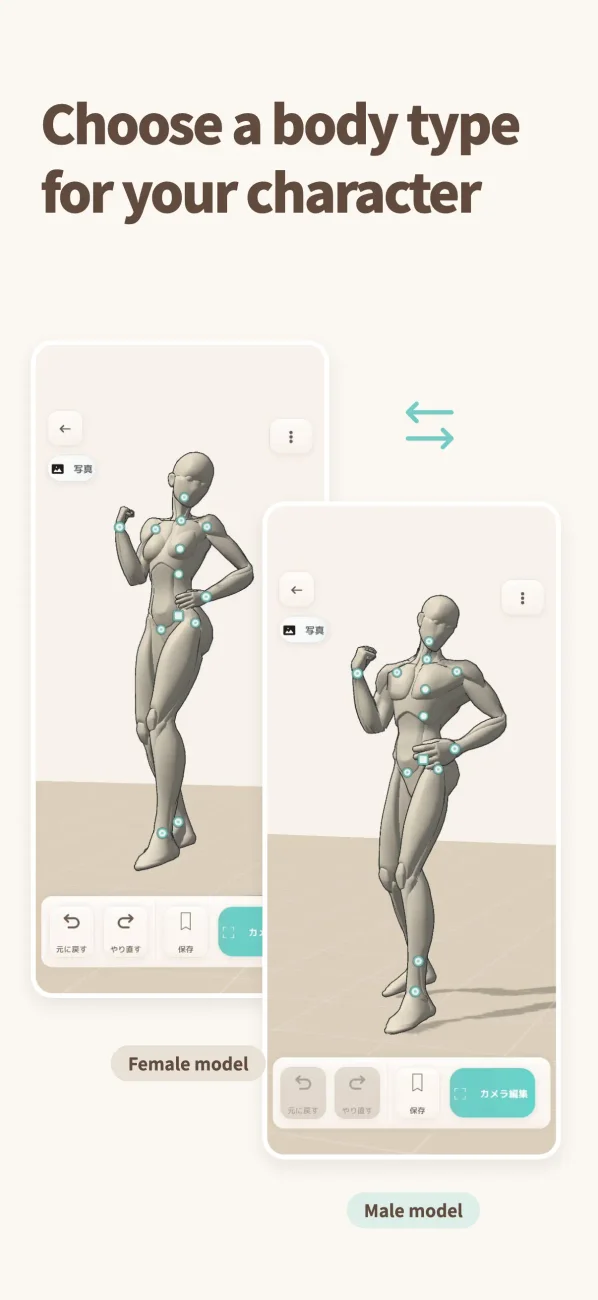
PoseDoll is an illustration reference app that lets you transfer a person’s pose from a photo or camera shot onto a 3D drawing mannequin.
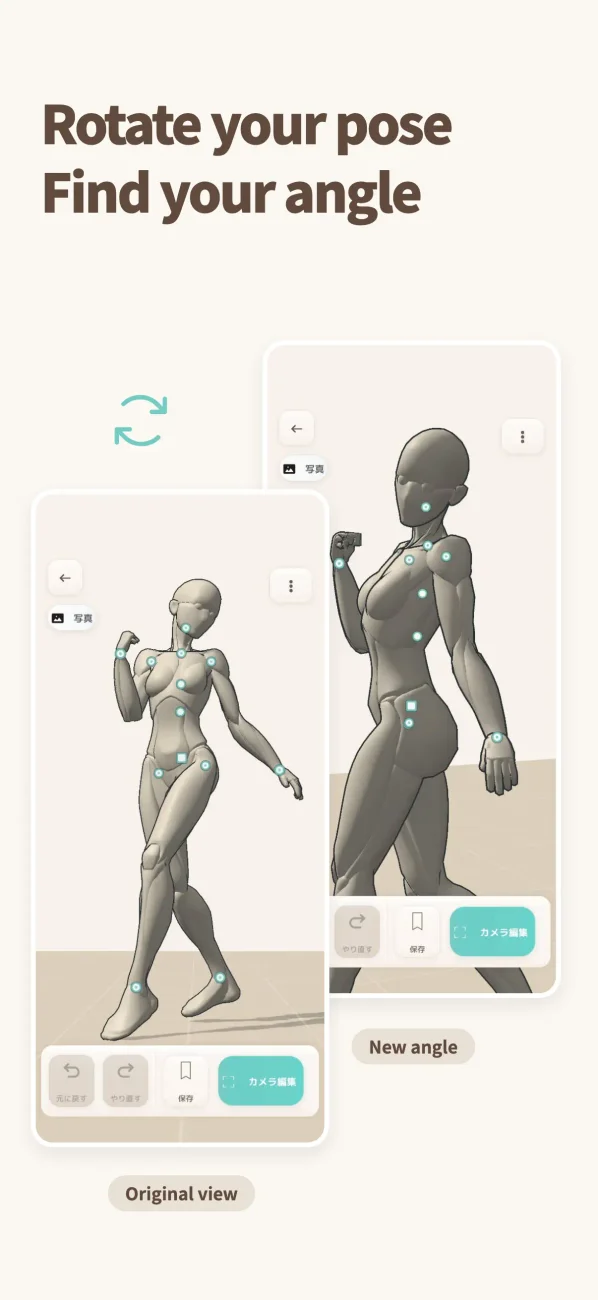
Rotate the 3D mannequin to check angles that may be difficult to understand from a photo alone.
PoseDoll helps reduce the time and effort needed to create poses from scratch, making it easier to prepare references for rough sketches, drafts, and composition planning.
[What You Can Do with PoseDoll]
• Create 3D poses from photos
Import a photo from your device and transfer the person’s pose onto a 3D drawing mannequin.
• Capture a pose with your camera
Take a photo on the spot and use it to create a 3D pose reference.
• View poses from any angle
Rotate and zoom the 3D mannequin to find the angle you want to draw.
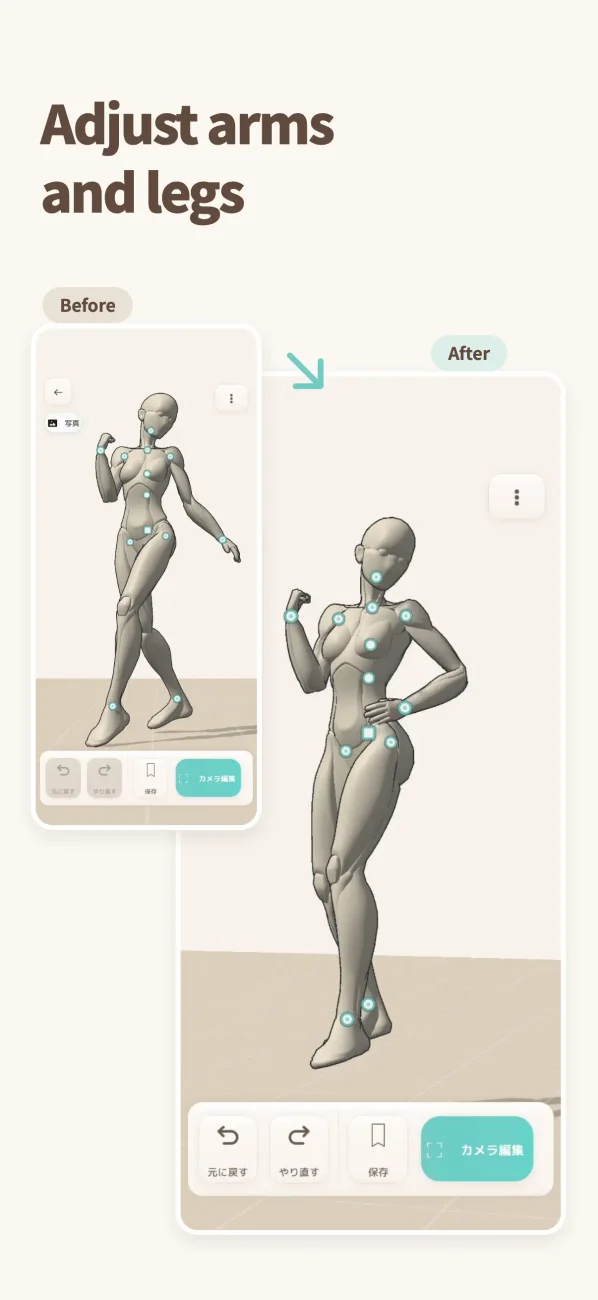
• Adjust poses manually
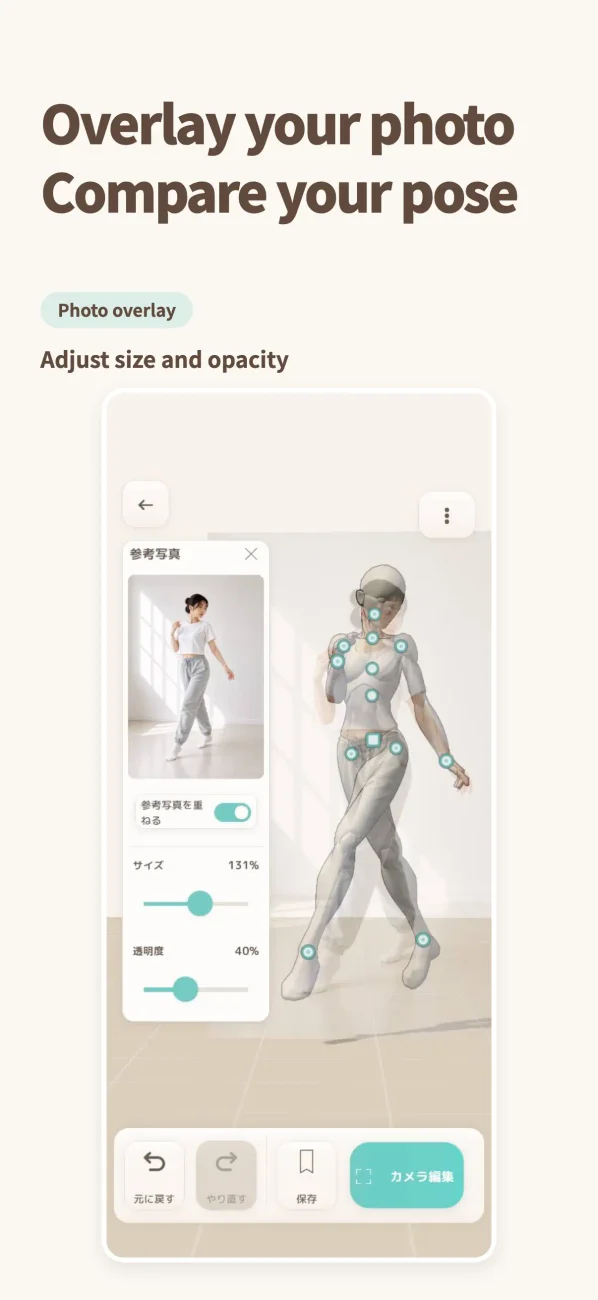
Fine-tune automatically generated poses by moving and rotating body parts.
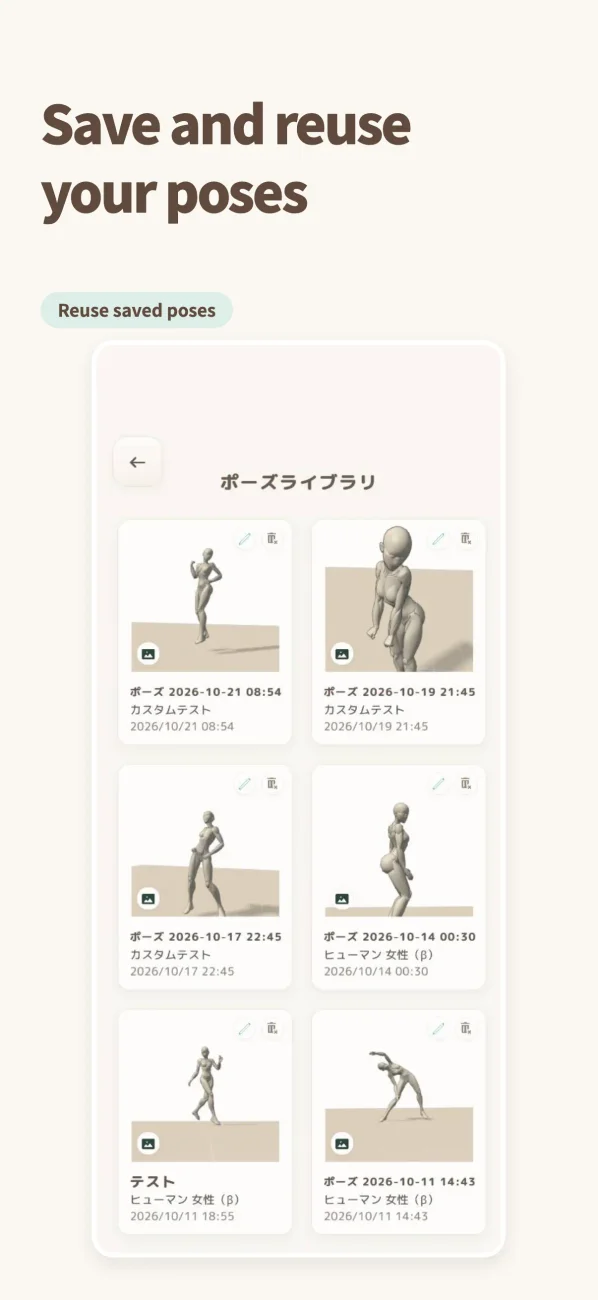
• Save your poses
Save created poses to your library and return to them later.
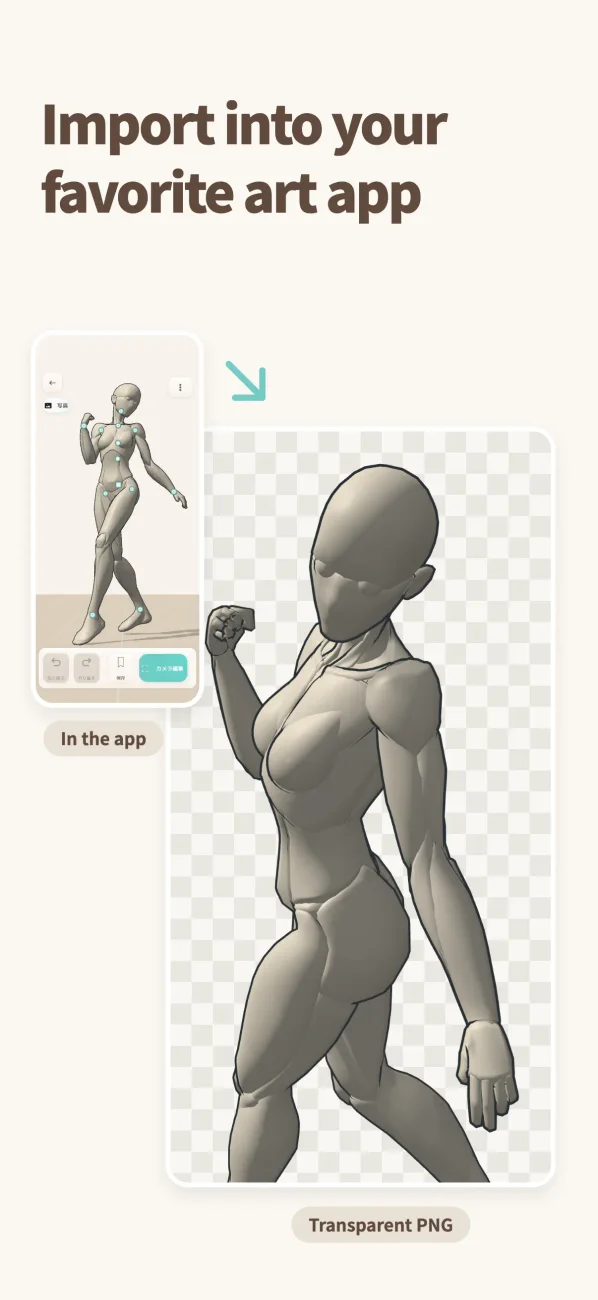
• Export as transparent PNG
Save the 3D mannequin as a transparent PNG and import it into your illustration software for use as a drawing or sketch reference.
[Privacy]
Pose estimation runs directly on your device.
Your photos are not uploaded to external servers for pose estimation.
[Ideal For]
• Checking a pose from a slightly different angle than the original photo
• Avoiding the hassle of posing a 3D mannequin from scratch
• Preparing a 3D reference before starting a rough sketch
• Checking the balance and angles of a character pose
• Turning your own photos into 3D drawing references
[Core Features Unlock]
Core features can be unlocked with a one-time purchase. There is no monthly subscription.
The unlock includes features such as camera capture, photo import, and the pose library.
[Please Note]
PoseDoll estimates a person’s pose from a photo and applies it to a 3D mannequin.
Depending on the image and shooting conditions, the pose may not always be reproduced accurately.
Results may be less stable when:
• Parts of the body are hidden
• The person appears too small in the image
• The photo is taken in a dark environment
• Multiple people appear in the image
• The pose has significant depth toward or away from the camera
You can manually adjust the generated pose in the app as needed.
What’s new
Version 1.5.0 · Nov 11, 2026
- Added a camera-based hand tracking feature.
- Improved hand and finger posing, as well as pose reconstruction from photos.
- Improved the home screen and camera functionality.
- Fixed bugs related to saving, exporting, and other features.
App privacy
What Donguri App declares on the App Store about how this app handles data.
-
Data not linked to you
May be collected but is not linked to your identity.
- Location
- Identifiers
- Usage data
- Diagnostics
Privacy practices may vary, for example with the features you use or your age.
Information
- Seller
- Donguri App
- Category
- Graphics & Design
- Version
- 1.5.0
- Updated
- Nov 11, 2026
- Released
- Aug 24, 2026
- Size
- 276.6 MB
- Requires
- iOS 15.0 or later
- Age rating
- 4+
- Price
- Free
- In-app purchases
- Yes
- Languages
- English, Japanese
- Copyright
- © 2026 Donguri App
You might also like
-
 Art Anatomy3D Pose & Figure Drawing Model
-
 Pose Maker: 3D Art ReferenceDraw Anime, Manga & Realistic
-
 Charactool: Customizable Poser3D Art & Body Pose Reference
-
 3D Pose Maker Easy Model Poser3d model maker pro poser
-
 Vibe3D-3D Character Animation3D Physics Animation
-
 VRM Pose FilerGraphics & Design
-
 3D Pose Reference & Easy PoserArt Pose Maker & Poser Magic
-
 Art Reference: Easel AssistantGrid, Value Study, & Palettes
-
 DarkRef - Art Reference BoardReference board for artists
-
 Pose Croquis30 sec drawing