
PressKit - Caption & Send
Ingest, caption, file to wire
Designed for iPhone, iPad, Mac
Free · In-app purchases
- Age rating4+
- CategoryPhoto & Video
- DeveloperXiaochen Hu
- LanguagesEnglish+ 7 more
- Size25.5 MB
Links to the official App Store page
Download.org hosts no file of PressKit - Caption & Send. The button opens its official App Store page, published by Xiaochen Hu. Listing last checked on Nov 23, 2026.
Screenshots


About
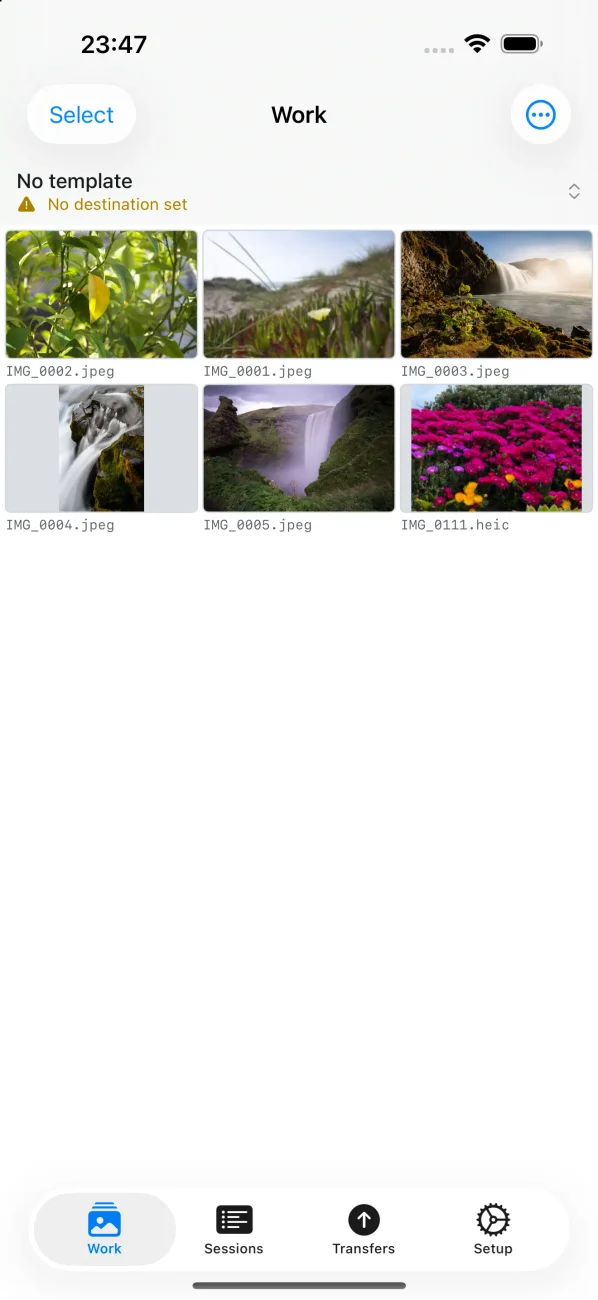
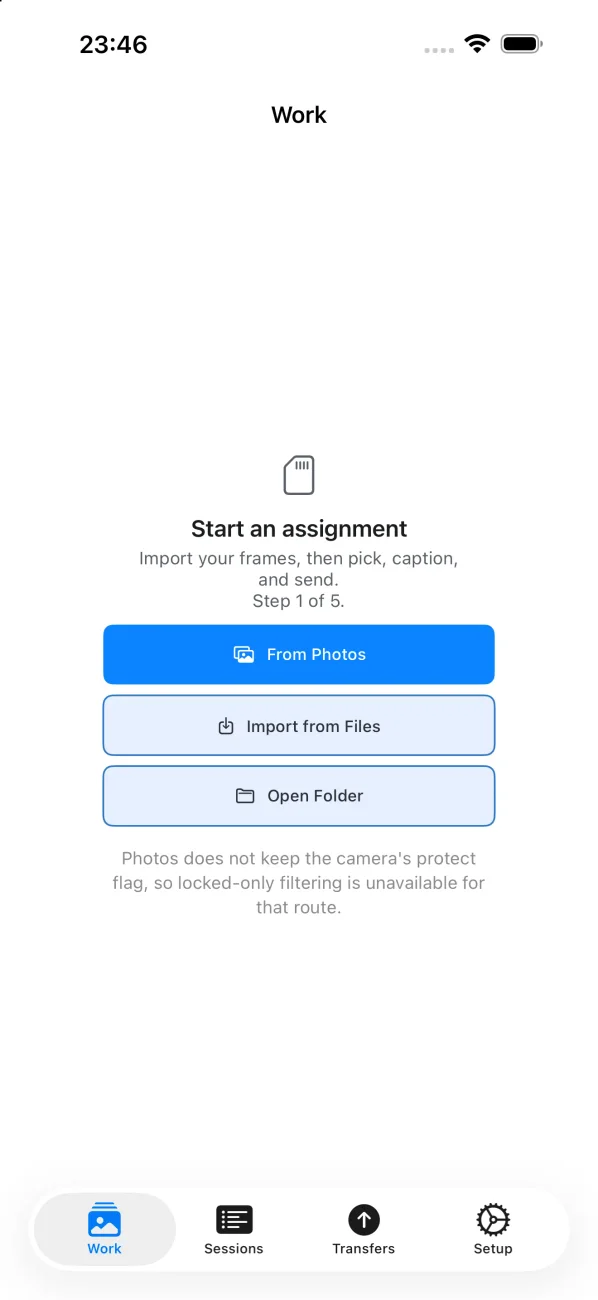
PressKit helps press and sports photographers get selected photos from camera card to picture desk on Mac, iPad and iPhone.
A paid monthly subscription is required to use PressKit's photo workflow, including importing, browsing, captioning and delivery.
IMPORT AND SELECT
• Import from camera cards, folders or your photo library. Use locked-only import with supported cameras to bring in the frames you selected in-camera.
• Review photos with Pick/Reject and color labels.
• On Mac, Live Ingest refreshes selected folders as new files arrive.
CAPTION WITH CONFIDENCE
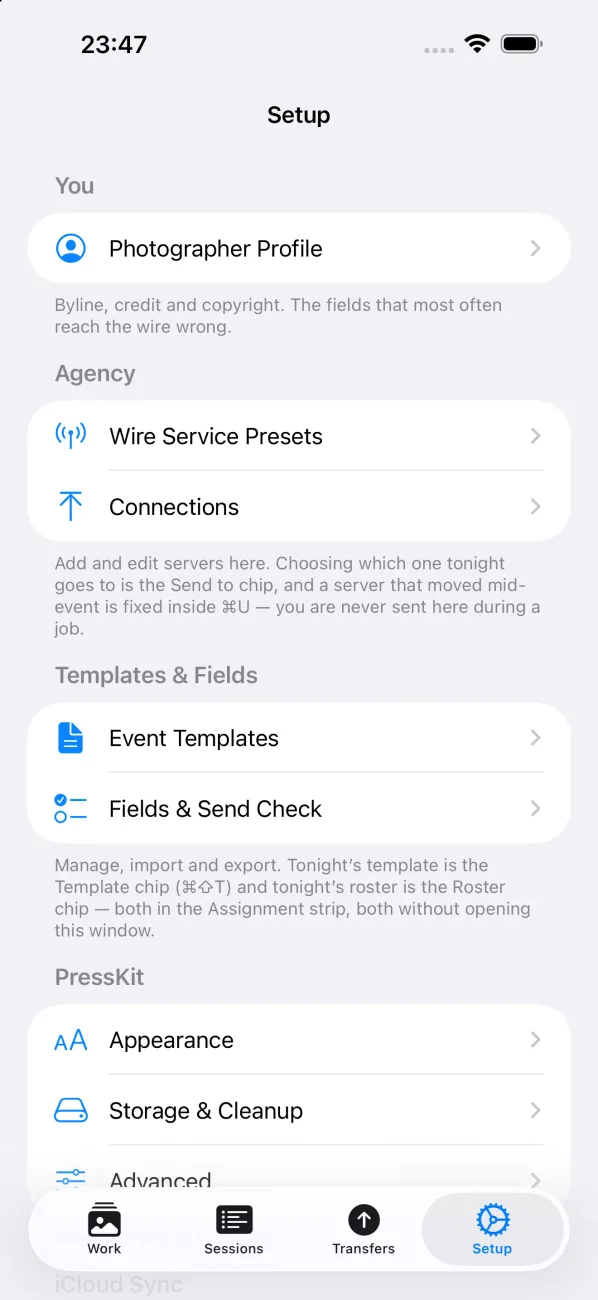
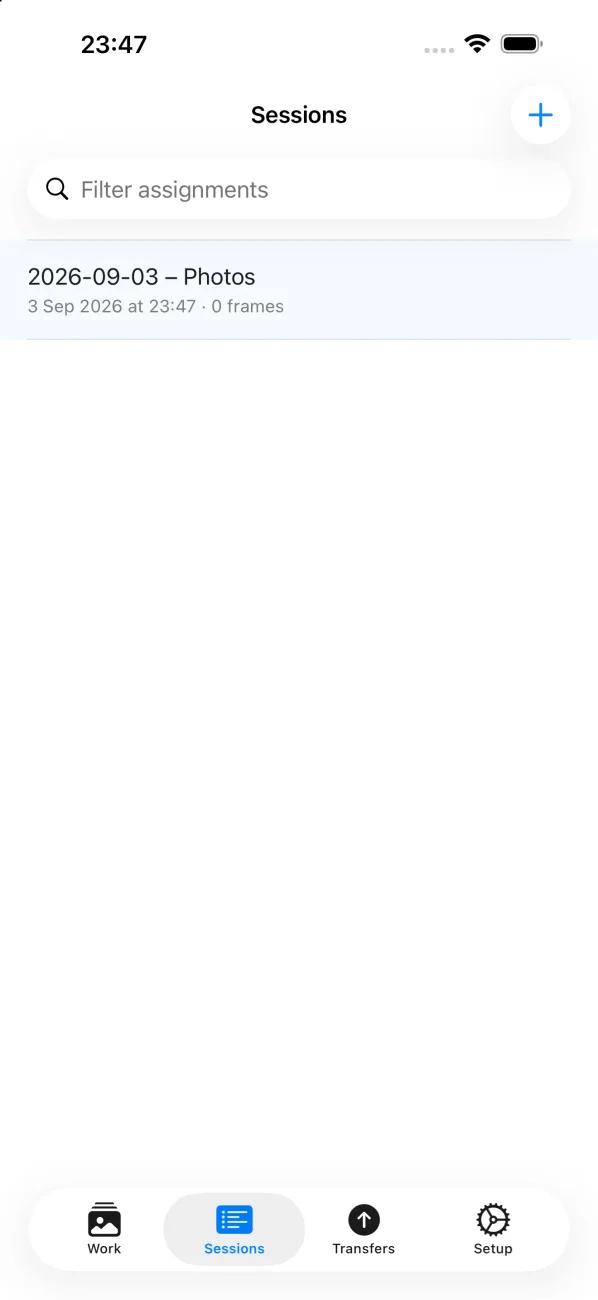
• Combine your photographer profile, assignment templates and per-photo IPTC fields.
• Expand variables and code replacements for names, teams and recurring caption text.
• Preview batch metadata changes before applying them, with Undo when you need it.
• Get optional AI caption suggestions, review the draft and keep control of the final wording.
PREPARE YOUR PHOTOS
• Crop and rotate on Mac and iPad.
• Face Light on Mac and iPad uses on-device face detection to adjust local brightness. Compare before and after, inspect face details and undo adjustments.
• Face Light does not generate image content, reshape faces or smooth skin. Adjustments are applied to exported and transmitted JPEG copies while source files are preserved.
DELIVER TO THE DESK
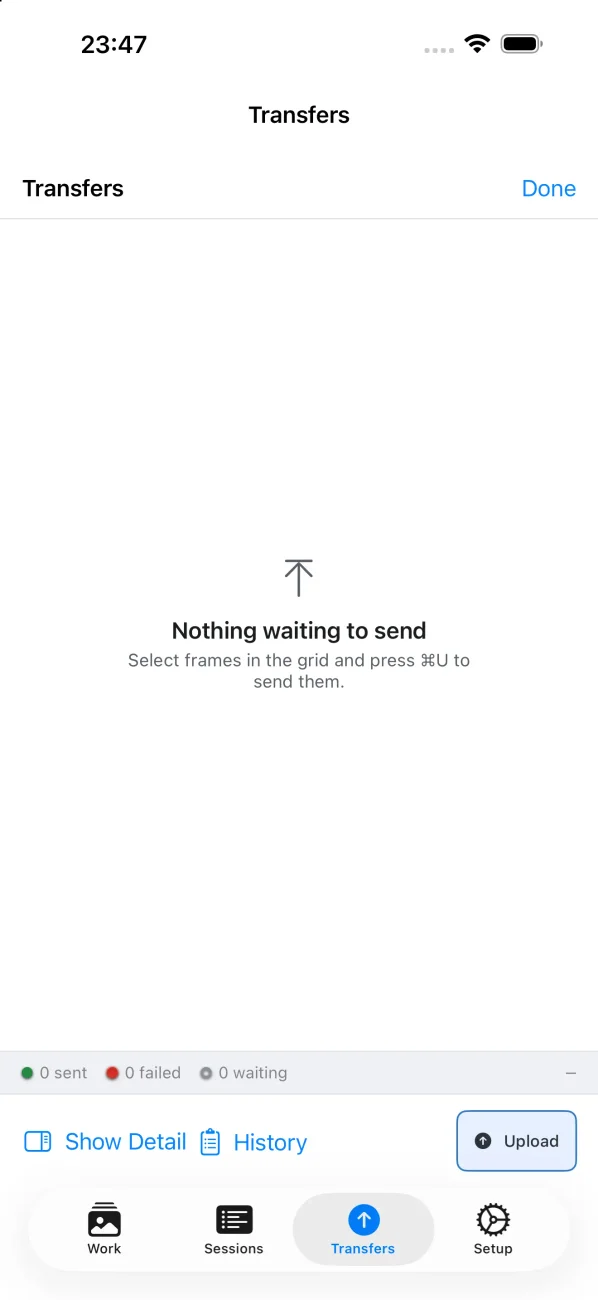
• Send by FTP or SFTP with saved destination profiles and preflight checks.
• Create delivery JPEGs from supported RAW files.
• Export with prefixes, suffixes, custom filename rules and sequence numbers. Preview names before exporting. RAW copies and their sidecars keep matching names.
• On Mac, Move to Trash keeps Pick and color-labeled photos by default.
KEEP YOUR WORK UNDER YOUR CONTROL
RAW metadata is written to XMP sidecars; JPEG and HEIF metadata is embedded. Your RAW originals stay unchanged.
Import, select and edit metadata offline. Optional iCloud sync keeps templates, presets and other setup material available across your devices; it does not sync your photographs. Network access is needed for network delivery, sync and cloud AI.
AI caption suggestions require a supported Apple Intelligence device running iOS, iPadOS or macOS 27, with Apple Intelligence enabled and the required model available. Choose on-device processing or opt in to Apple Private Cloud Compute. Cloud suggestions require internet access and are subject to Apple's availability and usage limits.
WORK IN YOUR LANGUAGE
The interface supports English, Simplified Chinese, Traditional Chinese, French, Spanish, Italian, German and Portuguese. IPTC field names stay in English; your captions, filenames and template variables stay as you wrote them.
What’s new
Version 1.2.1 · Nov 21, 2026
New in PressKit 1.2.0:
• Face Light on Mac and iPad: adjust local face brightness with on-device detection, before-and-after comparison, face-detail inspection and Undo. Adjustments carry through to exported and transmitted JPEG copies while preserving source files.
• Eight interface languages: English, Simplified Chinese, Traditional Chinese, French, Spanish, Italian, German and Portuguese. IPTC field names remain in English.
• More control over export names: add prefixes or suffixes, use custom filename rules and sequences, and preview names before exporting. RAW copies keep matching sidecar names.
• Safer cleanup on Mac: Move to Trash now keeps Pick and color-labeled photos by default.
• More reliable caption dates: current-date variables resolve correctly and stay consistent across a batch of template changes.
• Better iPhone Review actions: apply templates and clear color labels directly from Review, with refreshed metadata when exporting.
- Fixed an issue where fields like "Location" were lost after applying a template: any field with a value specified in a template will now be correctly written to the photo.
- Added "Card Auto Ingest" for Mac: when a previously imported memory card is reinserted, the app will automatically begin importing based on a selected preset after a countdown; users can choose to "Review" or "Cancel" the process.
- The "Send" panel now remembers JPEG conversion settings and file size limits for each specific connection. In the "Transfers" section, items are now sorted by the most recent transfer; the "Remove" and "Retry" functions have been stabilized, and failed items will no longer appear as failures once a retry is successful.
- Resolved issues including the potential truncation of metadata when writing to certain JPEG files, XMP data becoming unreadable due to the presence of control characters, and app crashes that occurred during the import of some Sony ARW and Canon CR2 files.
App privacy
What Xiaochen Hu declares on the App Store about how this app handles data.
-
Data not collected
The developer does not collect any data from this app.
Privacy practices may vary, for example with the features you use or your age.
Information
- Seller
- Xiaochen Hu
- Category
- Photo & Video
- Version
- 1.2.1
- Updated
- Nov 21, 2026
- Released
- Oct 6, 2026
- Size
- 25.5 MB
- Requires
- iOS 26.0 or later
- Age rating
- 4+
- Price
- Free
- In-app purchases
- Yes
- Languages
- English, French, German, Italian, Portuguese, Simplified Chinese, Spanish, Traditional Chinese
- Copyright
- © 2025-2026 Hu Xiaochen
You might also like
-
 Photographer's Pocket KnifeCull, edit and deliver photos
-
 IPTCPhotoSenderCaption & FTP for press photos
-
 Deadline EditorShoot. Deliver. Repeat.
-
 TheEditor photo editorThe Editor
-
 Fast Sports Photo EditorCull, tag & upload sports pics
-
 Shutdesk: Sports Photo FTPNo Laptop on the Sideline
-
 Photo Triager: RAW CullingOffline RAW Photo Selection
-
 ImagExif 2 - edit exif dataPhoto GPS, Camera Info, EXIF
-
 Color X: Film RecipesFujifilm recipes & video looks
-
 ONNOA - SmartTimerTimelapse & Lightning Trigger