Print Size Pro
Exact Photo & PDF Printing
Designed for iPhone, iPad
Free · In-app purchases
- Age rating4+
- CategoryProductivity
- Developerhicham ghazali
- LanguagesEnglish+ 15 more
- Size6.0 MB
Links to the official App Store page
Download.org hosts no file of Print Size Pro. The button opens its official App Store page, published by hicham ghazali. Listing last checked on Nov 19, 2026.
Screenshots



About
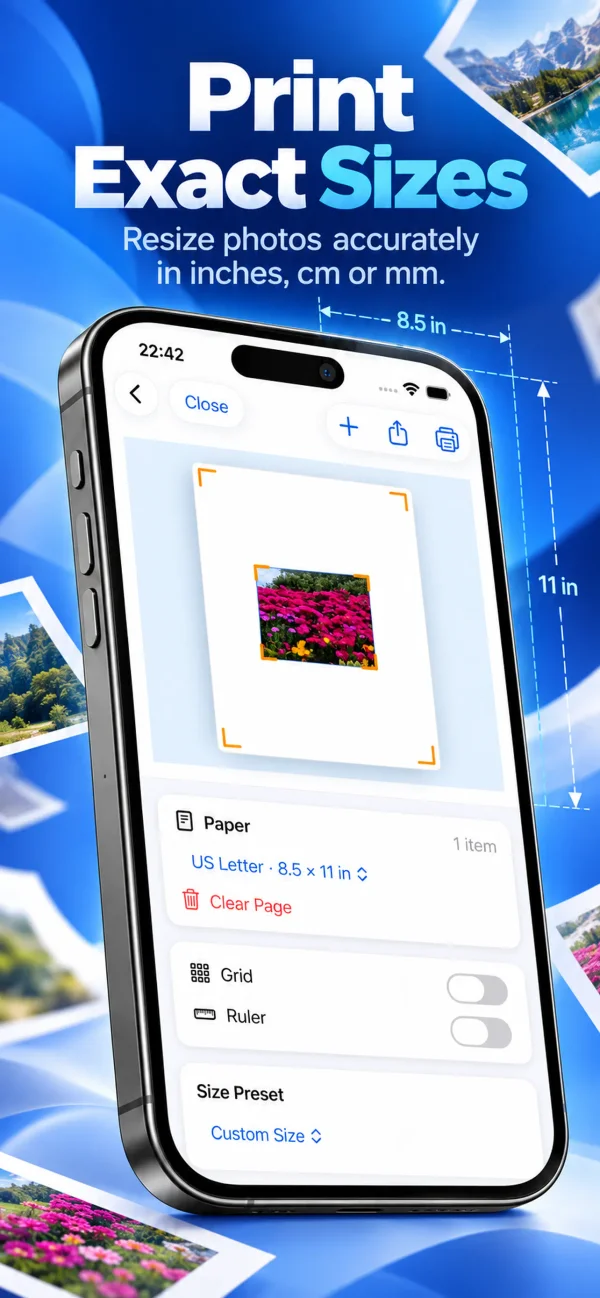
Print Size Pro helps you print photos and PDFs at the exact size you need — in inches, centimeters, or millimeters.
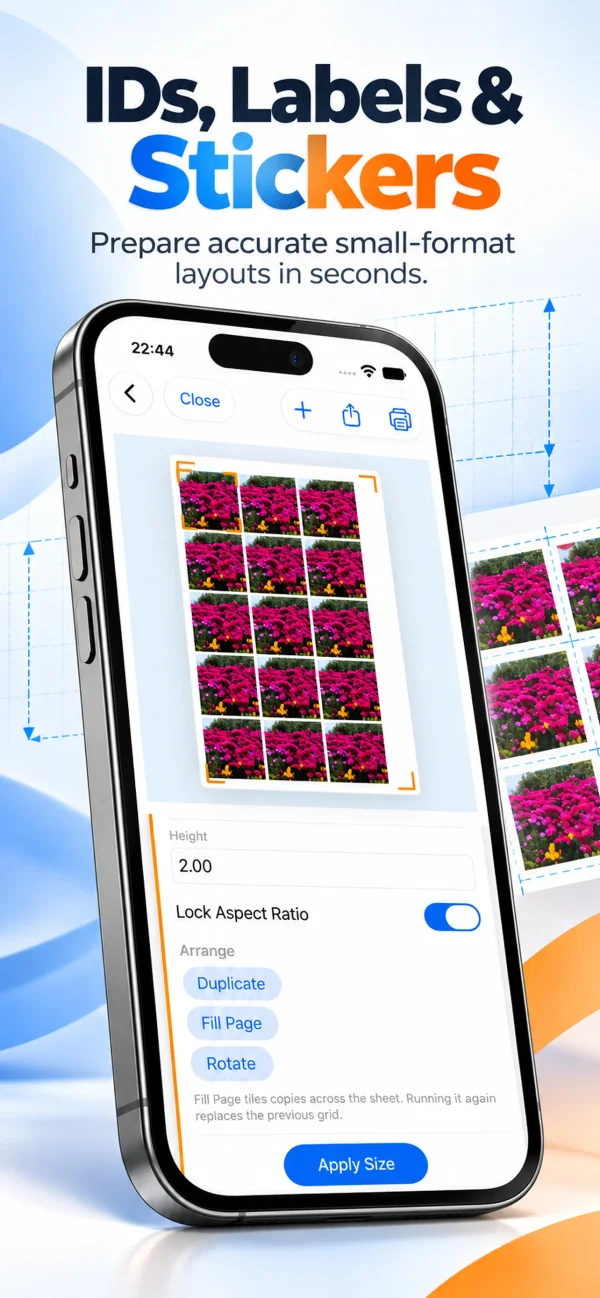
Create precise print layouts for passport photos, ID photos, wallet prints, labels, stickers, craft templates, product labels, school projects, and small business prints.
With Print Size Pro, you can import a photo or PDF, set the real-world size, place it on A4 or US Letter paper, and export a print-ready PDF for sharing, AirPrint, or printing.
Print Size Pro is built for people who need real print size control, not guessing, cropping surprises, or wasted paper.
WHY USE PRINT SIZE PRO?
• Print photos at exact size
Set width and height using inches, cm, or mm.
• Import photos and PDFs
Place images or the first page of a PDF onto a printable page.
• Make passport, ID, and wallet-size prints
Prepare common small photo layouts with precise dimensions.
• Create labels, stickers, and craft templates
Useful for product labels, sticker sheets, school projects, templates, and handmade designs.
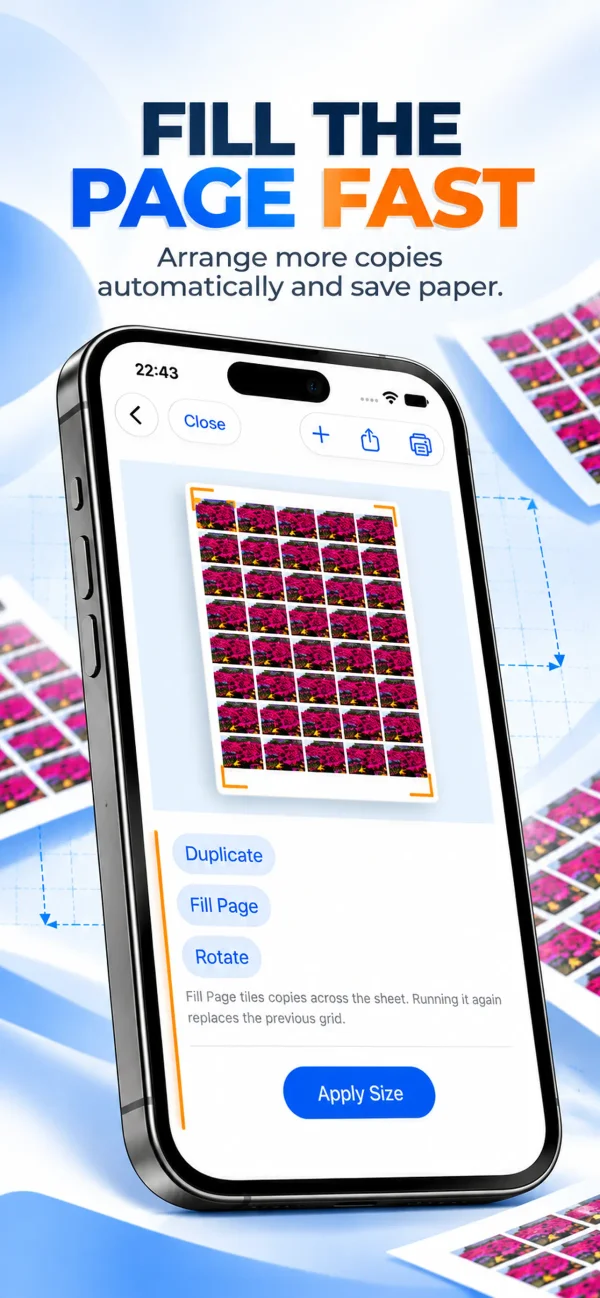
• Fill a page with copies
Use Duplicate and Fill Page to create repeated exact-size prints on one sheet.
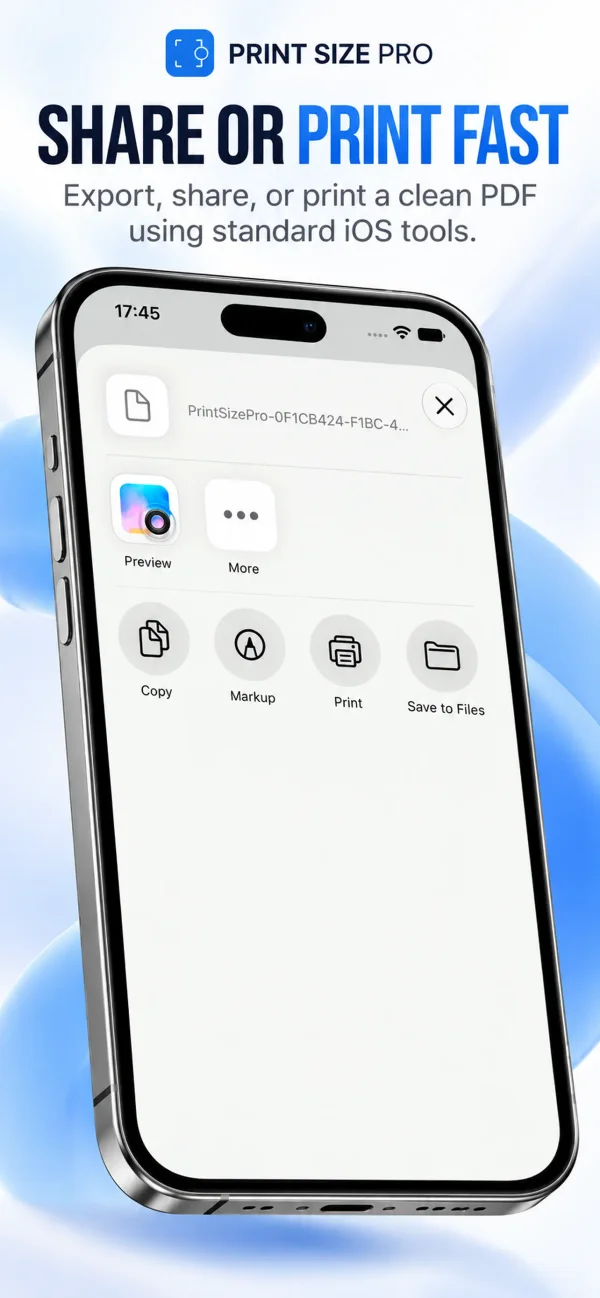
• Export print-ready PDFs
Share, save, AirPrint, or print your layout using standard iOS tools.
• Private by design
No account required. Your photos and PDFs stay on your device unless you choose to export, share, or print them.
PRO UNLOCK
Print Size Pro includes a free version with core layout tools and limited exports.
Unlock Pro with a one-time purchase to get:
• Unlimited exports
• Duplicate and Fill Page
• Multiple items per page
• More paper sizes
• More size presets
• Premium layout tools
IMPORTANT PRINTING NOTE
Print Size Pro creates precise print layouts, but final physical size can depend on printer settings. For best results, print at 100% scale or disable “Fit to Page” in your printer settings when available.
PDF NOTE
PDF import uses the first page of the selected PDF.
Print Size Pro is a focused tool for exact-size photo printing, PDF printing, passport photo layouts, labels, stickers, paper layouts, and print-ready exports.
Print Size Pro helps you create exact-size print-ready PDFs from photos and PDF pages.
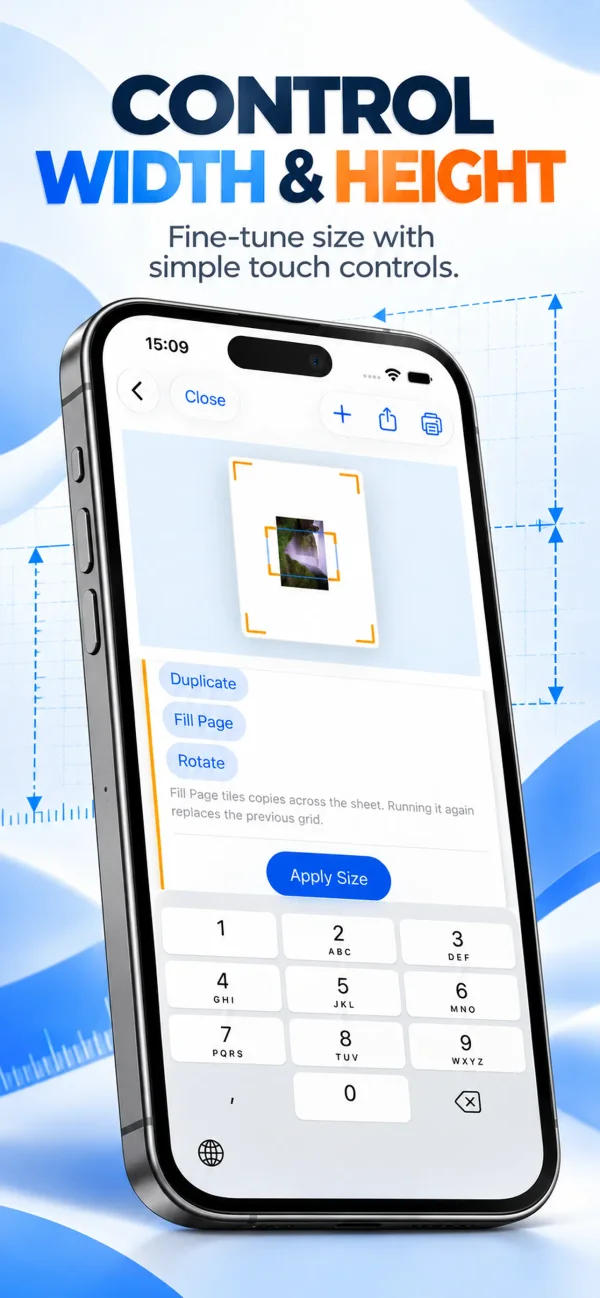
Import a photo or the first page of a PDF, choose a real paper size, set the layout, resize by finger, check print quality, then export, share, or print a true-size PDF.
Perfect for:
• Passport and ID photo layouts
• Wallet-size prints
• Labels and stickers
• Photo frames and craft projects
• Documents that need exact physical size
• A4 and US Letter paper layouts
Print with confidence:
• Exact inch, centimeter, and millimeter sizing
• Print-ready PDF export
• Width, Height, and Both resize modes
• PPI quality guidance before printing
• 1×1 inch calibration sheet
• 100% / Actual Size print tips
• Clean paper preview before export
Free users can create one complete print-ready PDF to test the workflow. Pro unlocks the professional tools: custom exact sizes, full-screen precision editing, Duplicate, Fill Page, multiple items, all presets, all paper sizes, and unlimited exports.
Print Size Pro is built for people who need simple, precise, no-confusion printing — without subscriptions, ads, tracking, or an account.
What’s new
Version 1.4.2 · Nov 10, 2026
• Improved exact-size print calibration and readiness checks
• Streamlined setup for Passport/ID photos, labels, and custom layouts
• Performance and interface refinements
App privacy
What hicham ghazali declares on the App Store about how this app handles data.
-
Data not collected
The developer does not collect any data from this app.
Privacy practices may vary, for example with the features you use or your age.
Information
- Seller
- hicham ghazali
- Category
- Productivity
- Version
- 1.4.2
- Updated
- Nov 10, 2026
- Released
- Jun 29, 2026
- Size
- 6.0 MB
- Requires
- iOS 17.0 or later
- Age rating
- 4+
- Price
- Free
- In-app purchases
- Yes
- Languages
- English, Arabic, French, German, Hindi, Indonesian, Italian, Japanese, Korean, Polish, Portuguese, Simplified Chinese + 4 more
- Copyright
- © Ghazalio IOS
You might also like
-
 Sticky Notes: Daily To Do ListLock Screen Widget & Reminders
-
 SmartCalendar AI - Photo2TaskSmart Image to Calendar Tasks
-
 Tafqit: Amount in WordsChecks, Invoices & PDF
-
 Todo - Simple Task ListProductivity
-
 Snapculator-Camera CalculatorCalculate with Just a Photo!
-
 Label & Note Print-A4PrintFastFlexible layout, save paper
-
 MyNametagYour Networking Companion
-
 QR Code Generator Studio ProMake dynamic QR codes
-
 Tube Pro PiPBackground Player & Adblock
-
 Print 2 ShipCrop & print shipping labels