- Age rating4+
- CategoryPhoto & Video
- DeveloperClafou Ltd
- LanguagesEnglish+ 5 more
- Size8.3 MB
Links to the official App Store page
Download.org hosts no file of Print to Size. The button opens its official App Store page, published by Clafou Ltd. Listing last checked on Nov 28, 2026.
Screenshots
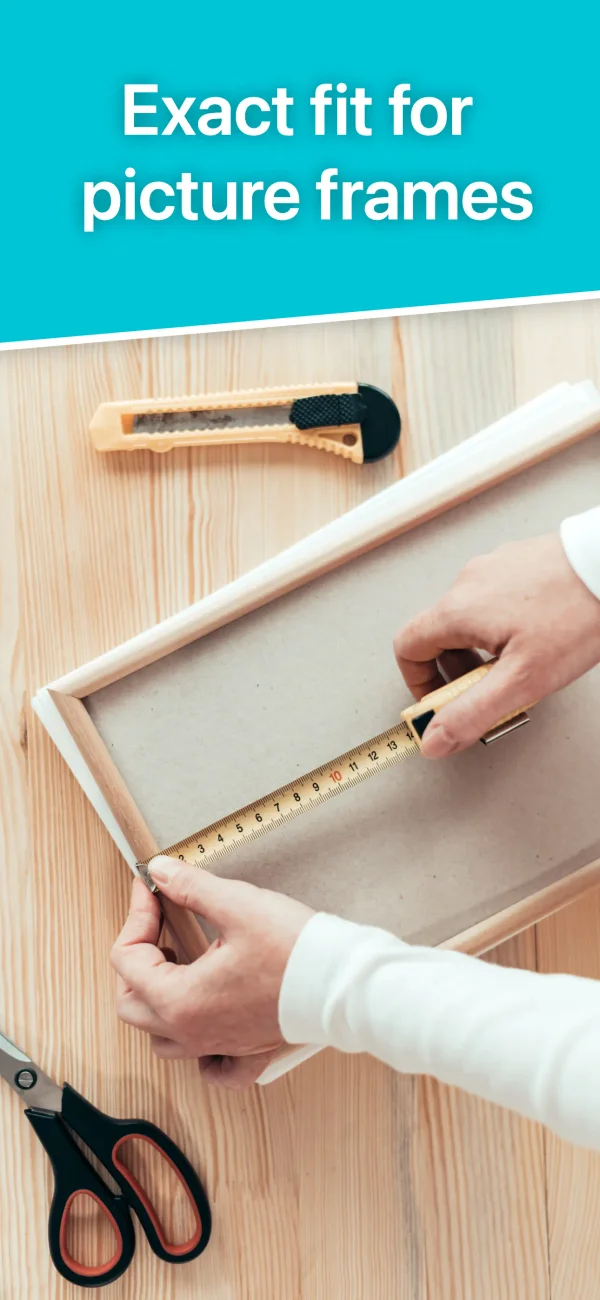
About
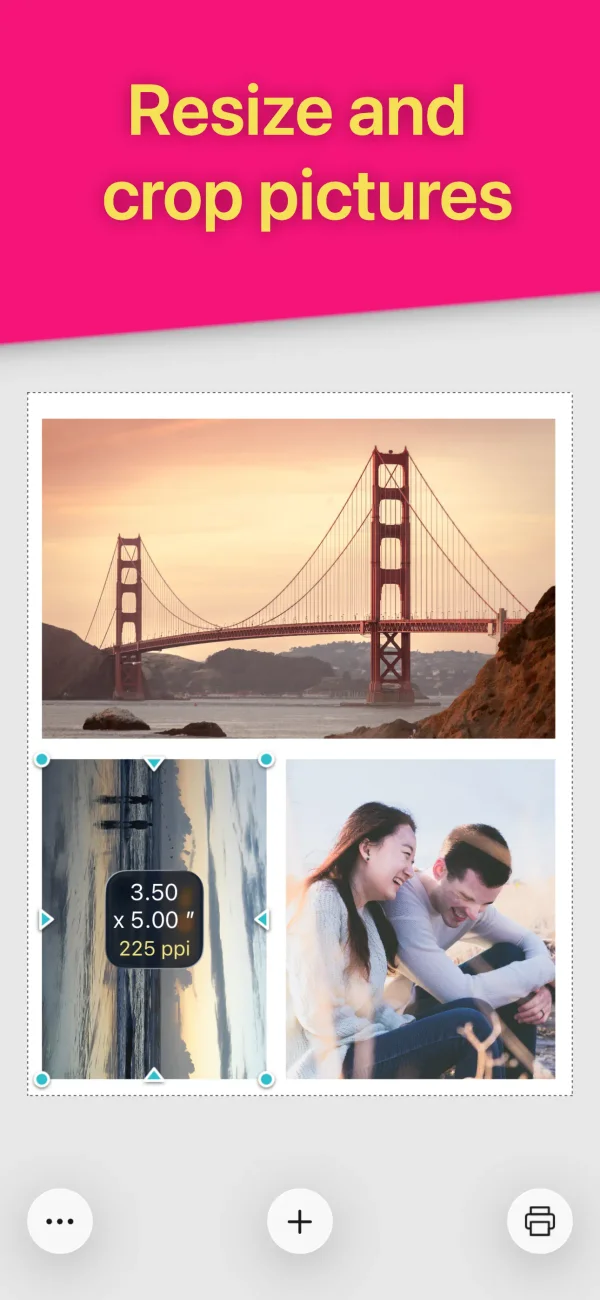
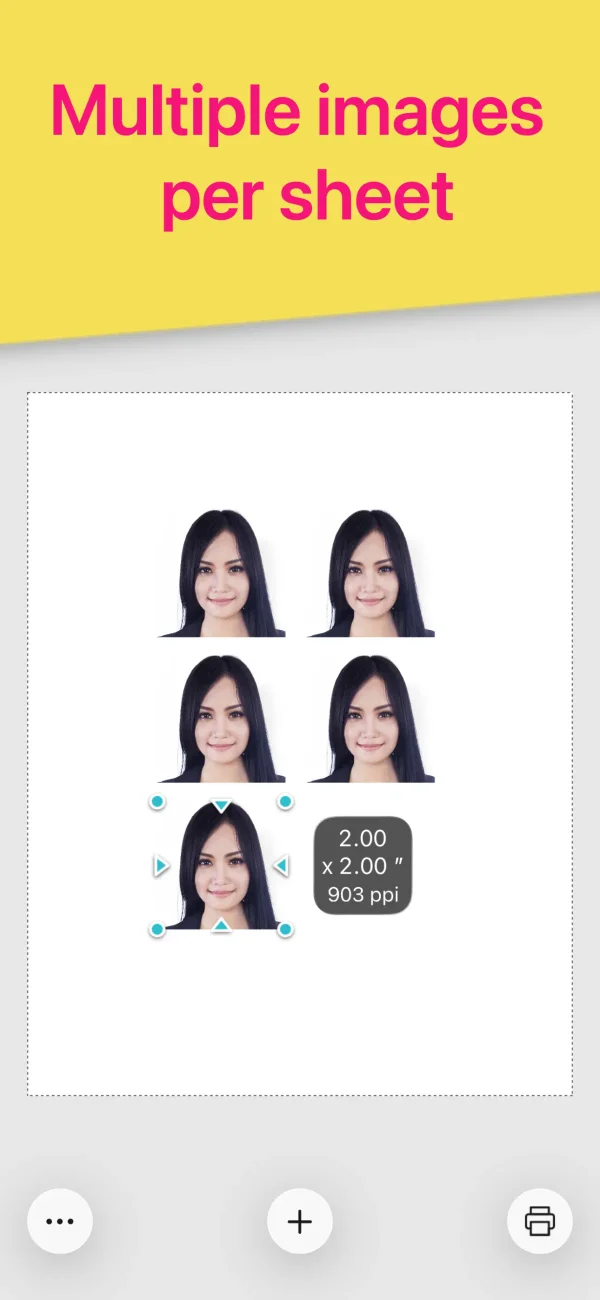
Print images exactly how you want them on the page. Resize and crop in inches or centimeters. Print multiple photos on one sheet. No more surprises or waste.
REAL SIZES
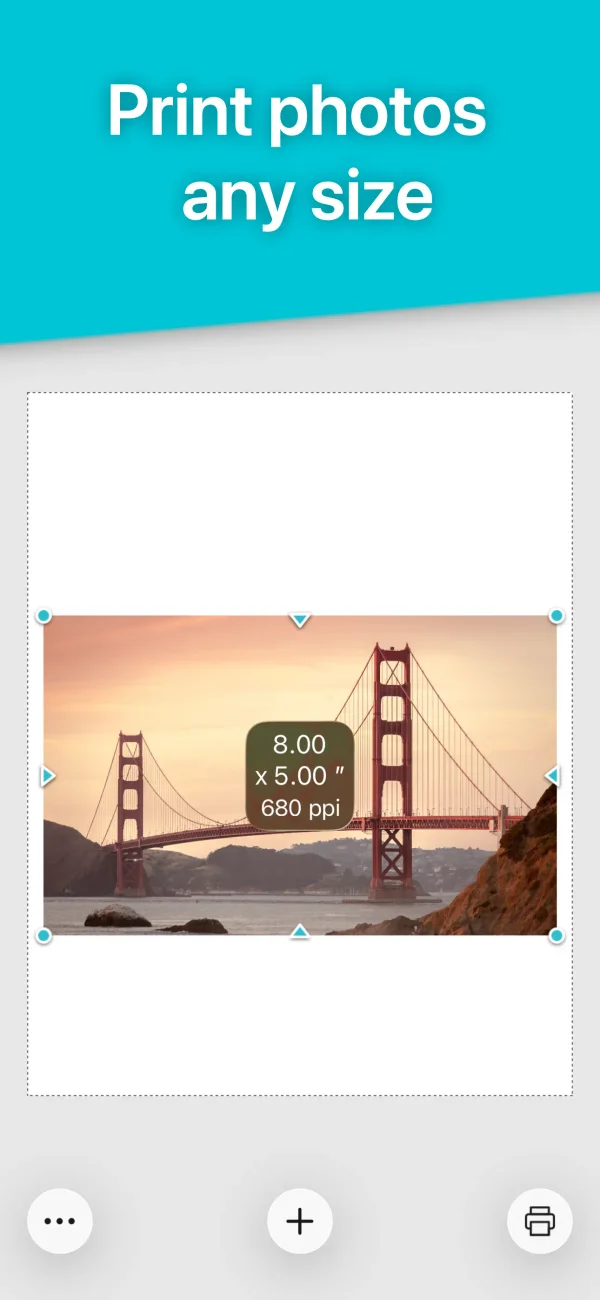
Size and crop your images in inches or centimeters. Each printed image will match exactly the size displayed on screen.
HIGH QUALITY
Will it look pixelated? The PPI (DPI) display tells you. For best results avoid stretching photos below 200-300 PPI.
Each image is sent to the printer at full resolution to guarantee optimal quality.
SAVE PAPER
Place multiple images anywhere on the page. Fill the empty spaces on your sheet and use less paper.
SAVE INK
Choose the most economical print mode (photo or general quality, color or grayscale).
Crop to print only what you need and waste no ink.
Intuitive and quick to use with familiar touch gestures:
• Select your paper size
• Add images
• Size and crop them to exact dimensions anywhere inside the page
• Align, rotate, flip and duplicate
• Choose your mode (photo or general quality, color or grayscale) then print.
Requires an AirPrint compatible printer. If you don't have one, you can still use this app to create a PDF or JPEG file that you can then print via other methods.
Perfect for all kinds of printing projects:
• Picture frames
• Greeting cards
• Scrapbooking
• Arts and crafts
• Collages
• Door signs
• Labels
• Badges
Printer manufacturers have ink and photo paper to sell, so their apps aren’t designed to help avoid waste. This app is different. It is designed to let you get it right the first time.
DOWNLOAD NOW and make the best use of your ink and paper!
What’s new
Version 1.12 · Nov 15, 2026
Fixed bugs introduced in the last update (sorry):
• When sharing an image from another app, choosing to open it in Print to Size failed to add the image to the page.
• On some iPads with a connected hardware keyboard, the buttons at the bottom did not respond.
I hope the app continues to be useful to you! This is made by me, Seb, a human developer (not an AI) and I can always be reached via the Send Feedback menu.
App privacy
What Clafou Ltd declares on the App Store about how this app handles data.
-
Data not linked to you
May be collected but is not linked to your identity.
- Usage data
Privacy practices may vary, for example with the features you use or your age.
Information
- Seller
- Clafou Ltd
- Category
- Photo & Video
- Version
- 1.12
- Updated
- Nov 15, 2026
- Released
- Jan 21, 2015
- Size
- 8.3 MB
- Requires
- iOS 16.0 or later
- Age rating
- 4+
- Price
- $2.99
- Languages
- English, French, German, Japanese, Simplified Chinese, Spanish
- Copyright
- © 2015-2026 Clafou Ltd
You might also like
-
 Photo PrintingMultiple photos on one page
-
 Project LifePhoto & Video
-
 PicFrameCollage Grid Layout Editor
-
 Perfect Print : Exact PhotoResize in inches • A4 Layout
-
 PicTapGo: Photo Editor PicPicture edit, image editing
-
 GHOSTLINETattoo Stencil: Create & Print
-
 Epson Print LayoutProfessional Printing
-
 Epson Creative PrintPhoto & Video
-
 PhotoPrint LT - photo printerMade for photo printing
-
 Photo Printer - Print Any Size4x6, Wallet & Instant Pics