Epson Print Layout
Professional Printing
Designed for iPhone, iPad, iPod touch
Free
- Age rating4+
- CategoryPhoto & Video
- DeveloperSeiko Epson Corporation
- LanguagesEnglish+ 44 more
- Size175.0 MB
Links to the official App Store page
Download.org hosts no file of Epson Print Layout. The button opens its official App Store page, published by Seiko Epson Corporation. Listing last checked on Nov 23, 2026.
Screenshots


About
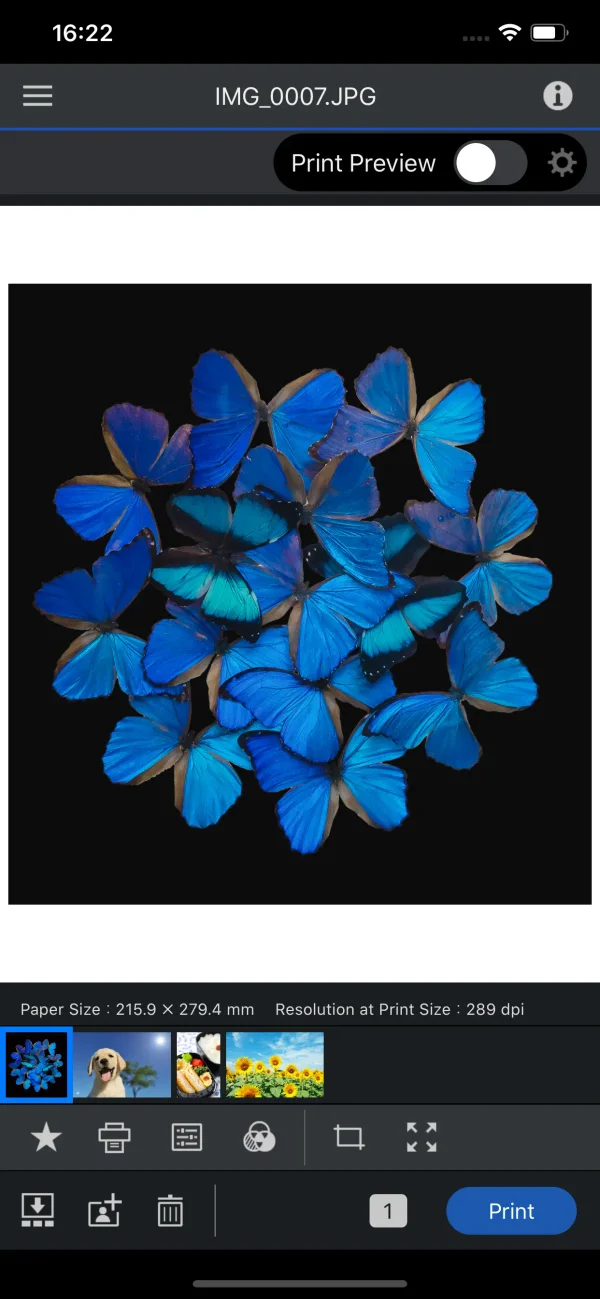
Epson Print Layout is a high-quality print application for Epson printers from iPhone/iPad. Featuring convenient functions such as image layout, color setting, preview, etc., allows smooth printing.
The following printers can be used with this application.
SC-P700, SC-P900, ET-8500, ET-8550, L8160, L8180, SC-P5300
If you are using a printer other than the above, use Epson Smart Panel.
[Main Functions]
≪Search/connect printer≫
- You can search for and connect to Epson printers in Wi-Fi networks to which your device is connected.
≪Printing≫
- You can select photos and retouched images from your tablet for easy printing.
≪Layout setting≫
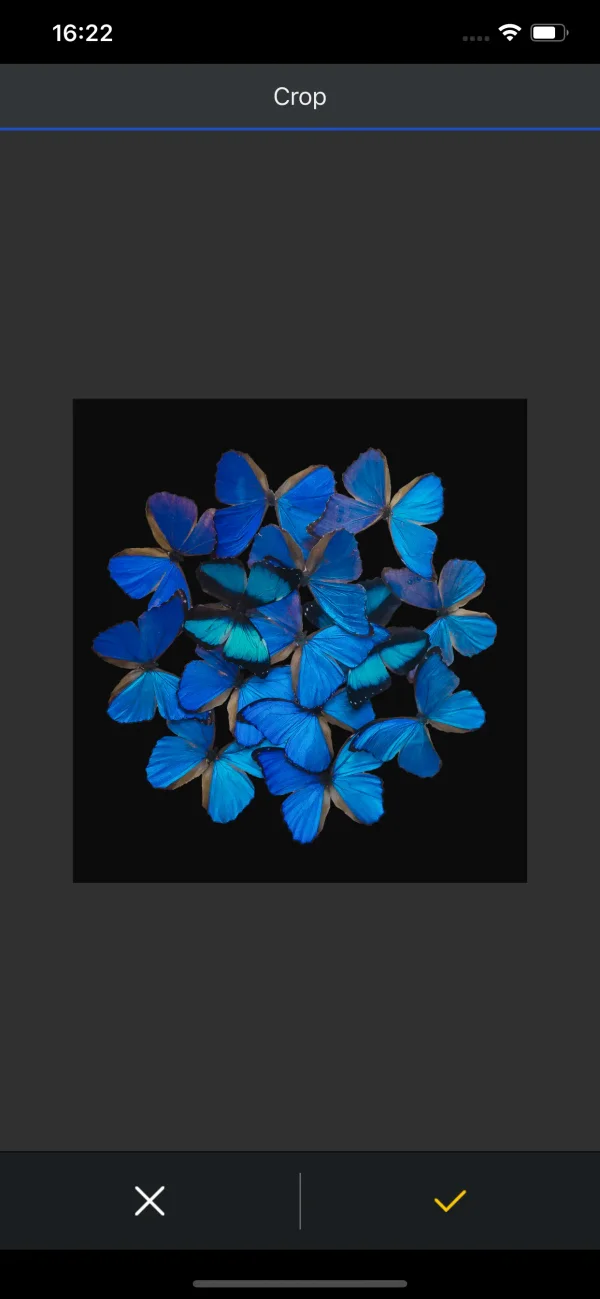
- You can change the paper orientation, arrange and size images, and crop images.
≪Color setting≫
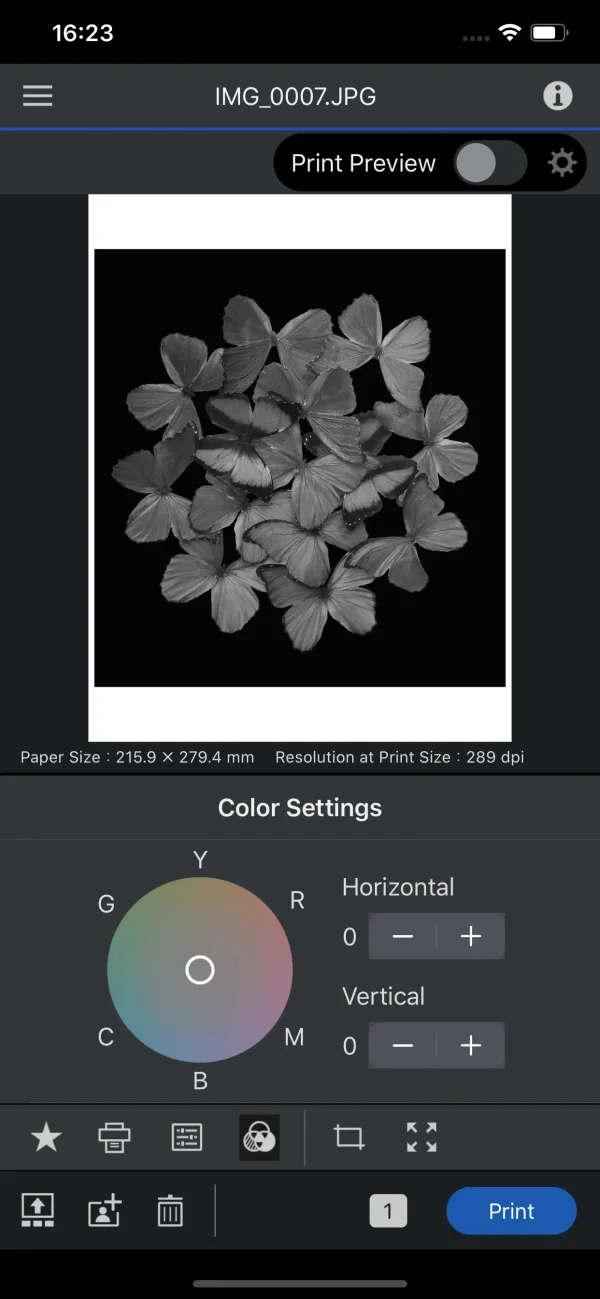
- The color type "ICC Profile" allows you to print using a paper profile.
- You can also print grayscale and monochrome photographs.
≪Print preview≫
- You can preview your photos to take into account the ambient light they are displayed in. (Color temperature setting of ambient light does not affect printing results)
≪Management≫
- You can check the status of the connected printer and check the remaining quantity.
≪Troubleshooting≫
- You can check the manual from the system menu.
1. Epson Print Layout 앱 다운로드 및 호환되는 스마트 장치가 필요합니다. 데이터 사용 요금이 적용될 수 있습니다. 자세한 내용은 www.epson.com을 방문하여 지원을 받으십시오.
[앱 접근권한]
서비스 제공을 위해 다음과 같은 접근권한을 필요로 합니다.
[필수] 위치 획득 권한
사용할 프린터를 식별해서 접속하기 위한 목적
[필수] 사진 및 동영상
저장된 파일의 인쇄 및 스캔을 위한 목적
[선택] 카메라
카메라로 촬영한 이미지를 인쇄하기 위한 목적
[필수] 로컬 네트워크
사용하는 프린터와 통신하기 위한 목적
* 선택 접근 권한은 동의하지 않아도 앱을 사용하실 수 있습니다.
* 선택 접근 권한 미동의시 서비스 일부 기능의 정상적인 이용이 어려울 수 있습니다.
What’s new
Version 1.7.4 · Oct 27, 2025
- Fixed minor bugs.
App privacy
What Seiko Epson Corporation declares on the App Store about how this app handles data.
-
Data not linked to you
May be collected but is not linked to your identity.
- Location
- User content
- Usage data
- Diagnostics
Privacy practices may vary, for example with the features you use or your age.
Information
- Seller
- Seiko Epson Corporation
- Category
- Photo & Video
- Version
- 1.7.4
- Updated
- Oct 27, 2025
- Released
- Apr 23, 2020
- Size
- 175.0 MB
- Requires
- iOS 15.5 or later
- Age rating
- 4+
- Price
- Free
- Languages
- English, Azerbaijani, Belarusian, Bulgarian, Catalan, Croatian, Czech, Danish, Dutch, Estonian, Finnish, French + 33 more
- Copyright
- © Seiko Epson Corporation
You might also like
-
 Print to SizePicture and photo printer app
-
 Photo PrintingMultiple photos on one page
-
 Capture OneCreate without limits
-
 Easy-PhotoPrint EditorCreatively arrange your images
-
 Smartist: Art Preview on WallArtwork AI Showcase in Room
-
 Poster PrintingLarge image on multiple pages
-
 PhotoPillsShoot legendary photos
-
 Procreate DreamsEdit. Animate. Create.
-
 Vector Q by ImaengineVectorizer and Editor
-
 Topaz for MobileAI Photo Enhancer & Upscaler