Printer App: Print from Mobile
Smart Wireless Printing & Scan
Designed for iPhone, iPad, Mac
Free · In-app purchases
- Age rating17+
- CategoryBusiness
- DeveloperShams Alam
- LanguagesEnglish
- Size28.6 MB
Links to the official App Store page
Download.org hosts no file of Printer App: Print from Mobile. The button opens its official App Store page, published by Shams Alam. Listing last checked on Nov 14, 2026.
Screenshots
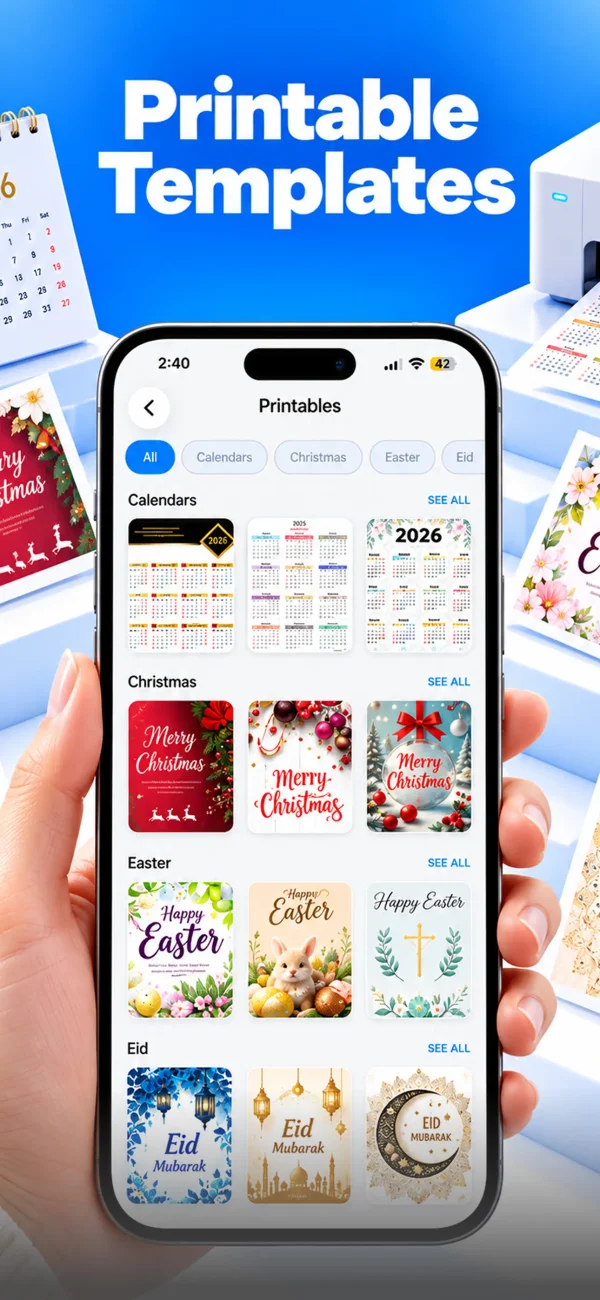
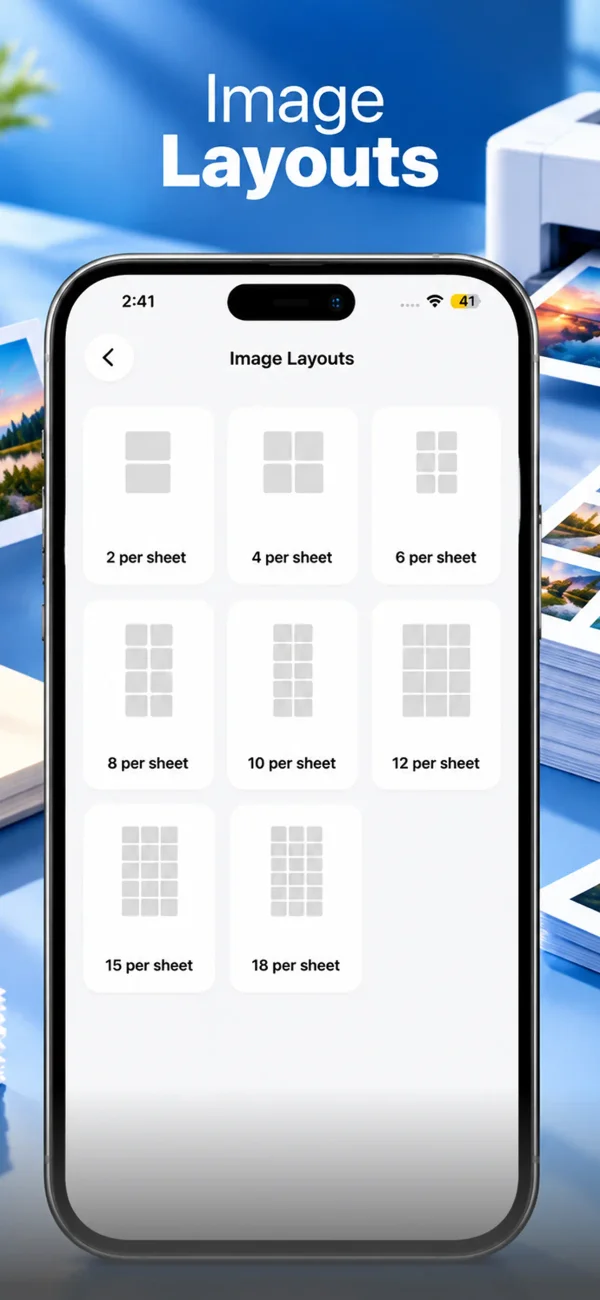
About
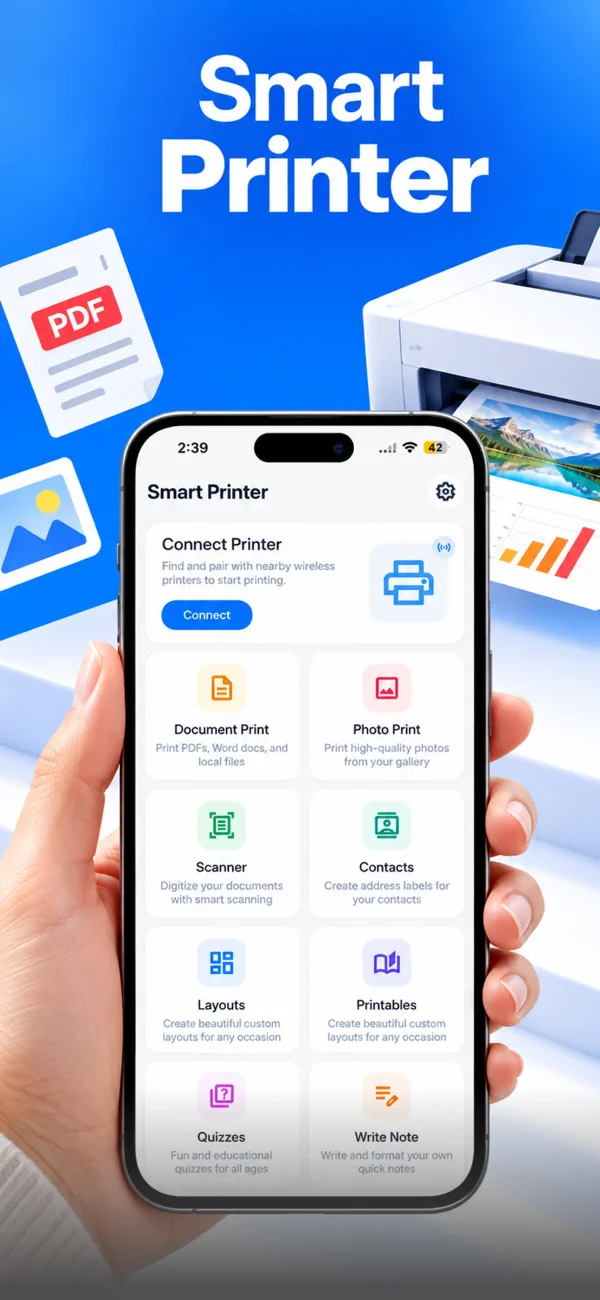
Experience the ultimate freedom of mobile printing. Transform your iPhone or iPad into a powerful command center for all your printing needs. Printer App: Print from Mobile allows you to connect instantly to over 10,000+ wireless printer models, including HP, Canon, Epson, Brother, and more, without the need for complex drivers or cables.
Whether you need to print a last-minute contract, a cherished photo, or a school assignment, our app makes it as simple as "Tap and Print."
Key Features:
- Universal Wireless Printing: Connect to any WiFi or AirPrint-enabled printer instantly.
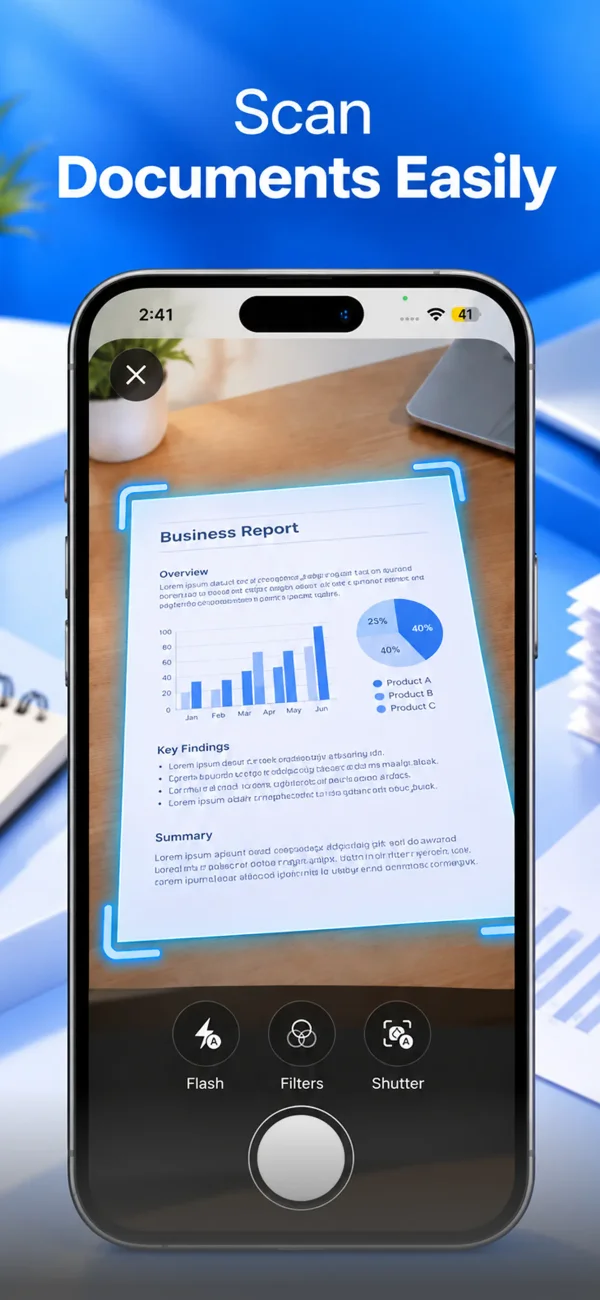
- Smart Document Scanner: Use your camera to create high-quality PDF scans with automatic edge detection.
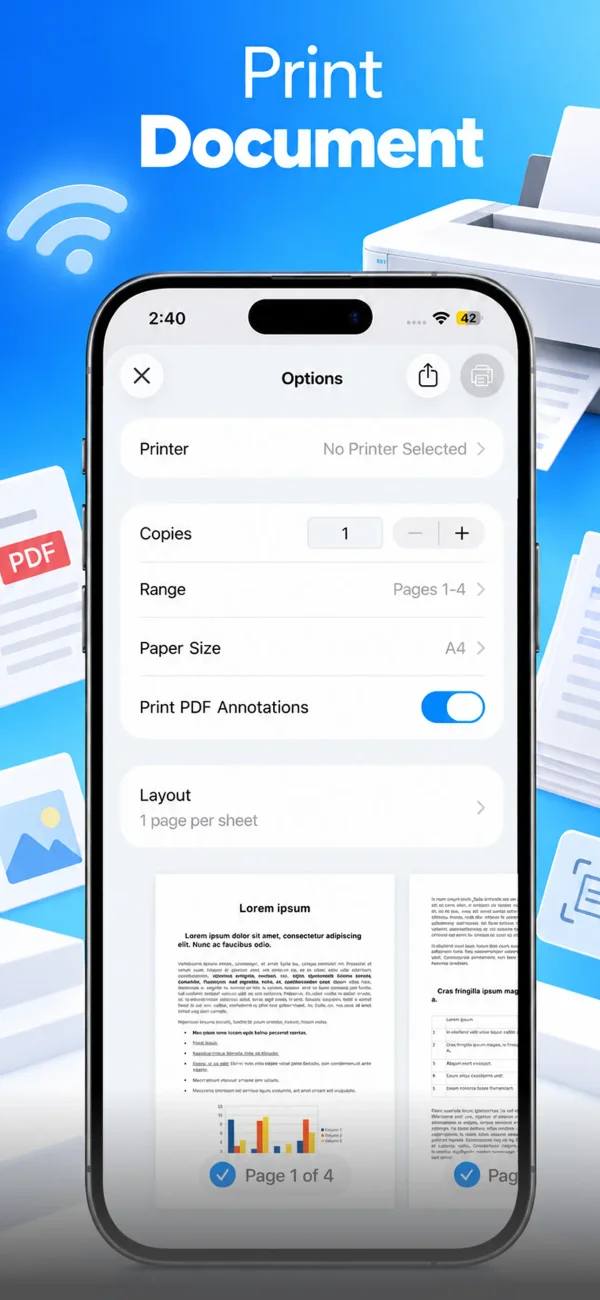
- Print Everything: Supports PDFs, Word docs, Excel spreadsheets, PowerPoint, and high-resolution Photos.
- Web & Email Printing: Print web pages or email attachments directly from the app.
- Advanced Print Tools: Merge multiple PDFs, add page numbers, or convert images to PDF before printing.
Why Choose Us?
Unlike standard tools, our app is optimized for speed and reliability. We support a vast range of printer brands (HP, Epson, Canon, Brother, Xerox, Samsung, etc.) ensuring that whether you are at home, the office, or a local library, you stay productive.
How to Use:
- Connect your iPhone and Printer to the same Wi-Fi network.
- Select the file or photo you wish to print.
- Preview and adjust settings (layout, copies, color).
- Hit "Print" and you're done!
Privacy Policy : https://askshams.com/privacy-policy/
Term & Conditions : https://askshams.com/terms-conditions/
What’s new
Version 1.2 · Sep 30, 2026
Changes in this version:
1. Fixed bugs and performance improved
2. Removed onboarding from the app
3. Improved the documents conversions
4. Added share extensions to print directly without opening the app
App privacy
What Shams Alam declares on the App Store about how this app handles data.
-
Data used to track you
May be used to track you across apps and websites owned by other companies.
- Identifiers
-
Data not linked to you
May be collected but is not linked to your identity.
- Contacts
- User content
- Identifiers
- Usage data
- Diagnostics
Privacy practices may vary, for example with the features you use or your age.
Information
- Seller
- Shams Alam
- Category
- Business
- Version
- 1.2
- Updated
- Sep 30, 2026
- Released
- Mar 26, 2026
- Size
- 28.6 MB
- Requires
- iOS 16.0 or later
- Age rating
- 17+
- Price
- Free
- In-app purchases
- Yes
- Languages
- English
- Copyright
- © Ask Shams 2019
You might also like
-
 HP Smart Printer Free AppSmart Printer For HP & iPrint
-
 Smart Printer | Scanner AppPrint Wireless Document,Photos
-
 PDF Printer for iPhone & Scanthe hp printer aрр
-
 Smart Print App: Printer, ScanAll-in-One Print & Edit Doc
-
 Air Printer: Smart Print AppPrint PDF, Photos & Documents
-
 Printer Wireless PrintingiPrint - Smart Mobile Print
-
 Smart Print Scan: Printer AppPrint, scan & sign anything
-
 HP Smart Printer App + ScannerFor Canon, Brother, Epson
-
 Wifi Printer - Smart PrintersLegacy Printers & Network
-
 HP Smart Printer App+ HPSmartPrint Photo & PDF Documents