Wifi Printer - Smart Printers
Legacy Printers & Network
Designed for iPhone, iPad
Free · In-app purchases
- Age rating4+
- CategoryBusiness
- DeveloperNguyen Anh
- LanguagesEnglish
- Size3.2 MB
Links to the official App Store page
Download.org hosts no file of Wifi Printer - Smart Printers. The button opens its official App Store page, published by Nguyen Anh. Listing last checked on Nov 12, 2026.
Screenshots
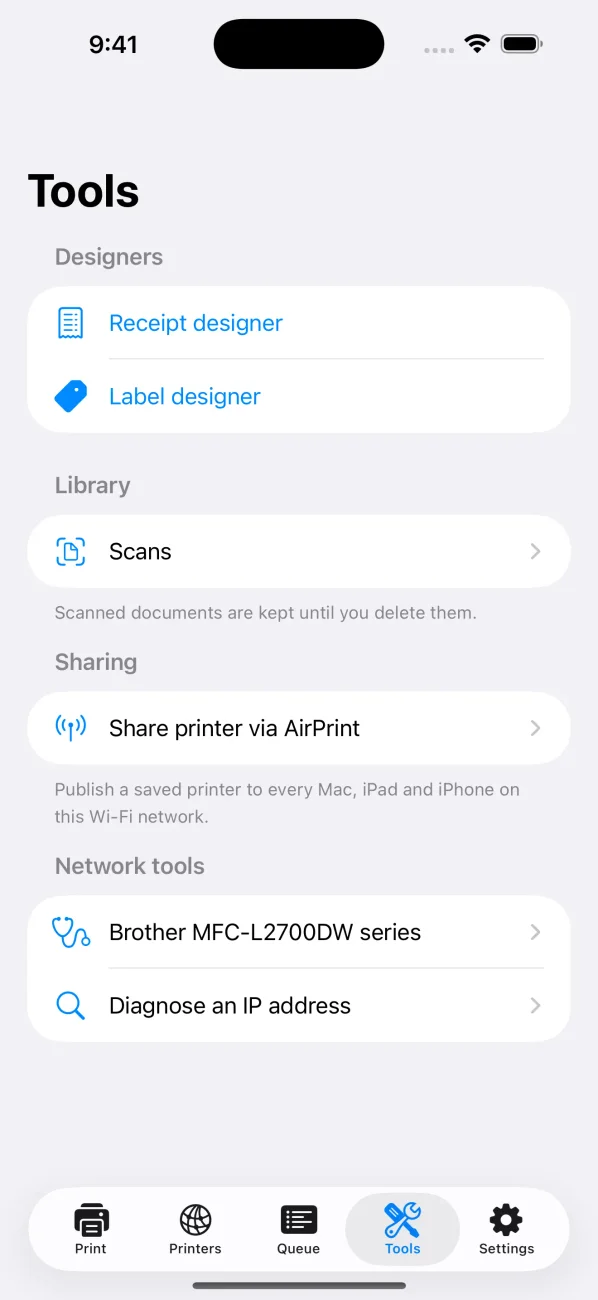
About
# Wifi Printer
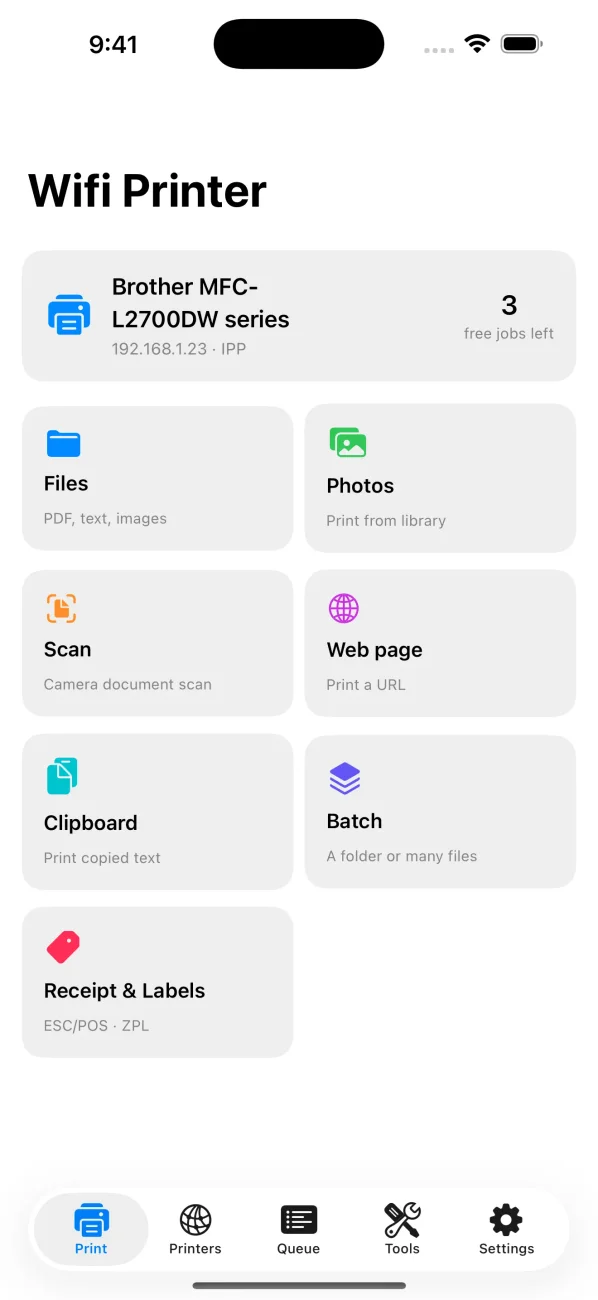
Print to almost any Wi-Fi printer directly from your iPhone or iPad. Wifi Printer makes it easy to connect to both modern and legacy network printers using widely supported printing protocols, eliminating the need for multiple manufacturer-specific apps.
Whether you're printing documents at home, in the office, or in a classroom, Wifi Printer automatically discovers compatible printers on your local network and provides powerful tools for reliable, high-quality printing.
## Universal Printer Compatibility
Connect to a wide range of printers from popular manufacturers, including HP, Brother, Canon, Epson, Lexmark, Ricoh, Xerox, Kyocera, Sharp, Toshiba, Zebra, Star Micronics, Bixolon, Citizen, Samsung, Pantum, Dell, and many more.
Supports common network printing protocols:
• RAW / JetDirect (Port 9100)
• LPR / LPD
• IPP / IPPS
• SMB Shared Printers
• ESC/POS Receipt Printers
• Zebra ZPL, EPL, and CPCL Label Printers
• PDF Direct Printing
• Network Printer Discovery (Bonjour, mDNS, SNMP)
## Print Almost Anything
Print files directly from your device or cloud storage.
Supported file types include:
• PDF
• Microsoft Word
• Excel
• PowerPoint
• Pages
• Numbers
• Keynote
• TXT and RTF
• JPEG, PNG, HEIC, TIFF, BMP, and GIF images
• SVG graphics
• Web pages
## Advanced Printing Features
Customize every print job with professional controls:
• Paper size selection
• Portrait and landscape orientation
• Duplex printing
• Color or grayscale
• Multiple copies
• Page range
• Scaling and fit-to-page
• Borderless photo printing
• N-up printing
• Poster printing
• Booklet printing
• High-quality photo printing
## Built-in Document Viewer
Preview files before printing with support for:
• PDF viewing
• Office document preview
• Image viewer
• Text viewer
• Zoom and page navigation
• Search within documents
## Photo Printing
Print your favorite photos with built-in editing tools:
• Crop
• Rotate
• Brightness
• Contrast
• Saturation
• Sharpness
• Multiple photos per page
• Contact sheets
• Borderless printing
## Scan and Print
Use your camera to scan paper documents, automatically detect page edges, enhance image quality, save as PDF, and print instantly.
## Cloud Storage Support
Import documents from:
• iCloud Drive
• Google Drive
• Dropbox
• OneDrive
• Box
• WebDAV
• FTP Servers
• SMB Network Storage
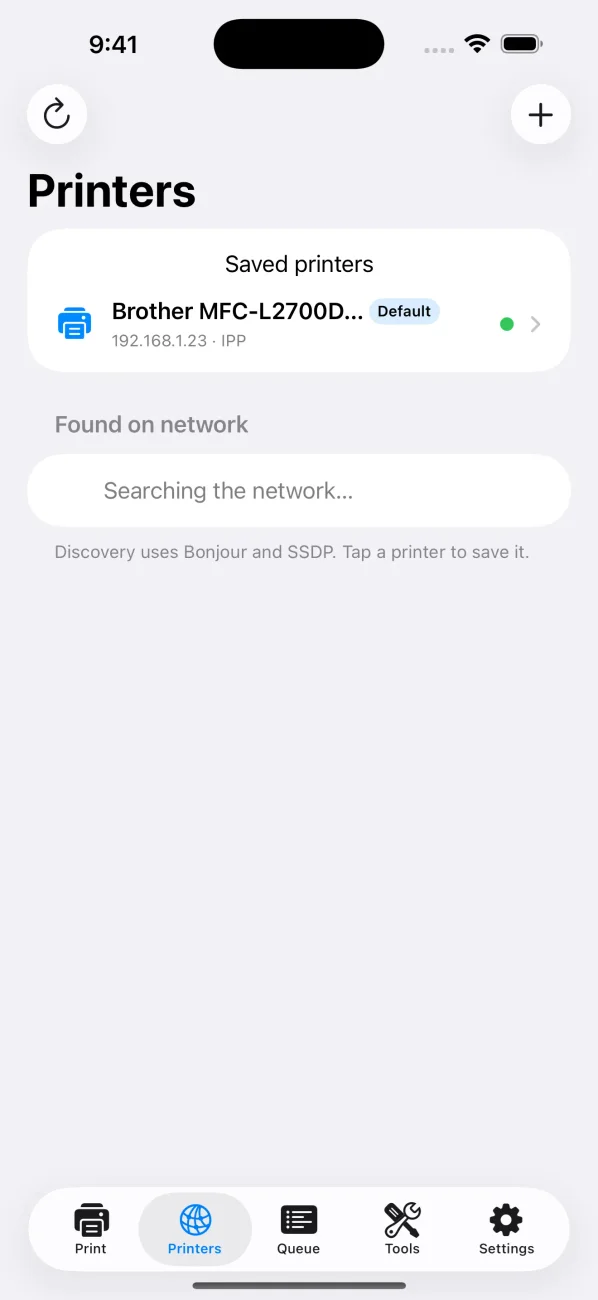
## Printer Management
Easily organize all of your printers:
• Automatic printer discovery
• Manual IP connection
• Favorite printers
• Default printer selection
• Saved printer profiles
• Printer capability detection
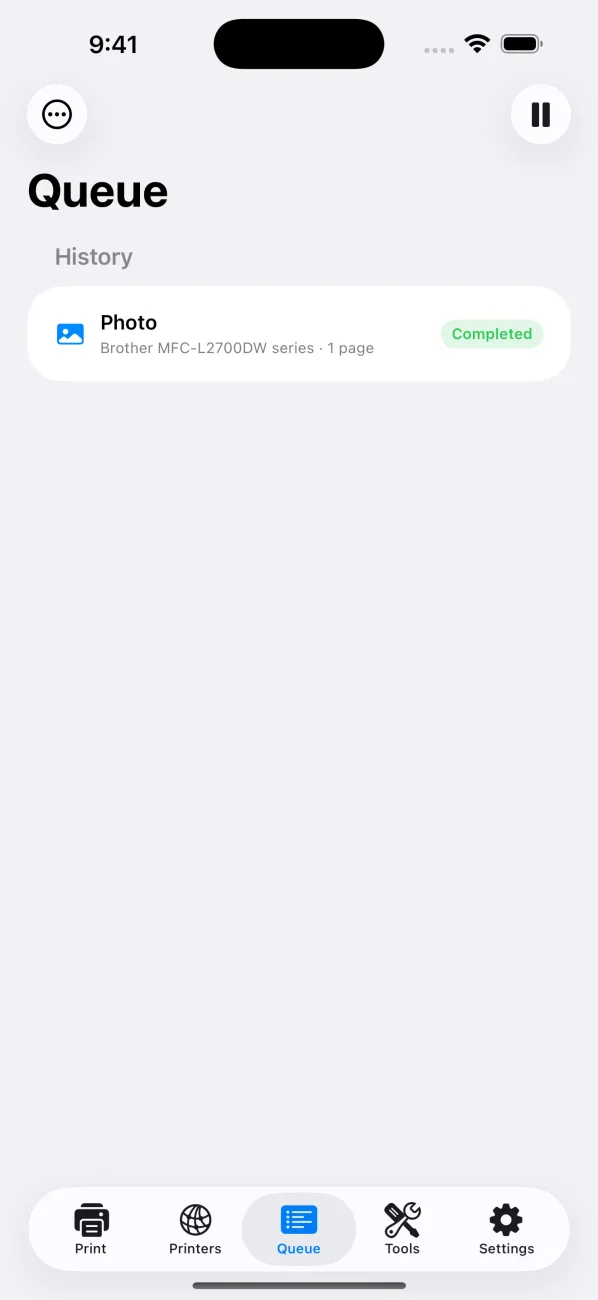
## Print Queue
Stay in control of every print job:
• View active jobs
• Pause and resume printing
• Cancel jobs
• Retry failed jobs
• Print history
• Queue management
## Network Diagnostics
Troubleshoot printer connections with built-in tools:
• Printer ping
• Port scanner
• Connection testing
• Printer information
• Firmware details
• Ink and toner status (when supported)
## Receipt and Label Printing
Perfect for retail, restaurants, warehouses, and logistics:
• ESC/POS receipt printing
• Shipping labels
• QR codes
• Barcodes
• Thermal printer optimization
We currently offer the following auto-renewing subscription option:
-$7.99 per month
-$34.99 per month
Payment will be charged to iTunes Account at confirmation of purchase. Your subscription will automatically renews unless auto-renew is turned off at least 24-hours before the end of the current period. Your account will be charged for renewal within 24-hours prior to the end of the current period. Subscriptions may be managed and auto-renewal may be turned off by going to the Account Settings after purchase. No cancellation of the current subscription is allowed during active subscription period.
• Any unused portion of a free trial period, if offered, will be forfeited when the user purchases a subscription to that publication, where applicable
Terms of Use: https://tos.nguyenanhapps.com
Privacy Policy: https://privacy.nguyenanhapps.com
What’s new
Version 1.1 · Aug 26, 2026
-Bug fixes and improvements
App privacy
What Nguyen Anh declares on the App Store about how this app handles data.
-
Data not collected
The developer does not collect any data from this app.
Privacy practices may vary, for example with the features you use or your age.
Information
- Seller
- Nguyen Anh
- Category
- Business
- Version
- 1.1
- Updated
- Aug 26, 2026
- Released
- Aug 18, 2026
- Size
- 3.2 MB
- Requires
- iOS 18.0 or later
- Age rating
- 4+
- Price
- Free
- In-app purchases
- Yes
- Languages
- English
- Copyright
- © Nguyen Anh Apps
You might also like
-
 Printer App: Print from MobileSmart Wireless Printing & Scan
-
 PrintHand Mobile PrintPrinting with ease!
-
 PrinterShare: WiFi & PDFFor HP, Epson, Canon and more
-
 BR RawPrinterBluetooth Network Printer
-
 Mobile Print & Smart PrinterAir Smart Printer and Scanner
-
 Printer App: Smart Printer •Scan Documents & Print Photos
-
 NokoPrint - Mobile PrintingPrint on your printer
-
 Printer App: Print & Scan PDFPrint Photos & Scanner App
-
 Smart Printer App: Print, Scanfor all wireless printers
-
 Smart Air Printer - AnyPrintWireless Printing-Print & Scan