
Printer – Smart Print printing
Wireless, Air, Photo & pdf
Designed for iPhone, iPad
Free · In-app purchases
- Age rating4+
- CategoryUtilities
- DeveloperLibra Capital LLC
- LanguagesEnglish+ 17 more
- Size73.9 MB
Links to the official App Store page
Download.org hosts no file of Printer – Smart Print printing. The button opens its official App Store page, published by Libra Capital LLC. Listing last checked on Nov 20, 2026.
Screenshots
About
The Simple Way to Print from Your iPhone and iPad
Stop transferring files to your computer just to print them. Our app provides a direct, stable connection between your mobile device and any AirPrint-enabled printer. We have focused on one single goal: making document and photo printing as fast and reliable as possible without unnecessary features or complex menus.
EFFICIENT DOCUMENT PRINTING
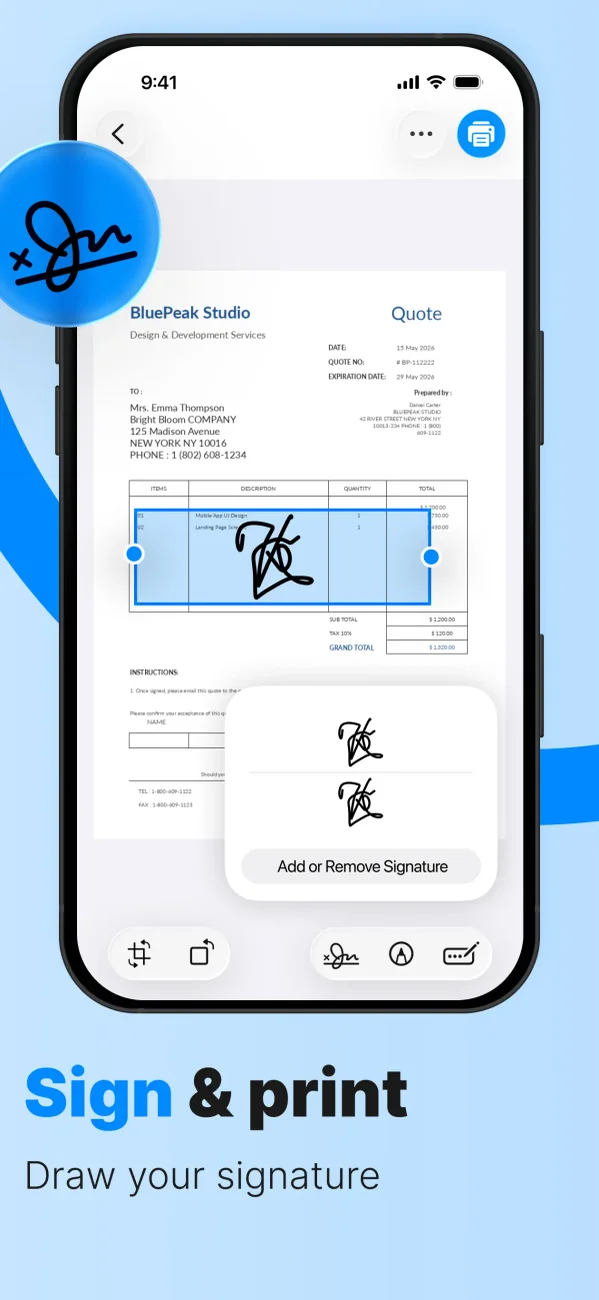
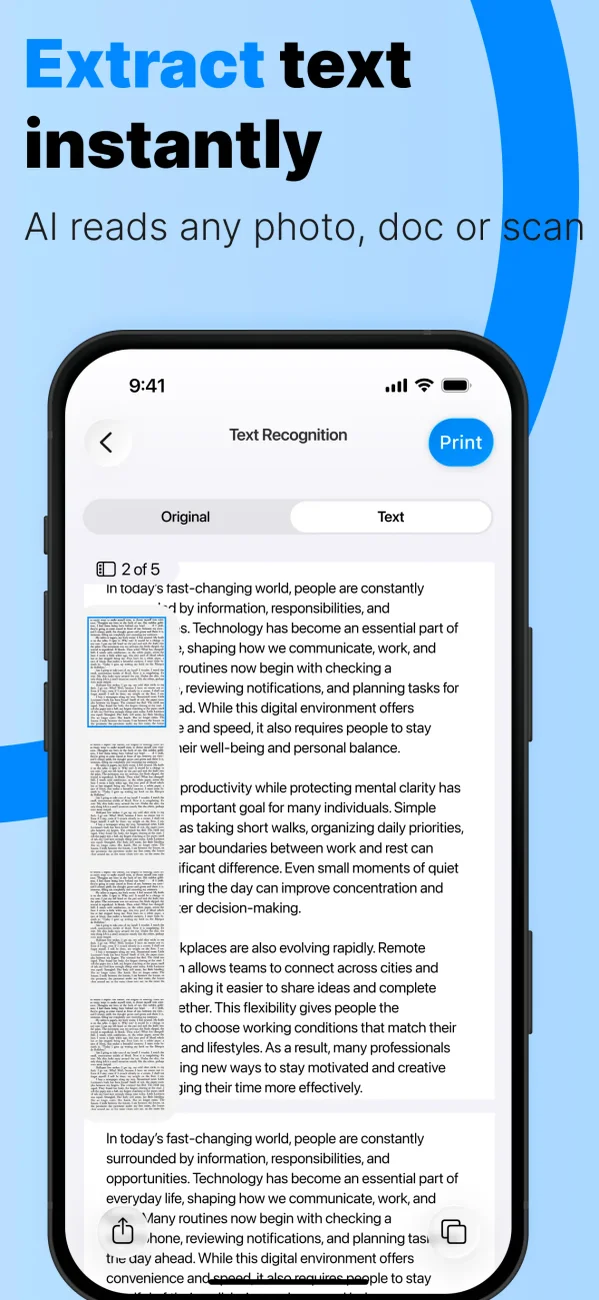
Handle all your professional and personal paperwork directly from your device.
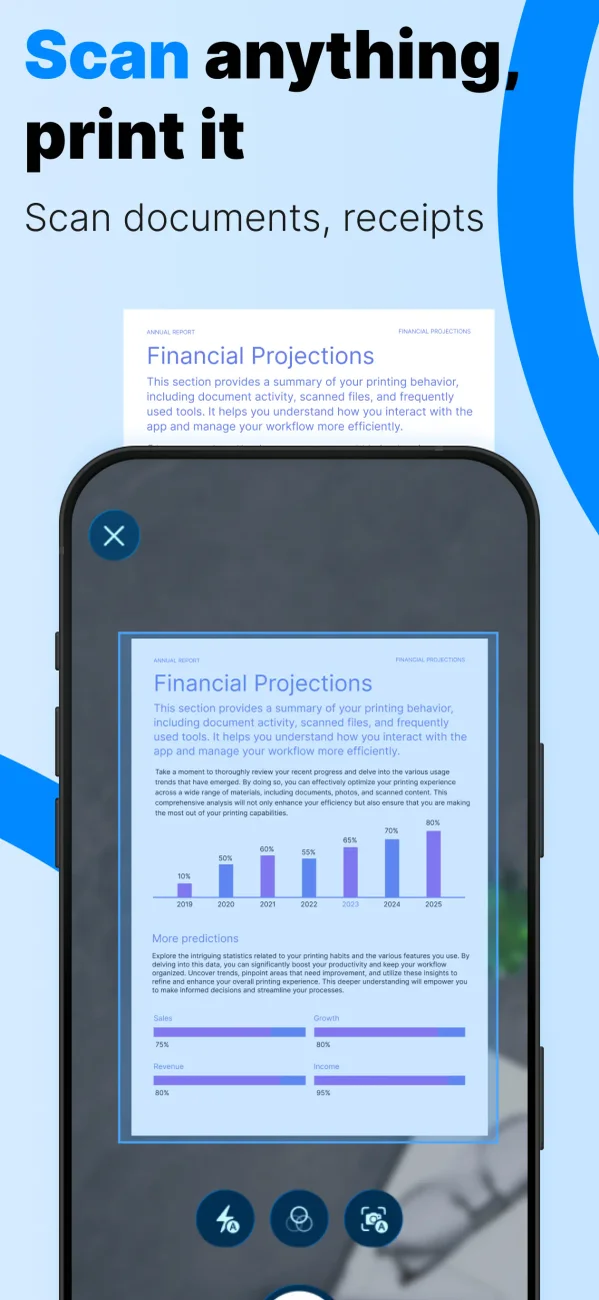
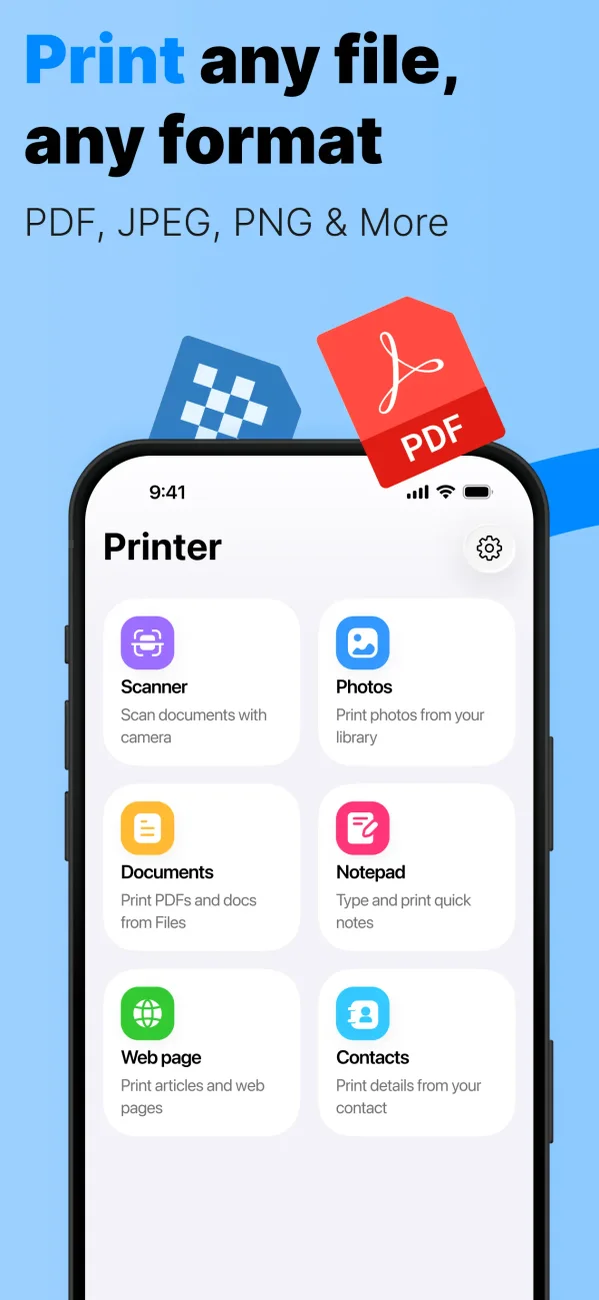
• Full PDF Support: Open and print PDF files from your mail or storage folders.
• Cloud Integration: Easily select files stored on your device to send them to the printer.
• Text Documents: High-clarity printing for all your essential text-based files.
HIGH-QUALITY PHOTO PRINTING
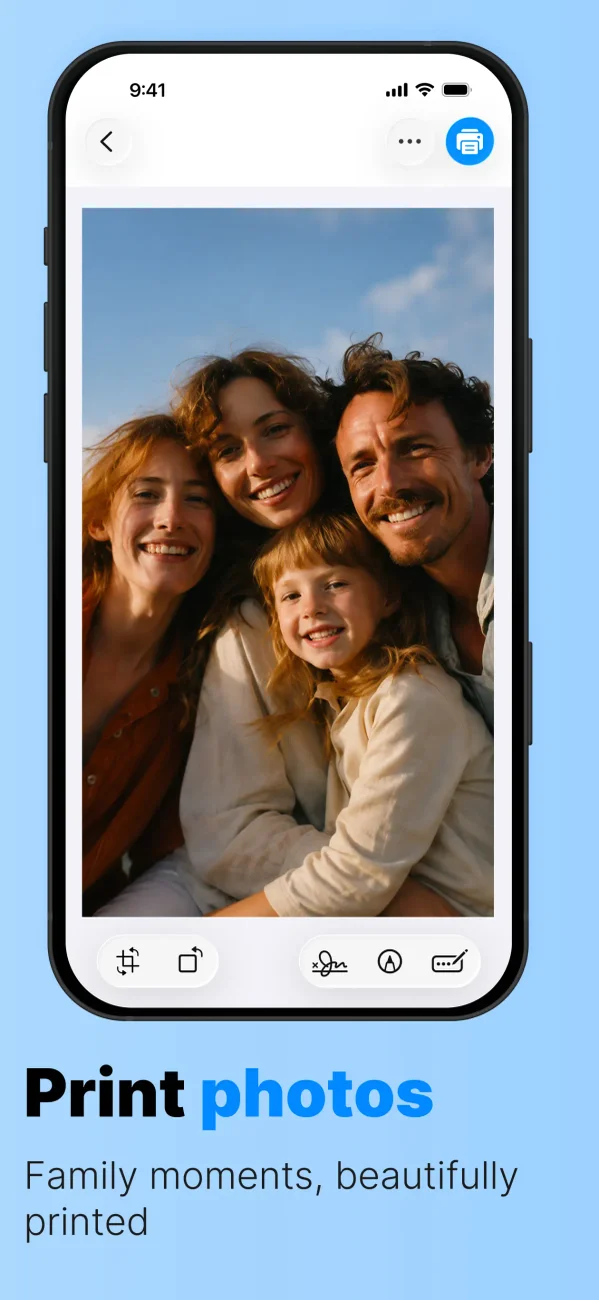
Turn your digital memories into physical copies instantly.
• Gallery Access: Browse your photo library and select your favorite shots.
• Visual Clarity: Print images in high resolution with full support for photo-capable printers.
• Quick Selection: A streamlined interface designed to get your photos from your screen to your paper in seconds.
FREE VS. PREMIUM ACCESS
We offer a flexible model so you can test the app before committing:
• Free Experience: New users get their first print completely free of charge to test printer compatibility. Additionally, any document that is exactly one (1) page in size remains free to print.
• Premium Access: For users who need to print multi-page documents, large files, or require unlimited printing capabilities, a premium subscription is required.
HOW IT WORKS
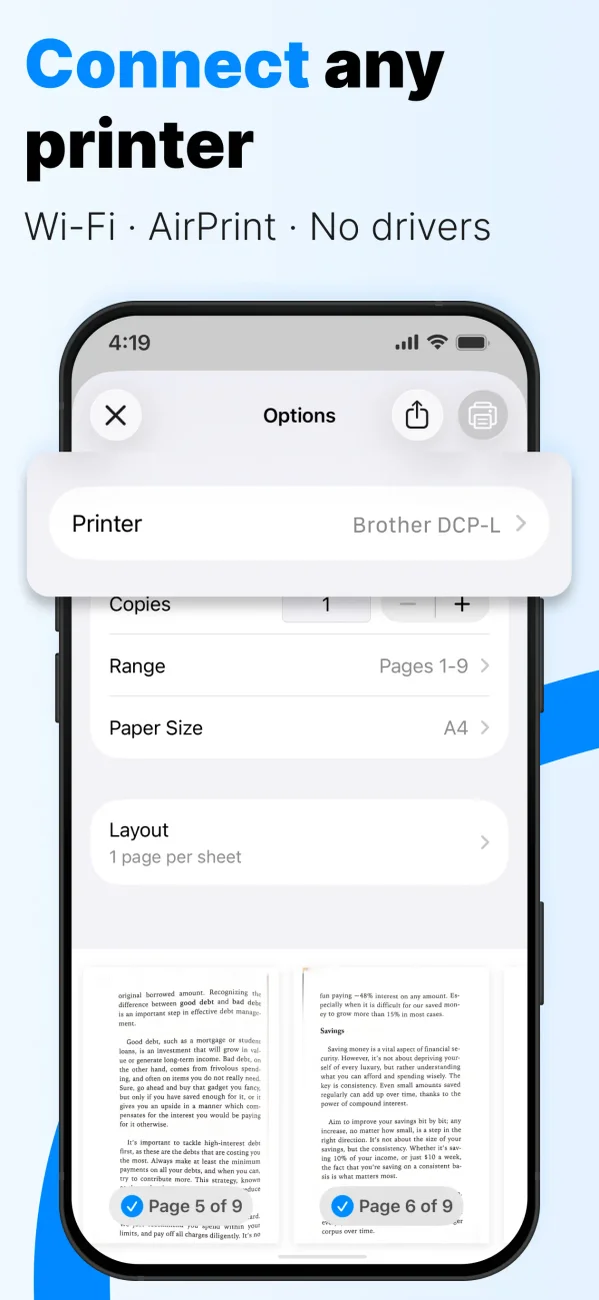
Our app uses AirPrint technology to find printers on your network automatically:
Ensure your iPhone or iPad is connected to the same Wi-Fi network as your printer.
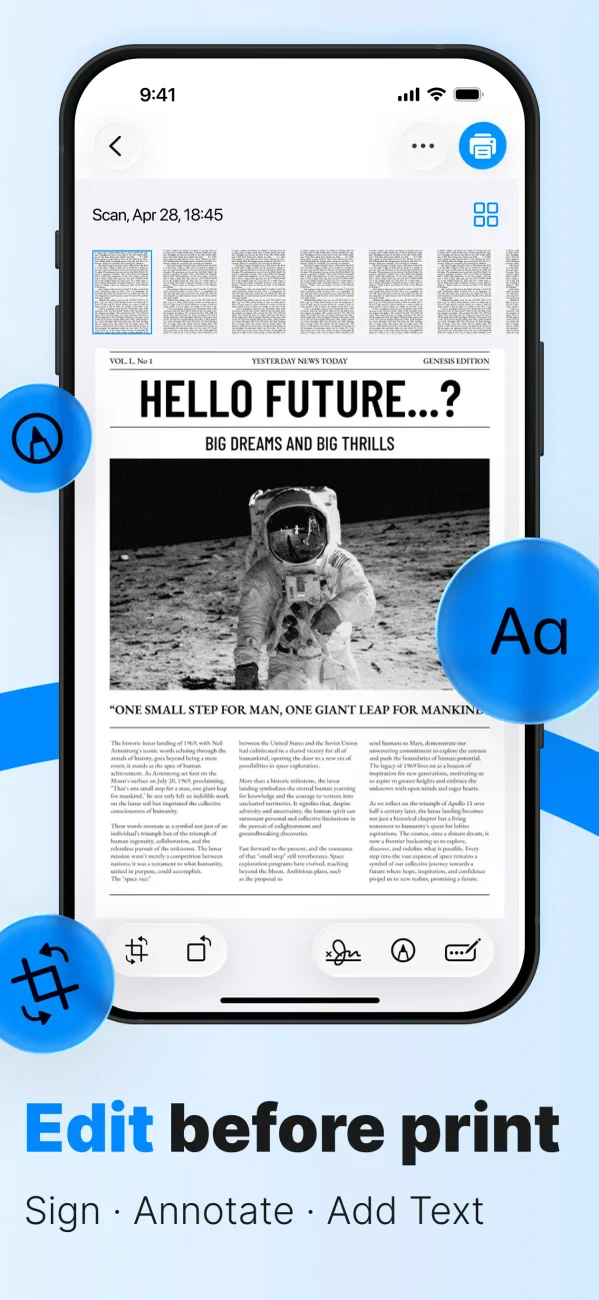
Select your desired document or photo within the app.
Preview the file and tap "Print."
The app will detect your AirPrint-compatible printer and complete the task.
TECHNICAL REQUIREMENTS
To ensure a successful connection, your printer must support AirPrint technology. Both your mobile device and your printer must be connected to the same wireless network (WiFi) to communicate.
LEGAL & PRIVACY
Privacy Policy:
https://sites.google.com/everscale.is/privacypolicyofprintersmart/1
Terms and Conditions:
https://sites.google.com/everscale.is/termsconditionsprintersmart/1
What’s new
Version 1.0.9 · Jun 10, 2026
Bug fixes and performance improvements. We polished things up so much you could print your reflection in it.
App privacy
What Libra Capital LLC declares on the App Store about how this app handles data.
-
Data used to track you
May be used to track you across apps and websites owned by other companies.
- Usage data
-
Data not linked to you
May be collected but is not linked to your identity.
- Usage data
- Diagnostics
Privacy practices may vary, for example with the features you use or your age.
Information
- Seller
- LIBRA KAPITAL TOV
- Category
- Utilities
- Version
- 1.0.9
- Updated
- Jun 10, 2026
- Released
- Mar 28, 2026
- Size
- 73.9 MB
- Requires
- iOS 16.0 or later
- Age rating
- 4+
- Price
- Free
- In-app purchases
- Yes
- Languages
- English, Arabic, Danish, Dutch, French, German, Italian, Japanese, Korean, Norwegian Bokmål, Polish, Portuguese + 6 more
- Copyright
- © Libra Capital LLC
You might also like
-
 L3250 Smart Panel iPrint AppEcoTank Printer WiFi Drivers
-
 Smart Printer app & Scan PDFPhoto, Scan, Docs, Print PDF
-
 Smart Air Printer App For HpSmart Printer For Hp
-
 Epson Printer AppPrint from Your Device
-
 Smart Printer App | Air PrintPrint Documents and Photos
-
 Print-LabelSimple to use label editing
-
 Printer Minifor all wireless printers
-
 Smart Printer App.Mobile Wireless Print & Scan
-
 Smart Printer: Scan & PrintScanner, Edit, PDF, Printing
-
 PDF Converter+ㅤConvert PNG, Word, JPG to PDF