
Printer – Smart Print printing
Wireless, Air, Photo & pdf
iPhone, iPad向けに設計
無料 · アプリ内課金
- 対象年齢4+
- カテゴリユーティリティ
- 開発元Libra Capital LLC
- 言語英語ほか17言語
- サイズ73.9 MB
App Storeの公式ページにリンクしています
Download.orgはPrinter – Smart Print printingのファイルを一切ホストしていません。ボタンを押すと、Libra Capital LLCが公開しているApp Storeのアプリページが開きます。ページの最終確認:2026/11/20。
スクリーンショット
概要
開発元はこのテキストをお使いの言語で提供していません。
The Simple Way to Print from Your iPhone and iPad
Stop transferring files to your computer just to print them. Our app provides a direct, stable connection between your mobile device and any AirPrint-enabled printer. We have focused on one single goal: making document and photo printing as fast and reliable as possible without unnecessary features or complex menus.
EFFICIENT DOCUMENT PRINTING
Handle all your professional and personal paperwork directly from your device.
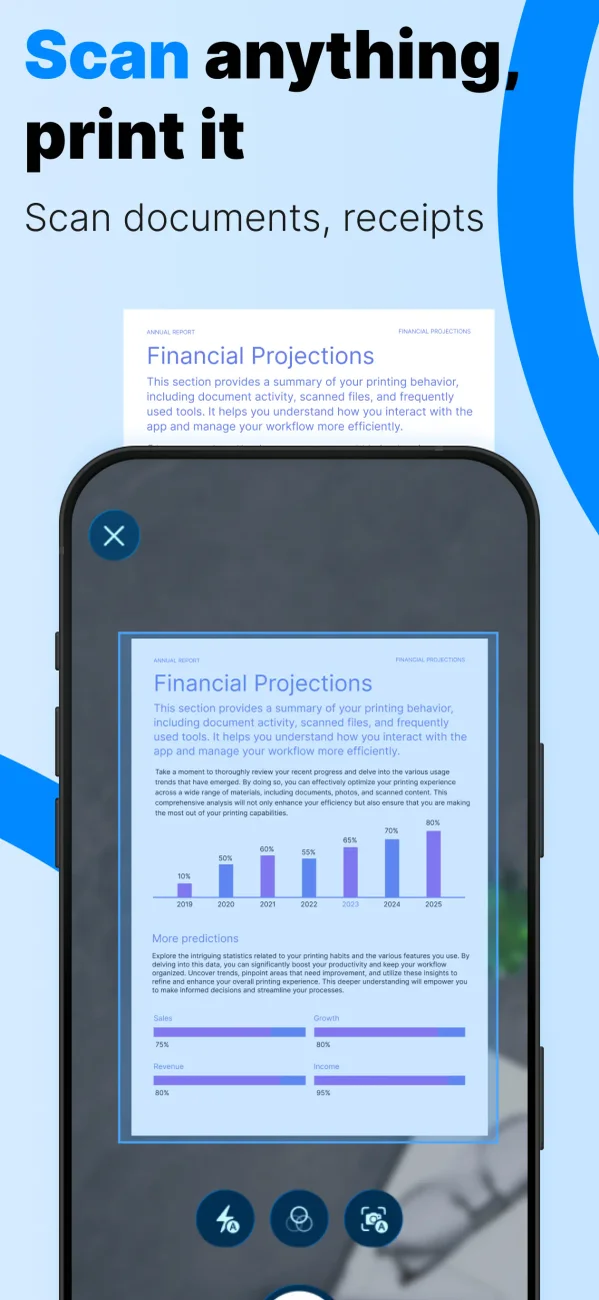
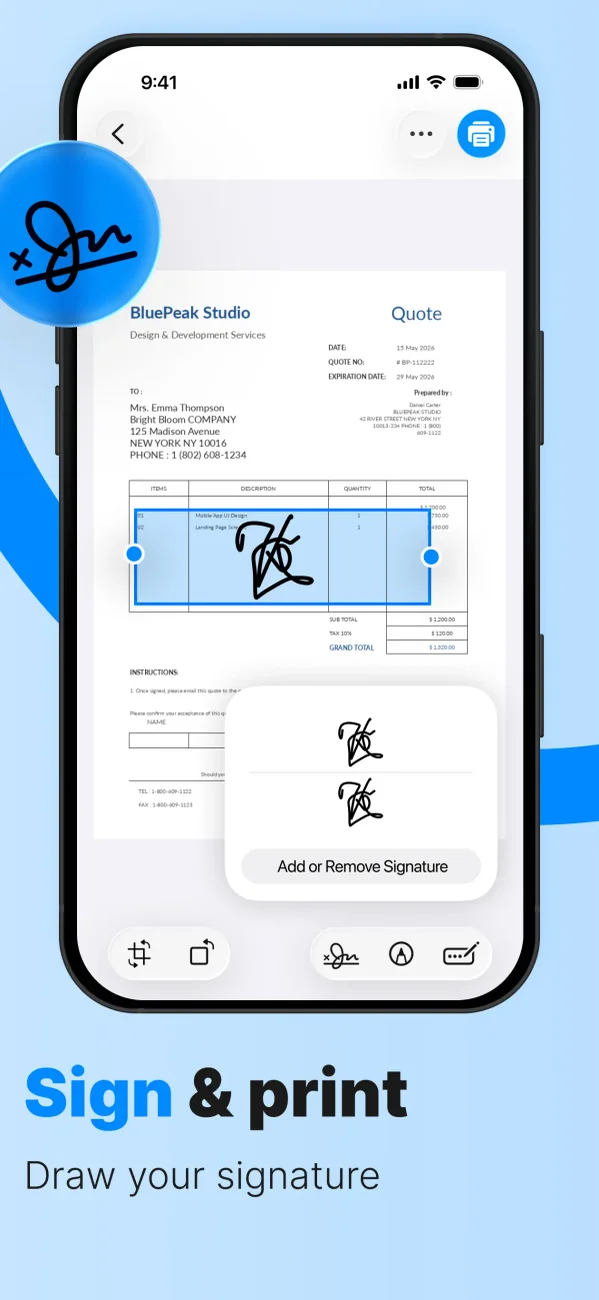
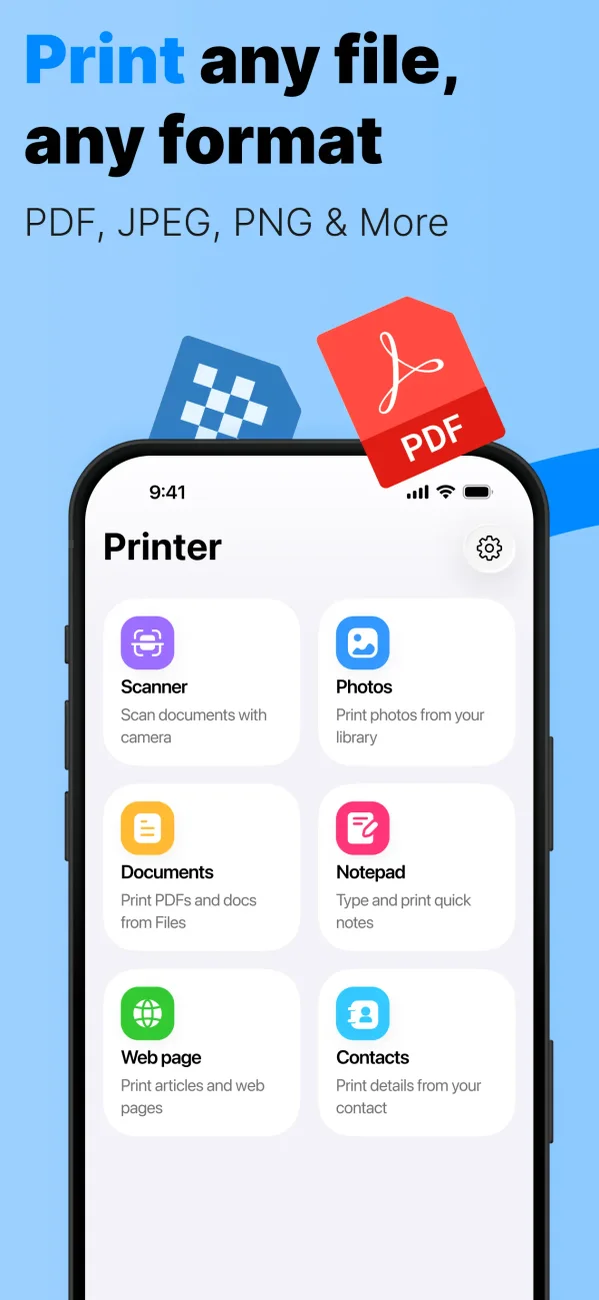
• Full PDF Support: Open and print PDF files from your mail or storage folders.
• Cloud Integration: Easily select files stored on your device to send them to the printer.
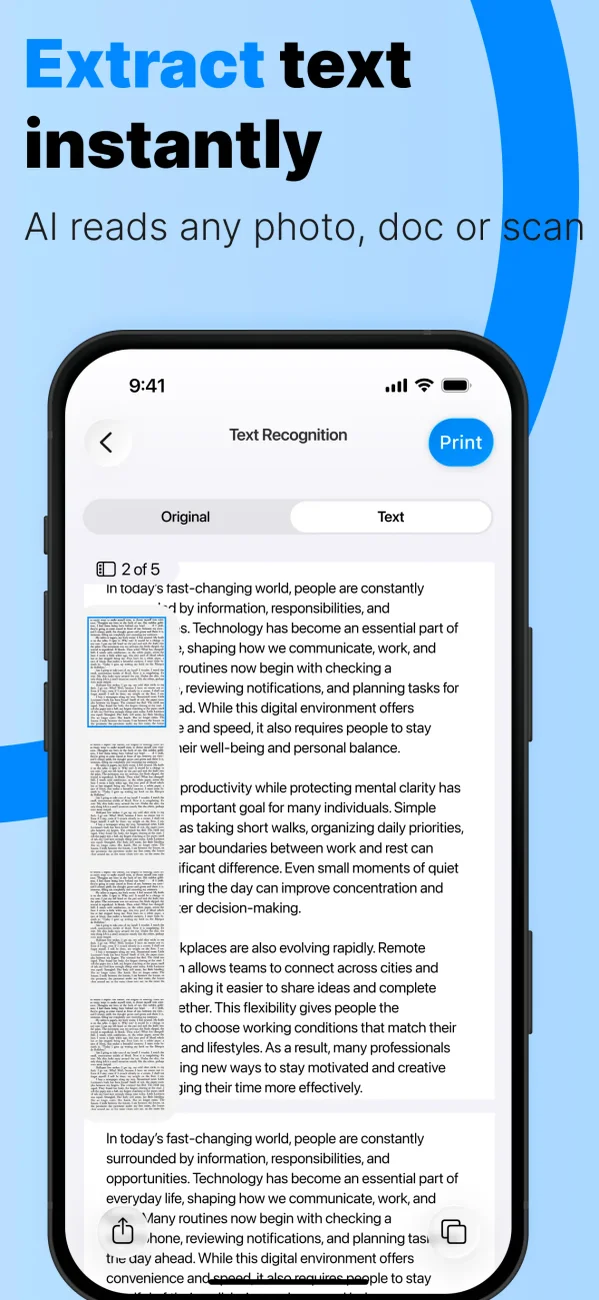
• Text Documents: High-clarity printing for all your essential text-based files.
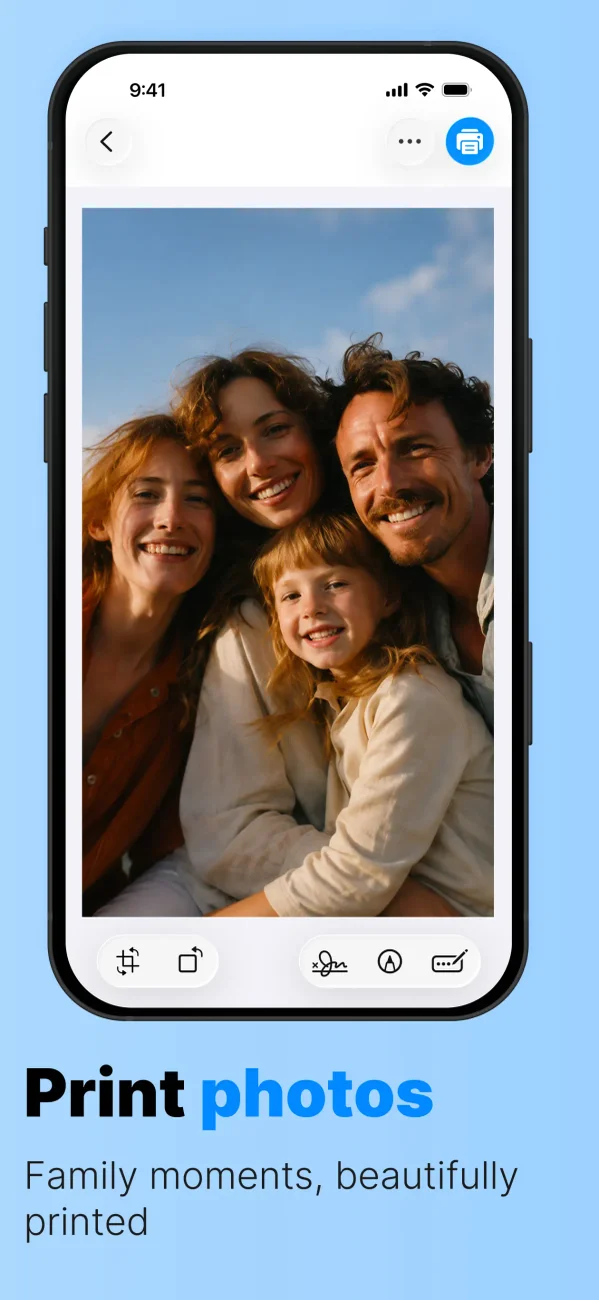
HIGH-QUALITY PHOTO PRINTING
Turn your digital memories into physical copies instantly.
• Gallery Access: Browse your photo library and select your favorite shots.
• Visual Clarity: Print images in high resolution with full support for photo-capable printers.
• Quick Selection: A streamlined interface designed to get your photos from your screen to your paper in seconds.
FREE VS. PREMIUM ACCESS
We offer a flexible model so you can test the app before committing:
• Free Experience: New users get their first print completely free of charge to test printer compatibility. Additionally, any document that is exactly one (1) page in size remains free to print.
• Premium Access: For users who need to print multi-page documents, large files, or require unlimited printing capabilities, a premium subscription is required.
HOW IT WORKS
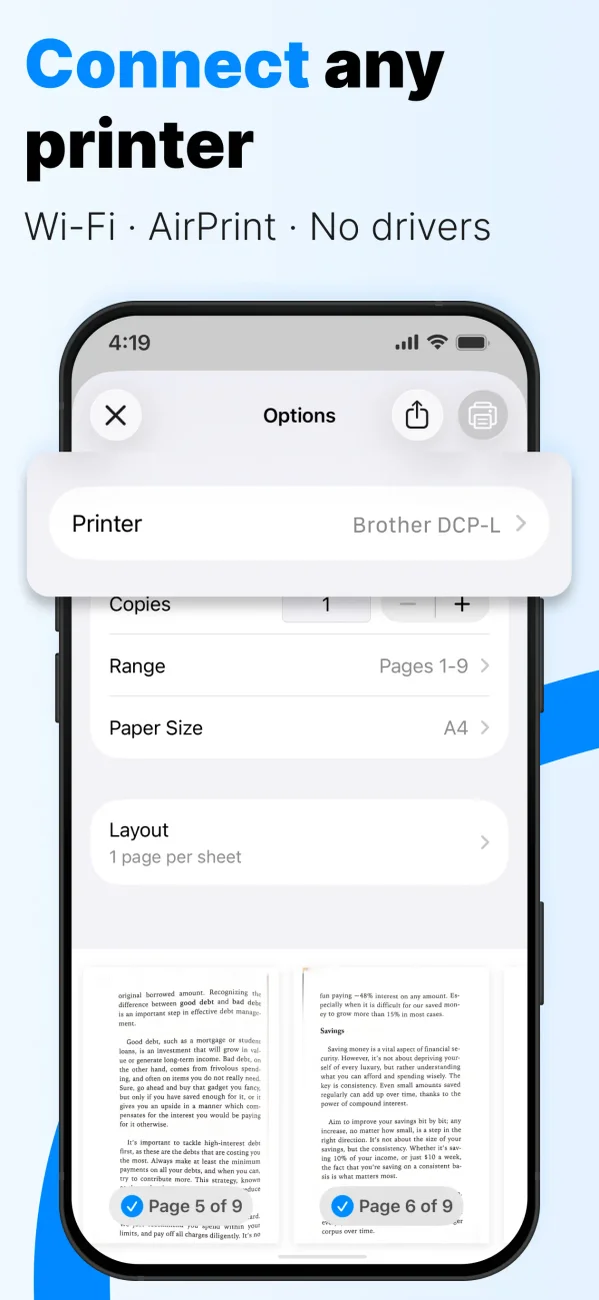
Our app uses AirPrint technology to find printers on your network automatically:
Ensure your iPhone or iPad is connected to the same Wi-Fi network as your printer.
Select your desired document or photo within the app.
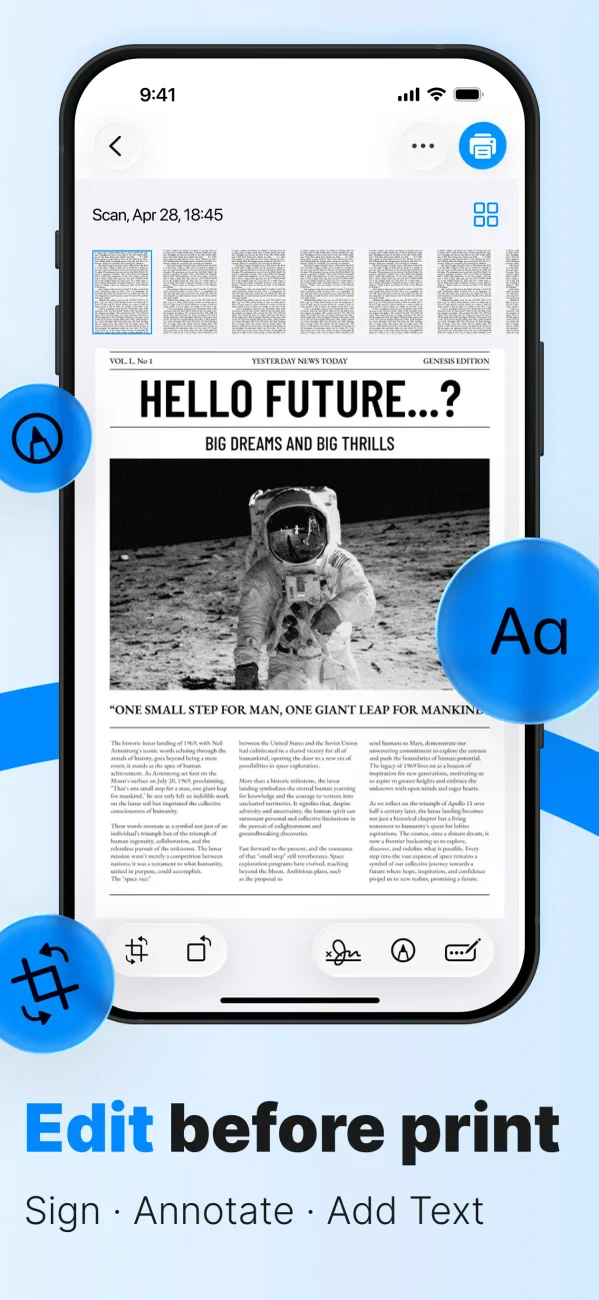
Preview the file and tap "Print."
The app will detect your AirPrint-compatible printer and complete the task.
TECHNICAL REQUIREMENTS
To ensure a successful connection, your printer must support AirPrint technology. Both your mobile device and your printer must be connected to the same wireless network (WiFi) to communicate.
LEGAL & PRIVACY
Privacy Policy:
https://sites.google.com/everscale.is/privacypolicyofprintersmart/1
Terms and Conditions:
https://sites.google.com/everscale.is/termsconditionsprintersmart/1
新機能
バージョン 1.0.9 · 2026/6/10
Bug fixes and performance improvements. We polished things up so much you could print your reflection in it.
アプリのプライバシー
このアプリのデータの取り扱いについて、Libra Capital LLCがApp Storeで申告している内容です。
-
ユーザーのトラッキングに使用されるデータ
他社のアプリやウェブサイトを横断してユーザーをトラッキングする目的で使用される場合があります。
- 使用状況データ
-
ユーザーに関連付けられないデータ
収集される場合がありますが、ユーザーの識別情報には関連付けられません。
- 使用状況データ
- 診断
プライバシーの取り扱いは、ご利用の機能やお客様の年齢などに応じて異なる場合があります。
情報
- 販売元
- LIBRA KAPITAL TOV
- カテゴリ
- ユーティリティ
- バージョン
- 1.0.9
- 更新日
- 2026/6/10
- リリース
- 2026/3/28
- サイズ
- 73.9 MB
- 必要条件
- iOS 16.0以降
- 対象年齢
- 4+
- 価格
- 無料
- アプリ内課金
- あり
- 言語
- 英語, アラビア語, デンマーク語, オランダ語, フランス語, ドイツ語, イタリア語, 日本語, 韓国語, ノルウェー語 (ブークモール), ポーランド語, ポルトガル語 ほか6言語
- 著作権
- © Libra Capital LLC
こちらもおすすめ
-
 L3250 Smart Panel iPrint Appユーティリティ
-
 プリンター-アプリ: PDFを印刷する写真、スキャン、書類、PDFを印刷
-
 Smart Air Printer App For Hpユーティリティ
-
 Epsonプリンターアプリデバイスから印刷
-
 ススマートプリントアプリ – ワイヤレス印刷ドキュメントと写真を印刷
-
 Print-Labelユーティリティ
-
 プリンター ミニすべてのワイヤレスプリンター用
-
 スマートプリンターアプリモバイルワイヤレスプリント & スキャン
-
 スマートプリンターアプリ:スマートスキャンスキャナー、編集、PDFG、印刷
-
 PDF変換:ファイルと写真+ドキュメント、テキスト、画像を変換