PrintMyNames
"Be Selective"
Designed for iPhone, iPod touch
Free · In-app purchases
- Age rating4+
- CategoryUtilities
- DeveloperThomas ROBB
- LanguagesEnglish
- Size7.9 MB
Links to the official App Store page
Download.org hosts no file of PrintMyNames. The button opens its official App Store page, published by Thomas ROBB. Listing last checked on Nov 17, 2026.
Screenshots




About
PrettyPrint your Contacts with PrintMyNames -
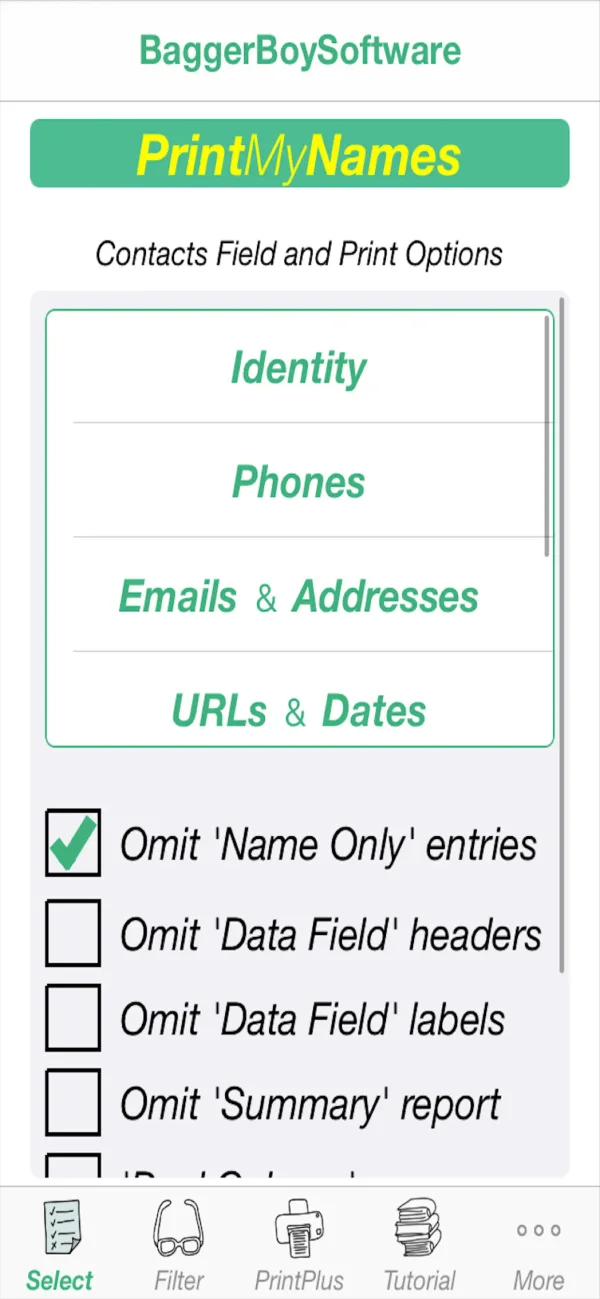
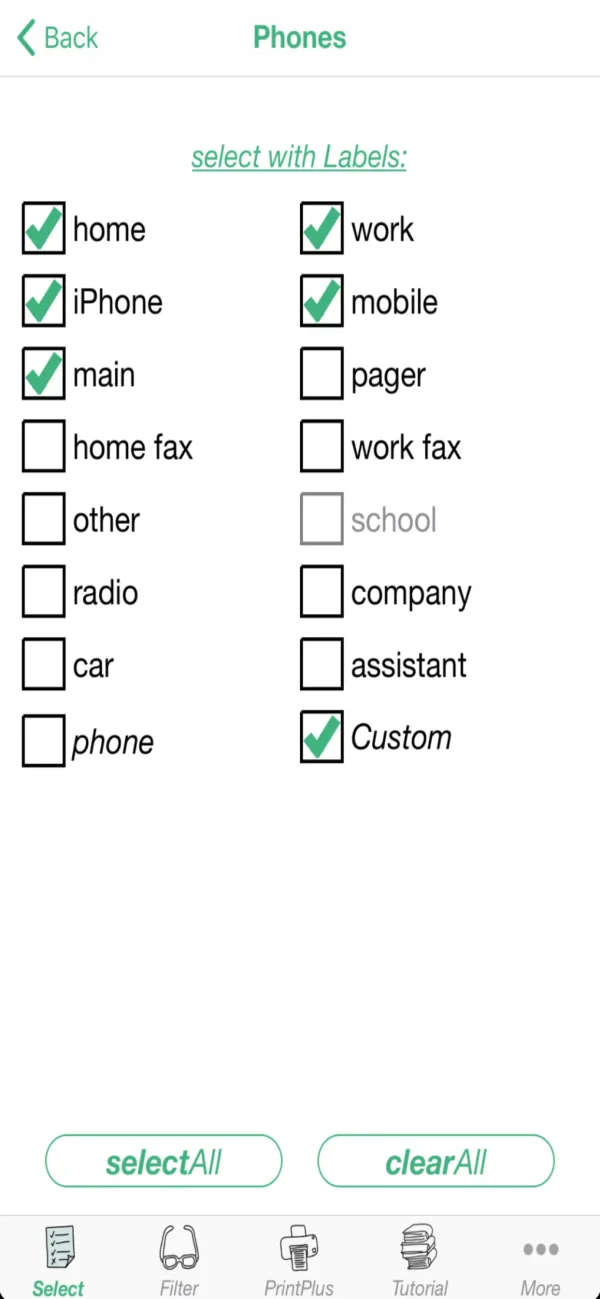
AirPrint your Contacts directly from your iPhone to your AirPrint enabled wireless printer. Select the 'data-fields' and 'data-labels' - any or all (including the entire 'Note' field) - to be printed from each of your Contacts. Select the 'PageFormat' - either single-column or dual-column. Select from font color and font size combinations.
Don't have a wireless printer? No worries, you're covered! Use the 'Share Sheet' to send a PDF file via AirDrop or Email to a desktop/laptop platform with a wired (or wireless) printer. There your Contacts can be previewed, manipulated (scaled, duplexed, ranged, orientated, etc) and printed. In this PDF mode, USLetter and A4 page size are supported as well as Portrait and Landscape page orientation.
Create a customized CSV file of your Contacts suitable for spreadsheet applications - Apple Numbers or Microsoft Excel. Just double-click the CSV file to get started.
Want to selectively print mailing labels from your Contacts? Easy! Pick from supported label sizes or create a custom label size. Also easily print postcards, envelopes and indexcards from your Contacts.
Selectively share your Contacts information -
Have you used the 'Share Contact' feature in Contacts? It's a quick and easy way to share Contacts information. But there's just one catch. ALL the information in the selected Contact card goes! You knew that, right? Of course you did.
Well, now you have a way to share ONLY the information YOU want to share. Just want to share your work phone(s) and company information? Just home address, thumbnail photo and/or "Note" field information? Just Facebook "handle" and/or email address(es)? How about any 'custom' labeled data you've created? Easy - just set it up on the Select screen, select a Contact card and initiate the share via VCF file - either by AirDrop, Mail or Message.
In other words, "Be Selective".
Print ALL Contacts or filter your Contacts by Company name, by Date range, by iOS generated Group(s), by Name range or by Note content.
Optionally, skip 'NameOnly' entries and/or omit 'DataField' labels.
Selectively, print Addendums:
Contacts Directory
Contacts by Group
Contacts by Company/Organization
Contacts by Date
Contacts with Photos
Contacts with Duplicates
Contacts on Mail labels
Contacts on Postcards
Contacts on Envelopes
Contacts on Index cards
Export your Contacts to another device (iPhone, iPad or Mac) using VirtualCardFormat (VCF):
Export your Contacts - all Contacts, or filtered subsets of Contacts
Export your Contacts - all fields, or selected fields (phones, emails, addresses etc.)
Export your Contacts - all field labels, or selected field labels (home, work, custom etc.)
Eliminate duplicate Contacts (both intra-Contact and inter-Contact) with the Merge & Purge feature.
Create, update and remove Contact Groups directly on your iPhone - no Cloud connection needed.
Experience localized date/time formatting.
Use the 'SAMPLE Page' option to verify compatibility with your wireless printer and to verify the format of your printed Contacts.
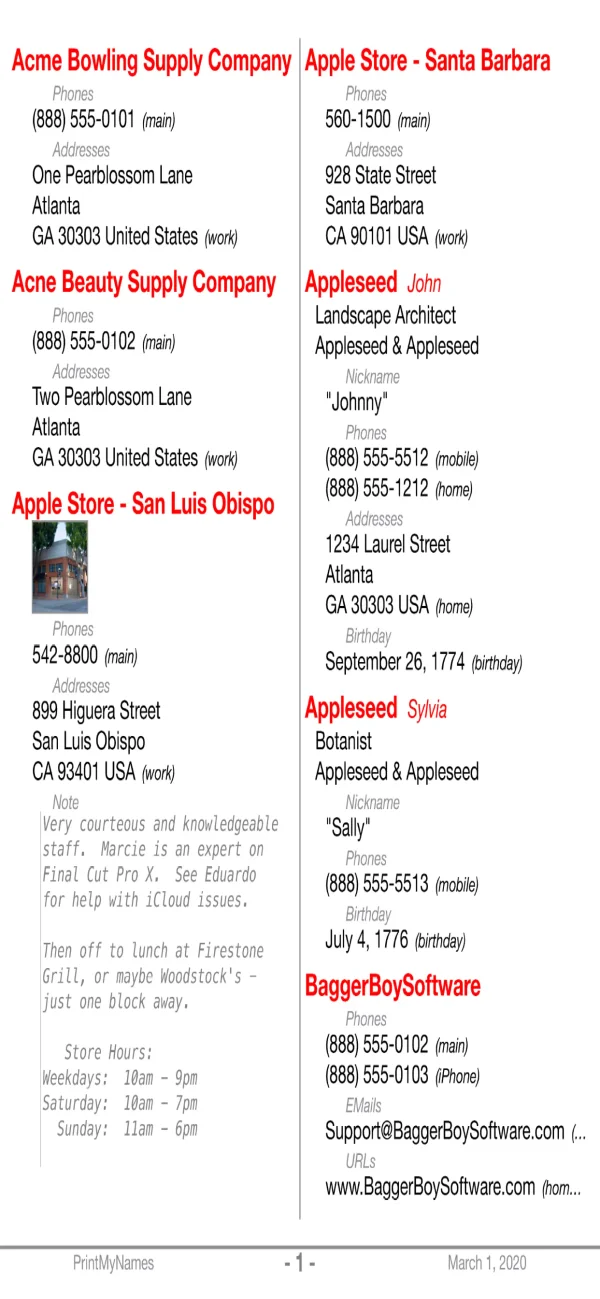
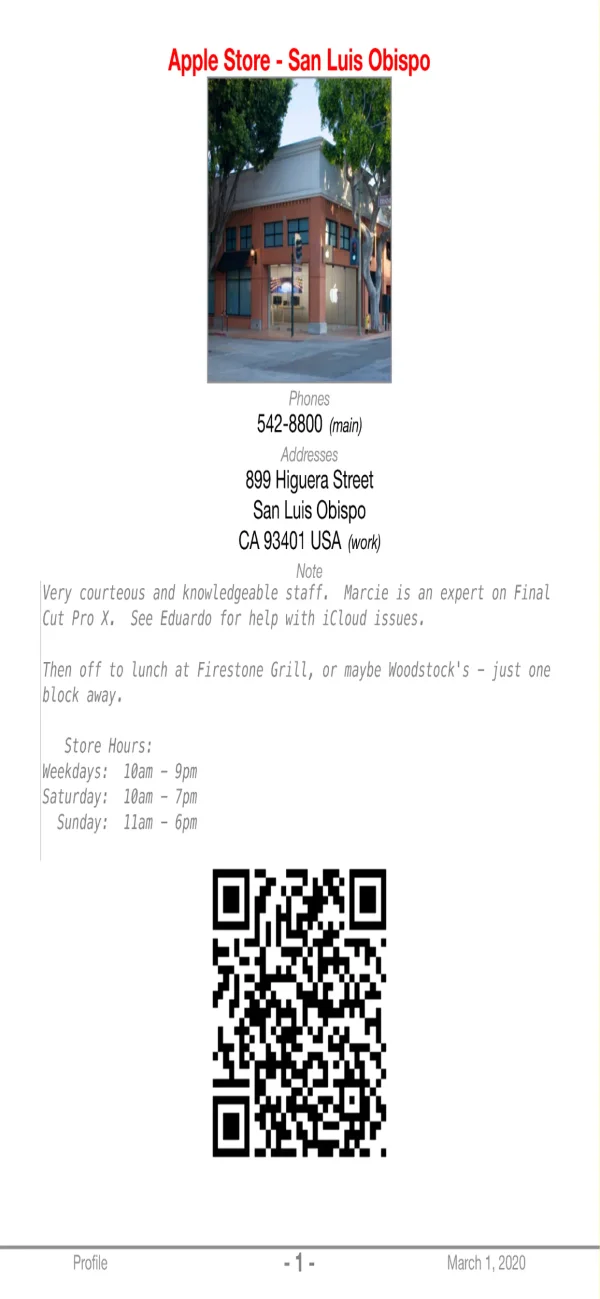
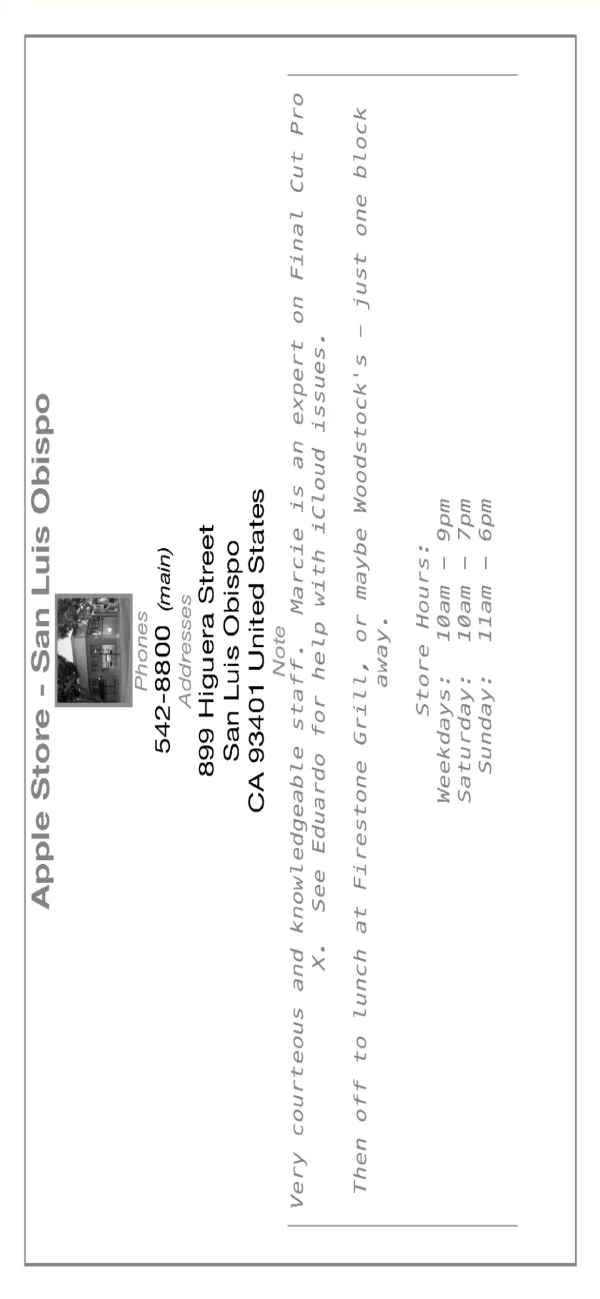
Note that the first four 'screenshots' depicted above are actually 'printershots' of printed output from this app. The aspect ratios are somewhat distorted here (QR Code, for example) as they must conform to App Store screenshot pixel dimensions - but they look good on a printed page! The sample output shows the Contact 'data' found in the 'DataFields' selected in 'Phones' screenshot. 'Printershot' three shows Contacts on mailing labels and number four shows is a Contact on an index card.
Also note the print of a Profile Page 'Photo', 'Note' and 'QR Code' from a Contact. Shown is the Apple Store in beautiful downtown San Luis Obispo, California, USA.
What’s new
Version 5.125 · May 28, 2026
Infrastructure update recommended for all stakeholders
App privacy
What Thomas ROBB declares on the App Store about how this app handles data.
-
Data not linked to you
May be collected but is not linked to your identity.
- Diagnostics
Privacy practices may vary, for example with the features you use or your age.
Information
- Seller
- Thomas ROBB
- Category
- Utilities
- Version
- 5.125
- Updated
- May 28, 2026
- Released
- Dec 9, 2017
- Size
- 7.9 MB
- Requires
- iOS 13.0 or later
- Age rating
- 4+
- Price
- Free
- In-app purchases
- Yes
- Languages
- English
- Copyright
- © 2017 BaggerBoySoftware
You might also like
-
 Address Labels & EnvelopesMail & Christmas List Printing
-
 Print to ALL PrintersWeb/Photos/Contacts
-
 Contacts To PDF File ConverterExport Contacts To PDF File !
-
 Envelope Address Label MakerFor Stamp Printing & Scanning
-
 Label Printer • Print LabelsAddress & Mailing Labels
-
 Export ContactBackup contacts easily
-
 Epson Label Editor MobileUtilities
-
 Brother iPrint&LabelUtilities
-
 QR Scanner: PDF & Code ReaderQR Code & PDF Reader for Phone
-
 Permission Slip by DeleteMeTake back control of your data