Private AI Note Taker: Basil
Meeting Notes & Voice Recorder
Designed for iPhone, iPad, Mac
Free · In-app purchases
- Age rating4+
- CategoryProductivity
- DeveloperTONSOR LLC
- LanguagesEnglish+ 3 more
- Size23.3 MB
Links to the official App Store page
Download.org hosts no file of Private AI Note Taker: Basil. The button opens its official App Store page, published by TONSOR LLC. Listing last checked on Nov 23, 2026.
Screenshots

About
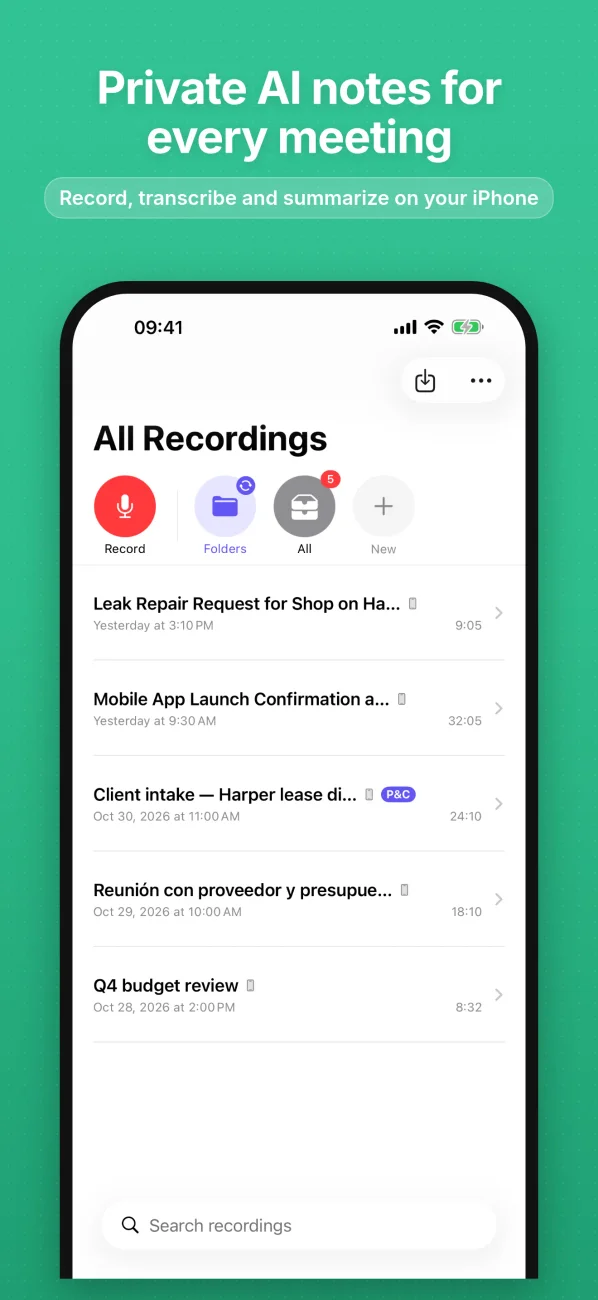
Basil is a private AI note taker for meetings. Recording, transcription and summaries run on your device. Basil has no server, and Basil never receives your meetings.
WHY ON-DEVICE MATTERS
Most AI note takers send your audio to a cloud service to be transcribed and summarized. Basil doesn't. Transcription runs on the Neural Engine. Summaries are generated on your device by Apple Intelligence, on devices that support it. There is no Basil account to create.
RECORD ANY MEETING
• In Person — capture the room with your microphone.
• Computer (Mac) — capture both sides of a Zoom, Teams or Meet call without putting a bot in the meeting. Nothing joins your call.
• Import existing audio or video files. Basil extracts the audio on your device.
TRANSCRIPTS AND SUMMARIES
• A fast live transcript while you record, then a more accurate final pass right after the session.
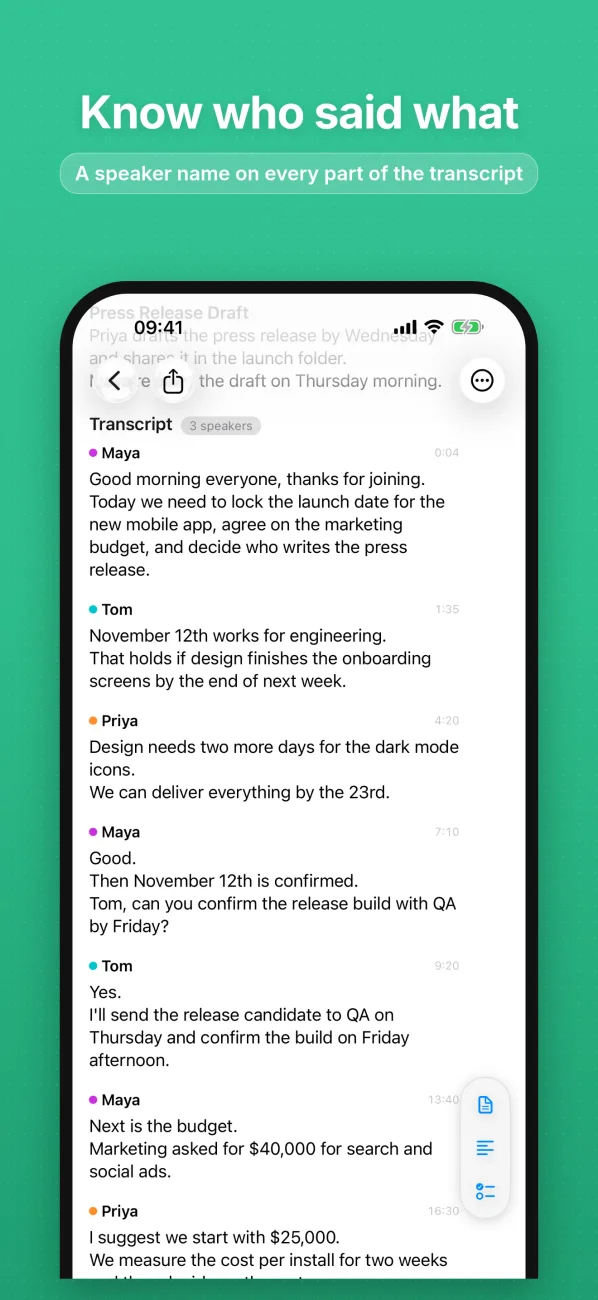
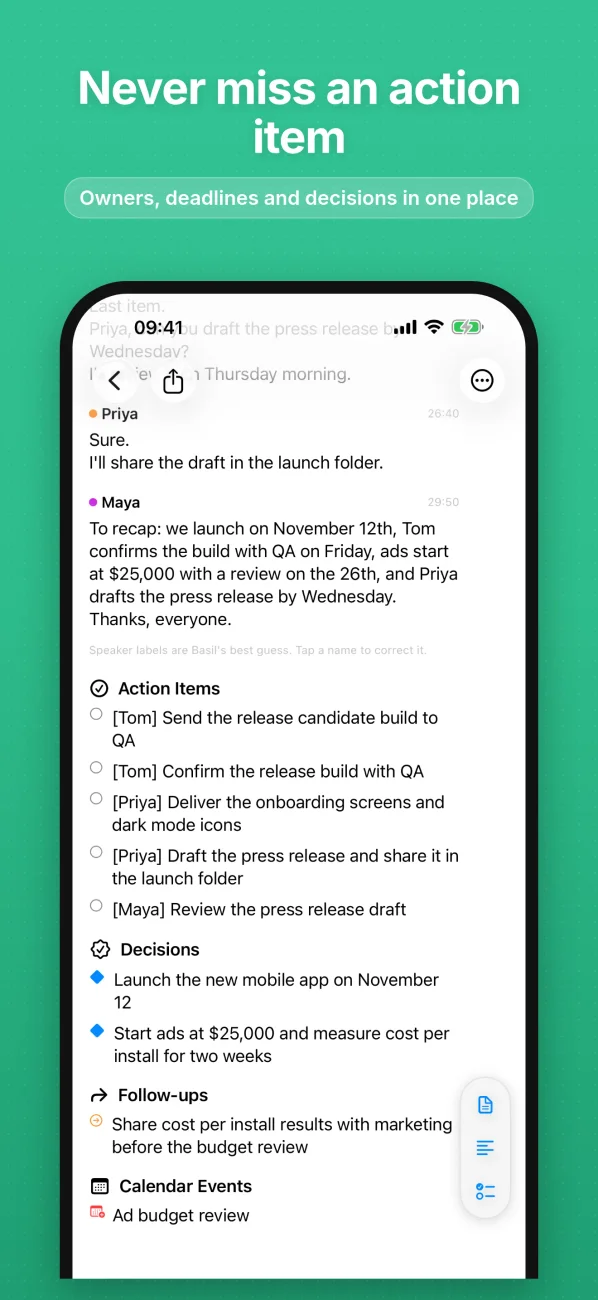
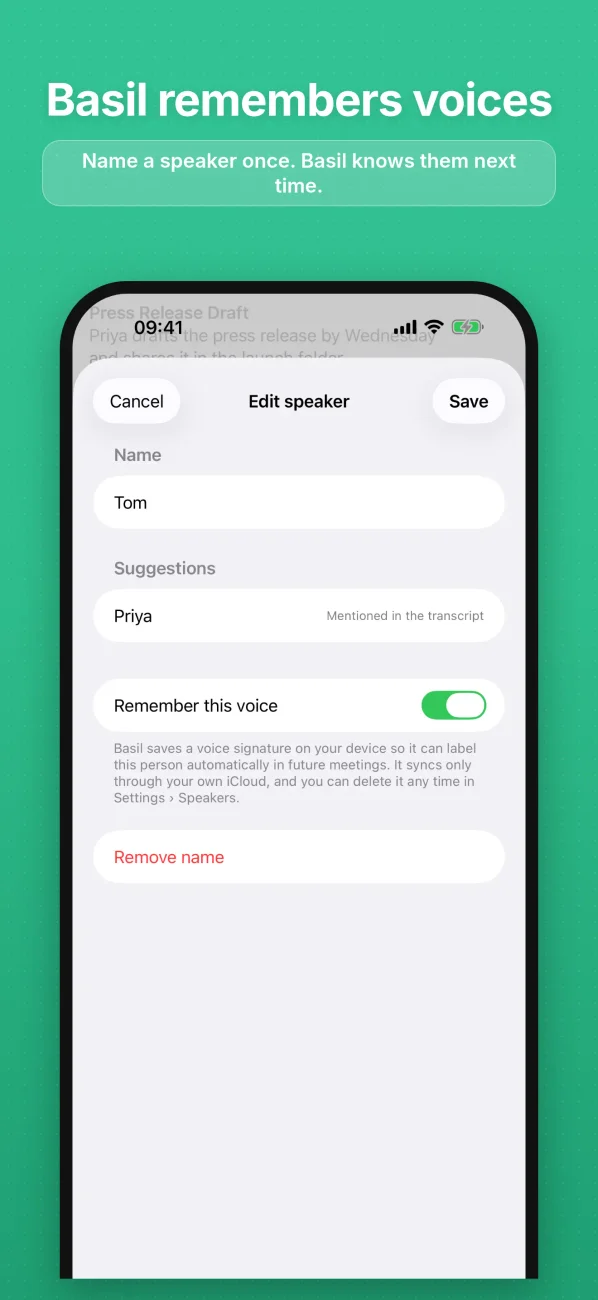
• Transcripts show who spoke. Name a speaker once and Basil recognizes them next time.
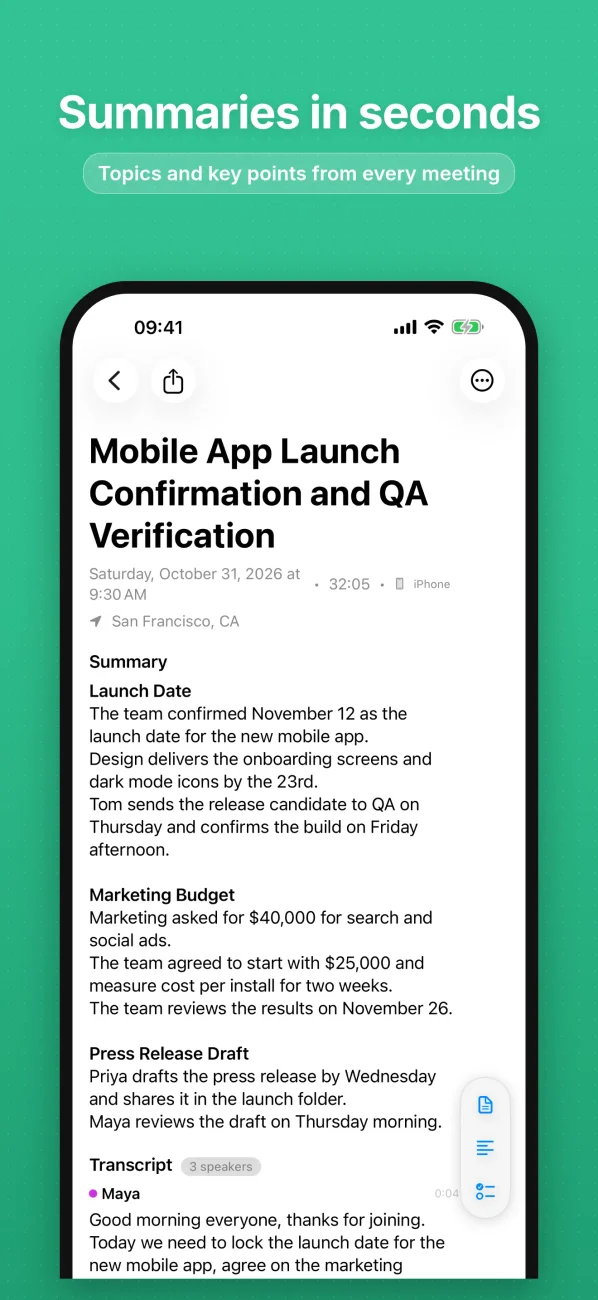
• Summaries, action items, decisions and follow-ups, generated on your device.
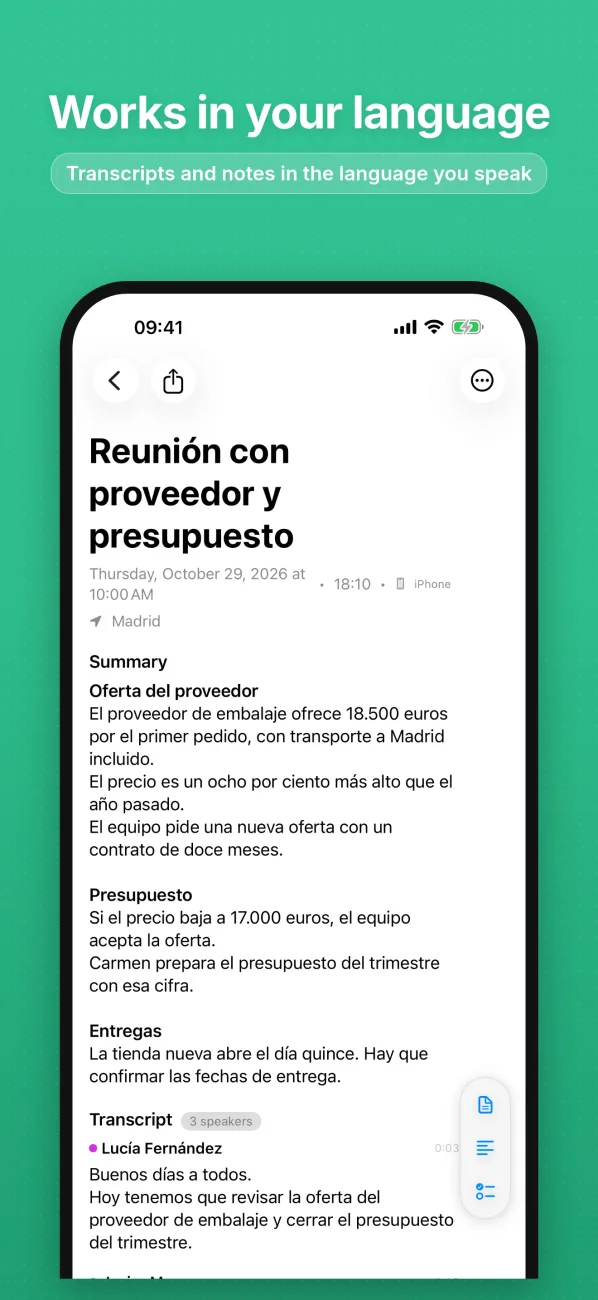
• Transcription in 60+ languages.
• Full-text search across everything you have recorded.
• Export your transcripts and notes.
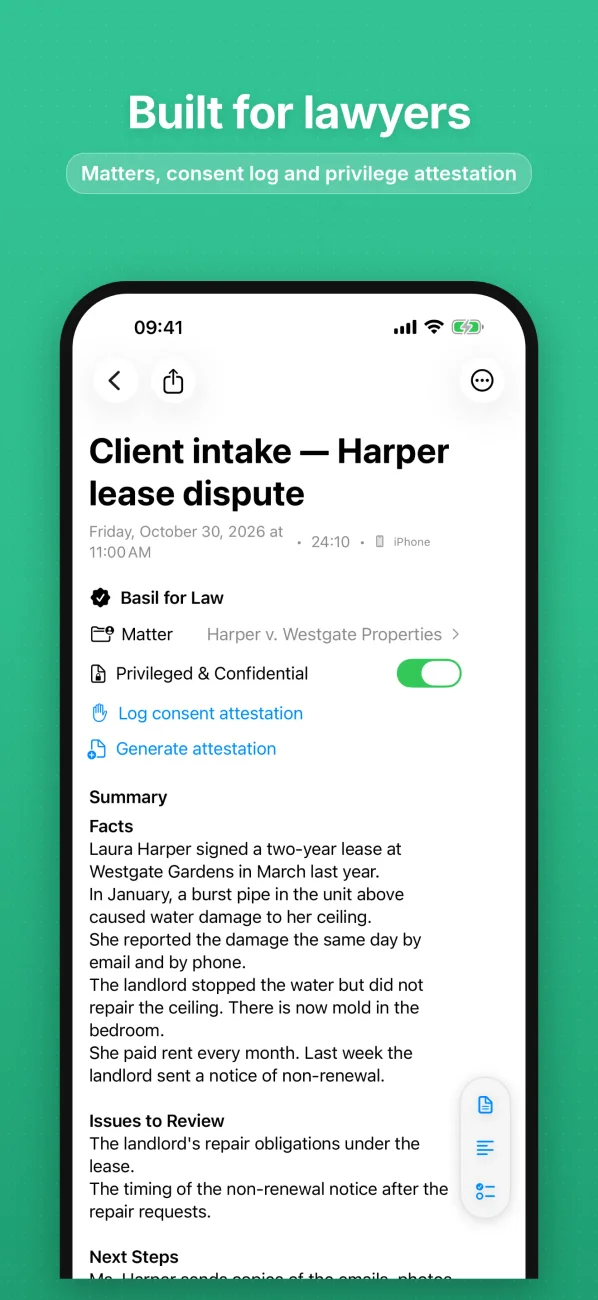
BASIL FOR LAW
A legal edition for attorneys and firms:
• Privilege attestation — an on-device provenance record of how a recording was captured and processed.
• Consent log — a timestamped attestation, built to the strictest all-party-consent standard.
• Matters and clients — organize by matter rather than by date.
• Privileged & Confidential labeling on recordings, transcripts and exports.
These are record-keeping tools for legal professionals. They are not legal services or legal advice, and no software can guarantee a privilege outcome. Basil's contribution is architectural: Basil never receives your client conversations, and AI processing runs on your device.
ACROSS YOUR DEVICES
A universal app for iPhone, iPad and Mac. iCloud Sync is on by default. It keeps your library in your own iCloud account so your other devices can use it. Apple stores it; Basil does not receive it. Basil shows what sync sends before anything moves. Turn it off any time in Settings › iCloud.
YOUR CHOICES
• Live transcription runs on your device by default. If you turn that setting off, some languages use Apple's speech service for the live preview, and for the final transcript when no on-device engine can make it.
• No analytics and no ad SDKs in the app.
EXPORT
Share a transcript and its notes as text to Notes, Files, Mail and other apps. Pro adds JSON and CSV export.
SUBSCRIPTIONS
Basil Pro unlocks unlimited recording. Basil for Law adds the legal feature set above. Free trials are available on both. Current pricing and trial length are shown on the subscription screen in the app.
Privacy Policy: https://basilai.app/privacy
Terms of Use: https://basilai.app/terms
What’s new
Version 2.2.23 · Nov 17, 2026
Meeting notes now start where the work starts. Basil leaves out the small talk that opens a meeting.
Short meetings get fuller notes.
Notes no longer show transcript quotes as points or decisions.
A recording with no speech says “No speech found” again.
A recording in progress on one device is no longer marked as interrupted on another.
The library refreshes with far less disk activity.
Delete now says that the recording goes to Trash for 30 days.
The first share of a recording no longer blocks the next one.
App privacy
What TONSOR LLC declares on the App Store about how this app handles data.
-
Data not collected
The developer does not collect any data from this app.
Privacy practices may vary, for example with the features you use or your age.
Information
- Seller
- TONSOR LLC
- Category
- Productivity
- Version
- 2.2.23
- Updated
- Nov 17, 2026
- Released
- Sep 15, 2025
- Size
- 23.3 MB
- Requires
- iOS 26.0 or later
- Age rating
- 4+
- Price
- Free
- In-app purchases
- Yes
- Languages
- English, French, German, Spanish
- Copyright
- © TONSOR LLC
You might also like
-
 Spokn: Expenses & RemindersOrganize life with your voice
-
 Transcription ProSpeech to Text · Offline
-
 Habit Tracker: Planner RoutineStreaks, Goals & Focus Timer
-
 App Blocker OffKitStop doomscrolling. Block apps
-
 Idea Think: Thought OrganizerMind Map & Idea Organizer
-
 Speed Reader: JuiceSqueeze any real text out fast
-
 Speech to Text - SonoAI Note Taker
-
 Local AI Assistant: PocketMindLocal On Device AI Assistant
-
 Rosetta: AI Notes, Links, TodoOne memory for all AI apps
-
 WallDone: Task Sticker WallNo Deadline Habit Tracker