
Speed Reader: Juice
Squeeze any real text out fast
Designed for iPhone, iPad
$0.99 · In-app purchases
- Age rating4+
- CategoryProductivity
- DeveloperThomas Richardson
- LanguagesEnglish+ 15 more
- Size10.8 MB
Links to the official App Store page
Download.org hosts no file of Speed Reader: Juice. The button opens its official App Store page, published by Thomas Richardson. Listing last checked on Nov 24, 2026.
Screenshots


About
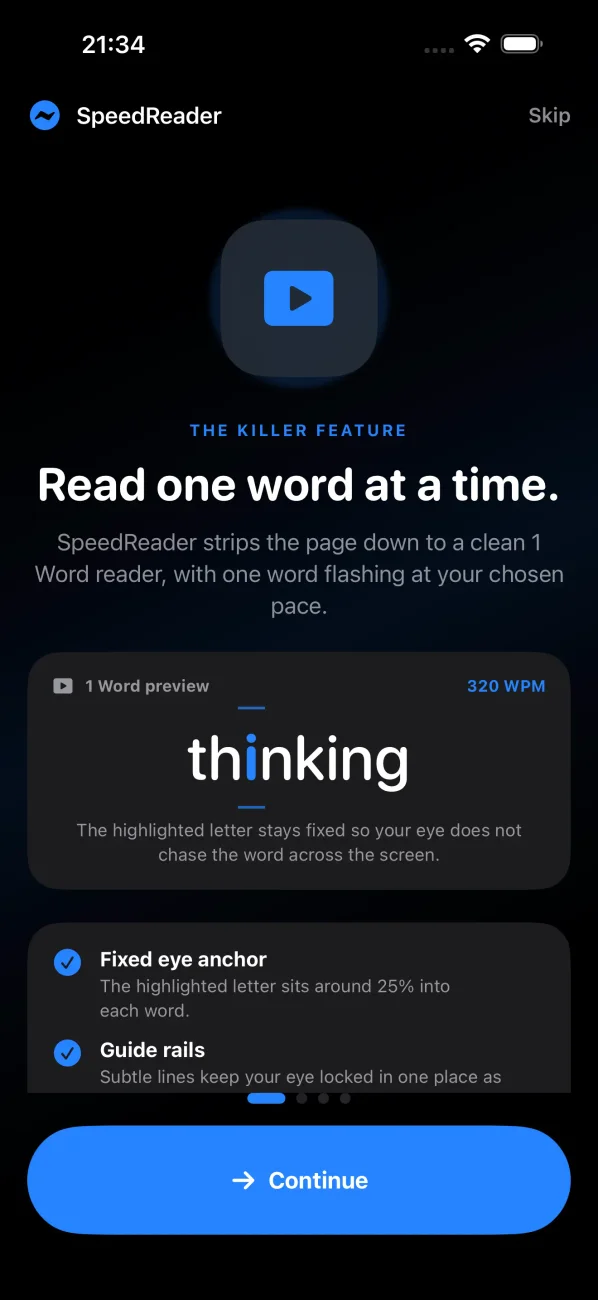
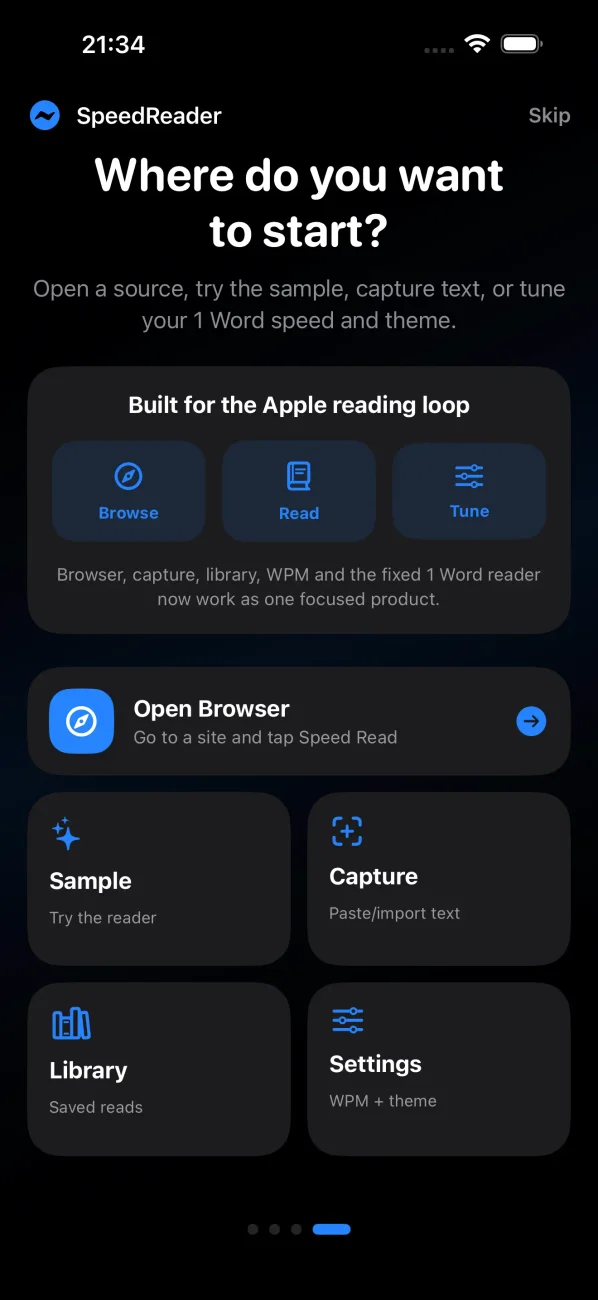
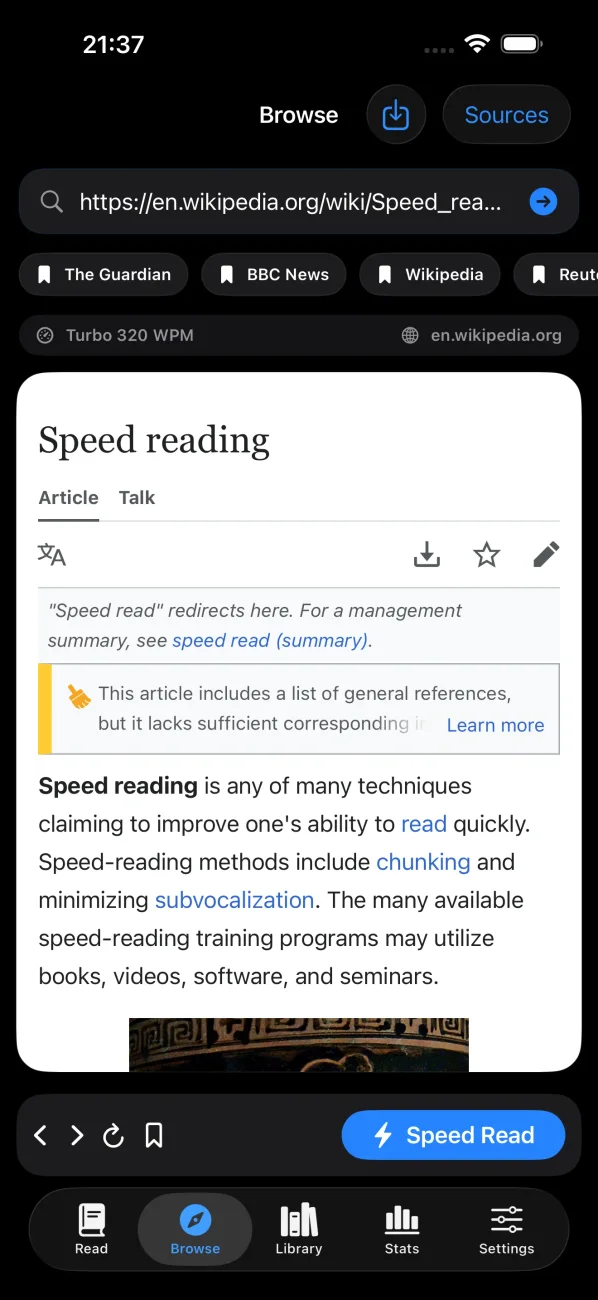
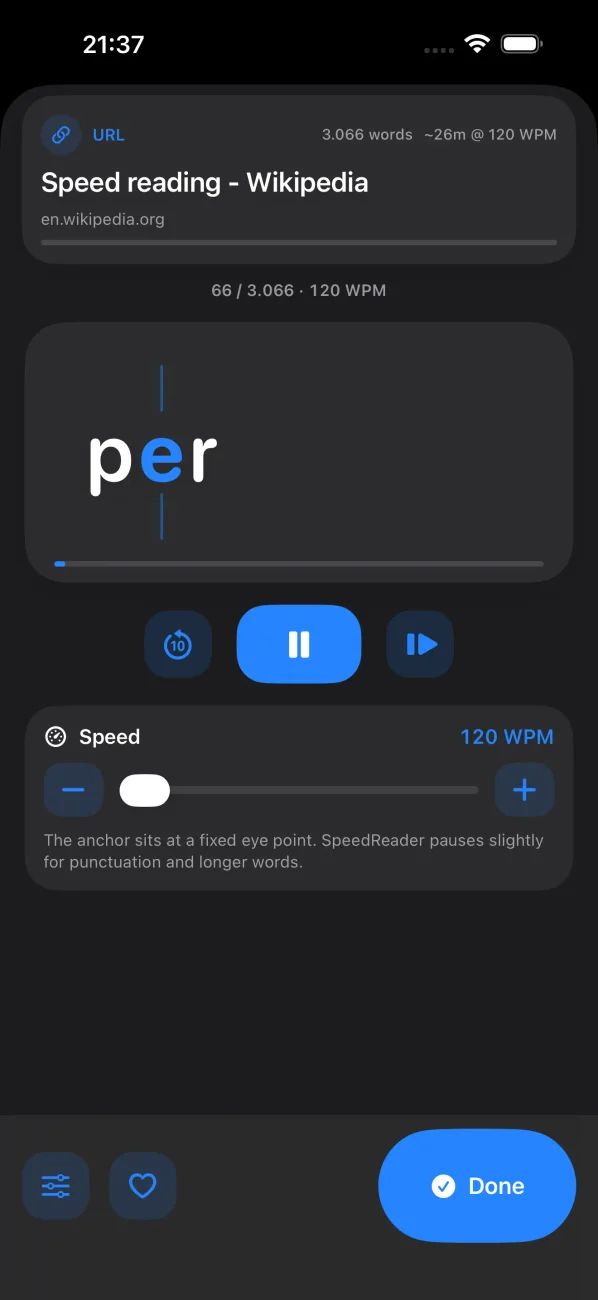
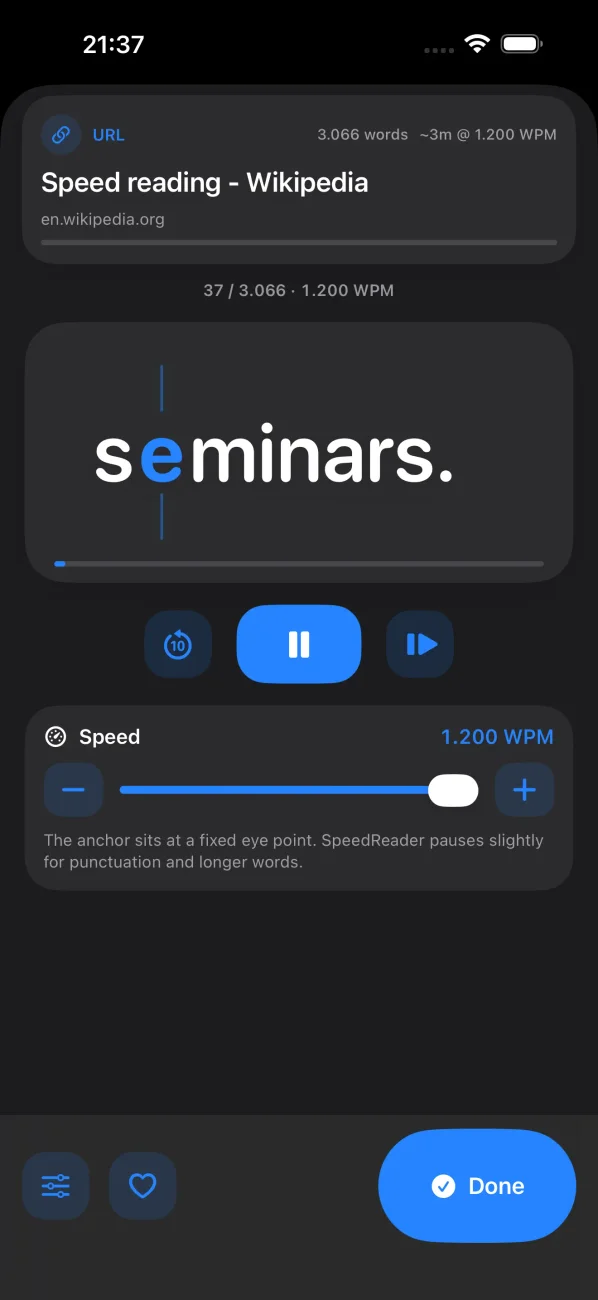
SpeedReader: Juice turns long text into focused one-word reading sessions. Paste text, import a public URL, open an article in the built-in browser, scan a screenshot with on-device OCR, or bring in a PDF, then read at your chosen pace with a fixed visual anchor.
The reader is built for quick, repeatable reading sprints:
- One-word-at-a-time display with adjustable words per minute
- Fixed eye anchor and optional bold/color focus
- Adaptive pauses for punctuation and longer words
- Built-in browser and favorite sources
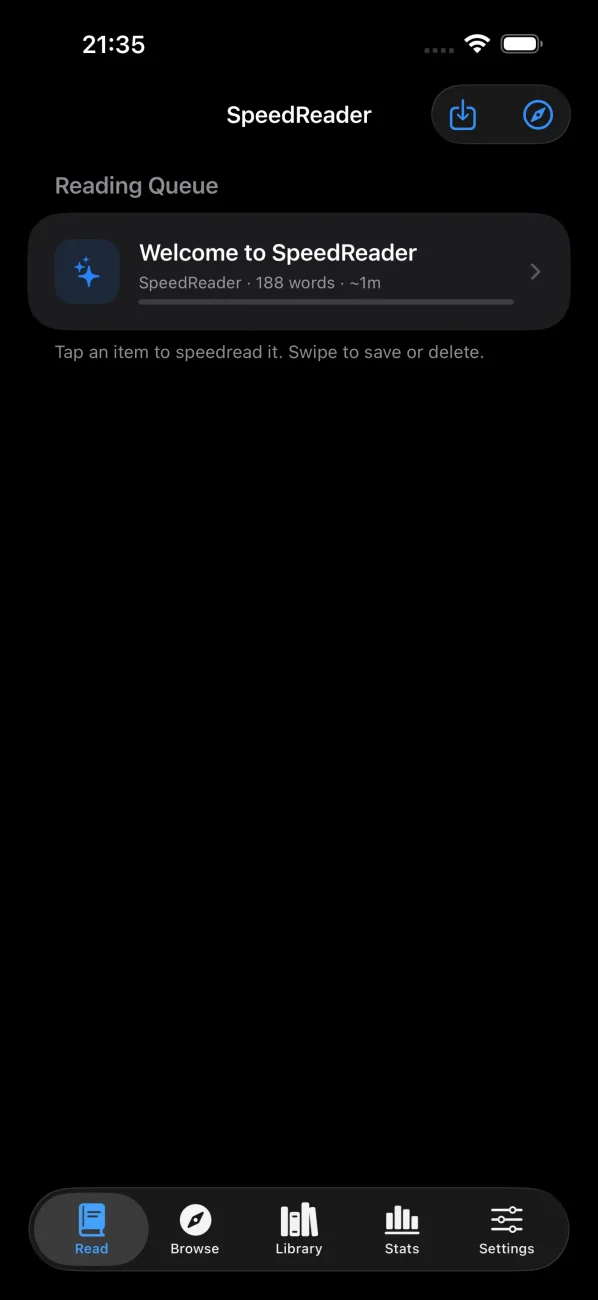
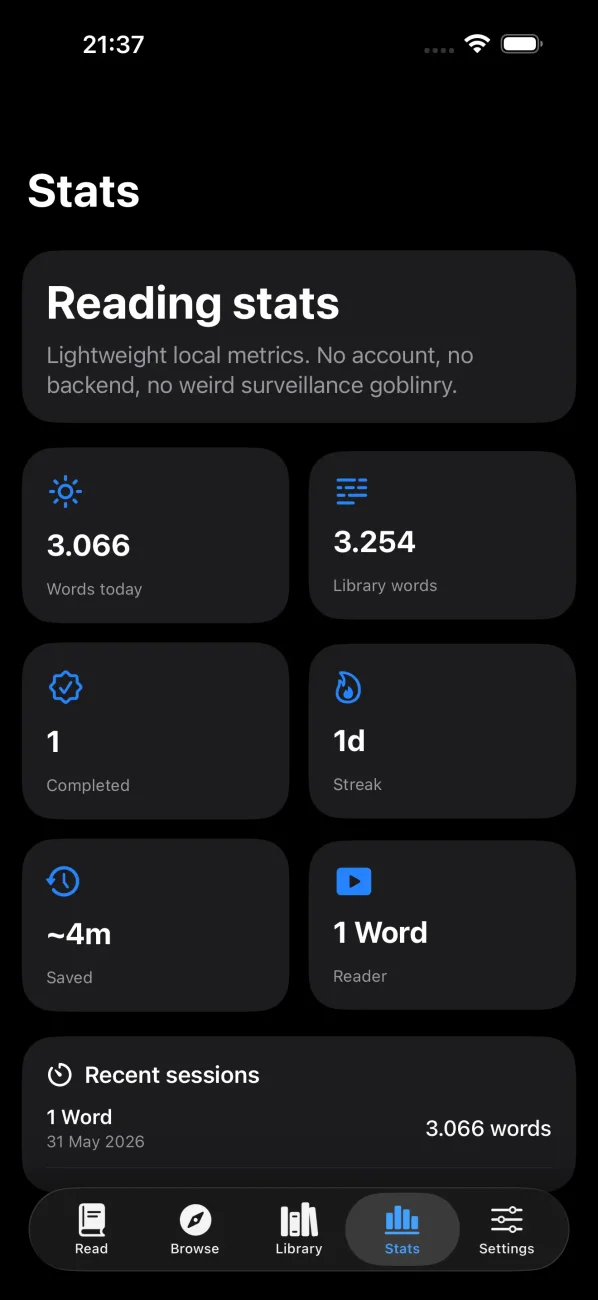
- Local library, reading stats, and saved profiles
- Image OCR and PDF text import
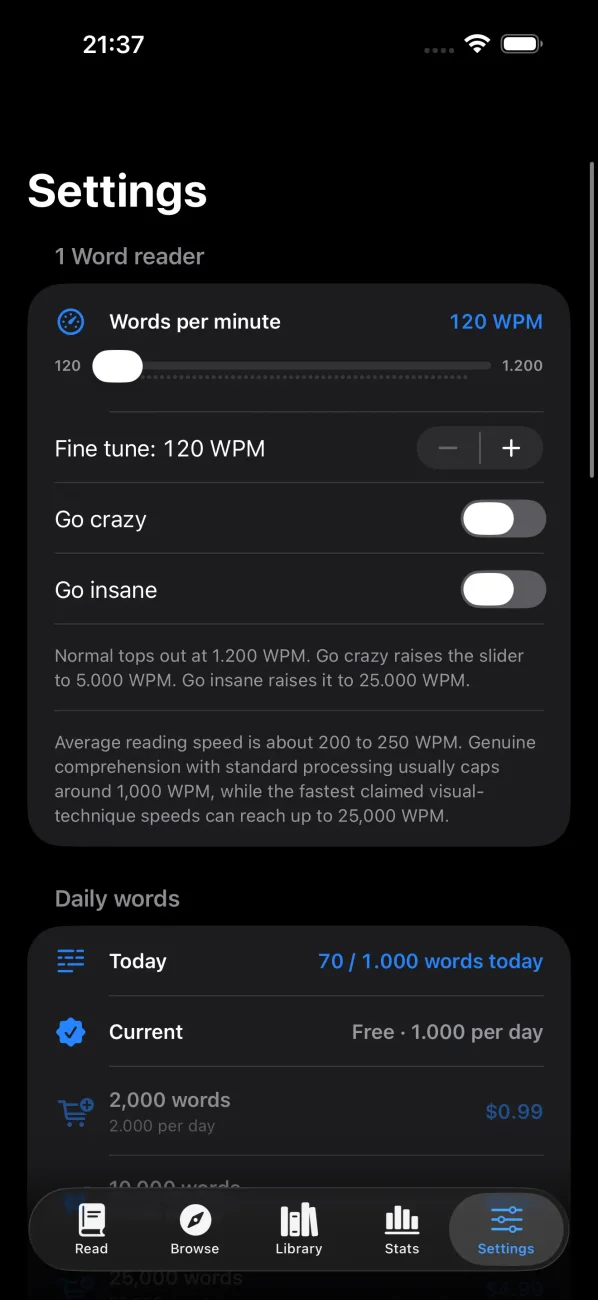
Daily reading allowances are clear and visible in Settings. Everyone gets 1,000 words per day free, with optional paid tiers for higher daily limits.
SpeedReader processes imported text locally where possible. URL import fetches the public page you choose; the app does not bypass paywalls or send article text to a SpeedReader backend.
What’s new
Version 3.0 · Nov 14, 2026
Meet Fold Pace on compatible iPhone Duo devices: enable it in the reader, fold inward to slow a tricky passage, then open back to restore your pace. Your saved speed stays unchanged.
Enjoy an adaptive reading workspace with your queue, pace controls and source context alongside the reader when space allows. Keep your place as the window changes size.
Existing iPhones remain supported, with the same familiar touch controls.
App privacy
What Thomas Richardson declares on the App Store about how this app handles data.
-
Data not collected
The developer does not collect any data from this app.
Privacy practices may vary, for example with the features you use or your age.
Information
- Seller
- Thomas Richardson
- Category
- Productivity
- Version
- 3.0
- Updated
- Nov 14, 2026
- Released
- Jun 8, 2026
- Size
- 10.8 MB
- Requires
- iOS 17.0 or later
- Age rating
- 4+
- Price
- $0.99
- In-app purchases
- Yes
- Languages
- English, Arabic, French, German, Hindi, Japanese, Korean, Norwegian Bokmål, Portuguese, Simplified Chinese, Spanish, Swedish + 4 more
- Copyright
- © 2026 Lanchester Research & Design
You might also like
-
 WallDone: Task Sticker WallNo Deadline Habit Tracker
-
 ScanLite: Scanner and OCRScan to PDF and image to text
-
 Idea Think: Thought OrganizerMind Map & Idea Organizer
-
 Mori: Stoic Life Grid & FocusLive while you can
-
 Habit Tracker: Planner RoutineBuild Good & Quit Bad Habits
-
 Auto Detailing: Business AppInvoice, Schedule, Dispatch
-
 Ollie Timer: Cozy Focus TimerFocus time with Ollie
-
 Private AI Note Taker: BasilMeeting Notes & Voice Recorder
-
 InspirationDraftPrivate Local AI, Better Ideas
-
 App Blocker OffKitStop doomscrolling. Block apps