
- Age rating4+
- CategoryProductivity
- DeveloperSchneider Electric SAS
- LanguagesEnglish+ 1 more
- Size9.3 MB
Links to the official App Store page
Download.org hosts no file of Pro-face Remote HMI. The button opens its official App Store page, published by Schneider Electric SAS. Listing last checked on Nov 12, 2026.
Screenshots

About
====================================================
Pro-face Remote HMI Price Revision!
====================================================
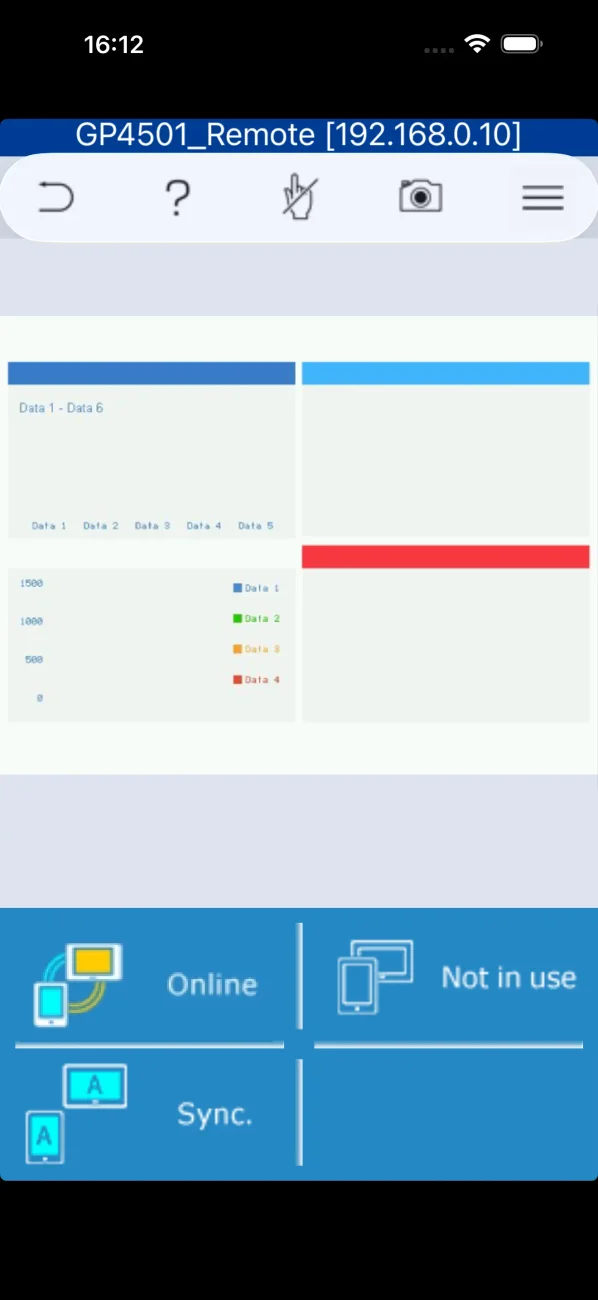
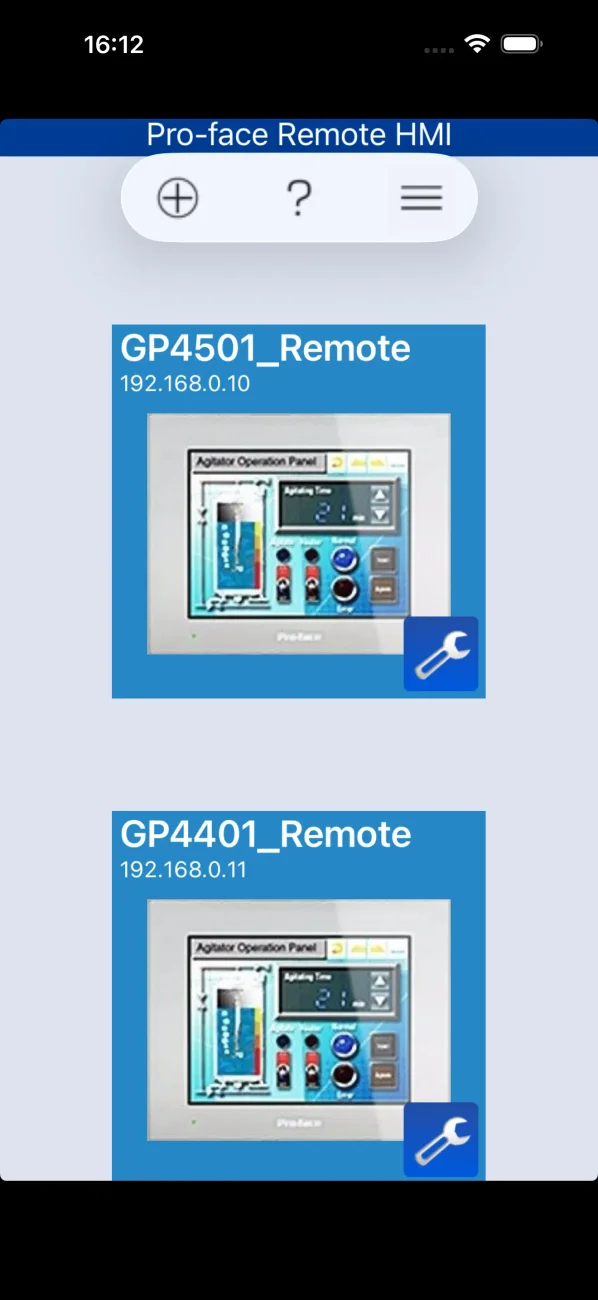
Pro-face Remote HMI software allows operators to check status of HMI screens on multiple applications remotely,
and assist HMI operation as a sub-display of HMI unit connected with iPhone and iPad.
- Quick 3 steps to use Pro-face Remote HMI
1. Prepare Wireless Router and connect to HMI.
2. Adjust GP application in GP-Pro EX and transfer it to HMI.
3. Download and install Pro-face Remote HMI in iPhone and iPad.
Application:
- Monitoring Anywhere of Large/Long Equipment
Using the remote monitoring and operation functions,
actions that previously required multiple staff for a large-sized machine or long-distance application can be easily accomplished by fewer operators.
- Troubleshooting before running to troubled machine
You can confirm possible causes of errors to prepare for necessary actions and tools before running down to the point of the problem.
- Efficiently and effectively monitor machines on the factory floor
Pro-face Remote HMI allows you to check machines and equipment for alarms, operating status,
and other information using iPhone, iPad and from anywhere on the factory floor.
Features:
- Synchronized or Asynchronized Monitoring
Pro-face Remote HMI lets you switch communication modes to monitor status.
- Touch Exclusive Control
Setting the monopolize touch function prevents unexpected operational misuses caused by redundant operation.
Operation is re-enabled a preset time after Pro-face Remote HMI or the GP unit on the equipment has been operated.
- Remote Status Icon
A local operator can check the status of remote connection and touch monopoly of HMI server or remote client on a HMI screen for safer operation.
- Screen Shortcut
Images or texts of machines to monitor can be registered as shortcuts to easily jump from one HMI to another among multiple applications,
for various working environments, such as in an office or manufacturing site.
- Limitation
- Supported HMI Editor for HMI Server: GP-Pro EX Ver. 3.1 or later
- Refer to the GP-Pro EX manual for models (servers) that support the Pro-face Remote HMI feature.
- Text and picture for which Blink is set in the server are not displayed in blinking in the client.
- Reverse Display in 16 Level Monochrome color mode is not supported.
- Touch operation in the Asynchronous Mode is available only for the functions that allow you to check display, such as "Screen Change", "Previous Screen", "Scroll" of [Switch/Lamp] and so on. When "Multifunction" mode is set, however, touch operation is disabled.
- In Asynchronous Mode, neither a user window nor a system keypad can be displayed.
- When the version is upgraded to iOS7 or later, the already saved password is reset.
Enter the correct password again for connection. At the same time, the entered password is saved.
What’s new
Version 1.71.000 · Aug 6, 2026
The app now supports iOS 26.
App privacy
What Schneider Electric SAS declares on the App Store about how this app handles data.
-
Data not collected
The developer does not collect any data from this app.
Privacy practices may vary, for example with the features you use or your age.
Information
- Seller
- SCHNEIDER ELECTRICJAPAN HOLDINGS LTD.
- Category
- Productivity
- Version
- 1.71.000
- Updated
- Aug 6, 2026
- Released
- Feb 15, 2013
- Size
- 9.3 MB
- Requires
- iOS 15.0 or later
- Age rating
- 4+
- Price
- $29.99
- Languages
- English, Japanese
- Copyright
- © 2019 Schneider Electric Japan Holdings Ltd. All Rights Reserved.
You might also like
-
 EcoStruxure Industrial DeviceEcoStruxure Industrial Device
-
 Peloton - ProdView GoOil & gas field data capture
-
 opLYNX MobileProductivity
-
 Remote HMIC-more HMI Remote Access
-
 OpsReadyProductivity
-
 Builder BrigadeProductivity
-
 Milwaukee® Heated GearPersonalize Heat & Run-Time
-
 RealVNC Viewer: Remote DesktopProductivity
-
 OneControl AutoProductivity
-
 BlueDriver OBD2 Scan ToolFear No Fix™