
- Age rating4+
- CategoryPhoto & Video
- DeveloperSUKRU UTKU POYRAZ
- Size12.7 MB
Links to the official App Store page
Download.org hosts no file of ProCam Instrument. The button opens its official App Store page, published by SUKRU UTKU POYRAZ. Listing last checked on Nov 13, 2026.
Screenshots


About
ProCam Instrument is a manual camera for people who already know what they want the picture to be.
THE NUMBERS ARE THE INTERFACE
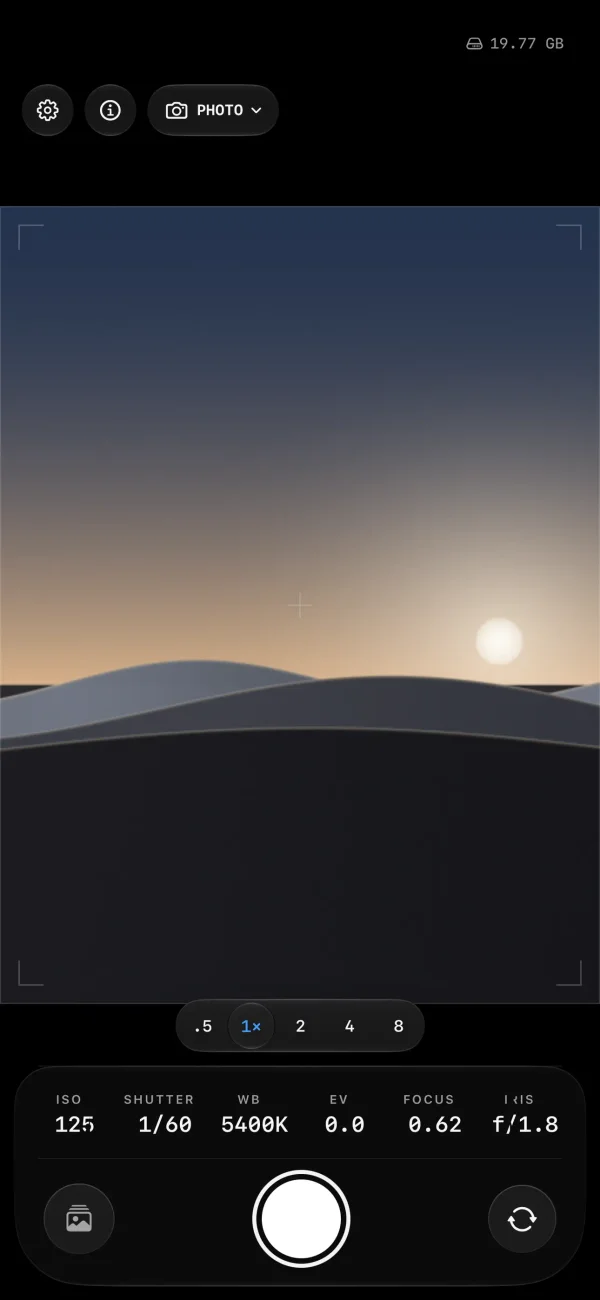
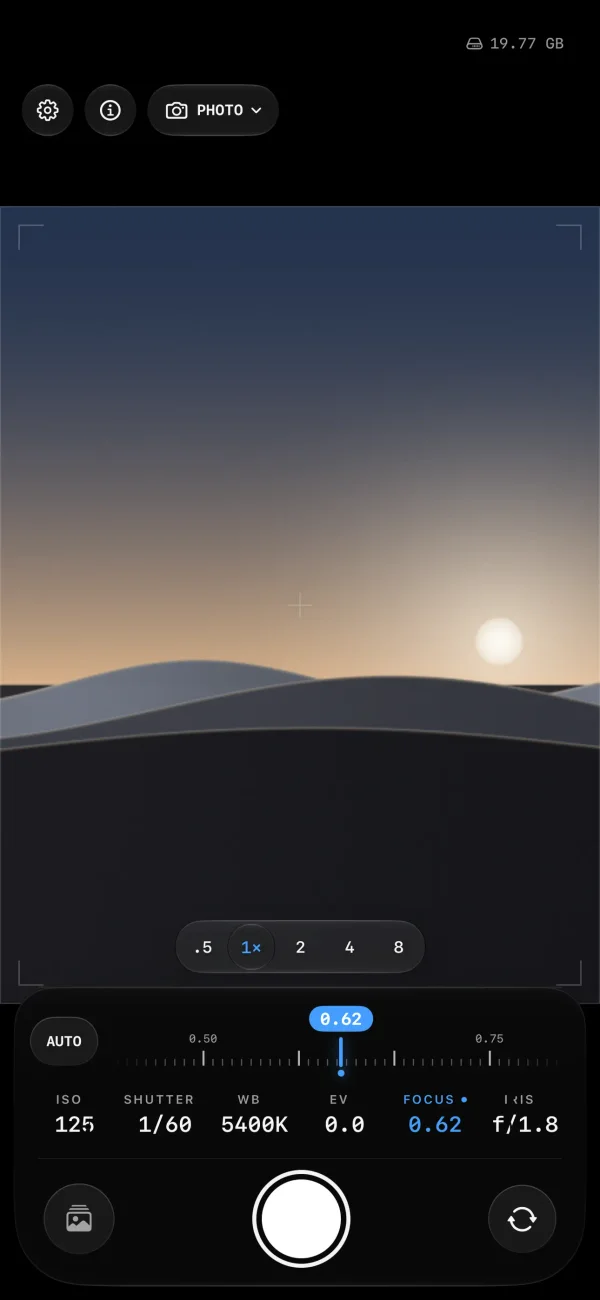
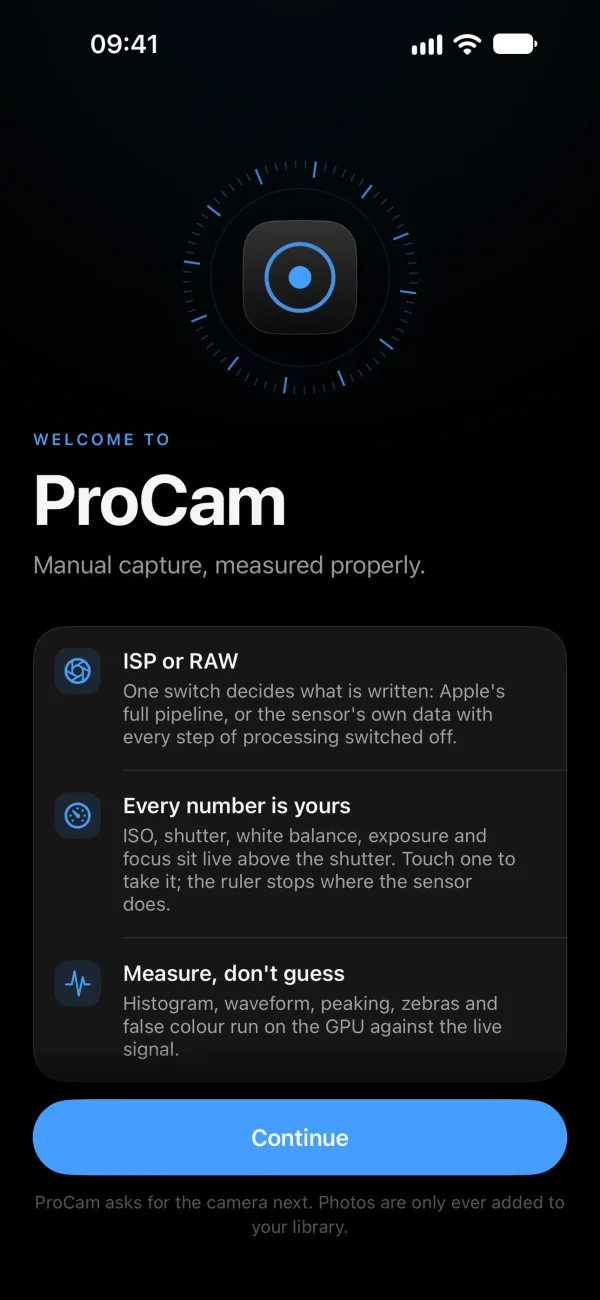
ISO, shutter, white balance, exposure, focus and iris sit live above the shutter. Touch one and it comes off automatic onto a ruler that stops where the sensor stops — so what you dial is what the hardware can actually do. Pin the shutter and it is shutter priority; pin ISO too and it is manual, with the meter's needle showing how far off you are.
WHAT IS WRITTEN IS YOUR CHOICE
One control decides the file: HEIF, JPEG, Apple ProRAW, or Bayer RAW straight off the sensor with Apple's processing switched off. Or develop it with ProCam's own scene-linear pipeline — wavelet denoise, guided-filter tone mapping, halo-limited sharpening — and merge a bracket into one frame with multi-frame RAW fusion.
MEASURE, DON'T GUESS
Histogram, RGB parade, waveform, vectorscope, focus peaking, zebras and false colour all run on the GPU against the live signal. A focus magnifier punches the monitor in while you set focus. Frame guides, safe areas and anamorphic desqueeze change the viewfinder and never the file.
FOR MOVING PICTURES
Apple Log and Log 2, HLG, ProRes and ProRes RAW where the hardware offers them. Clip naming, QuickTime timecode, slate metadata, clip length and size limits that roll into the next clip, pause and resume, markers you can drop mid-take, a proxy copy, pre-roll that keeps the seconds before you pressed record, and a clean feed on a second screen.
DRIVES A BODY WOULD HAVE
Exposure and focus bracketing, focus stacking, an intervalometer, long exposure that builds in front of you, a night stack, and a star-trail mode that keeps the brightest each pixel has ever been.
EVERY LENS, EVERY FEATURE
The back lenses are one camera: changing focal length ramps the zoom instead of tearing the session down, so a lens change works mid-recording and nothing is gated on which lens you are on. Settings → System → Camera Capabilities reads every capability off the hardware at runtime and tells you what this iPhone can and cannot do — no guessing from the model name.
THE REST
A gallery with a metadata inspector that shows what the file actually says; a non-destructive editor with curves, HSL, colour grading, masks and lens corrections; Siri and Shortcuts; Lock Screen and Control Center capture; a second iPhone as a remote; and a hardware self-test that sets every control, reads it back from the sensor, and reports what passed.
PRIVACY
No accounts, no analytics, no advertising, no third-party SDKs. Nothing leaves your iPhone. Location is written into a photo's EXIF only when you switch Location Tagging on.
App privacy
What SUKRU UTKU POYRAZ declares on the App Store about how this app handles data.
-
Data not collected
The developer does not collect any data from this app.
Privacy practices may vary, for example with the features you use or your age.
Information
- Seller
- SUKRU UTKU POYRAZ
- Category
- Photo & Video
- Version
- 1.0
- Updated
- Sep 22, 2026
- Released
- Sep 22, 2026
- Size
- 12.7 MB
- Requires
- iOS 18.0 or later
- Age rating
- 4+
- Price
- Free
- Copyright
- © 2026 Şükrü Utku Poyraz
You might also like
-
 ProLens: Manual CameraShutter, ISO & White Balance
-
 EMST CameraFilm inspired. Manual control.
-
 GlassMeter: Film Light MeterSpot & Zone Exposure for Film
-
 Real ProCamManual ISO, Shutter & f-Stop
-
 Knurl CameraPure RAW, manual controls
-
 Shutterbug: Photo StacksGallery for shutter mashers
-
 TV Watch S: Video ComplicationPlay your own clips on Watch
-
 PreReel: Pre-Record CameraRecord moments before you tap
-
 Fexer - Pro CameraManual camera & film LUTs
-
 EIS CamPhoto & Video