ProCamera - Triple Lens
Dual Capture & Camera Tools
Designed for iPhone, iPad
Free · In-app purchases
- Age rating4+
- CategoryPhoto & Video
- DeveloperAbdullah Ibrahim
- LanguagesEnglish+ 9 more
- Size66.9 MB
Links to the official App Store page
Download.org hosts no file of ProCamera - Triple Lens. The button opens its official App Store page, published by Abdullah Ibrahim. Listing last checked on Nov 18, 2026.
Screenshots

About
Turn your iPhone into a flexible camera studio for everyday shooting, creative effects, and connected multi-device capture.
ProCamera – Triple Lens keeps familiar photo and video controls close at hand while adding advanced capture modes that adapt to the cameras and formats supported by your device.
CAPTURE WITH CONTROL
• Take photos and record video with device-supported resolution and frame-rate choices
• Adjust focus, exposure, zoom, aspect ratio, flash, and continuous light
• Choose compatible photo formats and use manual controls when needed
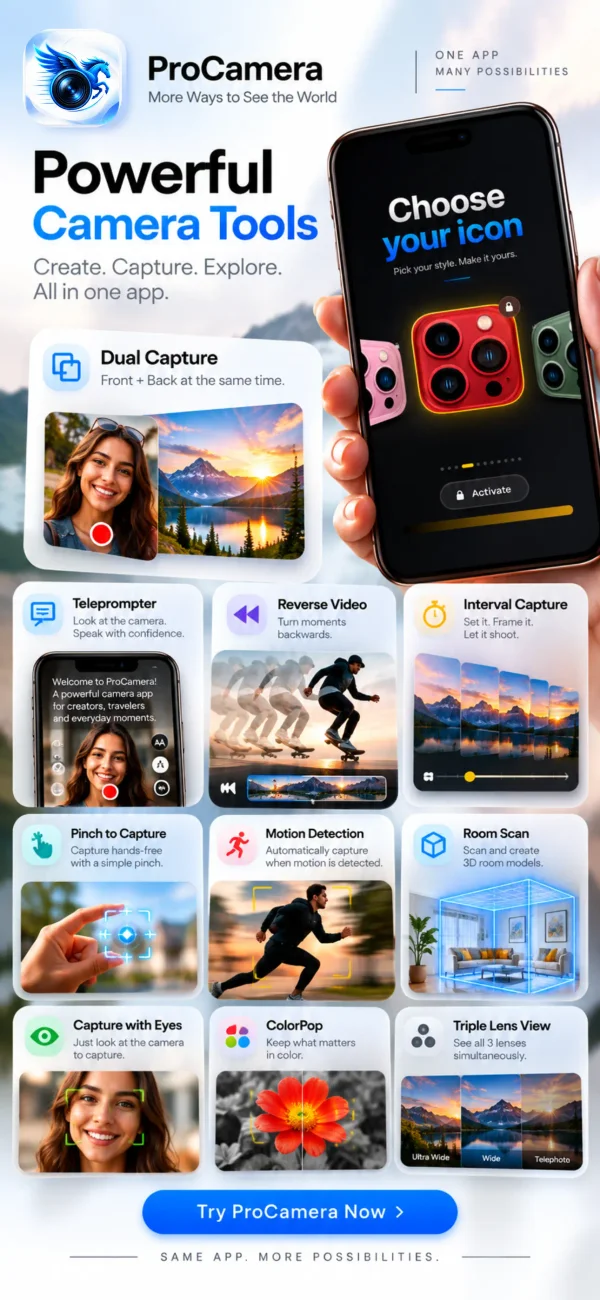
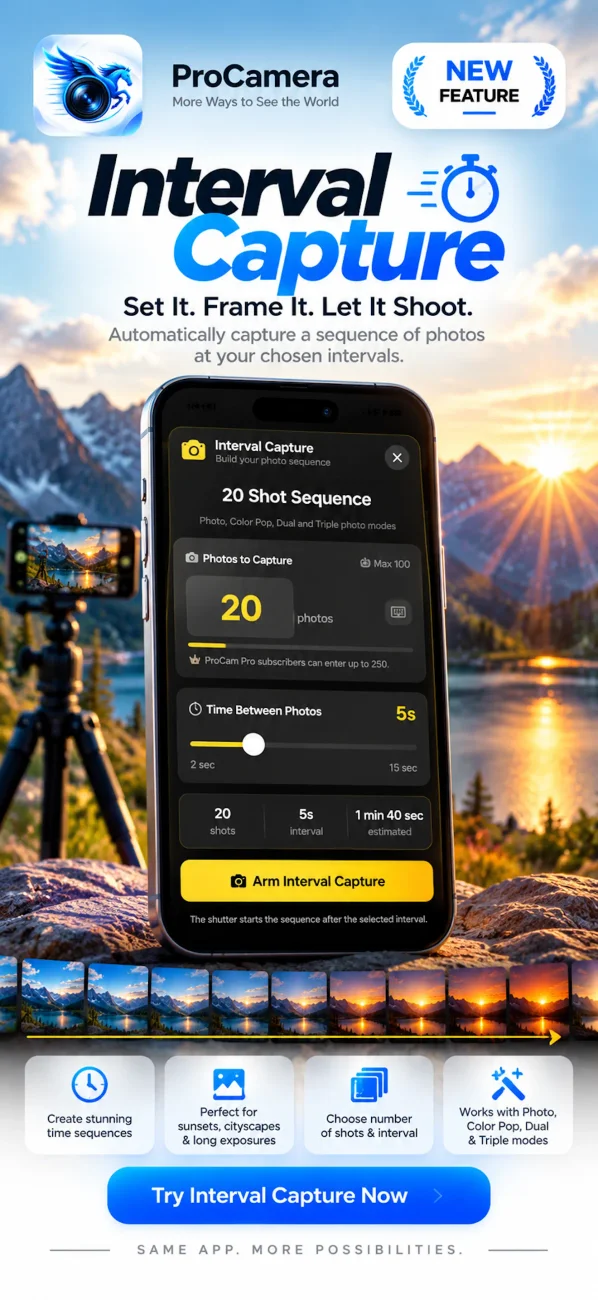
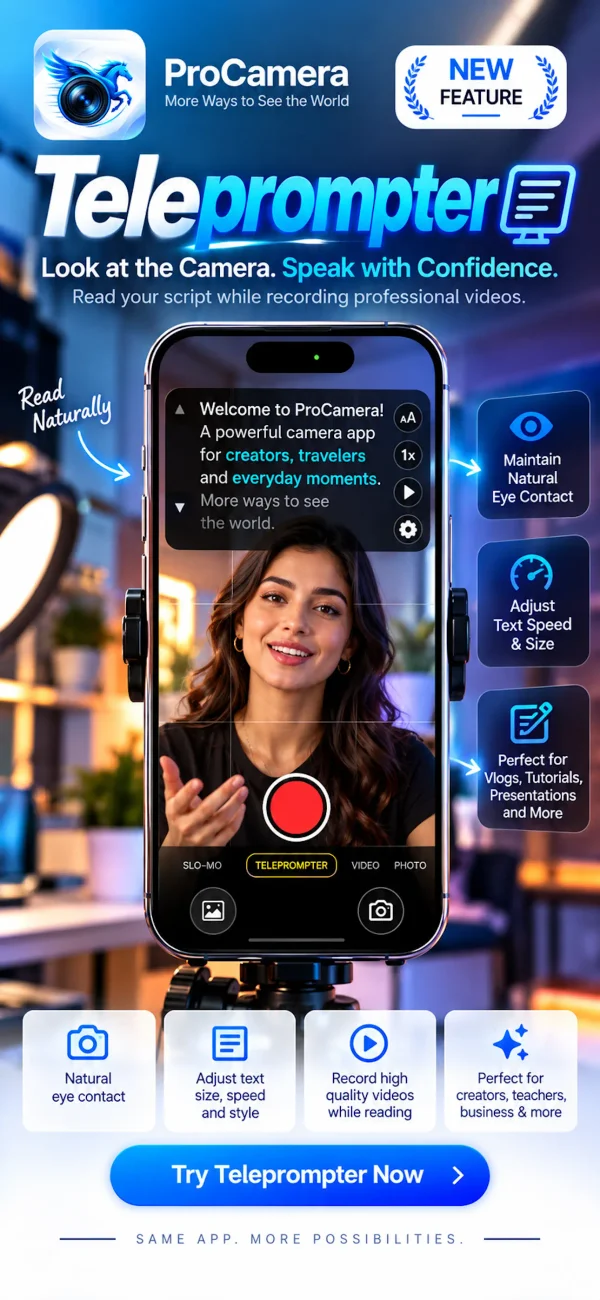
• Use filters, a teleprompter, custom timers, and interval capture
CREATIVE CAMERA MODES
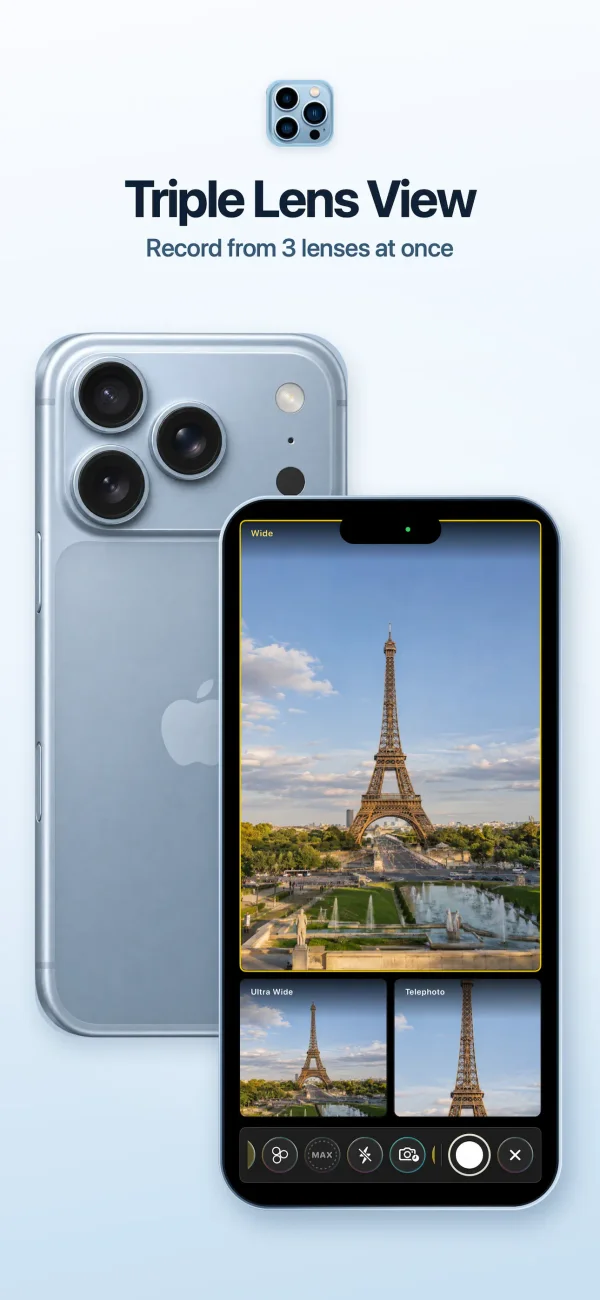
• Triple Lens View: Monitor and capture supported rear lenses together
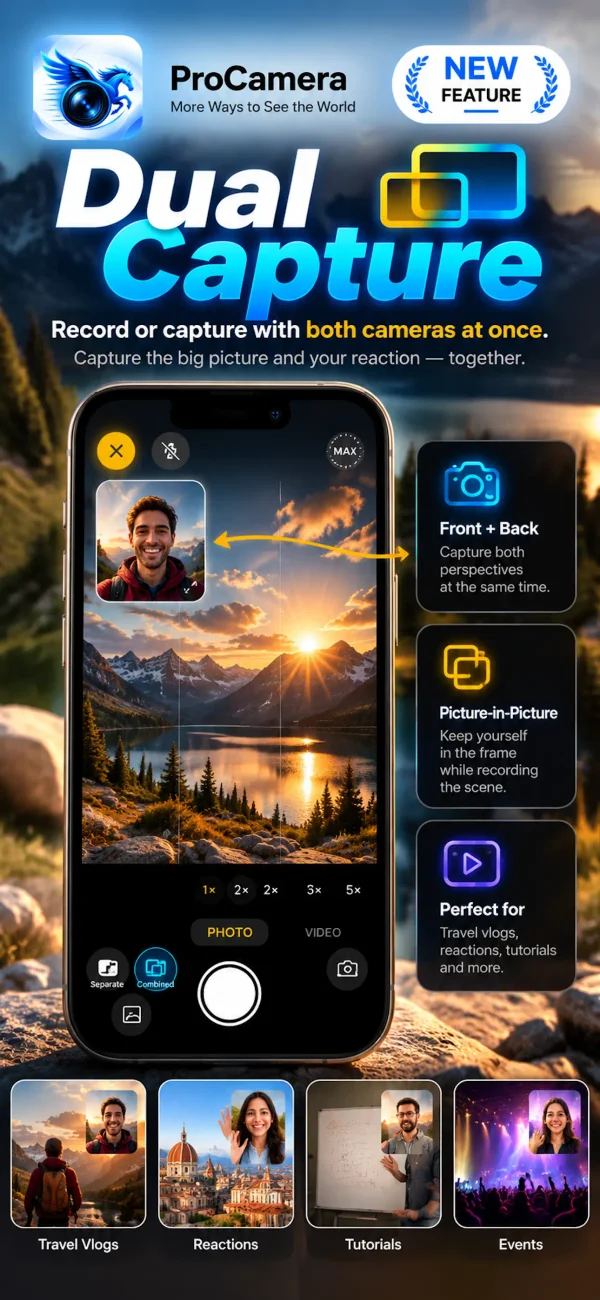
• Dual Capture: Use compatible front and rear cameras with multiple layouts
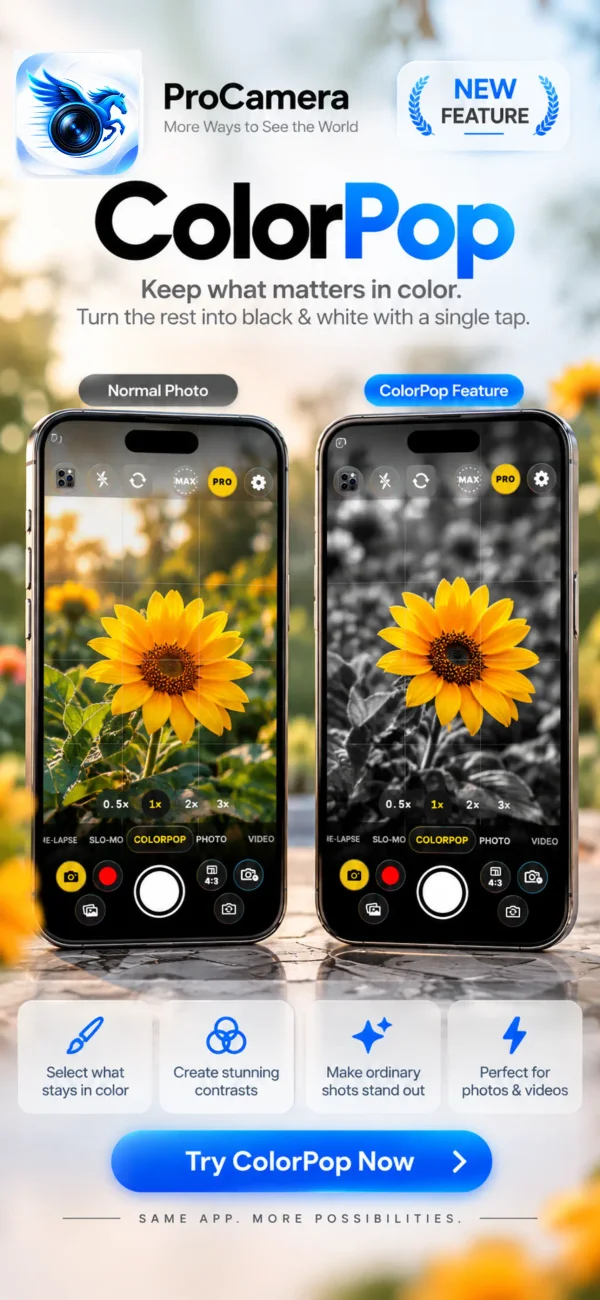
• ColorPop: Keep your chosen color while turning the rest of the scene monochrome
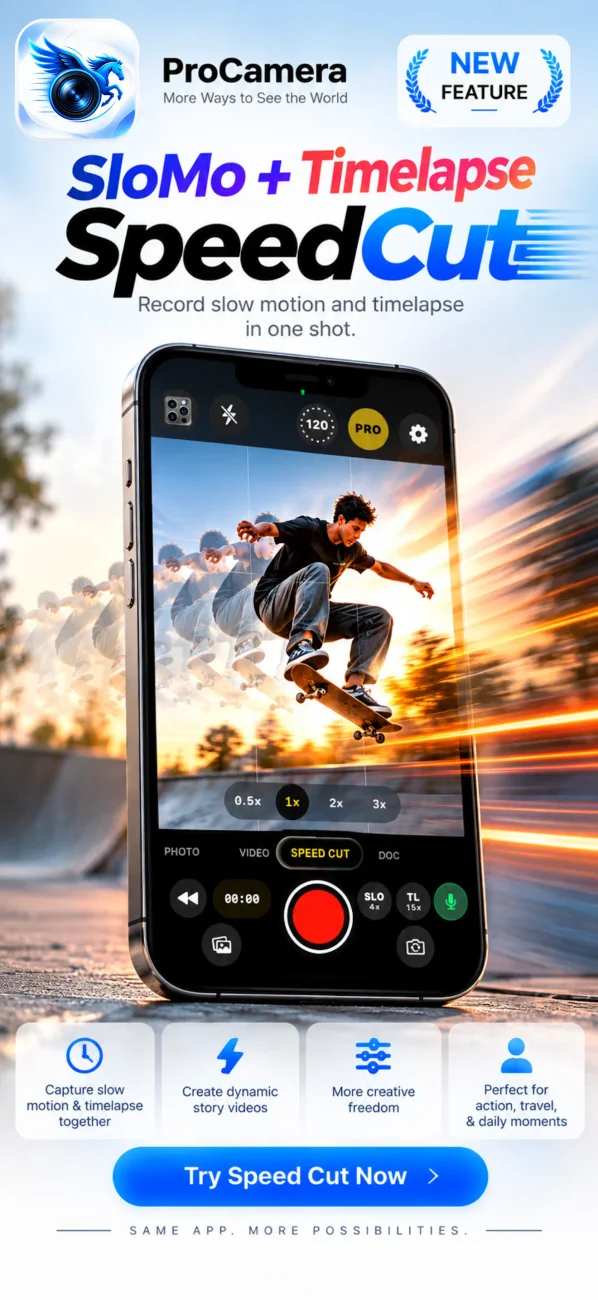
• Speed Cut: Create stylized fast and slow capture sequences
• iCut: Create cutouts and background effects
• Face Masks: Scan, refine, and use custom masks on compatible TrueDepth devices
MULTI‑IPHONE VIEW
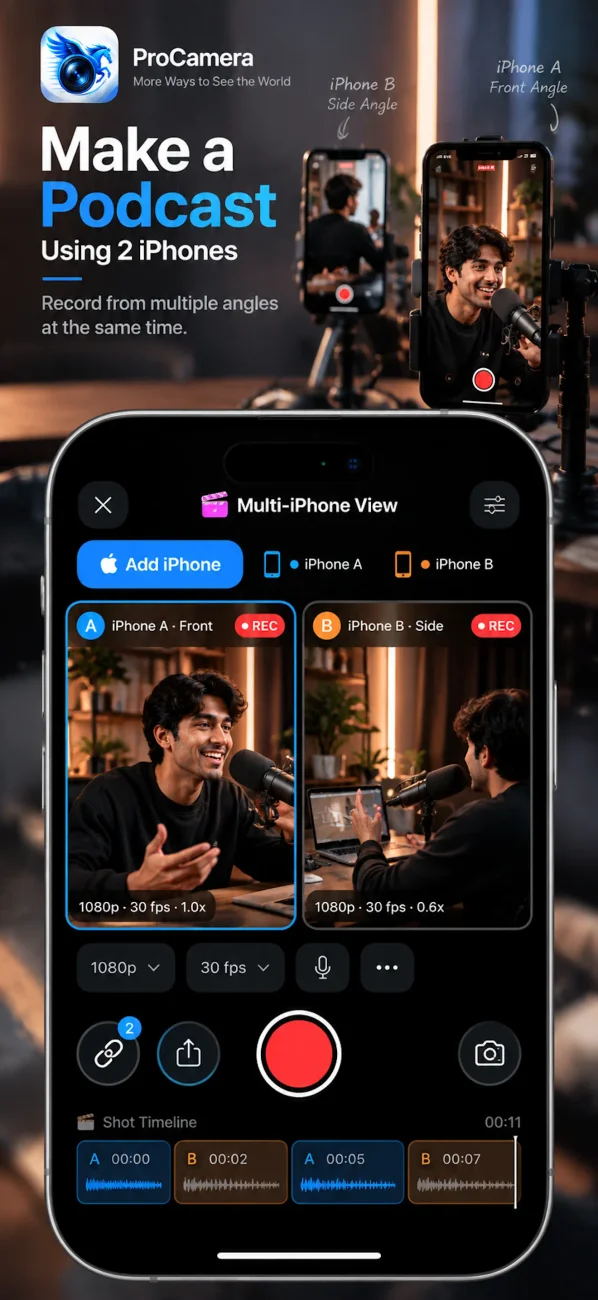
Use one iPhone as a camera and send its live preview to another device. The Director role can monitor connected cameras, control recording, and choose the active shot. “Use as Camera” is free; Director requires a Pro subscription.
SMART UTILITIES
• Scan QR codes and barcodes with tappable actions
• Scan documents and export finished pages
• Browse captured photos and videos from the built-in album viewer
• Use another compatible iPhone as a wireless microphone
• Access motion, compass, and other supported shooting aids
Feature availability depends on your iPhone or iPad model, installed OS, and active camera format. Some advanced features require Pro. Selected features may offer temporary access through rewarded ads where available.
Terms of Use (EULA):
https://www.apple.com/legal/internet-services/itunes/dev/stdeula/
What’s new
Version 1.4.4 · Nov 16, 2026
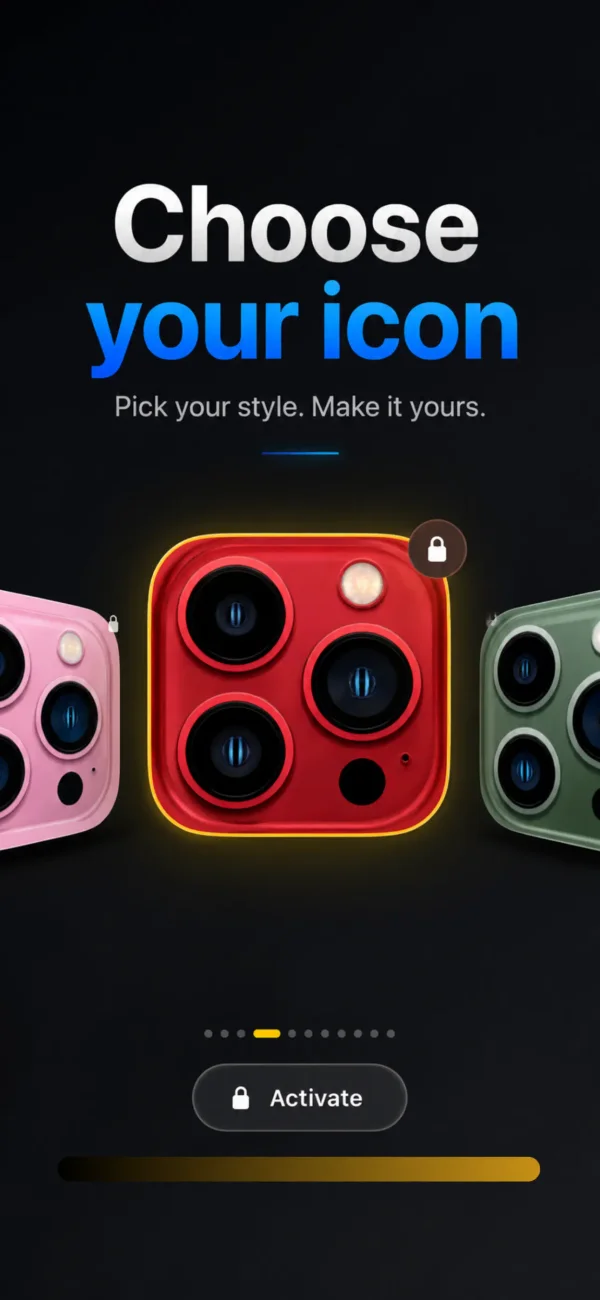
Customize your shutter. Browse six capture button styles in the redesigned ProCamera Store, preview their Photo and Video animations, and unlock your favorites individually or as a bundle.
See your microphone status at a glance. The mode slider briefly shows when you mute or unmute while filming.
See which Speed Cut effect is active. The slider smoothly updates when you select Time-Lapse, Slo-Mo, or Reverse.
Enjoy a cleaner landscape view. The mode slider outline fades away as you rotate, and ColorPop’s flashlight control has its circular outline back in portrait.
Store reliability fixes improve price loading and prevent overlapping bundle and individual checkouts while approval is pending.
App privacy
What Abdullah Ibrahim declares on the App Store about how this app handles data.
-
Data not linked to you
May be collected but is not linked to your identity.
- Location
- Usage data
- Diagnostics
- Surroundings
Privacy practices may vary, for example with the features you use or your age.
Information
- Seller
- Abdullah Ibrahim
- Category
- Photo & Video
- Version
- 1.4.4
- Updated
- Nov 16, 2026
- Released
- Jun 5, 2026
- Size
- 66.9 MB
- Requires
- iOS 18.0 or later
- Age rating
- 4+
- Price
- Free
- In-app purchases
- Yes
- Languages
- English, Arabic, French, German, Hindi, Japanese, Russian, Simplified Chinese, Spanish, Urdu
- Copyright
- © 2026 Abdullah Ibrahim
You might also like
-
 Lumen CameraPro Manual Cinematic Camera
-
 Better Camera: Point & ShootFilm looks. Yours, not AI's.
-
 Camera HD & Pro Raw Photo HDRCinematic Photography & Video
-
 SnapX - Xoom CameraXoom Camera- Capture Anything
-
 Razr - Street CameraStreet and Travel Photography
-
 Ultra 100x Zoom Camera HDPro Zoom 100x & Manual Camera
-
 Cinematic Camera - PlivkaPhoto Video Digicam
-
 Log Cam: Open Gate by RAW CamCinematic Log Video Camera
-
 DSLR Camera - Manual CameraPhoto, Video, Multi-Cam, Film
-
 Zoom Camera: DSLR Focus & BlurHD Photos, Video & Filters