ProCorder – automatic recorder
Scheduled seamless recording
Designed for iPhone, iPod touch
Free · In-app purchases
- Age rating4+
- CategoryProductivity
- DeveloperPEGASUS MANAGEMENT INC
- LanguagesEnglish
- Size41.5 MB
Links to the official App Store page
Download.org hosts no file of ProCorder – automatic recorder. The button opens its official App Store page, published by PEGASUS MANAGEMENT INC. Listing last checked on Nov 15, 2026.
Screenshots

About
ProCorder is the first and only recorder that helps professionals protect their reputation, money and time – by elegantly, automatically recording any conversations that we may forget to record or feel uncomfortable to initiate recording.
WHAT IS ACTUALLY THE PROBLEM?
As professionals or celebrities we live very active lives and interact with many people in diverse situations. Many times we regret not having a recording of conversations where our reputation, money or time are at stake. The reason we don’t have recordings is that it is difficult to remember to record and often very complicated and inconvenient to start a recording while already in a meeting or on a phone call.
What is required is a solution whereby:
1) automatic initiation of recordings can be easily pre-scheduled, even for recurring meetings, and even for phone calls.
2) recordings should start discreetly without disrupting the flow of the meeting.
3) all recordings are managed simply and their authenticity is protected.
That’s ProCorder.
Unique benefits of ProCorder:
1. Never again forget to record! Various AUTO-start-recording capabilities
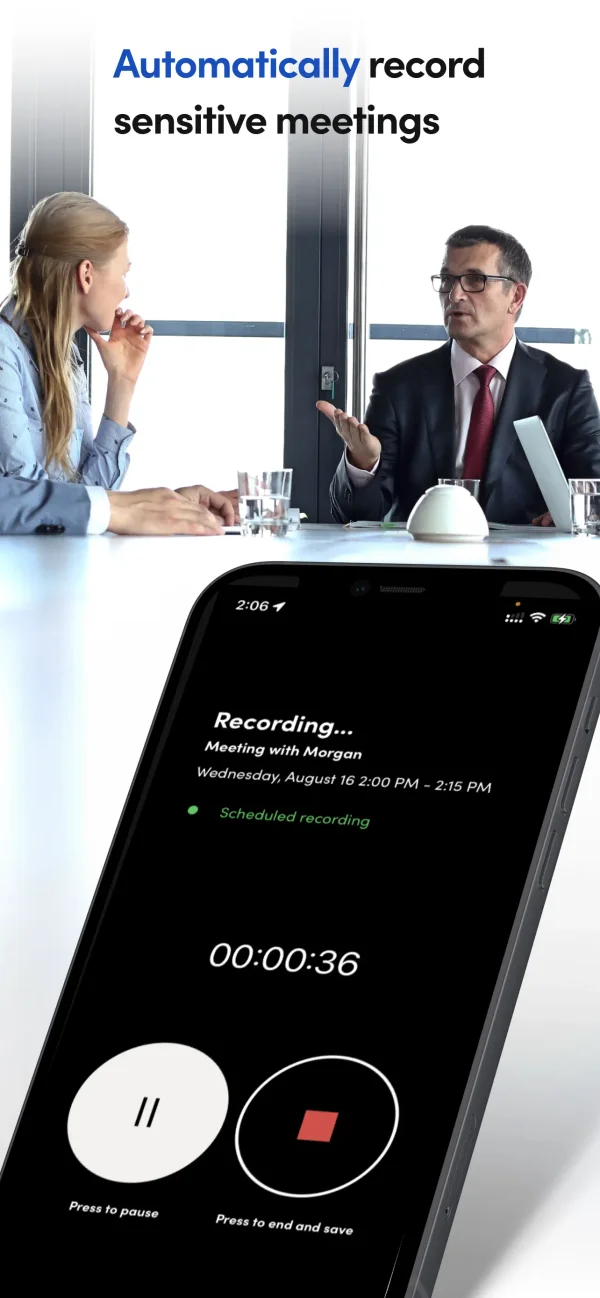
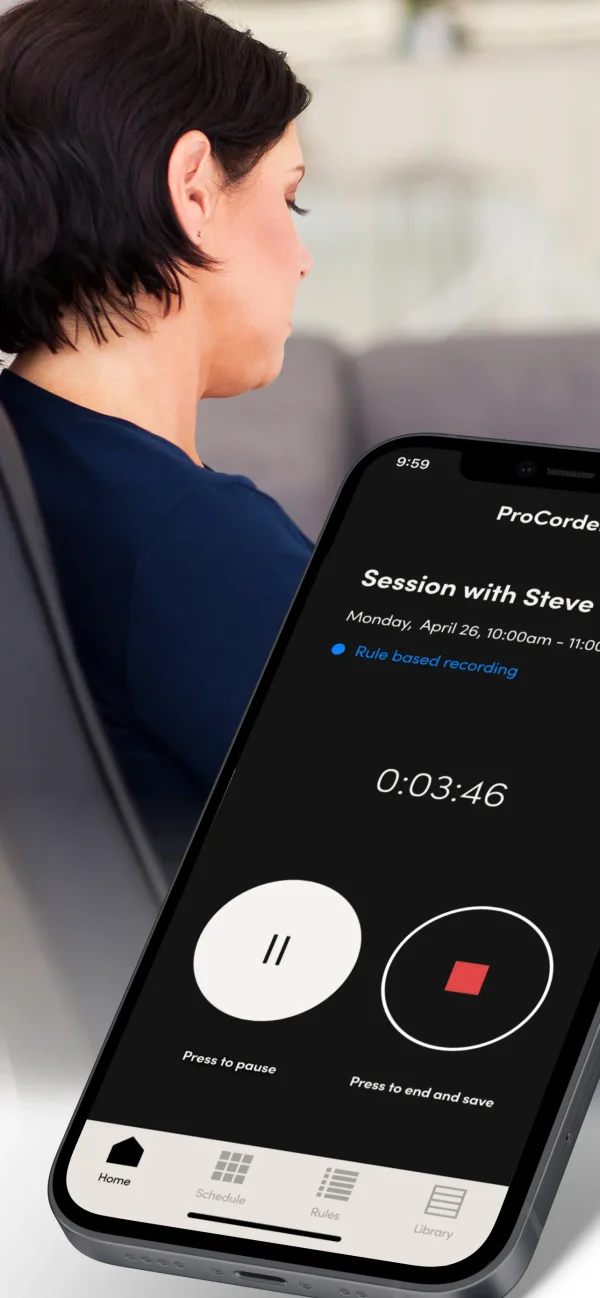
ProCorder synchronizes with your choice of calendars, so you can select which calendar events or meetings will automatically be recorded, once or on a recurring basis.
You can also create rules (like “record all meetings with Taylor“) and ProCorder will automatically identify calendar events that conform with the rule and initiate recording.
2. FINALLY! Easy and discreet phone call recording capabilities (incoming and outgoing)
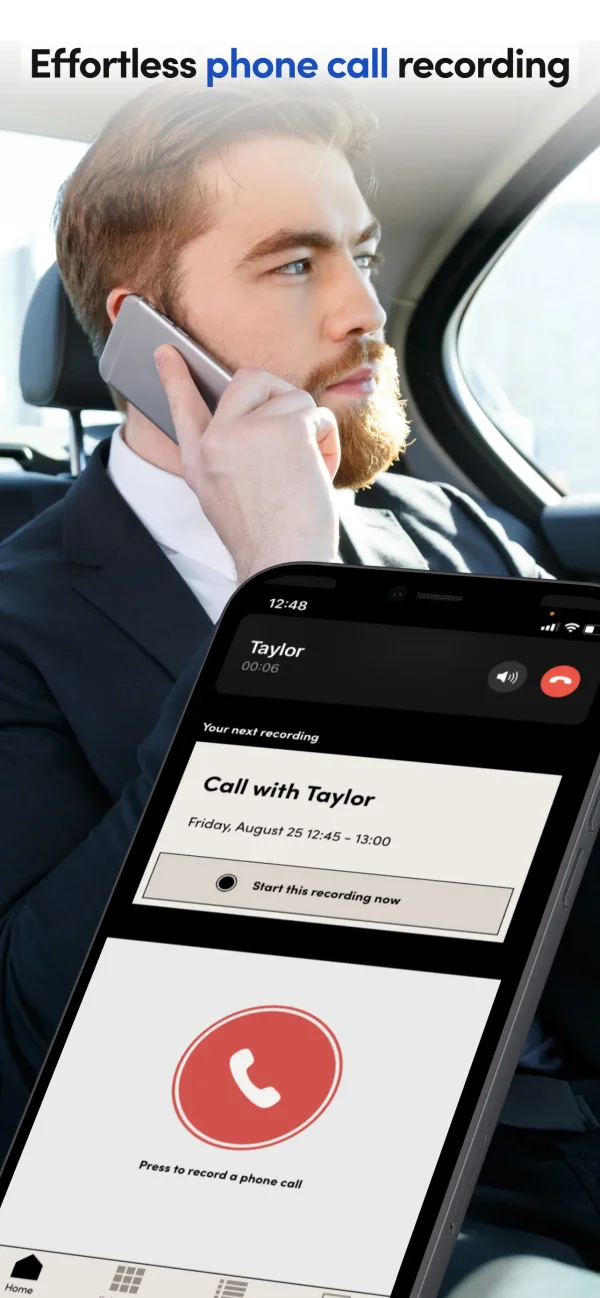
ProCorder is designed for easily and discreetly recording incoming and outgoing phone calls, either on an ad-hoc basis or by prescheduling the initiation and recording of an outgoing phone call.
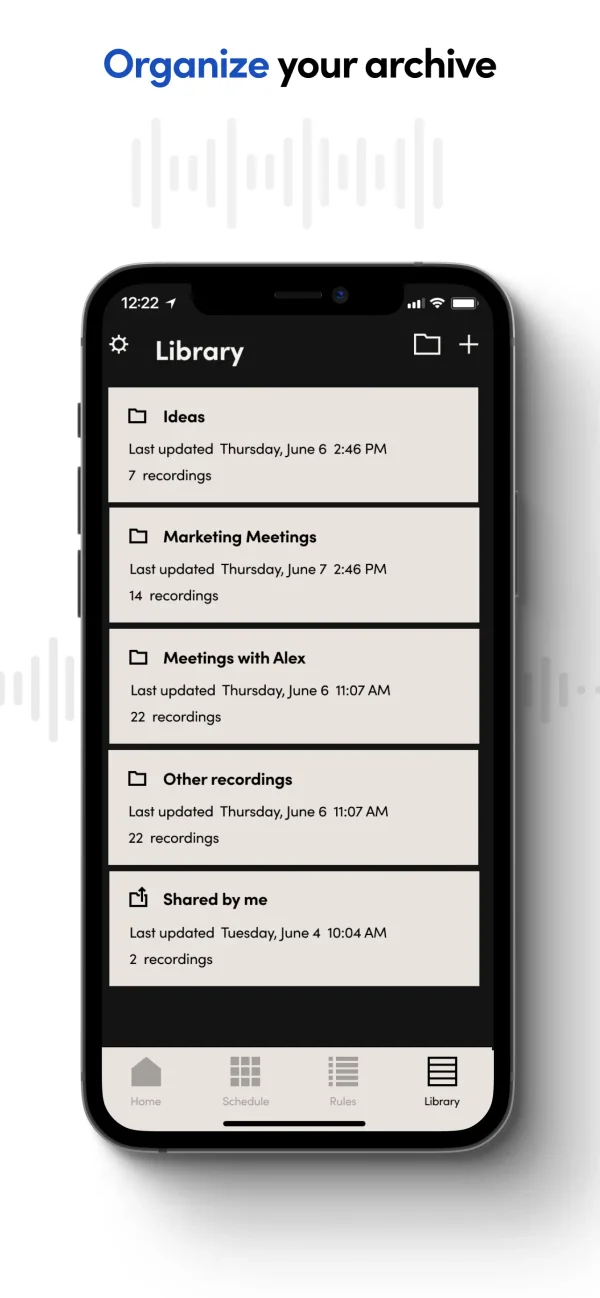
3. Easy organization: all recordings to the right folders, backed up and searchable.
Once you have a lot of recordings across professional and personal life domains you will greatly appreciate ProCorder’s library organization capabilities.
4. Transcribe recordings (record, transcribe and share your meetings)
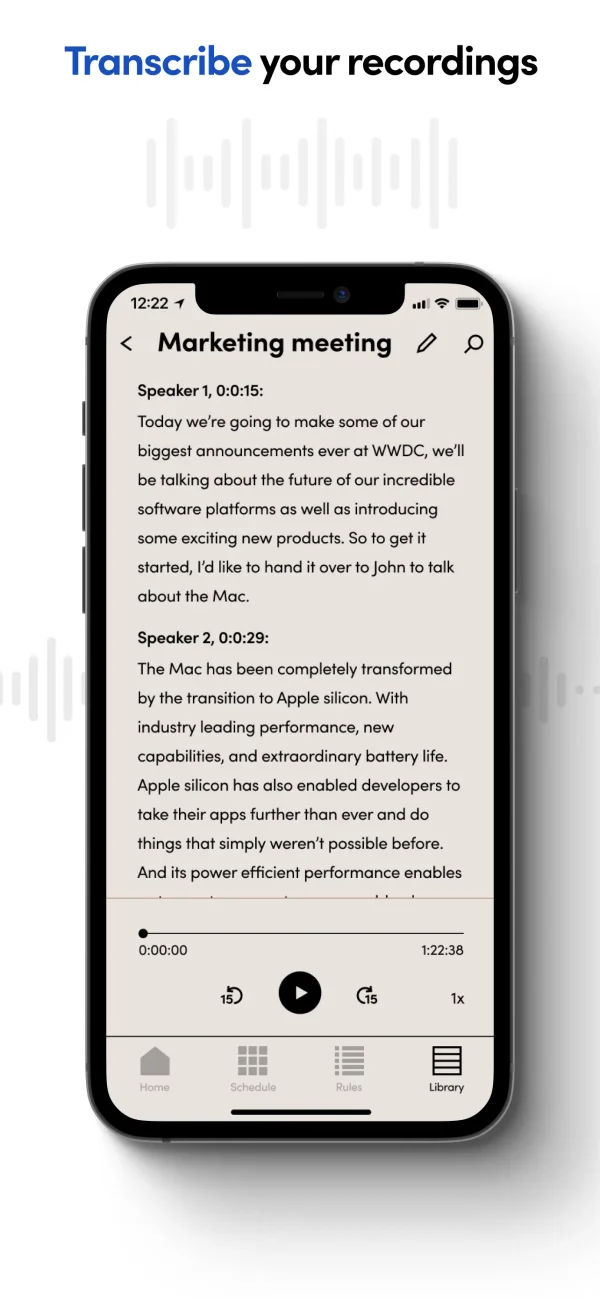
ProCorder uses state-of-the-art transcription technology. You can automate transcription of any of your recordings and ProCorder will notify you when it’s ready. You can also edit transcriptions.
The transcription feature can save you the need to assign a scribe or to take notes during a meeting.
5. Share your recordings with others
ProCorder allows you to share both audio and/or its transcription in a secure and convenient way via the cloud. You remain in control of the shared content and can disable shared links anytime.
6. Professional grade data security and privacy.
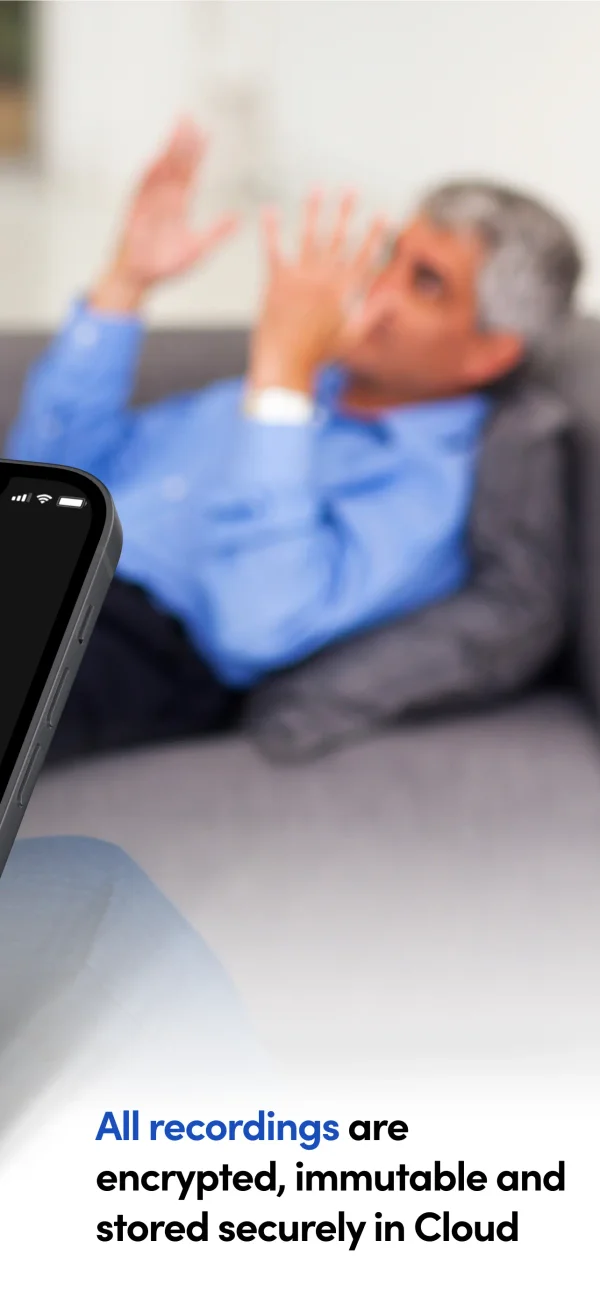
ProCorder uses state-of-the-art data security and data technologies and processes. Recordings are encrypted both in transit and at rest. With ProCorder all your recordings and information remain safe and secure.
7. You can prove the authenticity of your recordings (manipulation of the recordings is prevented).
ProCorder uses novel technologies in order to prevent and detect any editing or manipulation of the audio recording.
In addition, ProCorder marks the time and location of any recording.
This feature allows you to prove the authenticity of any recordings as well as the time and location in which each occurred.
TRY FREE
Get a 2-week free trial after installing and logging in to ProCorder, enjoy full functionality, and subscribe to a plan that suits your needs best at any time using the in-app purchase.
Terms of Use: https://procorder.com/terms.html
Privacy policy: https://procorder.com/policy.html
What’s new
Version 1.5.2 · Jul 2, 2026
- iOS26 support
- Glass design support and other UI improvements
- Default settings updated
- Search optimizations
App privacy
What PEGASUS MANAGEMENT INC declares on the App Store about how this app handles data.
-
Data used to track you
May be used to track you across apps and websites owned by other companies.
- Contact info
- Usage data
-
Data linked to you
May be collected and linked to your identity.
- Location
- Contact info
- User content
- Usage data
-
Data not linked to you
May be collected but is not linked to your identity.
- Diagnostics
Privacy practices may vary, for example with the features you use or your age.
Information
- Seller
- PEGASUS MANAGEMENT INC
- Category
- Productivity
- Version
- 1.5.2
- Updated
- Jul 2, 2026
- Released
- Jul 30, 2021
- Size
- 41.5 MB
- Requires
- iOS 15.0 or later
- Age rating
- 4+
- Price
- Free
- In-app purchases
- Yes
- Languages
- English
- Copyright
- © 2021 Pegasus Management Inc.
You might also like
-
 Voice Recorder Meeting AudioRecord,transcribe,trim audio
-
 Voice Recorder Meeting RecordRecord, Transcribe, Summarize
-
 SignatureDoc : Electronic SignPaste your sign in any PDFs
-
 SP VoiceSilently work at best quality
-
 Auto Audio Voice RecorderAuto Voice Activated Recorder
-
 Less Meeting: Agenda & NotesAction Items, Timer & Minutes
-
 MyNote -Simple note app-Suitable for memo pad,list pad
-
 Voice Recorder Audio Record HDRecord audio, notes,transcript
-
 BucketOutPass It On. Get It Done!
-
 World Sounds: for watchIdentify over 300 sounds