ProCorder – automatic recorder
Scheduled seamless recording
iPhone, iPod touch向けに設計
無料 · アプリ内課金
- 対象年齢4+
- カテゴリ仕事効率化
- 開発元PEGASUS MANAGEMENT INC
- 言語英語
- サイズ41.5 MB
App Storeの公式ページにリンクしています
Download.orgはProCorder – automatic recorderのファイルを一切ホストしていません。ボタンを押すと、PEGASUS MANAGEMENT INCが公開しているApp Storeのアプリページが開きます。ページの最終確認:2026/11/15。
スクリーンショット
概要
開発元はこのテキストをお使いの言語で提供していません。
ProCorder is the first and only recorder that helps professionals protect their reputation, money and time – by elegantly, automatically recording any conversations that we may forget to record or feel uncomfortable to initiate recording.
WHAT IS ACTUALLY THE PROBLEM?
As professionals or celebrities we live very active lives and interact with many people in diverse situations. Many times we regret not having a recording of conversations where our reputation, money or time are at stake. The reason we don’t have recordings is that it is difficult to remember to record and often very complicated and inconvenient to start a recording while already in a meeting or on a phone call.
What is required is a solution whereby:
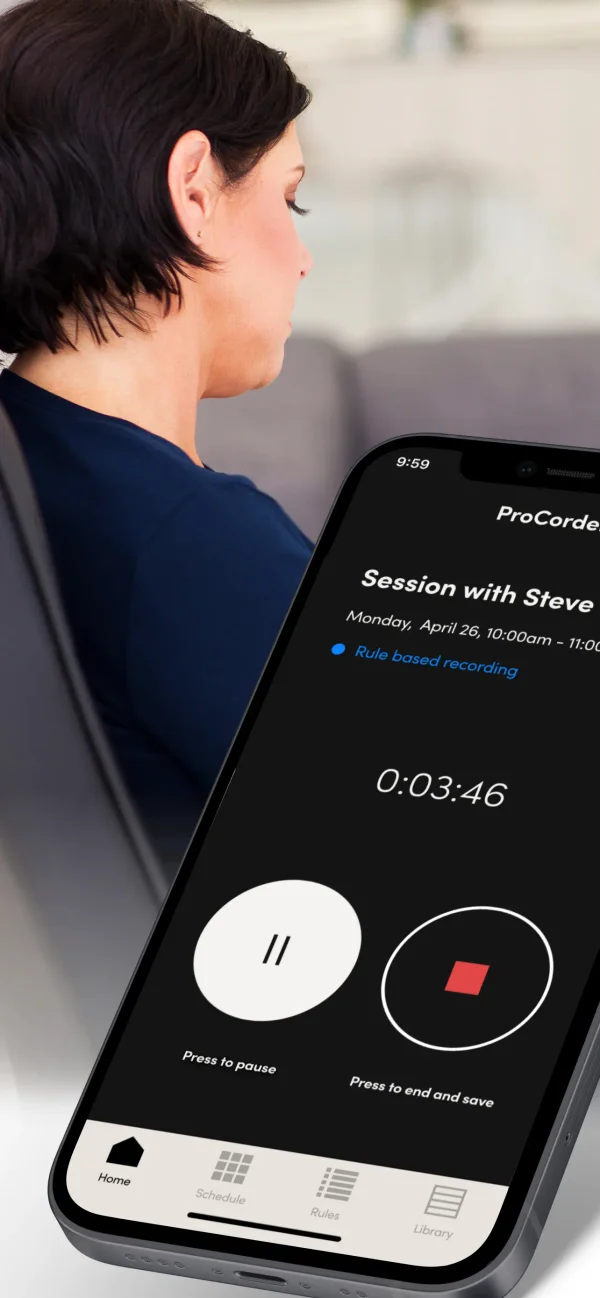
1) automatic initiation of recordings can be easily pre-scheduled, even for recurring meetings, and even for phone calls.
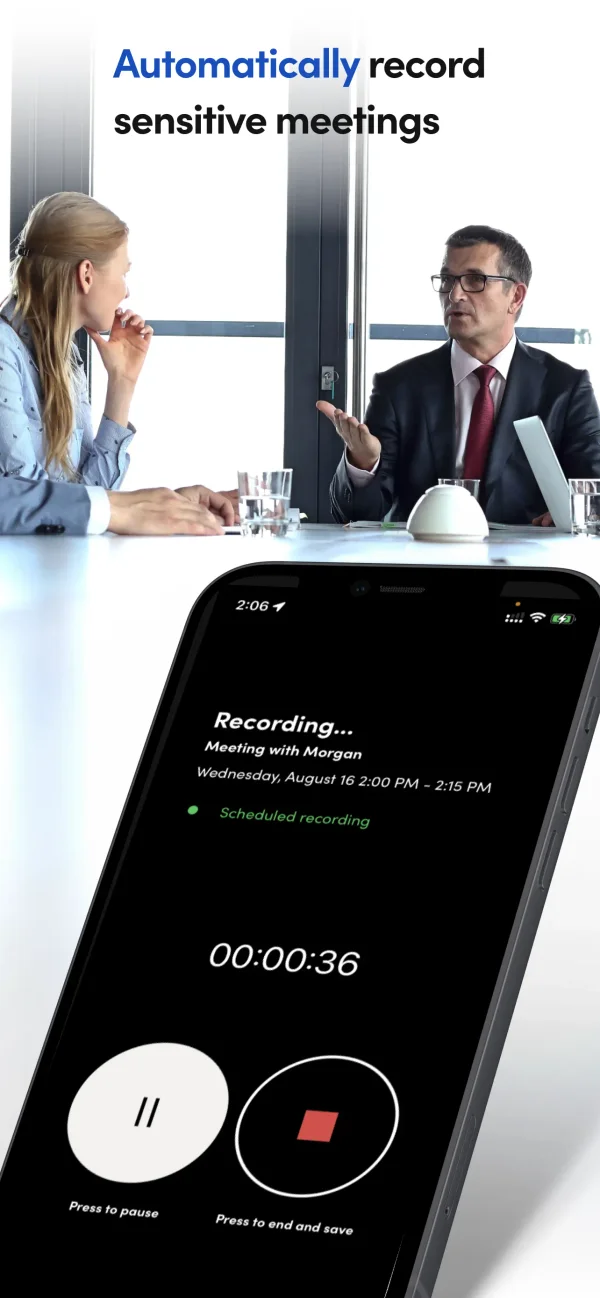
2) recordings should start discreetly without disrupting the flow of the meeting.
3) all recordings are managed simply and their authenticity is protected.
That’s ProCorder.
Unique benefits of ProCorder:
1. Never again forget to record! Various AUTO-start-recording capabilities
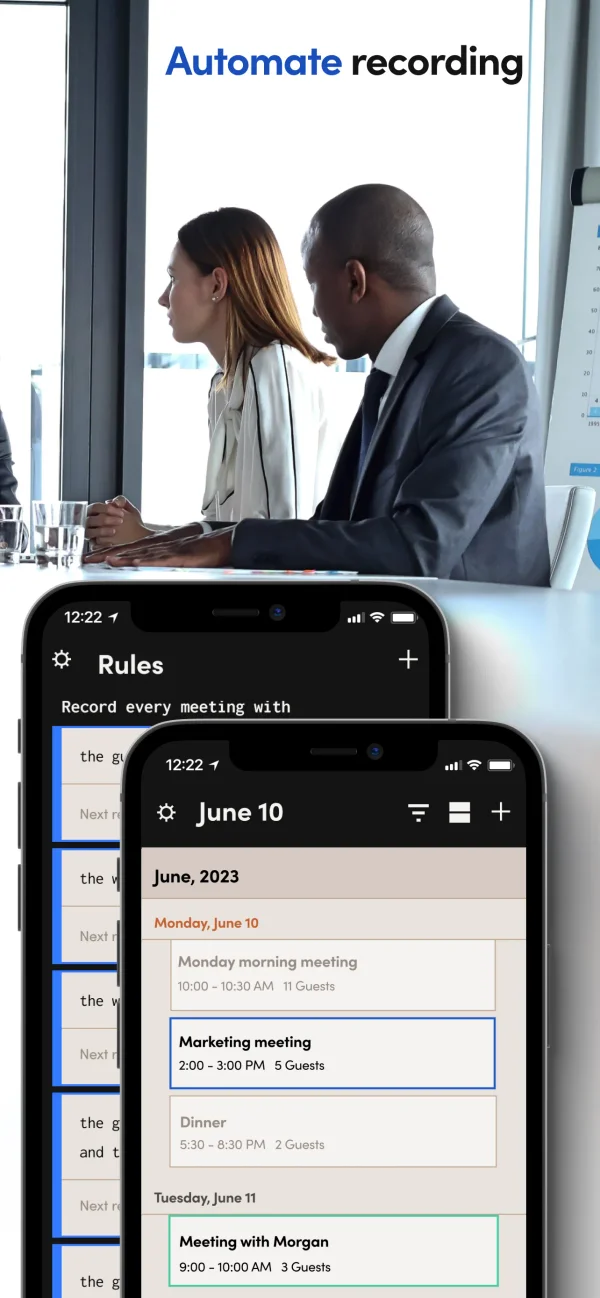
ProCorder synchronizes with your choice of calendars, so you can select which calendar events or meetings will automatically be recorded, once or on a recurring basis.
You can also create rules (like “record all meetings with Taylor“) and ProCorder will automatically identify calendar events that conform with the rule and initiate recording.
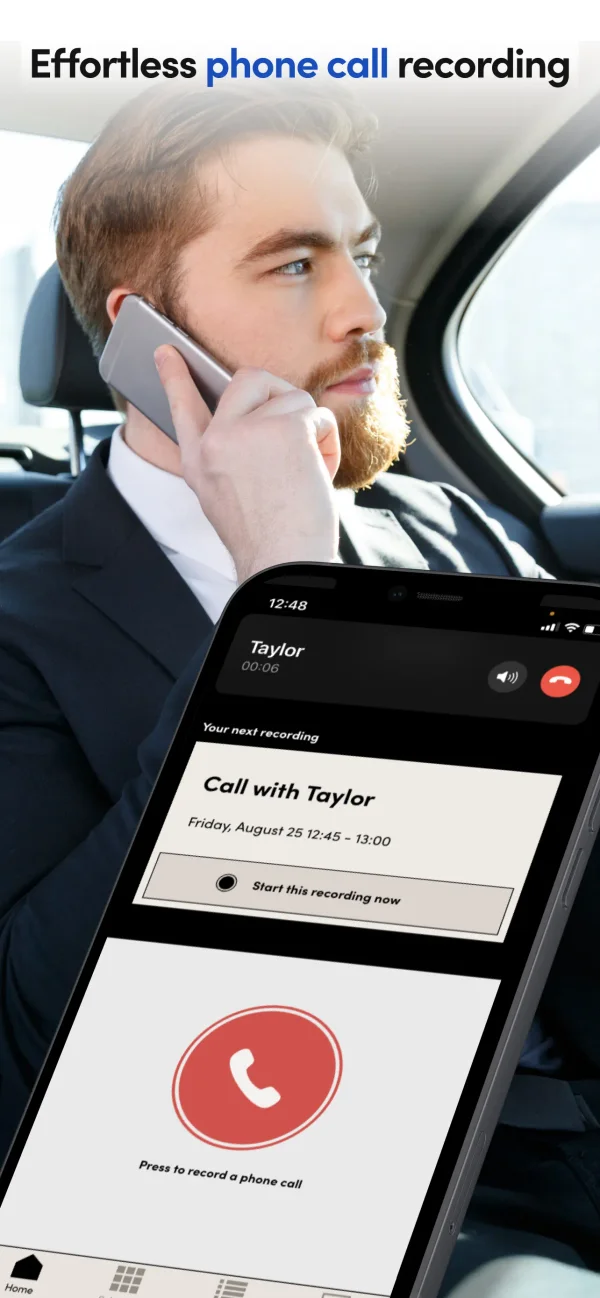
2. FINALLY! Easy and discreet phone call recording capabilities (incoming and outgoing)
ProCorder is designed for easily and discreetly recording incoming and outgoing phone calls, either on an ad-hoc basis or by prescheduling the initiation and recording of an outgoing phone call.
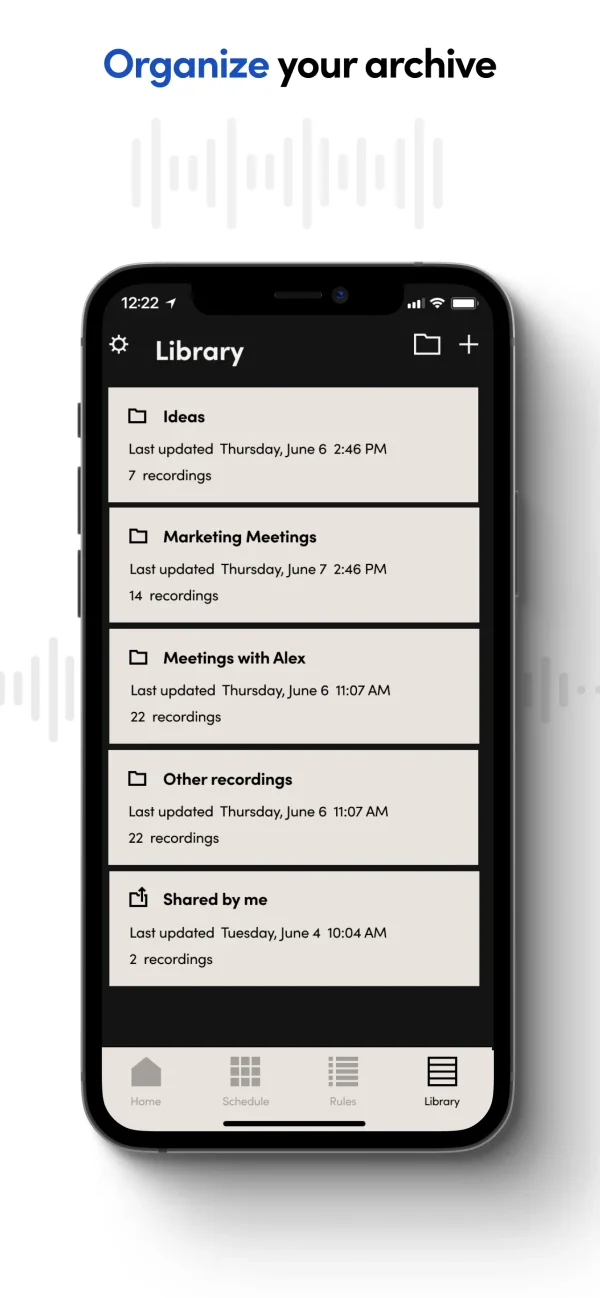
3. Easy organization: all recordings to the right folders, backed up and searchable.
Once you have a lot of recordings across professional and personal life domains you will greatly appreciate ProCorder’s library organization capabilities.
4. Transcribe recordings (record, transcribe and share your meetings)
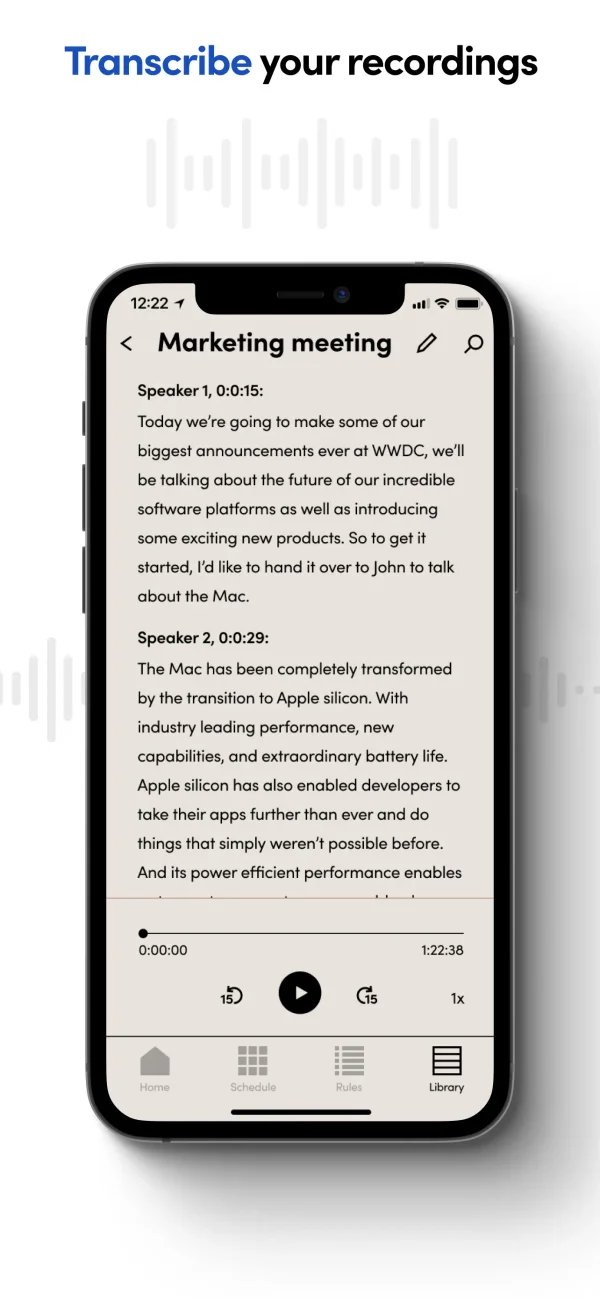
ProCorder uses state-of-the-art transcription technology. You can automate transcription of any of your recordings and ProCorder will notify you when it’s ready. You can also edit transcriptions.
The transcription feature can save you the need to assign a scribe or to take notes during a meeting.
5. Share your recordings with others
ProCorder allows you to share both audio and/or its transcription in a secure and convenient way via the cloud. You remain in control of the shared content and can disable shared links anytime.
6. Professional grade data security and privacy.
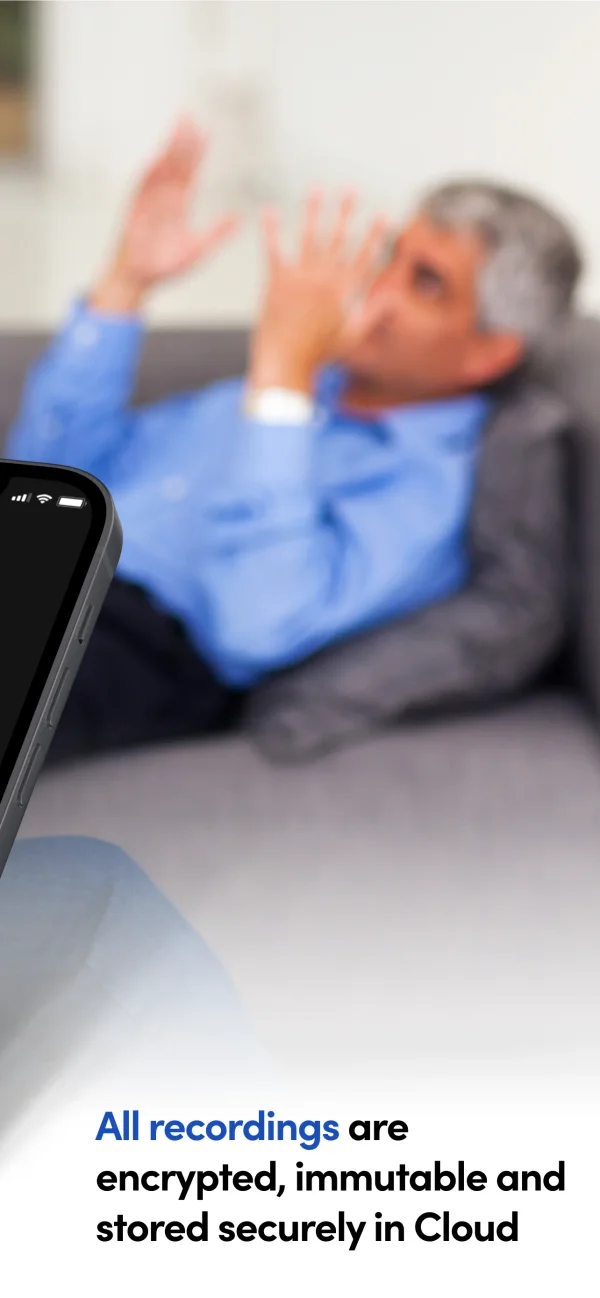
ProCorder uses state-of-the-art data security and data technologies and processes. Recordings are encrypted both in transit and at rest. With ProCorder all your recordings and information remain safe and secure.
7. You can prove the authenticity of your recordings (manipulation of the recordings is prevented).
ProCorder uses novel technologies in order to prevent and detect any editing or manipulation of the audio recording.
In addition, ProCorder marks the time and location of any recording.
This feature allows you to prove the authenticity of any recordings as well as the time and location in which each occurred.
TRY FREE
Get a 2-week free trial after installing and logging in to ProCorder, enjoy full functionality, and subscribe to a plan that suits your needs best at any time using the in-app purchase.
Terms of Use: https://procorder.com/terms.html
Privacy policy: https://procorder.com/policy.html
新機能
バージョン 1.5.2 · 2026/7/2
- iOS26 support
- Glass design support and other UI improvements
- Default settings updated
- Search optimizations
アプリのプライバシー
このアプリのデータの取り扱いについて、PEGASUS MANAGEMENT INCがApp Storeで申告している内容です。
-
ユーザーのトラッキングに使用されるデータ
他社のアプリやウェブサイトを横断してユーザーをトラッキングする目的で使用される場合があります。
- 連絡先情報
- 使用状況データ
-
ユーザーに関連付けられたデータ
収集され、ユーザーの識別情報に関連付けられる場合があります。
- 位置情報
- 連絡先情報
- ユーザーコンテンツ
- 使用状況データ
-
ユーザーに関連付けられないデータ
収集される場合がありますが、ユーザーの識別情報には関連付けられません。
- 診断
プライバシーの取り扱いは、ご利用の機能やお客様の年齢などに応じて異なる場合があります。
情報
- 販売元
- PEGASUS MANAGEMENT INC
- カテゴリ
- 仕事効率化
- バージョン
- 1.5.2
- 更新日
- 2026/7/2
- リリース
- 2021/7/30
- サイズ
- 41.5 MB
- 必要条件
- iOS 15.0以降
- 対象年齢
- 4+
- 価格
- 無料
- アプリ内課金
- あり
- 言語
- 英語
- 著作権
- © 2021 Pegasus Management Inc.