
- Age rating4+
- CategoryPhoto & Video
- DeveloperSavage Interactive Pty Ltd
- LanguagesEnglish+ 17 more
- Size1.7 GB
Links to the official App Store page
Download.org hosts no file of Procreate Dreams. The button opens its official App Store page, published by Savage Interactive Pty Ltd. Listing last checked on Nov 20, 2026.
Screenshots



About
Procreate Dreams is an award-winning animation app, packed with powerful tools that anyone can use. Create rich 2D animations, expressive videos, and breathtaking stories on iPad.
With over 300 beautifully textured Procreate brushes, Procreate Dreams is perfect for creating gorgeous hand drawn, frame-by-frame animations.
Highlights:
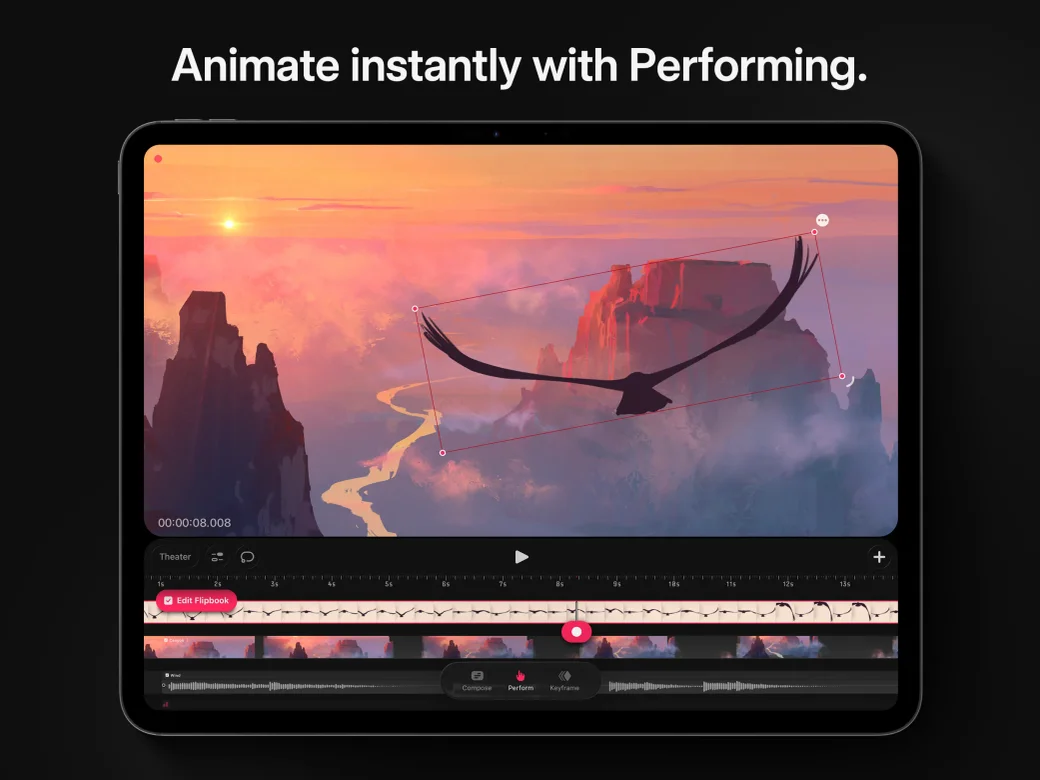
- Powerful frame-by-frame animation tools.
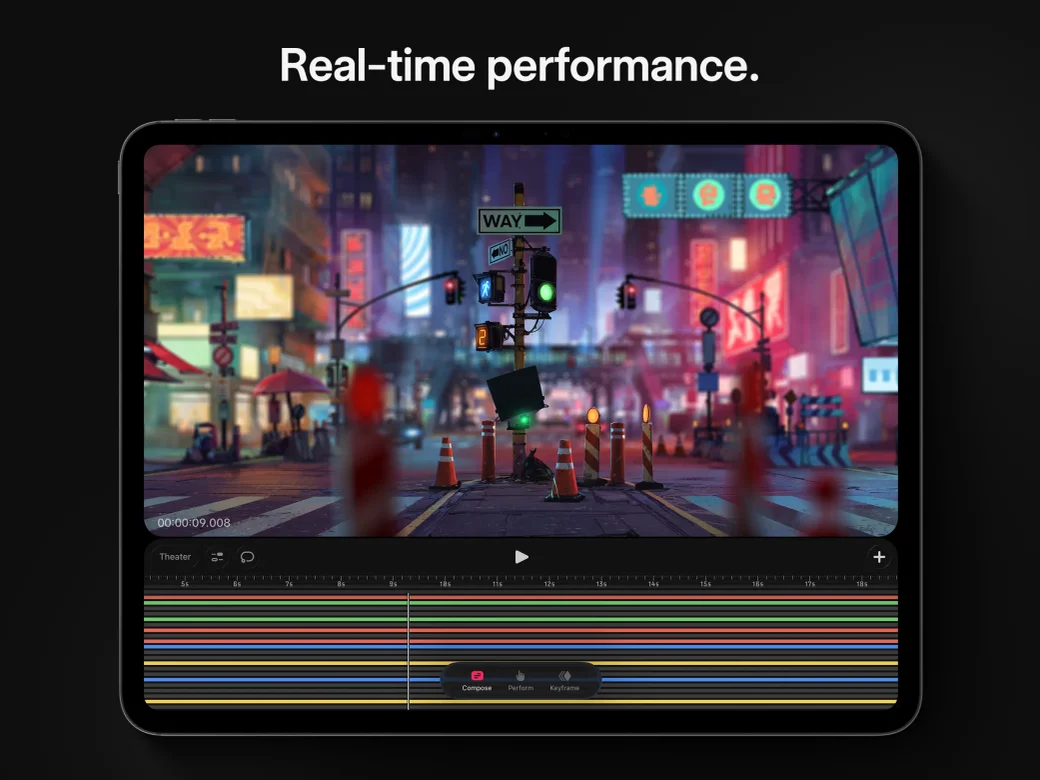
- Responsive Multi-track timeline.
- Keyframes for motion and cinematic animations.
- Record motion or effects effortlessly through touch.
- Handcrafted animation brush library.
- Next generation, realtime rendering engine.
Create frame-by-frame animations:
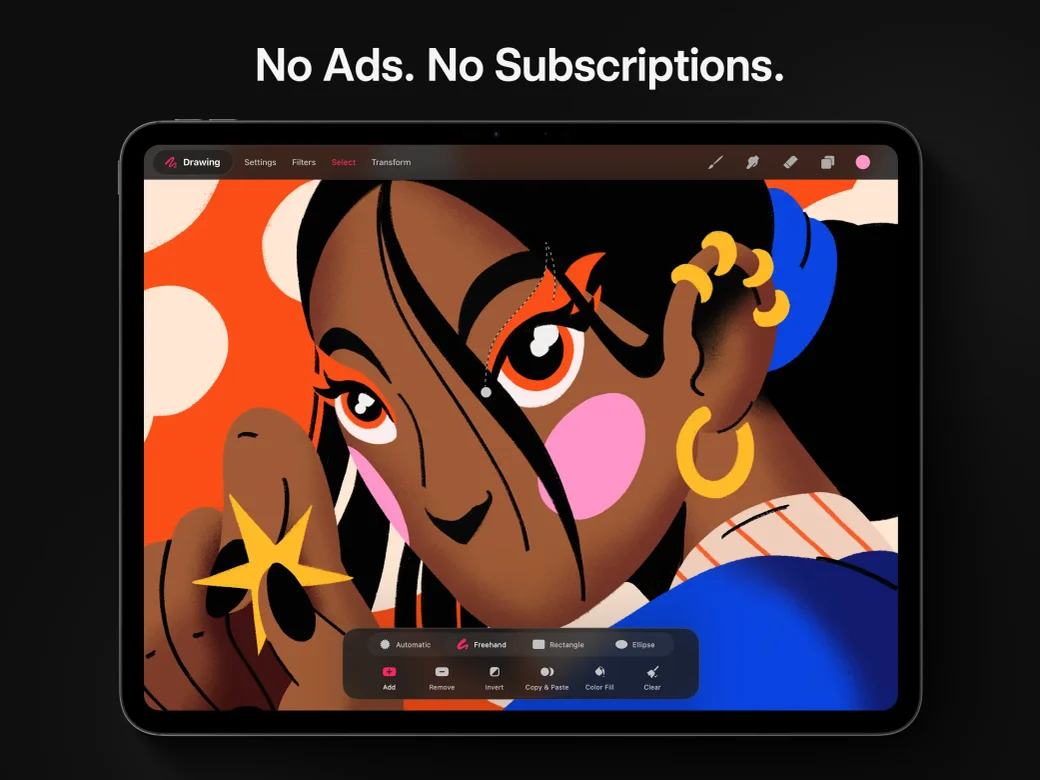
- Explore over 300 beautifully textured brushes to bring artistic soul to your work.
- Compatible with all Procreate brushes
- Up to 16K resolution for drawings.
- Paint outside your stage.
- Customizable onion skins.
- Automatic, freehand/lasso, and shape selections.
- Permanently transform, warp and distort your drawings.
- Blend modes and clipping, luminance, and layer masking
- Apply permanent filters & adjustments.
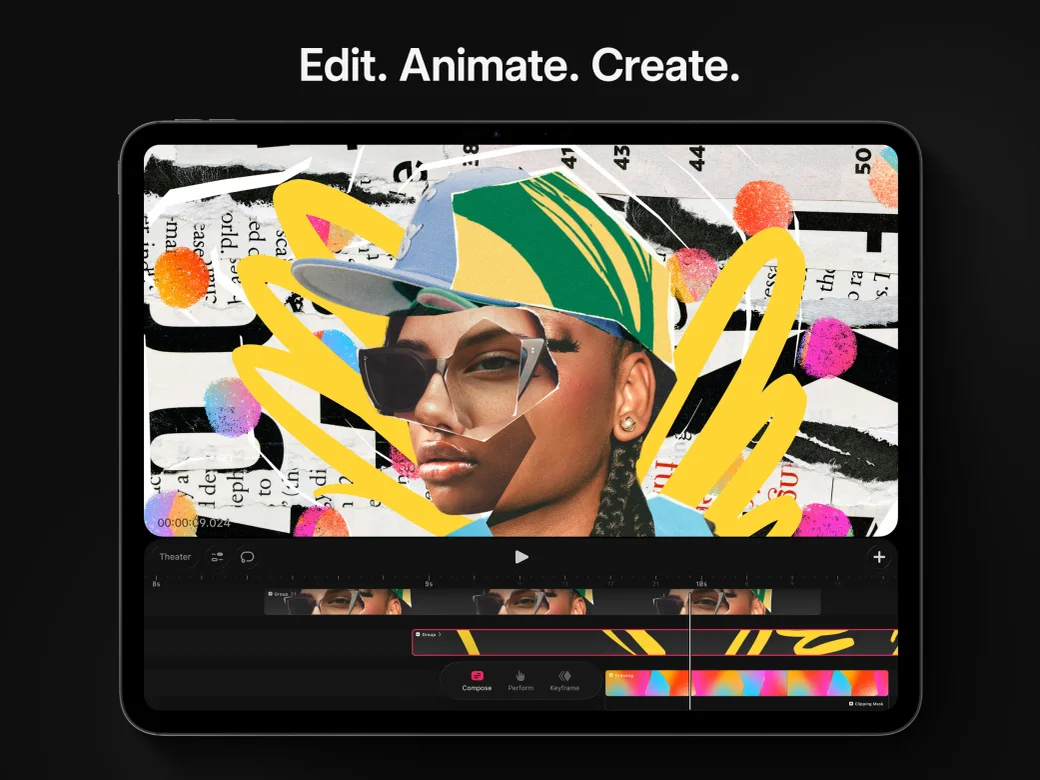
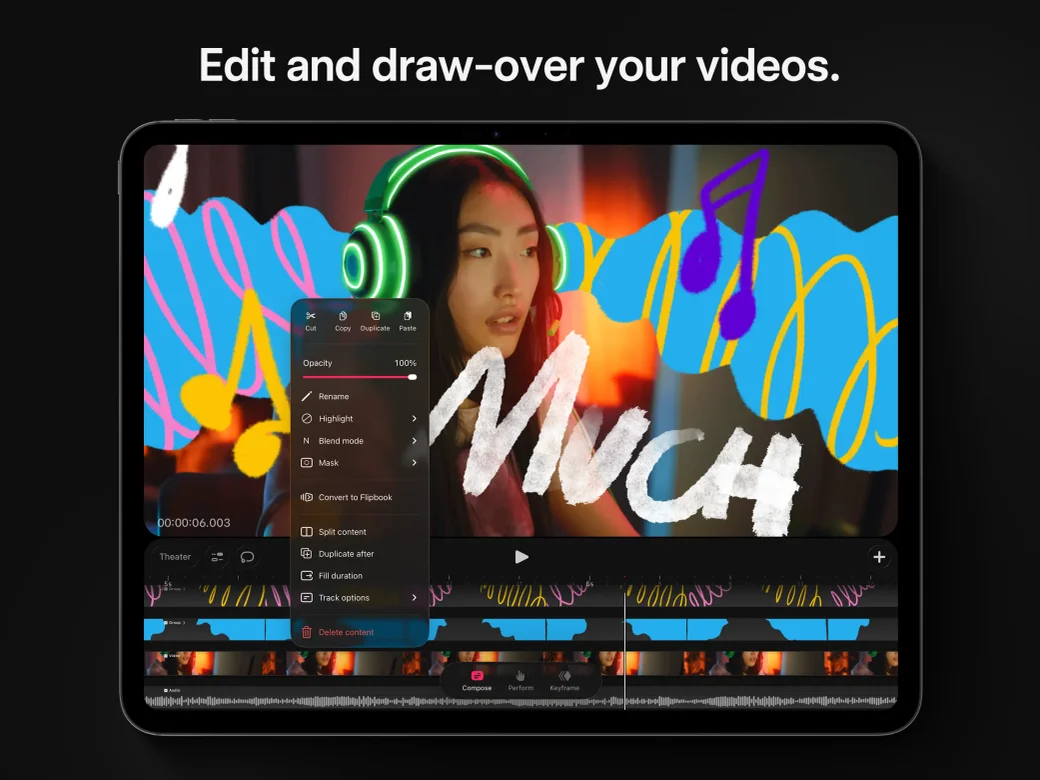
Compose video, photos, audio, and type:
- Import, edit and trim video.
- Draw-over your content.
- Add voice-overs and music.
- Craft titles, type and credits with typography styling, and design attributes.
Add animated motion and effects:
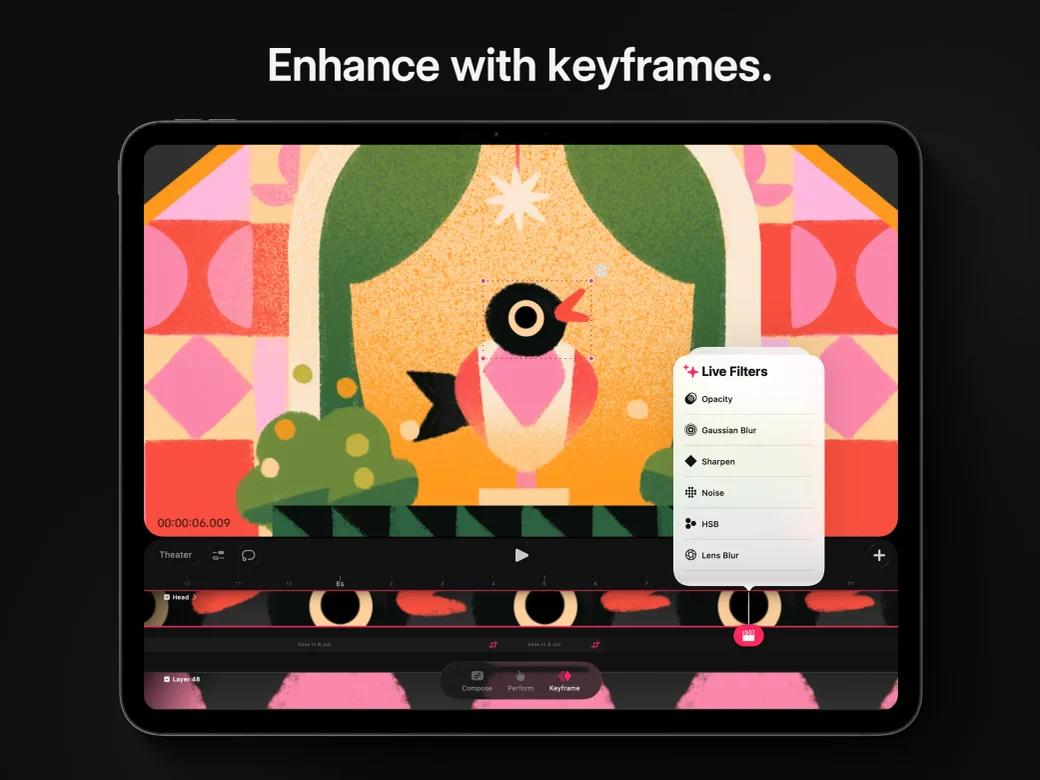
- Add keyframes to your content for precise transitions of motion and effects.
- Modify easing to refine your timing.
- Move, scale, rotate, warp & distort animations.
- HSB, opacity, gaussian blur, lens blur, noise, and sharpen effects.
- Group content to unlock the power of layered animations.
Import existing assets and content:
- Import video & photos in JPG, PNG, TGA, Procreate, MP4, GIF, and ProRes format.
- Import audio in MP3, AIFF, WAV, FLAC, AAC, CAFF, M4A, AC3, and MP2 format.
- Import custom and purchased Procreate brushes.
- Import layered Procreate files.
- Import Procreate Animation Assist as a Flipbook.
Share your work with the world:
- Export MP4s and MOVs in H264, HEVC, and ProRes codecs.
- Export transparent video.
- Export PNG sequences with transparency for professional pipelines.
- Export your current frame as a transparent image.
- Share your .drm files with your audio and video included.
Next generation technology
- Seamlessly mix drawing, frame-by-frame animation, keyframing, video editing, and compositing.
- Real-time rendering makes waiting a thing of the past.
- Never lose artwork again with continuous auto-save and undo history.
What’s new
Version 2.1.3 · Nov 8, 2026
This compatibility update helps you get the best out of Procreate Dreams on every supported device and operating system version.
App privacy
What Savage Interactive Pty Ltd declares on the App Store about how this app handles data.
-
Data not collected
The developer does not collect any data from this app.
Privacy practices may vary, for example with the features you use or your age.
Information
- Seller
- Savage Interactive Pty Ltd
- Category
- Photo & Video
- Version
- 2.1.3
- Updated
- Nov 8, 2026
- Released
- Nov 22, 2023
- Size
- 1.7 GB
- Requires
- iOS 16.3 or later
- Age rating
- 4+
- Price
- $12.99
- Languages
- English, Arabic, French, German, Hindi, Indonesian, Italian, Japanese, Korean, Malay, Polish, Portuguese + 6 more
- Copyright
- © Savage Interactive Pty Ltd
You might also like
-
 DaVinci Resolve for iPadHollywood’s edit & color tools
-
 Affinity Photo 2 for iPadCreate, edit, retouch & share
-
 ArtStation AppPhoto & Video
-
 Adobe Lightroom for iPadEdit & Enhance Photos & Video
-
 Stop Motion StudioEasy Animation & Movie Maker
-
 LumaFusionPro video editing and effects
-
 WEILO - My Last Video EditorPowerful Tools, Endless Assets
-
 Camo Studio – Stream & RecordMulticam livestreams & scenes
-
 Smartist: Art Preview on WallArtwork AI Showcase in Room
-
 CapCut PadProfessional video editor